The biggest problem with using an E Ink phone isn’t reading on it. It’s everything else: video, photos, animation, social apps, and the other jobs that expose slower response and more limited color. E Ink still makes plenty of sense for articles, books, messages, notes, and documents. A phone has to do more than sit still with a page of text.
Price: TBD
Where to Buy: BIG ME
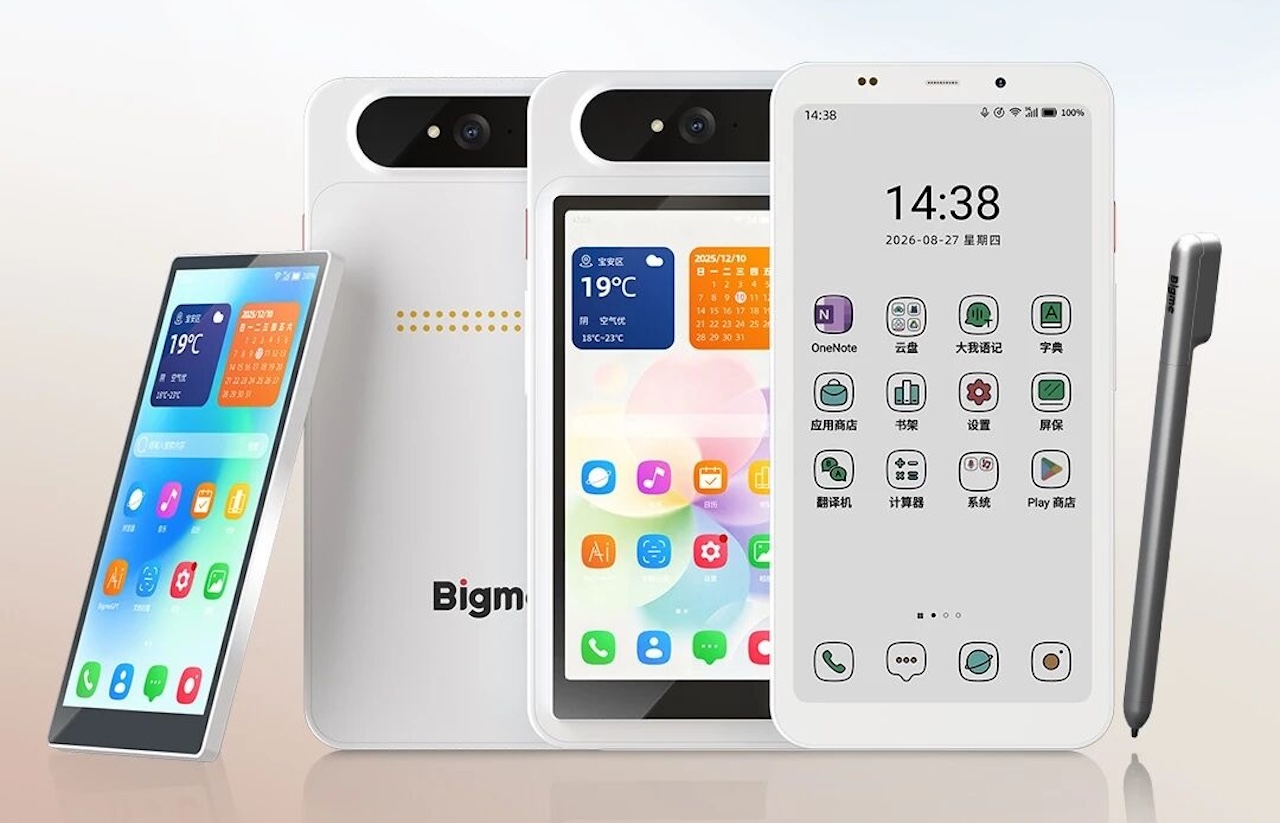
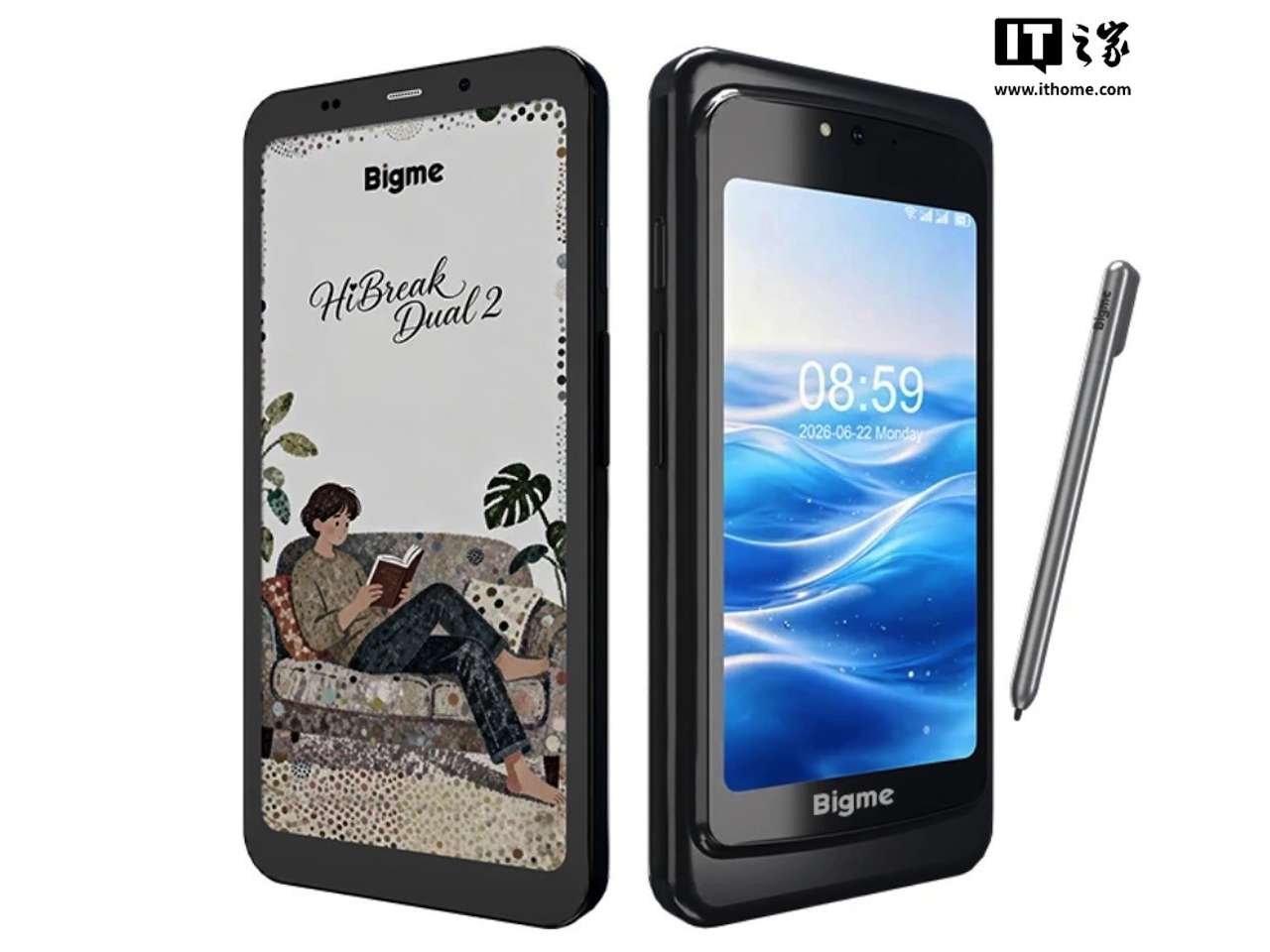
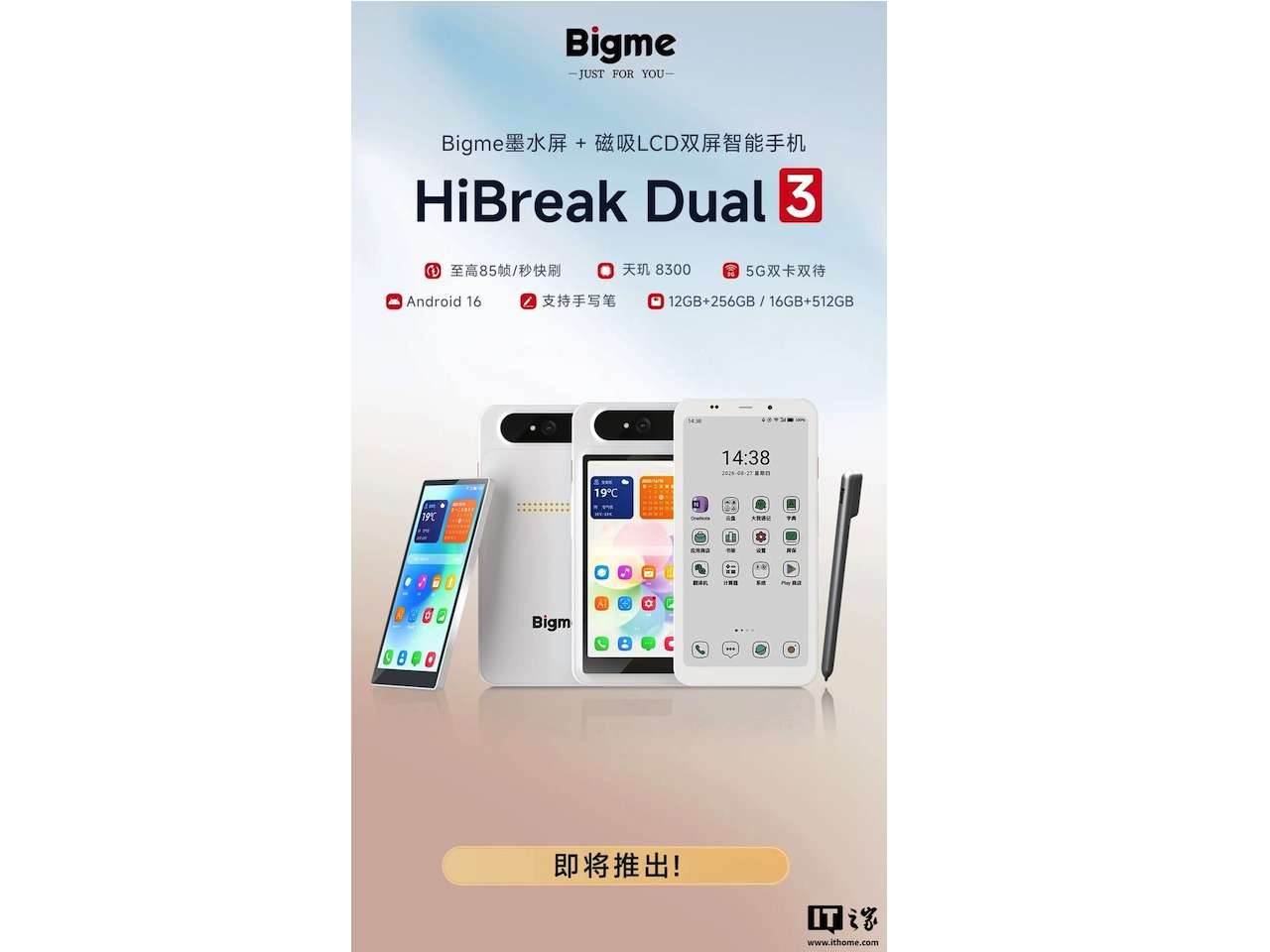
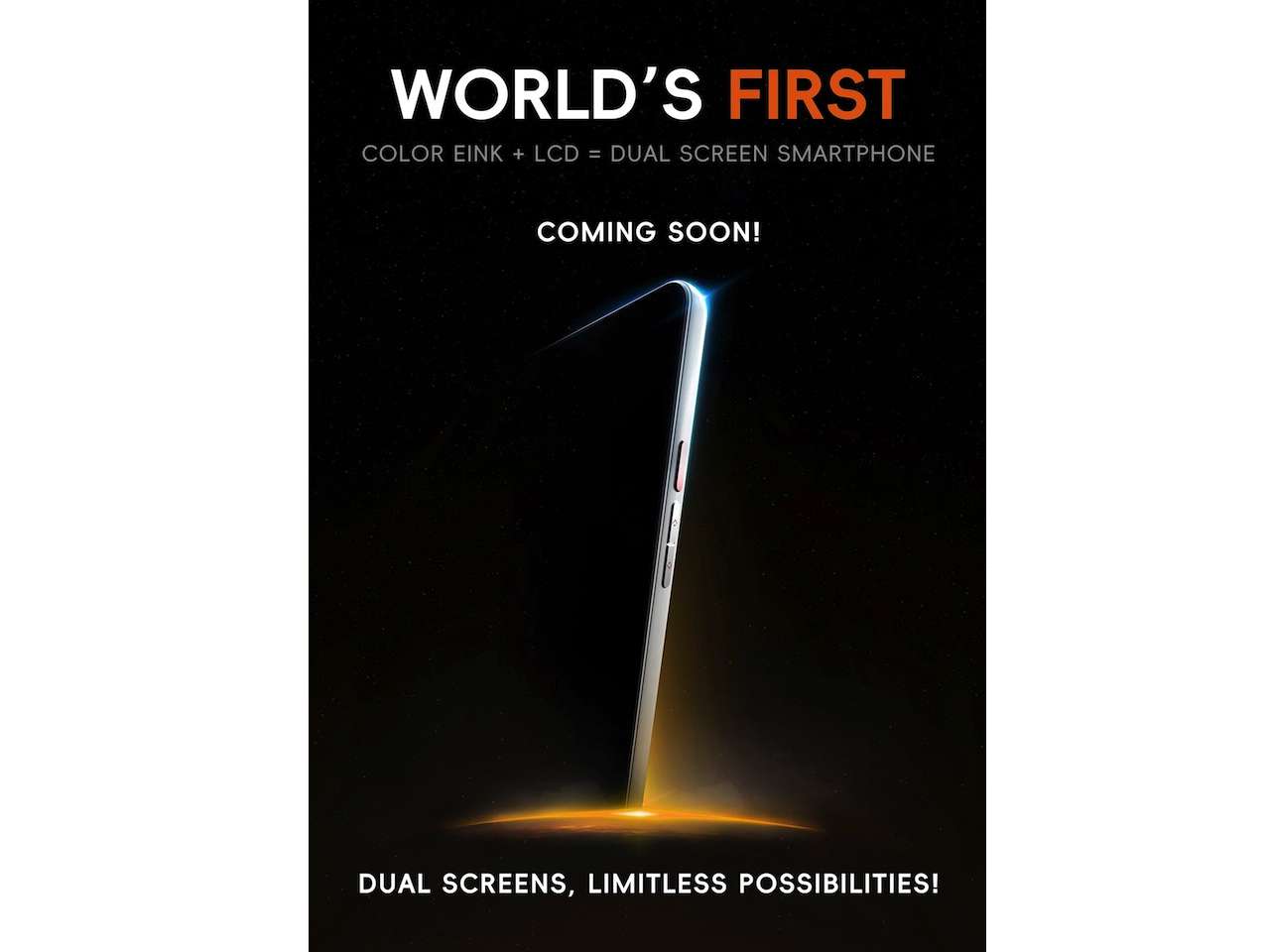
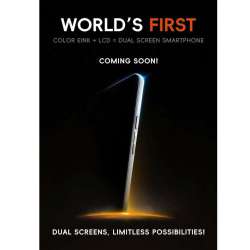
The Bigme HiBreak Dual 3 doesn’t try to make those limitations disappear. It gives you another screen instead, with a color E Ink panel as the main display and a conventional color LCD that magnetically attaches to the back when you need it. Unlike Dual 2’s fixed secondary screen, the Dual 3’s LCD is removable, so the phone doesn’t have to use the same display for every job.
There’s one problem: we don’t yet know enough about the HiBreak Dual 3 to say whether the idea works as well as it sounds. Bigme has revealed the phone, but pricing, a firm release date, and several important specifications remain unannounced, and the company currently says it’s coming “soon.”
Why does an E Ink phone need an LCD?
Bigme’s HiBreak Dual 2 already tried to answer that by putting a 5-inch LCD on the back of an E Ink smartphone. The Dual 3 takes the next step by making that display removable. The rear module is described as connecting with magnets and metal contacts, and those contacts also supply power to the LCD.
 Without the LCD attached, the back is supposed to look like a normal phone. The rear camera sits in a pill-shaped module with one camera and an LED flash.
Choice is the whole point of the extra screen. Spend the afternoon reading, answering messages, or taking notes and you may only need E Ink. Later, if you want to watch a video or use an app that doesn’t work particularly well on E Ink, attach the LCD. That arrangement could also make the second display feel less like permanent baggage, though “could” is doing a lot of work until we know the Dual 3’s dimensions, weight, and how convenient the spare screen is to carry.
Hisense has been chasing a similar detachable color idea with the A10. A removable screen only improves the design if snapping it on and off doesn’t become a new daily annoyance.
85Hz is a listed claim, not a smoothness guarantee
Refresh rate is the number Bigme wants you to notice. The E Ink display is listed at up to 85Hz, according to the specs revealed so far, and the panel can display colors. That’s an attention-grabbing figure for E Ink, but it isn’t evidence the screen will behave like an 85Hz LCD or OLED.
E Ink operates differently, and refresh rate alone can’t tell us how much ghosting you’ll see, how clean scrolling will look, or how responsive Android will feel. What actually matters is whether you can scroll a webpage, type a message, navigate Android, and switch between apps without constantly noticing you’re using E Ink, and we’ll only know that after living with the phone.
 The hardware behind the display isn’t lightweight
The HiBreak Dual 3 is reported to use a MediaTek Dimensity 8300 processor, with 12GB of RAM and 256GB of storage or 16GB of RAM and 512GB of storage. It also supports 5G dual-SIM connectivity and runs Android 16. The same general platform appeared on the HiBreak Dual 2, so this isn’t necessarily a new performance leap, but it’s still substantial hardware for an E Ink phone.
Strong internals still don’t guarantee a smooth day-to-day feel. Bigme has to make Android, its software, and the E Ink display work together, and if the phone feels slow, the processor shouldn’t be the first suspect.
 This could also be a tiny digital notebook
The main display supports a stylus, according to the specifications revealed so far, which is a natural fit for an E Ink phone. A device already designed around reading could become a pocket-sized tool for marking up documents, writing notes, or sketching something quickly without reaching for a tablet.
A stylus spec doesn’t tell us about writing latency, palm rejection, accuracy, or how distracting E Ink refreshes might be while you’re writing. Those details will determine whether the stylus becomes an important part of the Dual 3 or merely another line on the box.
The missing specifications could make or break it
Right now, some of the most important numbers are the ones Bigme hasn’t provided. We still need confirmed screen sizes and resolutions, battery capacity, camera resolution, dimensions, weight, price, and an exact release date. More configuration details are expected to follow. Battery life needs extra attention because the detachable LCD draws power through its connection to the phone.
Price may matter even more. The HiBreak Dual 3 isn’t only competing with other E Ink phones. A buyer could also carry a conventional smartphone and a separate e-reader, so Bigme needs to make the convenience of combining those experiences worth whatever the Dual 3 eventually costs.
Who should be watching the HiBreak Dual 3?
Buyer fit: The Bigme HiBreak Dual 3 is worth watching if you already know why you want an E Ink phone. Heavy readers, writers, students, note-takers, and E Ink enthusiasts are the obvious audience, especially anyone who wants E Ink as the default smartphone experience without completely giving up a conventional color display. Everyone else should wait until we know the price, battery capacity, screen specifications, weight, and release details.
Price: TBD
Where to Buy: BIG ME
We also need hands-on time to see whether the 85Hz E Ink claim translates into a phone that feels responsive, and whether carrying a detachable LCD is convenient rather than cumbersome. The Dual 3 asks a more interesting question than whether E Ink can replace a normal phone screen: what if it doesn’t have to? Use E Ink for the things it does well, keep an LCD available for the things it doesn’t, and the remaining test is whether Bigme can turn that idea into a phone you’d actually want to carry every day.