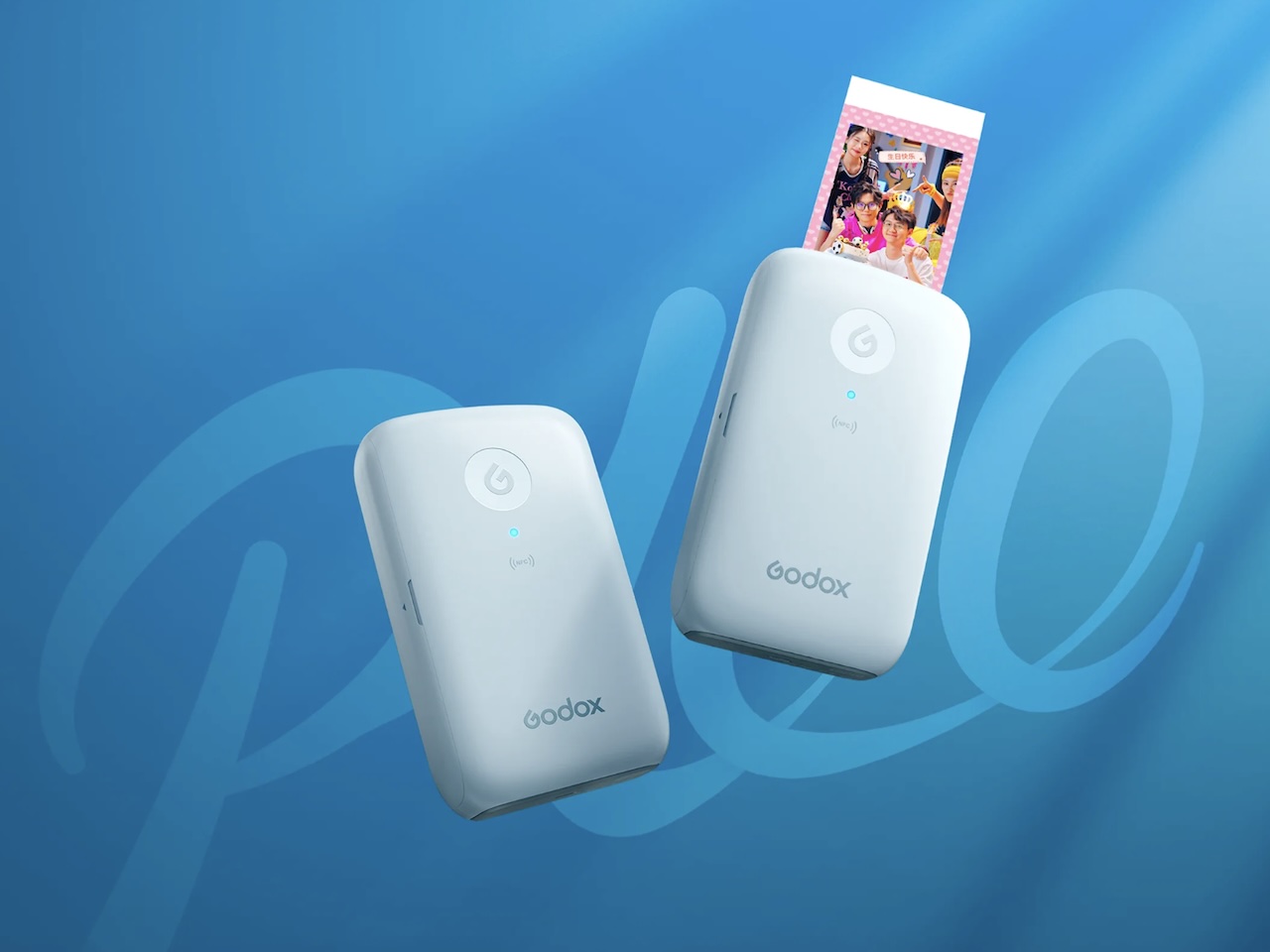
Phone cameras make taking pictures effortless, but favorite photos can still spend most of their lives sitting in a camera roll. You might take hundreds of pictures during a vacation, birthday, or family gathering, share a few of them, and then rarely look at most of those images again.
Price: 699 yuan ($104)
Where to Buy: Godox
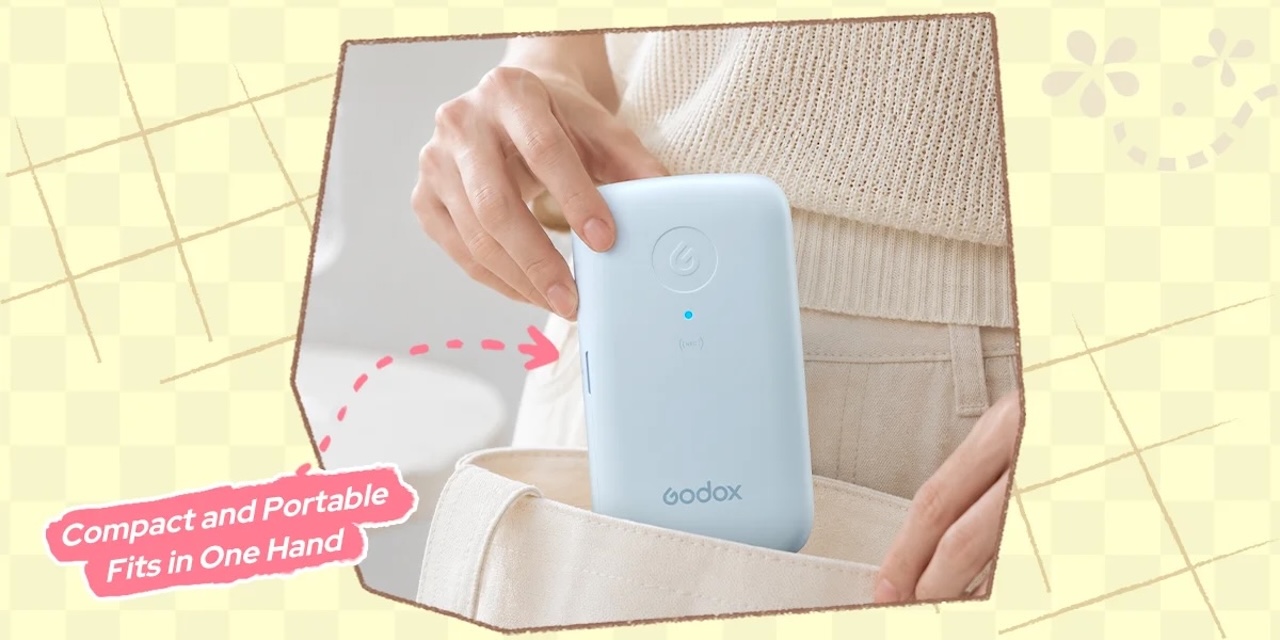
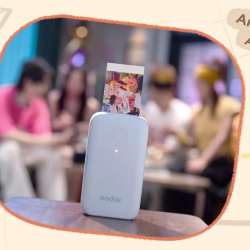
The Godox P100 Portable Color Photo Printer is designed around that gap between capturing a photo and turning it into something physical. Rather than sending pictures to a conventional desktop printer or ordering prints and waiting for delivery, the P100 works with Godox’s companion app to create physical photos through a compact printing workflow.
The Real Appeal Is Printing Straight From Your iPhone
The most practical part of the P100 is not simply that it prints photographs. It is how directly it connects the pictures already sitting on your phone with something you can actually hold.
Godox says users can wirelessly pair an iPhone with the P100, select digital photos, and print them through the Godox Cam app.
That workflow could be useful at a birthday party where you want to give someone a physical copy of a favorite picture, or while putting together a travel journal and wanting to add photographs while the memories are still fresh.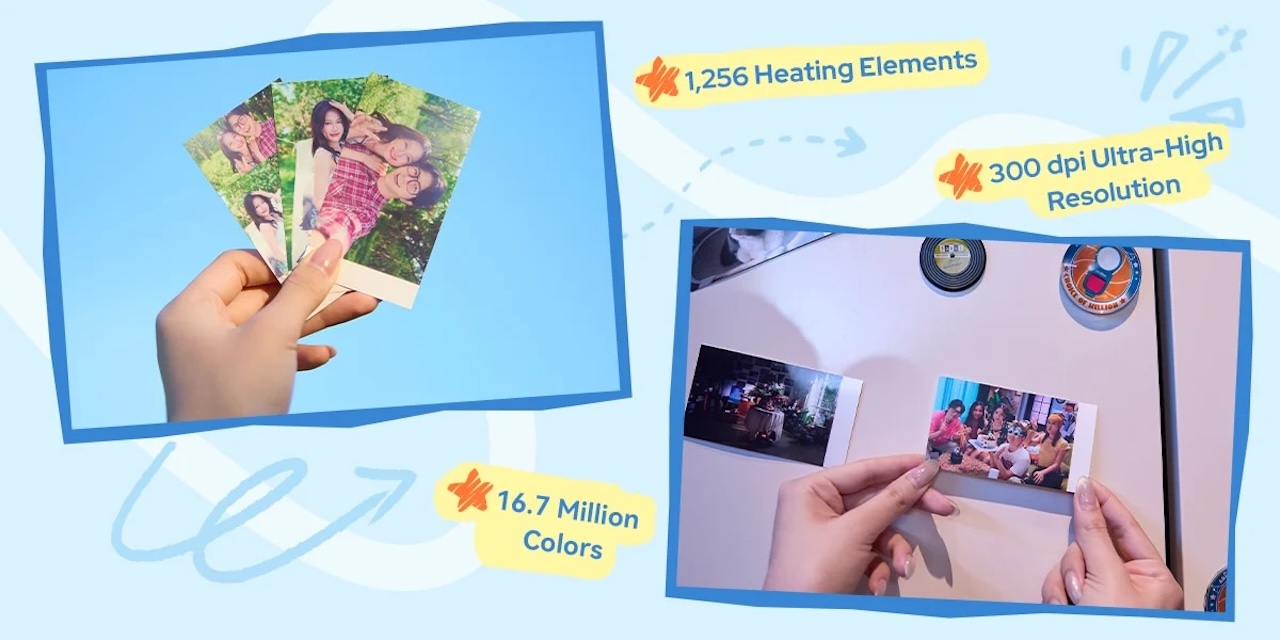
The advantage is having that phone-to-print workflow in a device specifically designed around portable photo printing rather than moving images into a traditional desktop printing setup.
The P100 Uses Dye-Sublimation Printing
Godox says the P100 uses thermal dye-sublimation printing technology and describes the process as producing natural color transitions. The company also says each finished photograph receives a protective film on its surface.
According to Godox, that coating makes the finished prints resistant to water and fingerprints. The more useful takeaway is that Godox has incorporated a protective coating into its printing process with the intention of making the finished photographs easier to handle. Godox also claims the coated photographs can be preserved for decades.
You Can Edit Before You Print
A portable photo printer becomes considerably more convenient if you do not have to jump between several apps before every print.
Godox builds a broad collection of editing tools into Godox Cam. Its current app documentation lists controls for brightness, contrast, saturation, color temperature, exposure, shadows, highlights, sharpening, natural saturation, and vignetting.
There are also filters, including retro, film, vivid, and black-and-white looks, along with frames, stickers, cropping tools, templates, and collage features.
For someone printing directly from a phone, those controls remove an extra editing step. A dark picture can be adjusted before printing, several images can be combined, or a frame can be added without preparing everything in a separate photo editor first.
For scrapbookers and travel-journal fans, those creative tools could be nearly as useful as the printer itself because the physical print can be prepared before it ever leaves the phone.
There Is an ID Photo Mode, With an Important Catch
Godox Cam also includes an ID-photo mode. Godox says the app provides various preset ID-photo sizes along with automatic cropping and intelligent background replacement.
That sounds useful for quickly preparing small identification photographs, but it does not mean every P100 print will automatically satisfy passport, visa, government, school, or employer requirements.
Official photo standards can specify exact dimensions, head positioning, backgrounds, image quality, and other requirements. The app can help prepare an image, but users should still check the requirements of whichever organization will receive it.
The feature itself is established, while its suitability for a particular official document depends on requirements outside Godox’s control.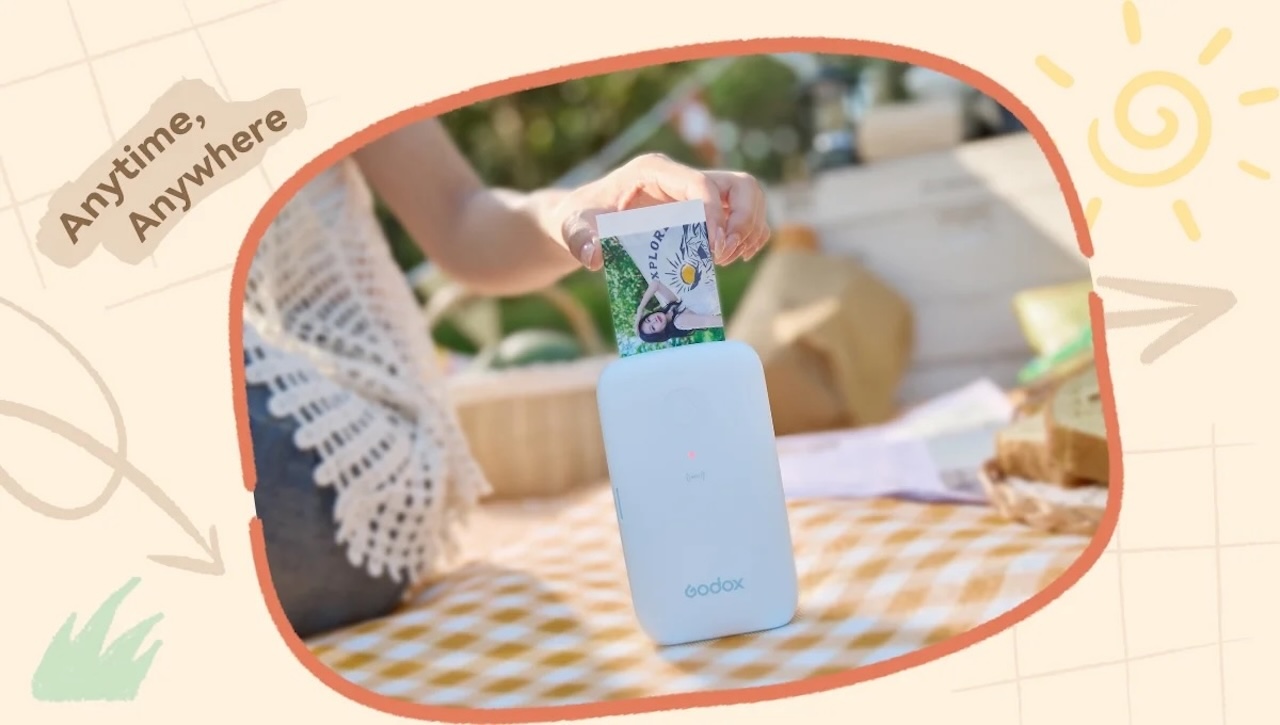
The P100 Makes the Most Sense When Printing Is Part of the Experience
A portable photo printer becomes more interesting when you think about what happens after taking the photograph.
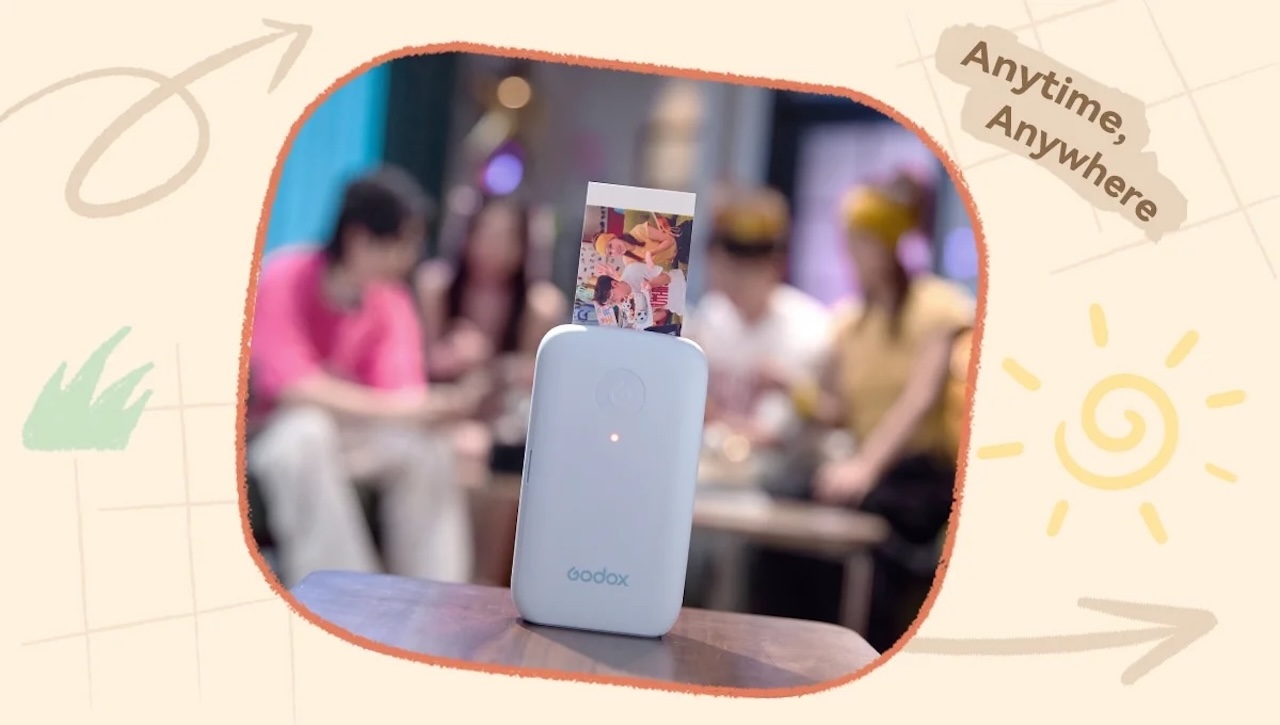
At a family gathering, a favorite picture could become something a relative takes home. Travelers could add physical photos to journals, while students could use prints for projects, dorm-room displays, or scrapbooks. Party hosts could turn phone pictures into keepsakes rather than leaving every memory inside a shared digital album. Those are reasonable applications based on the P100’s documented phone-to-print capabilities.
Print speed, sustained workload, color consistency, and ongoing supply costs become much more important when producing dozens or hundreds of photographs rather than occasional personal prints.
Before buying, check the availability and cost of compatible P100 printing media in your region, because ongoing supply costs are part of owning any dedicated photo printer.
Who Should Buy the Godox P100?
If your camera roll is already full of photos you wish existed somewhere outside your phone, the P100 provides a direct way to turn some of them into physical keepsakes.
One of its clearest documented advantages is the integration between the P100 and Godox Cam on iPhone. The app combines wireless printing with editing controls, filters, frames, stickers, cropping, collages, and ID-photo tools. Godox’s dye-sublimation process also adds a protective coating that the company says resists water and fingerprints and helps prints last for decades, although those durability and longevity statements remain manufacturer claims.
Buyer fit: The Godox P100 makes the most sense for iPhone users, families, scrapbookers, students, party hosts, and photographers who want an easy way to turn phone pictures into physical keepsakes.

Price: 699 yuan ($104)
Where to Buy: Godox
If you need high-volume professional event printing, large photos, or independently established archival longevity, a more specialized photo printer deserves consideration. If your goal is simpler, namely taking a favorite picture from your smartphone and turning it into something you can actually hold, the P100 is designed around making that transition easy.