Shure put a price on presence today, and the number is lower than the category has ever asked. The MV360 is a $349 microphone that records the room around it, front, back, sides and above, then hands your phone or computer a spatial recording.
It joins the MOTIV line as the range’s first spatial model, it’s on sale now, and it points straight at the people who record in real places. Field recordists, ASMR channels, 360 video shooters and podcasters all work in locations that carry half the story. Stereo has been flattening those locations for years.
Why spatial audio has been locked away
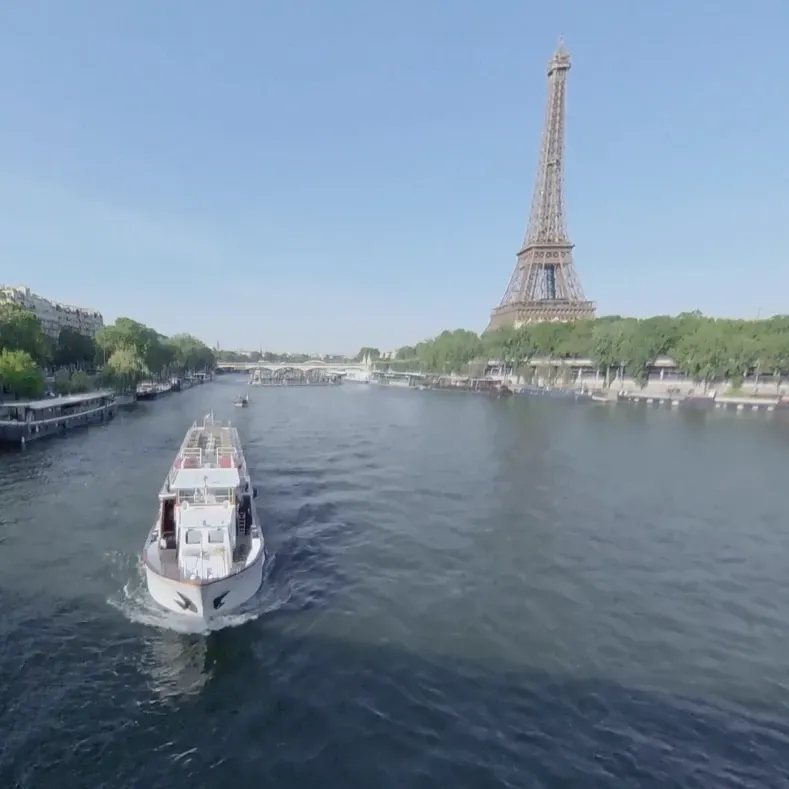
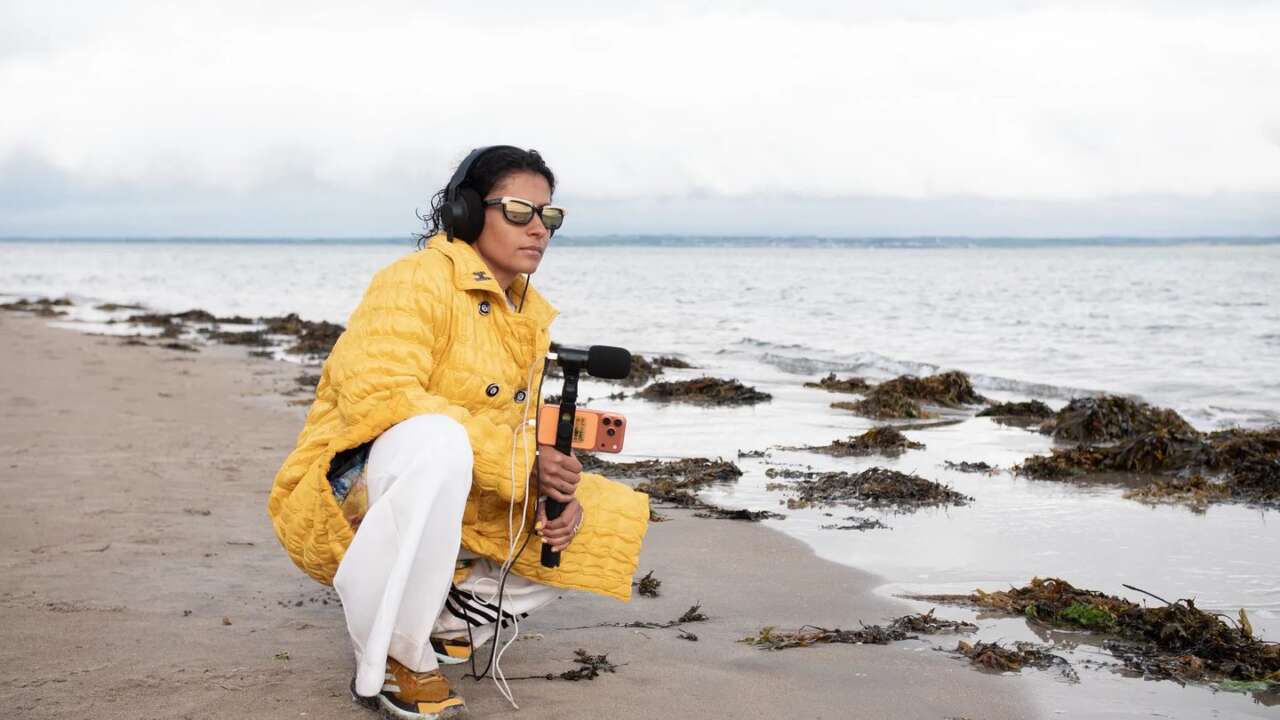
Stereo gives a beach two channels of waves and asks your brain to file the rest away as background. Spatial audio keeps the directions instead, so gulls pass overhead, surf breaks behind you and a voice crossing the scene stays planted where it stood. Play a good spatial recording on headphones and the room feels occupied again, in every detail.
Headphones sell the effect in seconds.
Capturing that effect has been the expensive part, because the standard route pairs an ambisonic microphone with a separate recorder and a decoder plugin waiting back at the desk. Every step in that chain costs money, and every step asks for expertise that most creators never signed up to learn.
Shure’s Eduardo Valdes said the quiet part out loud in the launch announcement, noting that presence like this used to demand expensive equipment and real expertise. The gear existed for years. The on-ramp didn’t.
The old route still works and it still costs, because a mic like the NT-SF1 below is a mic only. Your recorder, your interface and your decoding workflow are all separate purchases.
Rode NT-SF1
Ambisonic microphone · Built for VR, film and immersive production
Price: $1,049
Where to buy: Buy on Amazon
What the MV360 actually does
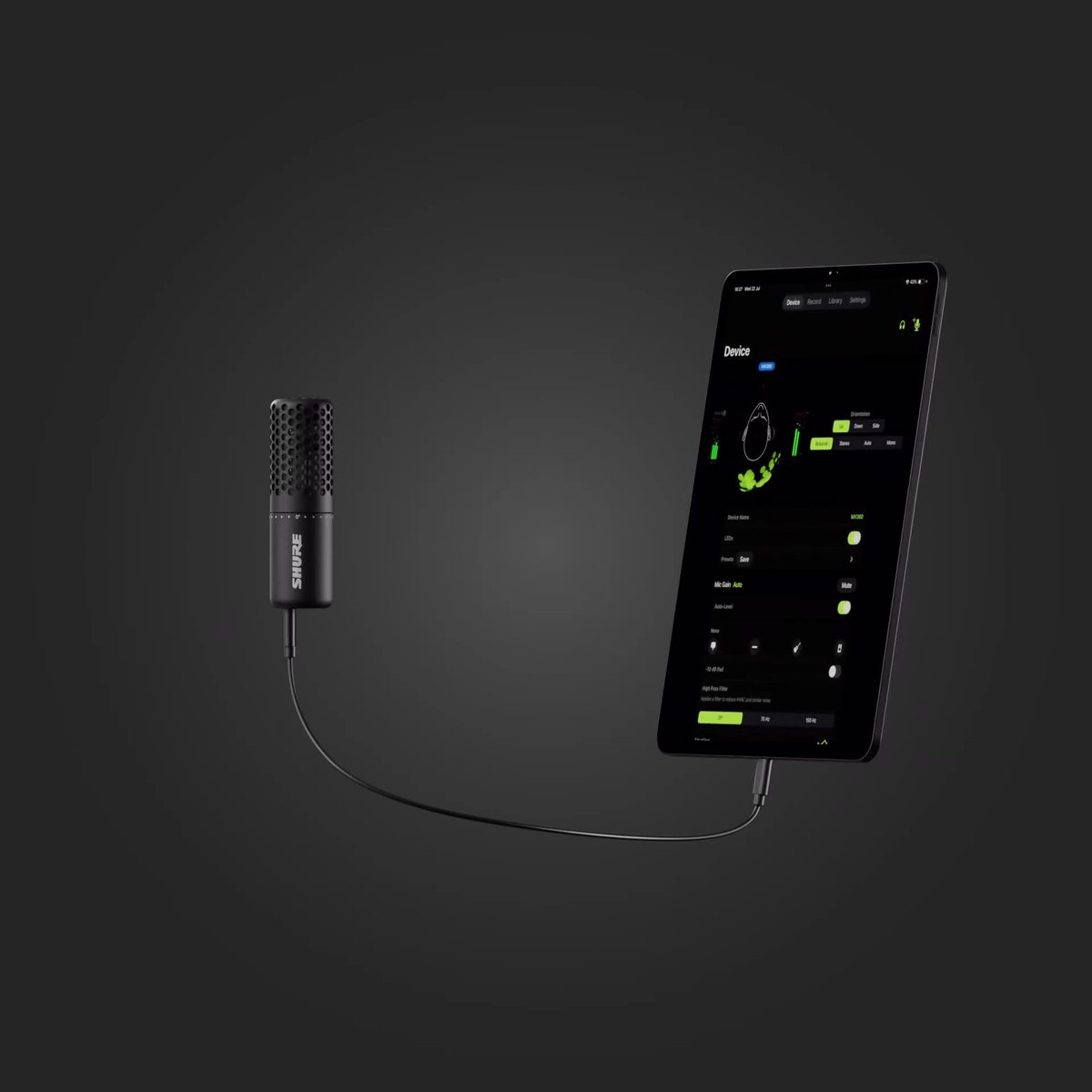
Inside the all-metal body sits Shure’s patented acoustic array, which listens in every direction at once and records full 360 degree spatial audio in Ambisonic B-format, the Ambix layout, across four channels. The capture runs at up to 32-bit float and 96 kHz, so the file holds more detail than a finished mix will ever need.
Four channels sounds like homework until you hear how the mic handles them. The MV360 does the decoding work itself and hands you a finished recording. Plug the USB-C cable into a phone, a tablet or a computer and it runs on bus power, with no battery to charge and no interface to configure.
One cable is the whole setup.
Four modes, ready the second you stop recording

Each of the four Capture Modes turns the array’s four channels into a finished two-channel recording on the spot, so no post production session stands between the take and the upload.
Immersive Binaural keeps more spatial cues than stereo and plays back true to life on headphones, which makes it the mode for anything your audience hears on earbuds. Stereo gives you natural width and separation that you can widen or narrow to taste. Mono goes directional for a single voice, with cardioid, supercardioid and bi-directional patterns to pick from.
Auto Tracking is the clever one. A virtual microphone inside the MV360 steers itself toward the loudest sound source and keeps following it in real time. An interview subject can shift in the chair, a podcaster can pace the room, and a solo shooter can walk and talk while the mic holds the voice in frame.
Set your preferences once in Shure’s free MOTIV apps and the modes stick with the mic, after which it records in your chosen mode straight into compatible third-party apps with no detour back through MOTIV required.
The software half of the mic
Record inside the MOTIV apps or a DAW and you keep the full 360 degree capture with all four channels intact. MOTIV Audio and MOTIV Mix can record both versions at once, your chosen mode as a two-channel file plus a separate four-channel ambisonic file for later.
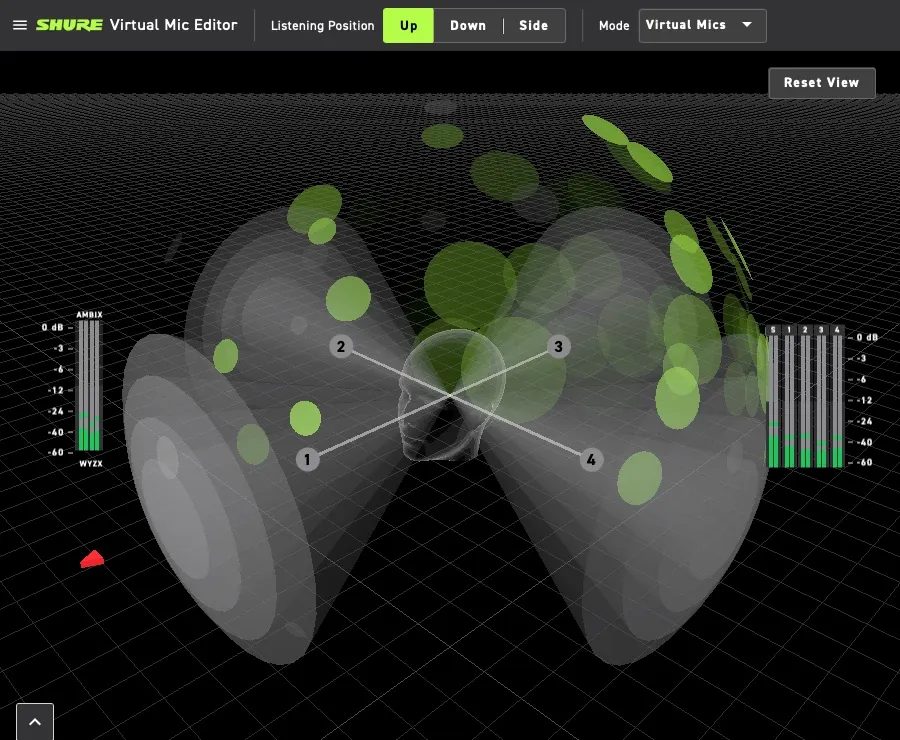
Later is where the Virtual Mic Editor earns its keep, because the plugin lays your recording over a visual audio heatmap and lets you place up to four virtual microphones anywhere in the scene, aimed wherever the action actually went. One take, four new angles. The same recording can leave as mono, stereo, binaural, 5.1 or a full 7.1.4 Atmos layout.
Everyday controls live in the apps too, gain, EQ, compression, limiting and denoising, and the mic itself carries a 3.5 mm output for monitoring while you record. MOTIV Audio and MOTIV Video run on mobile while MOTIV Mix runs on the desktop, and the mic works with most Windows and Mac computers plus Android and iOS devices.
In the box, on the stand, out the door
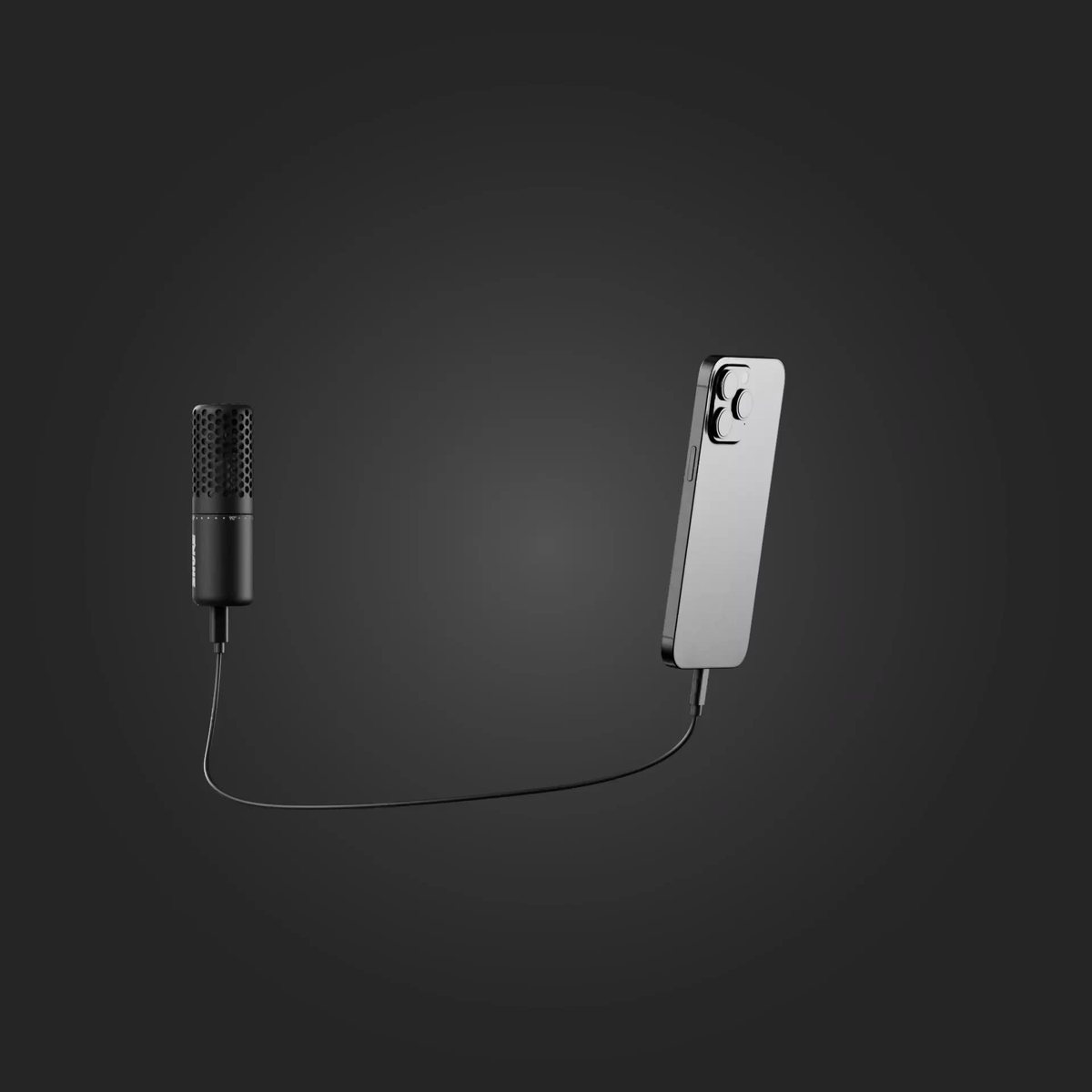
$349 buys the whole kit, no accessory hunt. Shure includes the microphone, a tripod, a cold shoe clip, a 5/8-inch mic clip, a phone clamp, two USB-C cables, a case and a foam windscreen. Camera rig or phone on a tripod, the right mount you need is in the box.
Shure MV360 Spatial Audio Microphone Kit
Ambisonic B-format capture up to 32-bit float / 96 kHz · USB-C · Four Capture Modes · Tripod, phone clamp and case included
Price: $349
Where to buy: Buy at Shure
Two limits are worth naming, because there’s no XLR output and no onboard recording in this model, so the MV360 lives tethered to a phone or a computer, and Shure’s answer comes as the more interesting machine for field work.
The Plus is the field recorders version
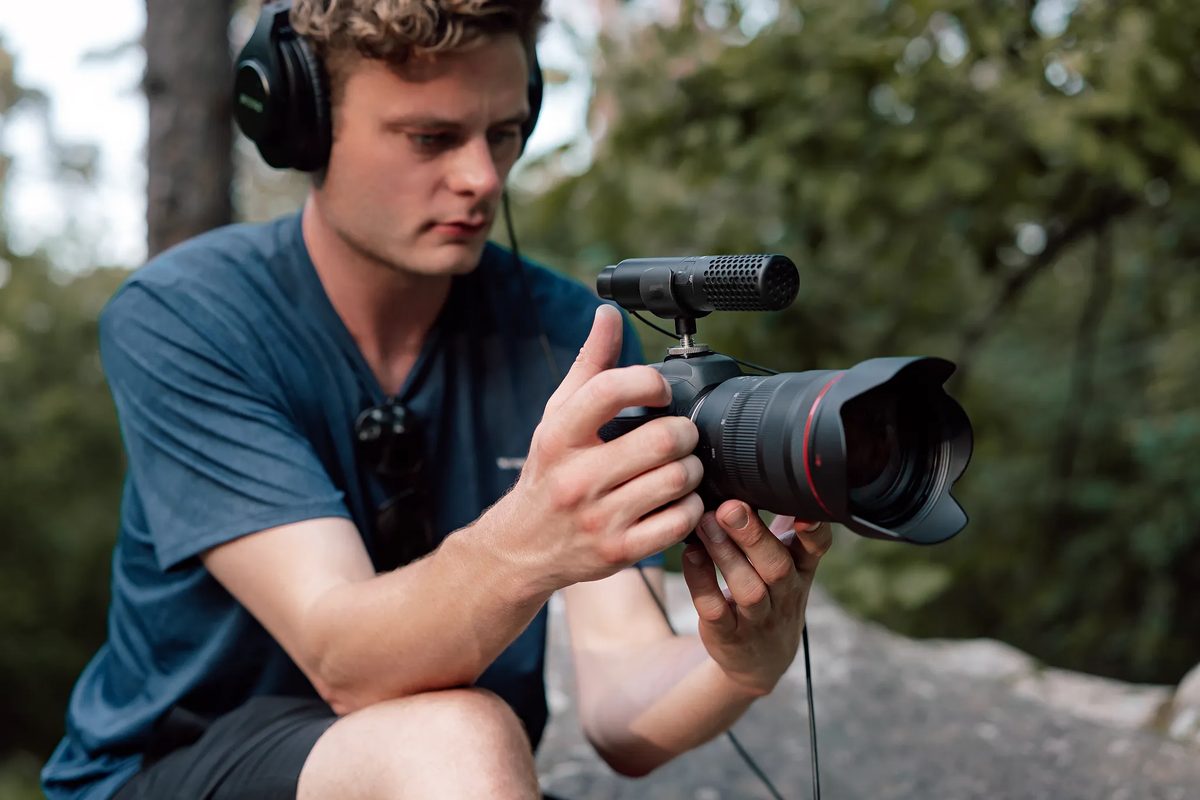
Shure previewed a second model alongside it, the MV360+, which arrives in early 2027 at $449 with the tether cut, recording 32-bit float onboard to a microSD card and running on its own rechargeable battery. A phone controls it wirelessly from up to about 100 feet away, and the audio stays on the mic.
That turns the Plus into a plant mic. You can start it from your pocket and collect it when the scene ends. Set it beside a mirrorless camera, an action camera or a 360 rig and it draws spatial audio the camera’s own mics never could, with a 3.5 mm audio cable in its kit for the camera connection. No separate recorder sits between them.
Who should buy it and who should skip it
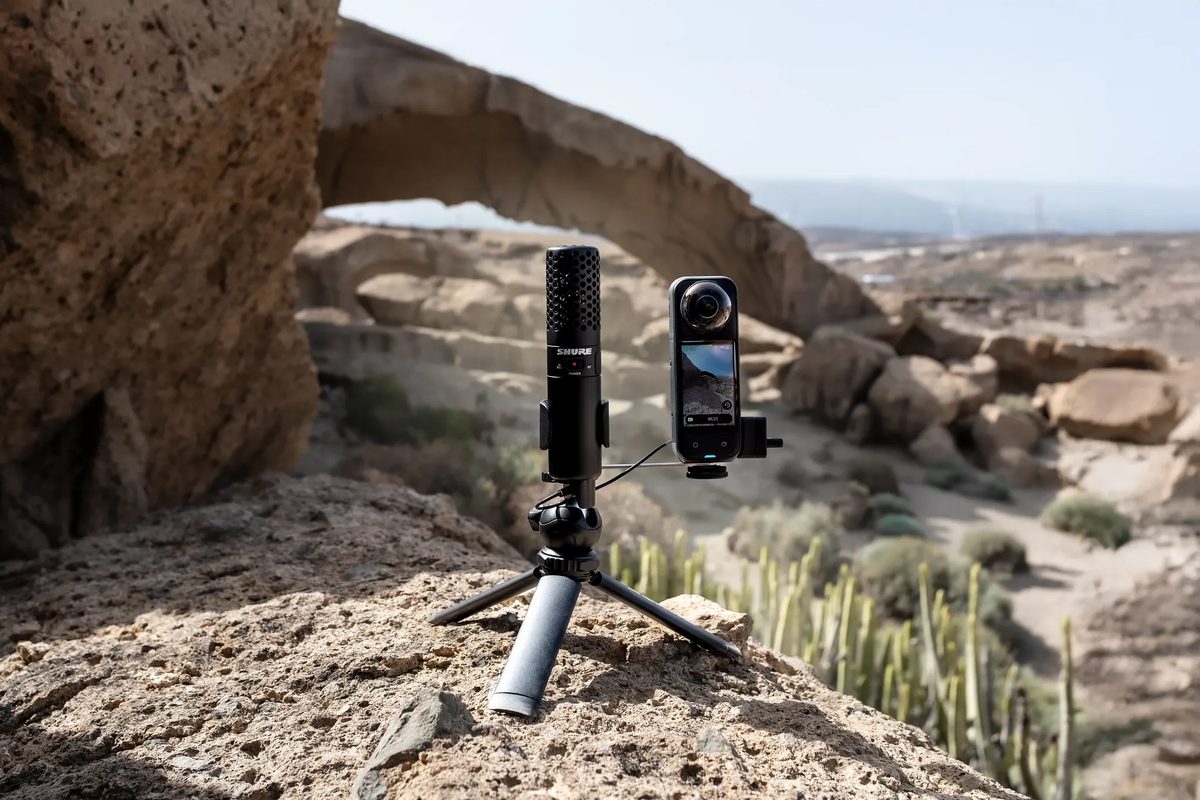
Buy it if your recordings happen somewhere worth hearing, because ASMR creators get a room that breathes around the listener and field recordists get a rig that fits in a jacket pocket. 360 and VR shooters finally get audio that matches the picture. Interviewers get Auto Tracking standing in for the second pair of hands they never had.
Then there’s the price.
At $349 the MV360 costs less than the recorder on the old ambisonic route. And that route still needed a microphone on top. For creators who have wanted spatial sound and bounced off the workflow, this is the first version of the idea that fits a normal kit bag and a normal budget.
Skip it if your work is one voice in a treated room, because a good dynamic mic on a boom arm will serve a desk podcast better and spatial capture of an office adds nothing your audience came for. Skip it too if your chain already runs on XLR and standalone recorders, because the Plus is your version of this mic.
The MV360 is on sale now at $349 direct from Shure, and the Plus follows in early 2027 at $449 for the field recorders it was drawn for. Spatial audio has had the audience for years, and it finally has a door most creators can walk through.