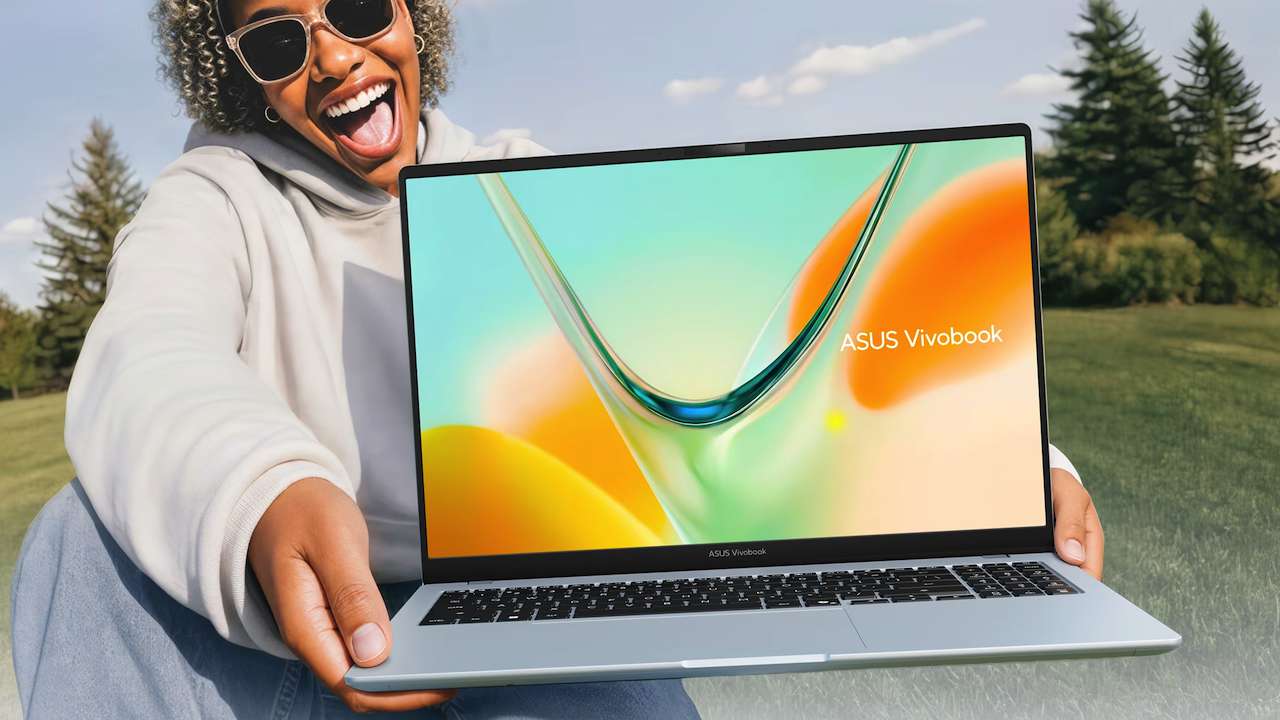
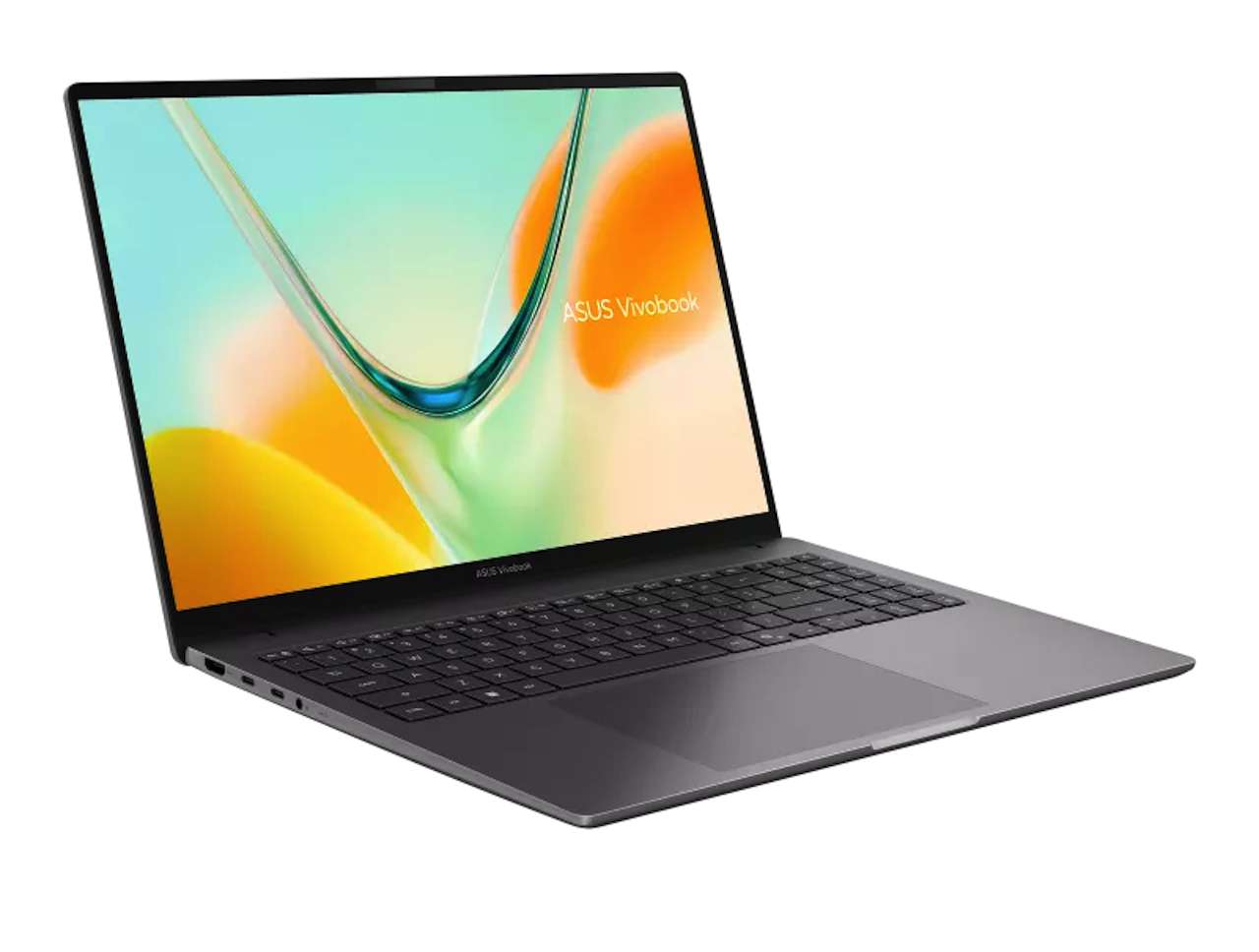
A 16 inch OLED laptop sounds like a desktop replacement until you remember that you still have to carry it. ASUS is pitching the Vivobook S16 S5608 as a large screen work machine that weighs about 1.6 kg, runs Windows 11 on a Snapdragon X processor, and can play FHD video for up to 30 hours in a controlled test. The useful question isn’t whether that headline sounds good. It’s whether the extra screen gives you enough working room to justify the size and the Windows on Arm tradeoffs.
Price: $TBD
Where to Buy: Asus
We haven’t tested this machine, so we’re treating the ASUS claims as manufacturer data and building a decision tool around the parts you can verify before buying: display size, chassis weight, battery test conditions, app compatibility, and the kind of work you actually do. A long video playback result isn’t a promise of a full workday with a browser, meetings, storage activity, and an OLED panel running at your preferred brightness.
The screen is the reason to consider it
A 16 inch 16:10 panel gives you a wider work surface without moving to a desktop monitor. ASUS offers an OLED configuration and describes an 89 percent screen to body ratio. For writing, spreadsheets, timelines, and side by side documents, that extra vertical space can reduce window shuffling. You won’t get that benefit from a smaller 13 inch or 14 inch laptop, even when the smaller machine has a sharper panel.
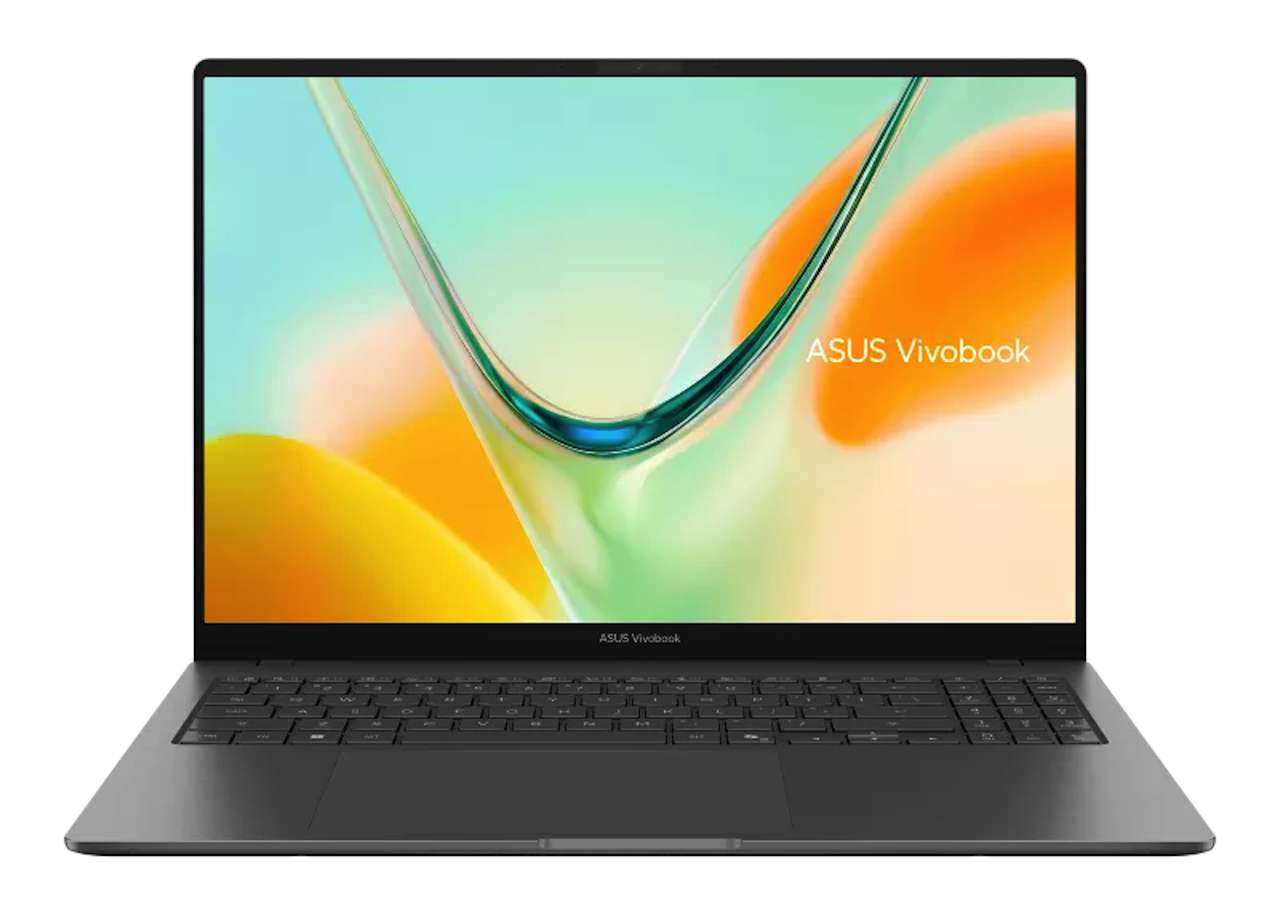 The tradeoff starts when the screen leaves your desk. A larger lid takes more room in a bag and on a narrow tray table. The 1.6 kg chassis isn’t extreme for a 16 inch laptop, but it isn’t an invisible carry either. This is a workspace choice first, not a portability choice dressed up as one.
The battery claim needs a careful reading
ASUS says the S5608 can reach up to 30 hours of FHD video playback. The company’s test configuration used a WUXGA OLED panel, Snapdragon X, 512GB storage, 16GB memory, and a 50 Wh battery. ASUS also says Wi-Fi and keyboard backlighting were disabled, Windows was set to Balanced mode, and brightness was 150 cd per square meter with headset audio.
Those details make the claim more useful, not less. They tell you what the number represents. They also show why you shouldn’t translate it directly into a day of browser tabs and video calls. A buyer who needs predictable endurance should ask for independent mixed-use testing before treating the S5608 as an all-day field machine.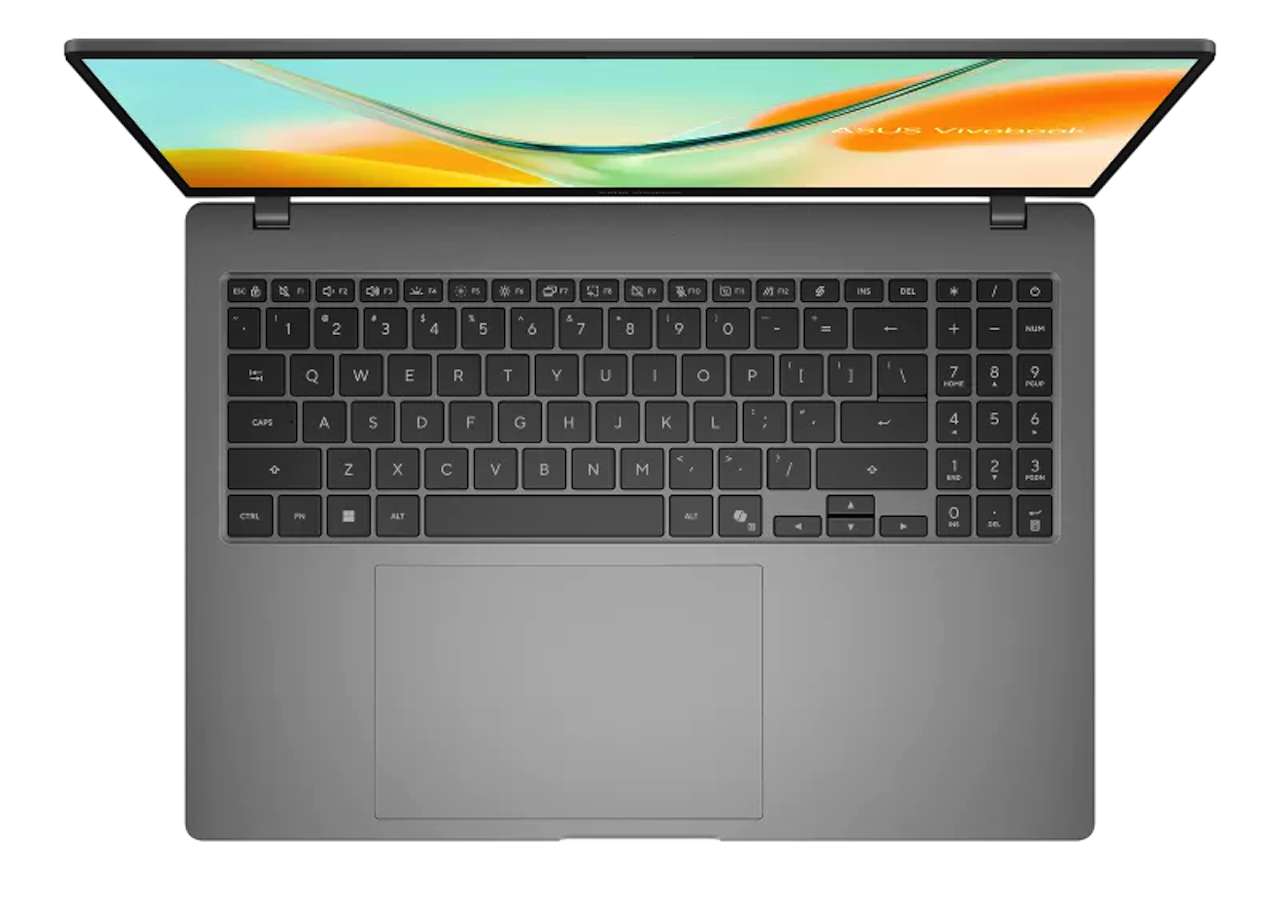
The battery design is appealing if you travel between outlets, but the test conditions leave a clear verification task. Check independent results for web browsing, camera use, standby drain, sleep behavior, and charging time. If those numbers aren’t available, buy the laptop for its screen and platform, not for a 30-hour promise.
Windows on Arm is the decision point
The Snapdragon platform gives the laptop a strong efficiency story and a 45 TOPS NPU for Copilot Plus features. ASUS says Windows apps can run natively or through emulation, and cites Microsoft research that 93 percent of app minutes now have native versions. That is a useful platform signal, but it isn’t a compatibility guarantee for your own software stack.
Before buying, list every app you use for work. Office, browser work, email, notes, and common creative tools are a straightforward starting point. The risk sits in specialist utilities, older plug-ins, device control panels, niche VPN clients, and software that depends on a driver. A Windows on Arm laptop works best when your workflow is already modern and cloud friendly.
AI features are a bonus, not the buying reason
The 45 TOPS NPU gives the S16 a clear Copilot Plus identity. It can support local AI features that are designed for Windows on Arm hardware, but the presence of an NPU doesn’t tell you whether those features improve your own day. If your work is documents, meetings, research, and browser tabs, the screen and keyboard will affect you more often than an AI shortcut.
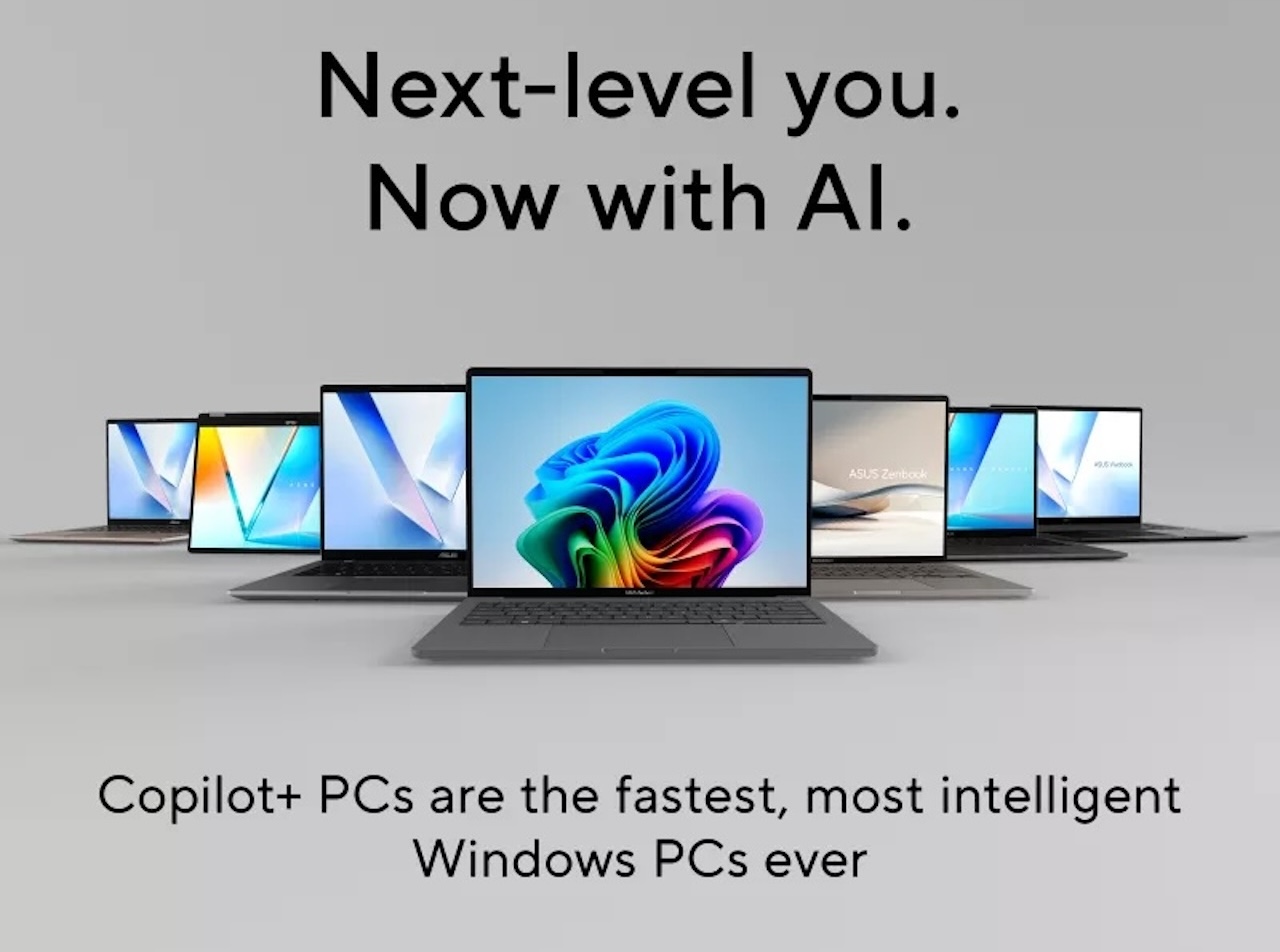 Choose the NPU as a secondary benefit. It becomes a stronger reason when you already have a defined local AI workflow, a compatible application, and a reason to keep those tasks on the machine. Otherwise, it is a platform feature you may use occasionally rather than the core value of a 16 inch laptop.
Who should choose the big screen
Choose the Vivobook S16 if your laptop spends most of its life on a desk, you regularly split windows, and you want a large OLED canvas without moving to a heavy workstation. The screen gives this machine a clear job. It can replace a small laptop plus frequent monitor use for people who work from one room, a library, or a hotel desk.
Skip it if your priority is the smallest possible travel kit, your work depends on unusual Windows utilities, or you need independent battery and performance results before spending. A compact conventional ultraportable is the safer answer when app certainty and low carry weight outrank screen area.
 What to verify before buying
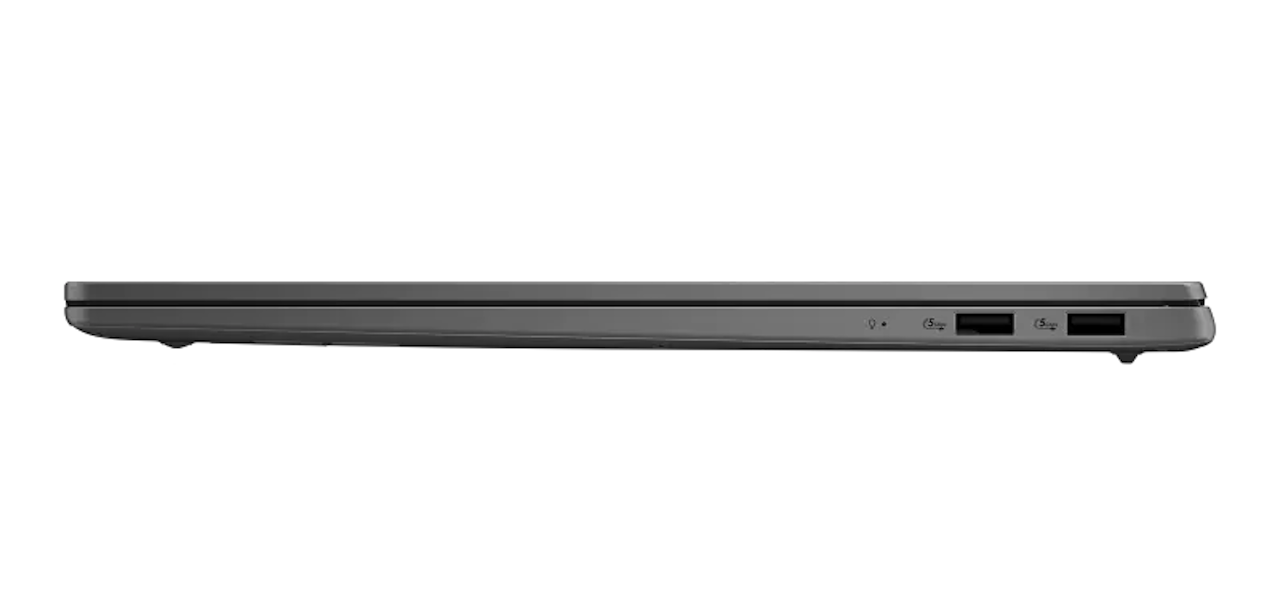
First, confirm the exact display configuration. ASUS lists OLED and IPS choices, and the battery result applies to a named WUXGA OLED test setup. Then confirm memory and storage, because the 16GB and 512GB configuration is part of the published test conditions.
Next, check your carrier of software. Look for Arm support, emulation notes, required drivers, and plug-in compatibility. Ask whether your video meeting tools, security software, printers, scanners, and storage utilities work without workarounds. A compatibility check takes less time than returning a laptop after your workflow breaks.
Finally, wait for independent mixed-use battery tests and sustained performance testing. Those results should cover the exact panel and memory configuration you plan to buy. Until they exist, keep the 30-hour result in the manufacturer claim column and leave your workday decision open.
 The decision
The Vivobook S16 S5608 has a coherent pitch: more working room, a relatively light 16 inch chassis, OLED, and an efficient Snapdragon platform. The big screen is the reason to buy it. The battery claim and NPU are supporting evidence, not permission to ignore app compatibility or carry weight.
Price: $TBD
Where to Buy: Asus
Buy it when a large workspace improves your day and your software list passes the Arm check. Wait when you need independent endurance data or rely on specialist Windows tools. This laptop makes the most sense for someone who wants a desktop view without a desktop footprint, and who is willing to verify the platform before committing.