
The HUAWEI MatePad Air earns its name. The display feels smooth and easy on the eyes, the edges feel sleek in my hands, and the tablet stays remarkably portable even with the case and Smart Magnetic Keyboard attached. Pair it all together and you get a genuinely enjoyable on-the-go tool.
It is extremely lightweight, even when it is fully set up for work. Detach it from the keyboard and the display feels incredibly smooth in your hands.
I work in a bright sunroom, which is also my office, and I have no trouble seeing the display. That real-world experience matters more to me than a brightness number on a specification sheet. The MatePad Air feels premium, practical, and inviting from the moment I pick it up.
A tablet designed around portability
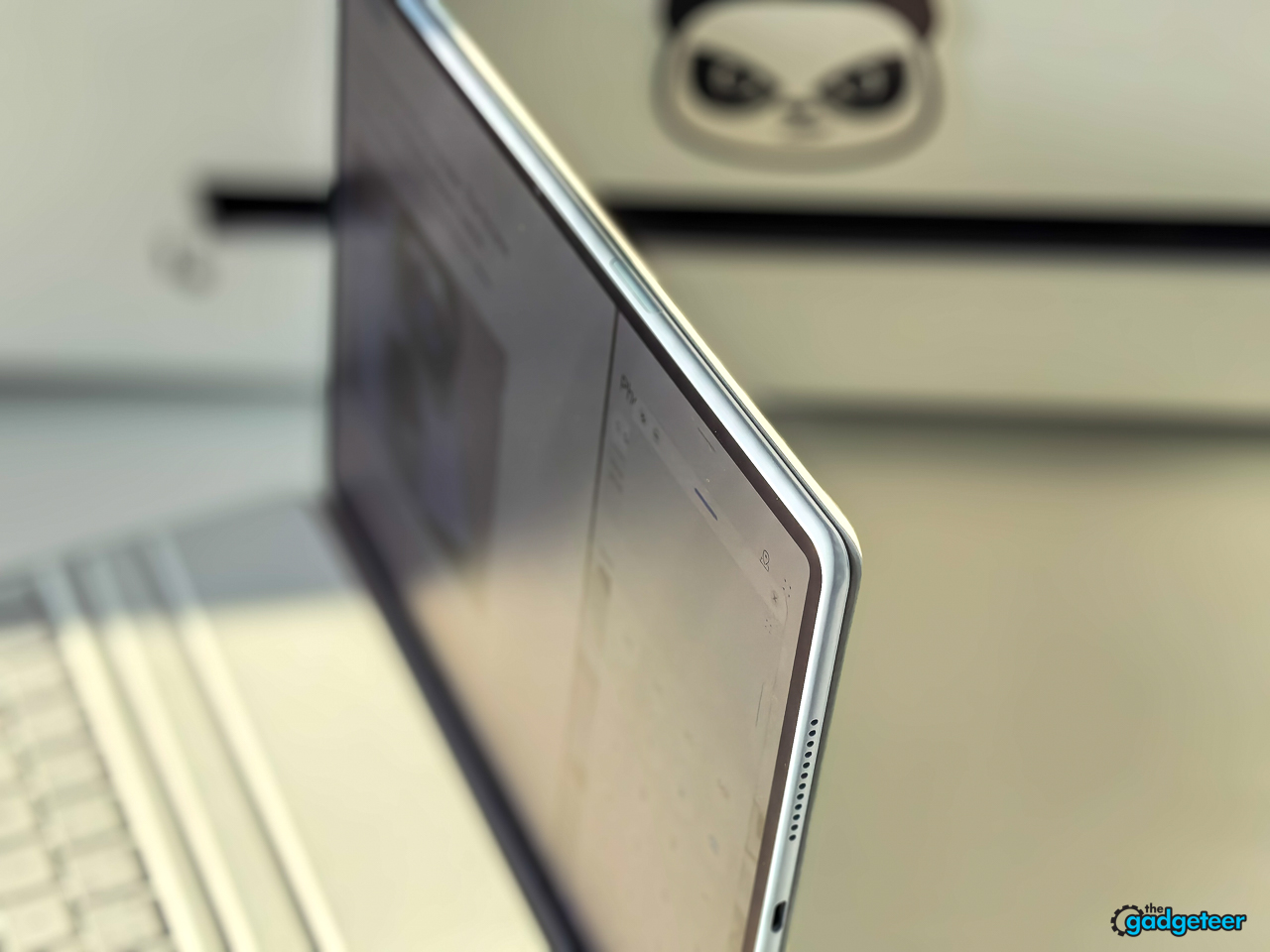
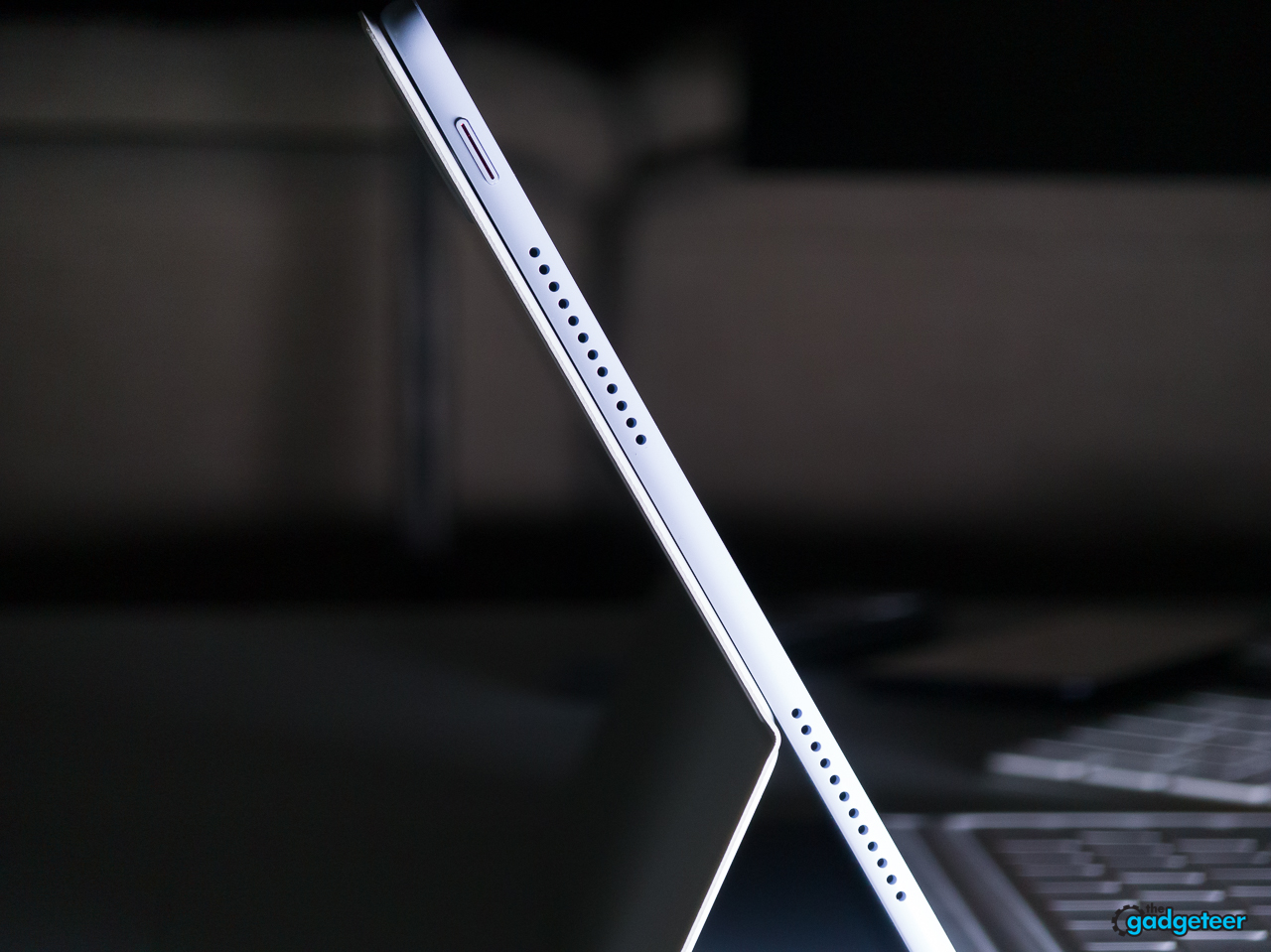
Huawei’s design goal is obvious the moment you pick up the MatePad Air. The tablet measures a claimed 5.3 mm thick and weighs as little as 509 grams, depending on the regional version. That gives it the light, effortless feletel the Air name promises.
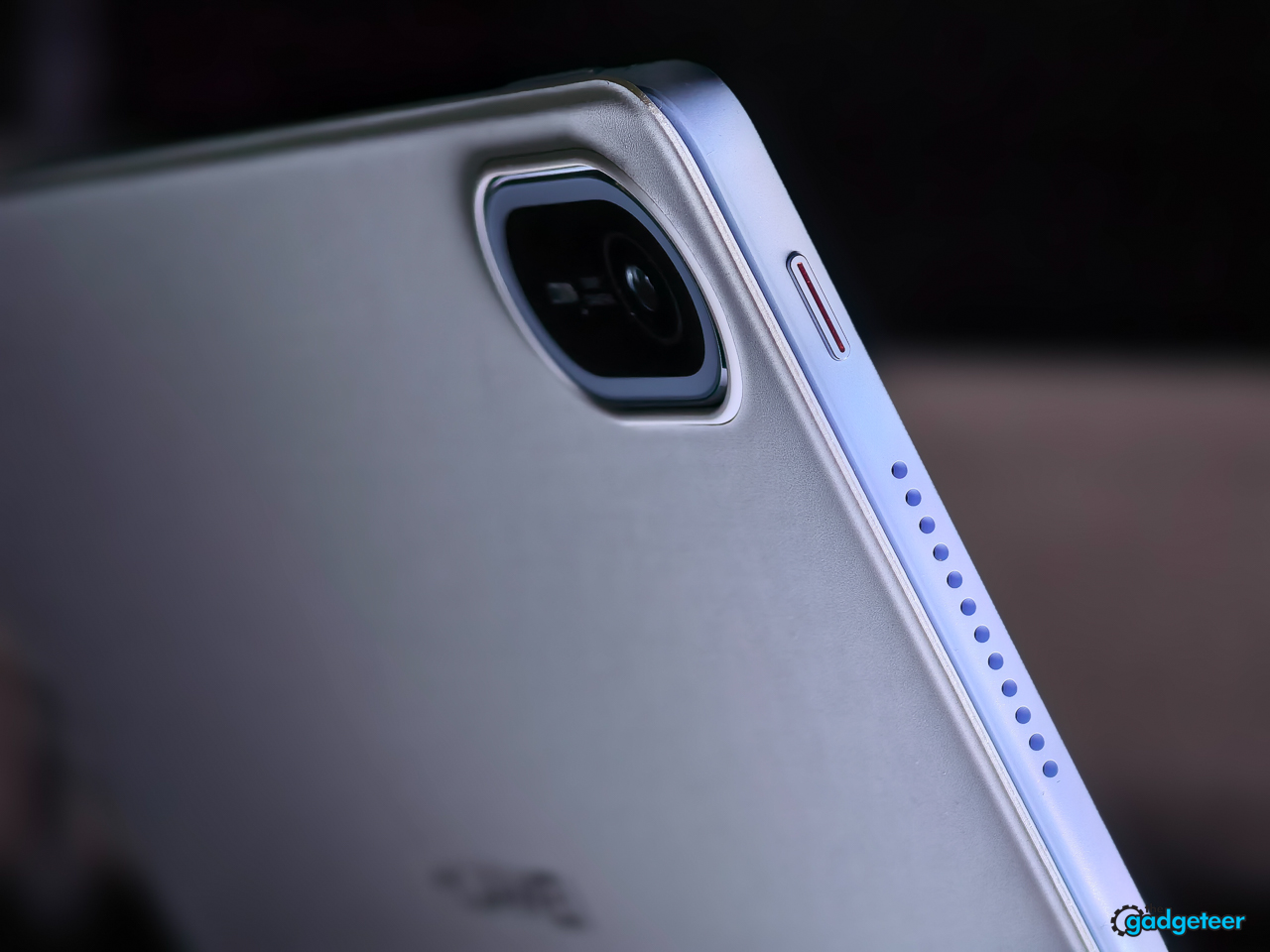
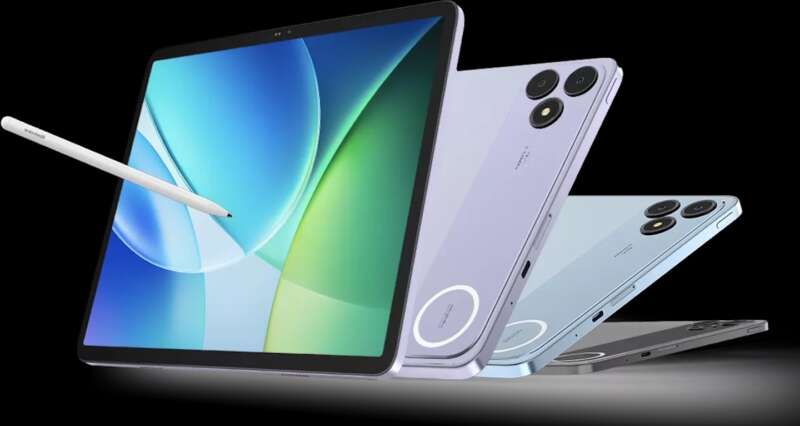
The full-metal body looks refined without becoming flashy. Huawei offers the tablet in White, Airy Blue, and Sakura Pink, and the pearlescent finish changes subtly as the light moves across the back. The colors make the MatePad Air feel more personal than the usual black, gray, and silver tablet lineup.
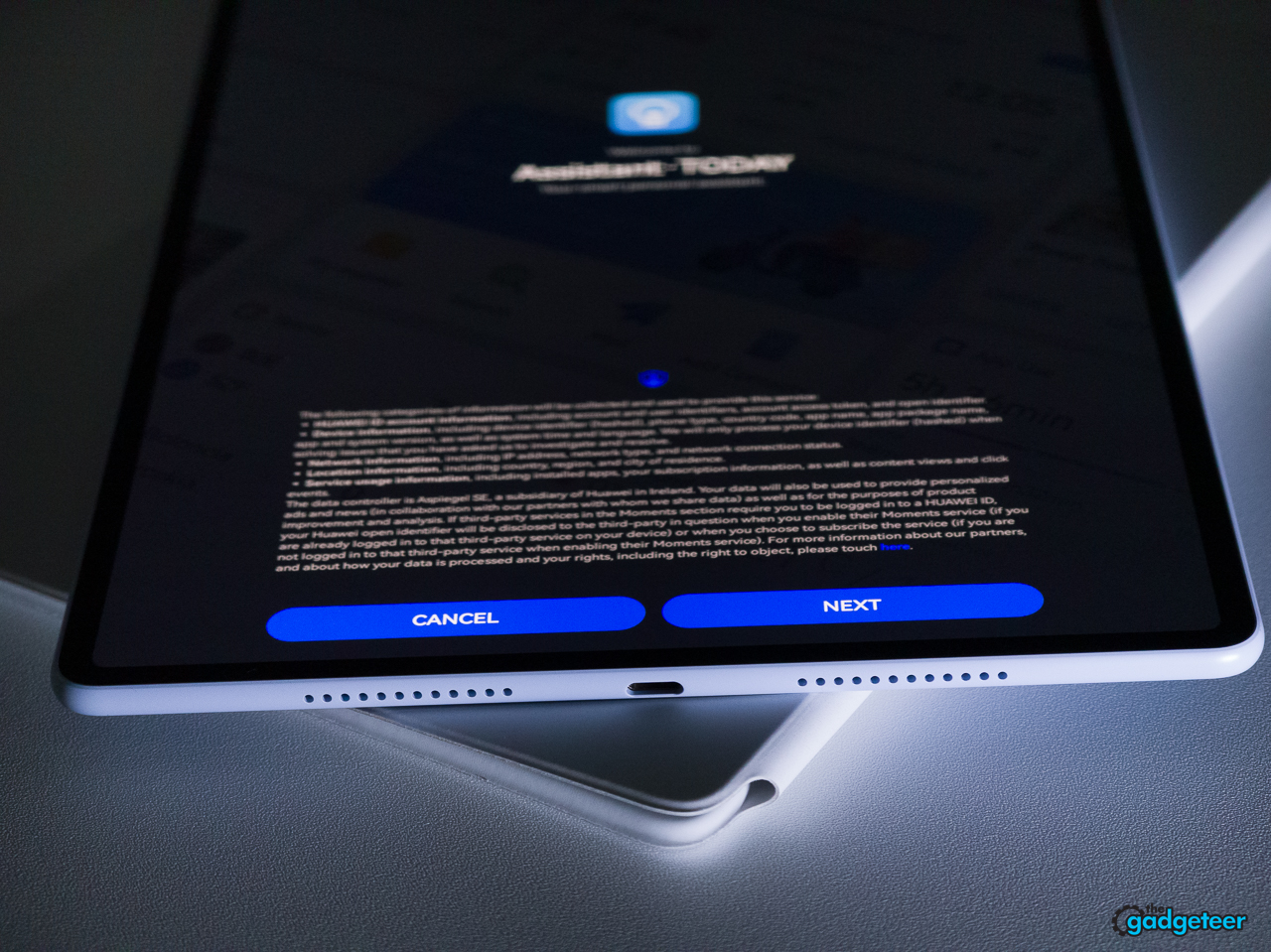
The MatePad Air’s size feels like a sweet spot. It isn’t too thick and it isn’t too thin, and that balance makes it extremely comfortable to use. Whether I hold it in landscape or portrait orientation, the tablet feels natural in my hands. It is also extremely comfortable on my lap. The magnetic case keeps the tablet stable, including when I use it horizontally, and the narrow bezels keep the front focused on the screen. The 12-inch size gives me room to read documents, arrange windows, and watch video without making the tablet feel like a portable monitor.
The OLED PaperMatte display is the star
The MatePad Air’s 12-inch OLED PaperMatte display is the feature that gives this tablet its identity.
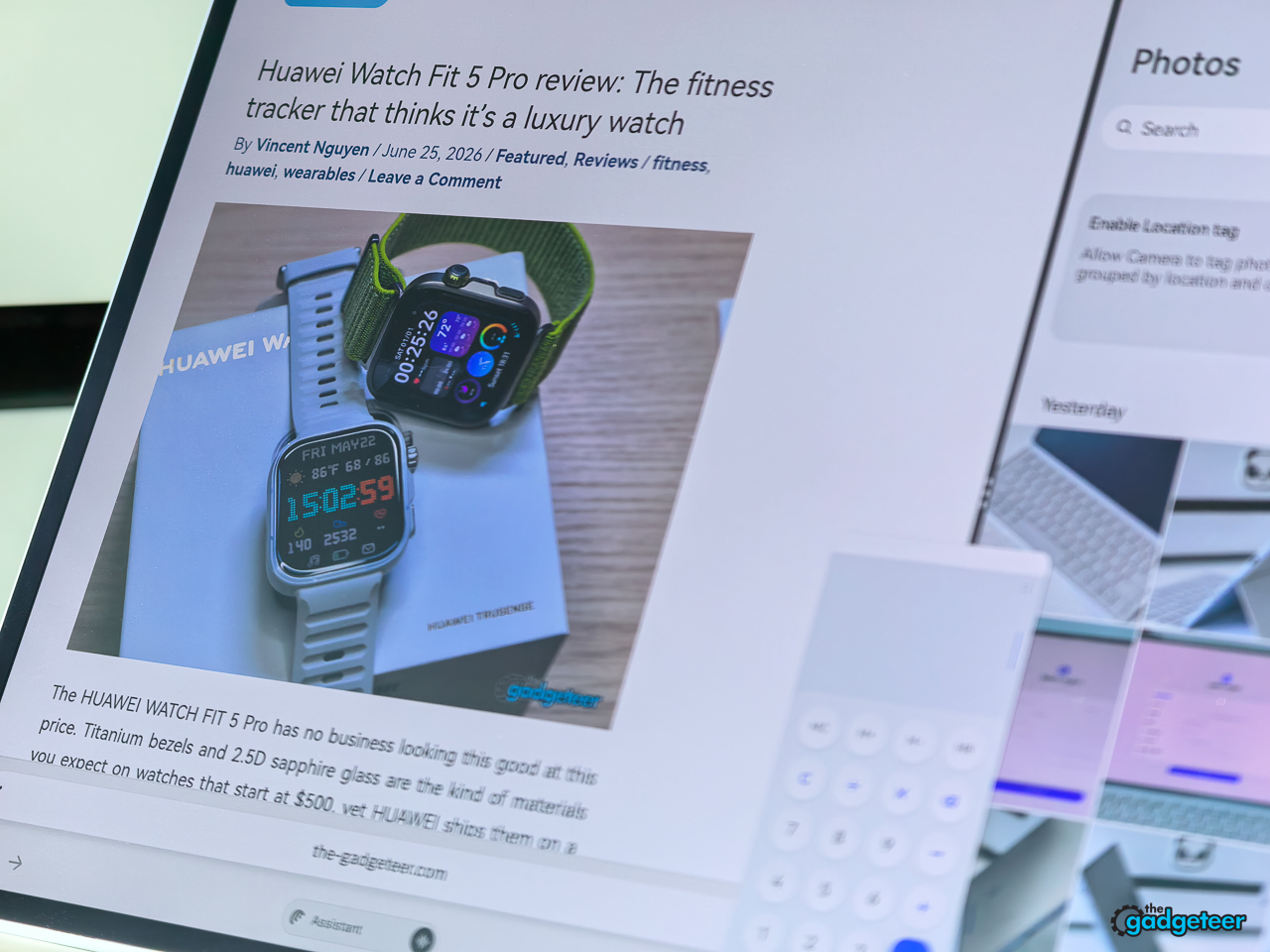
The OLED panel delivers rich contrast and vivid color, while the PaperMatte surface cuts down on the harsh reflections that can make glossy tablets tiring near windows or overhead lights. In my bright sunroom office, I have no trouble seeing the display, and the surface feels smooth when I use the tablet without the keyboard attached. Product photos and article text also stay impressively crisp when I zoom in, which makes the screen especially enjoyable for reviewing images and reading detailed pages.
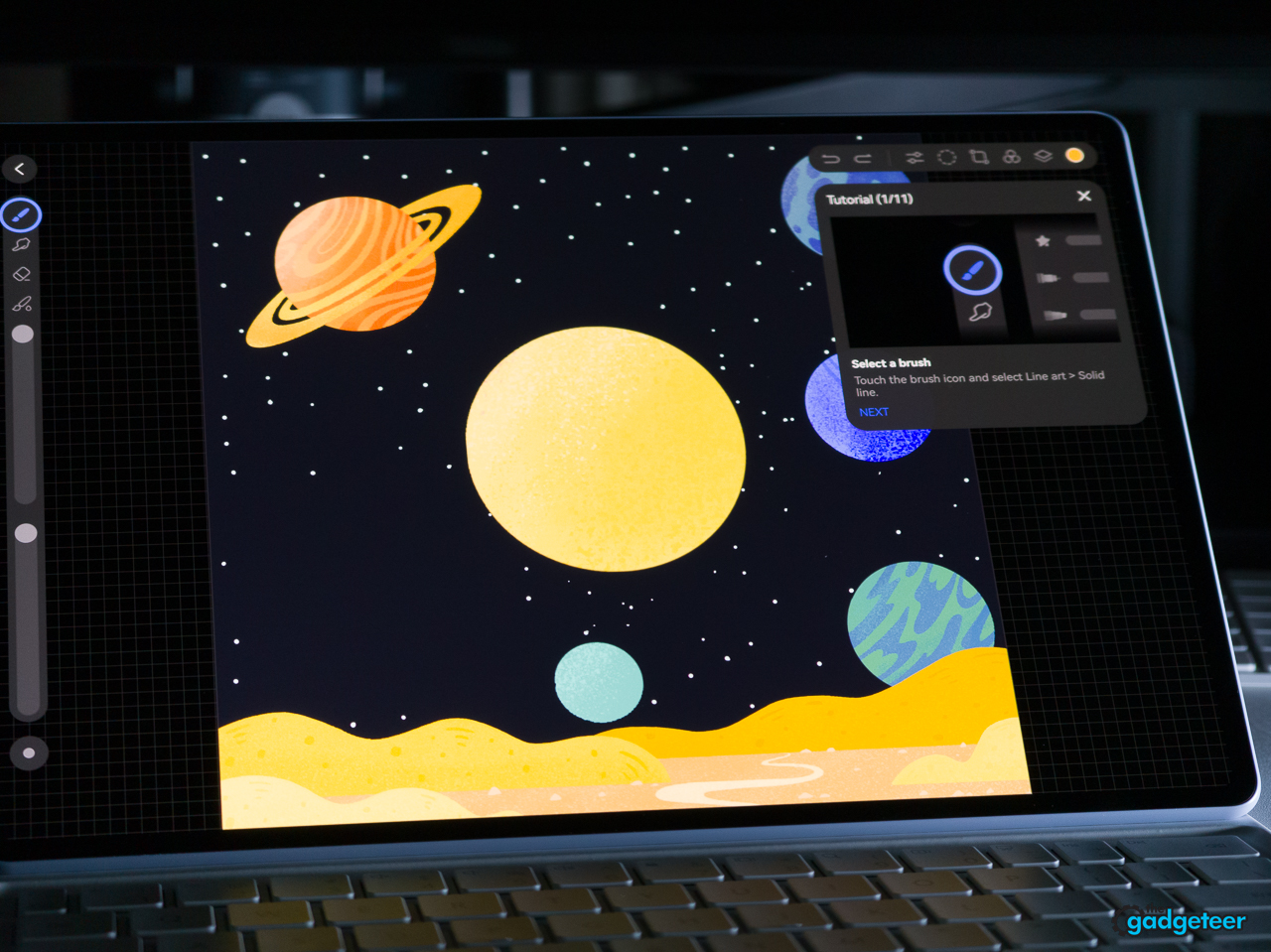
Huawei lists a 2.8K resolution, a refresh rate of up to 144 Hz, and peak brightness of up to 1,200 nits. Those specifications are impressive, but the more important result is how the screen changes the experience of using the tablet. Text looks crisp, images have depth, and the matte surface makes the tablet feel more like a creative notebook than a sheet of glass.
The display gives the MatePad Air a useful balance for documents and multitasking, while the 12-inch size still works well on a lap, desk, or small table.
The M-Pencil Pro was not included
Huawei positions the M-Pencil Pro as an important MatePad Air accessory for notes, sketching, annotation, and creative work. I did not receive the pencil with my review unit, so I did not test its writing feel, latency, pressure sensitivity, tilt response, or gestures.
That omission matters. The tablet may be a strong creative tool with the pencil, but I can’t honestly make that judgment from this review unit. I did find that writing and scribbling with my finger worked just fine on the touchscreen, so casual annotations don’t require the stylus. Treat the M-Pencil Pro as an optional accessory that needs its own hands-on follow-up.
A real productivity setup
The Smart Magnetic Keyboard turns the MatePad Air into a compact work machine.
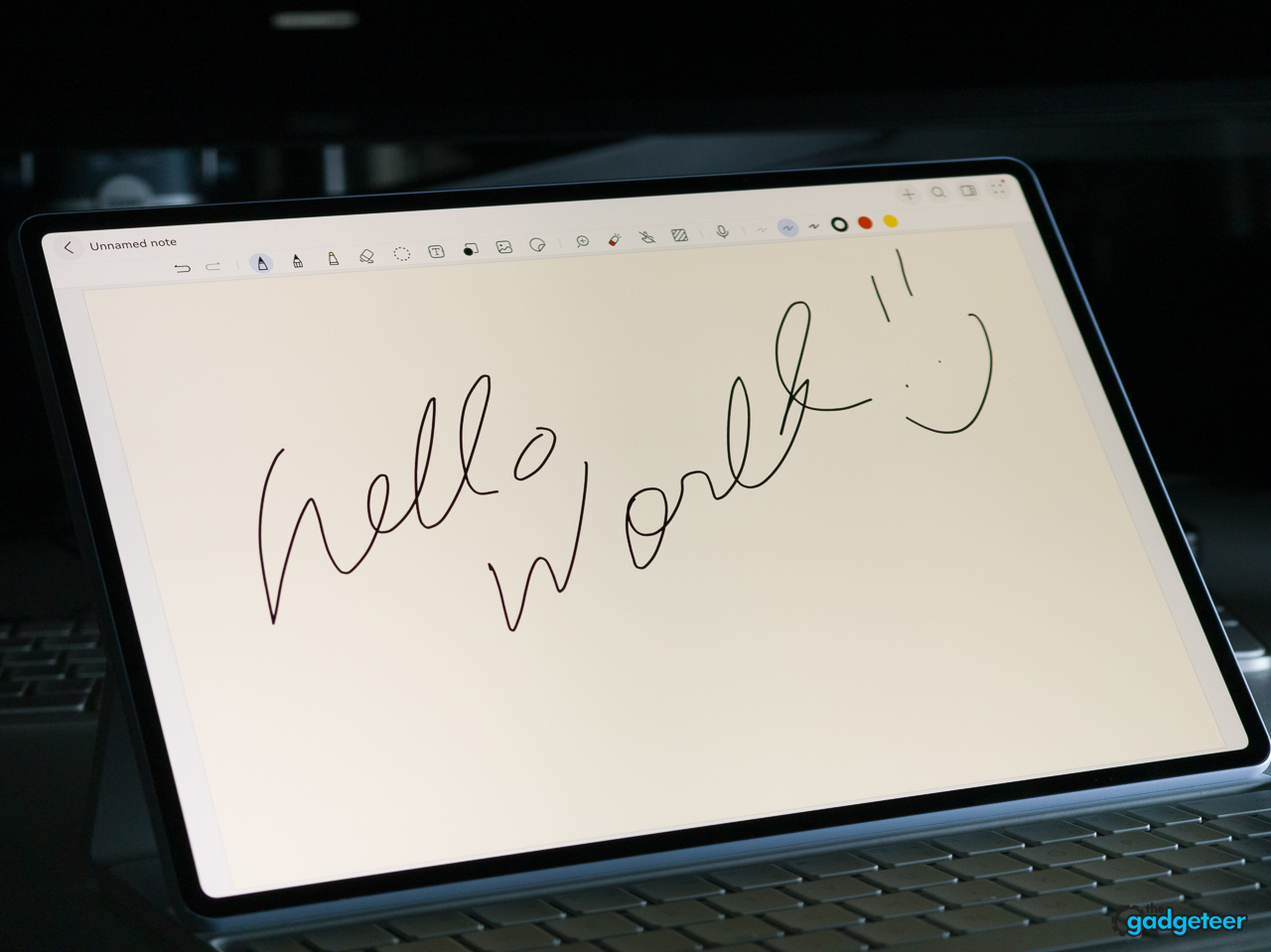
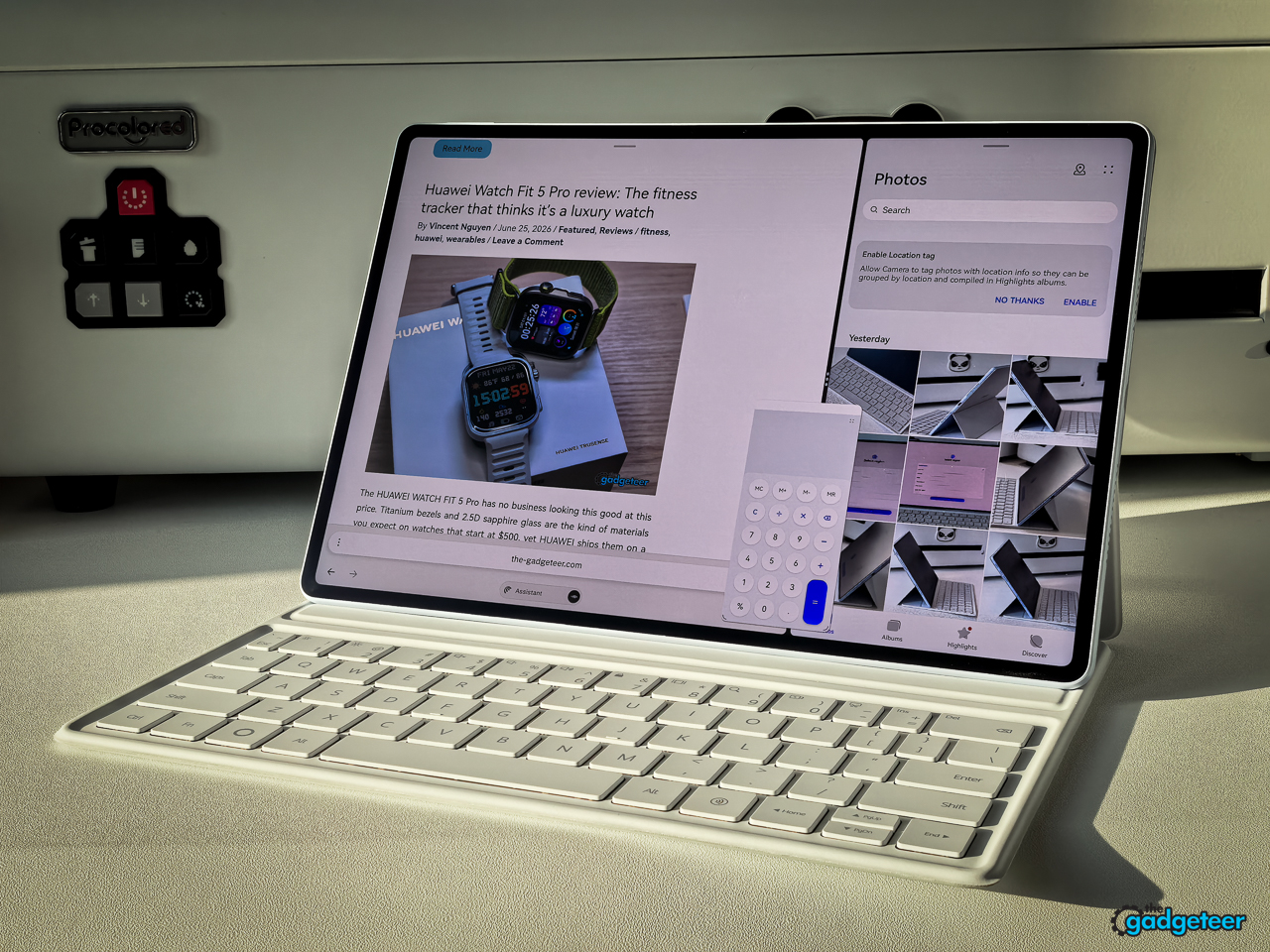
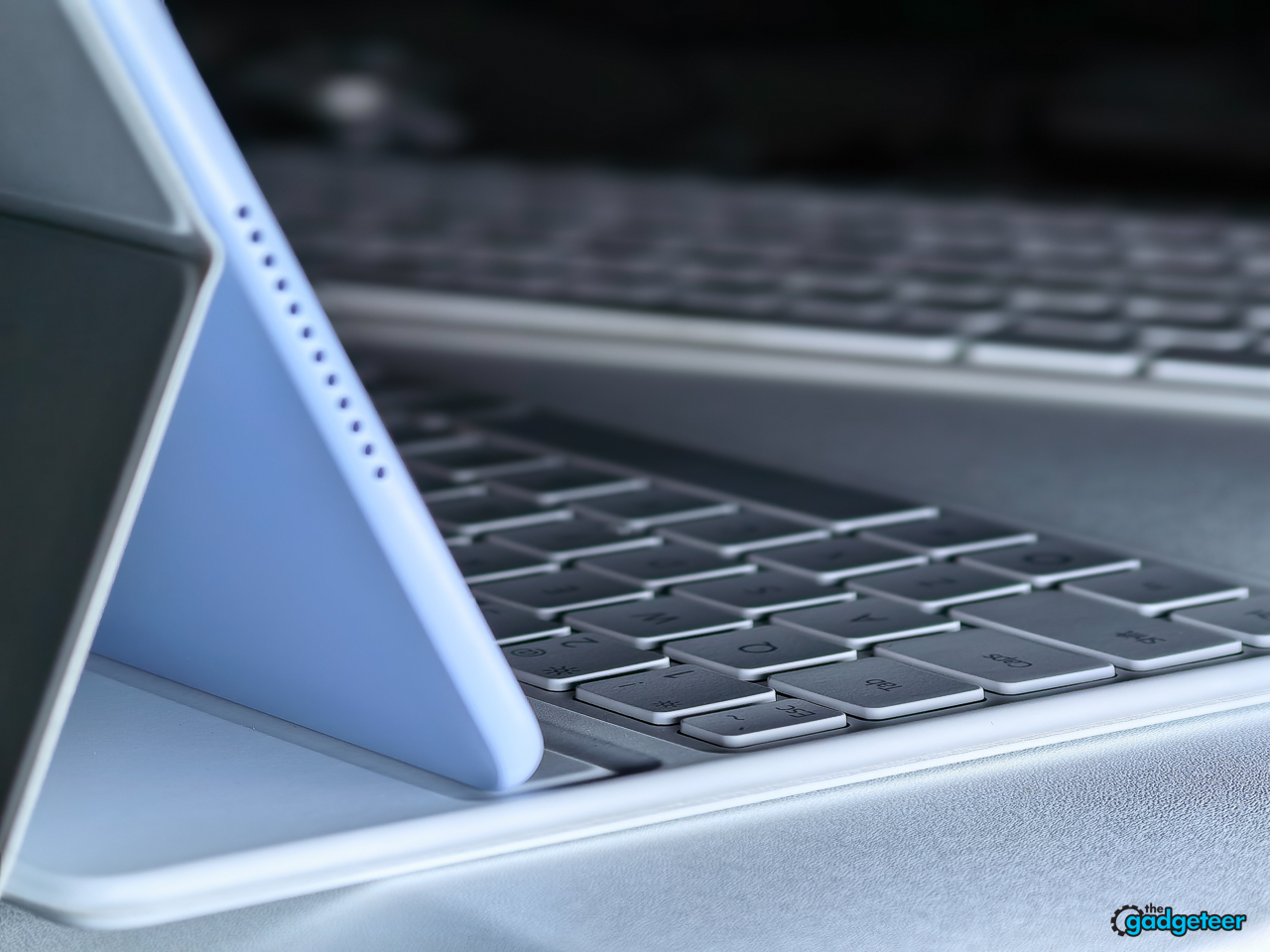
Typing feels more serious than the tablet’s thin body suggests, and the keyboard attaches cleanly without making the whole setup feel bulky. The case offers two viewing positions, with approximately three quarters of an inch between them, and the tablet remains stable when used horizontally. It is also extremely comfortable on my lap.
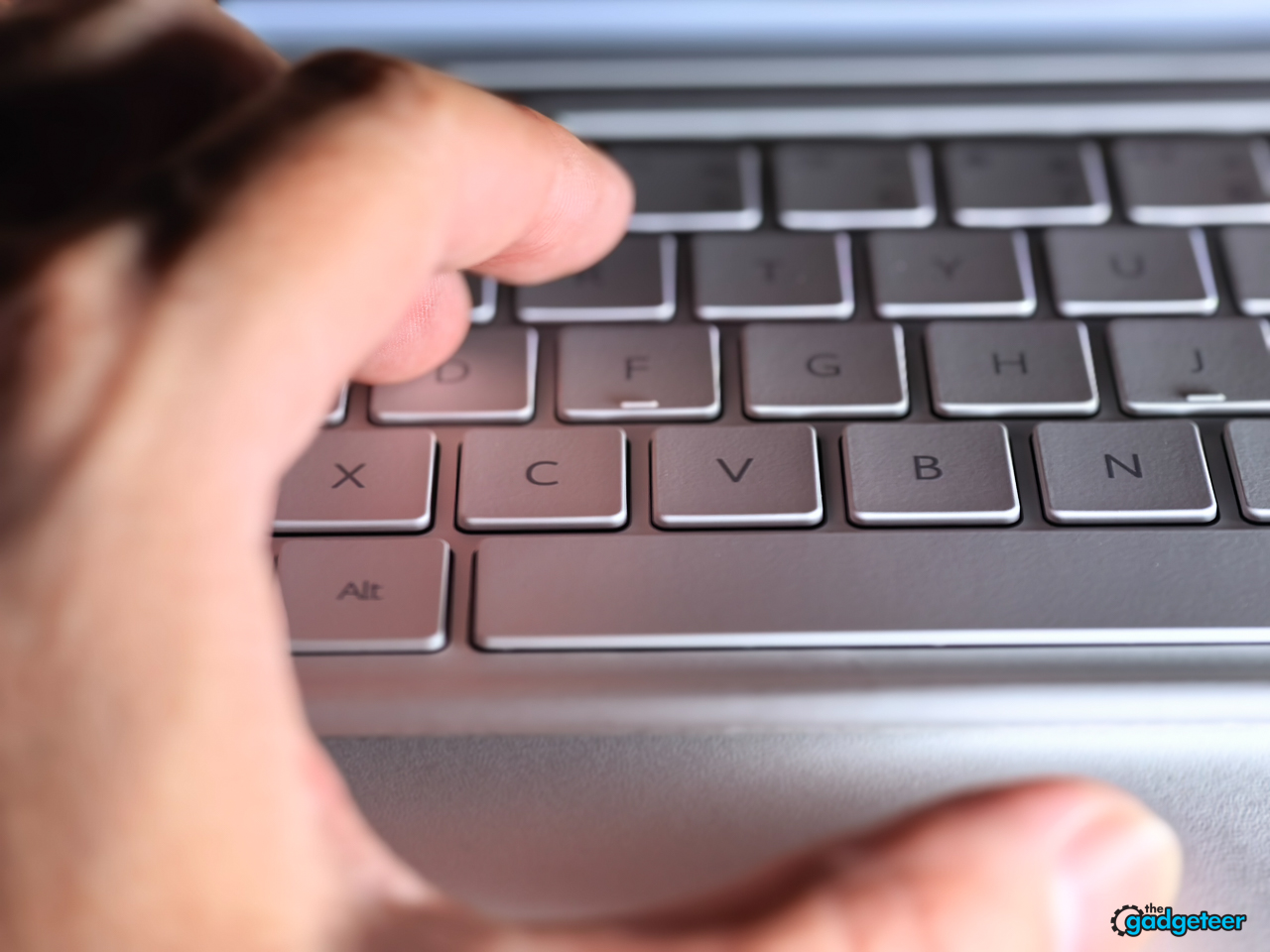
The keyboard is as good as you can expect for this type of tablet keyboard. It doesn’t feel like a regular full-size keyboard, but there is enough key travel to make it work well for emails, notes, and regular writing.
The NearLink connection works extremely well. The tablet and case use pogo pins on the back, toward the lower-right side, so the keyboard connects through a direct physical contact point rather than relying only on a wireless pairing process. The tablet can still be detached instantly when I want to read or watch video.
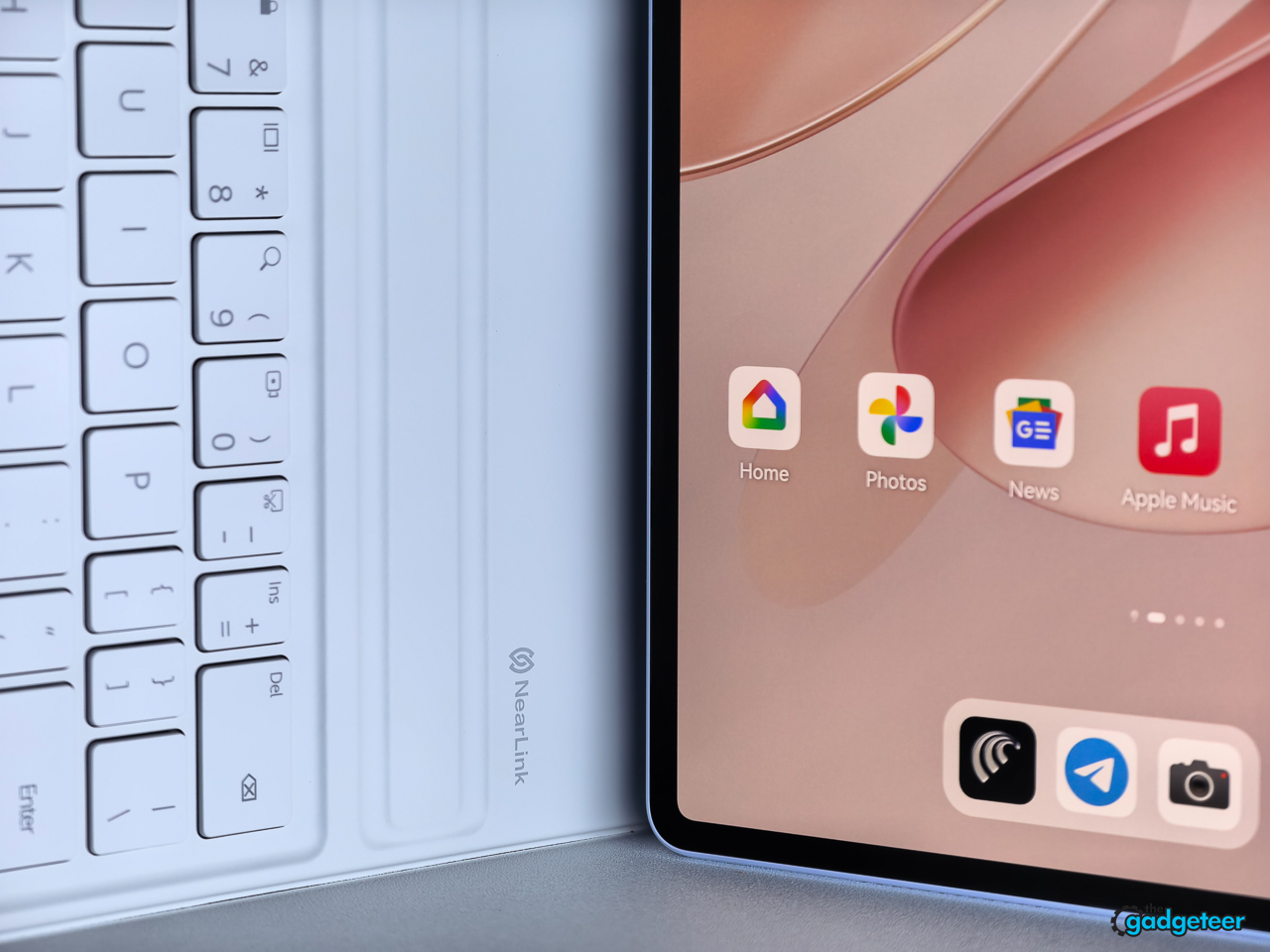
The keyboard does not include a trackpad, but that doesn’t bother me in practice. I love the keyboard and trackpad setup on my iPad Pro, but I’m also used to using a tablet and display together. The MatePad Air gives me a giant touchpad in the form of its touchscreen. Huawei’s approach is more focused on touch, keyboard shortcuts, and flexible window management. For my workflow, that combination keeps the tablet feeling like a tablet while still giving it enough structure for serious work.
HarmonyOS feels natural in daily use
HarmonyOS works well for me because I’m already used to Huawei’s software, Android, iOS, and Windows. I don’t experience the operating systems as radically different, and I was able to pick up the MatePad Air and get going quickly.
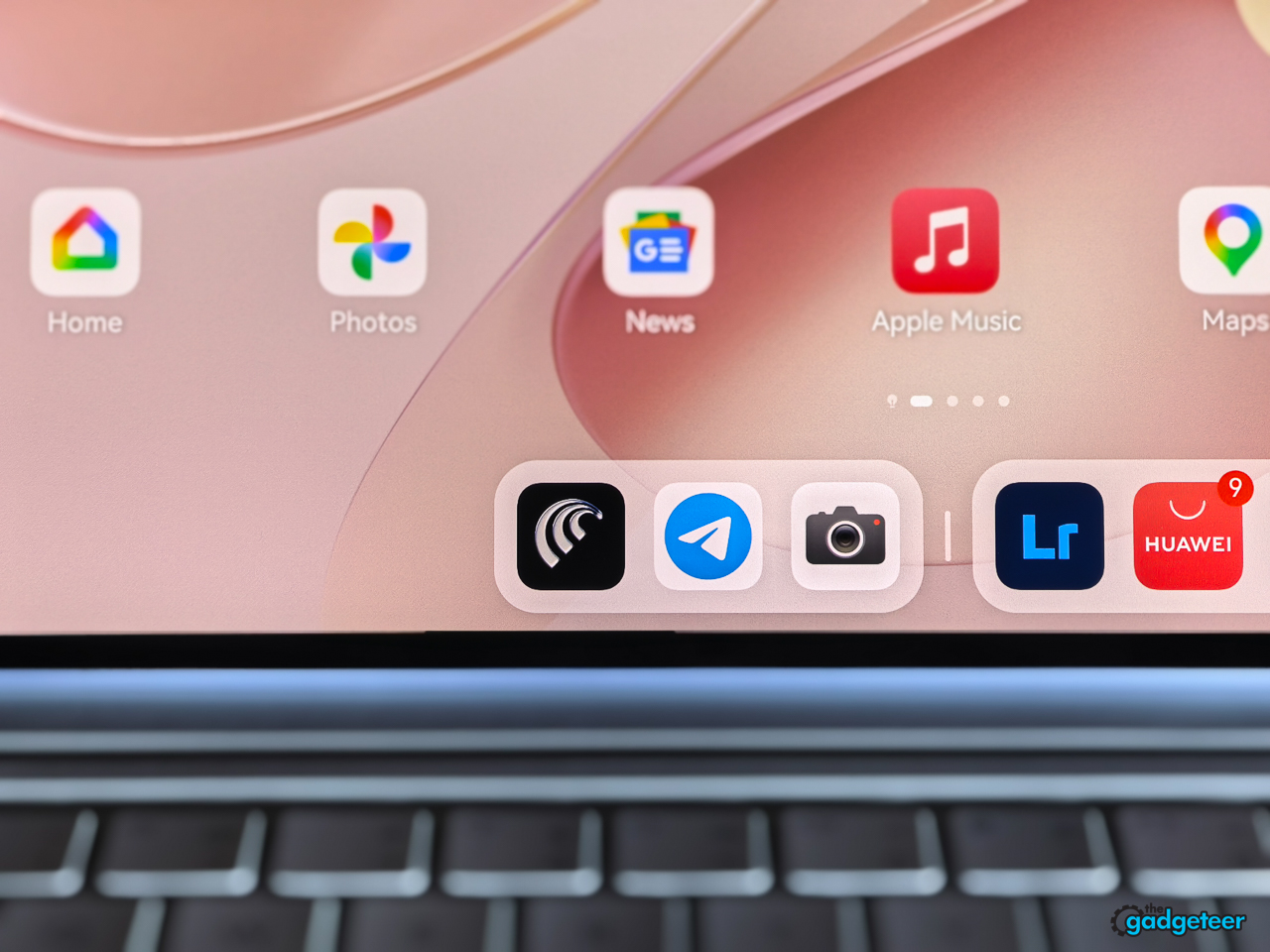
Everything feels intuitive in daily use, including multitasking. Switching between apps and working with multiple windows feels natural on the large display, and I haven’t run into app problems during my testing. In one of my everyday multitasking setups, I had Notepad open beside Photos while the app launcher remained available along the left edge. That arrangement made it easy to move between writing, reviewing images, and opening another tool without losing my place. That’s my experience as someone who uses multiple operating systems regularly, so buyers who depend on specific Google services or specialized apps should still confirm compatibility for their own workflow.
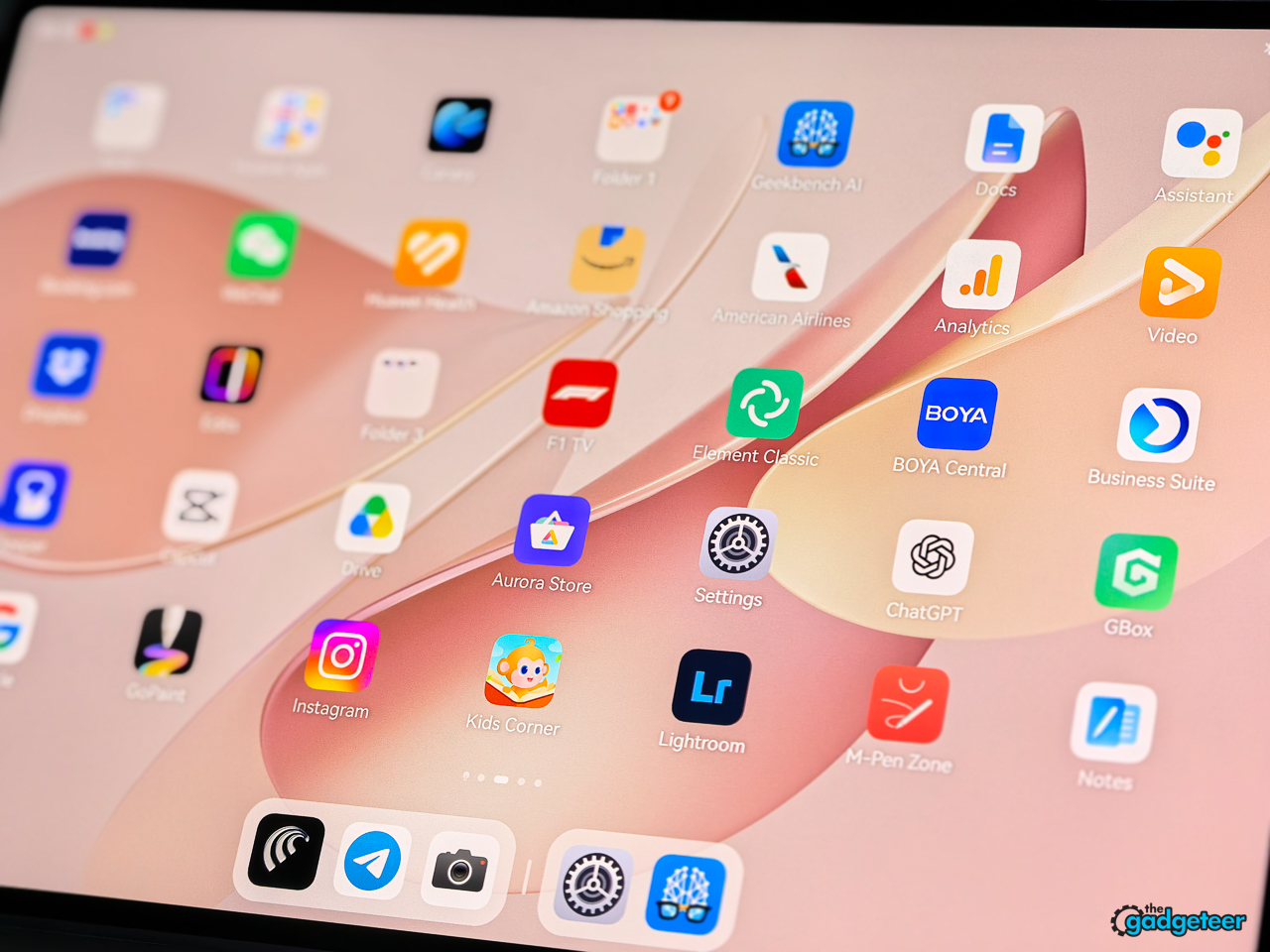
For me, HarmonyOS fades into the background, which is exactly what I want from a tablet operating system.
Performance in my daily workflow
I didn’t use the MatePad Air for benchmarks, gaming, or demanding video-editing tests. My real use was more practical: watching YouTube, handling Gmail tasks, and processing images in Lightroom. I also use Canary for email, along with Elements and Gbox. Everything I needed worked as expected in that workflow.
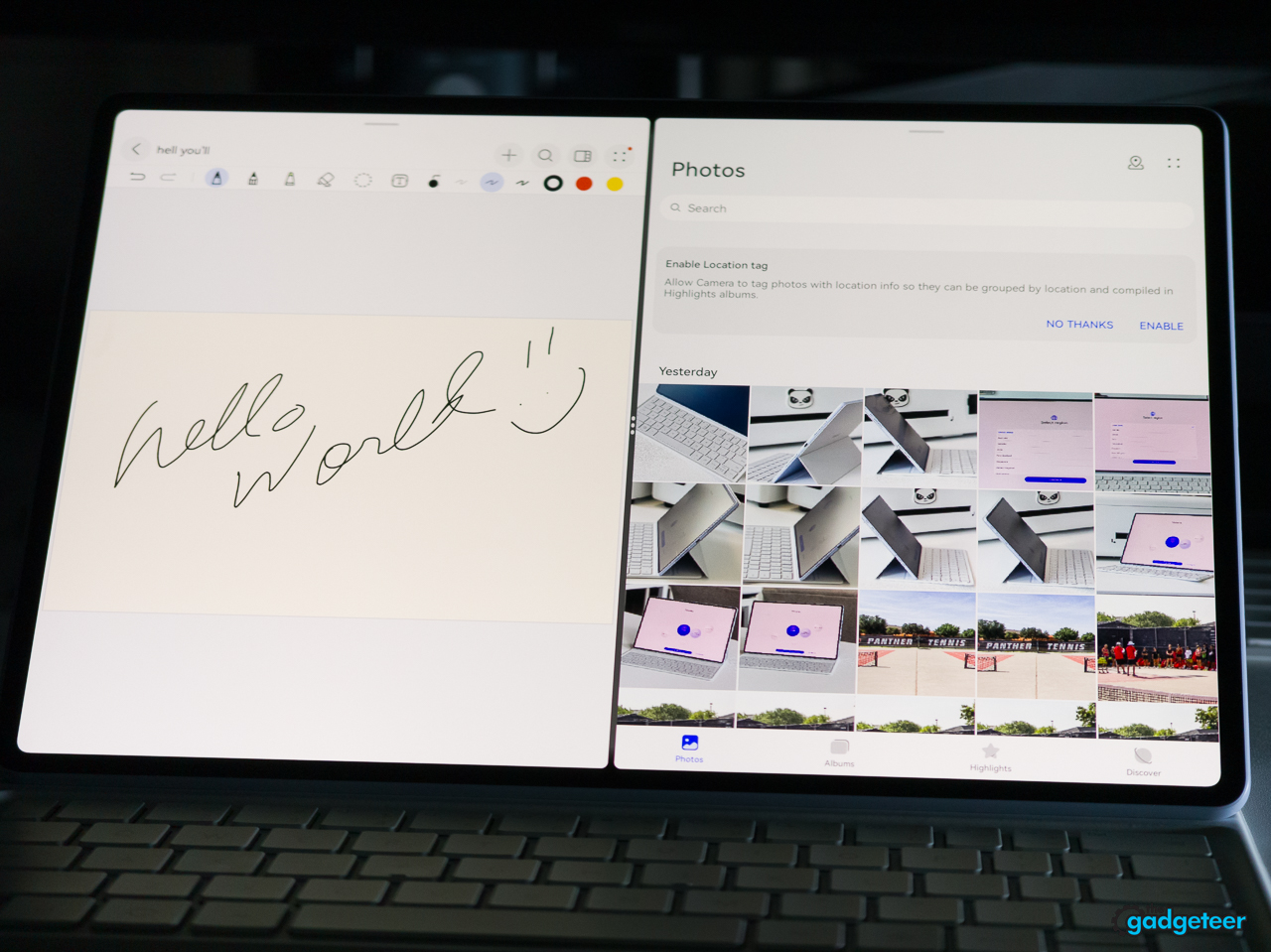
The MatePad Air feels responsive for the kind of work I actually do on a tablet. Apps open, email gets handled, YouTube works, and image processing doesn’t create a problem. That is useful evidence for a daily-productivity review, but it isn’t evidence of how the tablet performs under sustained gaming, 4K video editing, or benchmark workloads. I haven’t tested those scenarios, so I won’t pretend to have a verdict on them.
Battery life and audio
The MatePad Air includes a 10,100 mAh battery and supports 66 W SuperCharge Turbo. Huawei claims up to 16 hours of local HDR video playback and approximately 10 hours of online video playback, with the usual variation based on settings, apps, network conditions, and usage.
My real-world battery experience has been excellent. Over roughly a week and a half to two weeks of normal use, I charged the tablet only three or four times. I use Wi-Fi 7 at home, and the connection works without a problem. Based on my everyday use, the battery life is definitely up there with the iPad, although I haven’t run a controlled battery test.
That impression is consistent with coverage of the closely related MatePad 12 X, which uses the same 10,100 mAh battery capacity. Reviews describe its endurance as a strength, and one published PCMark test recorded 13 hours and 30 minutes. Those results aren’t a substitute for a controlled test of my MatePad Air, but they support the conclusion that my strong battery experience isn’t out of line with the family.
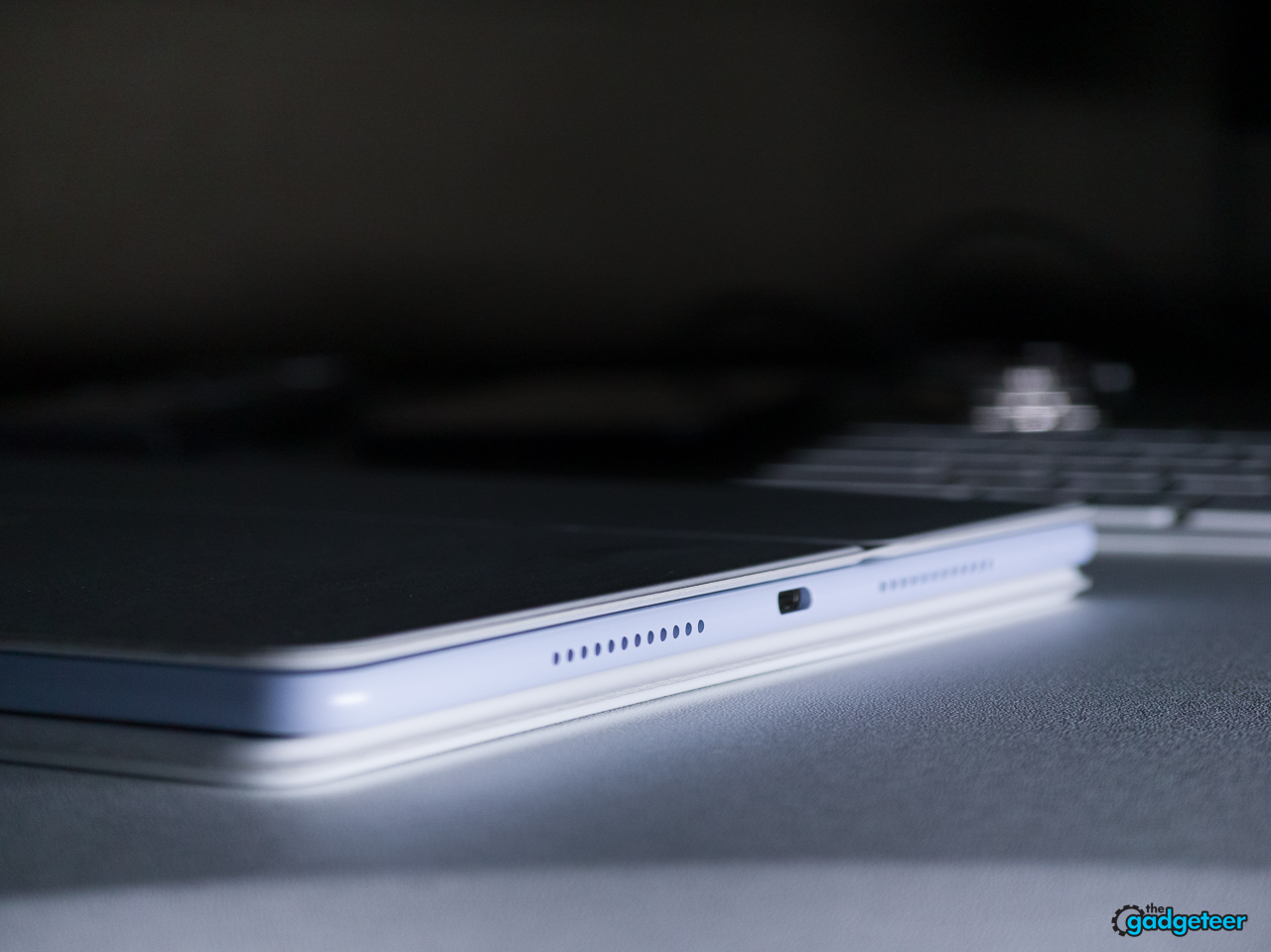
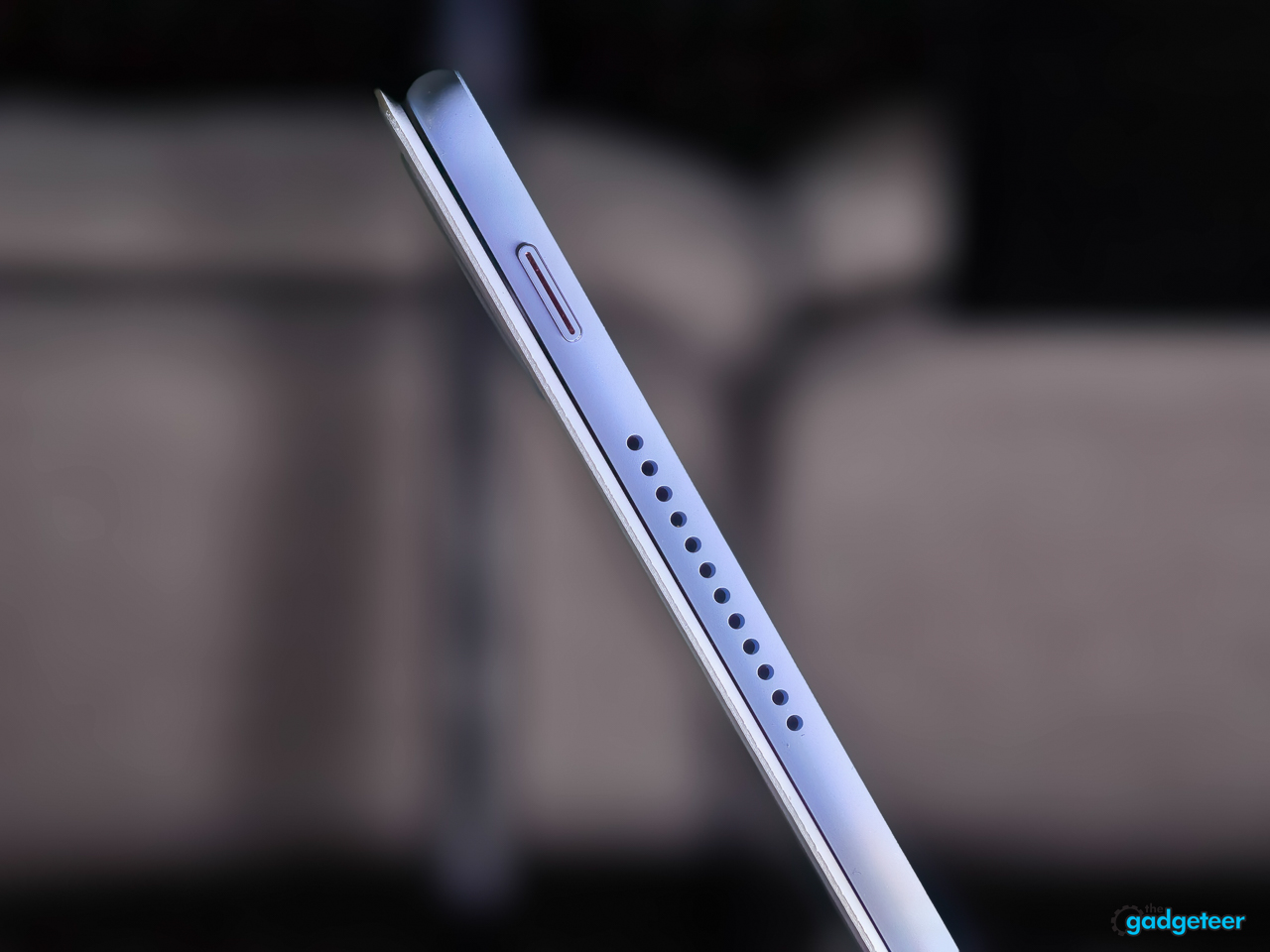
Huawei documents the MatePad Air as having a six-speaker audio system. When I hold the tablet horizontally, I see two speaker grilles on each side, but I’m using Huawei’s documented six-speaker specification for this review rather than trying to infer the internal layout from the outside.
In actual use, I have no complaints. I don’t expect a thin tablet to reproduce the output of dedicated speakers, but the sound is quite good for YouTube and everyday tablet use. That lines up with reviews of closely related MatePad tablets, which consistently describe Huawei’s audio performance as a strength.
Together, the large battery and capable speaker system make the tablet feel equally comfortable as a work device and an entertainment device.
Cameras are present, but they weren’t part of my testing
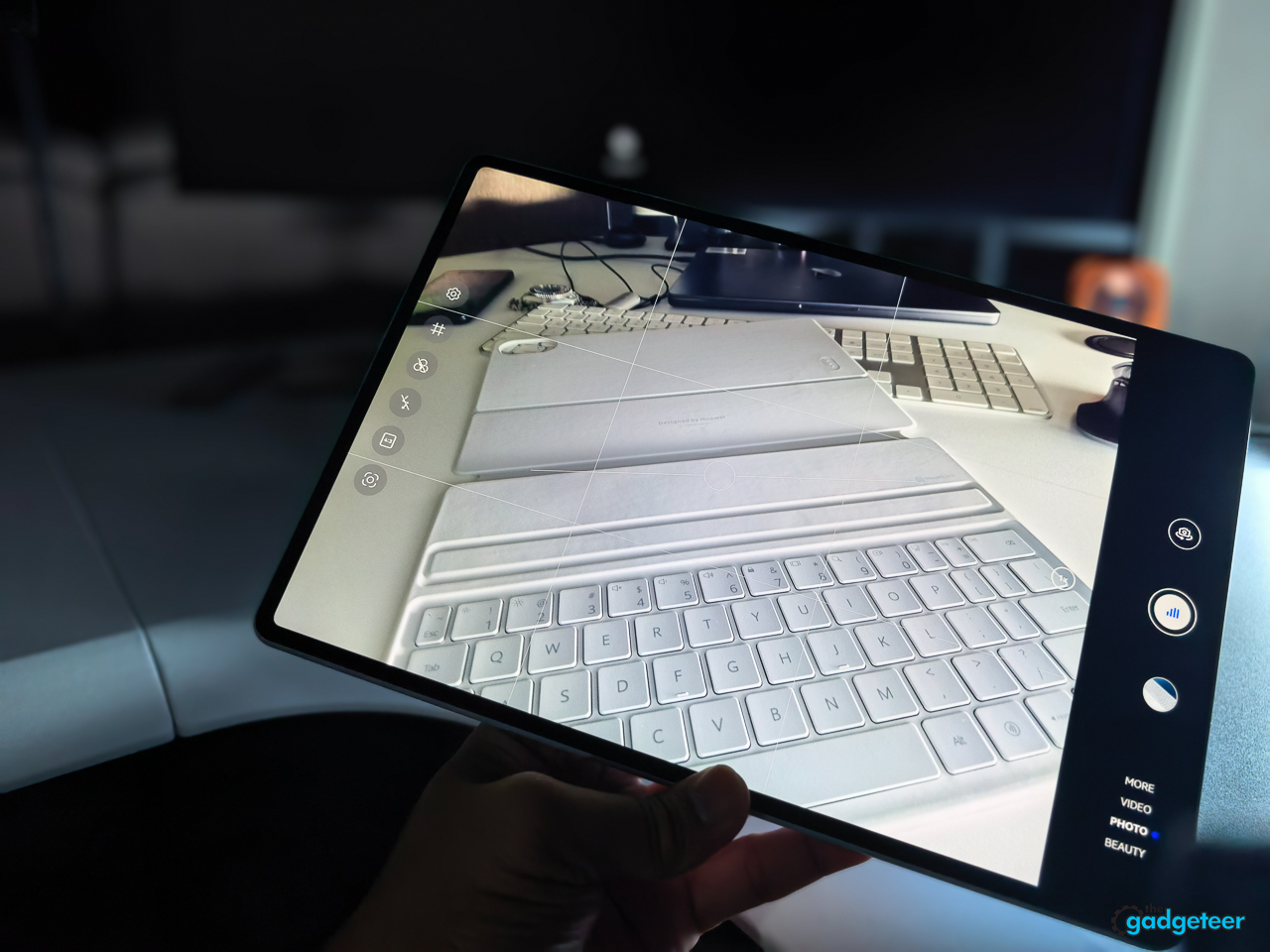
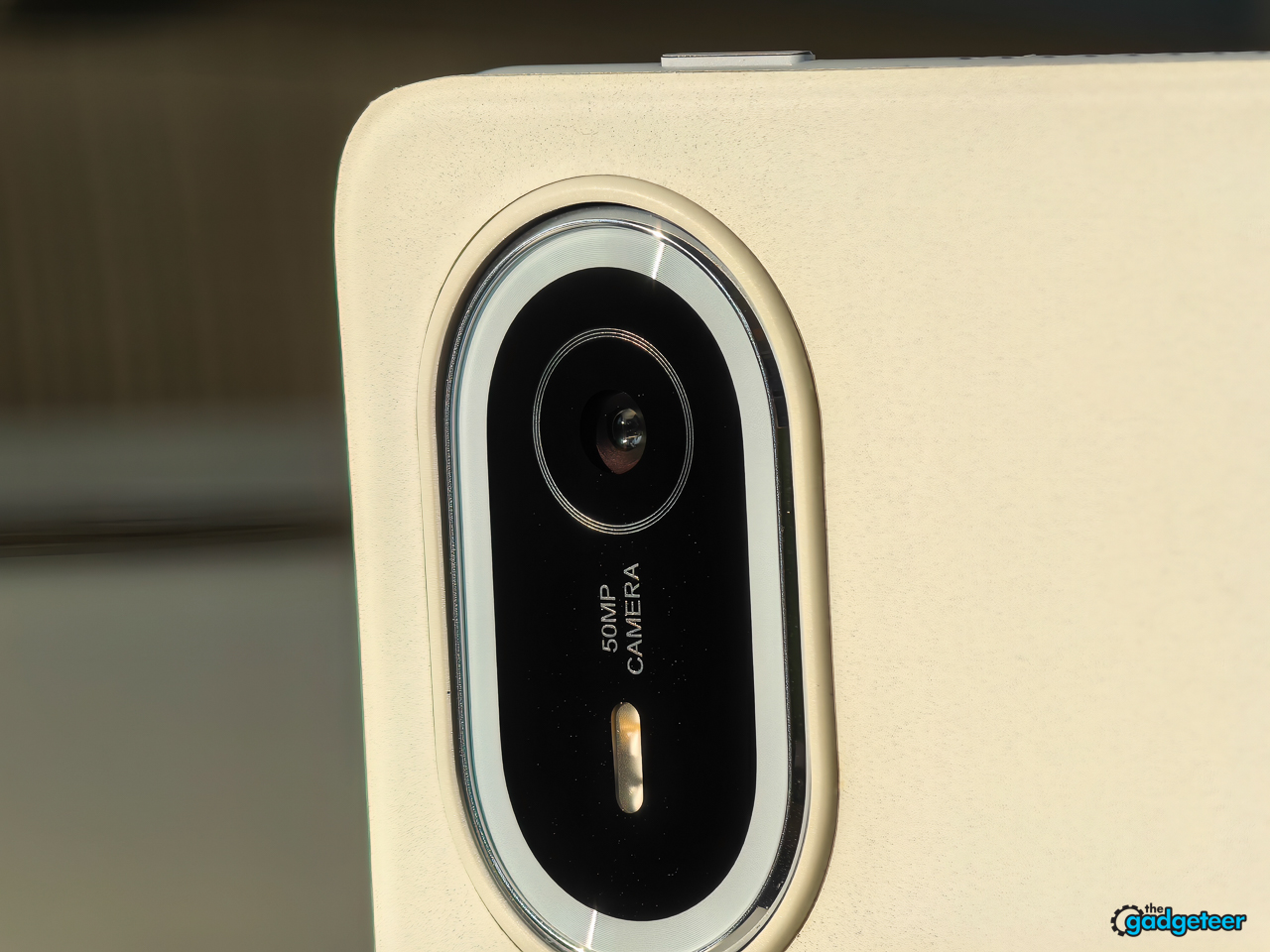
The MatePad Air includes front and rear cameras, and Huawei positions them for video calls, document capture, and everyday reference photos. I don’t use a tablet as a camera, so I didn’t put the cameras through a full photography test. I did use the rear camera for an indoor reference shot of the tablet and keyboard, and the result looked clear and usable, with good detail across the bright keyboard and tablet surfaces. From what I’ve seen, the cameras aren’t a major weakness for everyday reference images, but this review should not present that as a detailed camera comparison.
App compatibility and the software decision
The MatePad Air does not include Google Play or native Google services out of the box. That is the most important software qualification for buyers coming from a standard Android tablet.
In my case, getting access to Gmail, Google services, Instagram, and the rest of my normal apps was not a major problem. I already use other Huawei devices, so I restored my setup and was able to get back to work. The apps I use behave like the Android apps I’m accustomed to using, and I haven’t run into compatibility problems in my normal workflow.
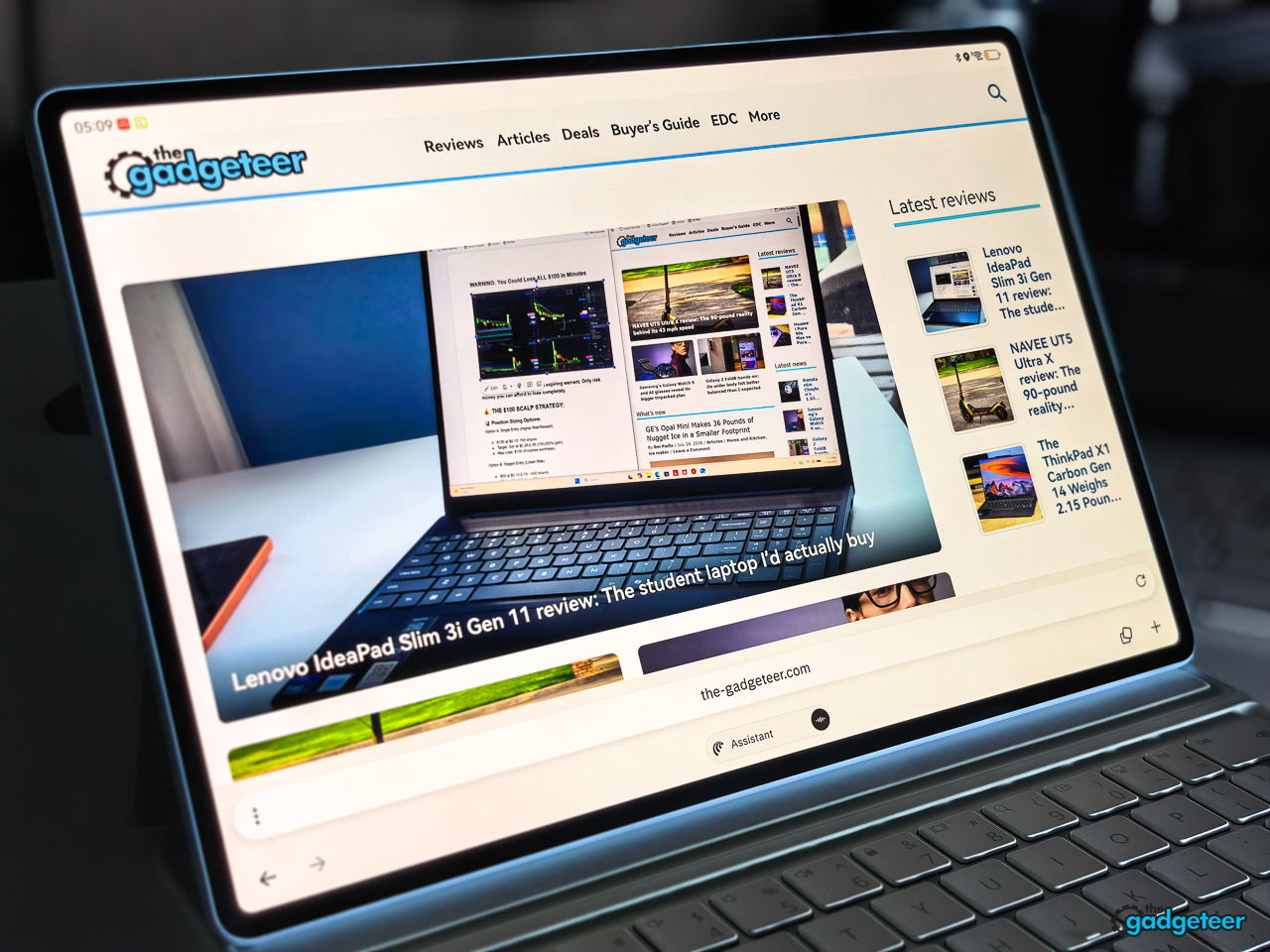
That experience is specific to my existing Huawei setup and comfort level. Other reviewers commonly describe using Huawei’s AppGallery plus web apps, third-party app stores, or tools such as GBox, GSpace, or MicroG to access Google-dependent apps. Those methods can change over time and may involve compromises with notifications, logins, privacy, or app features, so buyers should verify the apps they depend on before purchasing. The MatePad Air isn’t a plug-and-play Google tablet, even though it can fit comfortably into my established setup.
For writing, reading, note-taking, documents, media, and everyday productivity, the MatePad Air feels focused and capable. The software decision deserves to be made deliberately rather than assumed.
Editor’s Choice
Editor’s Choice: A beautifully portable tablet with an exceptional everyday experience.
Who should buy the MatePad Air?
Buy the HUAWEI MatePad Air if you want:
- A large OLED display in an exceptionally thin and light body
- A more comfortable screen for reading and writing
- A strong tablet and keyboard combination for reading, work, and media
- A keyboard setup that adds serious productivity without turning the tablet into a laptop clone
- A premium tablet that feels distinctive instead of interchangeable
Choose another tablet if your workflow depends on software that Huawei’s ecosystem does not support well.
Verdict
The HUAWEI MatePad Air is one of the most exciting tablets I’ve used because it understands what makes a tablet enjoyable.
It isn’t thin just for the sake of being thin. Its low weight makes the 12-inch screen easy to carry, and the OLED PaperMatte display stays comfortable to use in my bright sunroom office. The keyboard adds real productivity without taking away the tablet experience. I didn’t receive the M-Pencil Pro, so its creative workflow remains outside the scope of this review.


The MatePad Air and my iPad Pro are different devices, so I don’t think a direct comparison would help readers. The MatePad Air stands on its own with a lightweight design, excellent battery life, a comfortable keyboard setup, a bright and easy-to-see display, and software that feels natural in my workflow.
I love using the HUAWEI MatePad Air, and it has earned The Gadgeteer’s Editor’s Choice recommendation. Outside of the missing M-Pencil Pro and the need to work around the lack of native Google Play, I haven’t found a meaningful limitation in my workflow. For the way I use a tablet, the MatePad Air is as good as it gets.
Price and availability
Current European launch coverage lists the MatePad Air at €849 for the 8GB/256GB standard model with keyboard, €899 for the 8GB/256GB PaperMatte Edition with either a keyboard or M-Pencil Pro, and €999 for the 12GB model with keyboard. I have not confirmed a U.S. retail price or availability, so this review should not present a U.S. price until Huawei provides one or a verified local listing is available.