Back to school shopping season means one more line item competing with school supplies, new shoes, and lunch money: a tablet. Prices on the most popular models are dropping right now, and the gap between the cheapest and priciest picks in this roundup is more than $270, which means the real decision isn’t whether you can afford a tablet. It’s picking the right one for the student who’ll actually use it.
We looked at five tablets that cover every likely need, from a $128.99 entry-level Samsung for a middle schooler who mostly needs Netflix and Google Docs, up to Apple’s $399 iPad for a college student who wants the deepest app selection and Apple Pencil support. Here’s how they stack up.
The Budget All-Rounder: Samsung Galaxy Tab A11
Most tablet buyers heading back to school don’t need a thousand-dollar iPad Pro. They need something that plays Netflix between classes, handles Google Docs for assignments, and doesn’t trigger a panic attack if it gets dropped in a backpack. The Samsung Galaxy Tab A11 is that tablet.
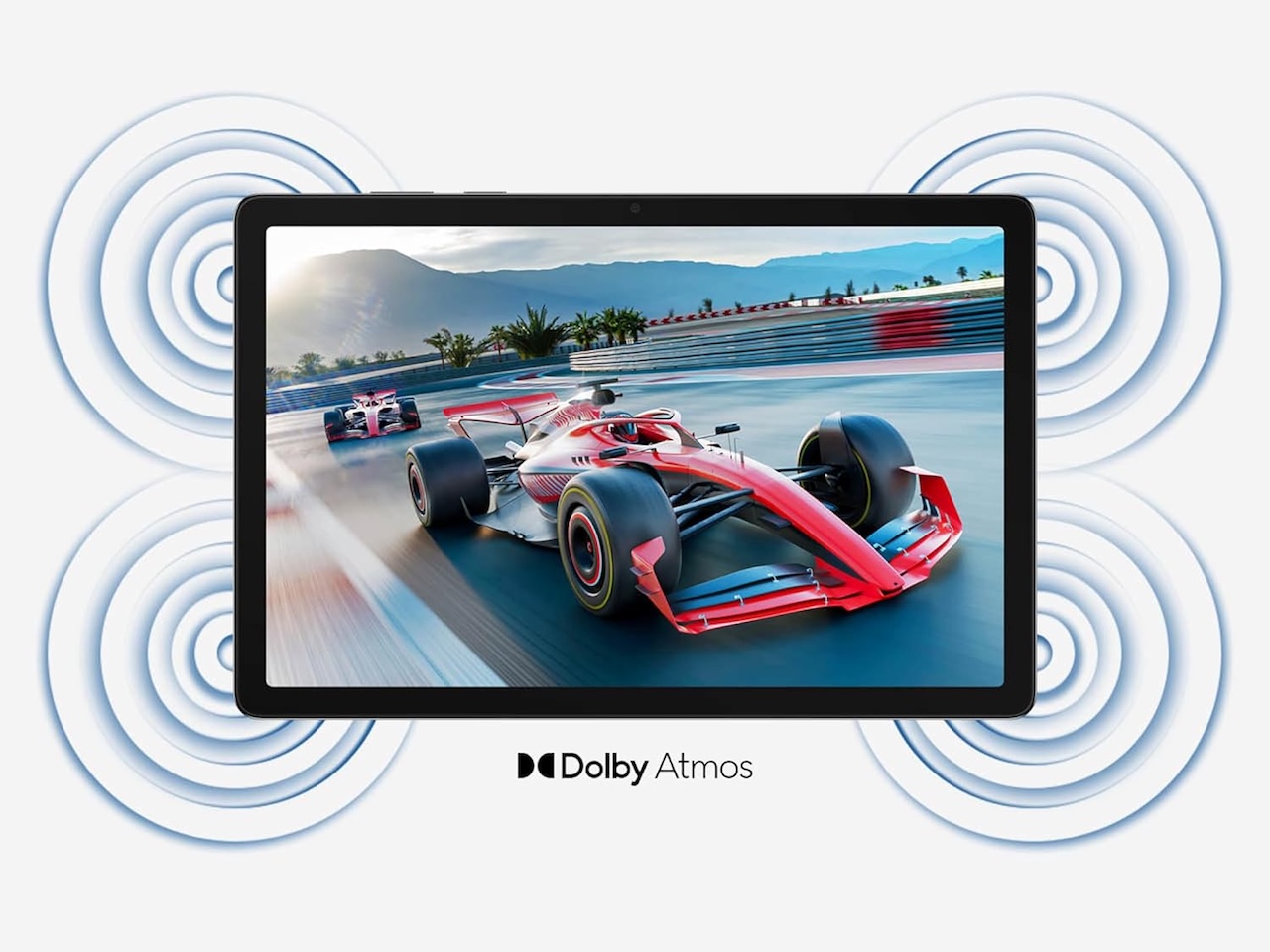
Rating: 4.4 out of 5 (180+ verified ratings) | Specs: 8.7-inch display, 64GB storage, 4GB RAM, expandable via microSD, MediaTek Helio G99, all-day battery. This is the cheapest entry point into a recognized brand tablet that actually runs the apps a student needs.
Where it shines: Battery life that lasts a full day of classes. Expandable storage means students don’t hit the dreaded Not Enough Storage wall mid-semester. The 8.7-inch size fits in most backpack sleeves and is comfortable for one-handed reading.
The tradeoff you need to know: The base model ships as an International Version in the US, so warranty support is different from the domestic Samsung warranty. The 8.7-inch screen is fine for reading but tight for split-screen multitasking. Buy this for a middle school or high school student, not a college student running heavy apps.
❗Price: $128.99
Where to Buy: Amazon
The Mid-Range Sweet Spot: Samsung Galaxy Tab A11+
Step up to the Tab A11+ if you want a bigger screen and enough horsepower for serious note-taking. The 11-inch display and 6GB RAM make this a viable laptop substitute for a day of classes. Samsung’s One UI multitasking lets you run two apps side by side, which is the difference between a content-consumption tablet and a productivity tool.
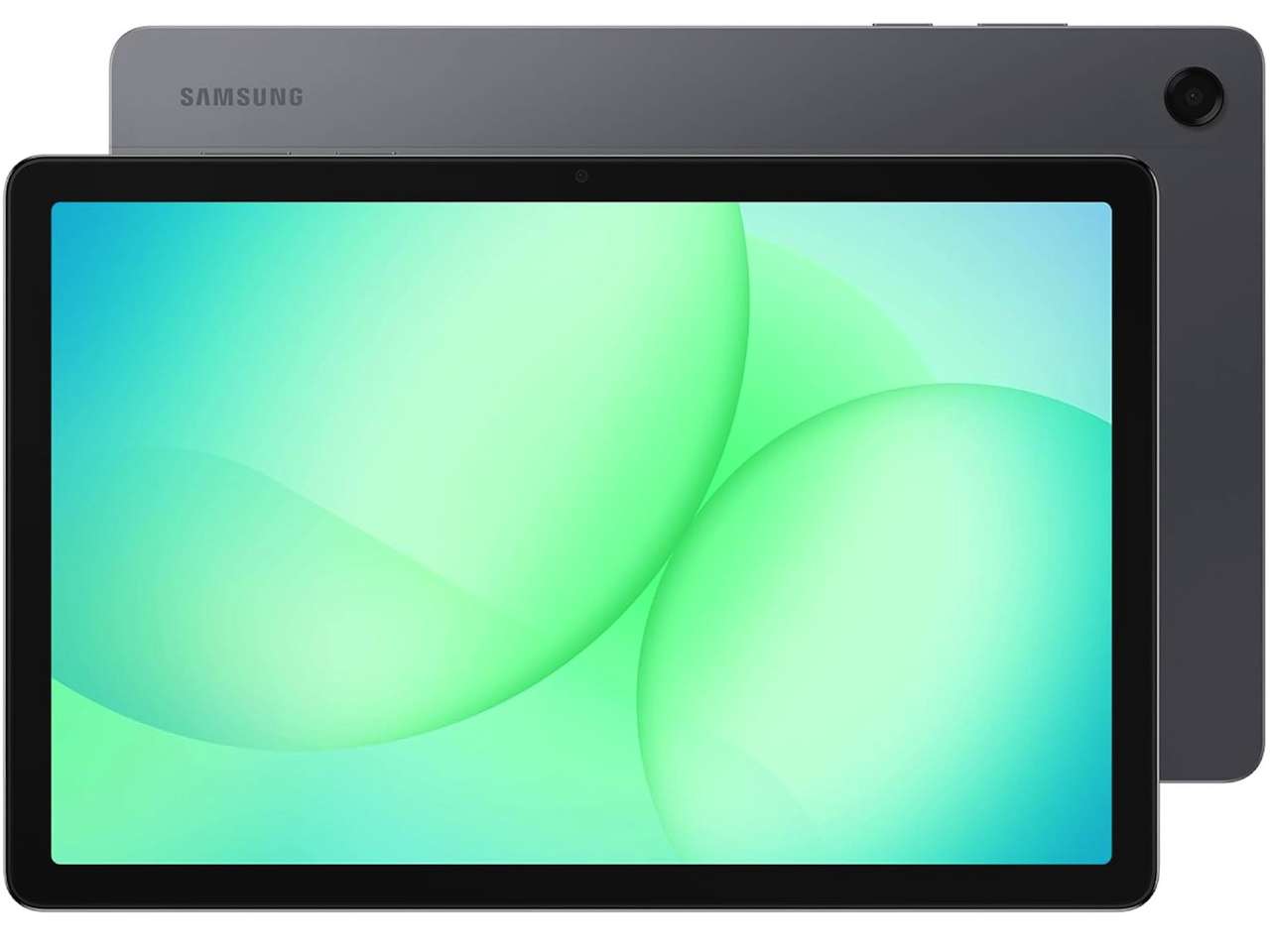
Rating: 4.6 out of 5 (1,700+ ratings) | Amazon’s Choice. Specs: 11-inch 90Hz display, 128GB storage, 6GB RAM, Dolby Atmos quad speakers, AI Assist, all-day battery. This is the best value tablet Samsung sells right now.
Where it shines: The 11-inch screen at 90Hz refresh feels noticeably smoother than the base model for scrolling through textbooks and web pages. Quad speakers with Dolby Atmos make lecture recordings and study music sound genuinely good. AI Assist features include real-time transcription and translation that help in the classroom.
The tradeoff you need to know: You’re still in the Android tablet ecosystem, which means app selection for tablet-optimized apps is thinner than what iPad users get. If your school uses specific iOS-only apps, this is the wrong choice. The S Pen isn’t included.
❗Price: $249.99
Where to Buy: Amazon
The Big-Screen Experience: Samsung Galaxy Tab A11+ (256GB)
Some students need more storage. If your curriculum includes video editing, photo work, or downloading entire textbook libraries, the 256GB version removes the anxiety of running out of space mid-semester. This is the same Tab A11+ hardware but with double the room and a silver color option.
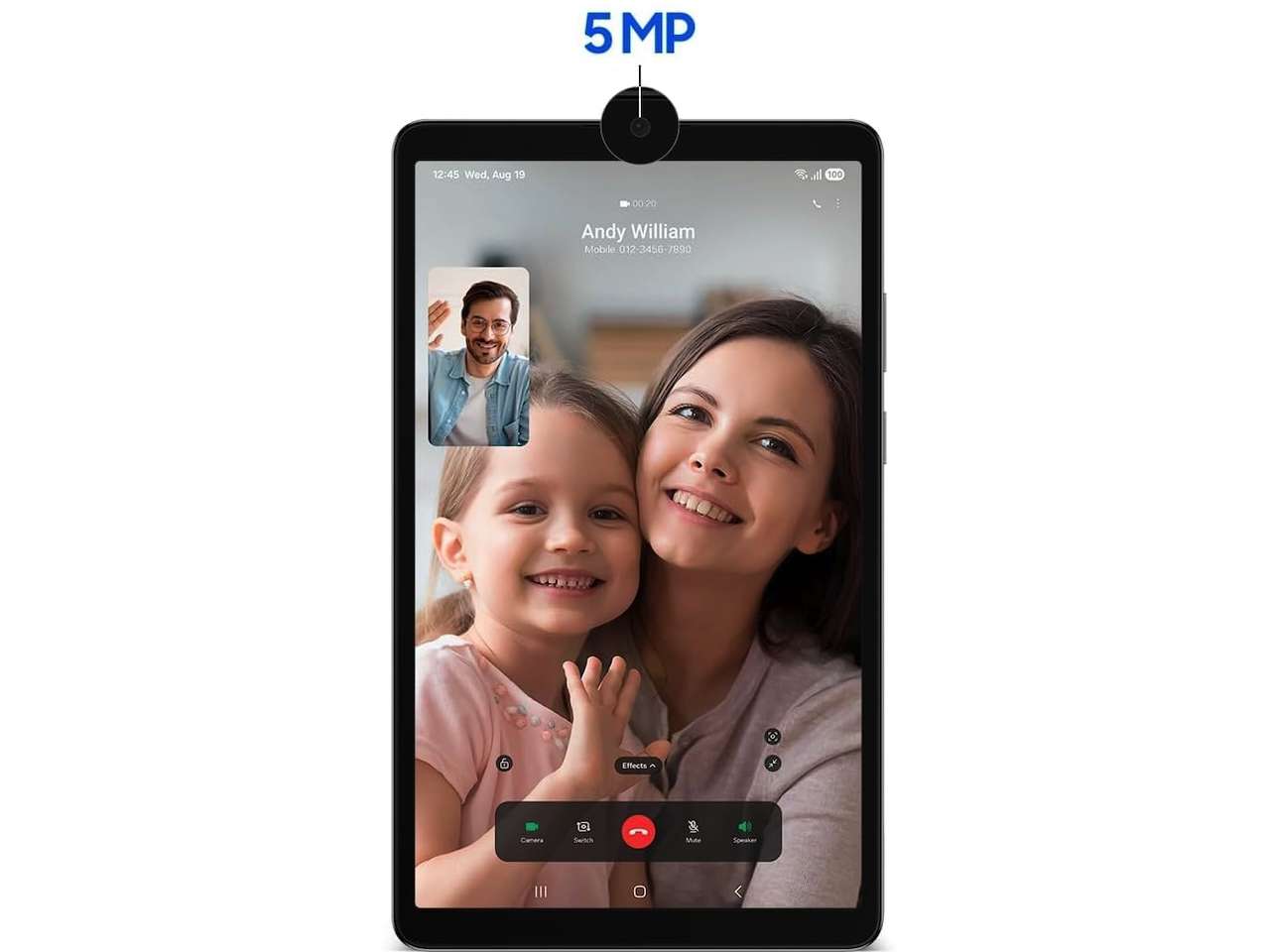
Rating: 4.6 out of 5 (shared 1,700+ rating base) | Specs: Same 11-inch 90Hz display, 256GB storage, 8GB RAM, Dolby Atmos quad speakers. The extra RAM (8GB vs 6GB) helps when running multiple research tabs and a note-taking app simultaneously.
Where it shines: Creative students who edit video, work with large PDF textbooks, or run resource-heavy study apps will appreciate both the extra storage and the RAM bump. The 90Hz display makes scrolling through long articles and documents noticeably smoother than a standard 60Hz tablet.
The tradeoff you need to know: At $330, you’re approaching entry-level iPad territory. If your school ecosystem leans Apple, the base iPad at $399 may be the smarter long-term investment, even though it has less storage. The Android vs iOS decision is the real question here, not the specs.
❗Price: $329.99
Where to Buy: Amazon
The Amazon Budget Champion: Fire HD 10 (64GB)
Amazon’s Fire HD 10 is the cost-conscious pick for students whose tablet needs center on reading, streaming, and lightweight browsing. At $180, it is $70 cheaper than the entry-level iPad and includes a 10.1-inch Full HD screen that is genuinely good for its price range.
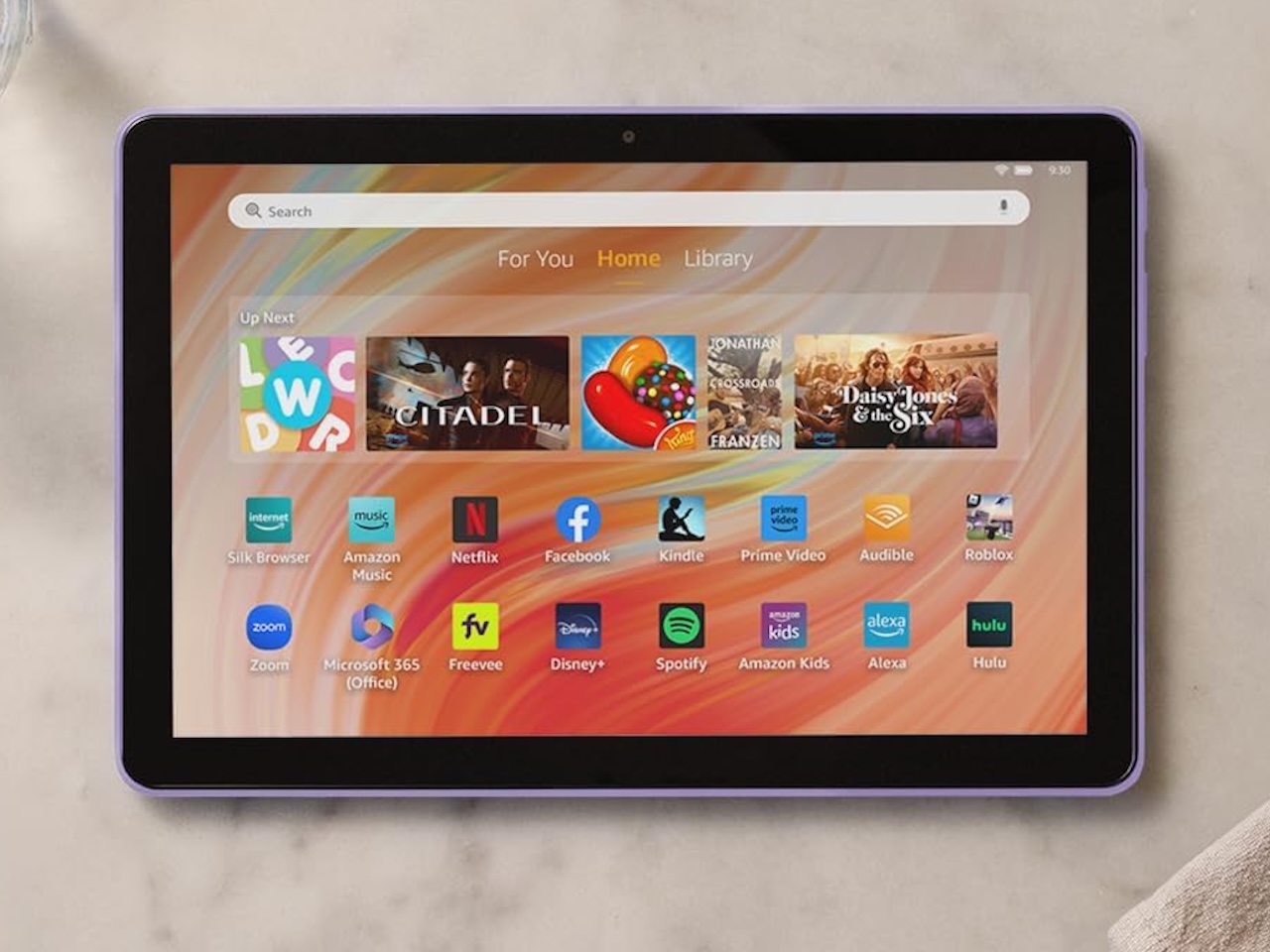
Rating: 4.5 out of 5 (43,000+ ratings) | Specs: 10.1-inch 1080p Full HD display, octa-core processor, 3GB RAM, 64GB storage, 13-hour battery life.
Where it shines: Price. $180 is hard to beat for a 10-inch Full HD screen backed by 43,000 reviews. If the primary use is reading textbooks on Kindle, watching lecture recordings, and browsing the web, this is all the tablet a student needs. Amazon’s Kids bundle versions add a rugged case and 2-year worry-free guarantee.
The tradeoff you need to know: This isn’t a full Android tablet. It runs Fire OS (Amazon’s Android fork), which means no Google Play Store access. You’re limited to Amazon’s Appstore. For schools that require Google Classroom, specific Android apps, or any Google services, this is a dealbreaker. Buy this only for reading and media consumption.
❗Price: $179.99
Where to Buy: Amazon
The Student Standard: Apple iPad 11-inch (A16, 128GB)
The iPad remains the default recommendation for most students for a reason. Apple’s education ecosystem is mature, the app selection for tablet-optimized software is unmatched, and the A16 chip delivers performance that will feel fast three years from now. At $399, the 128GB base model is the benchmark every other student tablet is measured against.
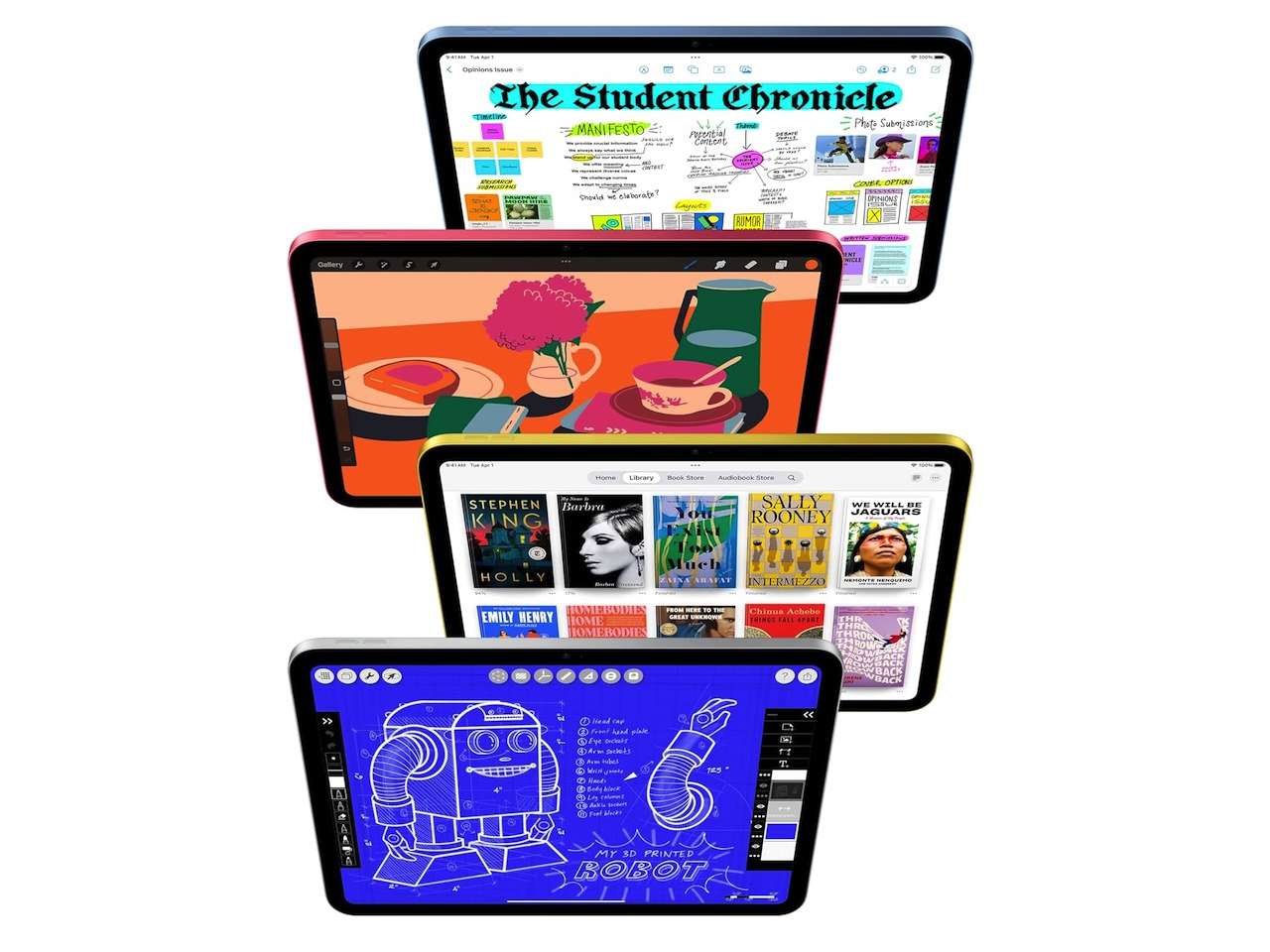
Rating: 4.7 out of 5 (26,000+ ratings) | Amazon’s Choice. Specs: 11-inch Liquid Retina display, A16 chip, 128GB storage, Wi-Fi 6, 12MP front and back cameras, Touch ID, all-day battery. Apple pencil (1st gen) support.
Where it shines: The App Store. Students who need specific apps for their coursework will find them on iPad. The Apple Pencil support turns the iPad into a handwritten note-taking device that replaces paper notebooks. For a deeper look at how it stacks up against other note-taking options, see our best tablet for note taking guide. Apple’s Back to School promotion (through the Apple Education Store) frequently adds a gift card on top of the education pricing.
The tradeoff you need to know: At $399, this is the most expensive pick in this roundup. The base 128GB isn’t expandable, so students who download lots of videos or large files may hit the limit. The iPad 11th gen uses the first-gen Apple Pencil (Lightning connector), which requires an adapter with the USB-C iPad. Consider the iPad Air if you need the newer Pencil Pro.
❗Price: $399
Where to Buy: Amazon
Which Tablet Should You Buy?
Match the tablet to the student, not the spec sheet. For elementary and middle school students, the Fire HD 10 at $180 is the right call. The price is low enough that a lost or damaged tablet isn’t a crisis, and the reading and video capabilities cover everything a younger student needs.
For high school students, the Samsung Galaxy Tab A11+ at $250 hits the sweet spot. You get a big 11-inch 90Hz screen, expandable storage, and enough RAM for multitasking between a browser, a note app, and a music stream. The Android app gap matters less for high schoolers than it will once they reach college.
For college students, the iPad at $399 is the safe bet. The app ecosystem is better, the Apple Pencil changes how you take notes, and the four-year software support means this tablet lasts through graduation. The Samsung Tab A11+ 256GB at $330 is the Android alternative for students who prefer the Google ecosystem or need the expandable storage. For a wider look at this year’s back-to-school tech, including laptops and accessories, check our full Back-to-School Tech Deals 2026 roundup.