CES 2026 NEWS – Meeting bots have become the digital equivalent of that colleague who announces their presence a little too loudly. They join your Zoom with a megaphone notification, make external clients visibly uncomfortable, and occasionally get blocked by IT departments before they can even do their job. The friction is real. The popular alternatives (Fireflies, Otter, Read.ai) solve transcription, but they still require something to join your call and announce itself. Plaud built something different.
Nothing joins. The recording happens entirely on your machine, invisible to everyone else in the meeting.
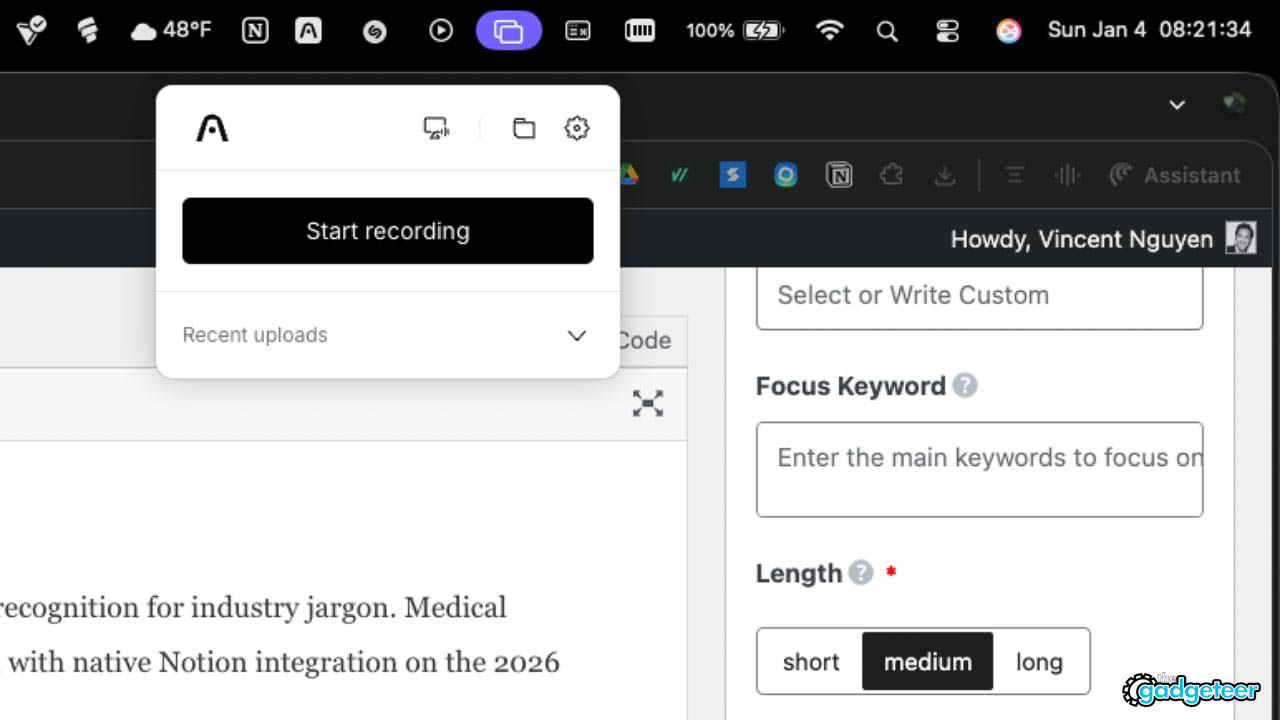
Running quietly in the background, the app detects when you enter a Zoom, Google Meet, or Microsoft Teams call and records with a single click. No bot joining. No host permissions required.
For the past two and a half years, Plaud has built hardware and software for in-person conversation capture, growing to over 1.5 million users globally. This desktop application completes what the company calls their “360-degree capture” promise. If you already use a NotePin for face-to-face conversations, Plaud Desktop means the same AI memory follows you through both worlds. Rather than fragmenting your meeting intelligence across different tools and platforms, the app merges virtual meeting recordings with real-world NotePin recordings into one continuous archive. You can search across weeks and months of conversations, ask questions that span different meeting types, and build an actual running record of your professional life. The continuity feels natural rather than forced. One early beta tester named Jeff put it simply: “Plaud Desktop lets me stay fully in the moment while it handles taking notes.”
Add The Gadgeteer as a preferred source to see more of our coverage on Google.
Why Bots Break the Room
When you invite an external client or prospect to a video call, having a bot join with a recording announcement immediately shifts the dynamic. The conversation becomes guarded. The client wonders who else might be listening. In some corporate environments, security policies outright block these bots from joining, leaving you scrambling for alternatives mid-call.
Sales professionals feel this friction acutely: the bot joins, the megaphone blares, and suddenly you are explaining your tech stack instead of closing a deal. Plaud’s user base echoed this consistently. The desktop app eliminates the friction entirely by capturing audio natively from your computer, never joining the call as a participant.
What You Actually Get
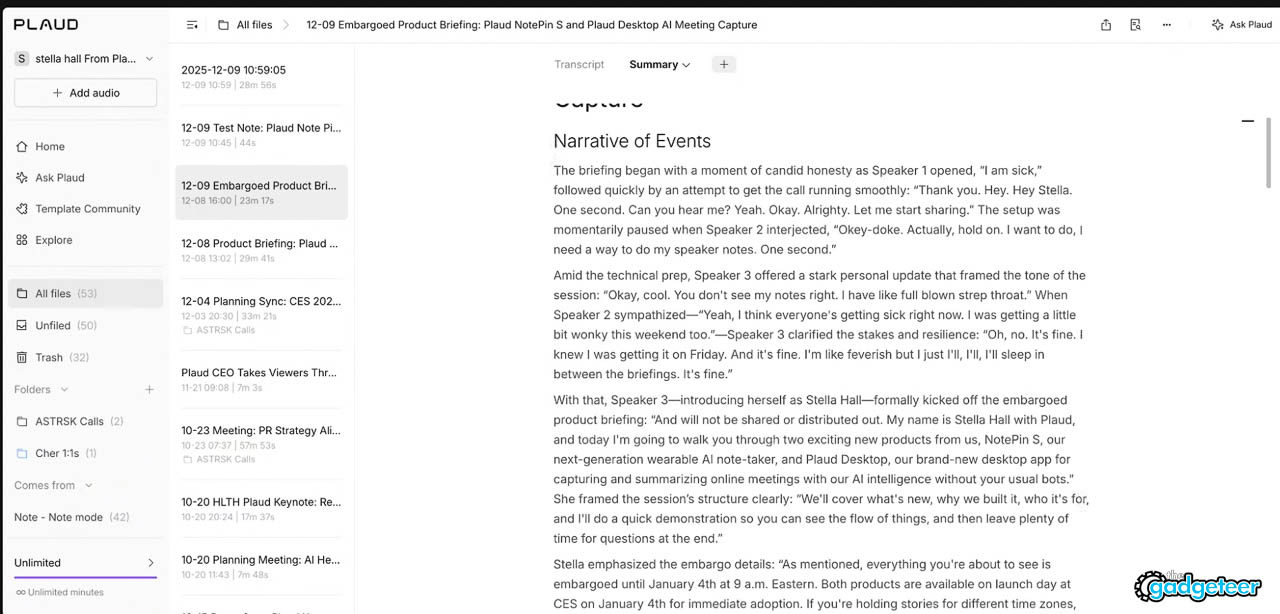
Once a meeting concludes, the recording produces three outputs: raw audio for archival, a full transcript with speaker identification across 112 languages and dialects, and a structured summary organizing decisions, action items, risks, and key quotes. Processing happens fast, with summaries appearing within seconds.
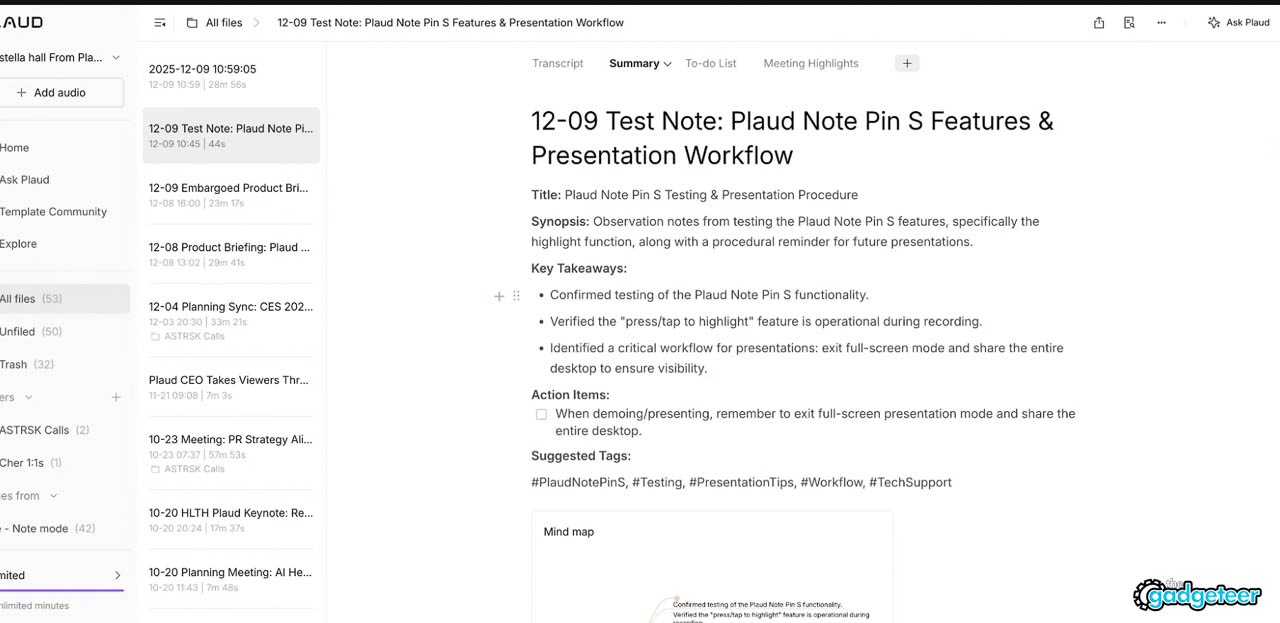
During the meeting, a feature called Press to Highlight lets you flag important moments in real time. If someone mentions a critical number, makes a commitment, or says something quotable, you tap a button and the AI treats that moment as an anchor for emphasis in the final summary. This solves one of the fundamental problems with AI summarization: the system cannot know what you personally care about unless you tell it. The catch: you still need to be present and attentive enough to tap the button. Distracted participants get distracted summaries. For output flexibility, Plaud offers over 10,000 user-created templates organized by role and industry, plus multiple AI model options for regeneration.
Under the Hood
Running on the same Plaud Intelligence engine that powers the company’s hardware, the desktop app delivers consistent transcription quality and custom vocabulary recognition for industry jargon. Medical professionals using acronyms and specialized terminology get accurate transcripts rather than mangled guesses. Zapier integrations connect to existing workflow tools, with native Notion integration on the 2026 roadmap.
Privacy architecture matters here. Plaud maintains enterprise-grade security with encrypted data, user-controlled retention and deletion, and compliance certifications that enterprise IT departments require. This is not a casual consumer app with unclear data policies.
Who This Is Actually For
The clearest use case emerged from an unexpected story. A father whose newborn spent four weeks in and out of hospitals used his NotePin to record every consultation with doctors.
In the fog of new parenthood combined with sleep deprivation and life-threatening conversations, nothing got lost. Plaud Desktop extends that same capability to virtual medical appointments, remote consultations, and telehealth calls. Sales teams capture prospect meetings and export structured summaries directly to Salesforce; journalists regenerate briefing notes as narrative drafts. The flexibility means the same recording serves different purposes depending on who needs the information.
Who Should Skip This
If you work in environments where recording is prohibited or culturally inappropriate, this tool creates problems, not solutions. Legal and compliance-heavy industries with strict documentation requirements need purpose-built solutions with specific audit trails, not general-purpose capture. Users who prefer meeting bots specifically because they signal transparency should stick with that approach. And if you rarely attend virtual meetings, this solves a friction you do not have. The tool is sharp for a specific use case; outside that use case, it becomes clutter.
Availability
Plaud Desktop launches January 4, 2026, during CES. The app is free for all existing Plaud subscribers with no additional charge. If you already pay for a Starter, Pro, or Unlimited plan, you download the app and your subscription minutes apply.
Windows and Mac both supported, including Intel and M-chip. For existing Plaud hardware users, adding virtual capture requires nothing more than a download.
📡 CES 2026 Coverage
Want more from the show floor?
We’re covering the biggest announcements, wildest concepts, and gear that actually matters from CES 2026.
Related review
L39 Ultra Slim UV Protective Filter for Leica Q3 43 Q2 Camera with Moisture-Proof Case & Removal Tool 19 Layers Mulit-Coated UV Ultraviolet Filter 99.3% Light Transmission Water Oil Scratch Resistant
(as of April 4, 2026 18:29 GMT -05:00 - More infoProduct prices and availability are accurate as of the date/time indicated and are subject to change. Any price and availability information displayed on [relevant Amazon Site(s), as applicable] at the time of purchase will apply to the purchase of this product.)