REVIEW – After reviewing both the JLab Epic Lab Edition Earbuds and the JLab Epic Air Sport ANC earbuds, I concluded that, while JLab makes fun, affordable products, they face serious competition. When given a choice, I would rarely choose the JLab earphones. This is my first JLab speaker review. The Jlab Epic Party speaker is a large speaker designed for get-togethers, both indoors and outdoors. But like the earbuds I reviewed, can they compete with the rest?
⬇︎ Jump to summary (pros/cons)
Price: $189.99
Where to buy: Amazon

What is it?
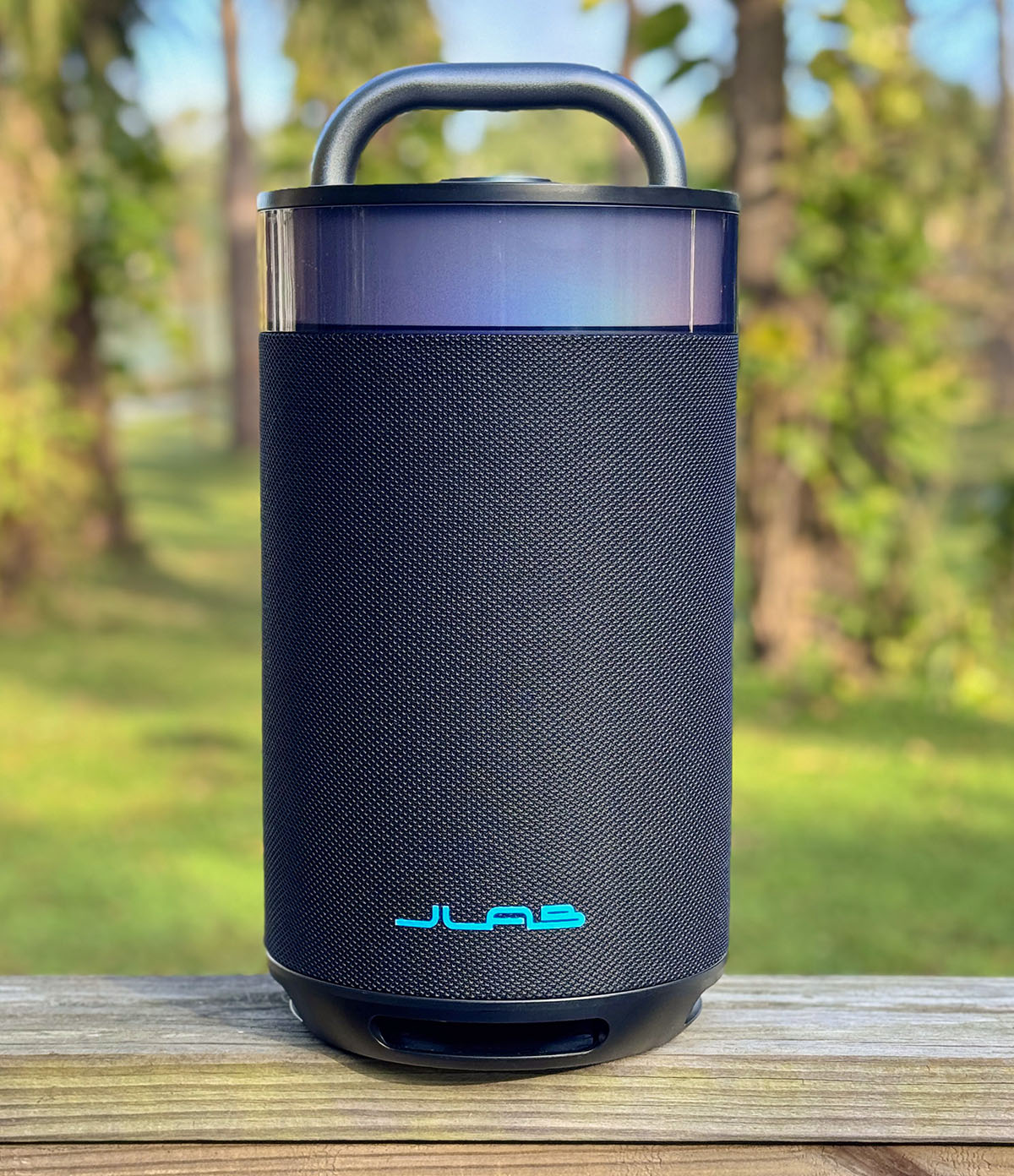
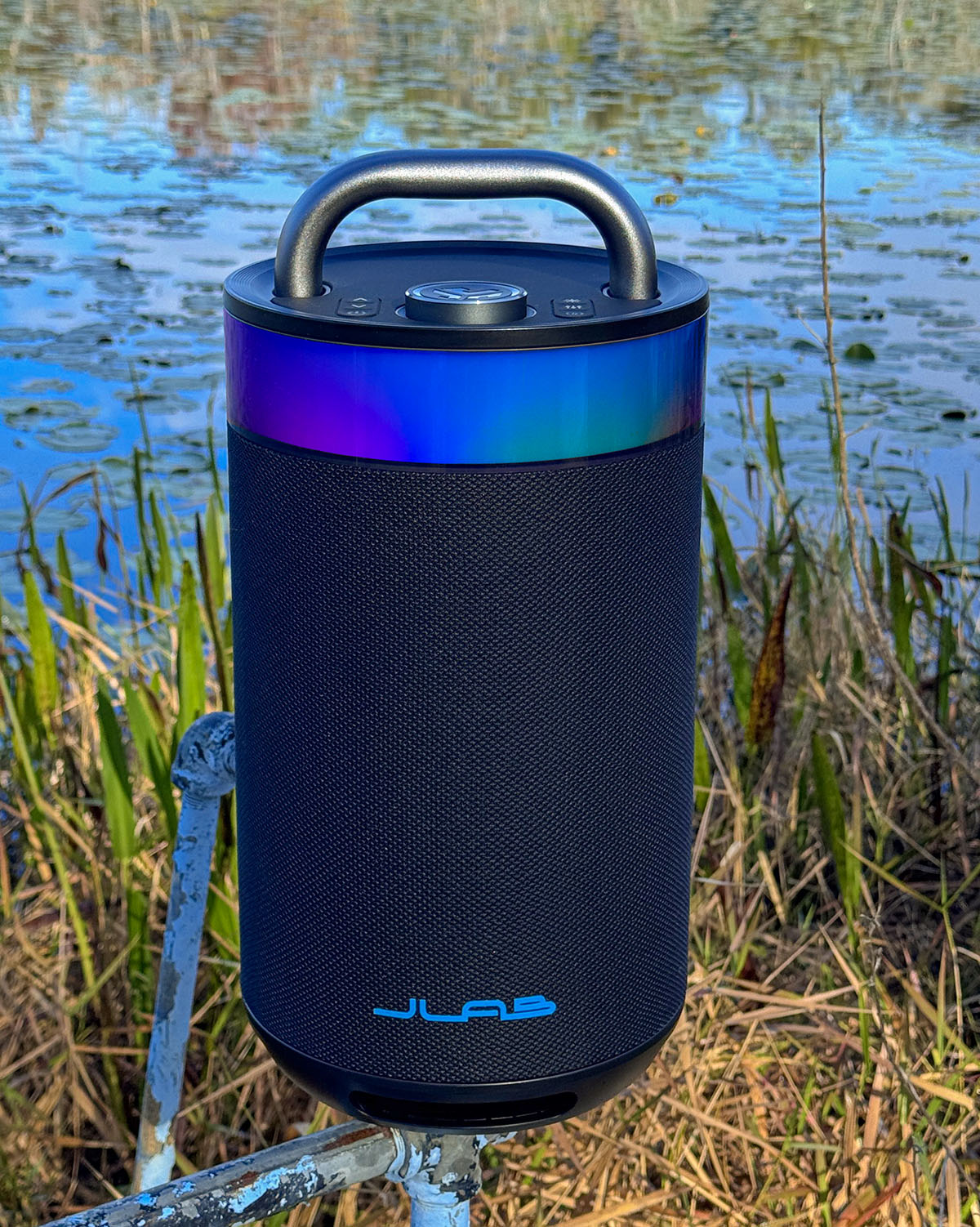
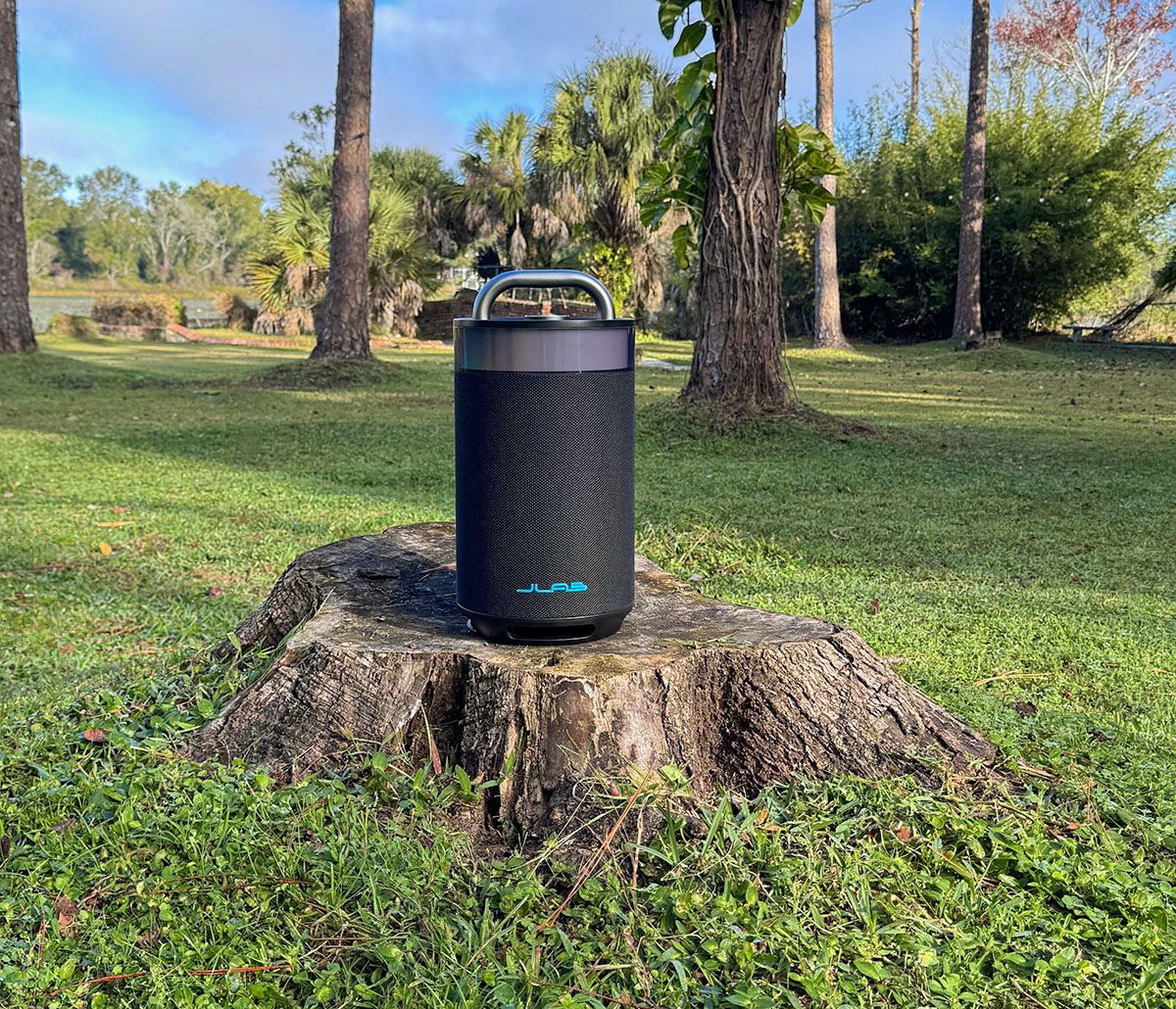
The JLab Epic Party speaker belongs to the “Epic” family of audio products. The Party is the most prominent speaker JLab makes. It’s a round shape that emits 100 watts of sound in a 360° radius. Customizable lighting can be set to the beat, adding a disco feel to party tunes.
Four drivers plus a passive woofer round out the speakers, providing up to 16 hours of playtime (depending on volume, signal, etc.)
Ports include a USB-C port for charging and a USB-C port for charging a smart device. Ports include AUX and a MIC input for karaoke. A built-in equalizer (EQ) button is included with four settings (explained later in this review).
The Epic Party speaker has an IP56 waterproof rating (protected against harmful dust and powerful, high-pressure water jets). However, it is not submersible.
Up to 100 Epic Party speakers can be synced. More on that later in this review.

What’s included?
- Bluetooth Speaker
- Charging Cable
- User Guide
Tech specs
- Height: 16.4 in.
- Weight: 11 lbs.
- Power: 100 watts
- 5.3 Bluetooth
- 16 hour playtime
- IP56 water resistance
- EQ
- TWS
- Four 2.5” full-range drivers
- 5” passive woofer
- 5.25” subwoofer
- USB-C charging output
- Customizable RGB lighting color and patterns.
Design and features
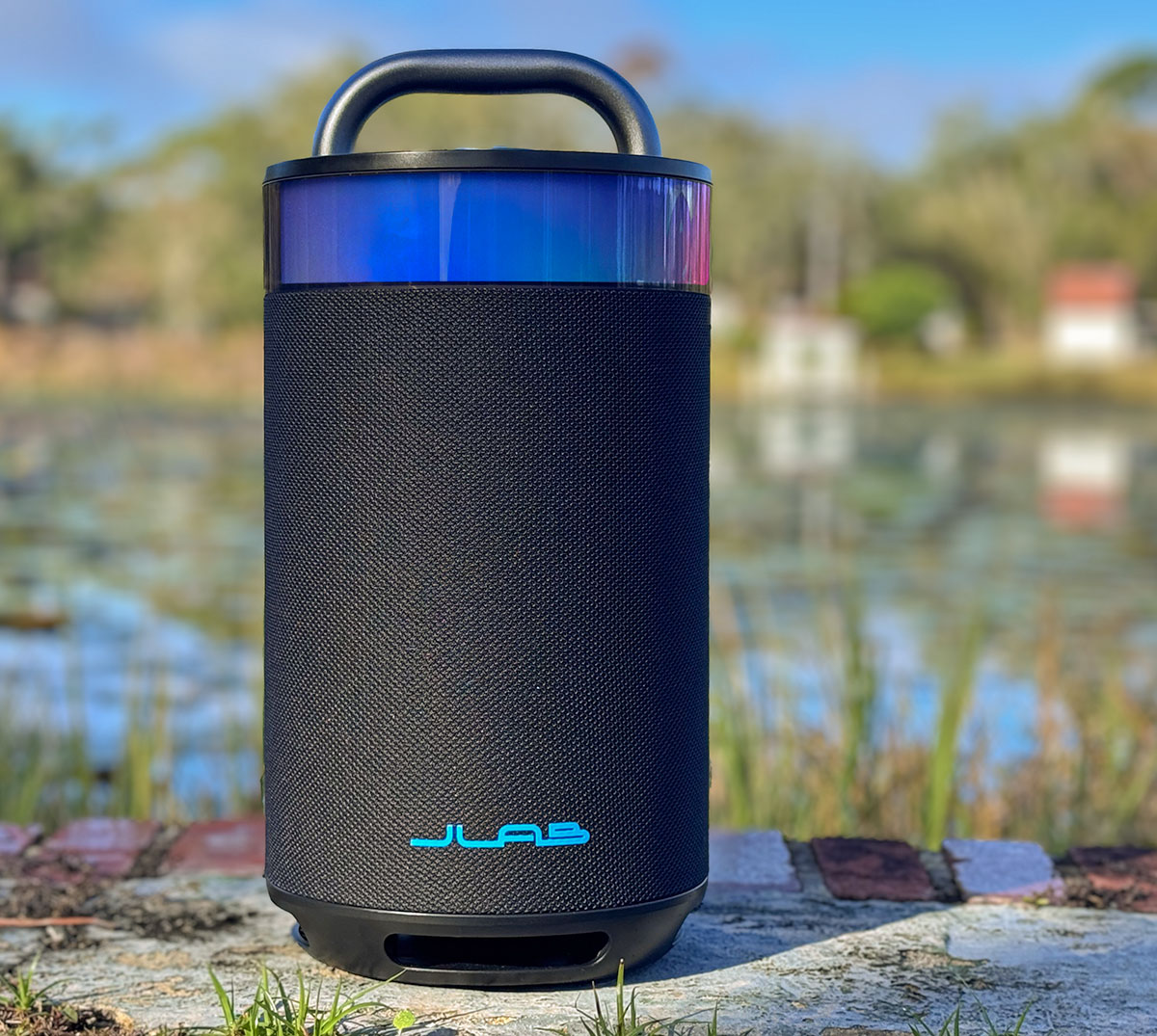
At first glance, the JLab Epic Party speaker looks impressive—and it is, to some extent. The speaker is well constructed, from its large aluminum carrying handle to its round, durable shell covered in protective canvas.

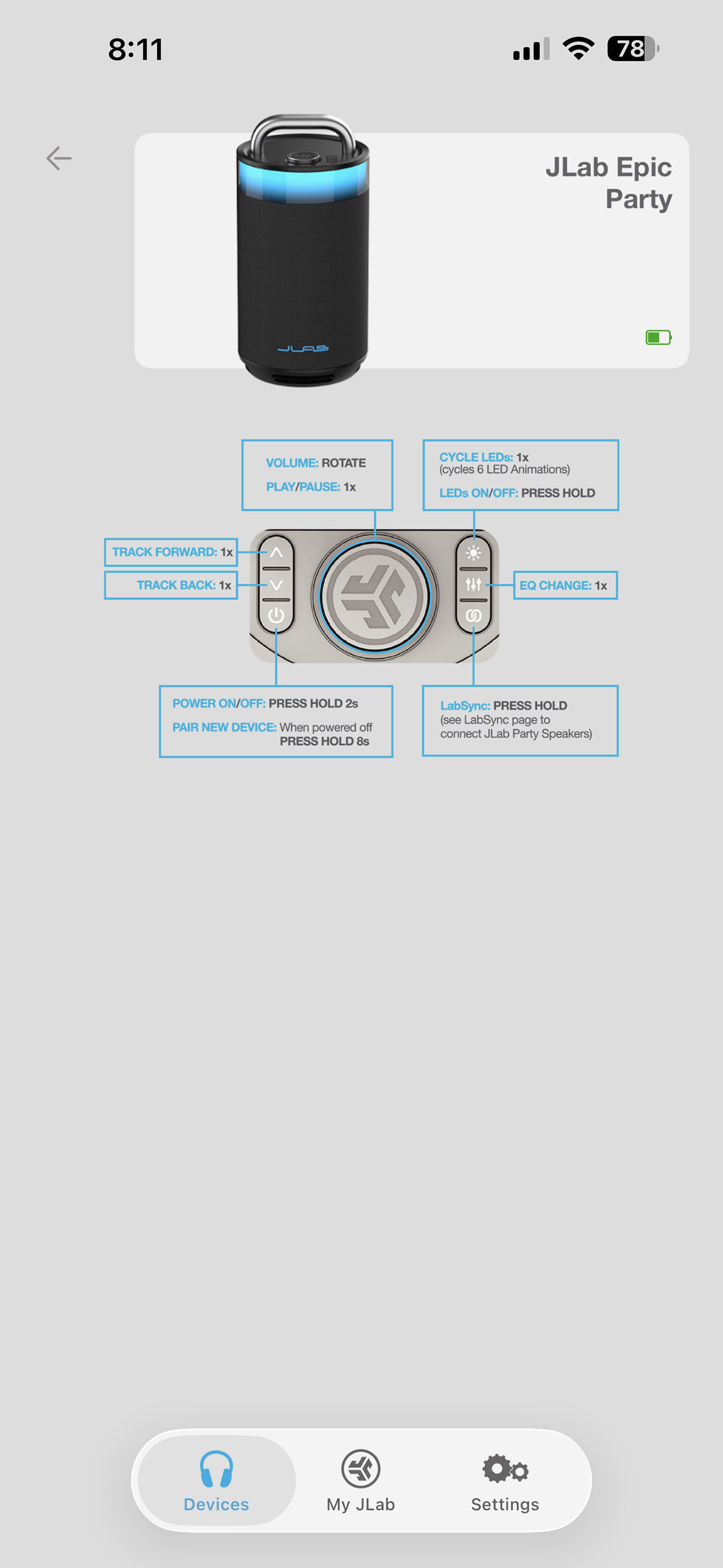
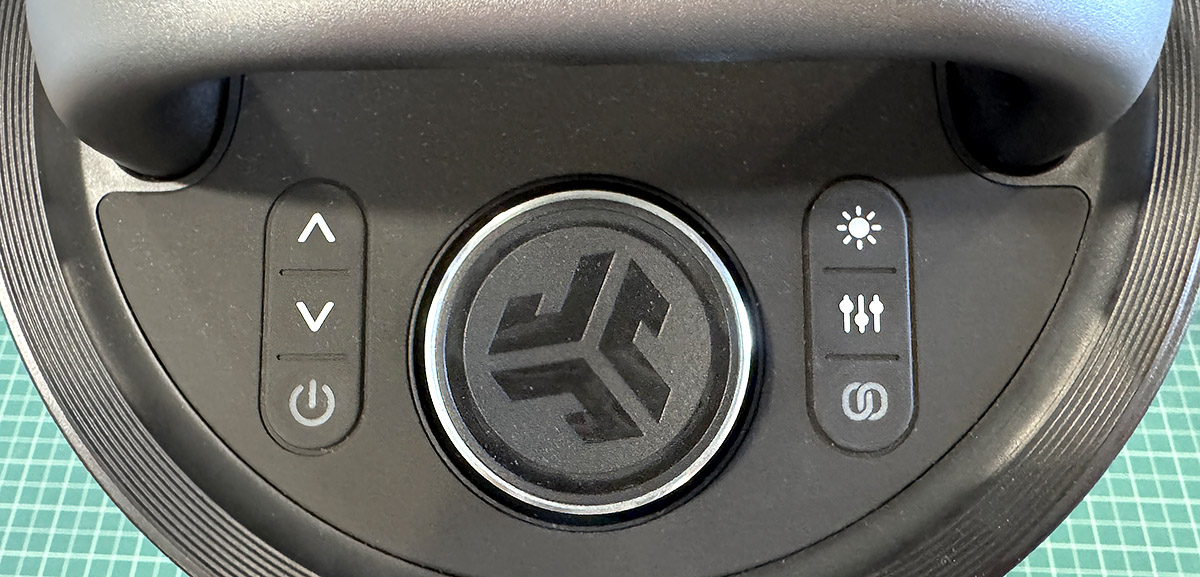
Just below the handle is a large Volume/Play/Pause button. The On/off switch, Track Forward and Back buttons, Lighting, EQ, and Sync controls are located on both sides of the volume dial. The speaker’s base has open ports for the downward-firing 5.25″ subwoofer.
Along with the subwoofer, the interior of the Epic Party speaker has a wide range of drivers. Four full-range 2.5-inch drivers are arranged in a circle around a 5-inch passive bass radiator. There’s plenty of bass—until the volume is turned up from a distance.
The rear of the Epic Party speaker contains various ports, protected by a thick rubber seal. Two USB-C ports are used for charging the speaker and smart devices. An AUX port allows connection to any device that outputs analog audio, such as some turntables and music players (remember iPods?). There’s also a MIC input for aspiring pop stars, karaoke style.
Although the function buttons are on top of the Epic Party speaker, JLab offers an app (iOS and Android) that duplicates its functions along with some extra settings. Let’s review the app settings:
Lighting: If you want a disco effect, this is for you. There are at least six lighting options. Each has a corresponding icon that somewhat explains it, but since they aren’t named, it’s not as clear as it could be. Experimenting is key. Play with the options—adjust how fast the lights change, how bright they are, and which colors to include or remove. The variations are nearly endless. Keep in mind, the lights look much more dramatic in the dark.
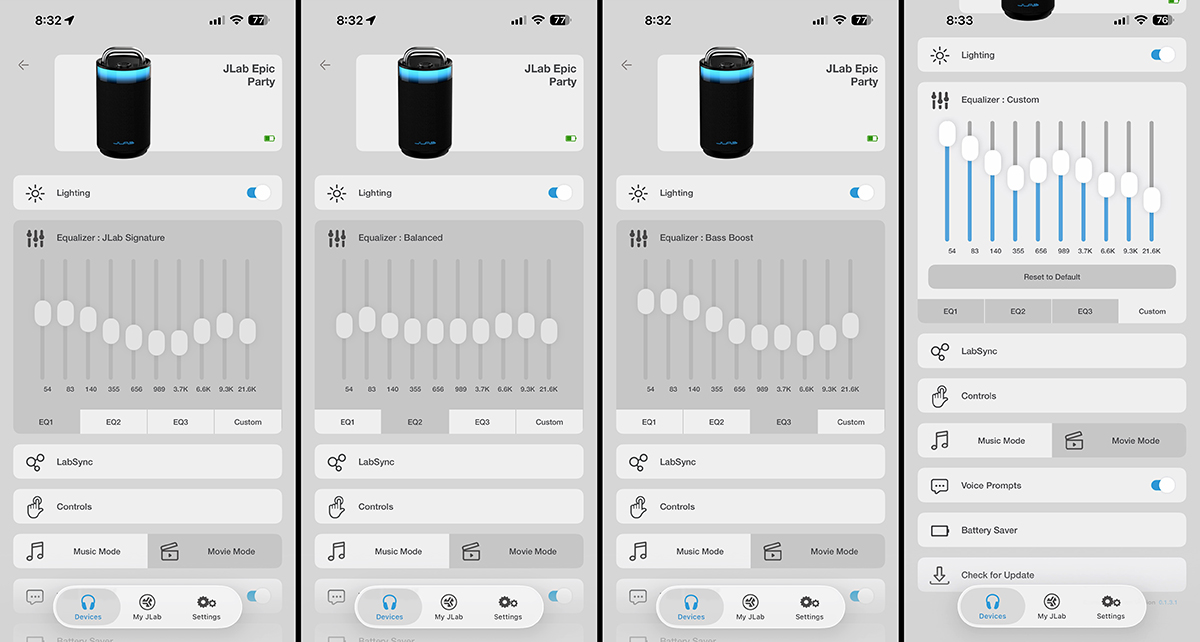
Equalizer: There are three preset EQ options. JLab Signature is the popular smile-shaped EQ. Balanced EQ is nearly flat, offering no emphasis on any frequencies. Bass Boost EQ is exactly as it sounds — it increases bass and reduces higher frequencies. Custom EQ is configured by the user. I set my preferred EQ and left it at that.

LabSync: Now for the frustrating part. To connect two JLab Epic Party speakers using LabSync, you first need to pair each speaker separately via Bluetooth. So far, so good. Then open the JLab app and add a speaker by tapping the Party speaker image. The app will then connect automatically to that speaker. Tap the + button in the app, then tap the second Party speaker image to connect it. Now, you should see two Party speaker images, both connected. Next, select the first Party speaker image, then choose “Casting” from the list of options. Tap “Send.” Here’s where it gets tricky. To cast, the speaker will disconnect from the app. After the Casting speaker disconnects, select the other speaker and tap “Casting” again. Then, choose Receive, and once more, that speaker will disconnect from the app. Finally, press the LabSync button on the top of the second speaker (it will blink), and true left/right stereo will begin.

However, when synced, neither speaker will reconnect to the app! So you cannot adjust the EQ, change lighting, or perform any other functions while they are synced. Only when you turn off the speakers and then turn them back on will each speaker unsync and reconnect to the app independently.
Did you understand all that? I’ve paired many speakers for TWS, and it’s never been this confusing. I contacted customer support, but they didn’t explain it much better than the manual. When I first faced this issue, I thought the speakers were malfunctioning. Sadly, this is how they are meant to work. JLab needs to make this process easier.

Once I got TWS working, I achieved good left/right stereo sound. However, it was limited by the speaker’s audio quality. Many TWS speakers reach that magical “invisible speaker” moment when activated. Not these. Granted, the stereo effect was present and sounded nice, but it wasn’t magical.
Controls: This explains what the top buttons do.
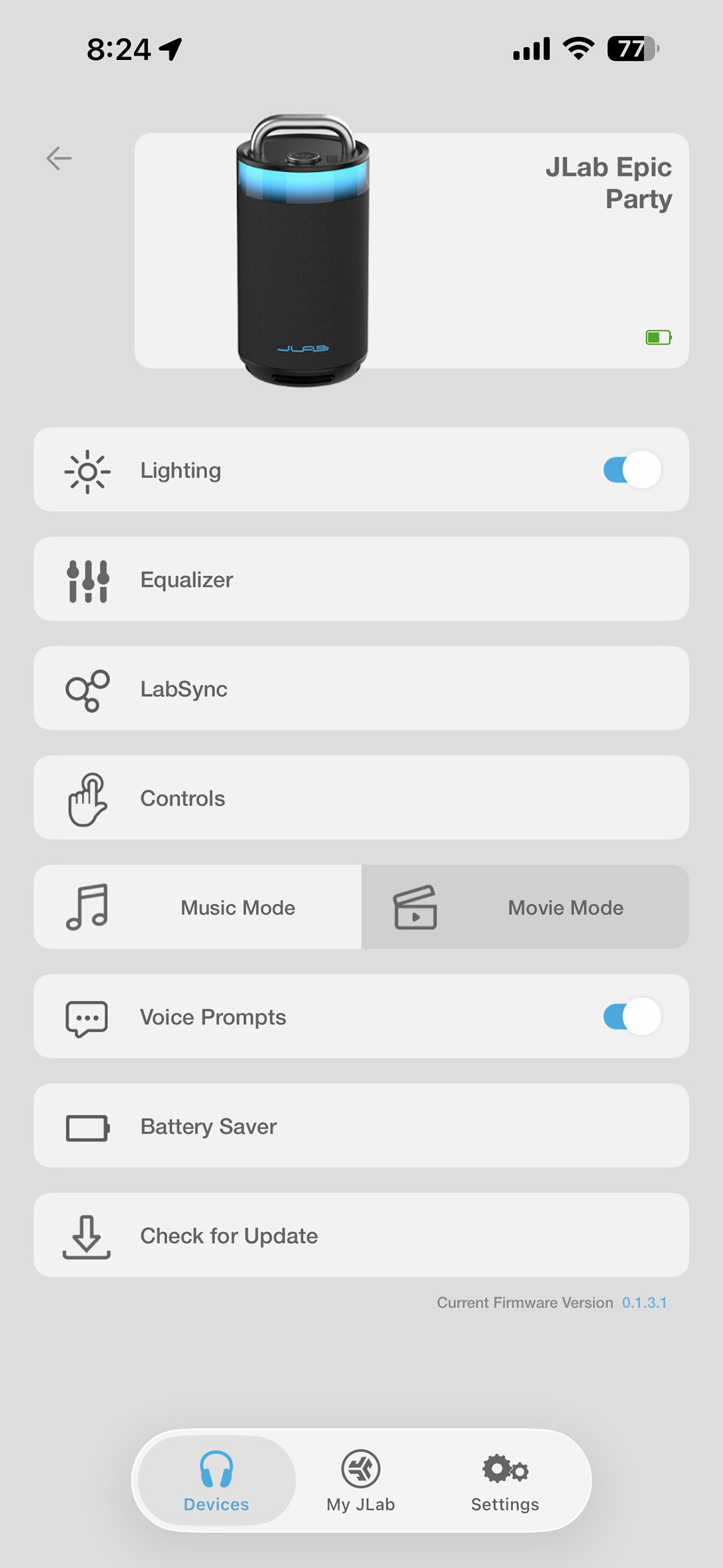
Music Mode/Movie Mode: Movie Mode syncs audio to video at the cost of audio quality. This would be good for gaming. Otherwise, leave it on Music Mode.
Vocal Prompts, Battery Saver, and Updates: These last three options allow you to set automatic shutdown if no audio is playing, enable firmware updates, and choose whether the speaker announces changes — in many languages!
The app also offers options for ambient sounds like Rain, Ocean waves, White noise, and more. They provide a good background when you just want to relax.
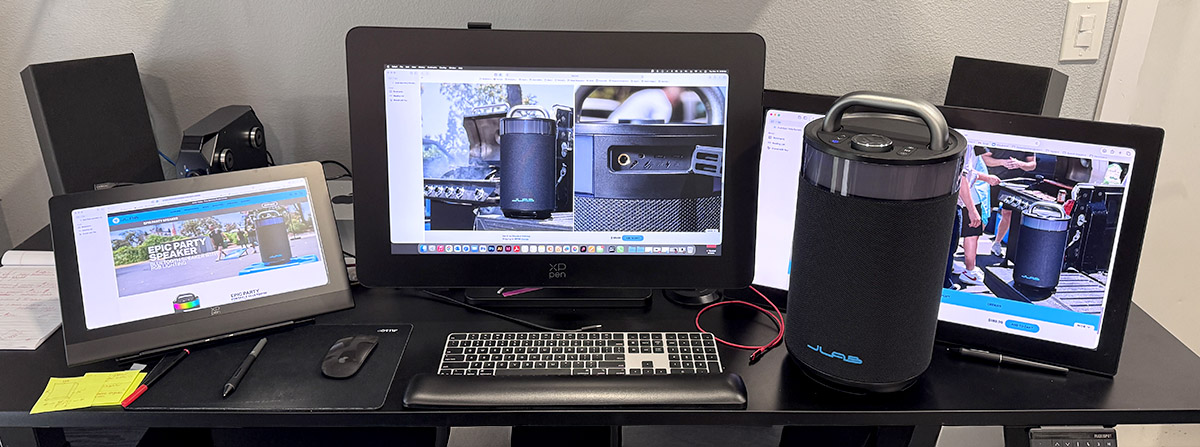
Listening to the Epic Party speaker provides a mixed experience. Usually, with a speaker this size, you’d want some distance between your ears and the speaker. However, here, the opposite is true. Placed on my desk next to me (taking up a lot of space), the audio quality was quite good. The bass was satisfying, causing vibrations on the desk. I could feel the speaker as I worked. Up close, it performs exceptionally well. It’s the kind of sound I wish I could get from a smaller Bluetooth speaker.
Unfortunately, when I placed the speaker across the room behind me, the music sounded hollow with weak bass—even with the subwoofer and passive radiator. I could fix it with some EQ adjustments, but I couldn’t replicate the same quality I experienced with the Epic Party speaker next to me.

That’s not to say the Epic Party speaker sounds bad. It can sound good. It’s just that I expect more from a speaker this size, given its impressive setup. You can’t argue with the price, though.
Also, two speakers synced together sound better than one. This setup is ideal for parties. However, if you’re after a more personal experience, a single Epic Party speaker nearby will sound quite good.
Final thoughts
If you want an affordable yet powerful speaker for your backyard or gatherings, I recommend using two JLab Epic Party speakers synced together with TWS. Otherwise, stick with just one, but keep it nearby.

What I like about X
- Affordable for its size
- Sounds good close up
- TWS works well
- If you like karaoke …
What needs to be improved?
- Frustrating TWS setup
- Could have more bass from a distance
Price: $189.99
Where to buy: Amazon
Source: The sample of this product was provided for free by JLab. JLab did not have a final say on the review and did not preview the review before it was published.
Check out these other reviews!
L39 Ultra Slim UV Protective Filter for Leica Q3 43 Q2 Camera with Moisture-Proof Case & Removal Tool 19 Layers Mulit-Coated UV Ultraviolet Filter 99.3% Light Transmission Water Oil Scratch Resistant
(as of March 30, 2026 14:17 GMT -05:00 - More infoProduct prices and availability are accurate as of the date/time indicated and are subject to change. Any price and availability information displayed on [relevant Amazon Site(s), as applicable] at the time of purchase will apply to the purchase of this product.)