
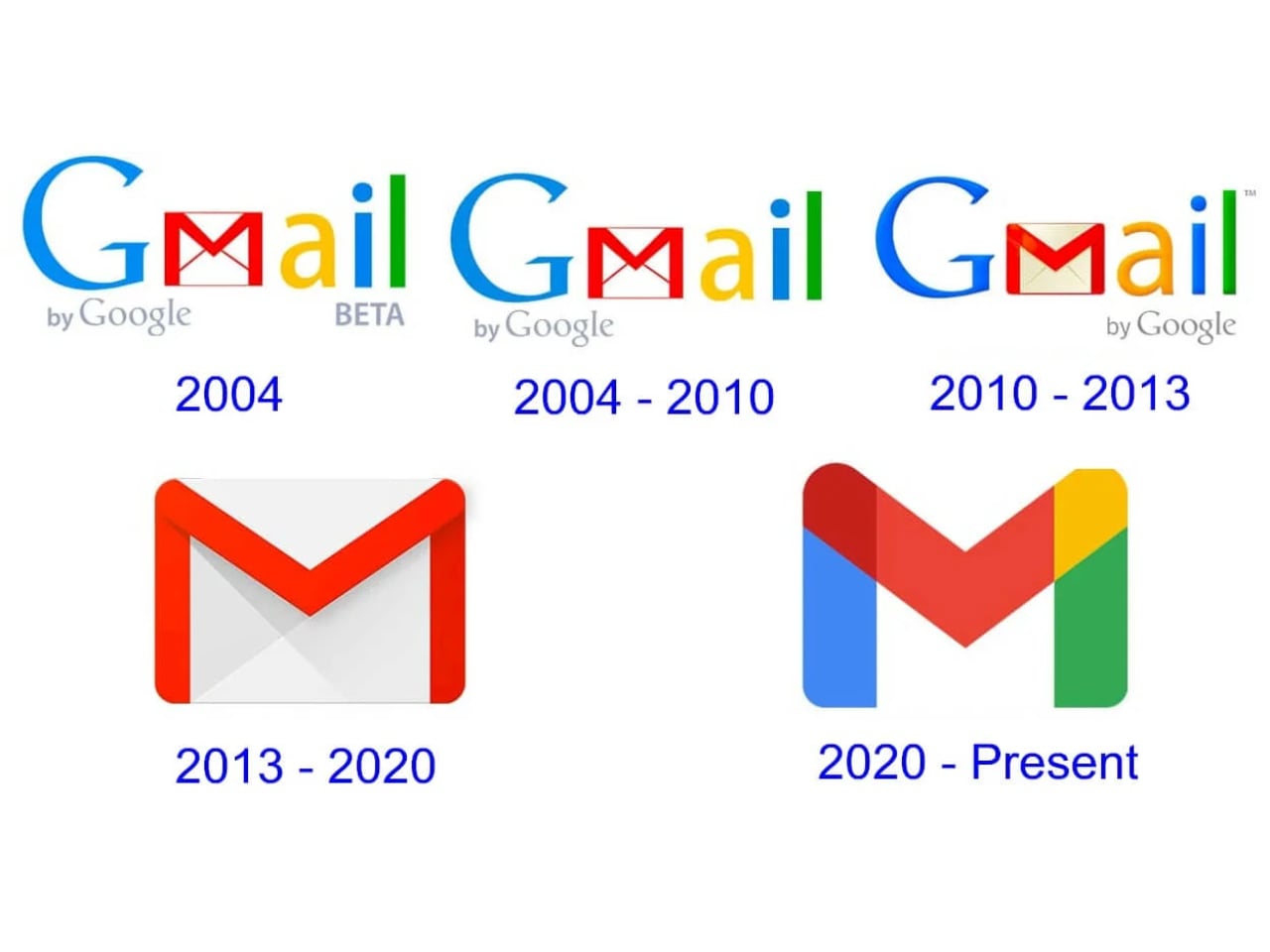
ARTICLE – Your Gmail address was supposed to be forever. That was the deal. You picked a username in 2006, maybe something clever, maybe something you regret, and Google made it clear: this is your identity now. Every login, every YouTube comment, every Drive folder, every password recovery, all of it chained to a string of characters you chose when you were nineteen and thought “coolgamer247” was a reasonable professional decision.
Google’s official position used to be blunt: if your primary Google Account email ends in @gmail.com, you “usually can’t change it.” The English help page mostly talked about changing non-Gmail addresses or switching account setups. That language persisted for years, which is why people historically had to create whole new accounts, or rely on alternates and aliases, if they outgrew an old Gmail handle. What changed this week is that Google’s own support documentation in Hindi now describes a new capability: replacing a Gmail-ending address with another Gmail-ending address, with a note that the option is rolling out gradually, so it may not show up for you yet. There is no official announcement, no blog post, no keynote moment. The company that turned email addresses into universal identity keys is reversing course without fanfare.
The shift feels overdue. Microsoft Outlook has allowed address changes and aliases for years. Yahoo, Proton, and most enterprise providers treat email addresses as editable metadata, not permanent fixtures. Google stood alone in treating your Gmail username as an immutable part of your digital skeleton. The stubbornness made sense when email addresses were simple contact methods, but the integration of Gmail into authentication, cloud storage, and cross-platform identity turned that rigidity into a liability. The feature was first spotted by the Google Pixel Hub Telegram group and reported by 9to5Google, with coverage now spreading across The Verge, Economic Times, and Times of India.
What’s Actually Changing
The new feature, according to the support document, allows you to register a fresh @gmail.com address and attach it to your existing Google Account. You keep your old address. Emails sent to either address land in the same inbox. Your Drive files, Photos library, YouTube history, and app purchases remain untouched. The process creates a dual-address system rather than a replacement, which is the part that matters most for people worried about losing access to services tied to their original credentials.
Google’s approach feels deliberately cautious. You cannot simply rename your address and walk away from the old one. Both addresses remain active, both receive mail, and both can be used for login. The old address continues to work indefinitely, which means contacts using your outdated handle will still reach you. This is not a clean break. This is an addendum.
Google has also built in guardrails that explain why this is not a casual rename button. According to the current Hindi support documentation, you can create a new Gmail-ending address only once every 12 months, you cannot create another new one during that window, and the documentation currently describes a limit of up to three new Gmail-ending addresses total, meaning four addresses on the account counting the original. These limits may change as the feature rolls out more broadly. The limitation prevents abuse, discourages rapid identity cycling, and probably reduces backend complexity, but it also means your choices need to stick. If you rush into a new username without thinking and realize three months later that “professionaljohn2025” sounds dated, you are waiting nine more months to fix it. The feature rewards patience and punishes impulse.
Google’s support documentation describes the process for users who have access. Eligible users navigate to myaccount.google.com/google-account-email on desktop, where they find the option under Personal info, then Email, then Google Account email. If the change option appears, users can select a new username that is not already in use and confirm the change. Most users outside India will see the same locked interface that has existed for two decades. The rollout is slow, regional, and unannounced, which suggests Google is testing infrastructure stability before committing to global availability.
Before making the change, Google explicitly flags potential issues in its documentation. Chromebook users face specific complications, and the Hindi documentation recommends backing up data because some settings can reset similarly to signing into a new device. Users who rely on Sign in with Google for third-party sites may lose access to accounts created through that authentication method. Chrome Remote Desktop connections will also need to be reconfigured after the switch. The documentation warns that some older surfaces may keep showing the old address for a while, like Calendar events created before the change. Since Google has not officially announced this feature, availability, specific limits, and behavior may change without notice as the rollout progresses.
Why This Exists Now
Google has spent the last decade turning Gmail into more than email. Your address is your Android device key, your Chrome sync identifier, your YouTube identity, your payment method anchor, your cloud storage credential, and your single sign-on passport for thousands of third-party services. The convenience came with a cost: a username you chose for email in 2008 now represents you across an entire digital ecosystem, and changing it meant abandoning everything. The friction was architectural, not philosophical, and fixing it required rebuilding how Google thinks about account identity rather than just adding a rename button.
The timing aligns with broader privacy and identity management trends. Users increasingly want control over their digital footprints, and email addresses have become unexpected liabilities in data breaches, spam targeting, and unwanted contact persistence. A fresh address attached to an existing account offers compartmentalization without migration pain.
The Fine Print
The dual-address model creates its own complications. Services that use your Gmail address for identity verification will continue recognizing the old address, which means you cannot fully escape it. Password reset emails, two-factor authentication prompts, and account recovery flows may still reference the original username. The new address functions as a front door, but the old address remains welded to the foundation.
Availability remains the biggest unknown. Google has not announced a global timeline. The India-first rollout suggests a phased approach, and the Hindi-only documentation indicates limited internal prioritization. Users in Europe, North America, and other regions may wait months, or longer, before the option surfaces in their account settings.
The feature also does not solve the deeper identity fragmentation problem. If you have spent years giving out your old address, switching creates communication gaps. Professional contacts, mailing lists, subscription services, and account recovery setups all require manual updates. Google can give you a new address, but Google cannot force the internet to recognize it. The work of transition falls entirely on the user, and for people with heavily entangled digital lives, that work may not be worth the fresh start.
Who Should Skip This
If your current Gmail address works fine and you have no compelling reason to change it, the feature offers nothing. The novelty of a new username fades quickly, and the dual-address complexity adds cognitive overhead for minimal benefit. People who have already built systems around their existing address, with filters, forwarding rules, and external service integrations, should think carefully before introducing a second identity layer.
Users expecting a clean slate will also be disappointed. This is not a witness protection program for your inbox. Your old address persists, your history remains intact, and anyone who knows your original handle can still reach you. The feature serves people who need a professional-facing address alongside a personal one, or who genuinely regret a decade-old username choice. Everyone else can safely ignore it.

Gerber Gear Suspension 12-in-1 EDC Multi-Plier Multitool with Pocket Knife, Needle Nose Pliers, Wire Cutters and More, Gifts for Men, Camping and Survival, Grey
(as of March 26, 2026 18:41 GMT -05:00 - More infoProduct prices and availability are accurate as of the date/time indicated and are subject to change. Any price and availability information displayed on [relevant Amazon Site(s), as applicable] at the time of purchase will apply to the purchase of this product.)
