A gaming handheld makes its compromises in the open. The screen is small, the battery is finite, and the graphics hardware shares one tight power budget with everything else in your hands.
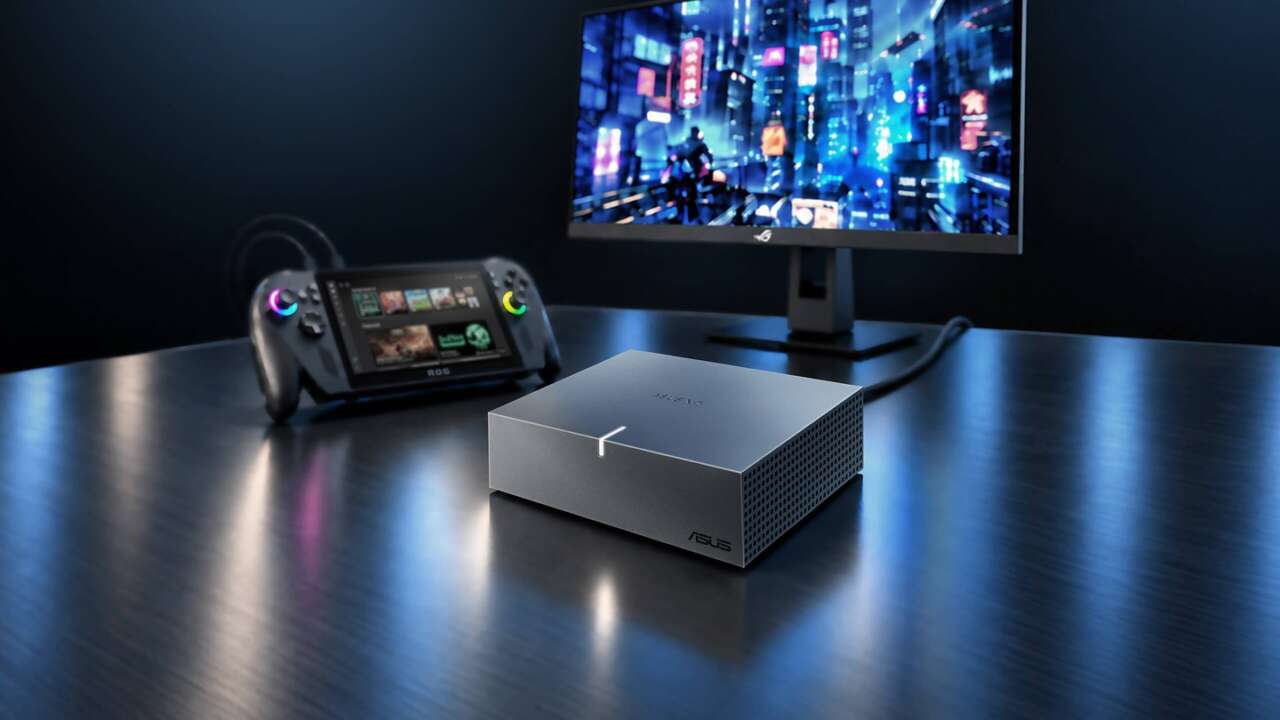
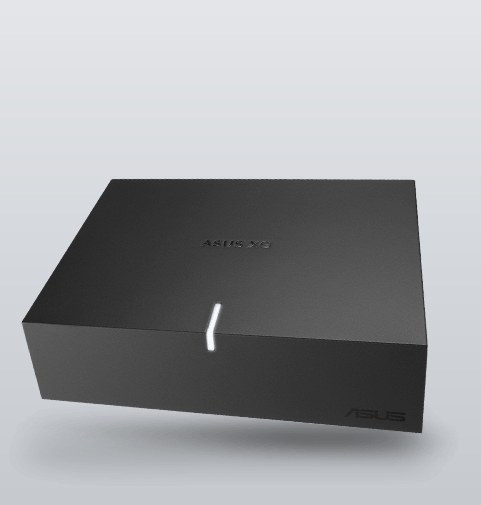
The ASUS XG Core exists for the moment those compromises stop being acceptable. It’s an external graphics unit with an AMD Radeon RX 9060 XT LP and 16GB of GDDR6 inside, and it feeds that power to a handheld, a mini PC, or a laptop over a single USB4 connection.
The spec sheet ASUS posted with it runs 2,048 stream processors, boost clocks up to 1,620 MHz in OC mode, and 20 Gbps memory on a 128-bit bus.
Price: TBD
Where to buy: ASUS
A desktop GPU that rides in a gear bag
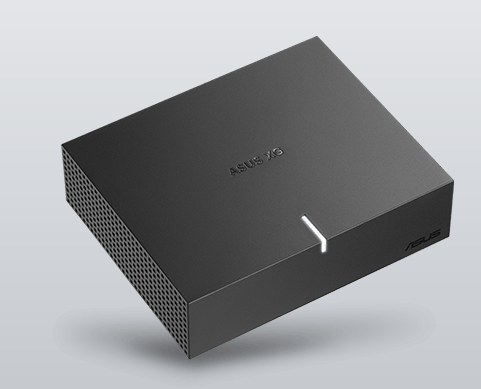
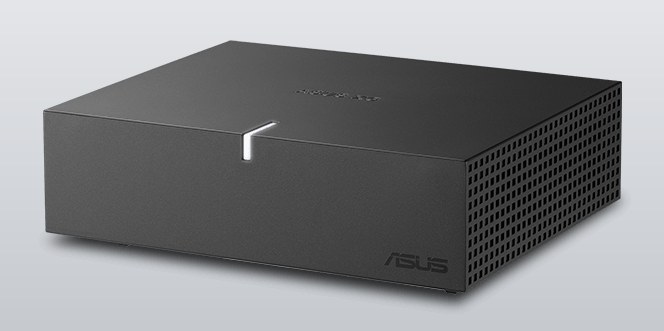
The box measures 144 x 117 x 39mm, closer in spirit to a paperback than a PC component, and ASUS pitches it as gear-bag hardware: carry it between home, the office, and wherever the real screen is.
The GPU is fixed inside, so there’s no enclosure shopping and no card to seat.
What you carry is the whole upgrade. There’s no opening your device and no internal hardware to swap, which is the entire appeal for machines that were never built to be upgraded. A mini PC with soldered-down graphics is a dead end on its own.
With an XG Core on the desk, it isn’t. The RX 9060 XT LP runs AMD’s RDNA 4 architecture with 16GB of GDDR6, and that memory figure is the one that counts here. Integrated graphics borrow from system memory and run out of room exactly when a game or a render gets ambitious. Sixteen dedicated gigabytes is desktop territory, and it’s the difference between a handheld that copes and one that plays.
The Ally X pairing is the point
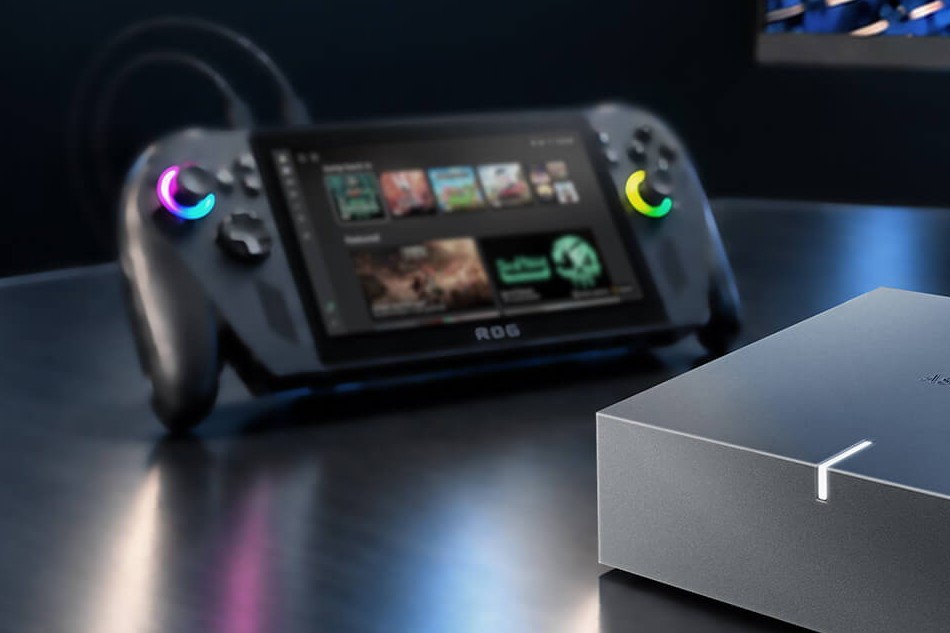
ASUS names the ROG Ally X and the ROG Xbox Ally X outright as the partners for it. Dock the handheld, plug in one cable, and the game that was tuned down for a small screen runs on a desktop monitor with a desktop GPU behind it. Undock, and the handheld goes back to being a handheld.
One HDMI 2.1b output and one DisplayPort 2.1a output handle the monitor side, enough for two displays at up to 4K, so the XG Core doubles as the dock. Laptops and mini PCs get the same treatment, and ASUS says compatible Thunderbolt 3 systems work too.
One caveat rides in ASUS’s fine print: host connectivity and external GPU support should be checked before use, because not every USB4 port is wired for this job.
Creative work and local AI ride along
Gaming leads the pitch, but ASUS aims the box just as hard at work. GPU acceleration feeds video editing, 3D rendering, and design applications, and 16GB of memory gives those tools room that integrated graphics can’t. The AI angle is local and specific. ASUS names ComfyUI for image generation and LM Studio and Ollama for running large language models on your own hardware, with no cloud tab attached.
Local inference also keeps the work on your machine, which is its own argument for anyone generating client work or testing models they’d rather not upload. Whether a given model fits and runs well depends on the workload, and ASUS says as much itself.
GPU Tweak III handles the tuning
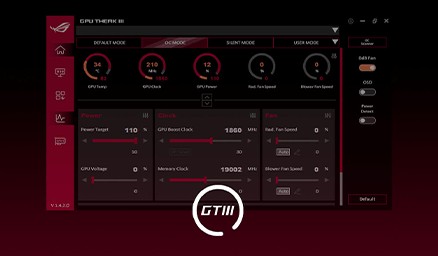
ASUS’s GPU Tweak III software runs the box: GPU core clock, memory frequency, and voltage controls, advanced fan control, and real-time monitoring with a customizable on-screen display. It’s the same toolkit ASUS ships with its desktop cards, pointed at a GPU that lives in a bag. Monitoring counts for more here than in a desktop.
A sealed box this size has one fan curve standing between sustained clocks and a throttle, and the on-screen display is how you keep an eye on it while you play.
The two numbers ASUS hasn’t given us
ASUS hasn’t announced a price, and it hasn’t announced a release date. ASUS published clock figures, up to 1,620 MHz boost in OC mode, so the paper gap between this LP silicon and a desktop RX 9060 XT is quantified. What stays unproven is whether the sealed box holds those clocks under load.
The field argues for patience on the number. External graphics gear with a real GPU inside has never been budget hardware, and ASUS sells its larger ROG XG Mobile docks as premium kit. The XG Core’s smaller silicon should land it below that line, though how far below is a guess until ASUS prints a figure. The second open question rides on the cable.
USB4 gives the XG Core up to 40Gbps of bandwidth, a fraction of what the same GPU would breathe through inside a desktop, and every external GPU loses something at that border. How much of the RX 9060 XT LP survives the crossing is the review question, and it can’t be answered from a spec sheet.
If you own an Ally X or a mini PC that runs out of graphics before it runs out of everything else, the XG Core is the upgrade that doesn’t ask you to buy a second computer.
Everyone else waits on the two numbers that decide whether this clever little box is a deal or a luxury: the price, and the date.
Price: TBD
Where to buy: ASUS