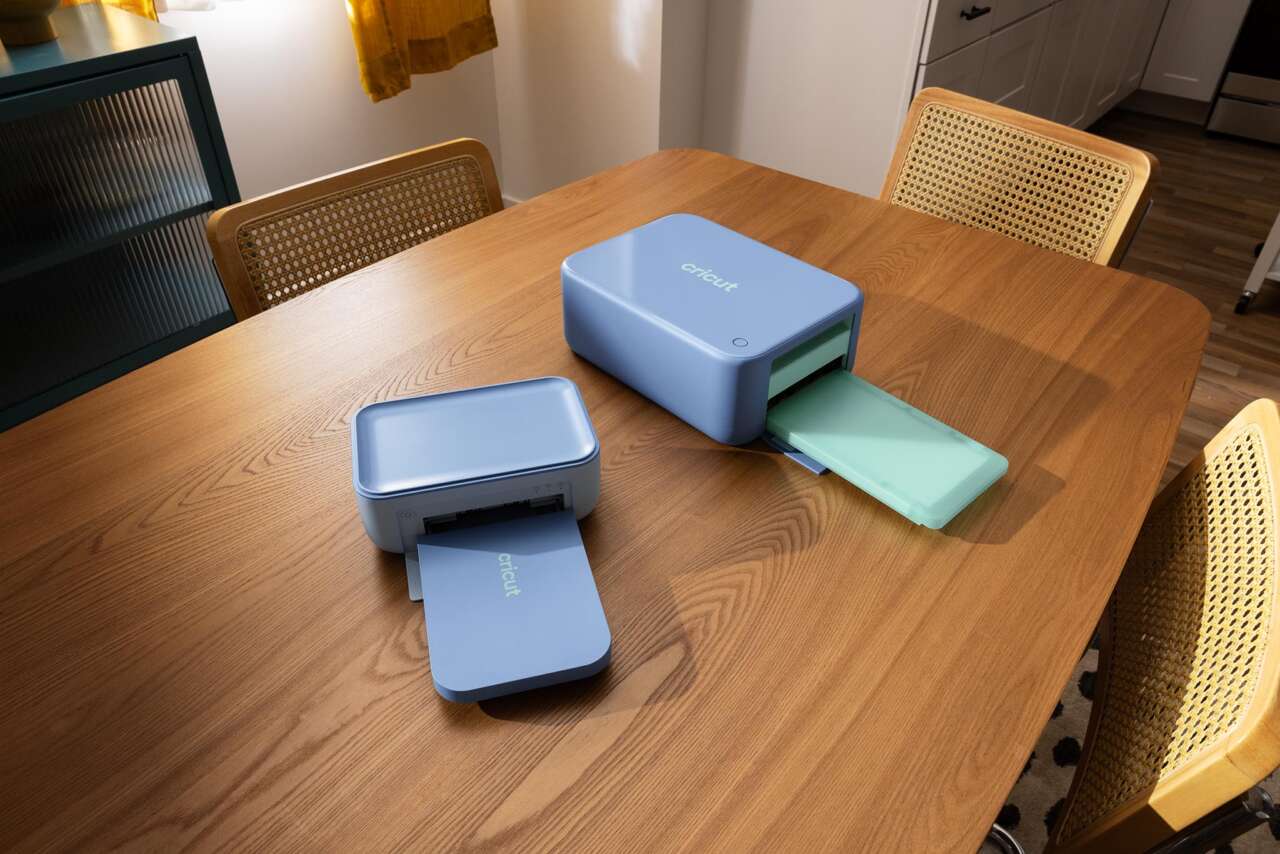
Cricut’s two StickerPix machines look easy to confuse on a product grid, but the deciding feature isn’t color or bundle size. It’s the shape you expect to peel from the sheet.
StickerPix Print + Cut follows a custom outline. StickerPix Print fills shapes that are already cut.
Price: StickerPix Print + Cut Essential Bundle (Powder Blue), $299; StickerPix Print Essential Bundle (Blue), $169. US listings, October 19, 2026; tax and final shipping calculated at checkout.
Where to buy: Print + Cut at Cricut · Print at Cricut
The cut changes what you can make
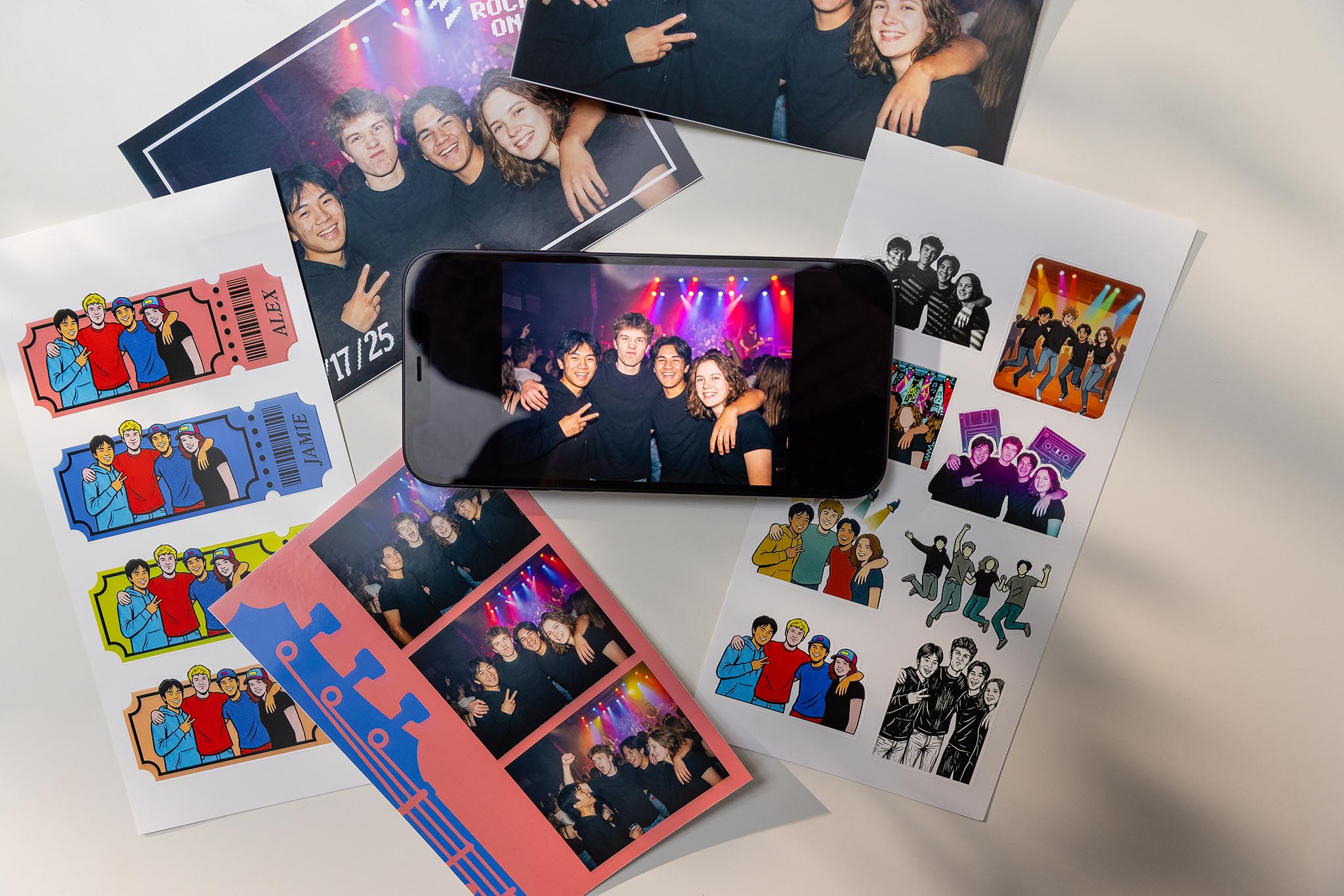
Print + Cut is the one to examine if you want a sticker that follows your drawing’s outline. It prints on a 4-by-7-inch sticker sheet, then makes a kiss cut around the design. The backing stays intact, so you peel the finished sticker off the sheet. That suits an illustrated logo, a character, or several custom-shaped stickers arranged on one sheet.
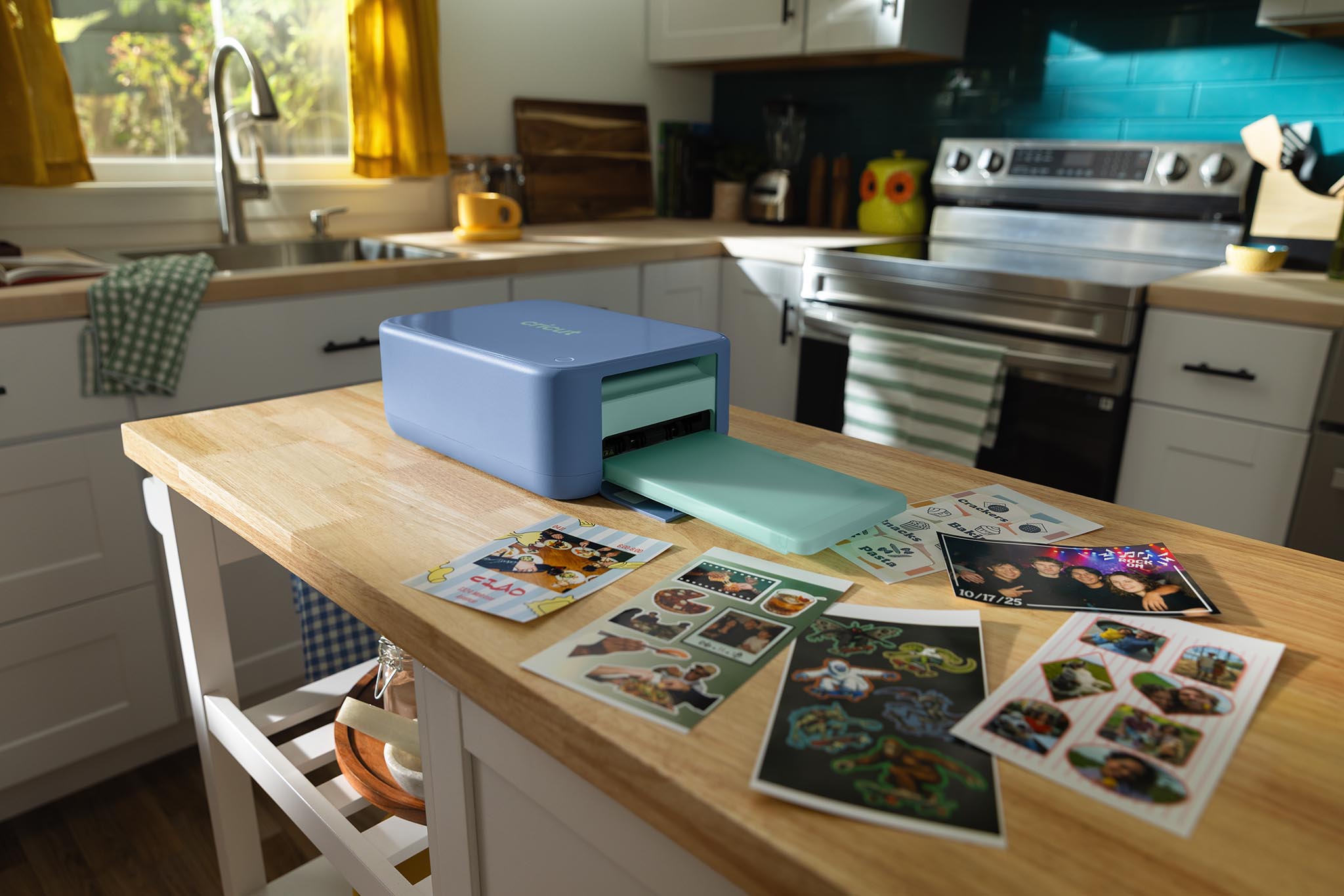
StickerPix Print uses pre-cut sticker media instead. Cricut shows circles, squares, rectangles, and full-sheet media as its sticker formats. You choose a design for one of those shapes and print it. A pantry label or a simple round badge may fit that workflow perfectly. If you want the machine to trace a new silhouette, it won’t replace Print + Cut. Both models can also produce 4-by-6-inch photo prints.
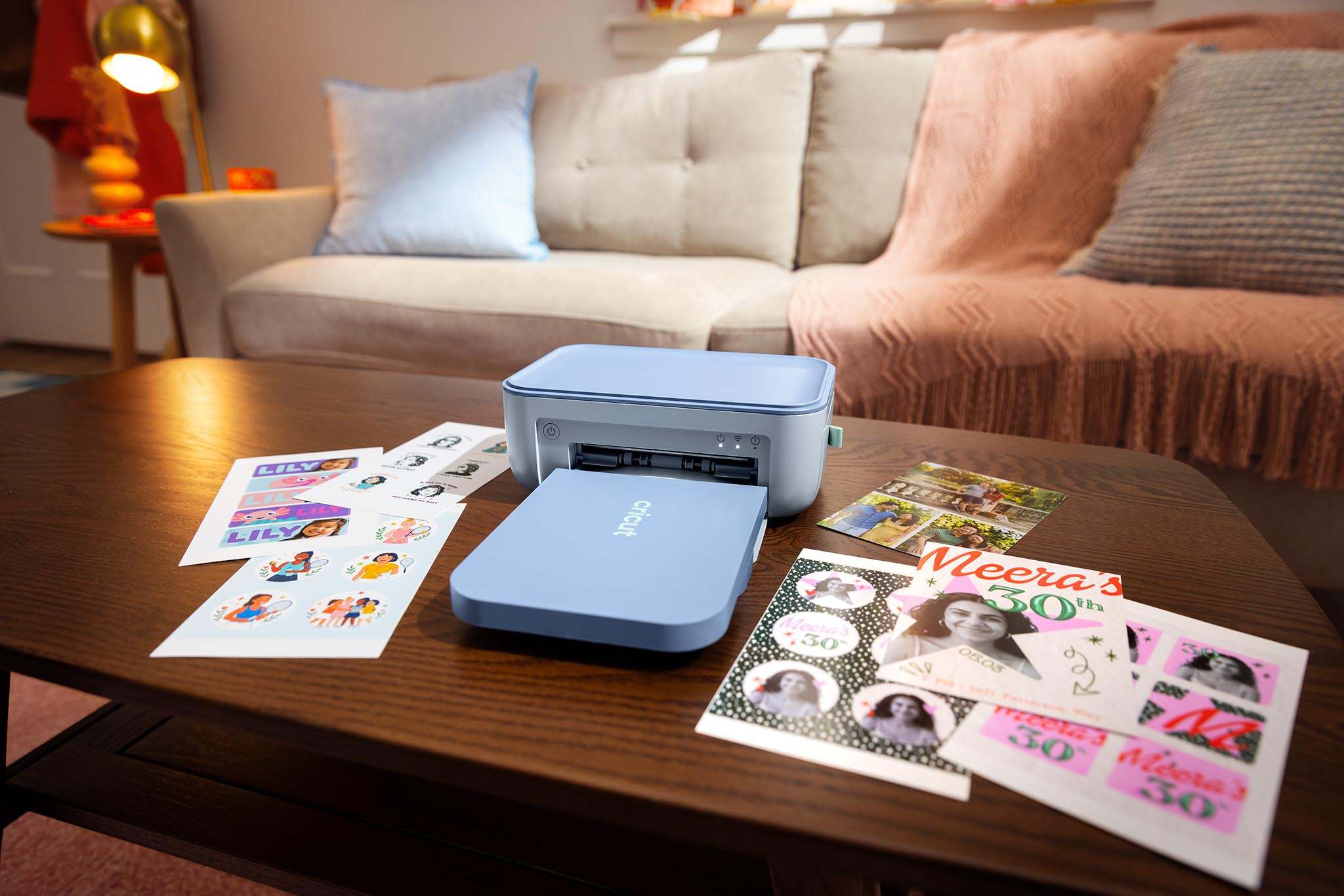
This distinction is about the backing too. A kiss-cut sticker remains on its sheet; it isn’t a separate, fully cut-out card. If you need die-cut pieces or want to use a wider range of materials, a conventional cutting machine remains a different tool. It also brings back the separate printer and finishing steps if you want a full-color printed sticker.
Where the color and finish come from
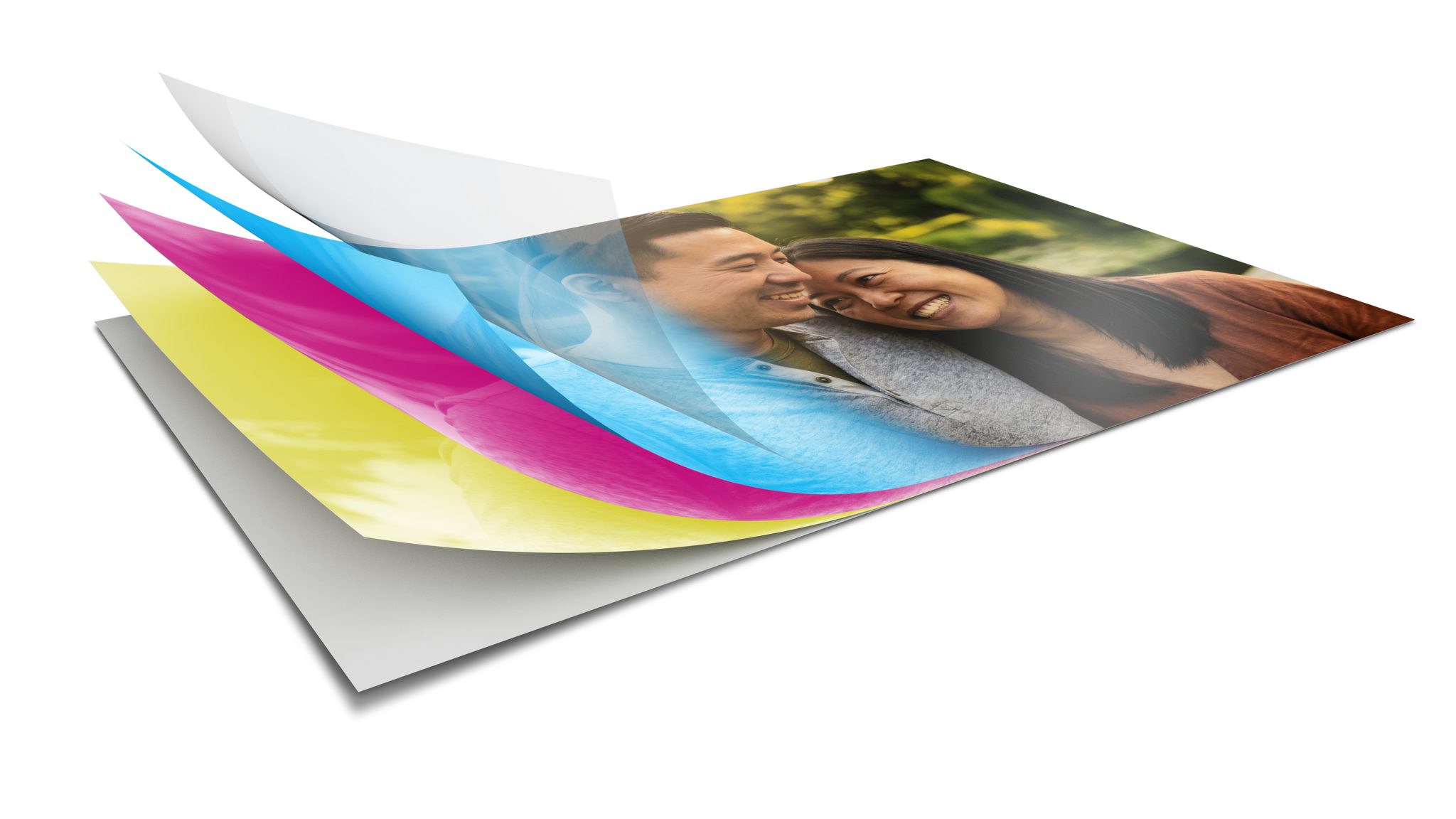
StickerPix transfers dye from a ribbon onto compatible media using heat, then adds a clear protective layer. Cricut describes the resulting stickers as resistant to water, scratches, and fading.
That resistance isn’t a promise of dishwasher-safe or permanent outdoor labels. Print + Cut also makes kiss cuts only, so it isn’t a substitute for a cutter that can slice through both sticker and backing.
The appeal is a shorter path from design to finished print, especially if you don’t already own a color printer. The tradeoff is a more specific supply system. Each model uses its own sticker media and ink cartridge, and Cricut says the supplies aren’t interchangeable. Print + Cut’s Essential Bundle includes a 36-print cartridge; the Print bundle lists a 54-print cartridge. A sheet can hold more than one sticker, so cartridge yield and cost per individual sticker aren’t the same calculation.
Cricut’s US store lists the Powder Blue Print + Cut Essential Bundle at $299 and the Blue Print Essential Bundle at $169. The $130 difference buys the custom-shape cutting step, not just a different finish. Cricut also displays lower prices for eligible Cricut Access members; the prices here don’t require that membership.
There are design limits as well. Cricut says Print + Cut cannot precisely match a brand or Pantone color and warns that third-party materials may not perform as expected. That’s relevant if a client logo needs exact color, even if a casual sticker looks fine.
The software is part of the decision
Both machines require Cricut Design Space, but their listed connections differ. Cricut specifies Bluetooth for Print + Cut and 2.4 GHz Wi-Fi for Print. The product pages list Design Space for iOS, Android, macOS, and Windows, plus a high-speed internet requirement. Some content and software features require a paid Cricut Access subscription.
Price: StickerPix Print + Cut Essential Bundle (Powder Blue), $299; StickerPix Print Essential Bundle (Blue), $169. US listings, October 19, 2026; tax and final shipping calculated at checkout.
Where to buy: Print + Cut at Cricut · Print at Cricut
Choose Print + Cut when the custom outline is the point. Choose Print when its ready-made shapes suit your labels or gifts and you’d rather avoid the cut stage. If you already own an inkjet printer and a Cricut cutter, compare the convenience of this integrated workflow with the cost and limitations of machine-specific supplies. The right model is the one that matches the shapes you actually make, not the one with the longer name.