A full-size desktop can feel unnecessary when most of your work happens in browser tabs, documents, video calls, and productivity apps. The problem is that shrinking a PC can introduce another set of compromises, including fewer ports, limited display connectivity, and little room for upgrades.
Price: $2,086.99
Where to Buy: Lenovo
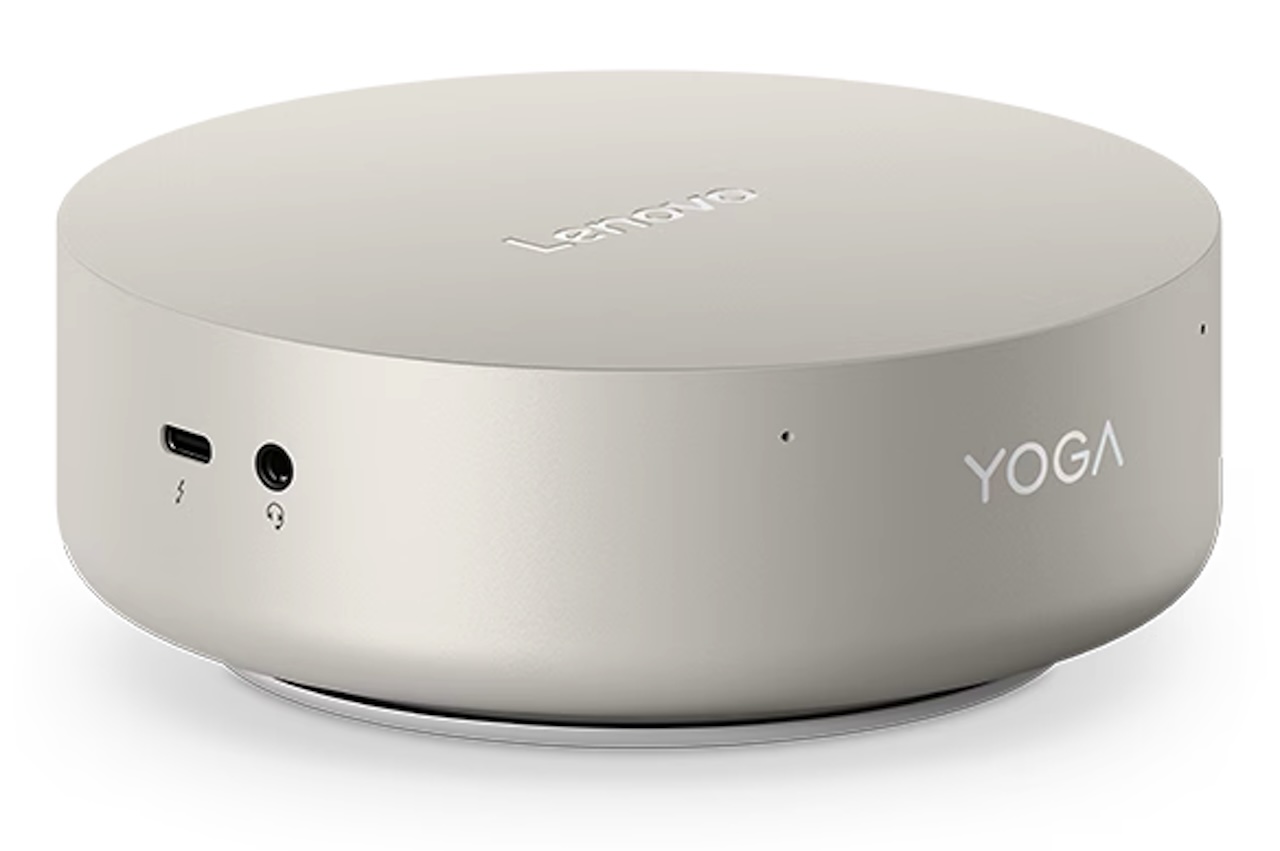
The Lenovo Yoga Mini Gen 11 tries to keep the small footprint without giving up quite so much functionality. Lenovo squeezes Intel Core Ultra Series 3 processors, up to 32GB of LPDDR5X memory, Thunderbolt 4, USB-C, 2.5Gb Ethernet, and support for up to four independent displays into a chassis measuring just 5.12 x 5.12 x 1.91 inches. It weighs about 1.3 pounds and occupies only 0.65 liters.
The result is a Windows desktop designed for people who want their computer to take up as little desk space as possible without immediately requiring a pile of hubs.
Intel Core Ultra Scales From Everyday Work to Something More Ambitious
Lenovo lists configurations with the Intel Core Ultra 5 325 and Core Ultra X7 358H. The Core Ultra 5 325 has eight cores and eight threads, while the Core Ultra X7 358H steps up to 16 cores and 16 threads. The X7 configuration also includes Intel Arc B390 integrated graphics and an NPU rated at up to 50 TOPS. Lenovo identifies qualifying configurations as Copilot+ PCs.
Those specifications establish the hardware capabilities, but they are not evidence of real-world performance. Cooling, power limits, memory configuration, software, and workload can all affect what users actually experience.
The practical takeaway is that the Yoga Mini is not limited to entry-level desktop-class hardware. Higher configurations should be more appropriate for heavier multitasking and workloads that can take advantage of Intel’s newer CPU, GPU, and NPU hardware.
Four-Display Support Makes the Connectivity More Interesting
Lenovo says the Yoga Mini can drive up to four independent displays using HDMI and the display-capable USB-C and Thunderbolt connections. That is unusually useful for such a small desktop. Someone working with large spreadsheets, development tools, dashboards, communications apps, or other multi-window workflows could build a substantial monitor setup without installing a discrete graphics card.
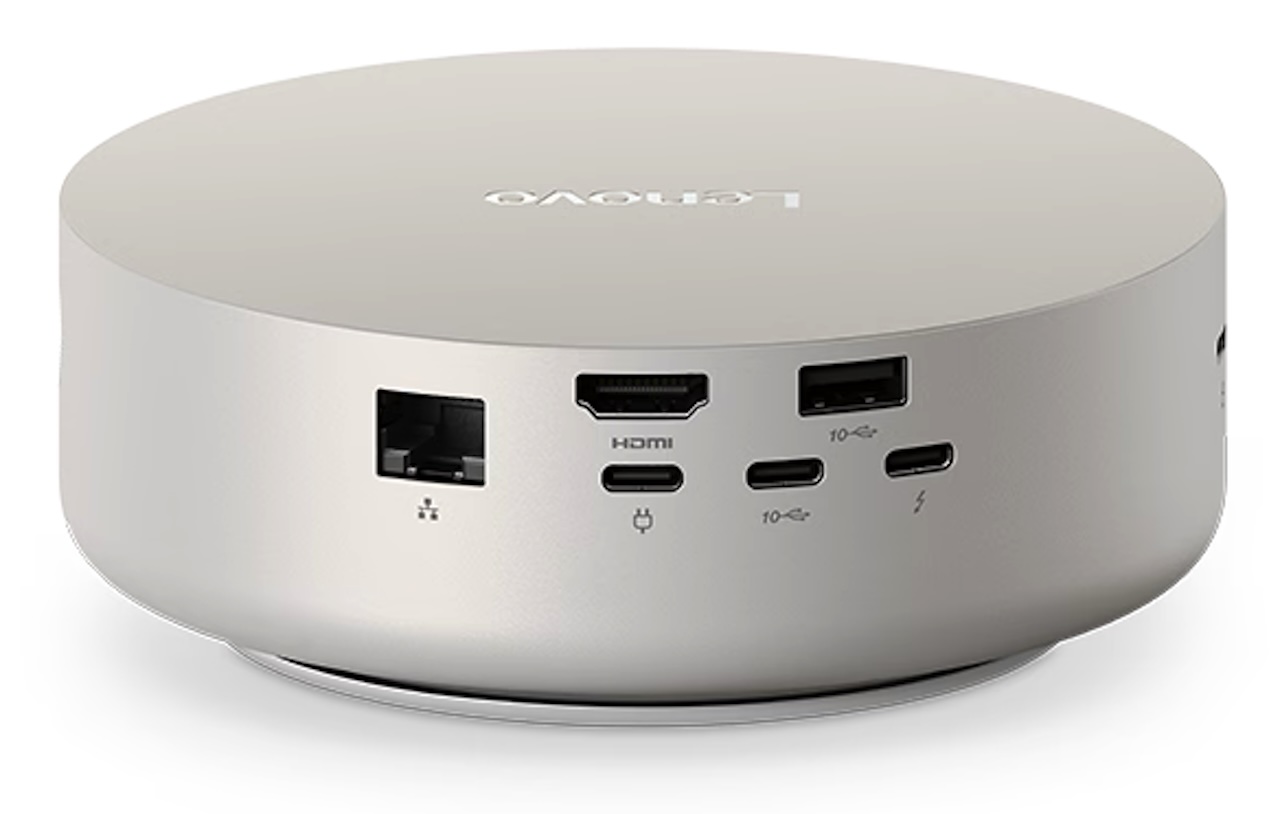 There is an important distinction, however. Multi-monitor support describes the system’s display-output capability. It does not mean the integrated graphics are designed to run demanding games or graphics workloads across four 4K monitors. For productivity, though, the flexibility is a real advantage.
Lenovo Gives You Plenty of Ports
Mini PCs can save desk space only to give some of it back when you need a dock. Lenovo appears to have avoided much of that problem here.
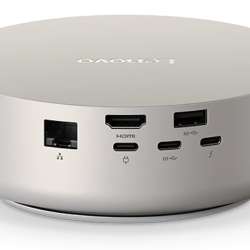
The Yoga Mini includes two Thunderbolt 4 ports, two 10Gbps USB-C ports, a 10Gbps USB-A port, HDMI, 2.5Gb Ethernet, and a 3.5mm headset jack. Lenovo also specifies DisplayPort functionality on compatible USB-C connections.
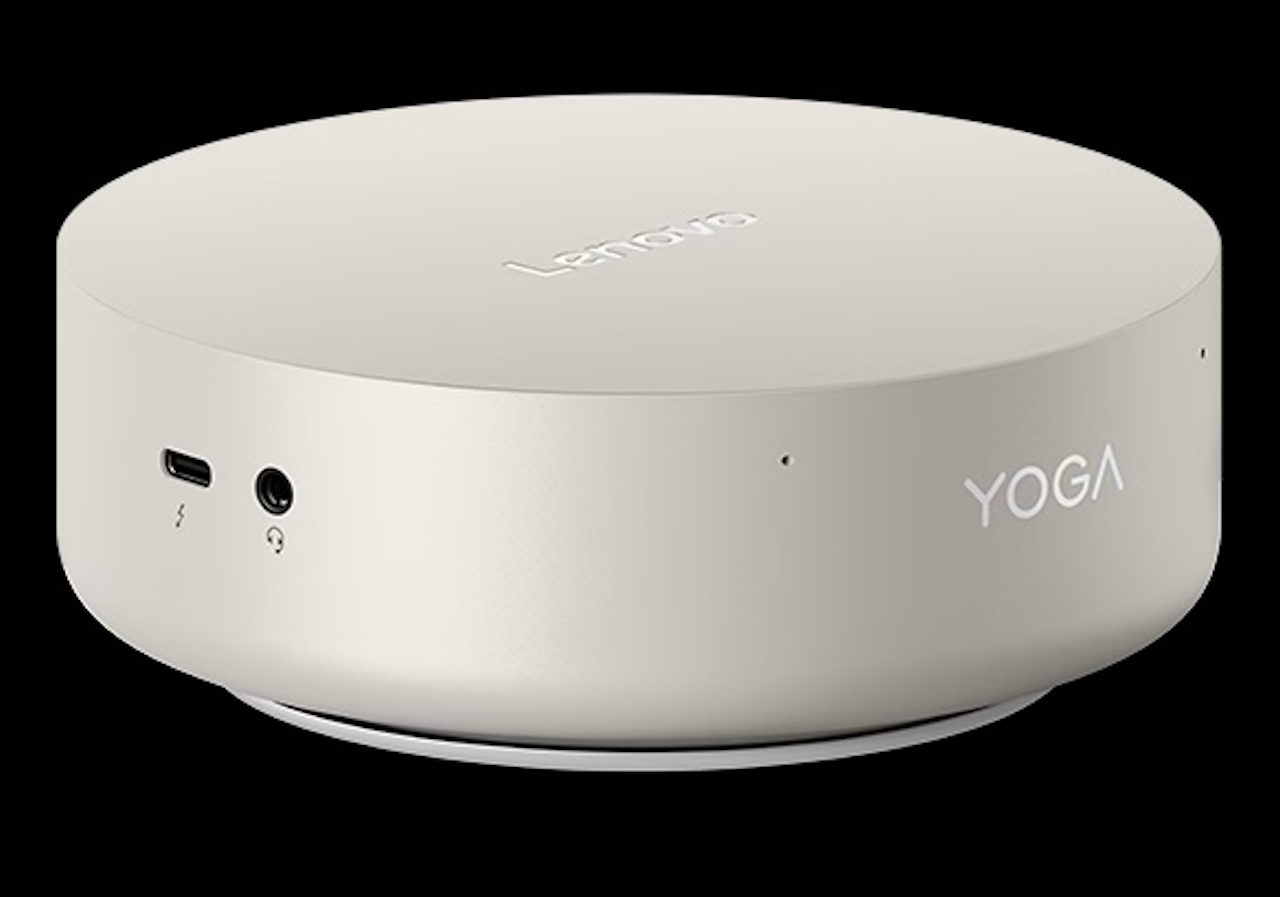 That gives you options for external SSDs, displays, docks, wired networking, and conventional USB peripherals without automatically adding another box to the setup.
Wireless configurations extend to Wi-Fi 7, with Bluetooth support varying by installed wireless card. Because Lenovo lists multiple WLAN configurations, buyers should check the exact model rather than assuming every Yoga Mini ships with identical wireless hardware.
Memory Is Where You Need to Plan Ahead
The biggest limitation is RAM. Lenovo supports up to 32GB of LPDDR5X-8533 memory, but that memory is soldered to the system board. There are no SO-DIMM slots.
That changes how you should configure the machine. With a conventional desktop, buying less RAM today can be a reasonable way to save money because you can add more later. The Yoga Mini does not give you that option.
 Someone planning to keep the computer for several years or use heavier productivity, development, or creative software should therefore think carefully before choosing a lower-memory configuration.
Storage offers some upgradeability, but it is limited. Lenovo lists one M.2 slot for an NVMe SSD, with configurations supporting up to a 2TB drive. The other internal M.2 connection is used for the wireless card rather than additional storage.
The 0.65-Liter Chassis Is the Real Trick
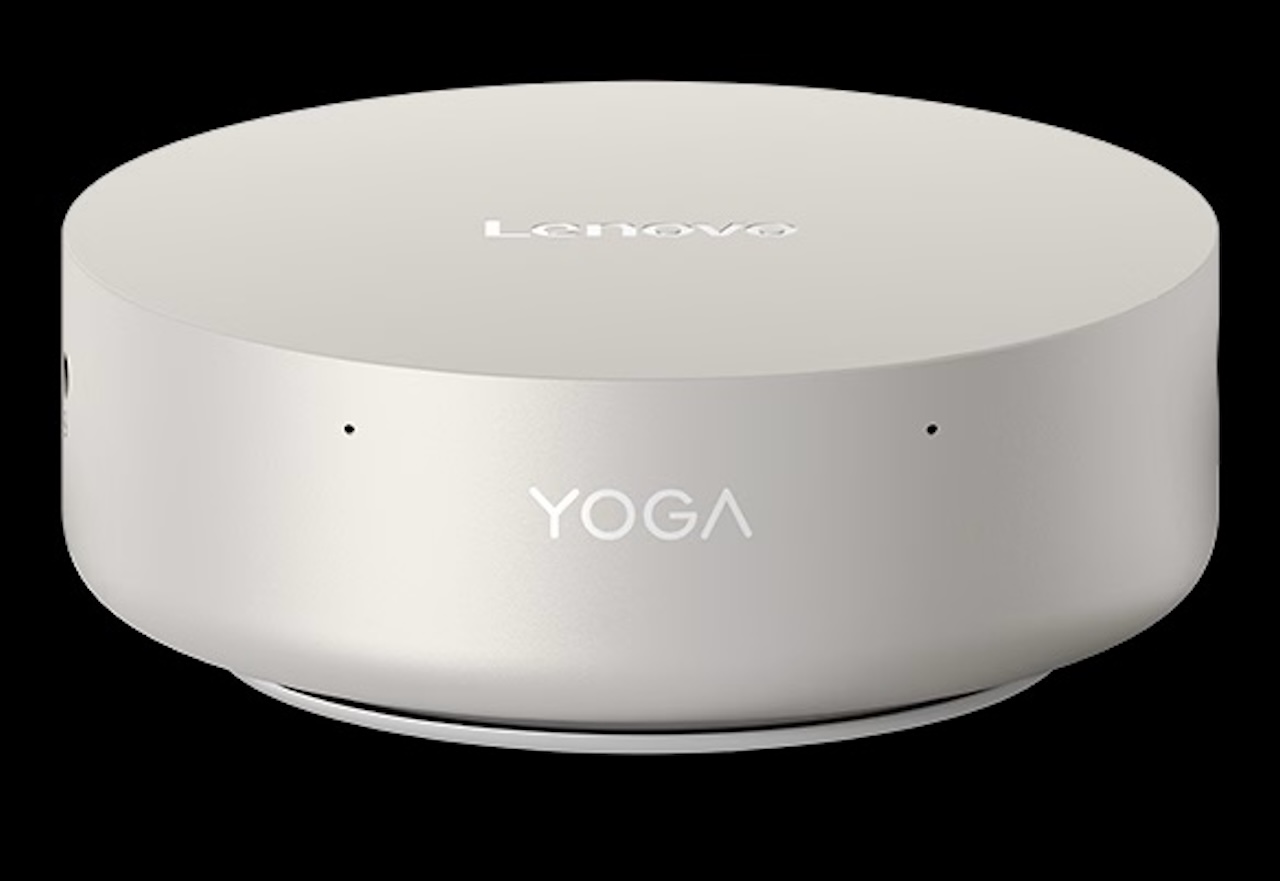
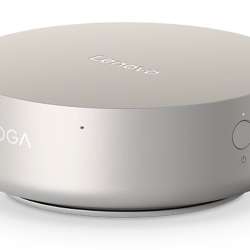
The Yoga Mini measures only 130 x 130 x 48.6mm, making it easy to place beside a monitor or on a small shelf rather than underneath a desk.
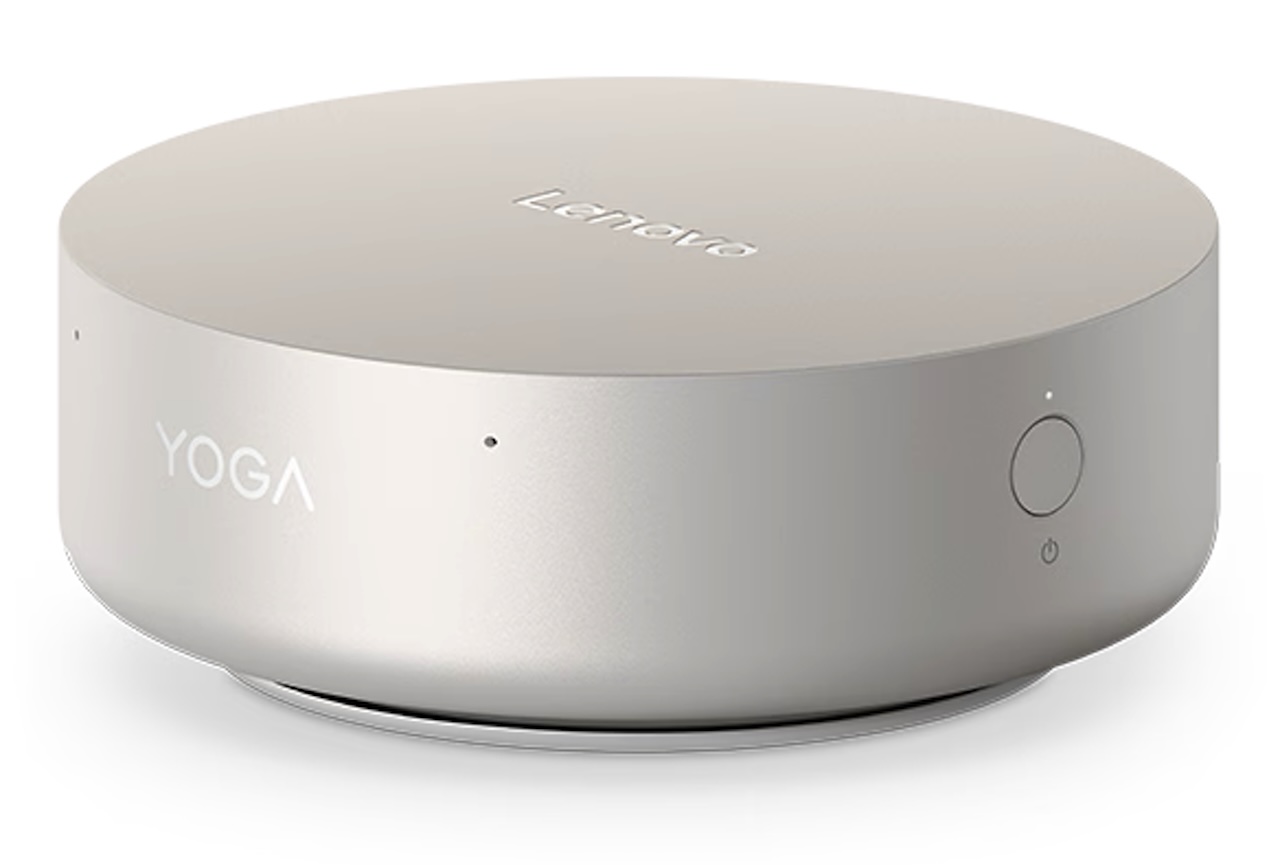
Lenovo still finds room for some useful extras. The specification includes a fingerprint reader integrated into the power button, a 2W speaker, dual microphones, firmware TPM 2.0, and Wi-Fi-based human-presence detection on supported configurations.
Power comes from an external 100W adapter. That is the adapter rating, not a measurement of typical system consumption, so it should not be interpreted as evidence that the Yoga Mini continuously draws anything close to 100W.
Who Should Buy the Lenovo Yoga Mini?
The Yoga Mini makes the most sense for someone who wants a Windows desktop that occupies almost no workspace but still has serious connectivity.
Its 0.65-liter enclosure, Core Ultra processor options, Thunderbolt 4, USB-C, 2.5Gb Ethernet, multi-monitor support, and available Copilot+ hardware make it particularly interesting for compact home offices and multi-display productivity setups.
The tradeoff is upgradeability. Memory is soldered and there is only one SSD slot, so this is a machine you should configure with future needs in mind rather than buy cheaply with plans to upgrade everything later.
Price: $2,086.99
Where to Buy: Lenovo
If internal expansion is the priority, a larger desktop or more upgrade-friendly mini PC will make more sense. But if the challenge is fitting a capable Windows workstation onto an already crowded desk, the Yoga Mini offers a compelling answer: a compact PC with enough connectivity to support a larger workspace.