A backup drive has one job that matters more than speed: your files need to be there when something goes wrong.
That makes shopping for portable storage surprisingly tricky. Manufacturers lead with numbers like 1,050MB/s and 2,100MB/s. Rugged models promise resistance to drops, dust, and water. Meanwhile, an old-fashioned portable hard drive can provide several terabytes without the price of a similarly sized SSD.
None of those advantages automatically makes one drive the right choice.
Someone backing up a laptop at home has different needs from a photographer copying hundreds of gigabytes in the field. A traveler may care more about durability than maximum capacity. A video editor might gladly pay extra to cut transfer times.
The specifications below are manufacturer ratings, not results from our own testing. Actual transfer speeds depend on the computer, USB port, cable, workload, file sizes, and other factors.
With that distinction in mind, these five drives solve five different backup problems.
1. Samsung T7 Shield: The One I’d Start With
If you don’t know exactly what kind of portable backup drive you need, the Samsung T7 Shield covers a lot of bases without chasing extreme specifications.
Samsung rates it for sequential reads up to 1,050MB/s and writes up to 1,000MB/s over USB 3.2 Gen 2. The T7 Shield comes in 1TB, 2TB, and 4TB capacities. Those speeds are useful for more than copying documents. Large photo libraries, video folders, and system backups can all benefit from SSD performance.
The Shield part of the name is equally important. Samsung gives the drive an IP65 dust- and water-resistance rating and says it can withstand drops from up to 3 meters, or 9.8 feet. Samsung notes that these durability figures come from testing under controlled conditions.
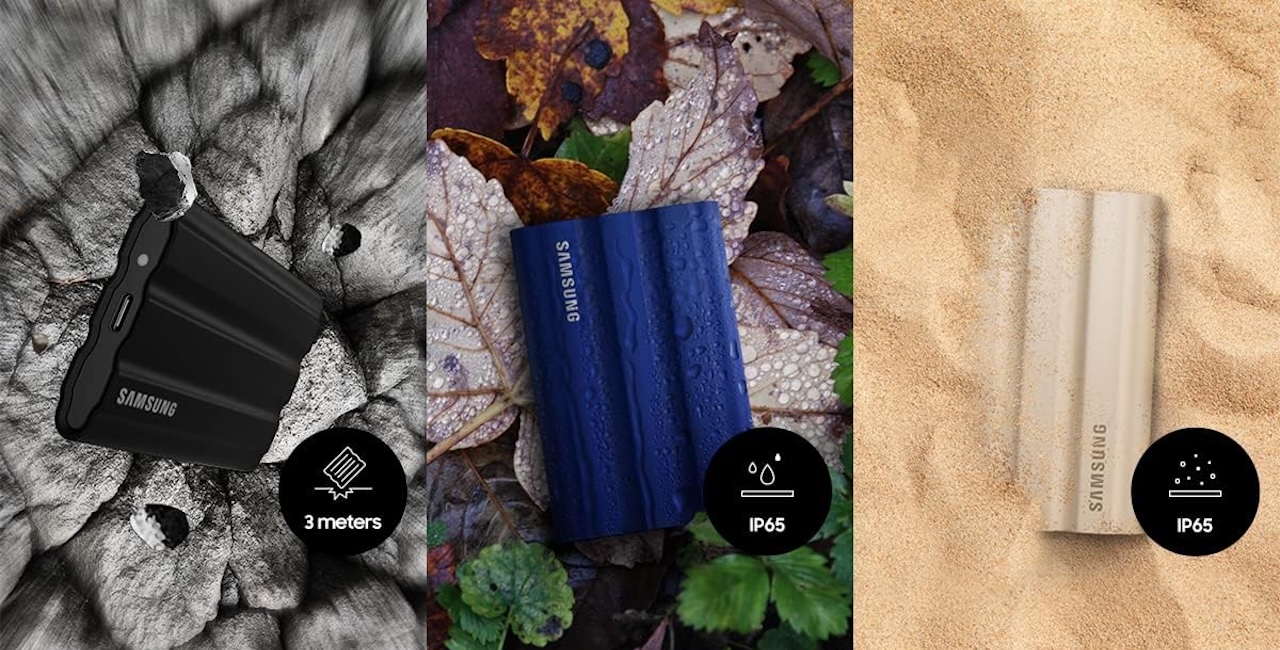 In other words, don’t interpret IP65 as permission to abuse your backup drive. What you’re getting is an extra layer of protection for a device that’s likely to end up in backpacks, camera bags, hotel rooms, and cluttered desks.
There’s also little reason to pay for a 2,000MB/s-class SSD if your computer can’t feed data to it that quickly. Samsung’s roughly 1,000MB/s-class rated performance hits a useful middle ground.
Who should buy it: Photographers, students, travelers, laptop users, and anyone looking for one versatile portable SSD rather than the fastest drive on a benchmark chart.
Samsung T7 Shield
Price: $281.84
Where to Buy: Amazon
2. Crucial X10 Pro: When Waiting for Transfers Is the Problem
Speed becomes much more important when “backup” means moving 300GB of footage instead of copying a folder of documents.
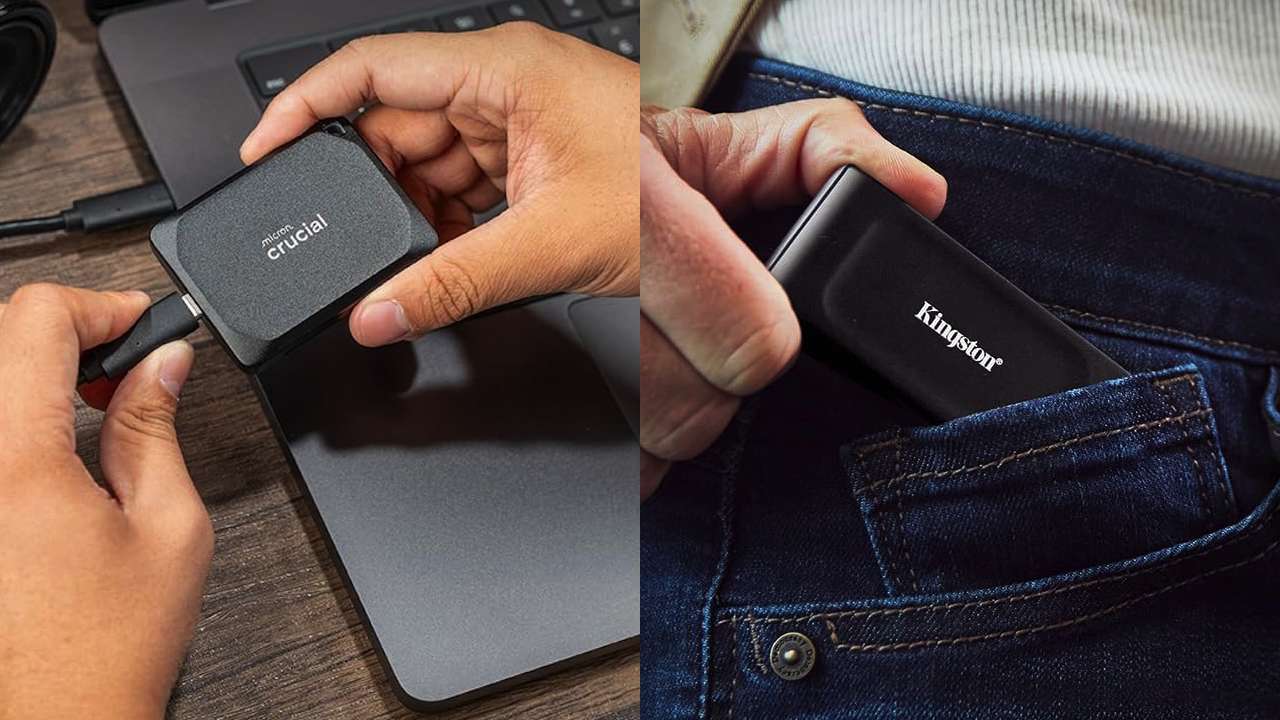
The Crucial X10 Pro is built for that heavier workload. Crucial rates it for reads up to 2,100MB/s and writes up to 2,000MB/s, with capacities reaching 4TB. It also carries an IP55 rating for water and dust resistance, and Crucial advertises drop resistance from up to 2 meters.
But there’s a catch behind those impressive speed numbers. Your computer needs a connection capable of taking advantage of them.
A USB-C-shaped port isn’t a guarantee of 20Gbps performance. USB-C describes the connector, while the data connection behind it can vary considerably.
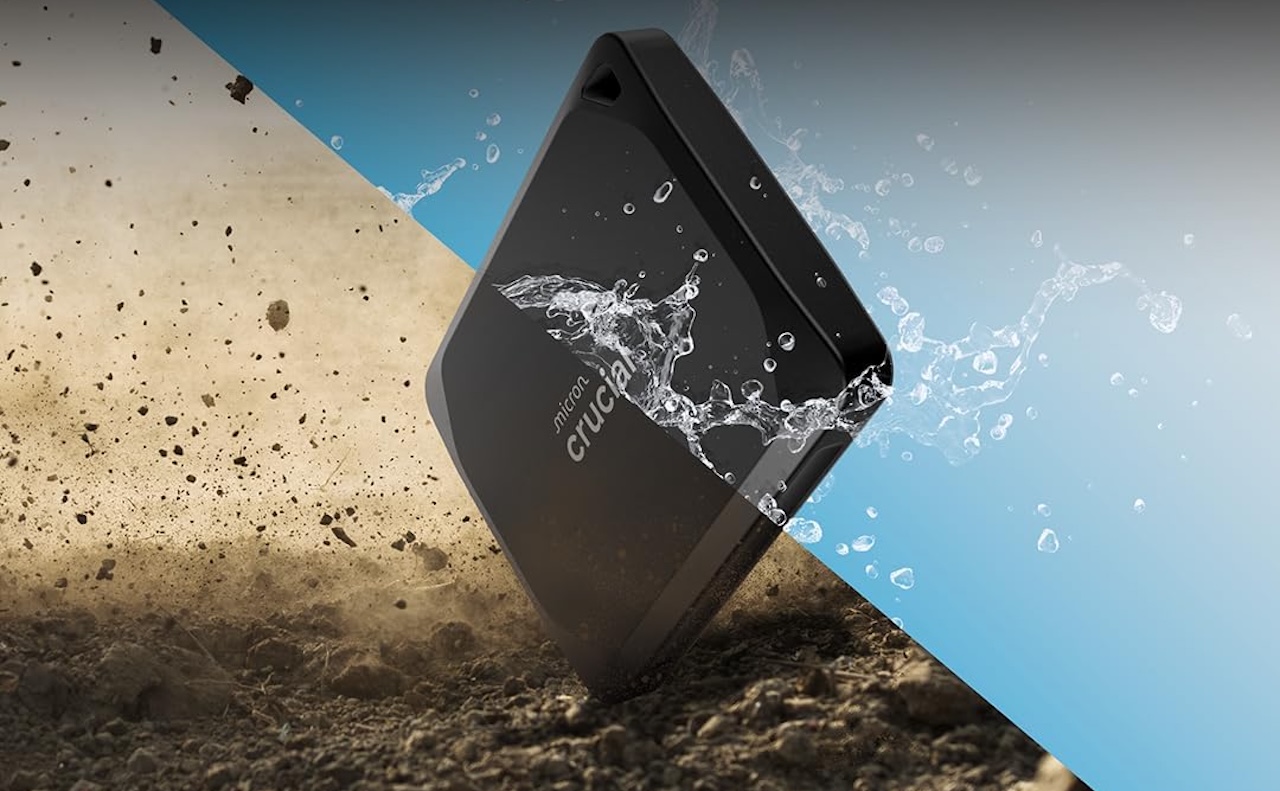 Connect the X10 Pro through a slower interface and you won’t get the maximum speed you’re paying for. That makes checking your computer’s specifications particularly important before choosing this drive over a less expensive 10Gbps model.
The X10 Pro is also physically tiny, with a footprint of roughly 65 x 50mm. That’s useful for photographers and video creators who already have enough equipment competing for space in a bag.
Who should buy it: Creators and professionals regularly transferring very large files, particularly those with hardware capable of taking advantage of the X10 Pro’s faster USB connection.
Crucial X10 Pro
Price: $209
Where to Buy: Amazon
3. SanDisk Extreme Portable SSD: When 4TB Still Isn’t Enough
Portable SSDs are easy to recommend until you need a lot of storage.
A few years of RAW photos, 4K footage, project archives, and computer backups can chew through several terabytes surprisingly quickly. That’s where the SanDisk Extreme Portable SSD becomes interesting.
SanDisk offers the Extreme Portable SSD in capacities up to 8TB. Confirm the exact model’s speed and ruggedness ratings before buying because specifications vary by generation and capacity.
That means its biggest selling point isn’t winning a speed contest. It’s putting a large amount of solid-state storage into a genuinely portable package. As with Samsung’s durability specifications, ruggedness ratings come from particular test conditions rather than guaranteeing protection against every accident.
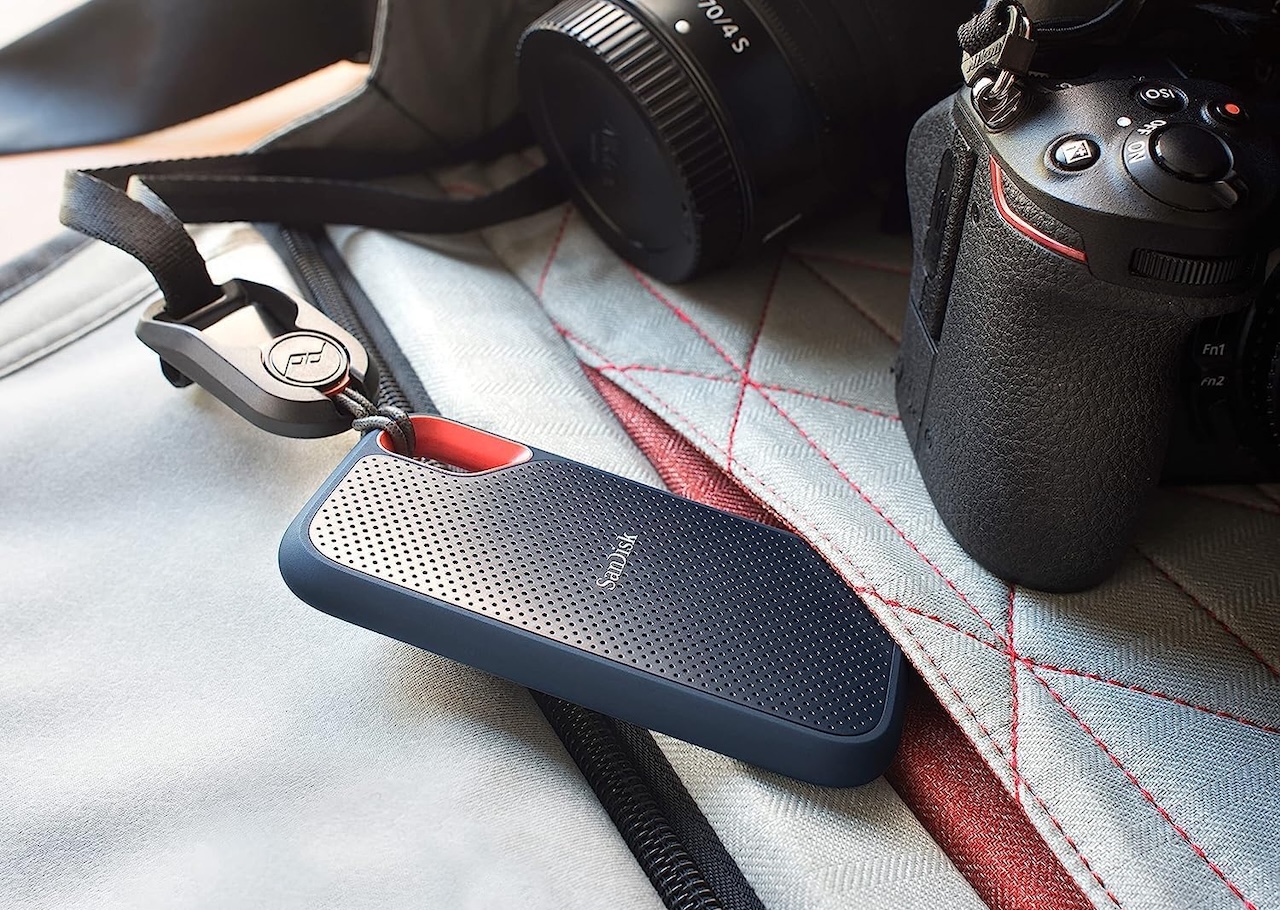 Password protection backed by 256-bit AES hardware encryption adds another useful option when you’re carrying private documents or work files.
An 8TB portable SSD could hold a substantial archive, but that creates another problem: the more data you put on one device, the more painful losing that device becomes. High capacity shouldn’t tempt you into treating one SSD as the only home for your files.
Who should buy it: Photographers, videographers, and anyone with a large media archive who wants several terabytes of portable solid-state storage instead of carrying a mechanical hard drive.
SanDisk Extreme Portable SSD
Price: $288.38
Where to Buy: Amazon
4. Kingston XS1000: The Backup Drive You Can Forget Is in Your Bag
Backup plans fail when the drive is not nearby. The Kingston XS1000 solves that with a tiny 28.7g body measuring about 69.5 x 32.6 x 13.5mm.
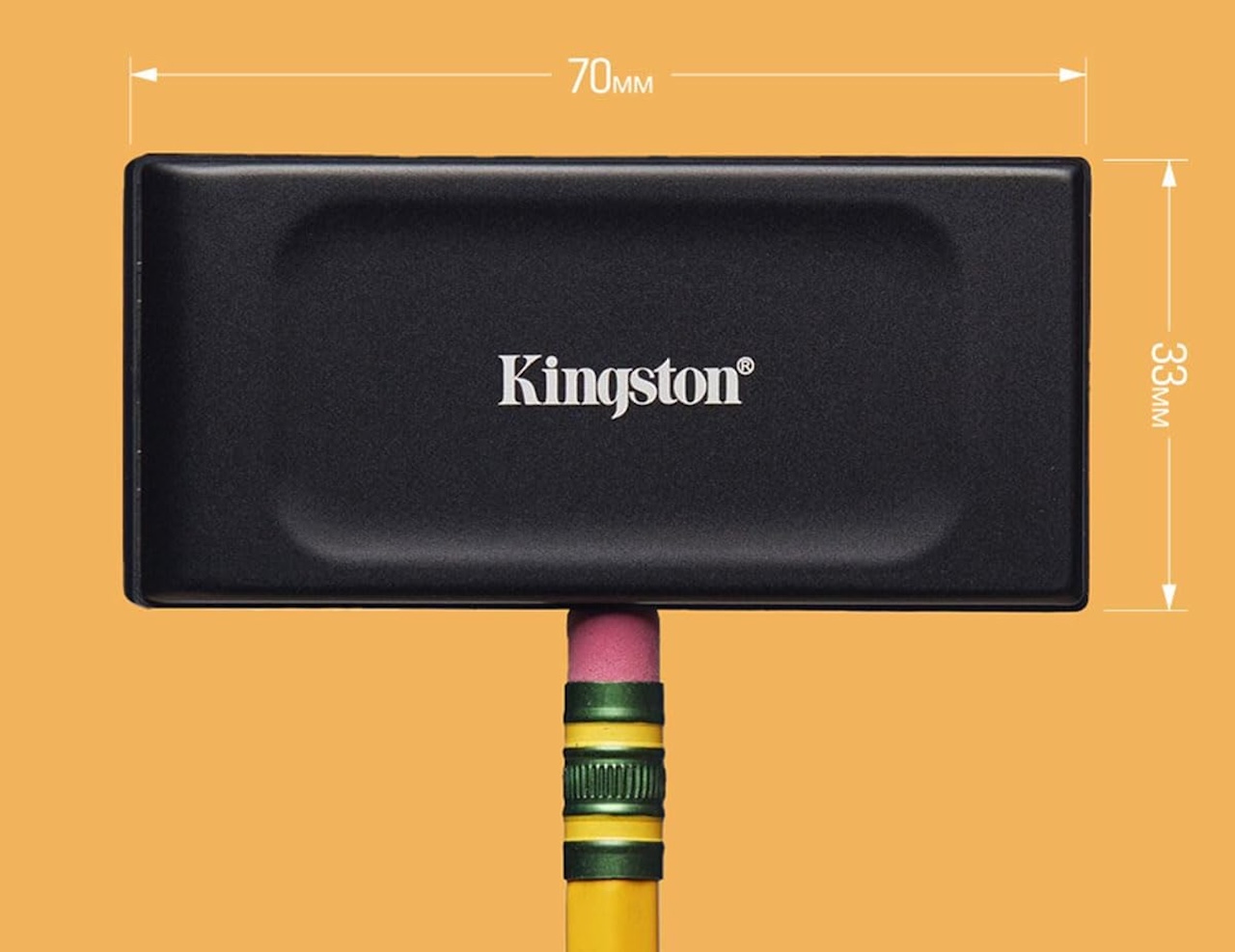 Kingston sells it in 1TB and 2TB capacities and rates it for up to 1,050MB/s reads and 1,000MB/s writes over USB 3.2 Gen 2. The included cable and adapter support compatible USB Type-A and Type-C devices.
The tradeoff is ruggedness. Kingston does not advertise an IP water- or dust-resistance rating for the XS1000, so choose a rugged SSD for harsher conditions.
Who should buy it: Commuters, students, frequent travelers, and minimalists who want a portable SSD that takes up almost no room.
Kingston XS1000
Price: $189.95
Where to Buy: Amazon
5. WD My Passport: Because Sometimes You Just Need Terabytes
Mechanical hard drives are slower and more fragile than SSDs, but the WD My Passport still solves one problem well: affordable capacity.
Western Digital offers My Passport models up to 6TB with USB 3.2 Gen 1 connectivity, a 5Gbps interface rating, and password protection with 256-bit AES hardware encryption.
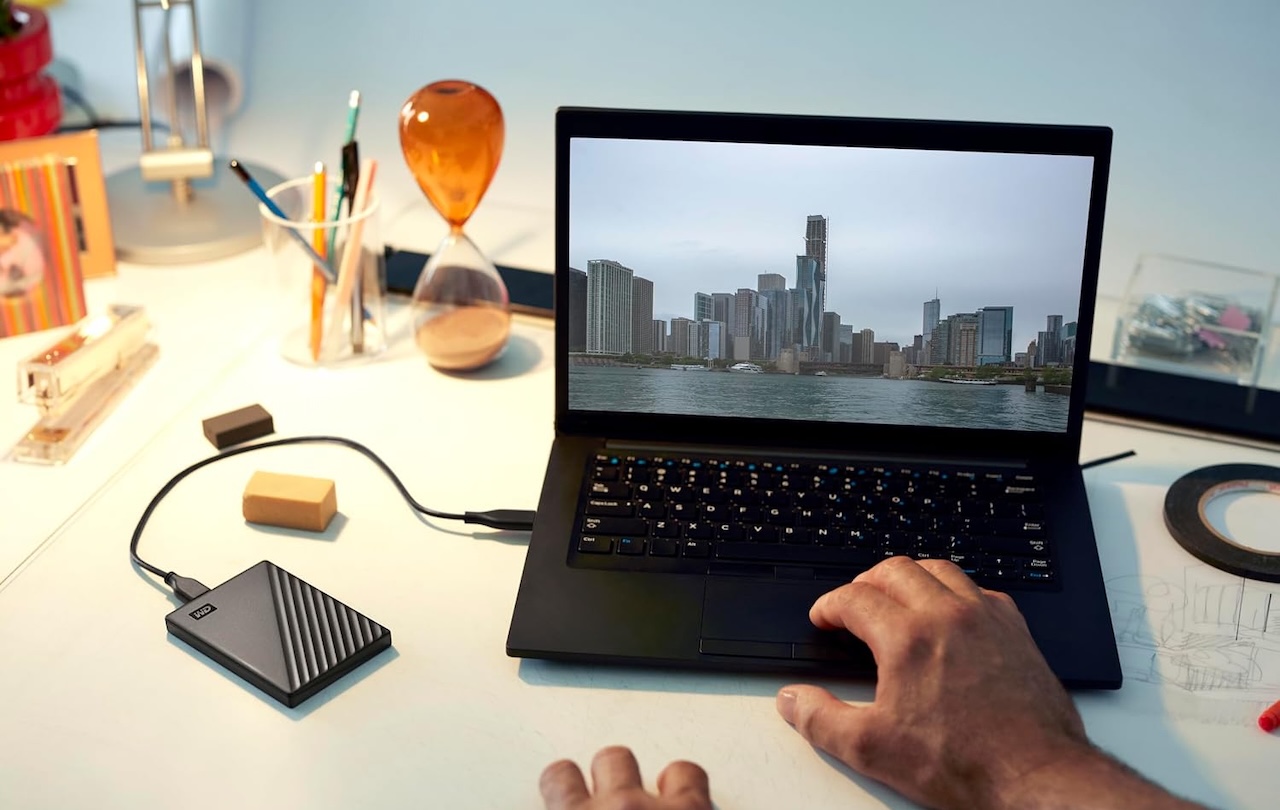 That makes it better for large home backups than daily backpack duty. Let it run overnight, disconnect it, and store it somewhere safe.
Who should buy it: Home users with large photo, video, or computer archives who care more about affordable capacity than transfer speed.
WD My Passport
Price: $137.09
Where to Buy: Amazon
Buying a Backup Drive Isn’t the Same as Having a Backup
Even the most rugged SSD is not a backup strategy by itself. If your laptop and backup drive are in the same backpack, a stolen bag can take both copies.
That is why the 3-2-1 backup approach still matters: keep three copies of important files, use two different media types, and store one copy off-site.
For most buyers, the Samsung T7 Shield is the easiest starting point because it combines useful SSD speed with extra physical protection. The Crucial X10 Pro is better when large transfers are the bottleneck. The SanDisk Extreme fits bigger portable archives, the Kingston XS1000 wins on pocketability, and the WD My Passport remains useful when affordable capacity matters most.
Do not choose a backup drive by chasing the biggest number on the box. Choose the one that helps you make backups regularly, then make sure it is not the only place your important files live.