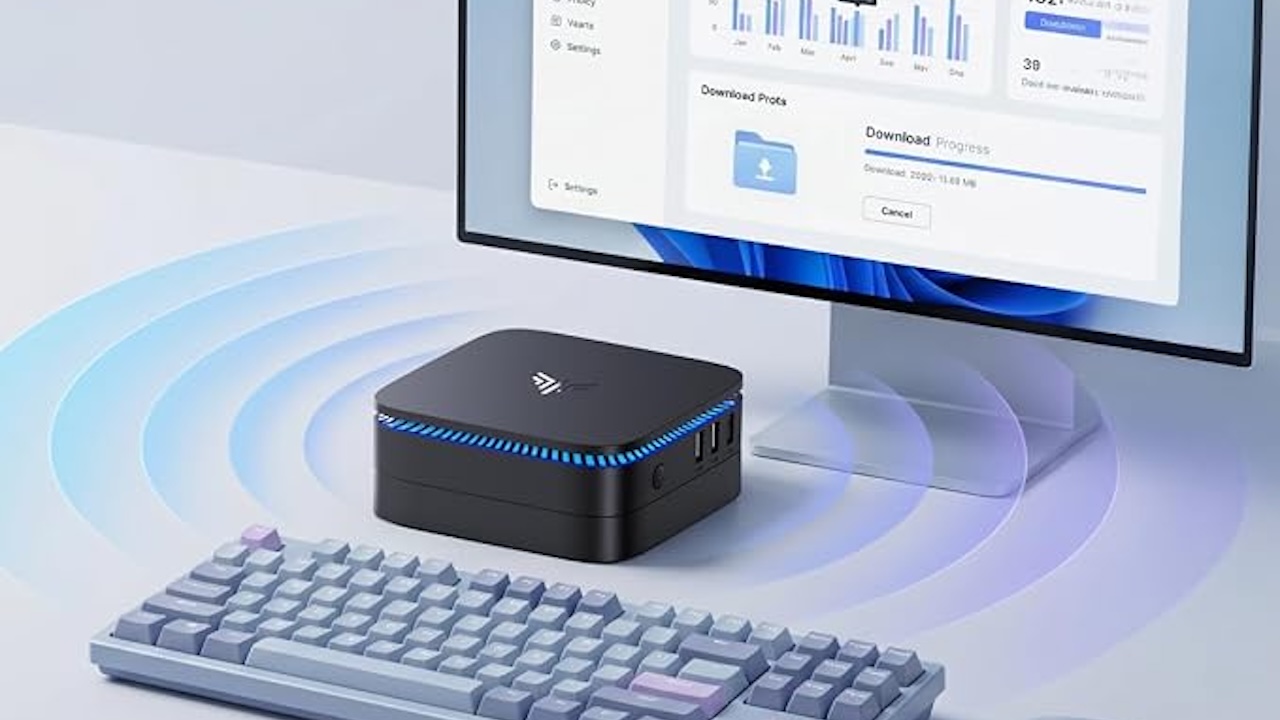
Back-to-school PC shopping gets expensive when you’re paying for portability that never leaves the desk. If a student’s computer will spend the semester connected to the same monitor, keyboard, and mouse, a mini PC can put more of the budget into the computer itself.
These tiny desktops can handle many of the jobs students actually need, from research and writing to video calls, spreadsheets, streaming, and basic coding. They also take up very little room on a dorm or bedroom desk.
But there’s a bigger decision hiding behind the specifications.
The KAMRUI and ACEMAGIC systems here are sold as new budget mini PCs. The Dell and HP take a different route: they’re renewed business computers. Older enterprise hardware can offer a lot of computer for the money, but condition, warranty, operating system support, and seller quality become part of the purchase.
Here are five best mini PCs under $350 worth considering for the new school year.
1. KAMRUI AK1PLUS Mini PC: Enough for Everyday Schoolwork
Not every student workload needs much CPU power. Research tabs, documents, learning portals, email, and video calls make adequate memory especially valuable, though CPU performance still matters for browser-heavy work.
The supplied KAMRUI AK1PLUS listing pairs an Intel Celeron N5095 with 16GB of RAM and a 256GB SSD. The N5095 is a four-core, four-thread processor reaching 2.9GHz, and 16GB helps students who keep many tabs and apps open, though responsiveness still depends on the processor and workload.
KAMRUI also advertises dual 4K display support and storage expansion. Don’t read that 4K figure as graphics performance: it describes output resolution, not capability for demanding games, 3D rendering, or heavy video production.
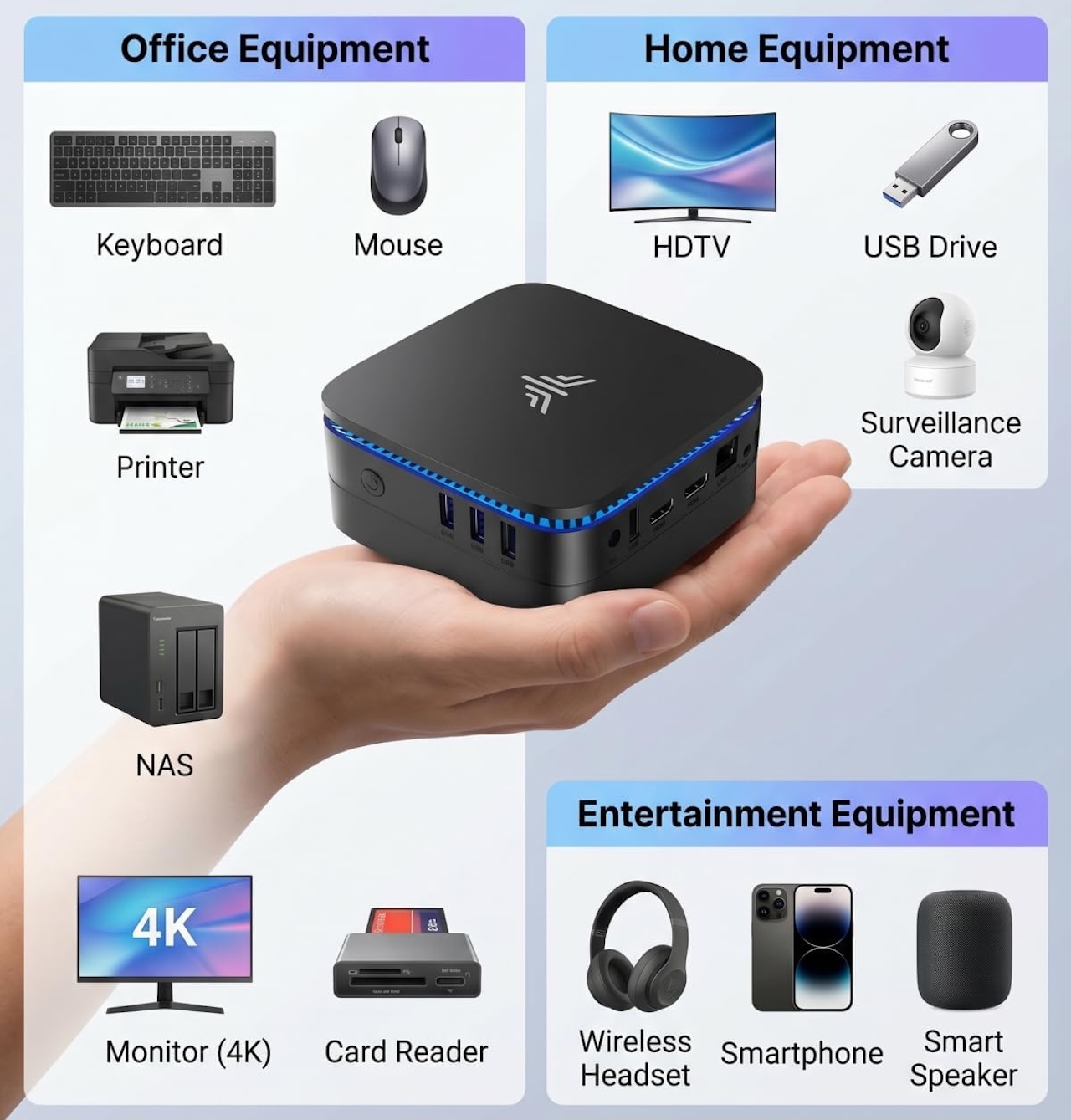
KAMRUI sells different configurations under similar names, so check the CPU, RAM, and storage in your Amazon cart before buying.
Buyer fit: Students whose typical day involves web research, Office or Google Workspace, online classes, streaming, and general assignments.
Price: $279.99
Where to Buy: Amazon
2. KAMRUI Pinova P2: More CPU Power for Heavier Workloads
Programming, large spreadsheets, and juggling several applications expose an entry-level processor’s limits much faster than writing an essay will.
The supplied KAMRUI Pinova P2 listing pairs an AMD Ryzen 3 7330U with 16GB of RAM and a 256GB SSD. That Zen 3 processor has four cores, eight threads, and boosts to 4.3GHz, a clear specification advantage over the N5095-based AK1PLUS, though we haven’t benchmarked the two against each other.
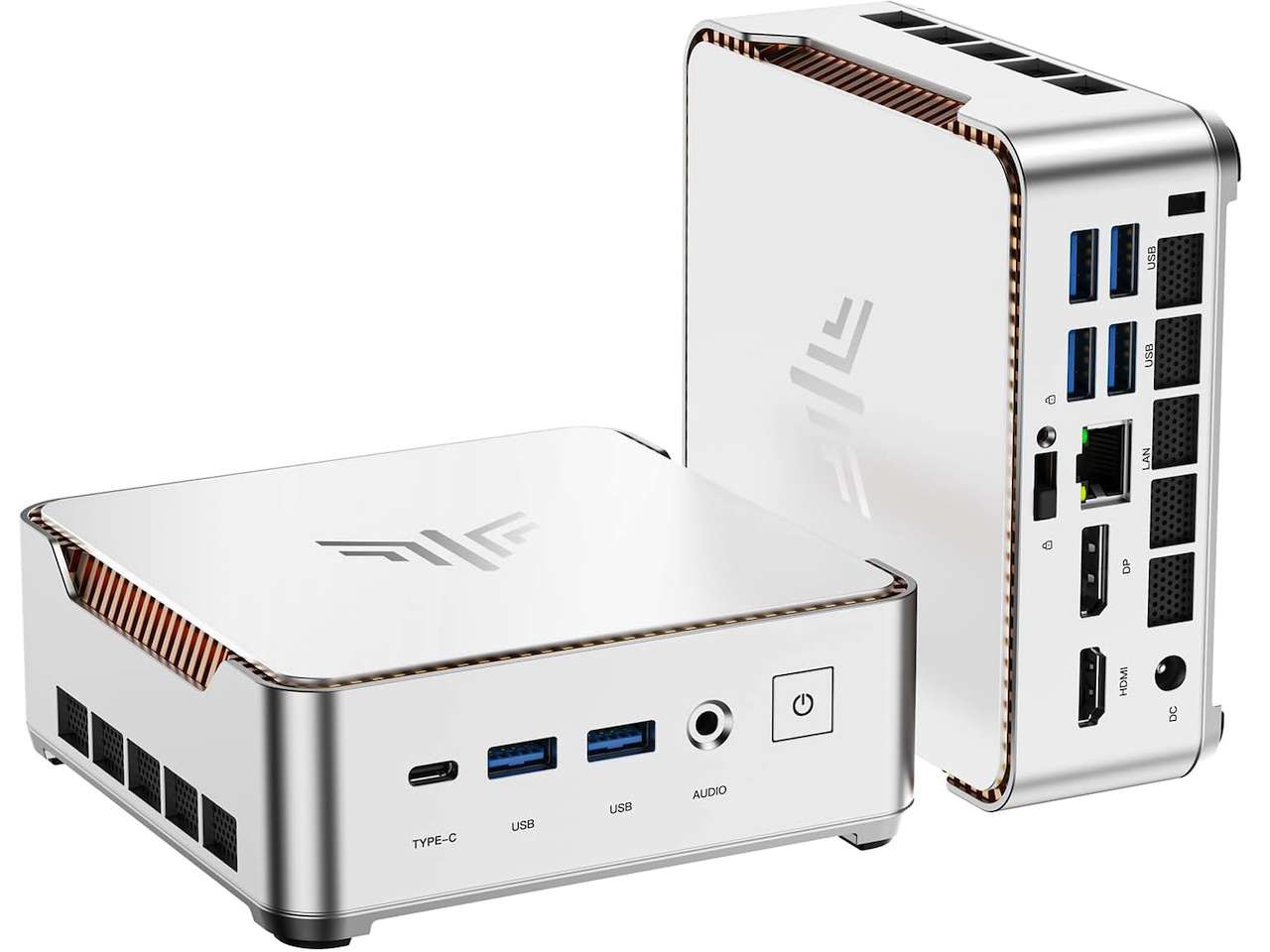 The P2 also advertises three 4K displays, useful for a permanent multi-monitor study station but not evidence the integrated graphics can handle demanding gaming or professional 3D work.
KAMRUI sells the P2 in different processor and storage configurations, so buy by the specifications on the exact Amazon listing, not the P2 name alone.
Buyer fit: Students doing more demanding multitasking, programming, or coursework that can benefit from additional CPU capability.
Price: $349.99
Where to Buy: Amazon
3. Dell OptiPlex 7050 Micro: What Can $200 Buy If It Doesn’t Have to Be New?
The Dell OptiPlex 7050 Micro asks a different question: how much computer can $200 buy if you stop insisting the hardware be new?
This renewed business PC is listed with an Intel Core i5-6500T, 16GB of RAM, and a 256GB SSD, still workable for writing, research, email, basic spreadsheets, and browser-based school platforms.
But age matters. The i5-6500T comes from Intel’s sixth-generation Core family, and it isn’t on Microsoft’s officially supported Windows 11 processor list. A refurbisher can still ship it with Windows 11 installed, so understand that distinction before buying a PC meant to last several more school years.
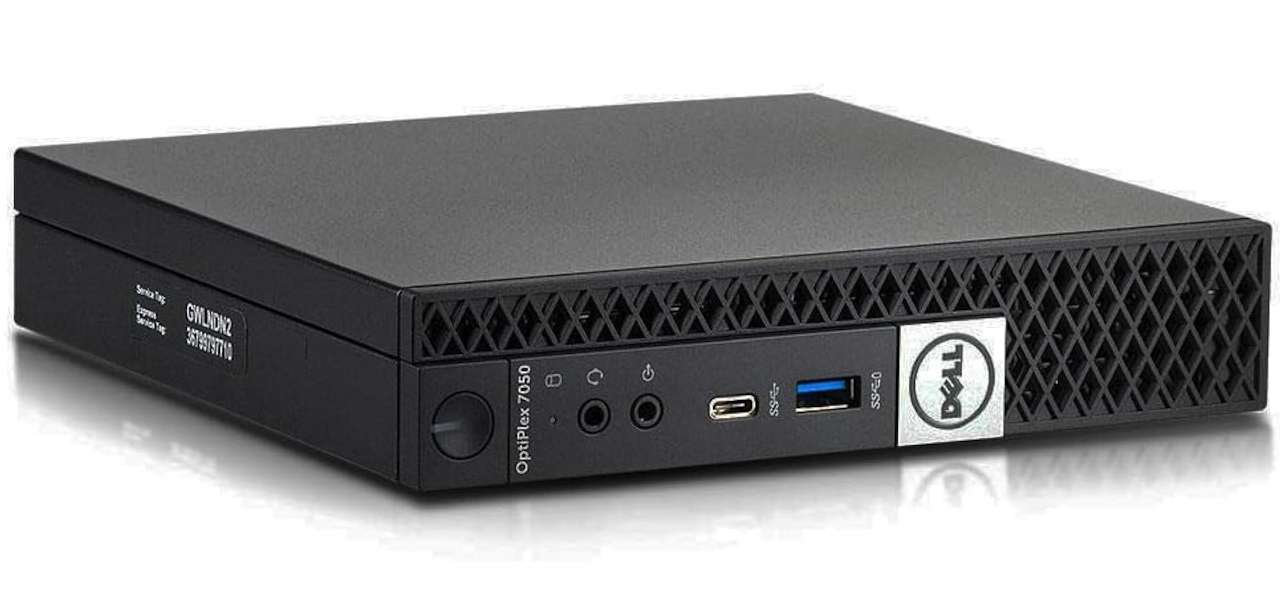 The word Renewed matters too: check the refurbisher, the seller, the listed condition, what’s included, the warranty, and the return policy. The $199.99 price is attractive, but you’re paying it partly by accepting older hardware.
Buyer fit: Budget-conscious students who need basic productivity hardware and are comfortable with a renewed computer and its Windows 11 support limitation.
Price: $199.99
Where to Buy: Amazon
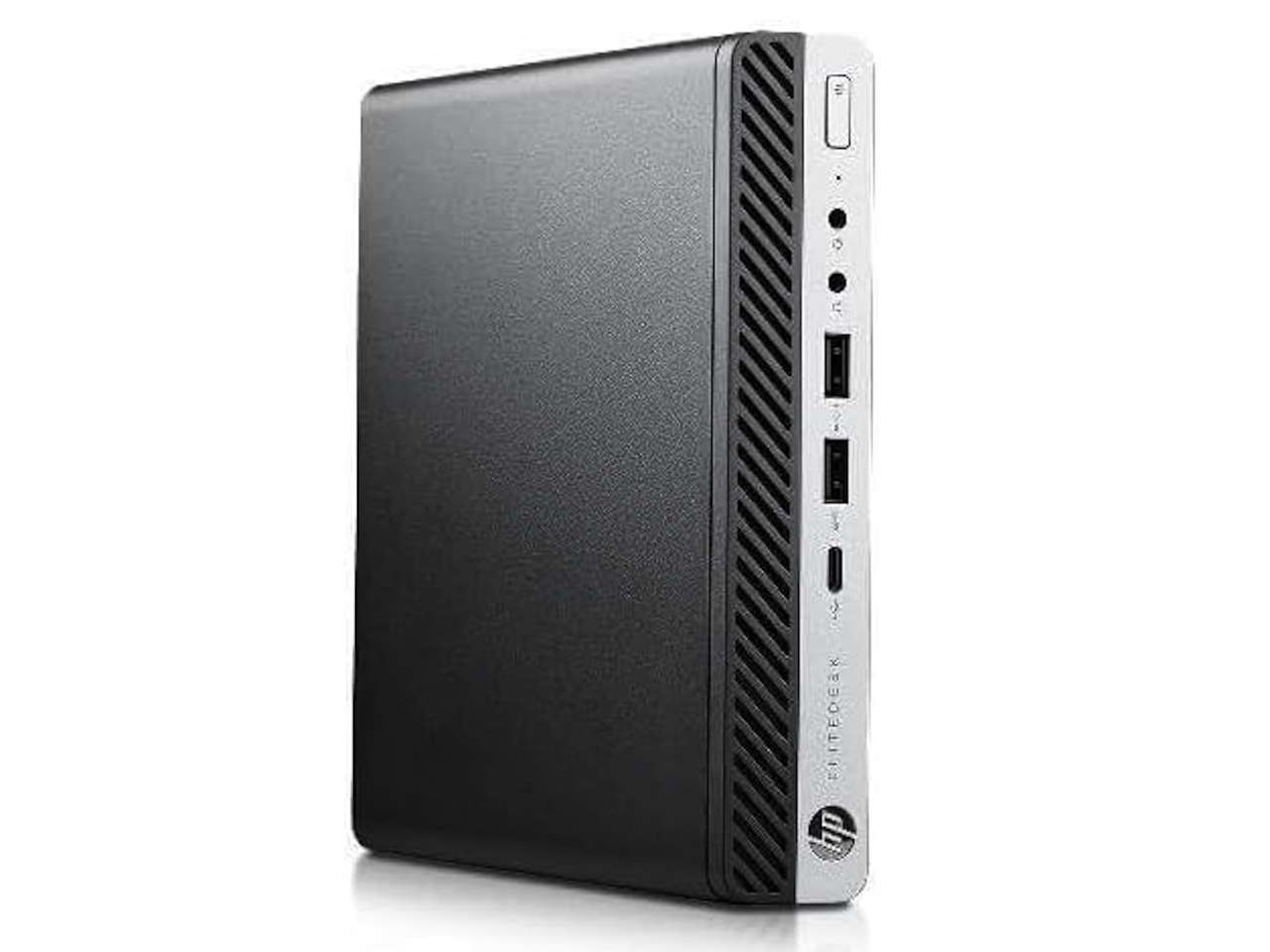
4. HP EliteDesk 800 G4 Mini: The Renewed PC That Makes the Dell Harder to Buy
At the supplied prices, the HP costs about $10 less than the Dell while offering a much newer processor, which makes the comparison uncomfortable for the OptiPlex.
The renewed HP EliteDesk 800 G4 Mini is listed with an Intel Core i5-8500T, 16GB of DDR4 RAM, and a 256GB SSD. Six cores reaching 3.5GHz and 16GB of memory are compelling for a $189.99 school desktop, giving coding tools, documents, browser-heavy research, and multitasking useful resources, though real performance depends on the workload.
The operating system difference matters more. Microsoft’s Windows 11 processor documentation includes the Core i5-8500T, unlike the Dell’s Core i5-6500T. The complete machine still has to meet Microsoft’s other Windows 11 requirements, so CPU support alone isn’t a guarantee.
 This is still used business hardware, so seller quality, refurbishment, warranty, and return terms matter. But at the prices supplied for this roundup, the HP gives the Dell a difficult argument to win.
Buyer fit: Students comfortable with renewed hardware who want strong productivity specifications for well under $350.
Price: $189.99
Where to Buy: Amazon
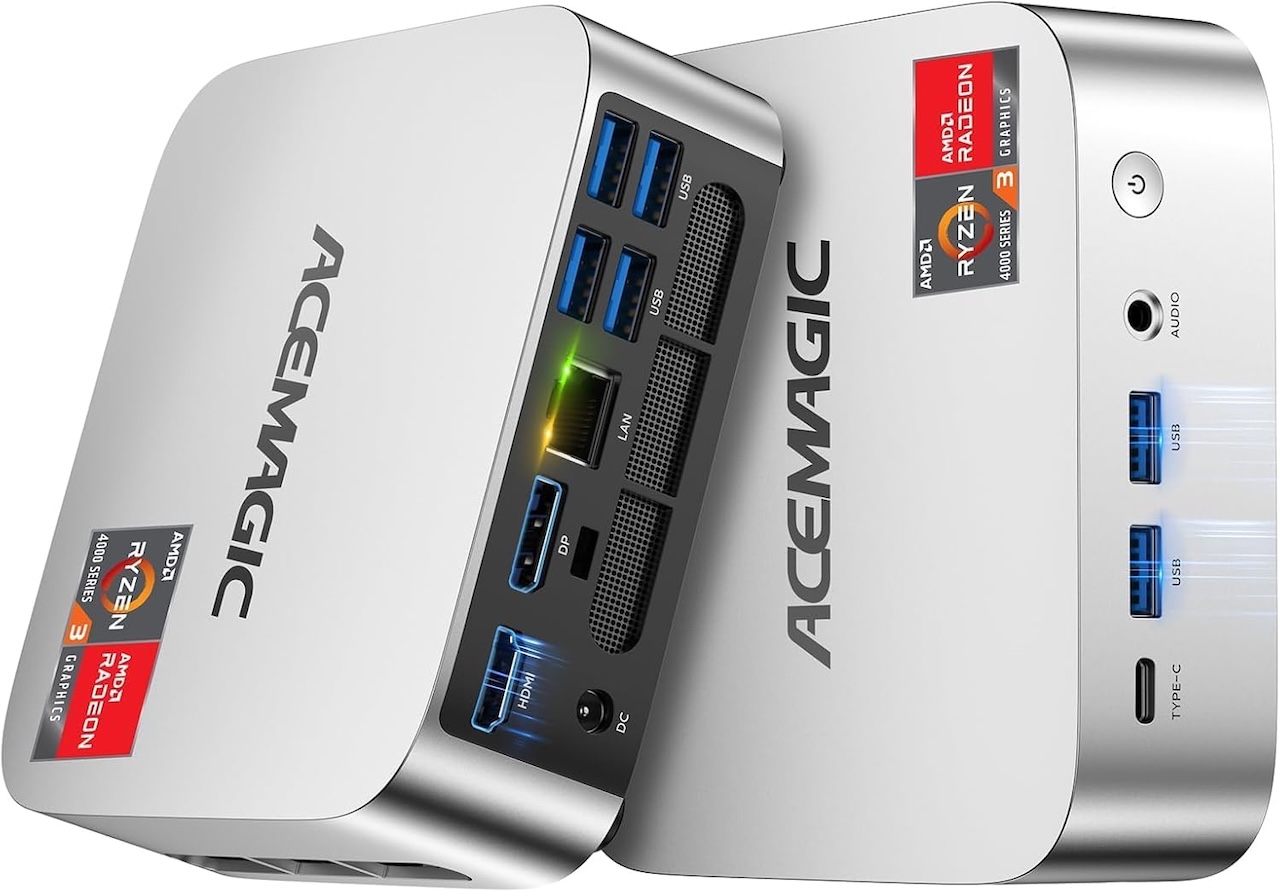
5. ACEMAGIC Vista Mini V1: 512GB Is Nice, but $349.98 Is a Tough Ask
A 256GB drive can look generous in September and considerably smaller after semesters of downloaded lectures, project folders, applications, and media.
The ACEMAGIC Vista Mini V1 addresses that problem with a listed 512GB SSD, twice the storage capacity of the other configurations in this roundup. It’s paired with 16GB of DDR4 RAM and an Intel Processor N150.
The Intel Processor N150 is a four-core, four-thread low-power processor that can reach 3.6GHz. It’s intended for everyday computing rather than high-performance workloads.
That makes web research, documents, streaming, and video calls sensible workloads for it. Serious rendering and demanding gaming aren’t.
The extra storage is useful. Whether it’s worth paying this particular price for an Intel Processor N150 system is another question.
Buyer fit: Students who want a new compact PC with 16GB of RAM and 512GB of storage. Its case becomes considerably stronger if Amazon discounts it.
Price: $349.98
Where to Buy: Amazon
New or Renewed: Which Mini PC Should a Student Buy?
Divide this list by what you’re willing to compromise on, not by brand.
If new hardware is non-negotiable, pick a KAMRUI by workload: the AK1PLUS for straightforward school computing, the Ryzen-powered Pinova P2 for students who will push their desktop harder.
If renewed hardware is acceptable, the HP EliteDesk 800 G4 Mini changes the math. At $189.99, its six-core i5-8500T and 16GB of RAM make a strong case for a fixed school workstation.
The Dell earns a look only if its seller, condition, and warranty outweigh the Windows 11 processor-support concern. The ACEMAGIC’s 512GB SSD is welcome, but $349.98 demands a careful comparison first.
One last cost: these mini PCs may still require a monitor, keyboard, mouse, and possibly a webcam.
If those are already on the desk, a mini PC solves a specific back-to-school problem: a capable computer without paying for portability that never leaves the room.