
I was sitting on an airplane when I pulled out the RISION Magic and started looking around the cabin. The people nearby suddenly had visible heat signatures. Faces, hands, and other exposed areas stood out against the cooler surroundings in a way my phone camera could never show.
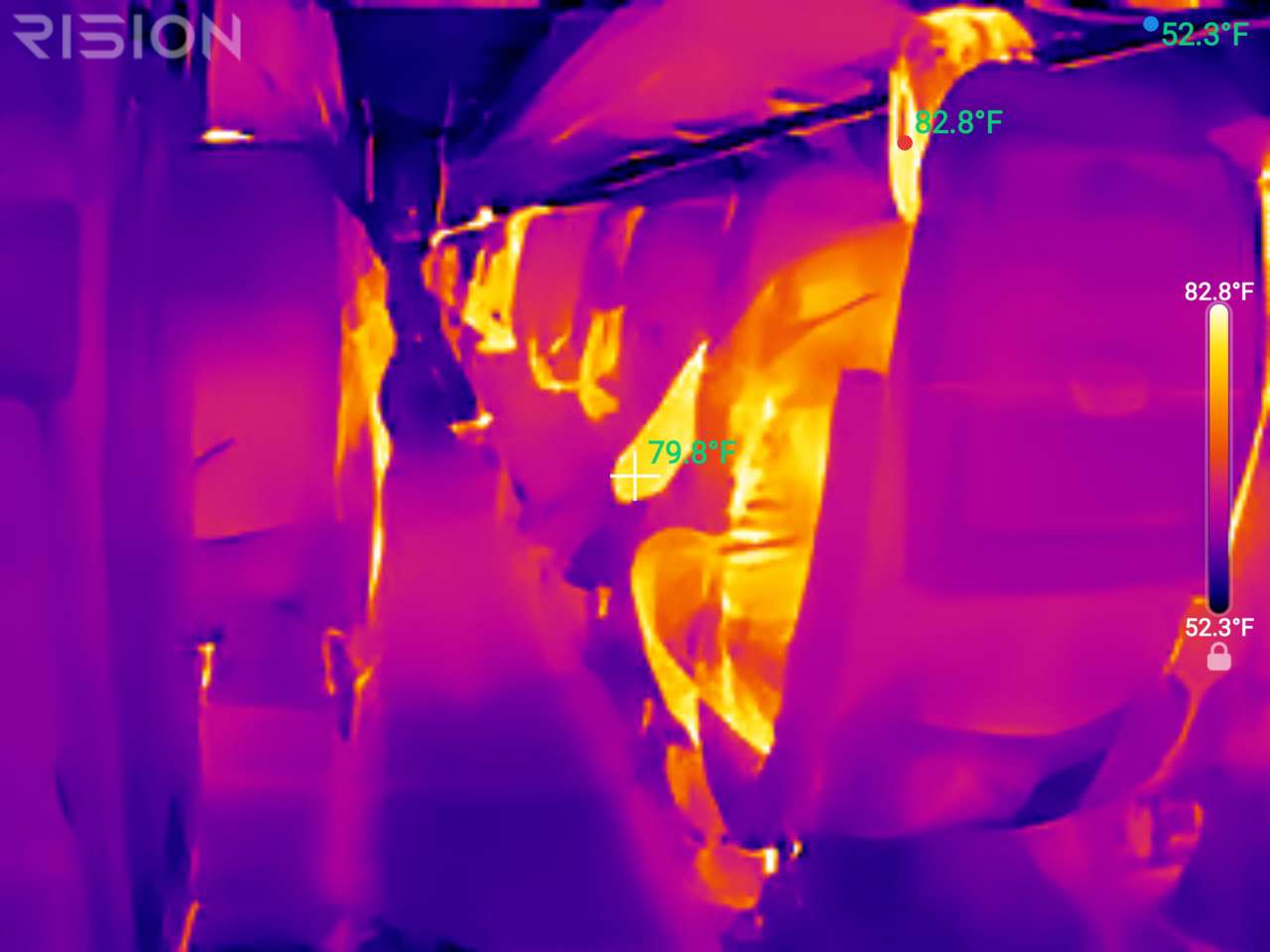
It was a fun demonstration, but the Magic is more useful when you point it at something you actually need to understand.
RISION Magic Smartphone Thermal Camera
Current price: $119, regularly $139
Where to buy: Buy the RISION Magic from RISION
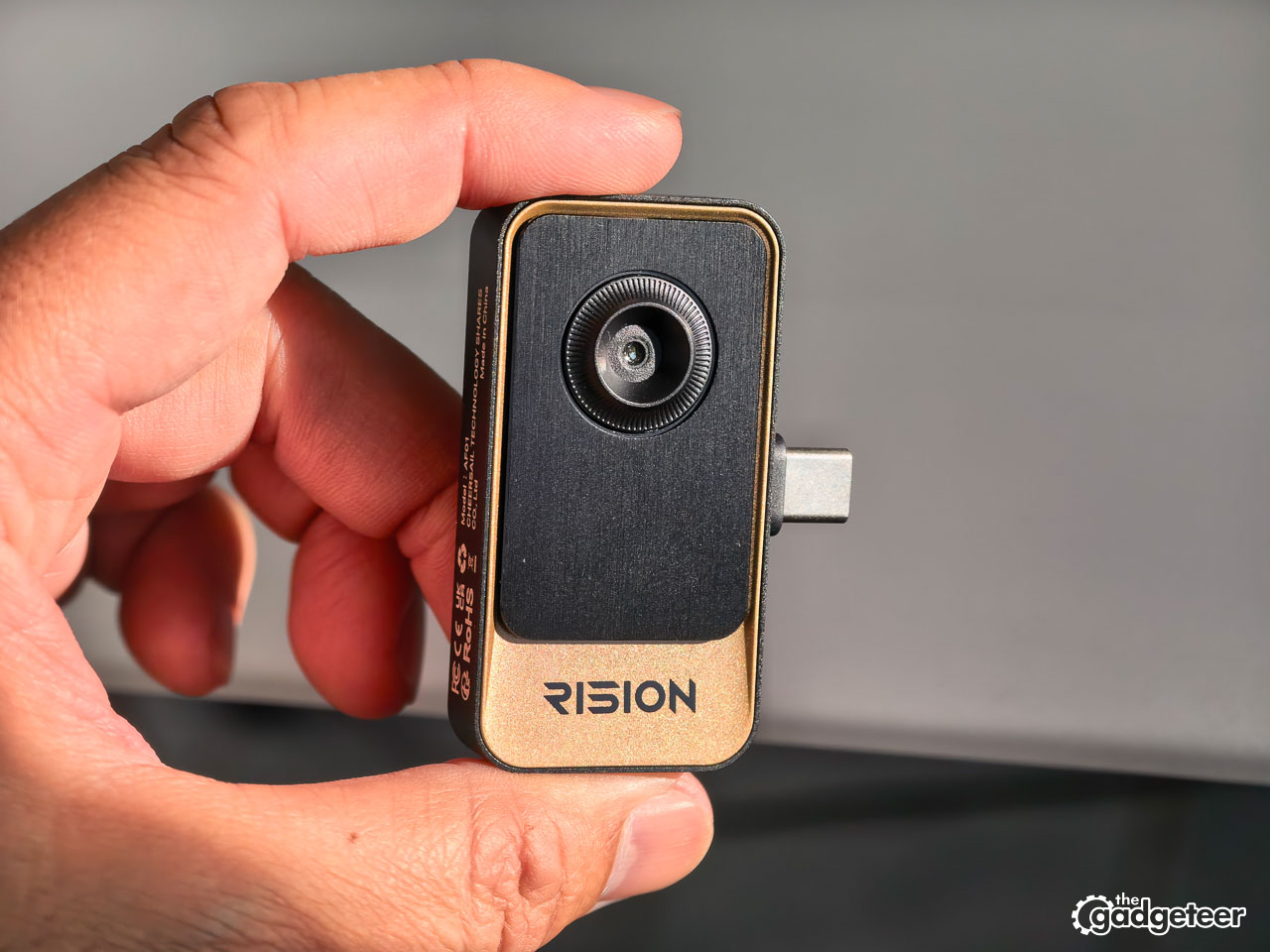
RISION sent over the Magic for this review. It’s a tiny USB-C thermal camera that uses your phone as the screen. The camera itself weighs 24 grams and measures 60 x 42 x 10 mm. It has a native 160 x 120 thermal sensor and uses QuadIR processing to produce images up to 320 x 240. RISION says it works with compatible Android, iOS, and Windows devices.
What I saw
The first thing that struck me was how quickly a normal object became interesting. I pointed the Magic at my laptop and could immediately see warmer and cooler areas across the keyboard and palm rest.
The RISION View app showed a 106.4°F spot reading over one of the warmer areas, a 102.2°F crosshair reading nearby, and a 53.8°F reference point on the cooler background. Those numbers didn’t tell me that anything was wrong with the laptop. They showed me where the heat was and gave me a way to compare one part of the scene with another.
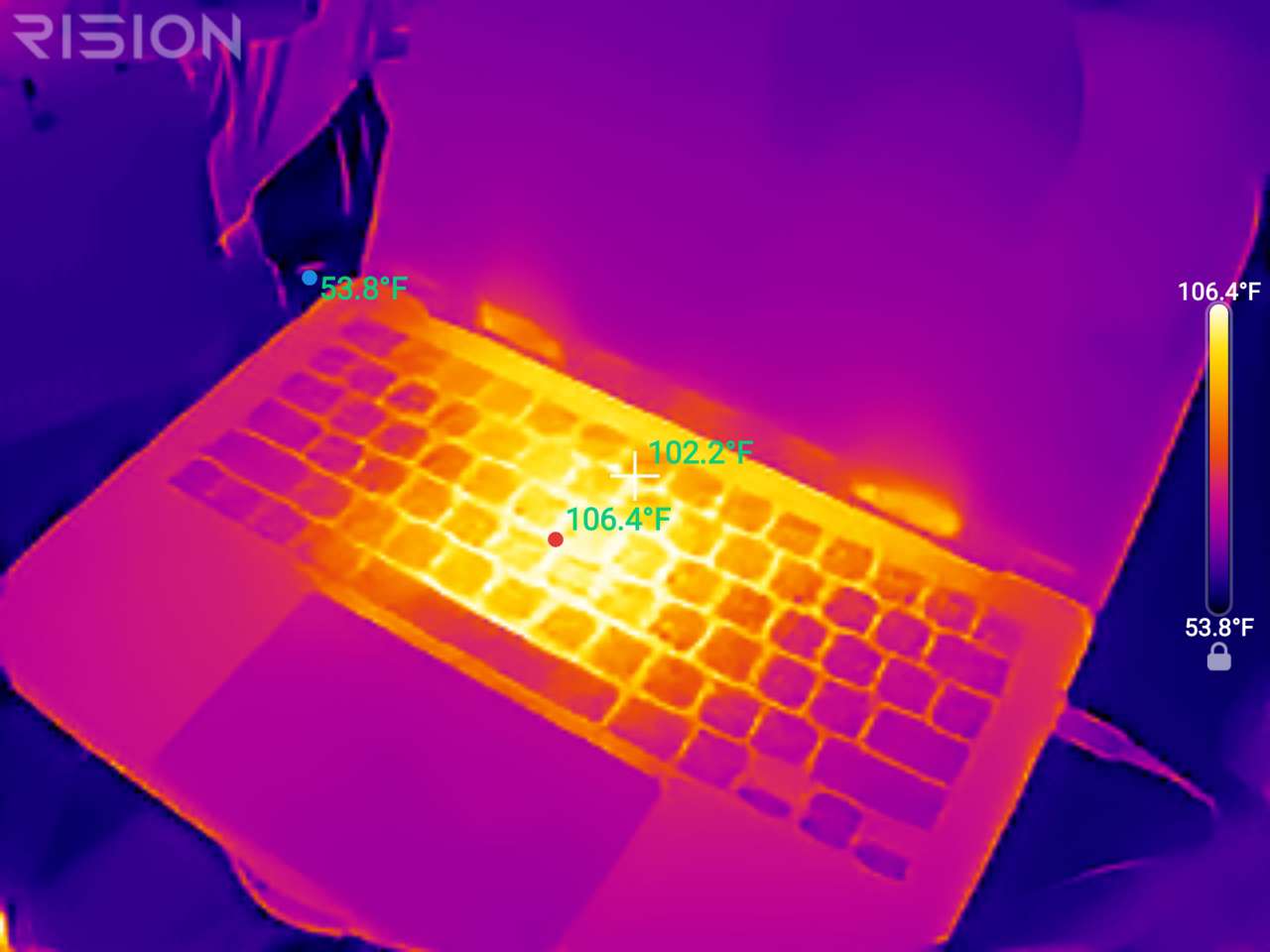
That’s the right way to think about this camera. It can show you something worth investigating. It can’t tell you the cause by itself.
I also tried the grayscale palette on clothing and the surrounding room. On the airplane, the warmer parts of people stood out clearly against the cooler cabin. It doesn’t see through clothing and it isn’t a medical tool. It’s simply showing surface heat that an ordinary camera can’t see.
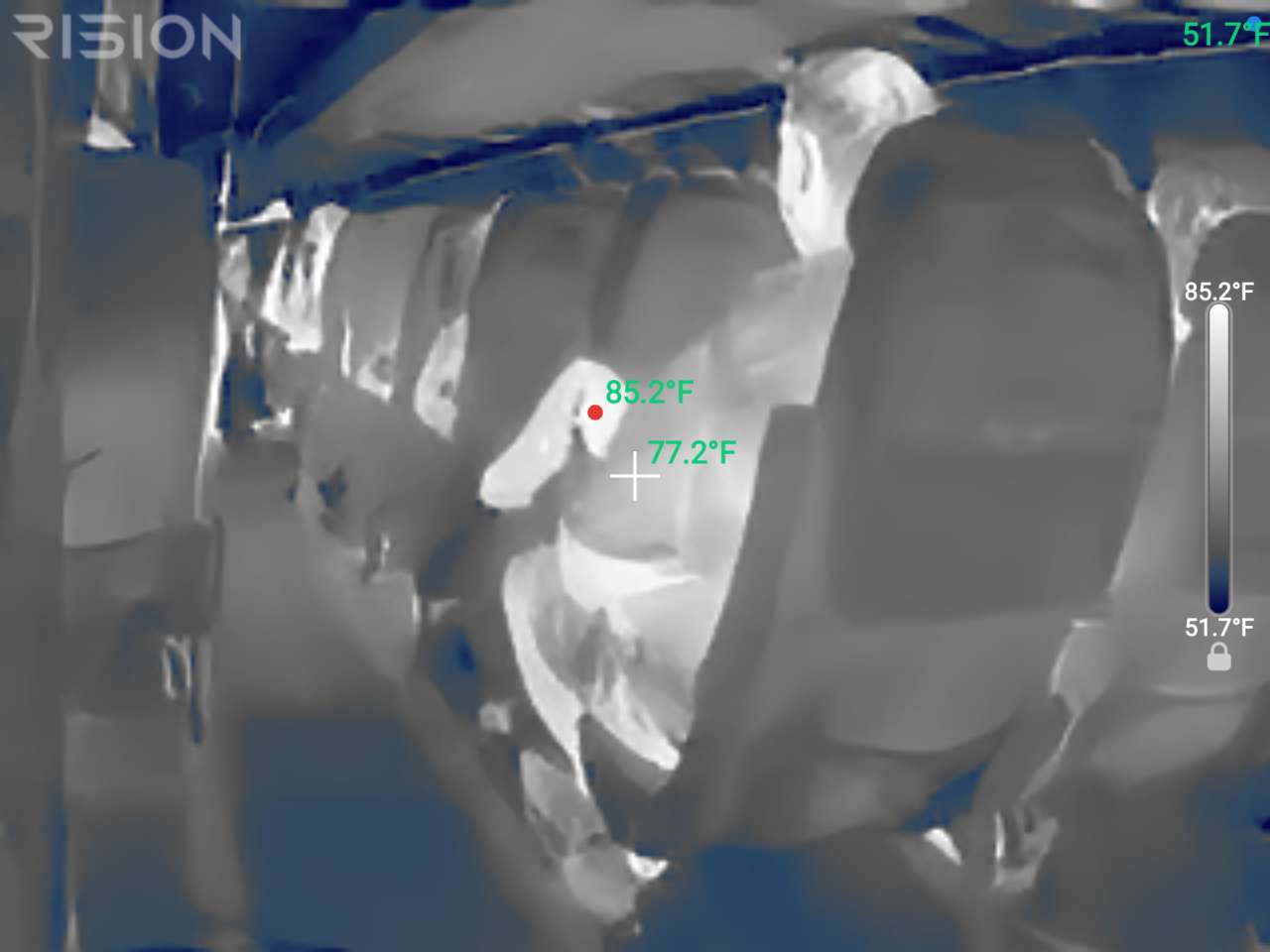
The same idea applies around the house. The Magic could help you look for temperature differences around a window, door, vent, appliance, power adapter, pipe, or other safe target. A thermal pattern might give you a better place to start looking, but it isn’t proof of a leak, a bad connection, or a failing component.


The app is easy to explore
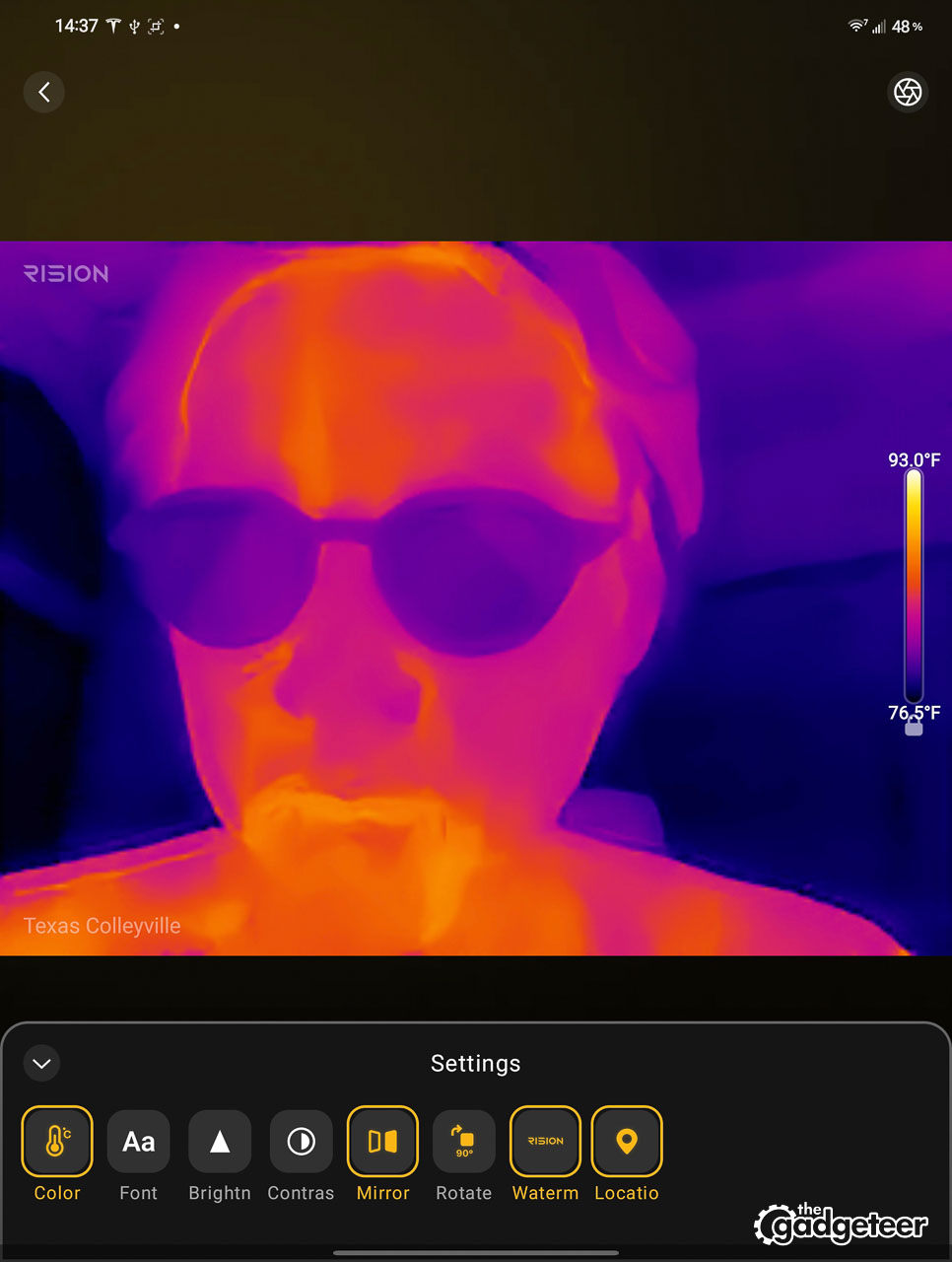
RISION View doesn’t feel like a complicated industrial application. The live thermal image takes up most of the screen, with Target, Image Mode, Palette, Temp Mode, and Settings along the bottom. There’s a large shutter button in the middle, a gallery preview on the left, and a video button on the right.


I didn’t have to hunt around to figure out how to look at something, change the palette, or save an image. The temperature tools sit directly on top of the live view, so you can see the numbers while moving the camera around.
The screen can get busy once you turn on several readings. You might have a spot, a crosshair, a reference point, the temperature scale, and other labels all competing for space. That’s useful when you’re comparing areas, but it can make the image harder to read if you leave everything turned on.
The palette options change the feel of the image. The bright color palettes make hot and cold areas jump out quickly. Grayscale is calmer and sometimes easier to interpret when you’re looking at a person or a complicated scene. I found myself switching between them depending on what I was looking at.
The Settings panel includes controls for color, font, brightness, contrast, mirroring, rotation, watermarking, and location. The watermark can be turned off, which is helpful if you want to share a clean image. When it’s enabled, the saved image includes the RISION mark along with the temperature information.
It’s small, but your phone is part of the deal
The Magic is small enough to keep in a pocket or tool bag. There’s no separate battery to charge and no handheld screen to carry around. You plug it into a compatible device and use the RISION View app.
That simplicity is the main appeal. It also means your phone becomes part of the inspection setup. You need a compatible device, a solid USB-C connection, the app, and enough phone battery for the session. If you need a standalone thermal camera that is always ready without your phone, this isn’t that product.
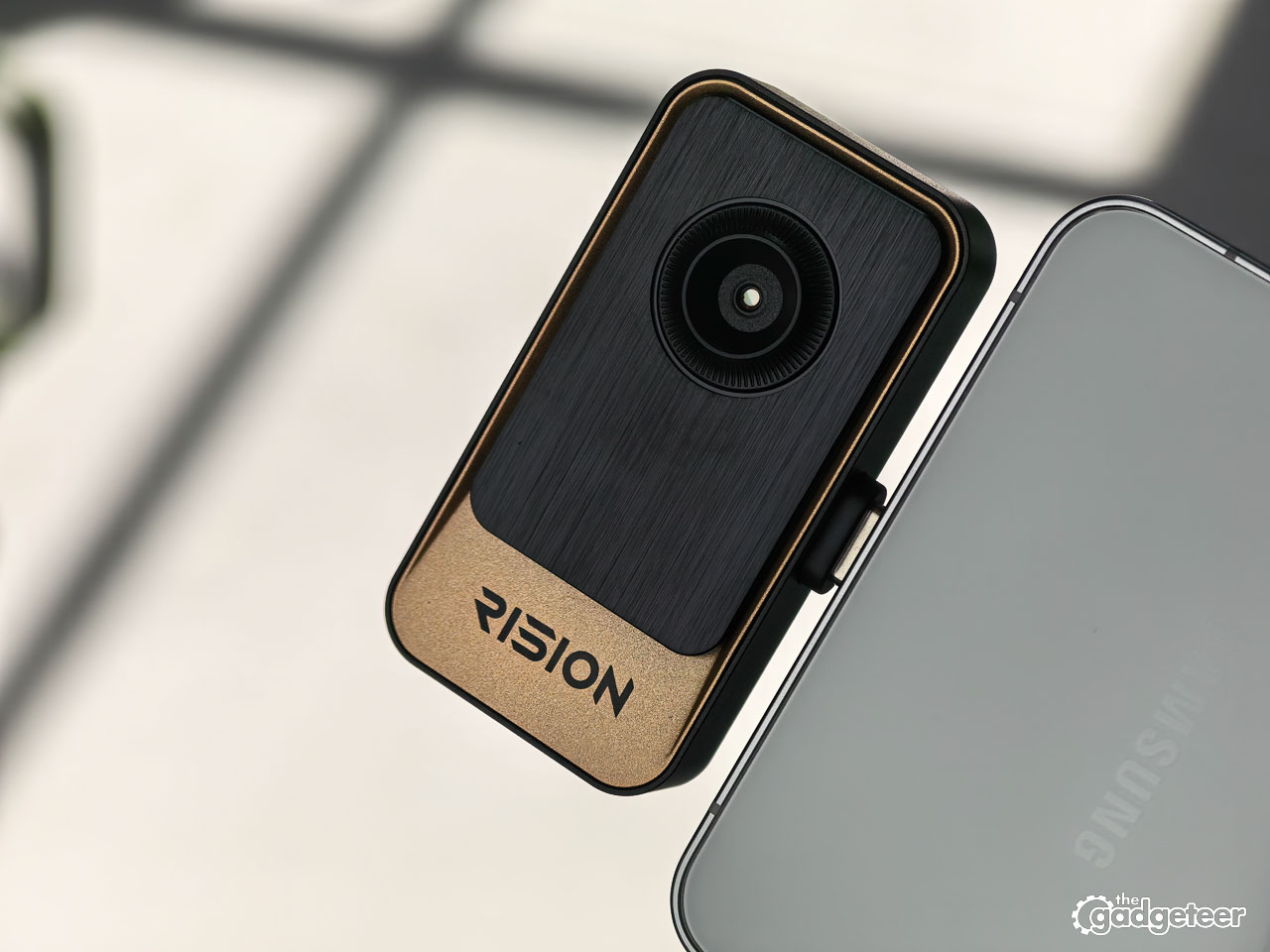
RISION lists support for 12 color palettes, temperature measurement, and calibration features. It also lists a measurement range of -4°F to 1112°F and accuracy of ±2°C or ±2% of the reading, whichever is greater. Those are RISION’s specifications, not numbers I independently calibrated in a lab.
The Magic can show surface temperature patterns, but it can’t see through walls, glass, or water. Reflections, surface materials, distance, angle, airflow, sunlight, and room conditions can all change what you see. Treat the image as a clue, not a diagnosis.
Should you buy the RISION Magic?
The Magic makes sense if you like having a small troubleshooting tool nearby. You can use it to look at drafts, vents, appliances, electronics, pipes, and all the other household questions that are hard to answer by looking or touching alone. Makers and curious gadget fans will also find plenty of excuses to point it at things just to see what’s happening.


It’s less appealing if you’ll only use it once, your phone isn’t supported, or you need professional inspection equipment. It won’t replace a qualified electrician, HVAC technician, or other expert when safety is involved.
RISION currently lists the Magic at $119, down from $139. The product page says it’s in stock and lists a two-year warranty, lifetime technical support, free fast shipping, and a 30-day money-back policy. Check the live page before ordering because prices and availability can change.
For me, the Magic’s appeal is the moment when an ordinary object suddenly makes sense as a heat pattern. The app gives you enough control to compare temperatures, switch palettes, save images, and document what you found. You still have to figure out what the pattern means, but that’s the fun of it.
RISION Magic Smartphone Thermal Camera
Current price: $119, regularly $139
Where to buy: Buy the RISION Magic from RISION
At $119, I think it’s worth considering if you regularly tinker, troubleshoot things around the house, or want a compact thermal camera you’ll actually keep nearby. If you need a self-contained professional tool, spend more on something built for that job.



Gadgeteer Comment Policy - Please read before commenting
We don’t need another Topdon or ThermalMaster
The image seems ok, but I really don’t like this gold shade.Sorry