College tech gets expensive surprisingly fast, especially when every accessory promises to make studying easier. Most of them don’t deserve space in your backpack.
The gear worth buying solves a problem you will repeatedly encounter: carrying a laptop all day, finding somewhere to charge, blocking out a noisy dorm, backing up coursework, or turning a tiny desk into a usable workspace.
For 2026, these 10 Back-to-School Tech picks cover 10 different categories. The focus is practical impact rather than assembling the most expensive backpack possible.
1. Laptop: Apple MacBook Air M5
For students who need one computer to survive four years of papers, research, Zoom calls, coding, and creative work, portability matters almost as much as performance.
The 2026 MacBook Air with M5 starts with 512GB of storage and 16GB of unified memory, addressing two limitations that used to make base-model Airs harder to recommend for long-term ownership. Apple offers 13-inch and 15-inch versions, while the 15-inch model is rated for up to 15 hours of wireless web use.

Buyer fit: Best for students wanting a lightweight primary computer with long battery life and no need for specialized Windows-only software.
Apple MacBook Air M5
Price: $1,297
Where to Buy: Amazon
2. Tablet: Apple iPad Air M4
A laptop is not always ideal when you are standing in a lab, annotating a PDF, or trying to squeeze onto a lecture-hall desk.
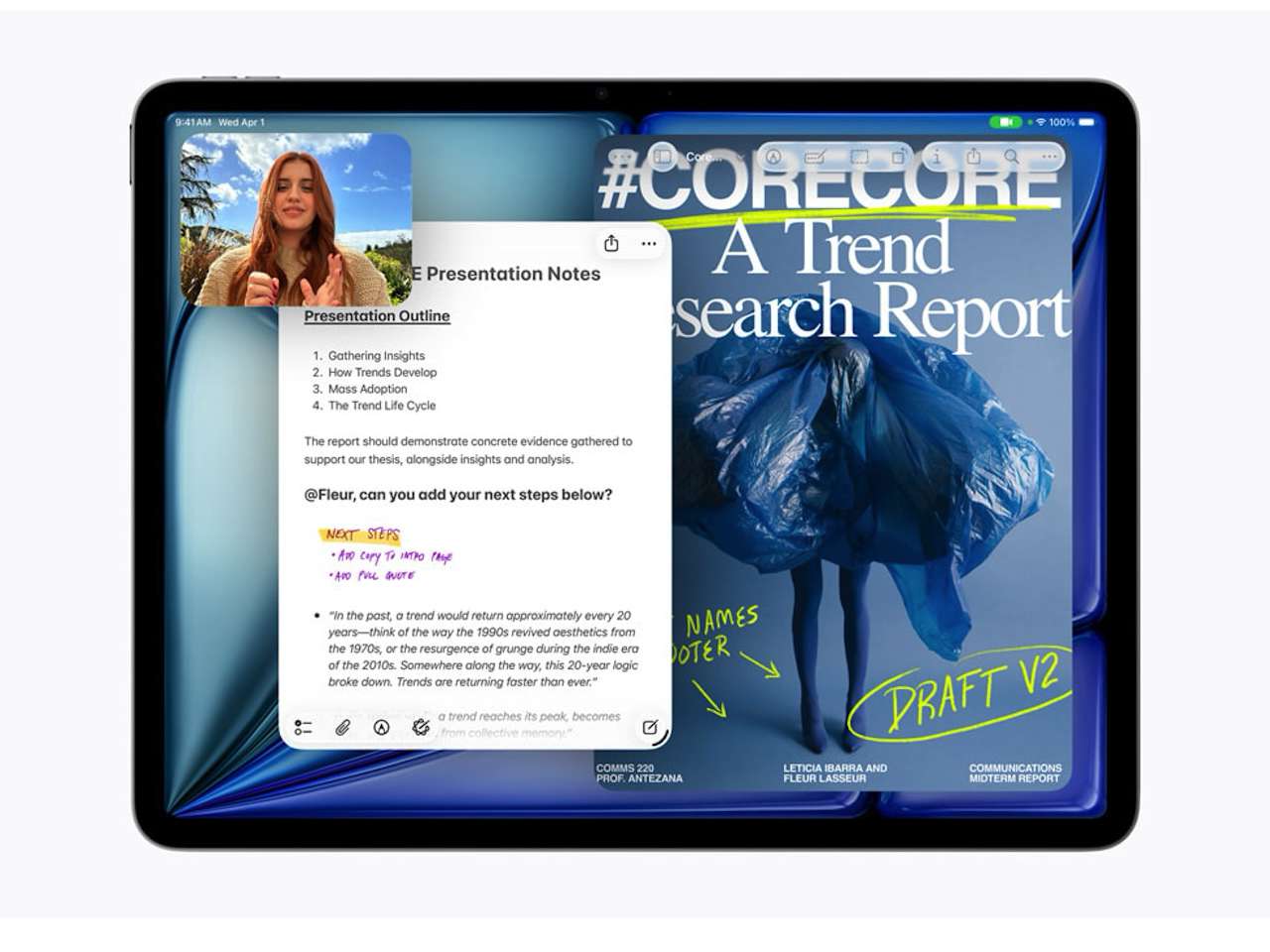
Apple’s 2026 iPad Air uses the M4 chip and comes in 11-inch and 13-inch sizes. More important for school, it supports Apple Pencil Pro, Apple Pencil USB-C, and the Magic Keyboard, allowing it to move between handwritten notes and more conventional computer-style work.
That does not automatically make an iPad a laptop replacement. Your course software should decide that.
Buyer fit: Strongest for students who annotate, sketch, read PDFs, or prefer handwritten notes.
Apple iPad Air M4
Price: $649
Where to Buy: Amazon
3. Noise-Canceling Headphones: Bose QuietComfort Headphones 2nd Gen
Libraries are not always quiet, roommates do not always share your study schedule, and residence halls have an impressive ability to become loud precisely when an assignment is due.
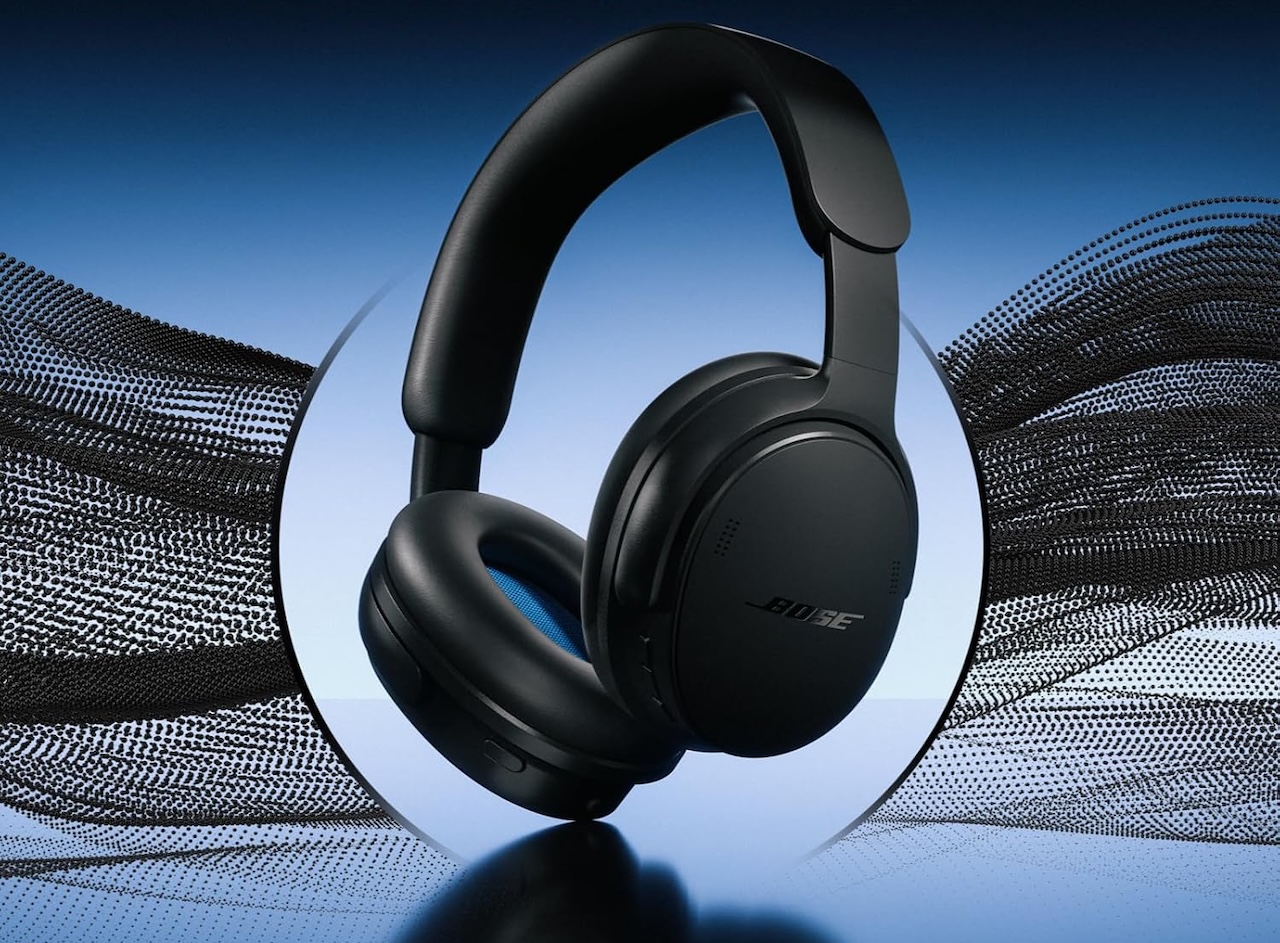
Bose announced the QuietComfort Headphones (2nd Gen) in late July 2026, with preorders beginning August 8 and shipping scheduled from August 13. They add Bose TrueSpatial technology and the Still, Motion, and Cinema Immersive Audio modes previously associated with the QuietComfort Ultra line
Bose describes its noise cancellation and comfort in enthusiastic terms. The practical feature is the ability to reduce surrounding noise without simply turning your music louder.
Buyer fit: For students who regularly study in dorms, cafés, public transportation, or other shared spaces.
Bose QuietComfort Headphones 2nd Gen
Price: $359
Where to Buy: Amazon
4. Power Bank: Anker Nano Power Bank 10K 45W
A dead phone is inconvenient. A dead phone containing your campus ID, transit ticket, authenticator app, class messages, and payment cards can derail your day.
The Anker Nano Power Bank combines a 10,000mAh battery, up to 45W USB-C output, and a built-in 70cm retractable USB-C cable. It weighs 0.51 lb (232g).
The 10,000mAh figure is the battery’s rated capacity, not the amount that reaches your phone after conversion losses. Likewise, 45W is a maximum, not guaranteed charging power for every device.
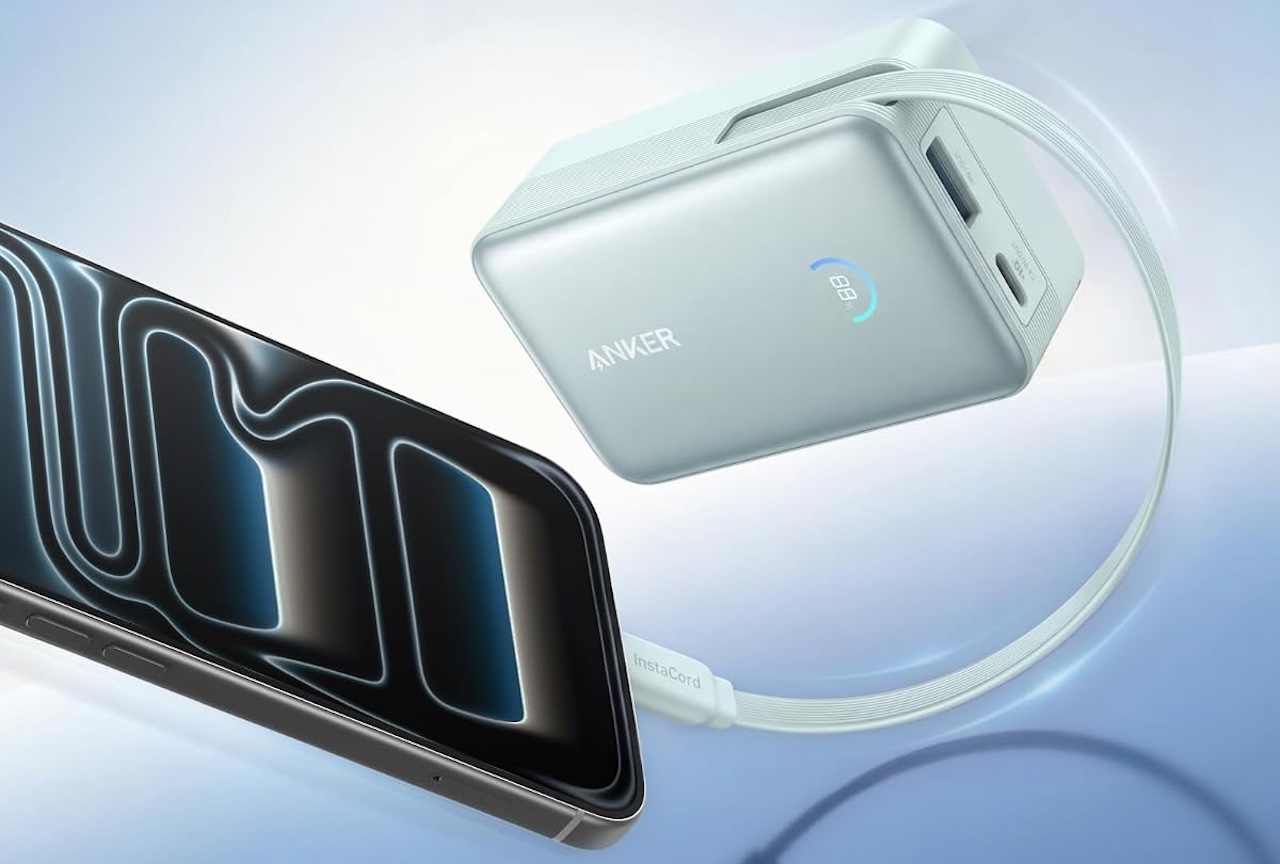
Buyer fit: Excellent for students spending long days away from reliable outlets.
Anker Nano Power Bank 10K 45W
Price: $49.99
Where to Buy: Amazon
5. Portable SSD: Samsung T9 1TB
Cloud storage helps until Wi-Fi goes down, a project contains huge video files, or you discover the only copy of your assignment lives on a failing laptop.
Samsung’s T9 Portable SSD supports USB 3.2 Gen 2×2 and is rated for sequential reads up to 2,000MB/s, although achieving those speeds requires compatible hardware.
Samsung also says the T9 survived controlled free-fall testing from three meters onto a metal plate, while noting that drop resistance can vary with conditions and physical damage is not covered under warranty.
The bigger benefit is having a fast physical backup of irreplaceable coursework.
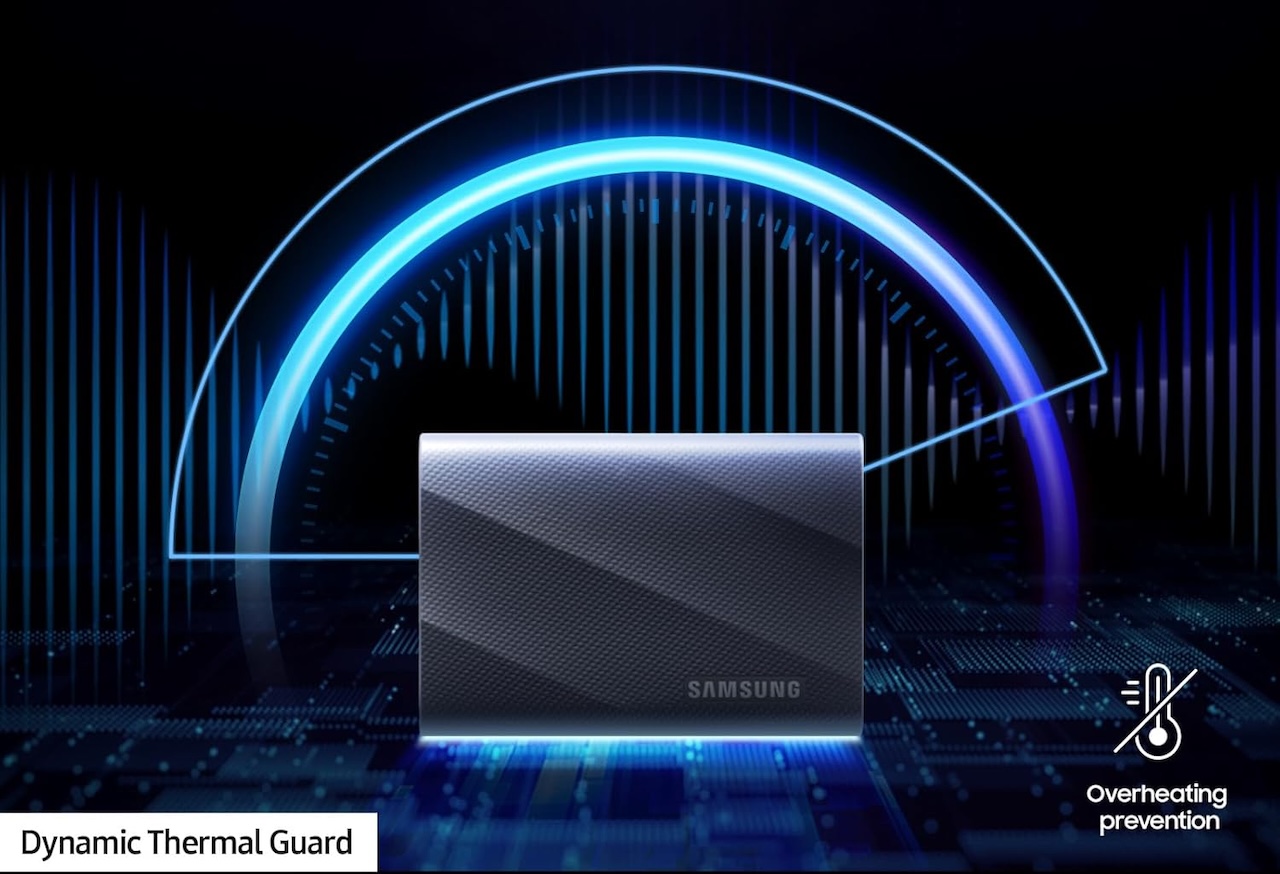
Buyer fit: Particularly useful for design, photography, video, engineering, and anyone who does not trust a single copy of important files.
Samsung T9 1TB
Price: $239.99
Where to Buy: Amazon
6. Portable Keyboard: Logitech Keys-To-Go 2
Typing a long paper directly on a tablet screen gets old quickly.
The Logitech Keys-To-Go 2 provides a slim Bluetooth keyboard with a built-in protective cover and compatibility across Windows, macOS, ChromeOS, Android, iPadOS, and iOS.
Its practical advantage is flexibility. A tablet can remain your reading and note-taking device while becoming a much more reasonable writing machine when needed.
It will not replace a full-size keyboard for everyone, but that is not its purpose.
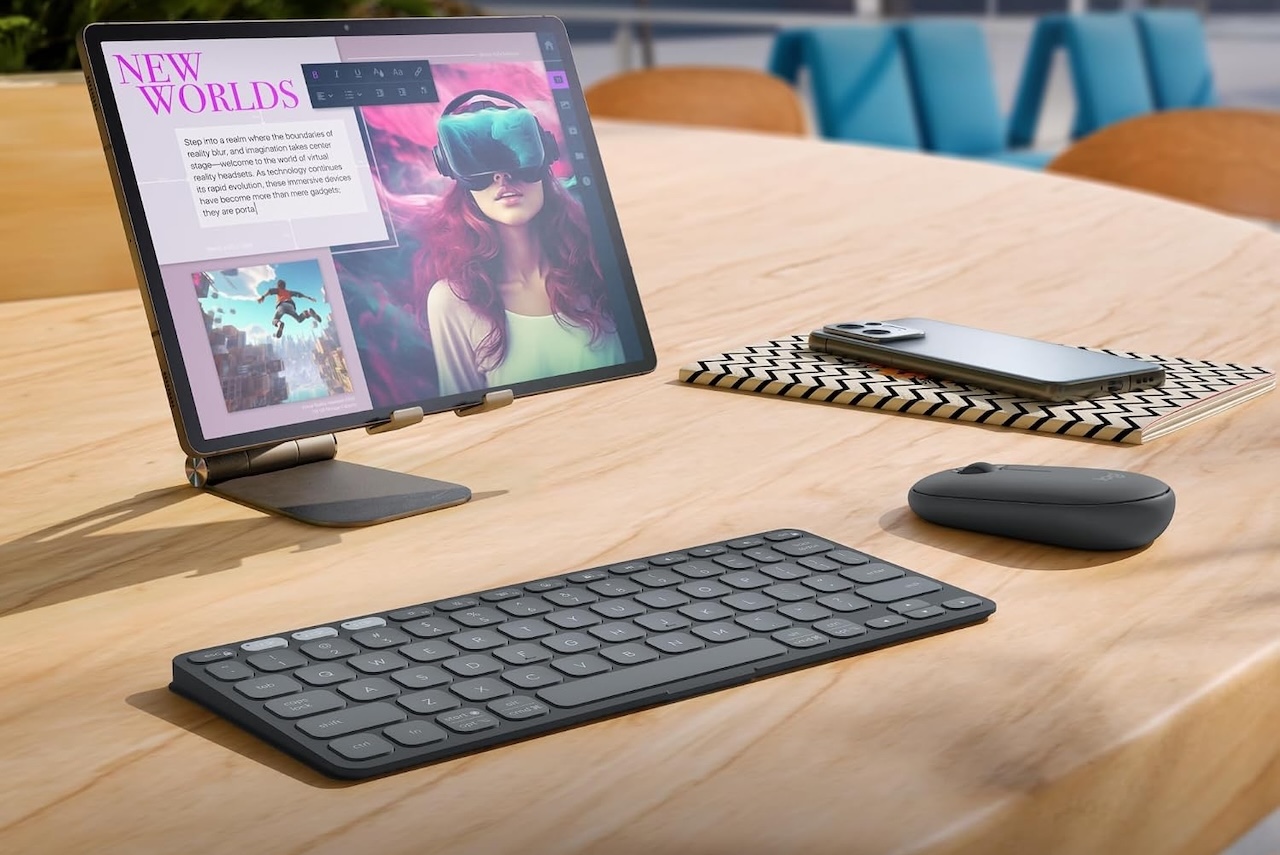
Buyer fit: Tablet users and students who regularly work from cafés, libraries, and cramped desks.
Logitech Keys-To-Go 2
Price: $69.99
Where to Buy: Amazon
7. Portable Monitor: ASUS ZenScreen MB169CK
Working from one small laptop display becomes frustrating when you are comparing research, referencing lecture notes, or writing while keeping source material visible.
ASUS markets the ZenScreen MB169CK as a 16-inch portable monitor, but its actual viewable IPS panel measures 15.6 inches. It provides Full HD 1920 x 1080 resolution, dual USB-C connections, mini-HDMI, and a 360-degree kickstand.
A second screen will not improve your grades by itself, but it can reduce constant window switching during research-heavy work.
The tradeoff is obvious: another screen means another object to carry.
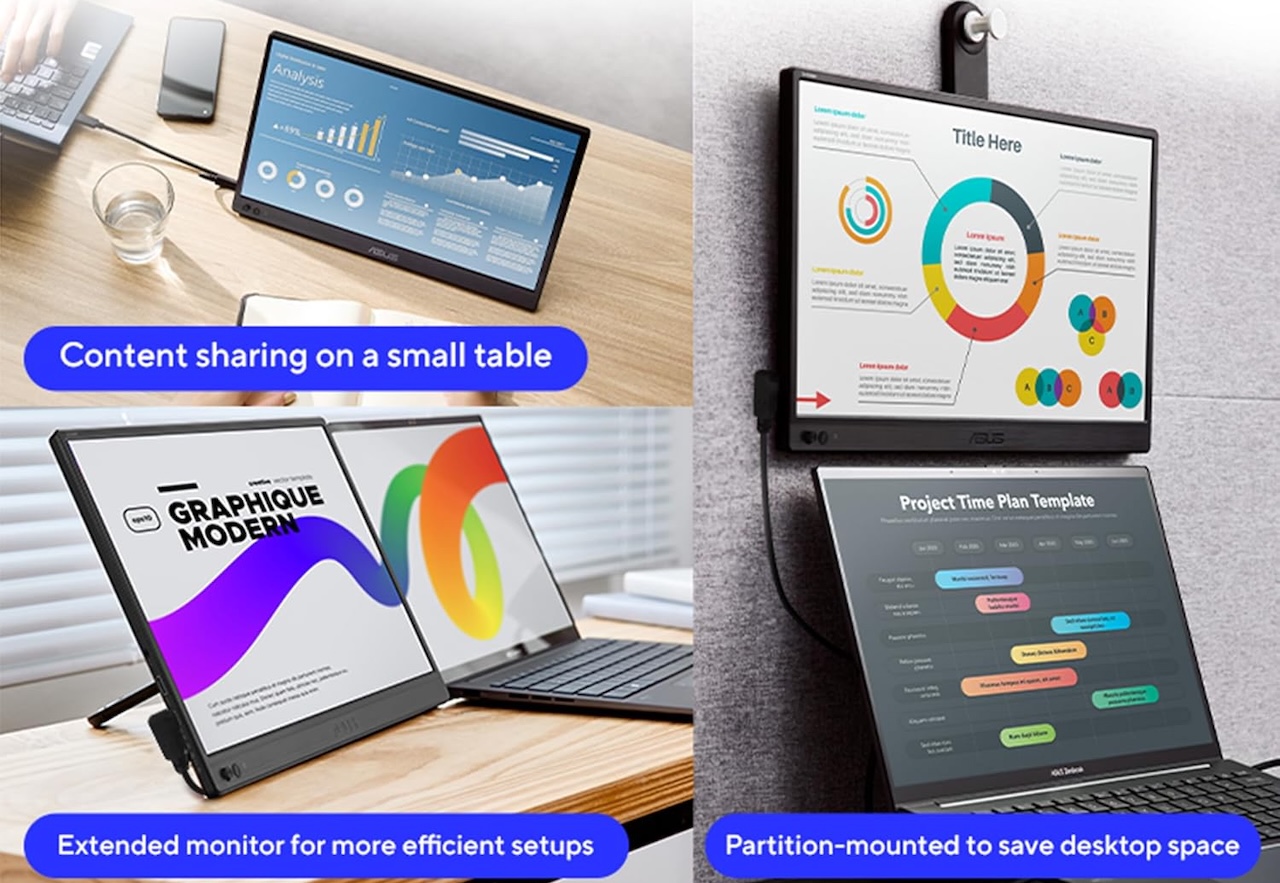
Buyer fit: Best for students who frequently multitask from a dorm or temporary workspace.
ASUS ZenScreen MB169CK
Price: $109
Where to Buy: Amazon
8. Item Tracker: Apple AirTag, 2026 Generation
Losing a backpack during finals week is a problem worth preventing. Apple updated AirTag in January 2026 with a speaker rated 50% louder and Precision Finding that can guide users from up to 50% farther away than the prior generation.
That 50% figure is Apple’s test claim, and Find My performance depends on conditions and compatible Apple hardware. Still, dropping an AirTag into a backpack or instrument case requires almost no ongoing effort.
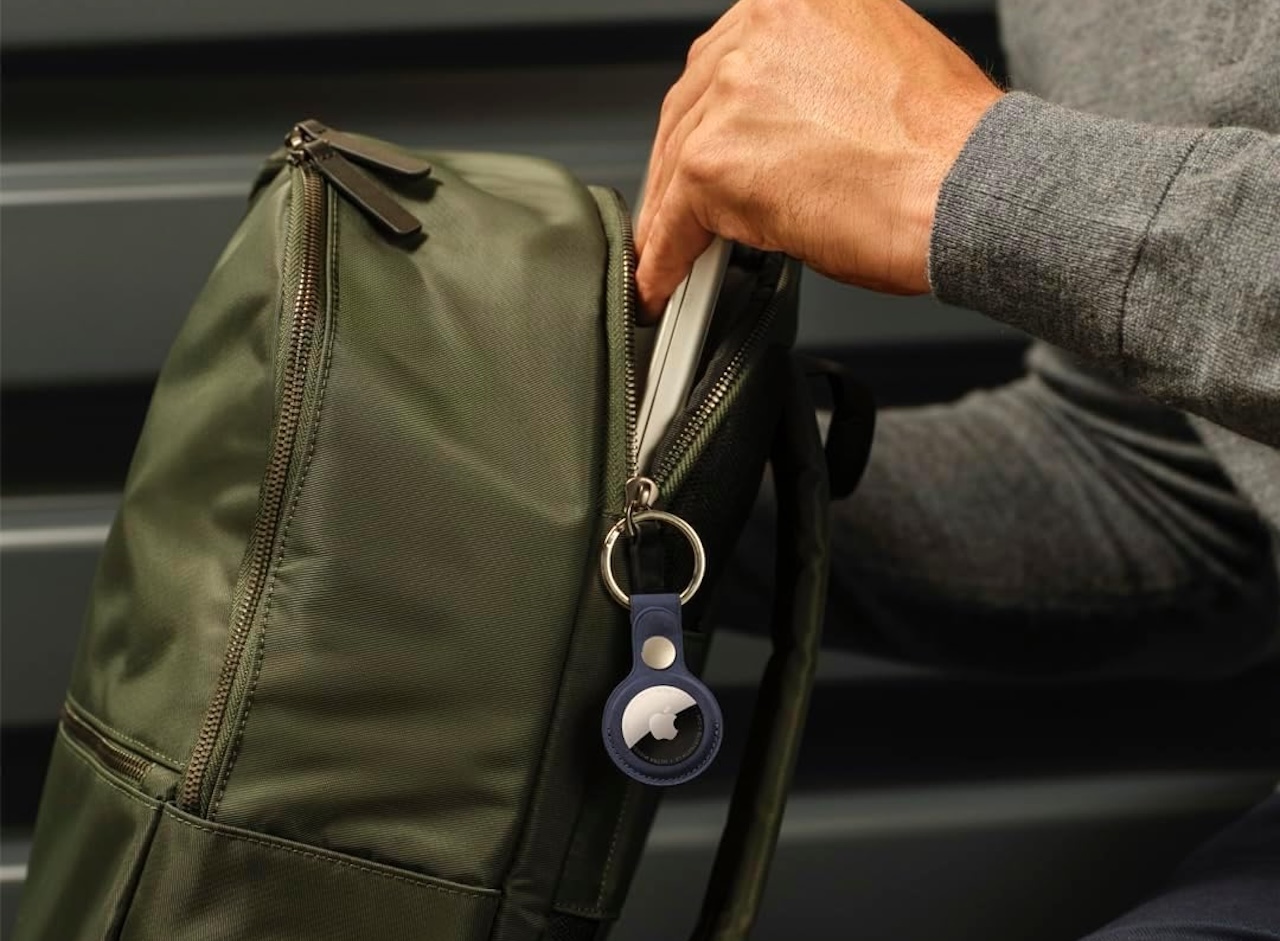
Buyer fit: Especially useful for iPhone-owning students commuting with expensive gear.
Apple AirTag 2026 Generation
Price: $89 (4-pack)
Where to Buy: Amazon
9. Webcam: Logitech Brio 4K
Your laptop already has a webcam, so most students do not need another one. The exception is anyone doing frequent interviews, presentations, tutoring, streaming, or remote classes from a fixed desk.
The Logitech Brio 4K supports 4K video at 30fps, 1080p at up to 60fps, and 720p at up to 90fps. It also provides autofocus, selectable 65-, 78-, and 90-degree fields of view, 5x digital zoom, and Logitech’s RightLight 3 automatic light correction.
The evidence-backed reason to consider it is the greater selection of resolutions, frame rates, framing options, and controls compared with a basic webcam.
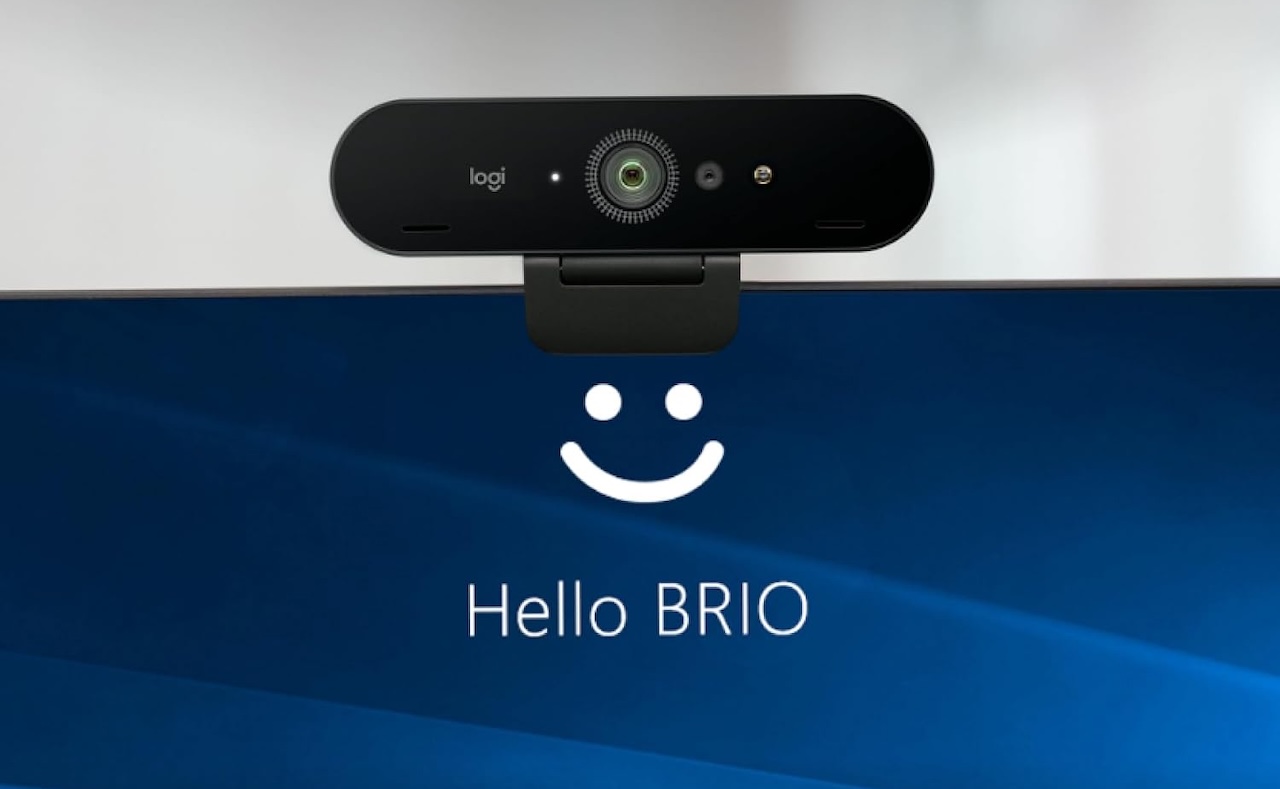
Buyer fit: Communications majors, streamers, remote tutors, job seekers, and students who frequently present online.
Logitech Brio 4K
Price: $169.99
Where to Buy: Amazon
10. Mouse: Logitech Pebble Mouse 2 M350s
Trackpads are convenient until you spend three hours manipulating spreadsheets, editing slides, or navigating a complicated project.
The Pebble Mouse 2 M350s weighs about 76g, connects through Bluetooth, pairs with up to three devices, and supports multiple operating systems. Logitech also says its Silent Touch design cuts click noise by more than 90% compared with the company’s M185 test reference.
That noise reduction figure is Logitech’s test result, not an independent measurement. The small size and multi-device support are straightforward reasons to consider it for campus use.
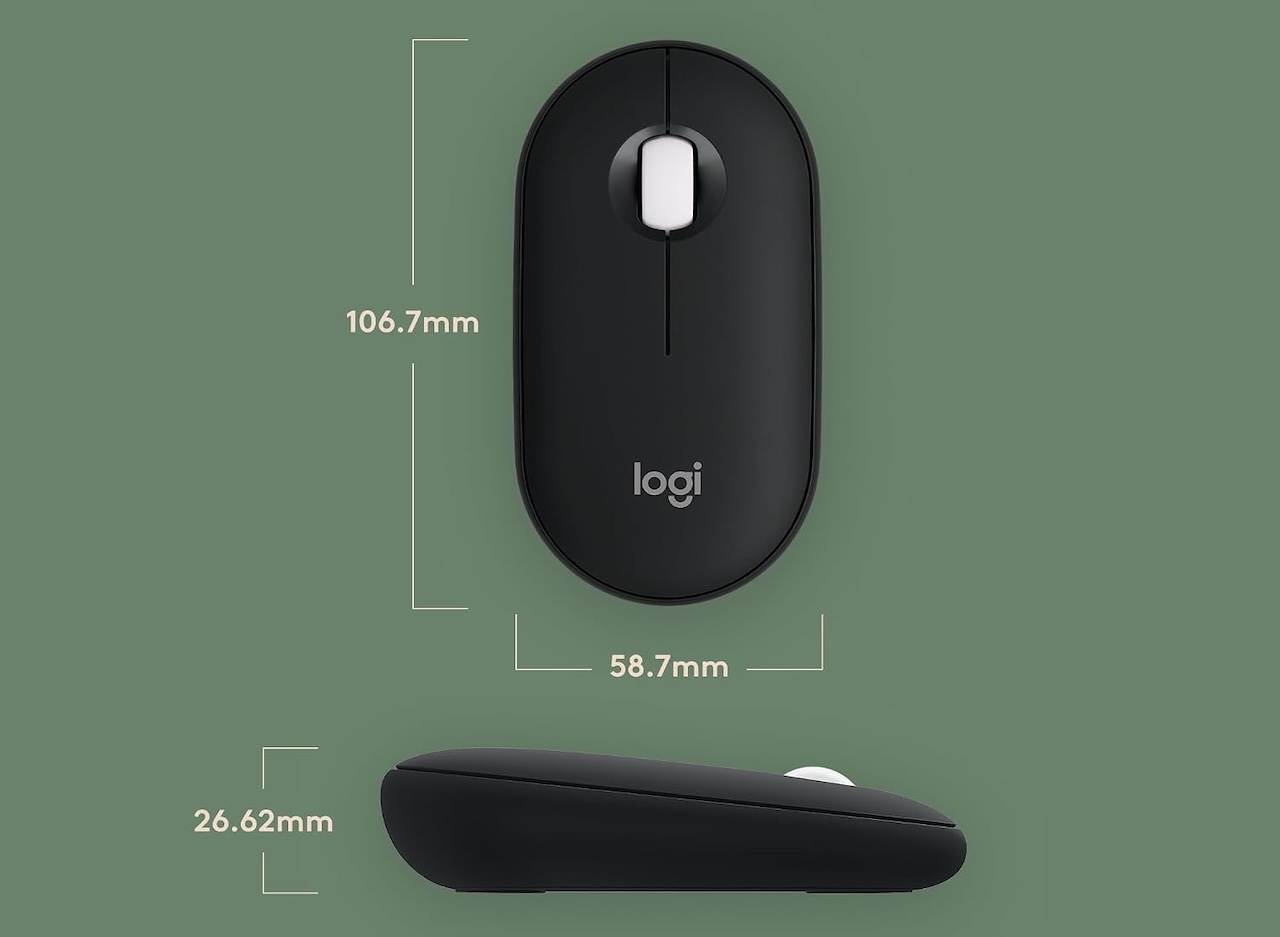
Buyer fit: A simple upgrade for students who spend long sessions working at a desk but still want something small enough for a backpack.
Logitech Pebble Mouse 2 M350s
Price: $24.99
Where to Buy: Amazon
Don’t Buy All 10: Fix Your Biggest Campus Problem First
You do not need all 10.
Start with the problem you encounter most often. If your current laptop struggles, put money there first. If it works fine, a power bank, headphones, portable SSD, or mouse may improve campus life more than replacing an already capable computer.
Check what your degree actually requires before buying, too. Engineering, architecture, design, computer science, and other programs can have specific software or hardware requirements that matter more than any general buying guide.
The best back-to-school technology is not the gear with the longest specification sheet. It is the device that removes a recurring annoyance from your school day without creating another one in your backpack or budget.