I wouldn’t choose a privacy phone until I listed the banking, transit, authentication, and government apps I can’t lose. That list turns a vague privacy upgrade into a buying decision, because GrapheneOS and Fairphone with /e/OS solve different problems.
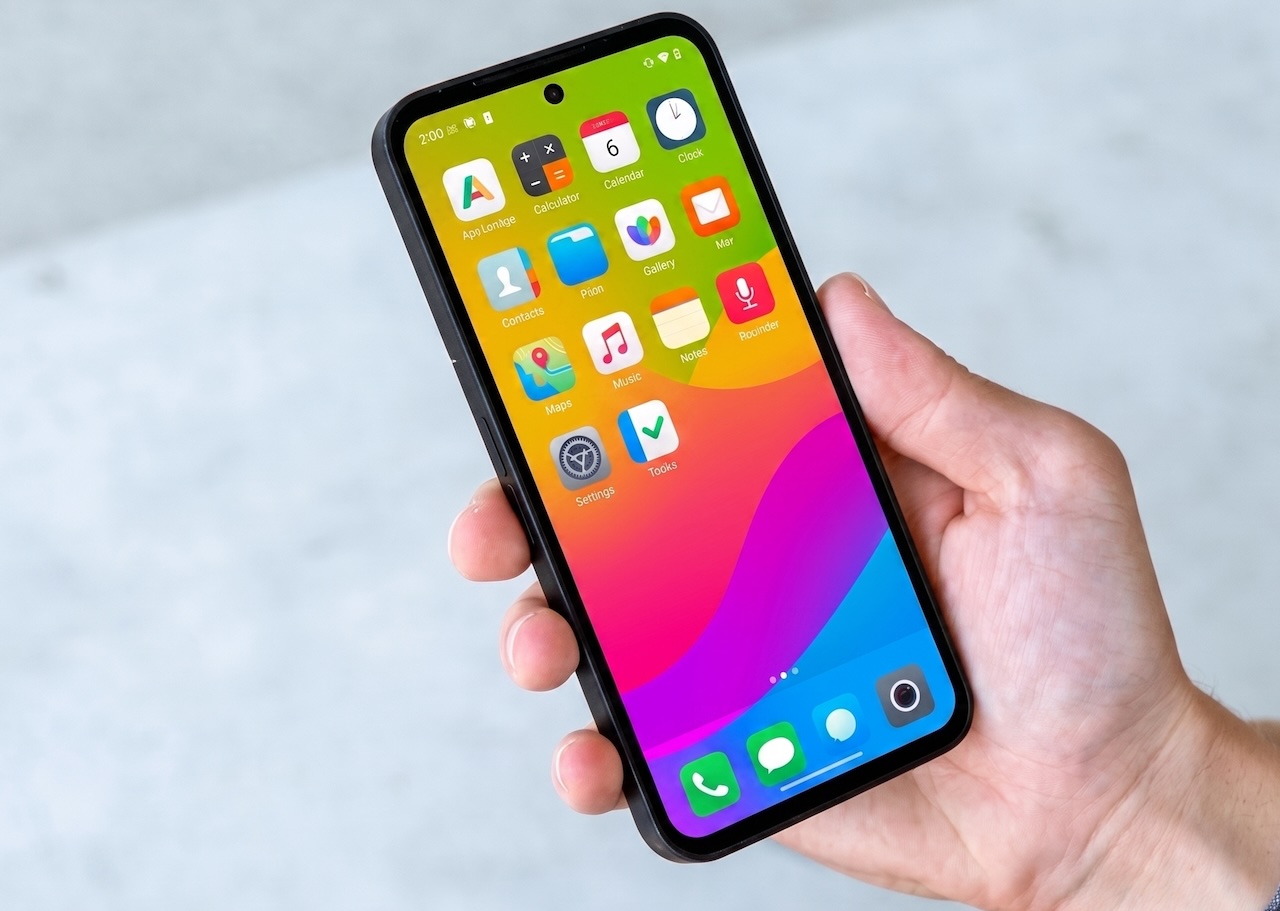
GrapheneOS gives a supported Google Pixel a security-focused operating system with app isolation, permission controls, and the option to keep Google services in a separate user profile. Fairphone’s /e/OS option starts with a repairable Fairphone Gen. 6, then removes Google’s default role while adding a physical switch that disables camera and microphone access for extra privacy. A conventional phone with a few privacy settings remains the least disruptive choice, but it gives you the least control.
❗Quick pick: Pixel 10a with GrapheneOS: $424 current Amazon listing, Pixel hardware with 7 years of OS and security support from the manufacturer. GrapheneOS lists Pixel 10a support, but treat it as experimental rather than fully production-supported until the project marks it stable. Buy on Amazon
Start with the apps you cannot replace
The first question isn’t which operating system has the strongest privacy story. It’s which services your daily life refuses to surrender. Fairphone’s own /e/OS page tells buyers to check banking and government app compatibility because region-specific security protocols and Google Play Services dependencies can block apps. That warning should sit at the top of the decision, not in a footnote.
GrapheneOS creates a different compromise. The project supports sandboxed Google Play, so you can install Google components as ordinary apps inside a chosen user profile rather than granting them the privileged access they receive on standard Android. That gives you a path to keep difficult apps while preserving tighter controls elsewhere, but it doesn’t guarantee every banking, transit, or workplace service will behave normally.
Make a three-column list before buying: must work, useful but replaceable, and disposable. Put your authenticator, password manager, transit pass, bank, health portal, and work login in the first column. If a privacy phone breaks two of those services, the privacy gain won’t survive the first urgent trip or account recovery.
GrapheneOS is the security-first route
GrapheneOS only officially supports a narrow set of hardware because device-specific firmware, drivers, and security features shape the result. Its FAQ lists current Pixel devices through Pixel 10a and ties support to the hardware vendor’s support window. Google lists the Pixel 10a with seven years of OS and security updates, a 6.3-inch Actua display, and a 30-hour battery claim. Those are the hardware facts. GrapheneOS supplies the software control layer.
The Pixel 10a gives the privacy project a current hardware base, but the Amazon listing still represents a purchase from a retailer, not a guarantee that GrapheneOS installation will suit your region or carrier. GrapheneOS lists Pixel 10a support, but buyers should treat it as experimental rather than fully production-supported until the project marks it stable. Check the official supported-device page and installation requirements before ordering.
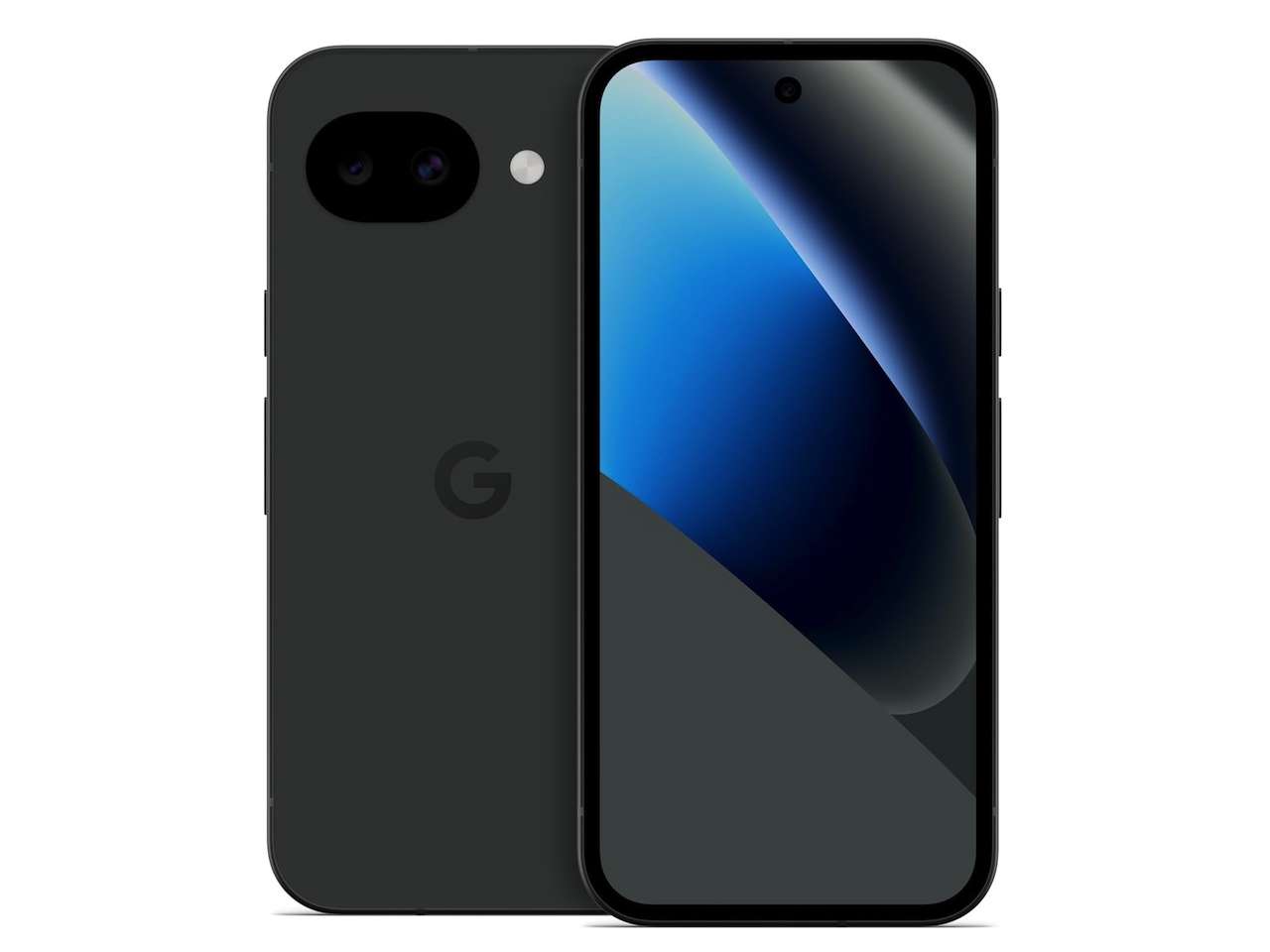
This route fits someone who wants strong device security, granular permissions, and the option to keep selected Google-dependent apps in a controlled profile. It doesn’t fit someone who expects every app to work without setup or who wants to replace a phone battery and screen at home.
❗Pixel 10a: $424
Where to Buy: Amazon
Fairphone with /e/OS turns privacy into a repair decision
Fairphone’s /e/OS model starts with a physical object you can keep alive. The official product page lists a €649 price for the Fairphone Gen. 6 with /e/OS and a five-year warranty. Fairphone’s standard Gen. 6 page lists software support through 2033, while the /e/OS configuration should be checked for its own support terms before ordering. The /e/OS page also describes a physical switch that disables camera and microphone access for extra privacy, plus tracker controls and Fairphone Moments.
That camera and microphone switch is a different kind of privacy feature from a standard operating-system permission toggle. It gives you a visible state change, although the buyer still needs to confirm how the switch behaves in the exact regional configuration. The repairable design also changes the ownership calculation: a replaceable battery or screen can extend the useful life of the phone, but only if replacement parts and repair access remain practical where you live.
The catch is app compatibility. Fairphone explicitly warns that some banking, government, and Google-dependent apps may not work correctly with /e/OS. That makes this a strong fit for someone willing to change services, use web apps, or carry a second authentication path. It makes a poor fit for a phone that must run every official app without troubleshooting.
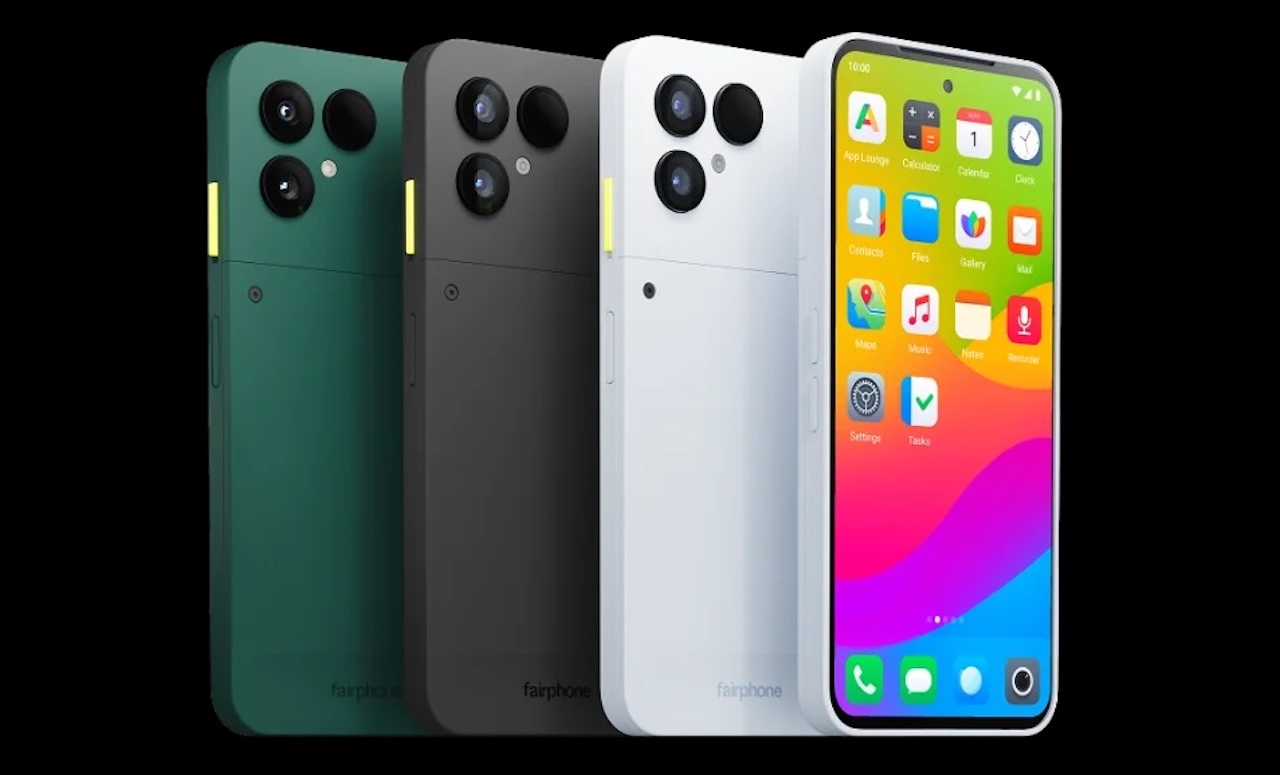
❗Fairphone Gen. 6 with /e/OS: €649
Where to Buy: Fairphone
A conventional phone is the restricted option, not the privacy winner
A normal Pixel, iPhone, or Android phone with tracking controls, a password manager, app permission cleanup, and fewer installed services remains the easiest path. It keeps banking, transit, workplace, and government compatibility close to the platform’s default expectations. That convenience has a cost: the operating system vendor still controls the platform defaults, and the phone doesn’t give you GrapheneOS’s profile model or Fairphone’s physical privacy switch.
This option wins when your priority is a phone that behaves predictably with every service you use. It loses when you want to reduce privileged platform access, separate identities, or keep the hardware running through repair rather than replacement. Don’t call it private. Call it compatible and easier to maintain.
Use this decision matrix
| Choice | Best if you want | Main compromise | Practical check |
|---|---|---|---|
| GrapheneOS on a supported Pixel | Strong device security, granular permissions, and a controlled path for selected Google-dependent apps | Narrow hardware support and more setup work | Confirm the exact Pixel model is supported before buying |
| Fairphone with /e/OS | Repairability, reduced Google dependence, physical privacy controls, and longer ownership | App compatibility can be weaker for banking, government, and Google-dependent services | Check your must-have apps against /e/OS compatibility lists |
| Conventional phone with restrained settings | Maximum app compatibility and the least disruption | Less control over platform defaults and no GrapheneOS-style profile model or Fairphone physical privacy switch | Tighten permissions, remove unused apps, and turn off cloud features you don’t need |
What to check before you buy
Write down the exact phone model and region, then verify that the operating system supports it. Check your bank, transit provider, authenticator, workplace login, and government portal by name. Don’t rely on a general statement that Android apps work. The service may depend on Google Play Services, device integrity checks, NFC behavior, or a regional security requirement.
For GrapheneOS, read the official supported-device list and installation guide before buying. For Fairphone with /e/OS, read the compatibility lists and confirm the price, warranty, support window, and repair parts for your market. If you need a camera or microphone cutoff, confirm that the exact model and software configuration include the switch described on the product page.
Bottom line: buy the privacy model you can keep using
GrapheneOS is the better privacy and security choice when you want the strongest software controls and can accept a narrower hardware path. Fairphone with /e/OS is the better ownership choice when repairability and physical privacy controls rank above perfect app compatibility. A conventional phone is the practical choice when your critical services leave no room for experimentation.
The right privacy phone isn’t the one with the boldest promise. It’s the one whose compromises you can live with after the first month, the first broken app, and the first repair bill.