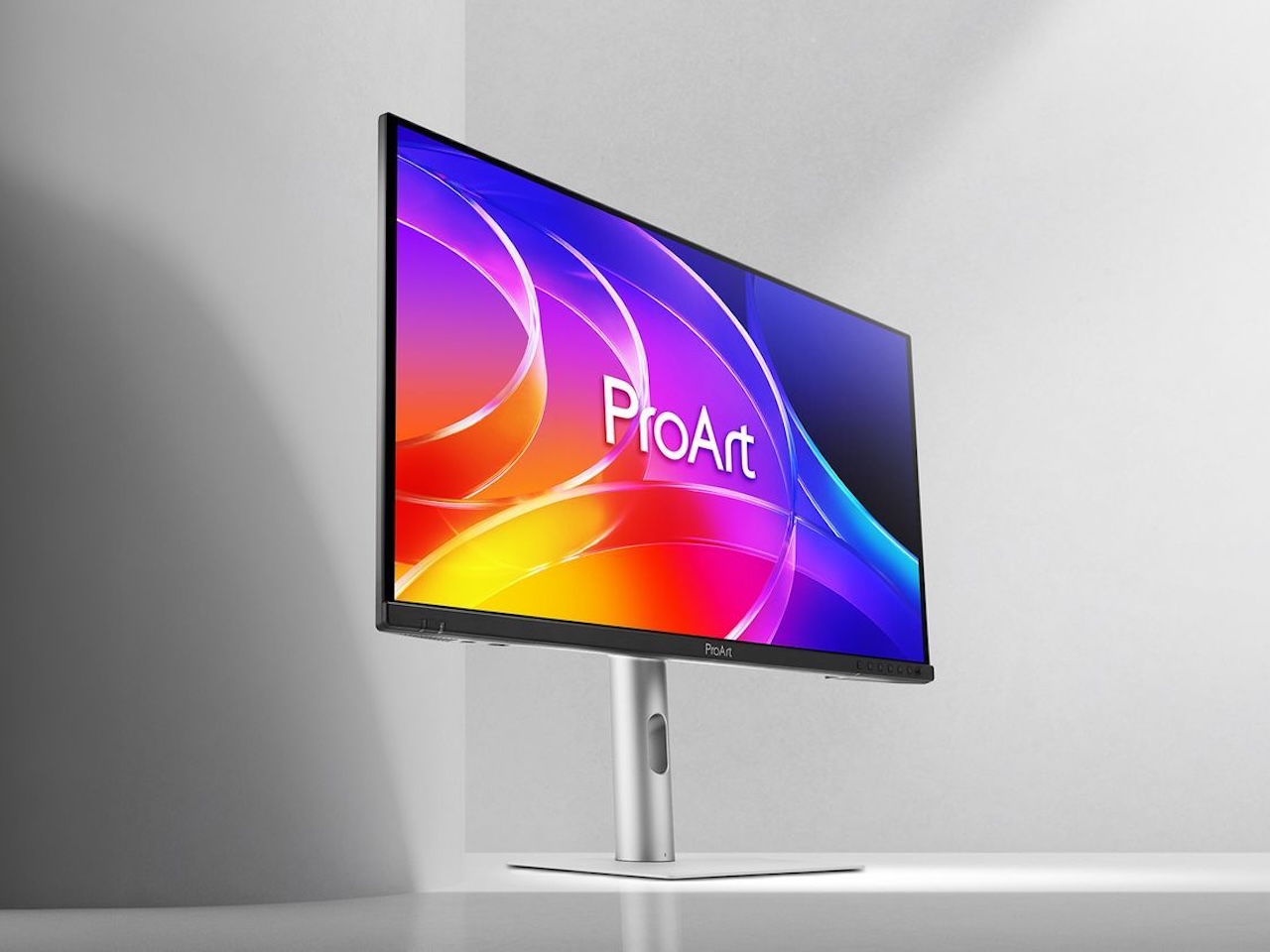
Most creator displays sell you the panel and then charge you again for the desk around it. You pay for color accuracy first. Then you pay for the dock, and then you pay for a second keyboard because the laptop and the tower can’t share one. That stacking is how a color-critical setup quietly turns into a four-figure project.
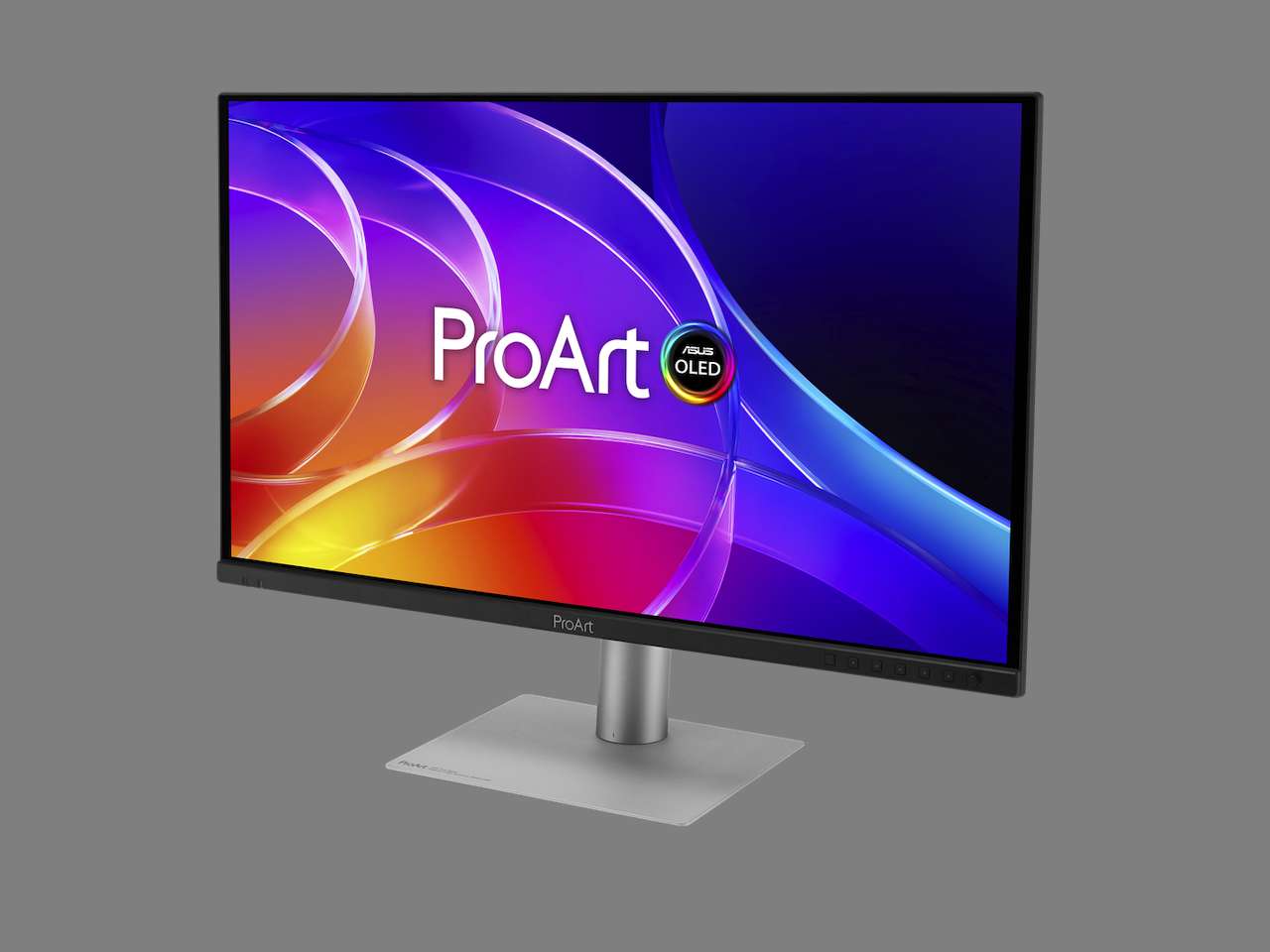
🖥️ ASUS ProArt Display OLED PA279CDV
Price: $699
Where to Buy: Amazon
ASUS is pricing its way out of that pattern. The ProArt Display OLED PA279CDV is a 26.5-inch 4K QD-OLED carrying a $699 MSRP, and the 31.5-inch PA329CDV follows in September at $899. Both run 120Hz, both cover 99% DCI-P3 and 100% sRGB with true 10-bit color, and both ship factory calibrated to Delta E below 1.5.
So the panel isn’t the argument here. What ASUS decided a $699 display should be allowed to do is the argument, and it arrives at a moment when creator OLEDs have mostly been drifting upward in price.
Why the Panel Is the Least Interesting Part
A 4K QD-OLED at 120Hz reads like a gaming spec sheet, which is exactly how this display gets misread. ASUS lists up to 1,000 nits of peak brightness on a 3% window, and that figure describes highlight punch inside HDR grading rather than a screen holding 1,000 nits across a white timeline. The 26.5-inch model carries VESA DisplayHDR True Black 400, and ASUS rates the 31.5-inch model a tier higher at True Black 500. This is a contrast panel first.
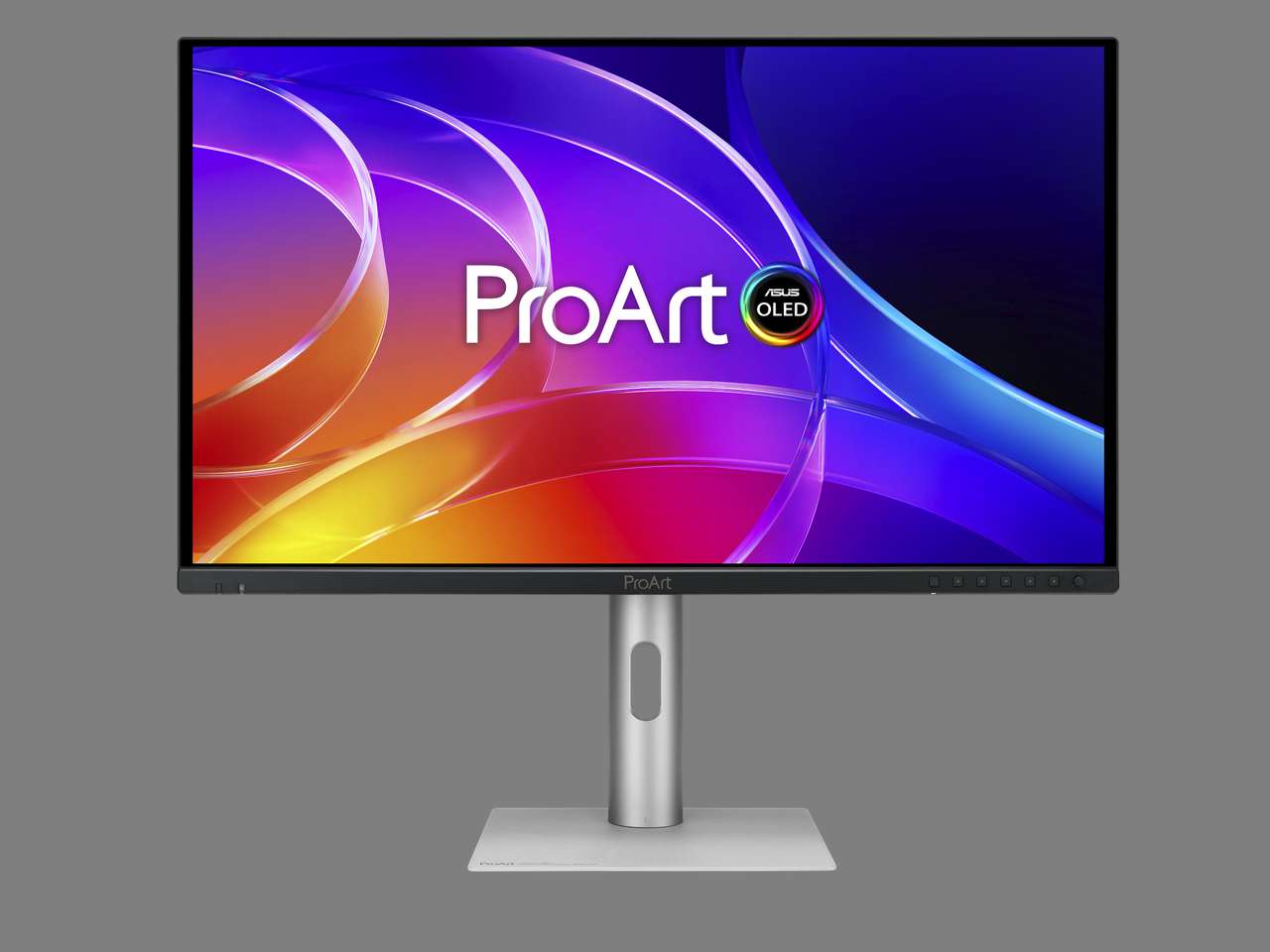
Factory calibration is where the money actually goes. Delta E below 1.5 out of the box, verified through the Calman program, means the display arrives ready for color work instead of arriving as a weekend project. Anyone who has burned an afternoon chasing a profile on a fresh monitor knows what that saves.
The 120Hz refresh rate earns its place for a different reason. Scrubbing a timeline, proofing animation, and checking motion on rendered work all feel different above 60Hz, and creators have been paying gaming-monitor prices to get there.
ASUS also says the anti-scratch film resists damage up to 2.5 times better than its previous-generation QD-OLED. That reads like a footnote until you remember how often a creator screen gets wiped down.
What 96 Watts and Auto KVM Take Off Your Desk
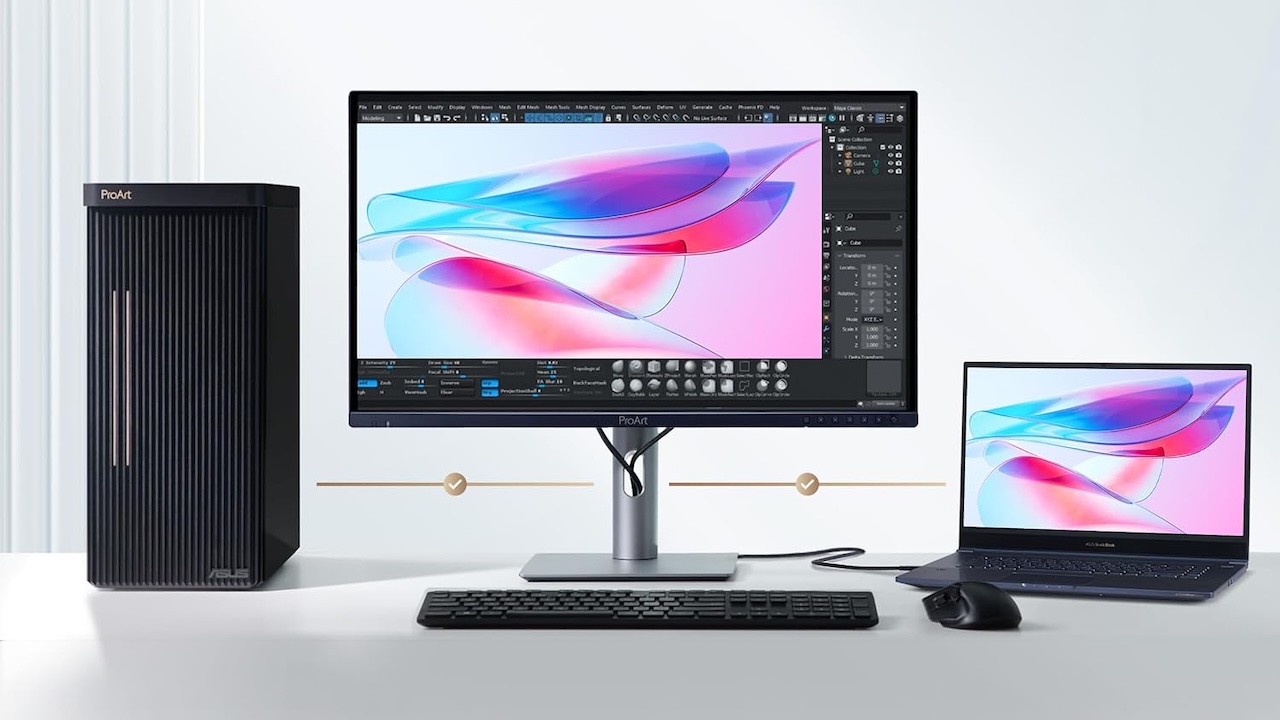
One USB-C cable carries video, data, and up to 96W of Power Delivery, which covers a working laptop under real load rather than trickling into it. ASUS pairs that with HDMI 2.1, DisplayPort 1.4 with DSC in and out for daisy-chaining, and a built-in USB 3.2 hub, which runs three USB-A ports plus USB-C on the 26.5-inch model and a slimmer one USB-A plus USB-C on the 31.5-inch. Both models carry the M Model-P3 color temperature mode tuned for macOS, which is a quiet acknowledgment of who buys creator displays.
Auto KVM is the feature that changes a daily routine. The monitor hands keyboard and mouse control to whichever input is active, so a laptop and a desktop stop needing separate peripheral sets. That removes a dongle and a cable tangle from the equation, folded into the price of the screen instead of billed separately.
The Bigger Panel Looks Like the Smarter Buy
The PA329CDV asks $200 more for five extra inches of the same resolution, the same gamut coverage, and the same calibration target. Pixel density drops from a published 166 PPI to roughly 140 PPI by calculation at 31.5 inches, which stays comfortable at normal desk distance.
For timeline work, that trade favors the larger panel. More horizontal room for tracks and scopes beats slightly finer text on a screen you sit two feet from. Photographers who inspect at 100% will feel differently, and they should.
The catch is timing. The 26.5-inch model is shipping now while the 31.5-inch isn’t due until September, so the display most editors should want is the one nobody can order for another month or two.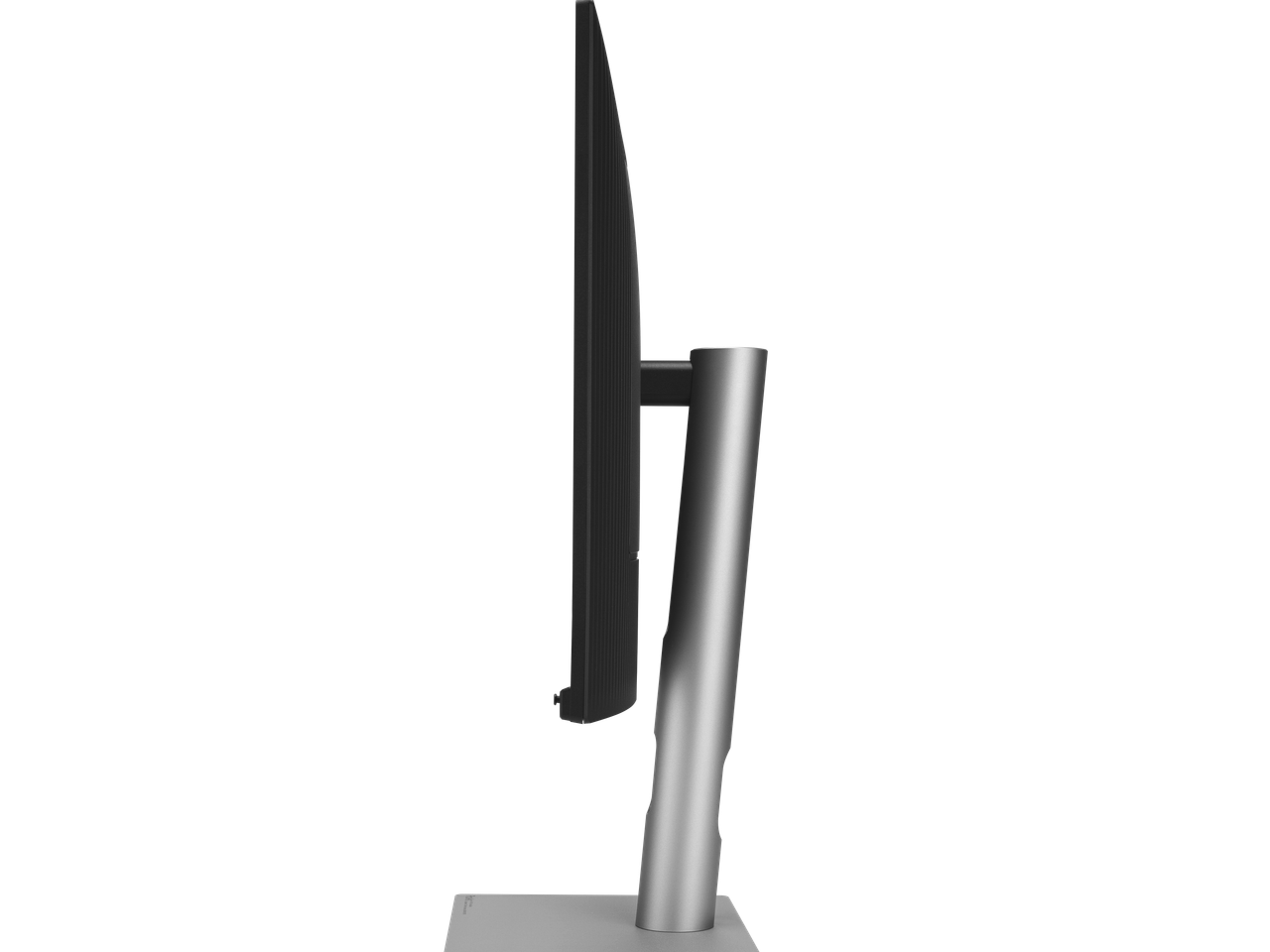
Where These Land Against the Reference ProArts
ASUS already sells the PA27USD and PA32USD above this pair, and the gap is deliberate. Those models run 240Hz, target Delta E below 1, carry 12G-SDI for uncompressed video, add Dolby Vision and HLG on top of HDR10, and include a built-in motorized flip colorimeter for self and auto calibration alongside Thunderbolt 4 and DisplayPort 2.1. They’re built for broadcast bays and rooms with a real color pipeline. ASUS spent Computex 2026 pushing displays in every direction, and we covered what to expect from that lineup.
The CDV models cut all of that and keep the part most people touch. No SDI means no drop-in for an on-set video village. If your work never meets a broadcast signal chain, you were paying for hardware you’d never plug in.
Three Reasons to Walk Away From These
Skip these if your workstation shows the same interface for nine hours a day. ASUS ships OLED Care tools that lower retention risk, and they don’t erase it. A static toolbar is still a static toolbar.
Skip these if you need SDI, an onboard colorimeter, or Delta E below 1 for client sign-off. That’s what the USD line exists for, and stretching a CDV into that role will cost you an argument with a client eventually.
Skip the 26.5-inch model specifically if you already run a 27-inch 4K IPS you like. The contrast gain is real, the resolution is identical, and $699 buys a meaningful upgrade only if deep blacks and HDR highlight work are part of your day. If your needs are simpler than that, our budget monitor coverage will serve you better.
Price and Availability
The PA279CDV is available in July 2026 at a $699 US MSRP, and it’s already in stock at Amazon. The PA329CDV is expected to go on sale in September 2026 at an $899 US MSRP.
What This Means for Your Desk
If you edit video or grade color across a laptop and a desktop, and your current screen needed calibrating before you trusted it, the PA279CDV is worth your $699. You get contrast, calibration, and docking in one purchase, and Auto KVM quietly deletes a piece of hardware from your desk.
If you can hold out until September, hold out. The PA329CDV gives you the same color performance with room for a real timeline, and $200 is a small premium for that much working space.
🖥️ ASUS ProArt Display OLED PA279CDV
Price: $699
Where to Buy: Amazon
If your day is spreadsheets, code, or a fixed interface that never moves, put the money somewhere else. This panel rewards people whose screens change all day, and it asks a little care from everyone else.