
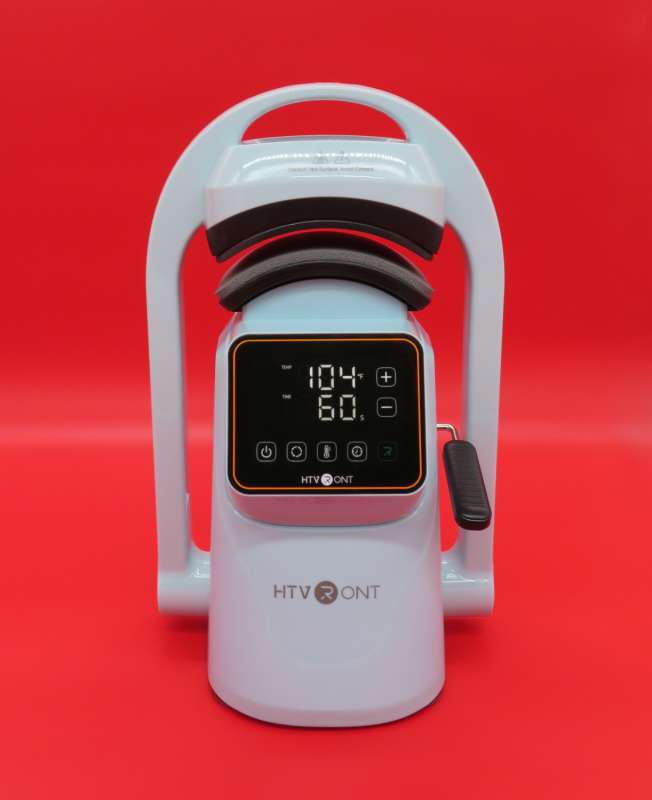
REVIEW – If you follow my contributions to The Gadgeteer, I recently reviewed an auto hat heat press…and I wasn’t very enthused by it. HTVRONT offered their A300 Auto Hat Heat press, so let’s how it stacks up, and if it changed my view of designing hats!
Spoiler: The A300 is another quality piece of hardware from HTVRONT, but I probably won’t be churning out hats with it anytime soon, because I’m just a lot better at making other products.
⬇︎ Jump to summary (pros/cons)
Price: $159.99
Where to buy: Amazon and HTVRONT
What is it?
The HTVRONT A300 is an automatic heat press for making headwear. My previous hat heat press review covers the basics of this class of heat press, along with a detailed explanation of the various ways you can customize hats with them.
What’s included?
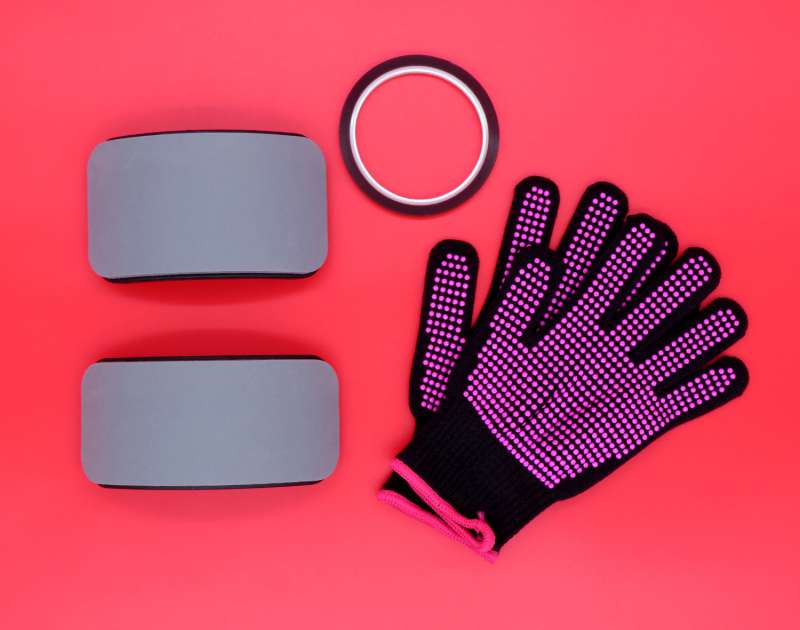
The following are included in the box:
- A300 heat press
- Two bases with integrated mats:
- 160 x 80mm
- 170 x 70mm
- 16A standard grounded power cord
- Knit heat-resistant gloves
- 5mm polyamide (Kapton) tape
Design and Features
As a basic consumer hat press, the A300 is simple to use. The blank hat is secured to the press with a spring-loaded arm, which helps hold the hat straight and tight against the base fixture’s silicone mat. You don’t have to make use of this arm, depending on your chosen hat, but if you don’t use it, make sure to flip it down before running the press, or it will flip on its own (which is hard on the mechanics).
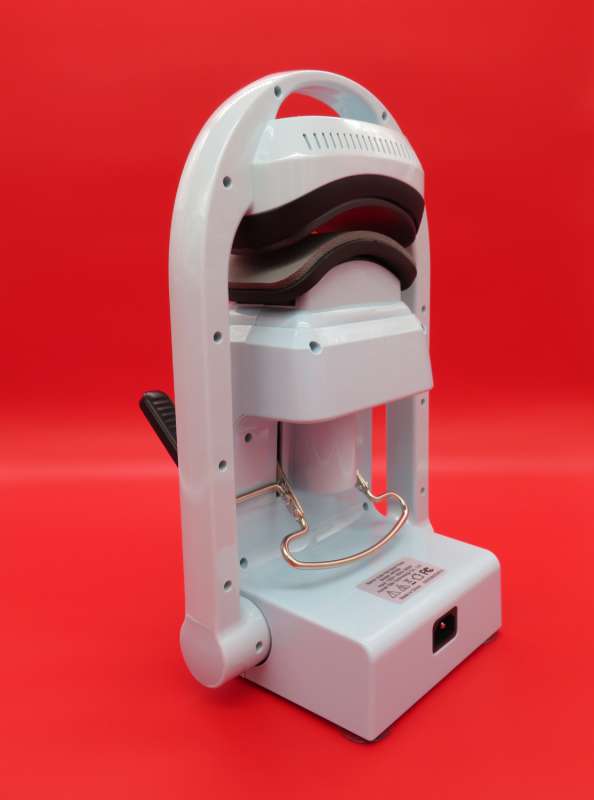
The two included base fixtures accommodate a variety of headwear options. I was pleasantly surprised to discover the fixtures are almost identical to those included with the AKEYDIY press I reviewed recently.
The HTVRONT fixtures have metal truss head screws on the bottom of the two posts, along with rubber washers to help stabilize the fixture when in use. Both may be easily added to the AKEYDIY fixtures.
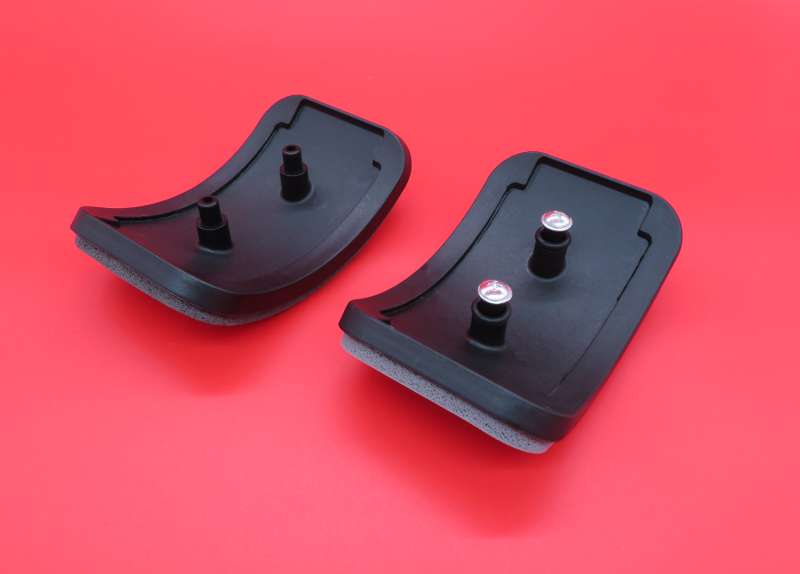
This means it will be easy to source replacement fixtures in the future from a variety of suppliers, keeping costs low over time.
The touch control panel is pictured below. HTVRONT’s other appliances I’ve tested use physical buttons, and I prefer this to touch – it’s just too easy to accidentally brush against a touch panel and engage something inadvertently.
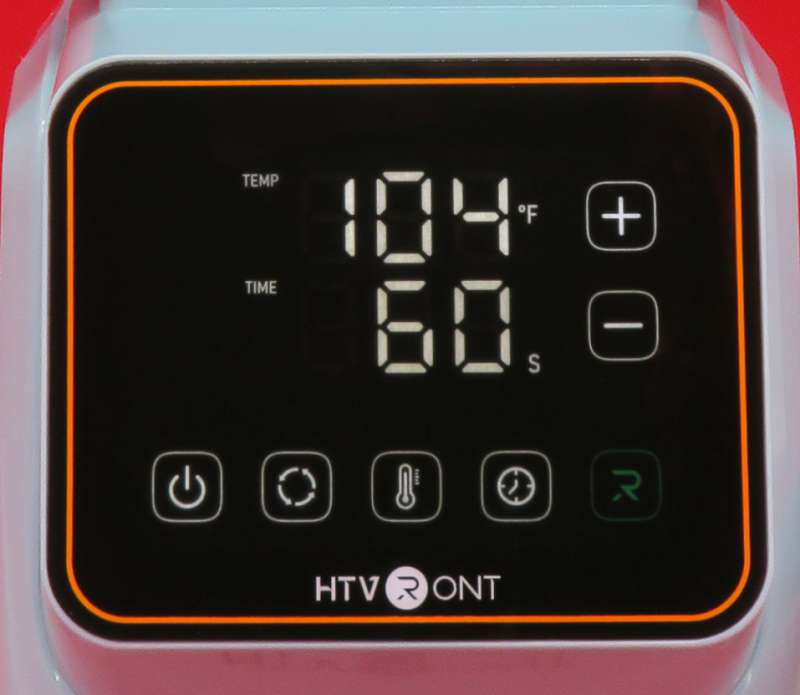
From left to right, the buttons are:
- Power
- Presets
- Temperature
- Time
- R
Tapping the Presets button cycles between two presets. When either is selected, the time and temp may be changed via the respective buttons, and tapping the Presets button again will save any changes.
I like this feature. It’s indispensable if you’re working with a variety of heat-set materials.
Pressing-and-holding the Temperature button flips the display between Fahrenheit and Celsius, while the other buttons do nothing with a long press.
The A300 beeps, and R button changes color from red to green, when the press is finished preheating. I clocked two minutes and thirty seconds to preheat to 300° F.
Place and secure your hat, close the press, and press the green R button to finish your project.
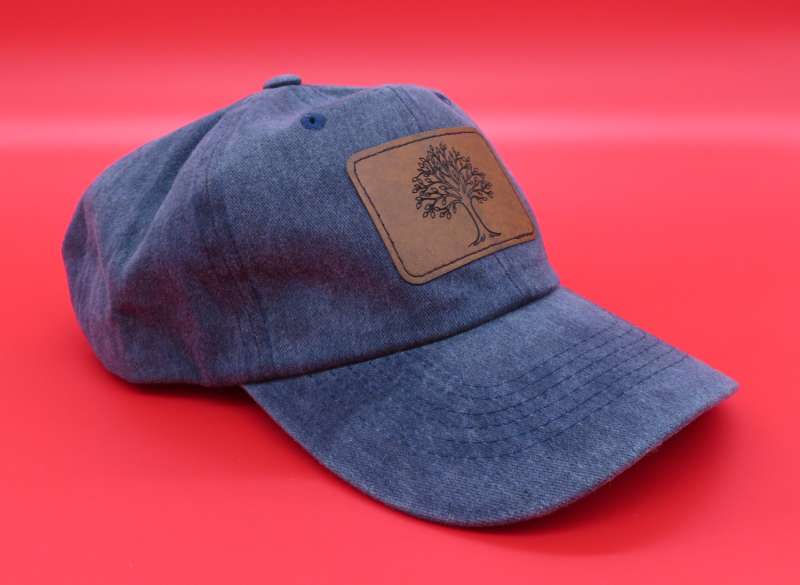
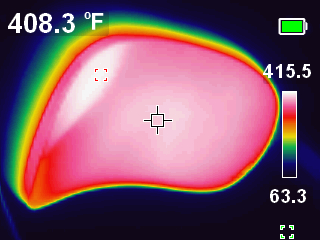
This press is surprisingly well-calibrated, and the temperature variance between the display and the platen is only a few degrees.
What I like about the HTVRONT A300 Auto Hat Heat press
- Well-calibrated temperature control
- Uses commodity base fixtures
What can be improved?
- Replace touch panel with physical buttons
Final Thoughts
I’m still not very good at making hats, so I will probably be more inclined to use this press to quickly make a run of branded swag over any intricate custom designs, but overall, the A300 is a solid entry-level hat press. Because it’s an auto press, it might not be the best solution for bedazzling hats with heat-set crystals of any kind, since the pressure is not adjustable. But, for producing hats with DTF designs or laser-engraved pleather patches, it’s a great option.
Price: $159.99
Where to buy: Amazon and HTVRONT
Source: The sample of this product was provided for free by HTVRONT. HTVRONT did not have a final say on the review and did not preview the review before it was published.
