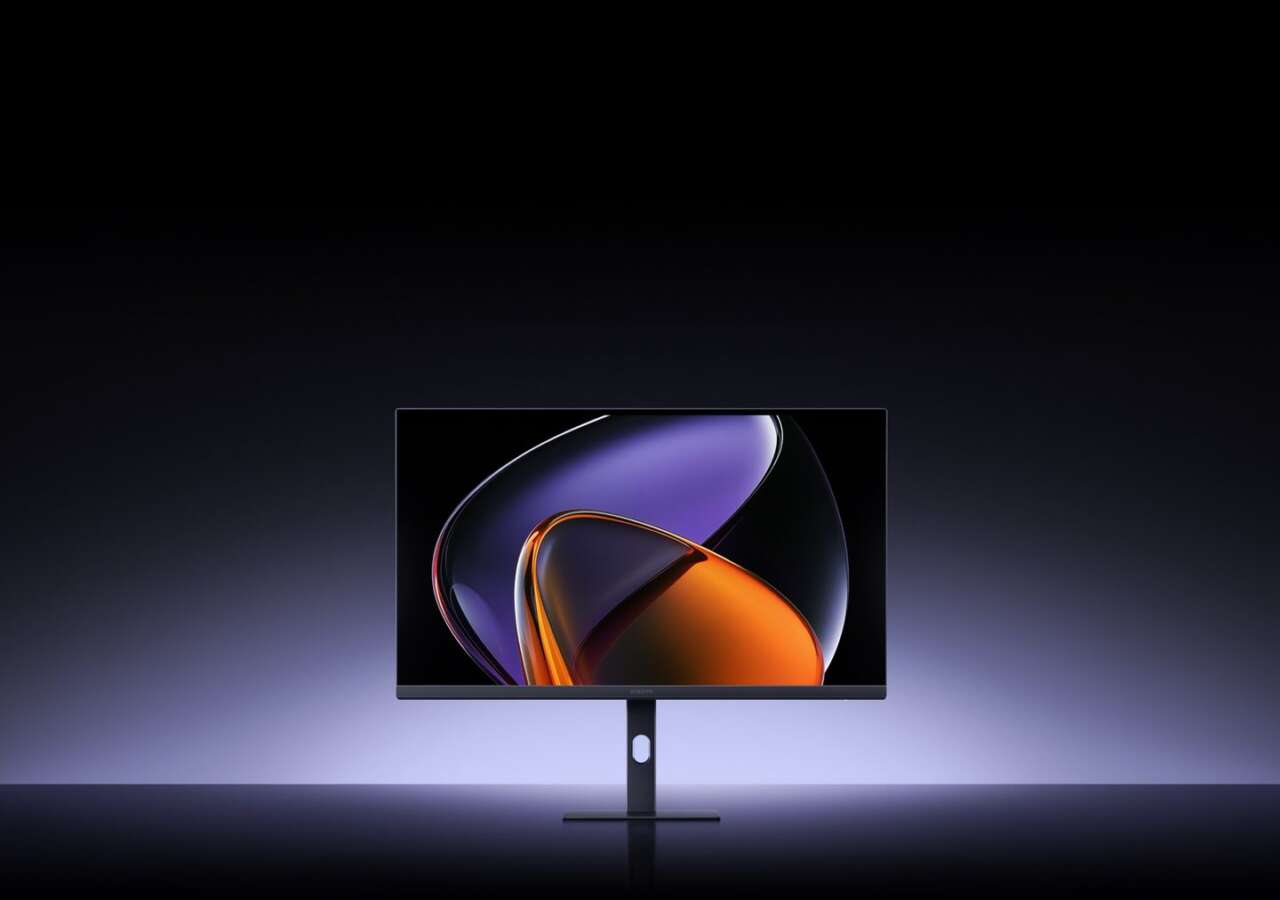
One screen that works in 4K all day and plays at 240Hz at night is the whole pitch here. Xiaomi’s 4K Monitor A27Ui 120Hz runs 3840 x 2160 at 120Hz, then drops to 1080p at 240Hz in eSports mode.
That split personality is what caught my eye, because the 27-inch screen on most desks has to handle documents all morning and games all night. This one courts Mac owners directly too, with an M Mode that matches Apple display colors and a USB-C port that charges a laptop at up to 90W.
Price: TBD
Where to buy: Xiaomi
Xiaomi lists the A27Ui 120Hz on its global site as the faster follow-up to its 60Hz A27Ui. It carries a brighter 400-nit panel and stronger color numbers than the model it replaces. The one gap is the buy button: Xiaomi hasn’t announced a price or a sale date, and the global listing doesn’t include US sales.
Work speed and game speed in one panel
At 4K and 120Hz, this is a work screen first, and doubling a standard 60Hz panel’s refresh rate shows up in the small stuff you do all day. Scrolling stays smooth, windows don’t smear when you drag them, and video timelines scrub without the stutter that makes you recheck a cut twice.
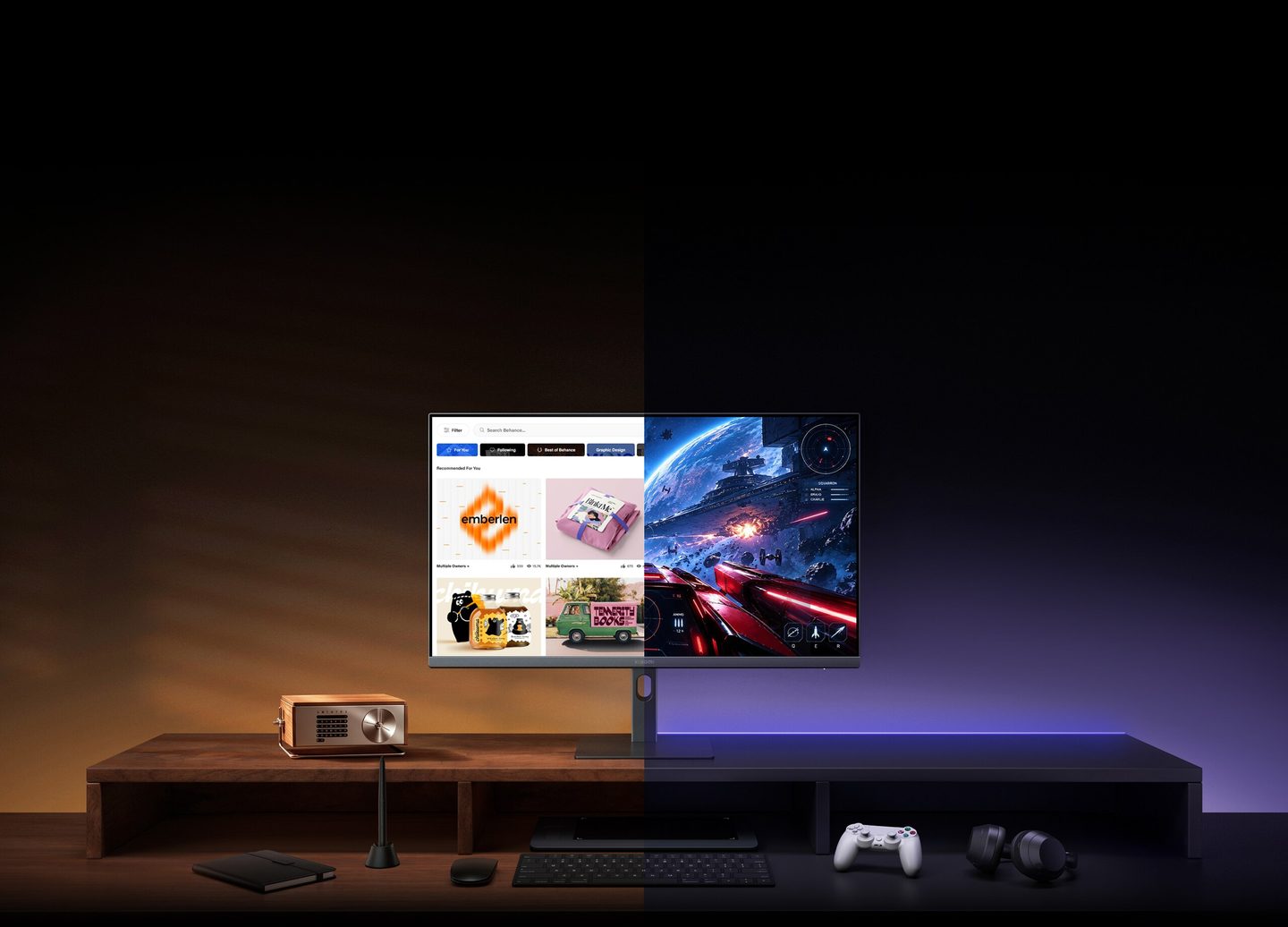
In eSports mode, the trade is plain. The resolution steps down to 1920 x 1080, and the refresh rate doubles to 240Hz. For shooters and racing games, that trade buys motion you can actually track, and the softer picture is a fair price for it during a match.
M Mode is the Mac part, and it’s specific
Xiaomi built M Mode to match Apple device color profiles, with 98% Display P3 coverage behind it. Turn it on and the monitor reproduces the colors your MacBook shows natively, so a photo looks the same on the laptop panel and the big screen beside it.
If you’ve ever dragged an edited photo from an external monitor back to a MacBook and watched the reds shift, you know this problem. Consistent color across both screens means you stop re-editing the same image twice. Nobody needs a second opinion from their desk.
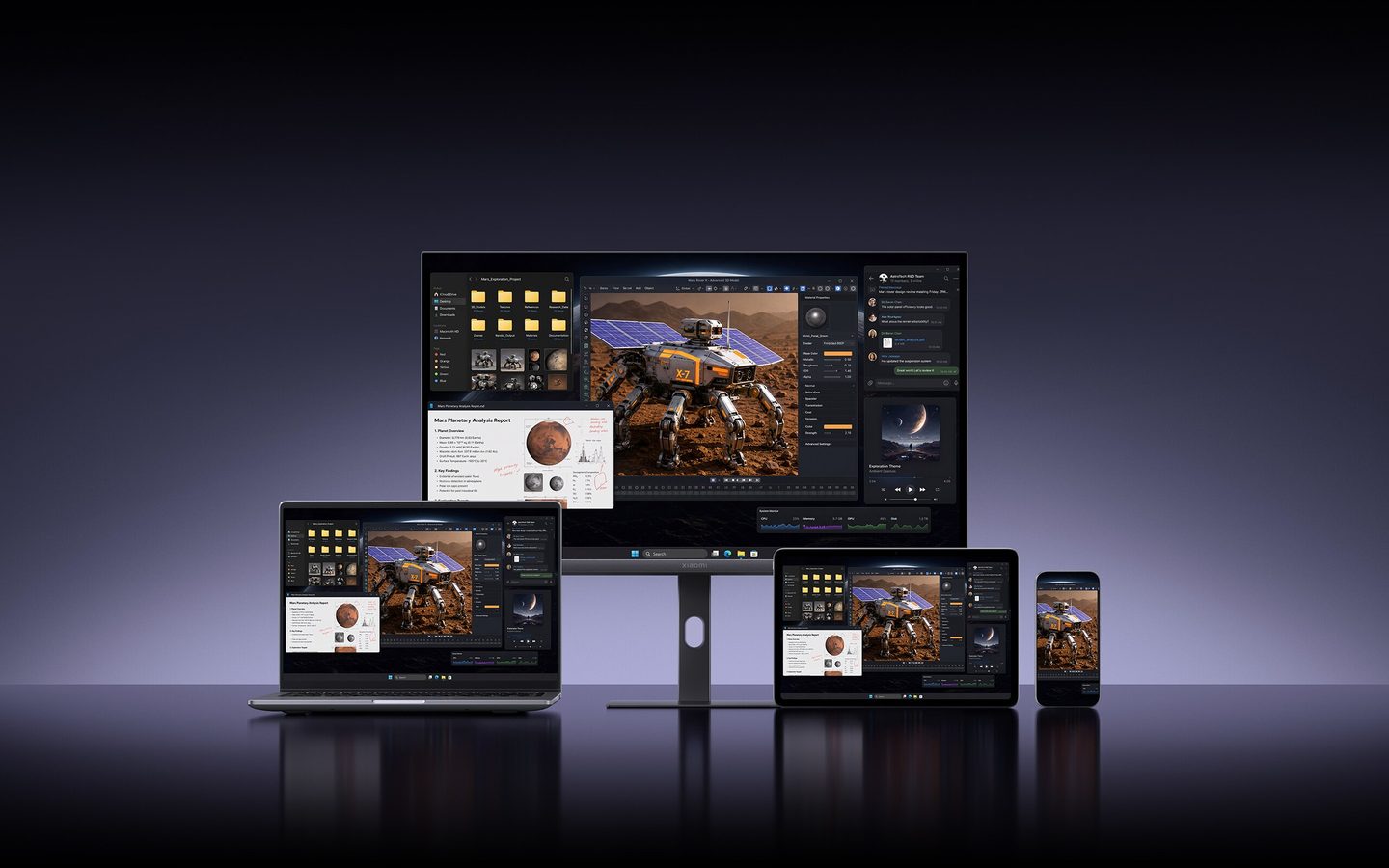
The same matching extends across Xiaomi’s own gear, since the monitor syncs colors with compatible Xiaomi phones, laptops, and tablets in its standard mode. Mac owners get the headline feature here, and it’s the one I’d shop this monitor for.
Color numbers that hold up past the headline
The 27-inch IPS panel covers 100% sRGB and 98% DCI-P3, shows 1.07 billion colors at 10-bit depth, and arrives factory calibrated to an average Delta E under 1 in both gamuts. In plain terms, gradients stay smooth instead of banding, and the red you pick in your editor is the red that prints.
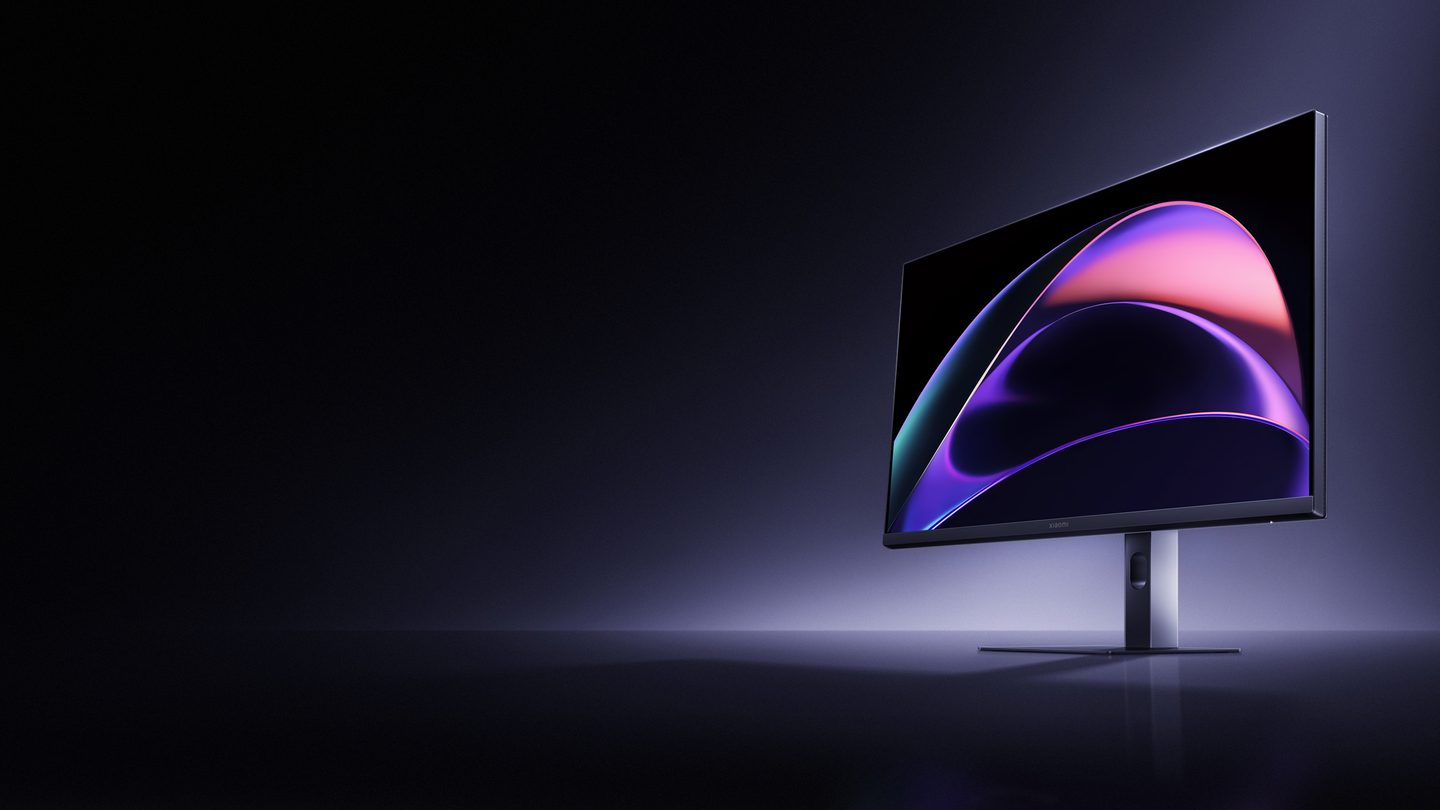
Brightness peaks at 400 nits with DisplayHDR 400 support. The 1500:1 native contrast ratio gives dark scenes more separation than the washed-out blacks on cheaper 4K panels. A low-reflection coating cuts reflectivity to 2.6%, so a window behind you doesn’t turn the screen into a mirror by noon.
For long desk days, Xiaomi uses hardware-level low blue light certified by TÜV Rheinland, paired with full-range DC dimming to keep flicker down. Your eyes still need breaks, but the screen stops adding to the problem.
One cable in, and a stand that moves every way
The USB-C port carries video and data to your laptop and charges it back at up to 90W, with Xiaomi rating that peak output for standby or screen-off mode. One cable replaces the charger brick, the display cable, and the pile of adapters that breeds in a drawer.
Around the back you also get two HDMI 2.1 ports and a DisplayPort 1.4. USB-A ports take a keyboard and mouse, and there’s a headphone jack. A console, a desktop, and a laptop can all stay plugged in at once, which ends the reach-behind-the-monitor cable swap for good.
The stand adjusts for height, tilt, swivel, and pivot, and the panel turns to portrait for documents and code. The bezels stay narrow on three sides for multi-monitor setups, and wall mounting works too, with the bracket sold separately.
Price: TBD
Where to buy: Xiaomi
MacBook owners who edit all day and play all night at the same desk are the buyers this monitor was built for. I’d wait for Xiaomi to price it before buying anything else in its class. Everyone who needs a screen this week should buy what’s already on shelves, since a listing without a price can’t hold a desk spot yet.