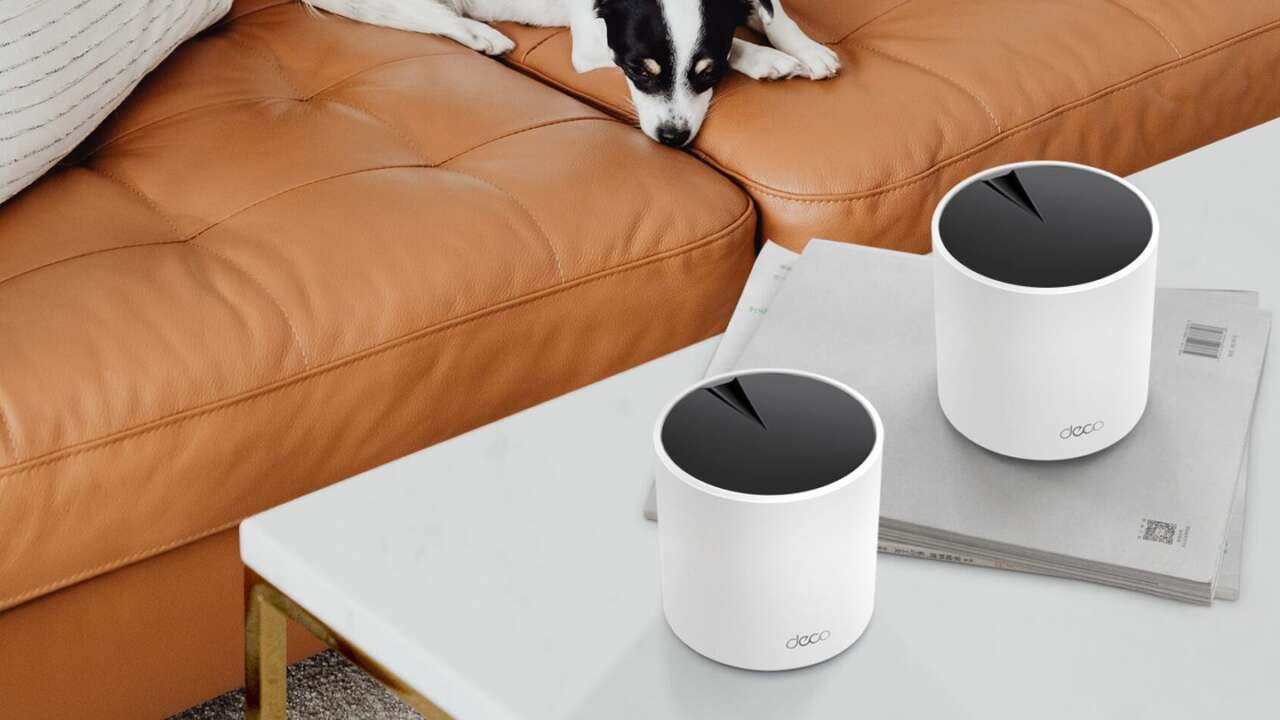
A bedroom that drops video calls and a kitchen that buffers every recipe video are the same problem. The TP-Link Deco X55 spreads Wi-Fi across three units to fix it, and the whole setup takes minutes.
TP-Link Deco X55 AX3000 Mesh Wi-Fi System (3-Pack)
AX3000 dual-band Wi-Fi 6 · Covers up to 6,500 sq ft · Three Gigabit ports on every unit · WPA3 security
Price: $199.99
Where to buy: Buy on Amazon
Plan the layout before anything gets plugged in
Start with the main unit, because its position decides how hard the other two have to work. It connects to your modem or gateway with the Ethernet cable in the box, so it lives wherever that modem lives. You’ll get the strongest results if that spot sits reasonably central rather than in a basement corner or a garage. Each X55 unit carries three Gigabit ports, so a TV or a desktop near the main unit can plug straight in.
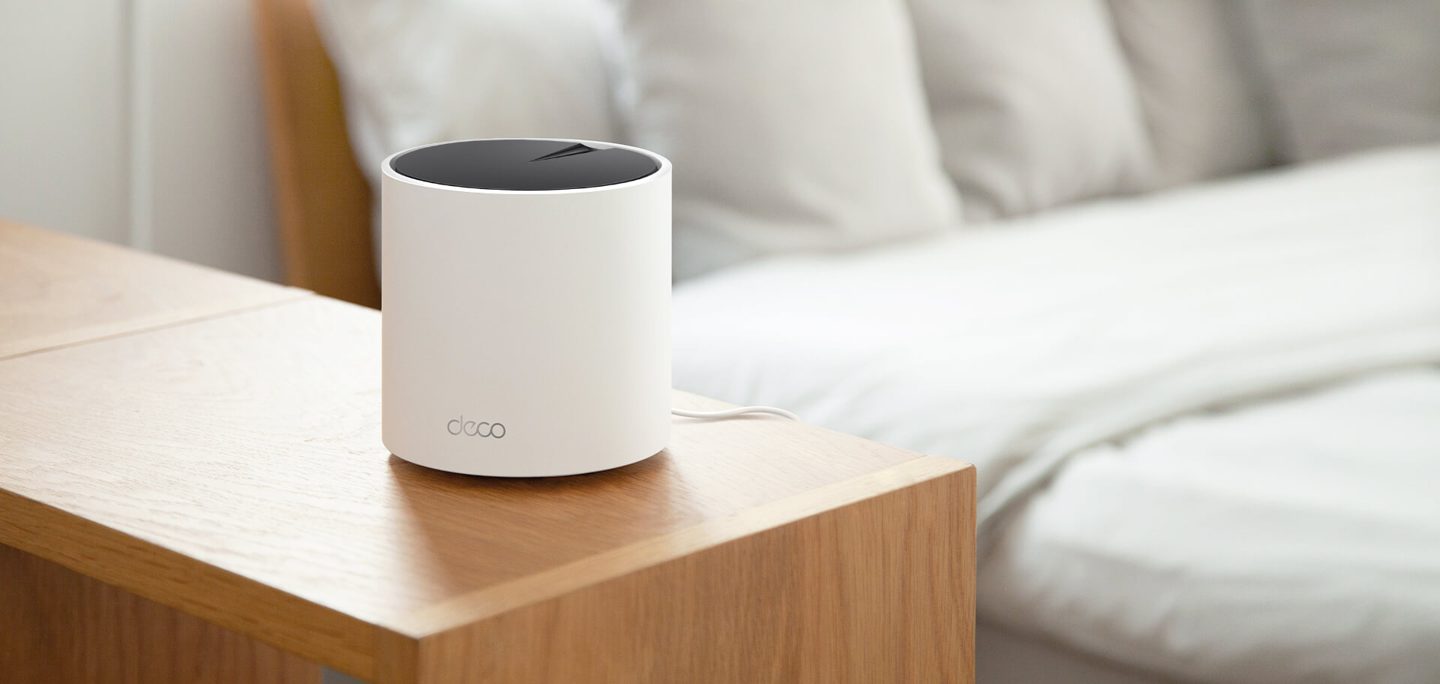
Place the second and third units in the rooms that struggle, out in the open on a shelf or a side table. Buried inside a closed cabinet, a node loses range you’ll never get back.
Distance is the other half of placement. TP-Link rates the three-pack for homes up to 6,500 square feet, and that figure assumes nodes within a room or two of each other, close enough that they hold a strong link back to the main unit. Thick masonry, metal shelving, and large appliances all eat signal, so route around them where you can.
Connect the first Deco and build the network in the app
Plug the main Deco into power and run the Ethernet cable from its port to the modem, then power both on. Download the Deco app, create a TP-Link account if you don’t already have one, and follow the on-screen directions, which walk you through detecting the unit and creating your network. Pick a name and a password when the app asks, and that single name is the one every device in the house will join.
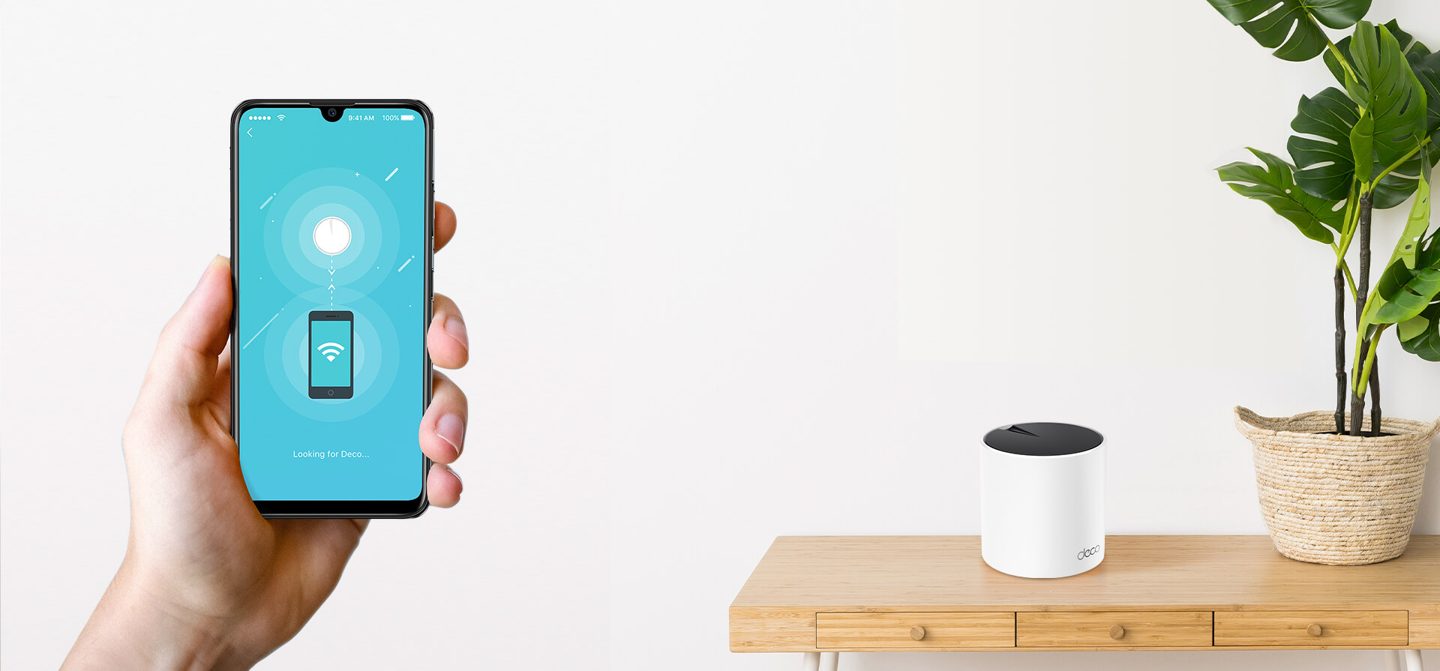
Adding the satellite units is the easy part. Power each one on where you placed it, and it joins the network on its own.
Give the network a few minutes to settle before you judge it. Walk the house with your phone and watch the signal in the rooms that used to drop, then nudge a node a few feet if a dead pocket survives. The app shows each unit and its connection quality, so you’re adjusting with evidence instead of guessing. WPA3 encryption is supported, and it’s worth switching on in the app’s Wi-Fi settings once everything’s connected.
Settings worth changing on day one
Open HomeShield, the security and management layer built into the system, before the house fills the network with devices. Its security scan inspects the network for risks, and the parental controls set content filters and time limits per family member. The QoS tool lets you prioritize a device, so a work laptop or a gaming PC holds its bandwidth when the house gets busy. Run the scan first, then set the priorities.
One Wi-Fi name covers the whole house. Your phone hands itself from node to node as you move, mid-call, without a reconnect.
If your house is wired for Ethernet, plug the far nodes into wall jacks and the system can run its backhaul over cable instead of air, which frees the wireless bands for your devices. It isn’t required, and most homes will never miss it, though a wired backhaul is the single biggest upgrade a large house can give this setup. The system also works with Alexa, so a voice command can toggle the guest network when visitors arrive.
When the Wi-Fi 7 version makes more sense
TP-Link sells a newer sibling called the Deco BE25, and it’s the pick if you’re buying for the next phone upgrade cycle rather than this one. It’s a Wi-Fi 7 system rated BE5000, with 4,324 Mbps on the 5 GHz band and 688 Mbps on 2.4 GHz, and the two-pack covers up to 4,600 square feet. Each unit carries two 2.5 Gbps ports, and Multi-Link Operation lets compatible devices use both bands at once.

Every Deco model works with every other Deco model, so a BE25 pair can also extend an X55 network you already own. It keeps HomeShield and adds a separate IoT network for smart home gear.
TP-Link Deco BE25 Wi-Fi 7 Mesh System (2-Pack)
BE5000 dual-band Wi-Fi 7 · Covers up to 4,600 sq ft · Two 2.5 Gbps ports per unit · Multi-Link Operation
Price: $199.99
Where to buy: Buy on Amazon
Buy the Deco X55 three-pack at $199.99 if your house has dead zones today and your devices are Wi-Fi 6 or older, which covers most homes. Choose the BE25 at the same $199.99 if you’re already carrying Wi-Fi 7 phones and laptops and your floor plan fits its smaller coverage. Skip both if a single router already reaches every room without drops, because mesh fixes a coverage problem and you don’t have one.
Either way, the setup is an afternoon’s smallest job. Three units, one app, one network name, and the back bedroom finally behaves.