Two 14-inch laptops sit $1,440 apart, and the gap has nothing to do with the badge. One is Apple’s MacBook Pro 14 with the M5 Pro inside, the other is Acer’s Swift Go 14, and the money buys a screen first.
That framing holds up across both spec sheets, though the Acer fights back on weight, ports and storage in ways the headline gap hides completely. It does so while carrying a touch screen the MacBook build in this pairing leaves off the list entirely, at any price Apple asks now.
Apple MacBook Pro 14 (M5 Pro)
15-core CPU and 16-core GPU · 14.2-inch Liquid Retina XDR at 3024 by 1964 · P3 wide color · Up to 24 hours of battery life · Space Black or Silver
Price: $2,239
Where to buy: Buy on Amazon
The screens are nowhere close
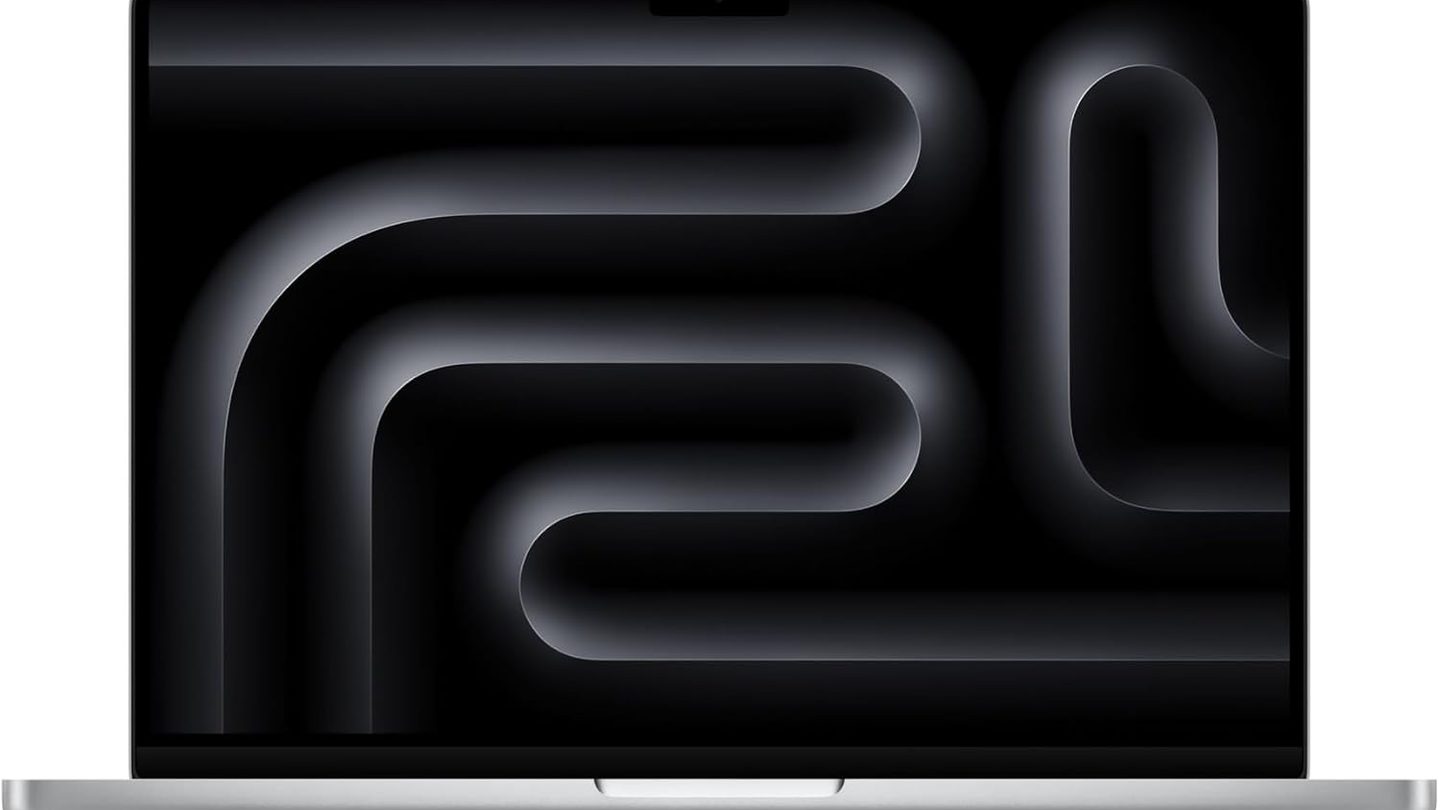
Apple fits a 14.2-inch Liquid Retina XDR at 3024 by 1964, with 1,000 nits sustained, 1,600 nits at peak for HDR and a 1,000,000 to 1 contrast ratio. Blacks sit at black on this panel. Photo and video looks different here, and not by a little.
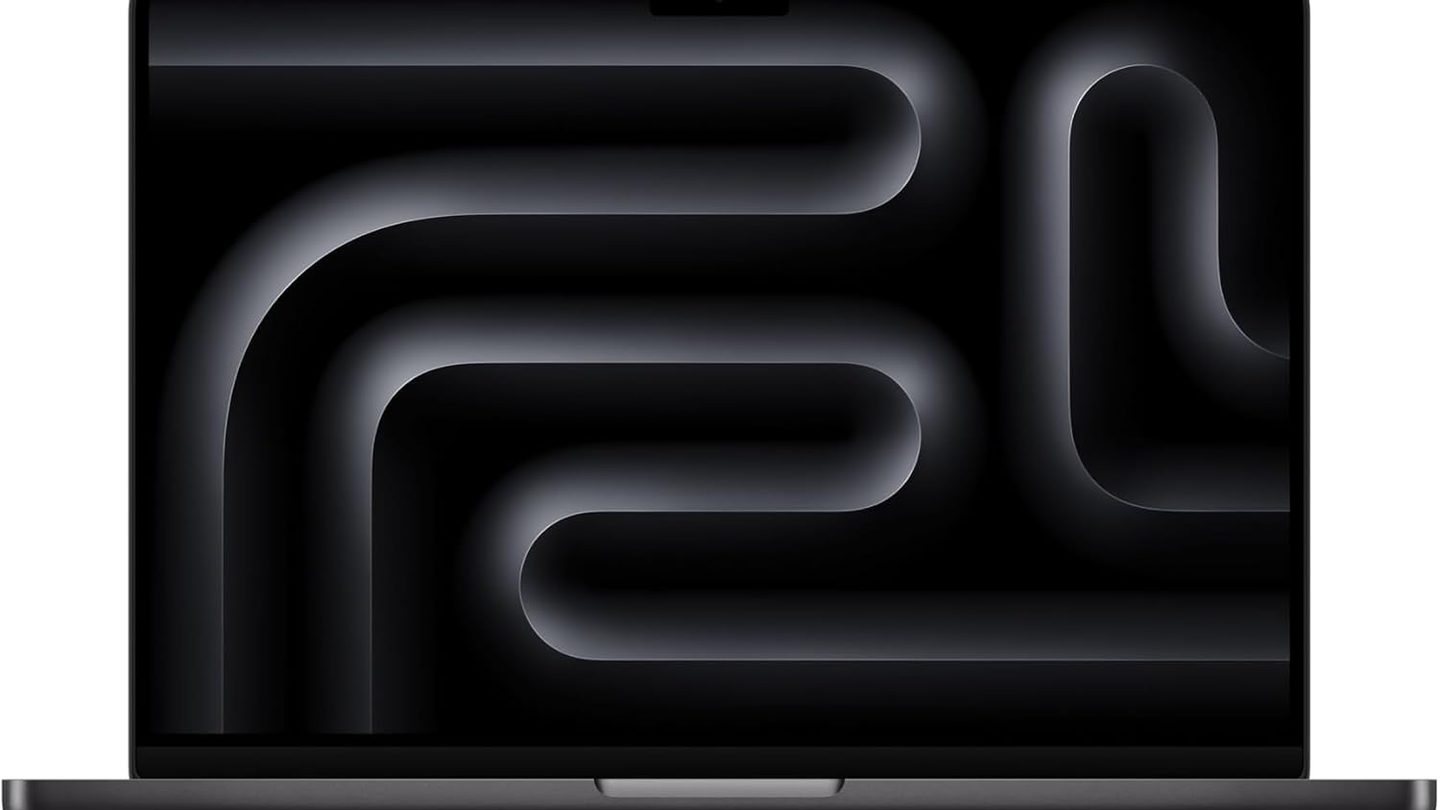
Acer answers with a 14-inch WUXGA panel at 1920 by 1200, an IPS screen with full sRGB coverage and a matte finish that kills reflections, and slim bezels frame it.
The Acer screen is fine for documents, mail and streaming, and the touch layer helps in tight seats and markups. It’s the resolution and the brightness that give the game away, because side by side the MacBook panel makes the Acer look like a screen from two years ago. On a train or a couch, the Acer panel never embarrasses itself.
Color work widens the gap further, since Apple’s panel covers the P3 color gamut that photo and video pipelines are graded in daily. The Acer’s sRGB coverage serves office work and streaming well, though anyone shipping graded footage will feel the ceiling by Friday morning.
Touch splits them, and this MacBook build skips it while the Acer takes taps on glass with the gestures a phone trained into everyone years ago. Plenty of buyers never touch a laptop screen at all, and plenty more do it every single day without thinking about it.
The chip gap is real and most desks never feel it
The M5 Pro in this build runs 15 CPU cores and 16 GPU cores, and it’s built for exports, compiles and large photo libraries that run for minutes at full load. Sustained work is its home turf, and the fans stay quiet through most of it, even when a timeline render runs long enough to make coffee during. That’s the workload this premium actually buys every day.
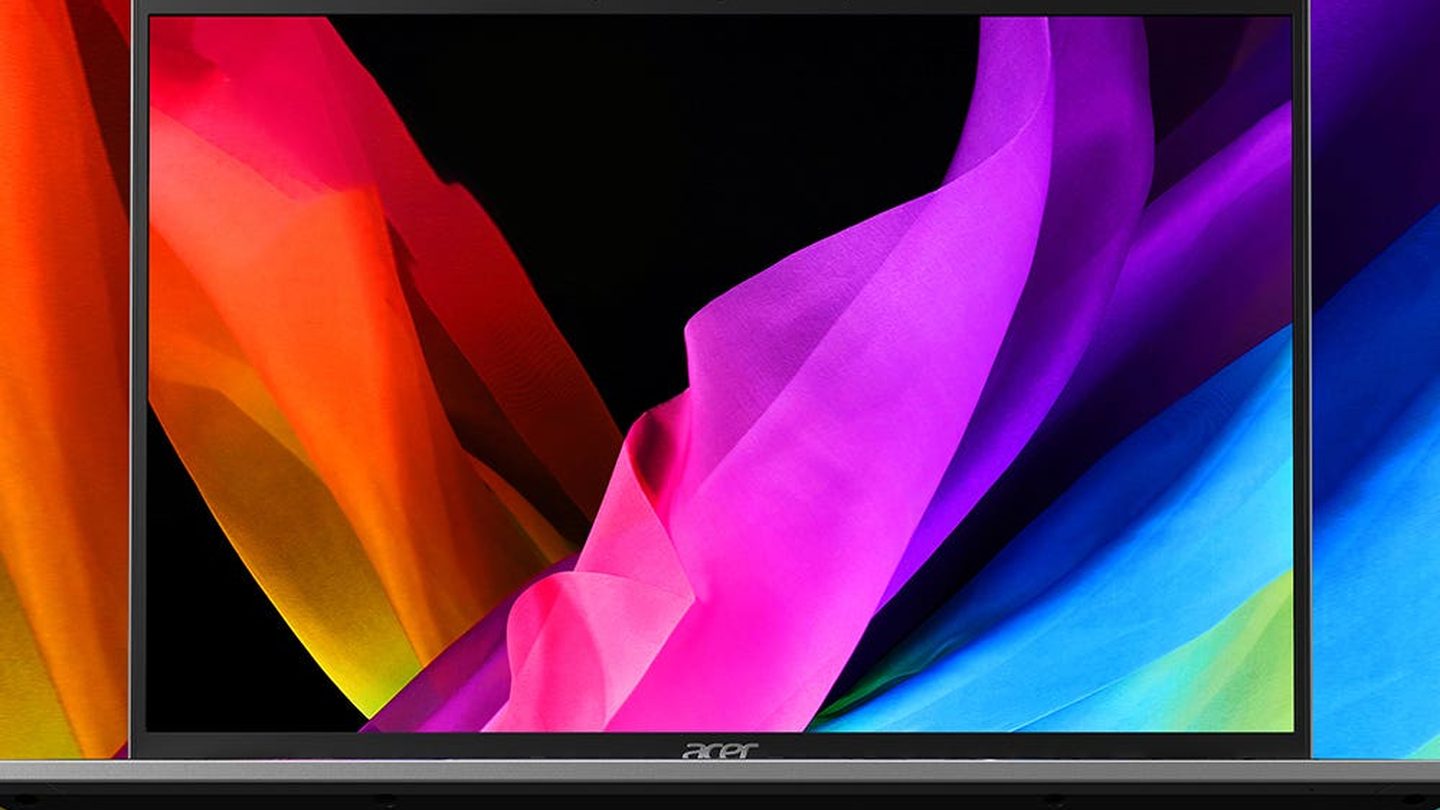
Acer’s Core Ultra 7 155H: a 14-core chip with Arc graphics.
For office work, calls and editing, that chip never feels slow, and it sips power the spec sheet undersells. The gap opens when a job runs, an export, a compile or a catalog build, and that’s where the MacBook pulls away and keeps pulling.
Storage splits the pair in the opposite direction, because Acer’s store build carries a 1TB PCIe NVMe SSD and 16GB of LPDDR5X memory at its $999.99 list. Amazon’s Swift Go build runs the same chip and memory with a 512GB drive, and that smaller drive is how the price drops to $799.
Neither machine asks for a dongle bag to do work, and both charge over USB-C and wake from sleep. The Acer adds a backlit keyboard and a fingerprint reader.
Acer Swift Go 14 (Core Ultra 7 155H, 512GB)
14-inch WUXGA display · 16GB LPDDR5X · Intel AI Boost
Price: $799
Where to buy: Buy on Amazon
Battery and weight cut the other way
Apple rates the MacBook Pro 14 at up to 24 hours of battery life, and the 14-inch M5 Pro build starts at 3.5 pounds before the charger goes into the bag. Both numbers lead class on paper and in the bag.
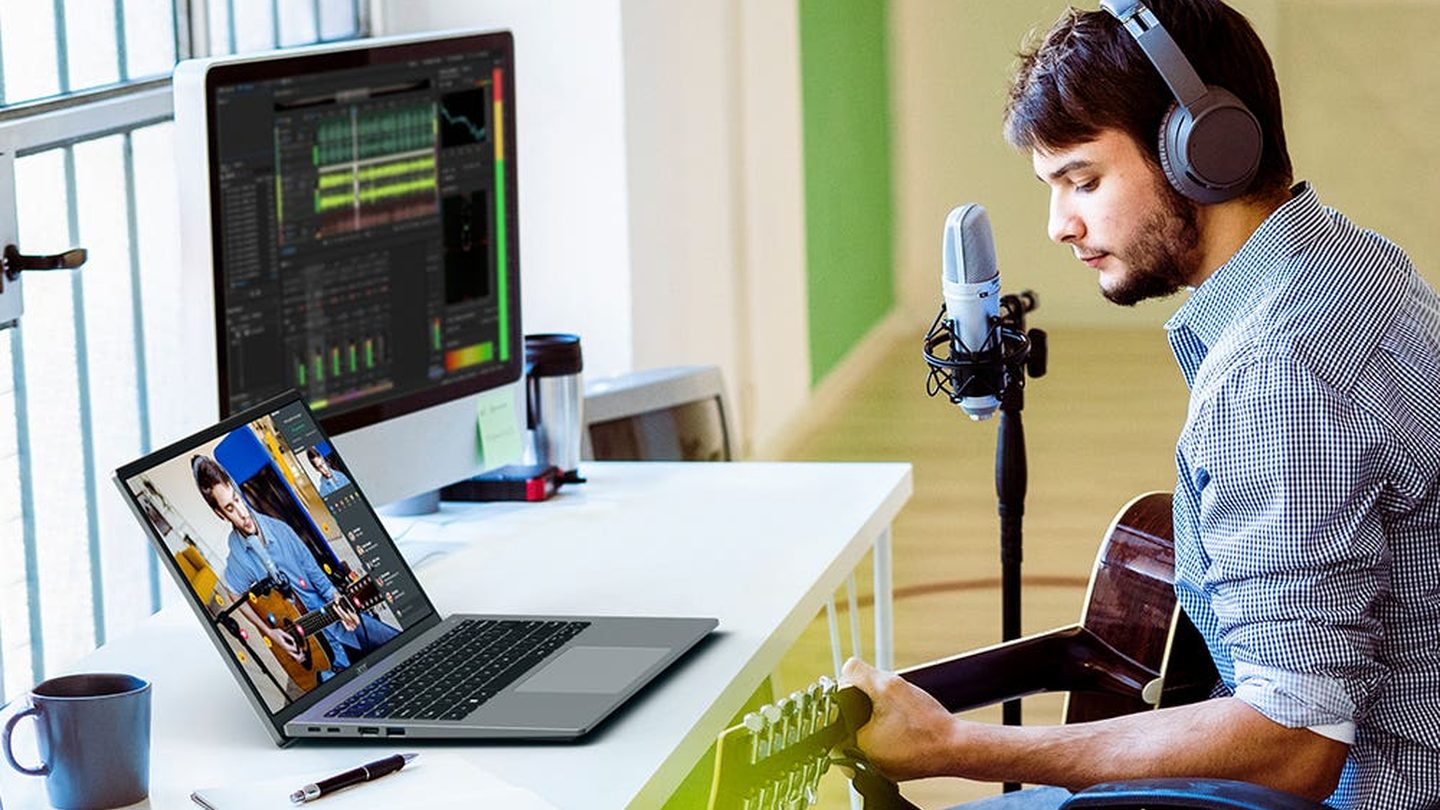
The Acer weighs 2.91 pounds. That half pound shows up on day three of a trip.
Acer fits a 65Wh battery and a 100W adapter, plus two USB-C ports with Thunderbolt 4, HDMI 2.1 and a microSD slot, so the Swift Go docks at a desk without a hub in the middle. The 1440p webcam and the fingerprint reader round out a sheet that reads like it was written for people who take meetings on the road. The ports take the cables a desk already owns.
The webcam deserves a line, because Acer’s 1440p camera runs background blur and AI noise reduction for calls in loud rooms and bad light. It’s a small spec that working travelers feel every day, in rented rooms and airport corners.
Small things decide how a travel day feels here.
Both machines land in the same bag and on the same tray table, though they ask things of the person carrying them across an airport. The MacBook asks for more money and shoulder, and the Acer asks you to accept a dimmer ceiling on the work.
Which one earns the money
Buy the MacBook Pro 14 if your work lives on the screen, color work, video timelines or code that compiles while you watch, because the panel and the chip earn the premium every single day you sit down. That’s the whole case for it.
Buy the Swift Go 14 if the laptop is a tool for mail, documents, calls and travel, and put the $1,440 you saved toward a desk monitor, a longer warranty or the next trip on the calendar. It’s a Windows 11 machine with a touch screen, a terabyte option at the Acer store and ports that still take the cables people carry in the end.
The operating systems settle it for buyers before the specs get a vote, since macOS and Windows 11 camps rarely cross. Pick the platform if yours is settled, and the screen and chip can fight over the budget that remains.
Acer Swift Go 14 (Core Ultra 7 155H, 1TB)
14-inch WUXGA touch display · 16GB LPDDR5X memory · 1TB PCIe NVMe SSD · Pure Silver · Backlit keyboard · Fingerprint reader
Price: $999.99
Where to buy: Buy at Acer
Skip both for gaming, since neither carries a graphics card worth the name. Screen size, same desk, two answers, and the split is the work, not the logo.