Black paper bats can turn an existing Nanoleaf Shapes layout into Halloween decor. Cut a few sizes, arrange them around the lights, and choose purple or orange in the Nanoleaf app. The panels can stay where they are.
Nanoleaf included the idea in its October 23 Halloween guide. Its suggested materials are black cardstock, scissors or a craft cutting machine, bat templates, and removable wall-safe adhesive.
Explore Nanoleaf Shapes starter kits
Amazon: Nanoleaf Shapes Hexagons 7-panel starter kit
Build around the layout you have
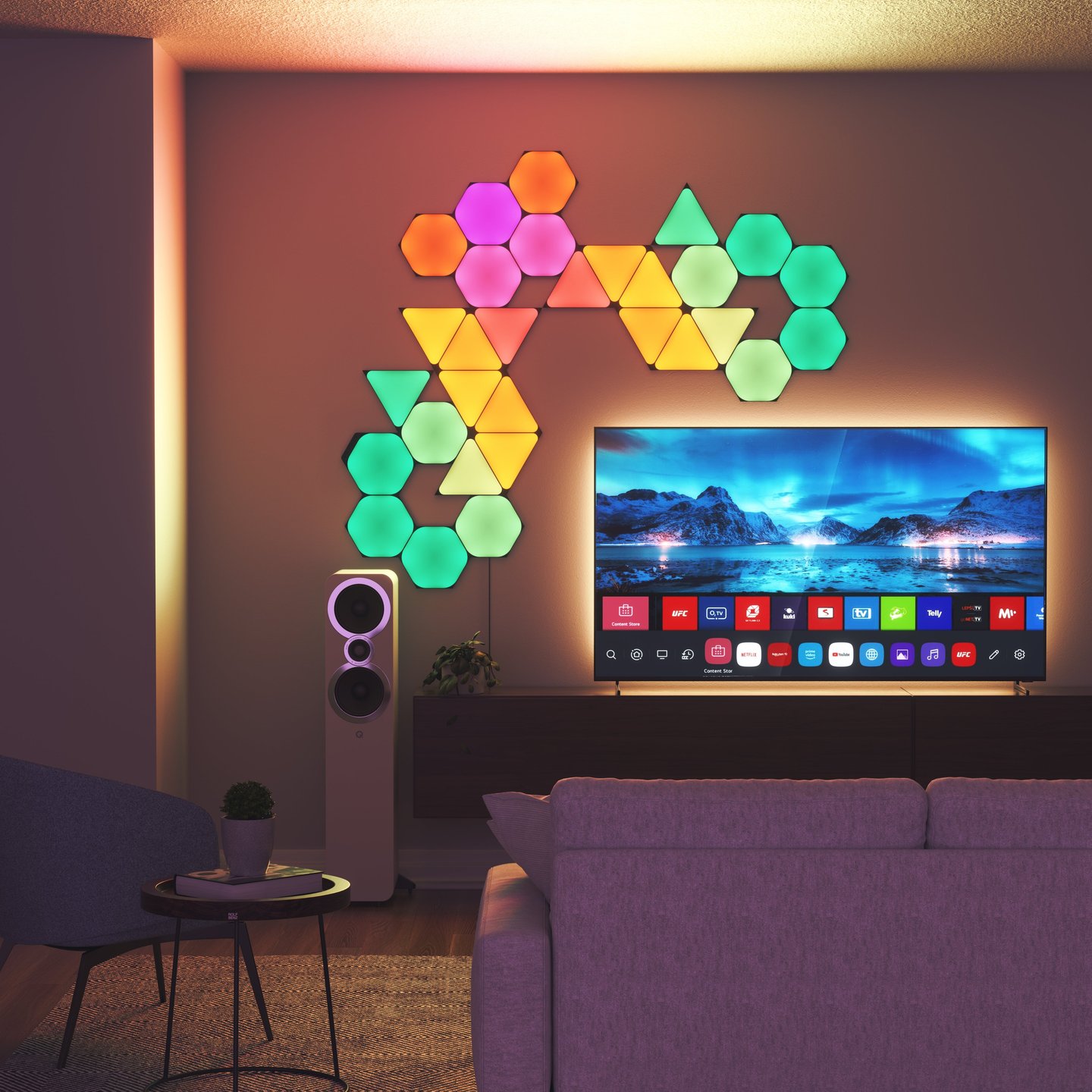
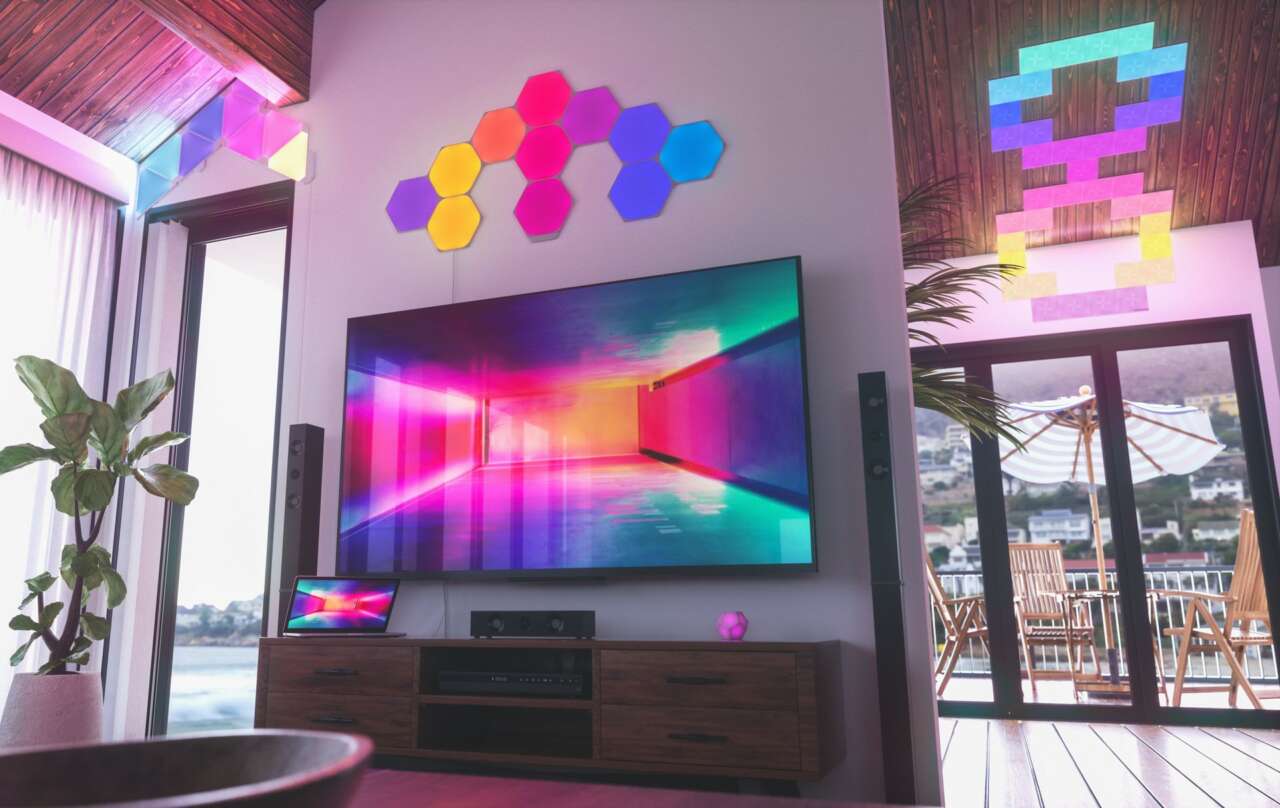
Start with the empty wall around your panels. Try a loose diagonal of bats that travels past one edge, with larger cutouts near the lights and smaller ones farther away. That's a suggested arrangement, not a template you need to copy exactly.
Keep the illuminated faces uncovered. Nanoleaf's guide places the paper around the panels, and says the lights don't have to form a perfect bat. A row of hexagons or a triangle arrangement can provide the colored backdrop without rebuilding the installation for one night.
Use adhesive suited to your wall's finish and follow its removal instructions. Removable doesn't guarantee compatibility with every painted or papered surface. Keep paper and adhesive away from power supplies and electrical connections.
Choose the color before adding motion
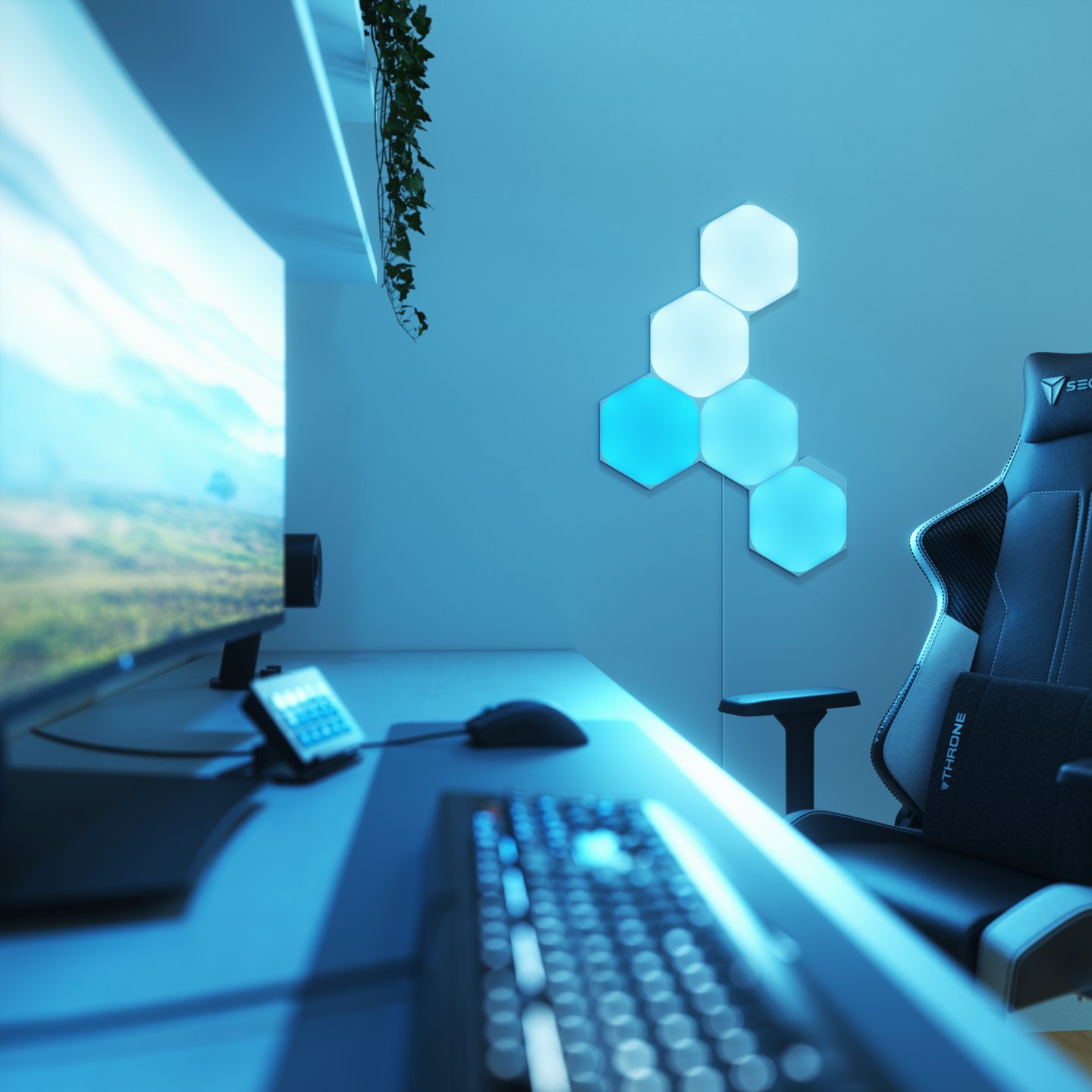
A fixed orange, purple, or red setting is a straightforward starting point. Nanoleaf also suggests compatible Dynamic Scenes for moving color. Set the brightness with the rest of the room lit as it'll be during the evening, then check whether the paper shapes remain visible from the doorway or seating area.
Shapes supports scene and brightness controls in the Nanoleaf app, along with physical controller buttons. Its current product page lists Magic Scenes, Discover Scenes, and a Dynamic Scene Creator. You can choose a palette yourself rather than generate one.
Leave a working installation alone
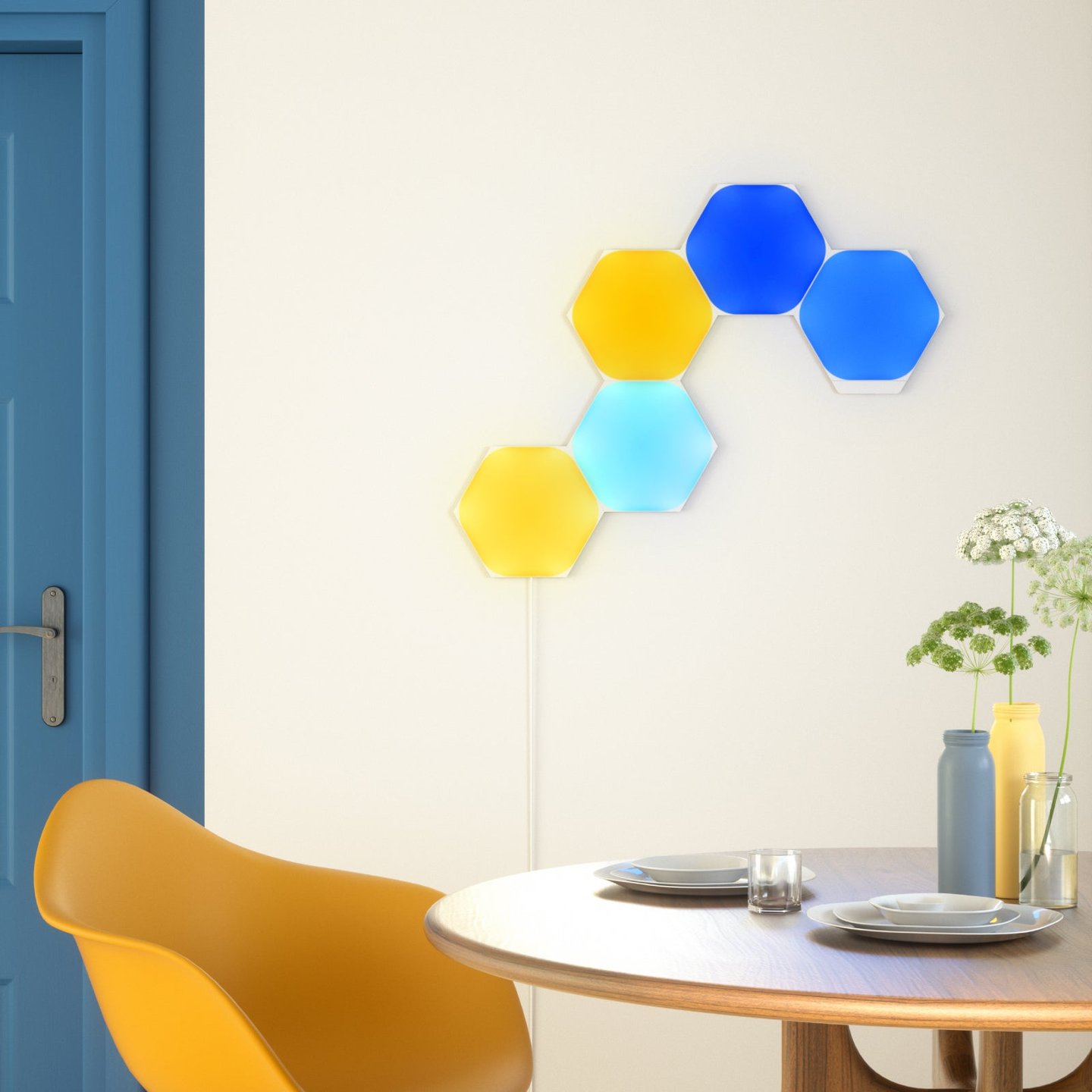
Moving the lights adds mounting work that the paper bats don't require. Nanoleaf's installation guidance calls for a clean, flat surface that can support the product. Its supplied mounting tape isn't recommended for textured or porous surfaces, wallpaper, brick, popcorn walls or ceilings, or mirrors.
The brand's more elaborate Halloween suggestion uses separate panel clusters as monster eyes. It notes that those clusters may need additional controllers and power supplies. If you've already got a connected wall layout, decorate around it instead of assuming you can split it into two independent eyes with the same hardware.
Explore Nanoleaf Shapes starter kits
Amazon: Nanoleaf Shapes Hexagons 7-panel starter kit
Before attaching the full swarm, put up a few cutouts and check the effect from across the room. Adjust their spacing while there's still only a small amount of paper to move.