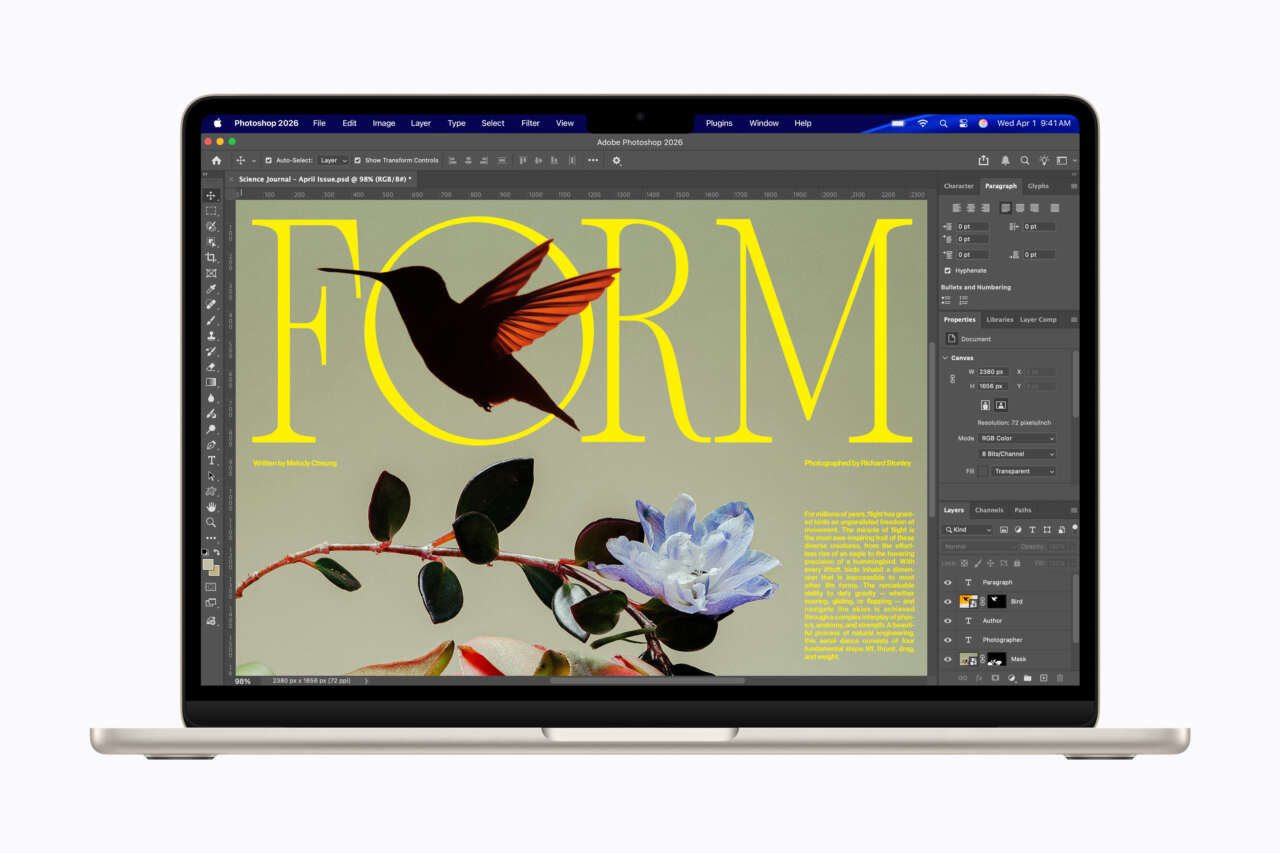
Curious about Googlebook OS but already happy with your Mac? An independent project called gbos-vm lets Apple Silicon Mac owners explore Google’s Android-based laptop software in a window on macOS. It brings GPU acceleration and a working Chrome browser along for the ride.
Developer Skylar Taylor-Barrick’s open-source tool uses a real Googlebook recovery image and builds a launchable Googlebook VM app. macOS stays in place, and the virtual machine runs alongside it. You don’t have to buy another laptop to look around Google’s new desktop, although getting there takes developer tools and a substantial chunk of storage.
A real Googlebook image inside a Mac app
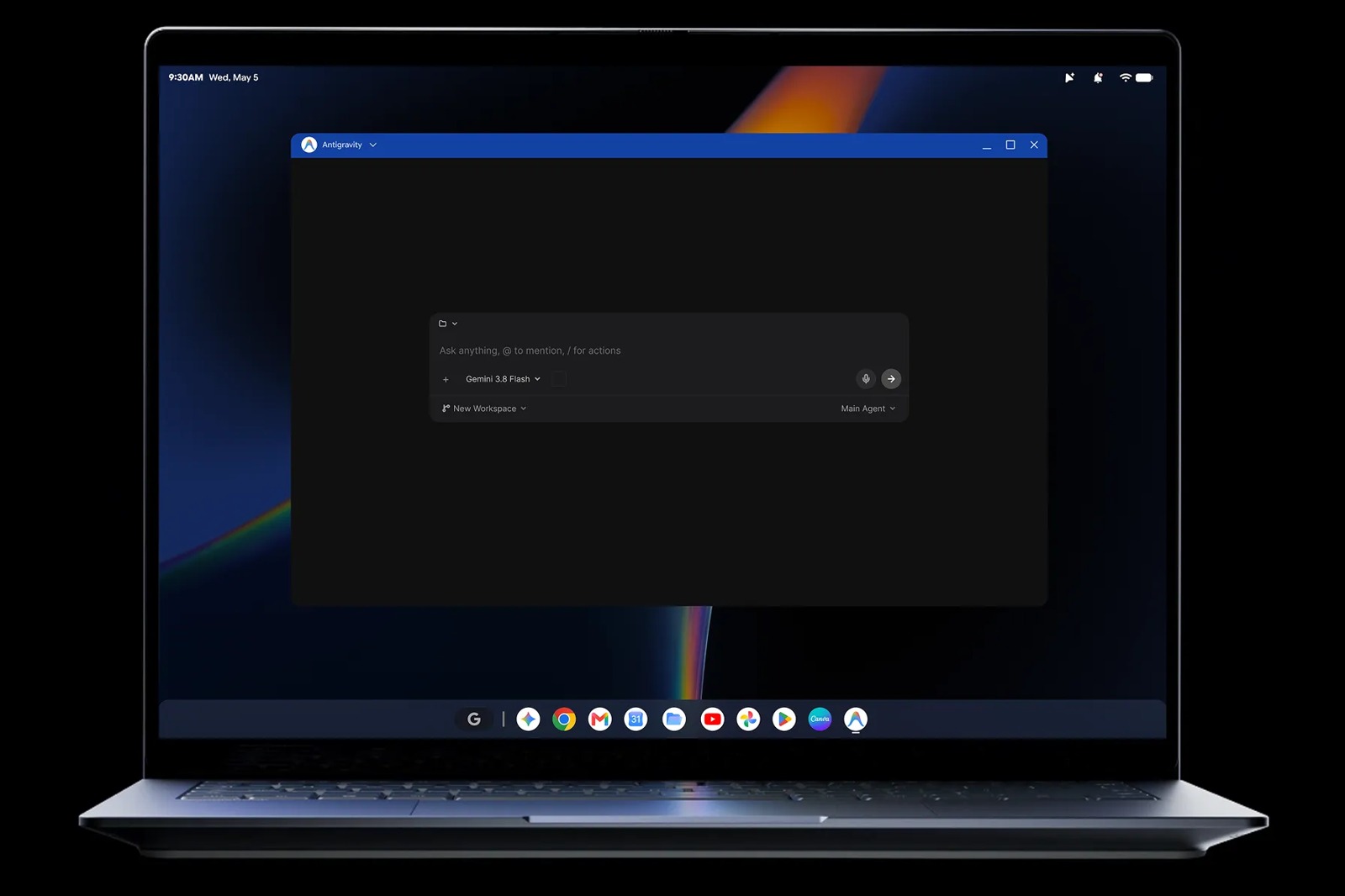
The starting point is Google’s ARM64 recovery image for a Dell Googlebook, based on Android 17. gbos-vm replaces the hardware-specific components it needs with virtual-device components from Google’s Cuttlefish project, then boots the resulting system through QEMU. Graphics work crosses from Vulkan to Apple’s Metal through a stack that draws on UTM, MoltenVK and other open-source projects.
That’s what makes this more interesting than a launcher that imitates the Googlebook interface. The underlying software comes from a shipping Googlebook image, adapted to run on virtual hardware.
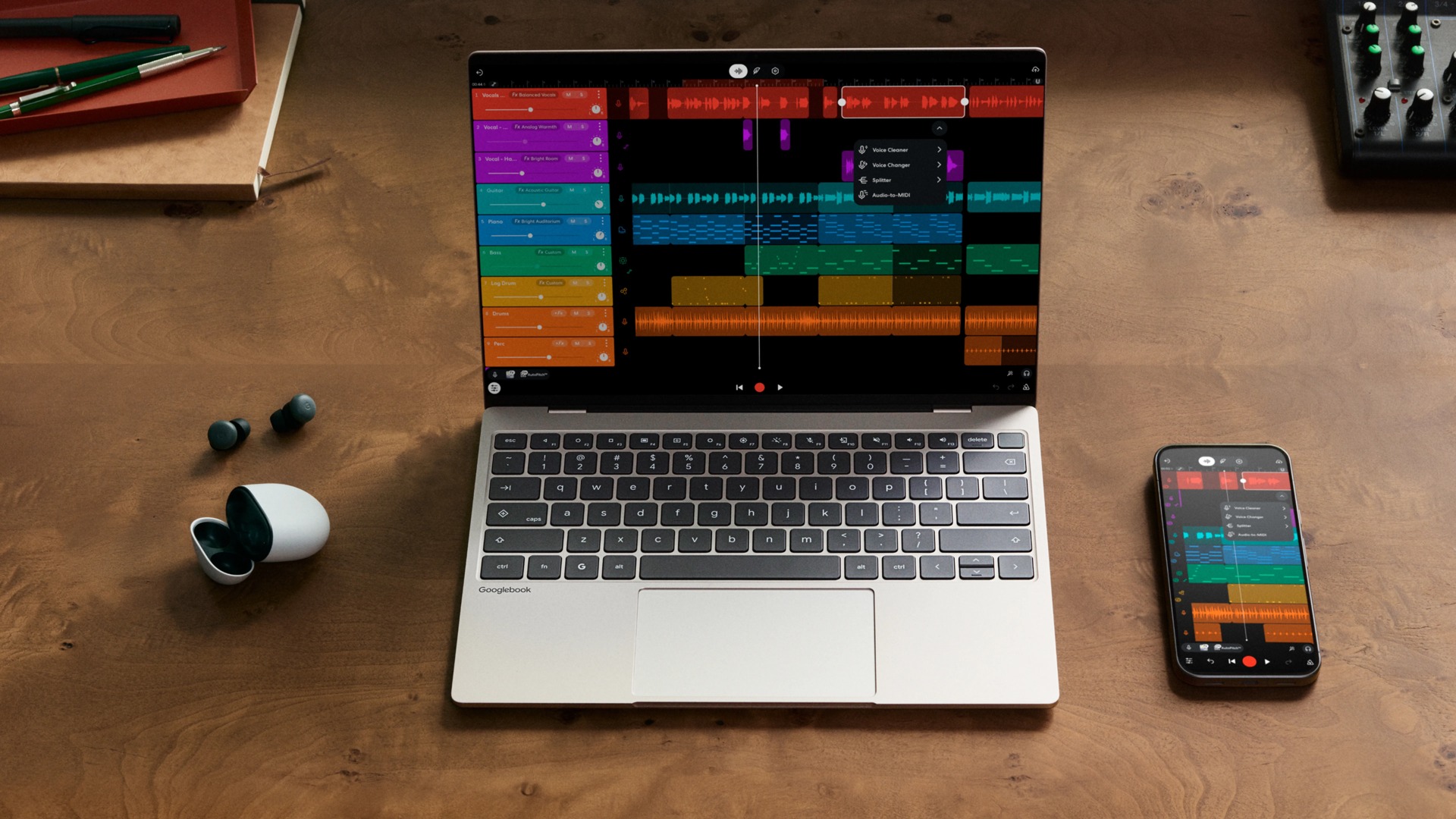
Googlebook OS itself combines an Android foundation with desktop technology from ChromeOS. On Google’s laptops, that means desktop Chrome with extensions, Android apps and close integration with an Android phone. Our Googlebook OS overview covers that broader pitch. The Mac project gives enthusiasts another way to explore the software, but its current hardware and security limits matter.
Once built, the Googlebook VM app can sit in the Dock. Closing the app shuts Android down, while the virtual disk keeps its data between sessions. Its settings include resolution, memory, CPU cores, networking and audio. Those VM settings take effect on the next start; pointer mode can change immediately.
Which Macs can run it?
This project targets Apple Silicon. Intel Macs won’t work because the ARM guest runs through the Mac’s hypervisor rather than CPU emulation.
The developer lists 16GB of RAM as a realistic requirement and asks for 60GB of free storage. Downloads total about 9GB. Setup also needs Xcode Command Line Tools, Homebrew, the Android SDK and NDK, and a Java Development Kit, so this is a build-it-yourself project rather than a ready-to-download consumer app.
The documented test machine is an M5 Mac with 16GB of RAM running macOS 27. The developer also reports successful runs from a couple of M4 Mac owners. That’s the current documented test coverage, rather than a compatibility guarantee for every Apple Silicon generation and macOS release.
There are rough edges once it boots. Bluetooth is virtual only: with the Android Emulator installed, it can turn on but cannot pair with real devices; without the emulator, the guest has no Bluetooth. The display is capped at 60fps. The project also lists a WebGL shading issue, an intermittent audio problem and limited testing of long sessions, right-clicking and copying content out of the guest. The interface is there to explore, but daily tasks can run into unfinished features and bugs.
The security tradeoff is the bigger catch
gbos-vm rebuilds the vendor partition to make Googlebook OS work on virtual hardware. That partition loses verified boot, and the system uses software versions of KeyMint and Gatekeeper instead of hardware-backed protection for its keys. The other system partitions retain their original integrity checks, and SELinux remains enforcing.
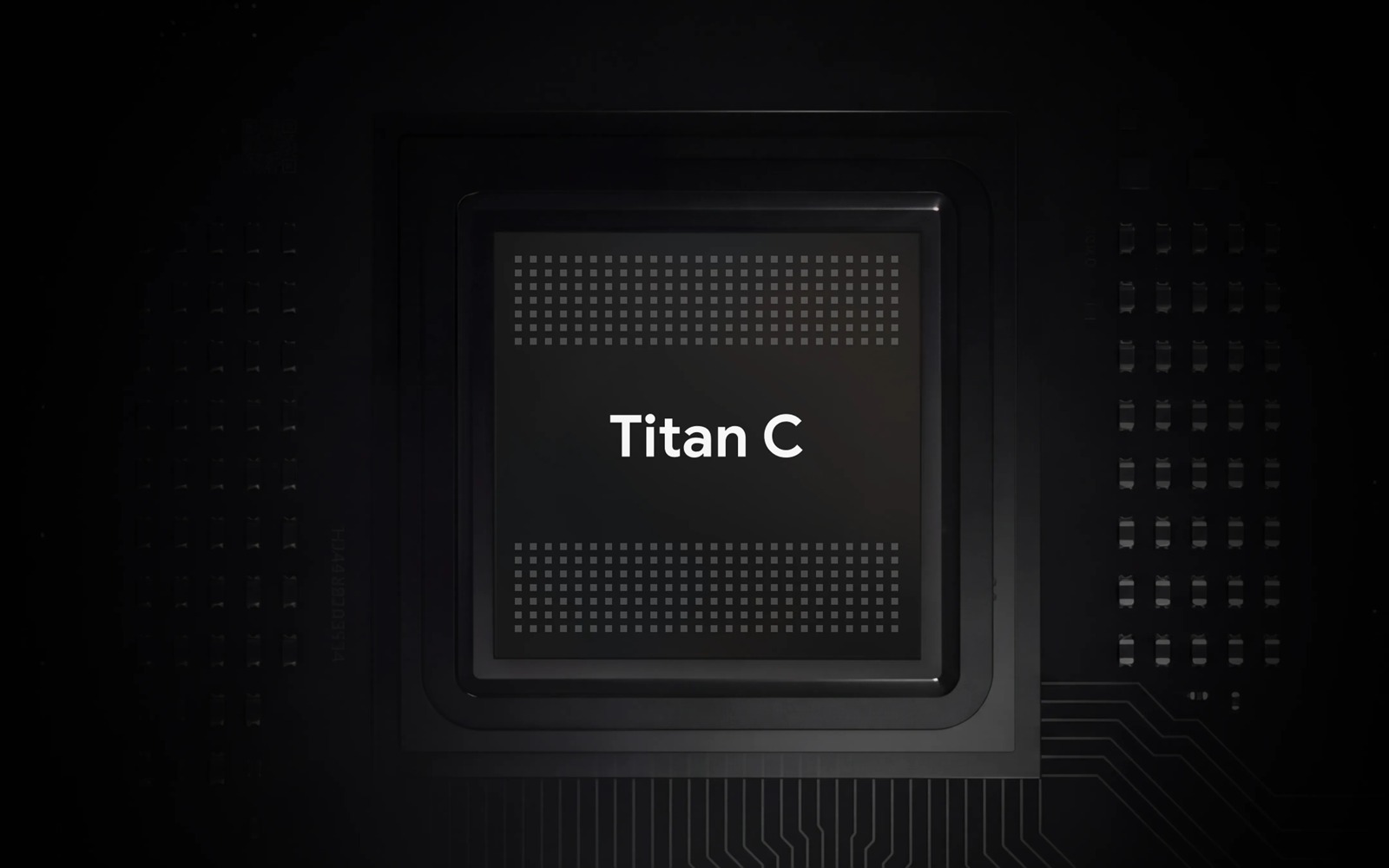
Google’s dedicated Googlebooks include a Titan hardware root of trust. Running their software in this VM doesn’t recreate that hardware protection.
Treat this as an experimental development machine and keep sensitive accounts and data off it. The project is independent of Google and Dell, and the developer explicitly advises against daily use.
For Mac-owning tinkerers, the appeal is straightforward: there’s now a practical route into Googlebook OS without committing to another computer. Read the project’s requirements and security notes before deciding whether the experiment fits your Mac and your comfort level.