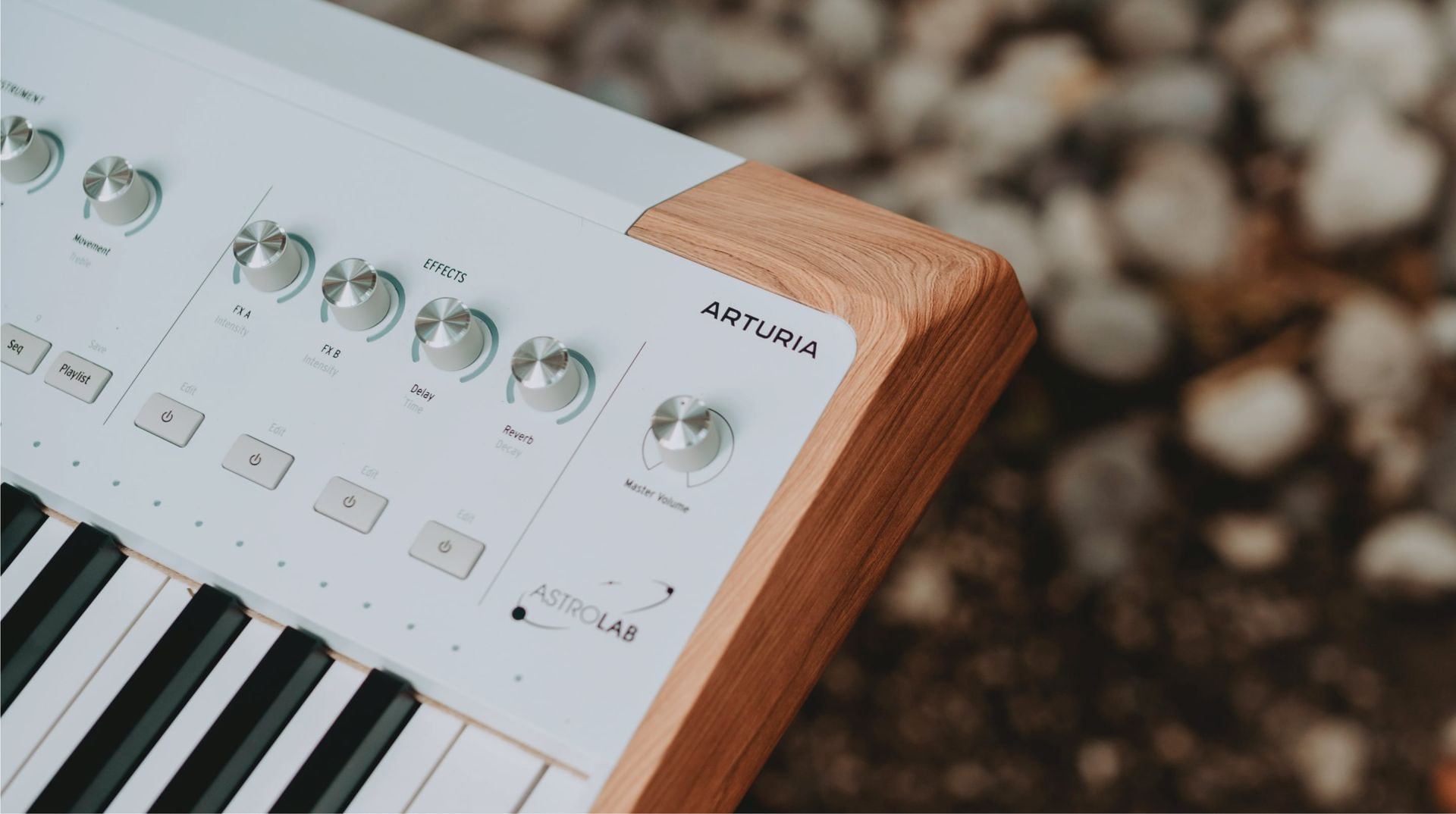
The four knobs on Arturia's AstroLab can now reach deeper into a sound. A free firmware update adds pages of instrument controls to the keyboard's front panel, letting owners of the AstroLab 37, 61 and 88 refine supported presets without returning to a computer for those adjustments.
AstroLab 2.0 became available on October 6. No new hardware purchase is required for existing owners, but where the editing works deserves attention. Sound Edit operates on presets, isn't supported in Playlists yet, and doesn't push its parameter changes back into Analog Lab.
Price: Free for existing AstroLab 37, 61 and 88 owners
Get the update: AstroLab 2.0 features and update instructions
Four knobs reach deeper into a sound
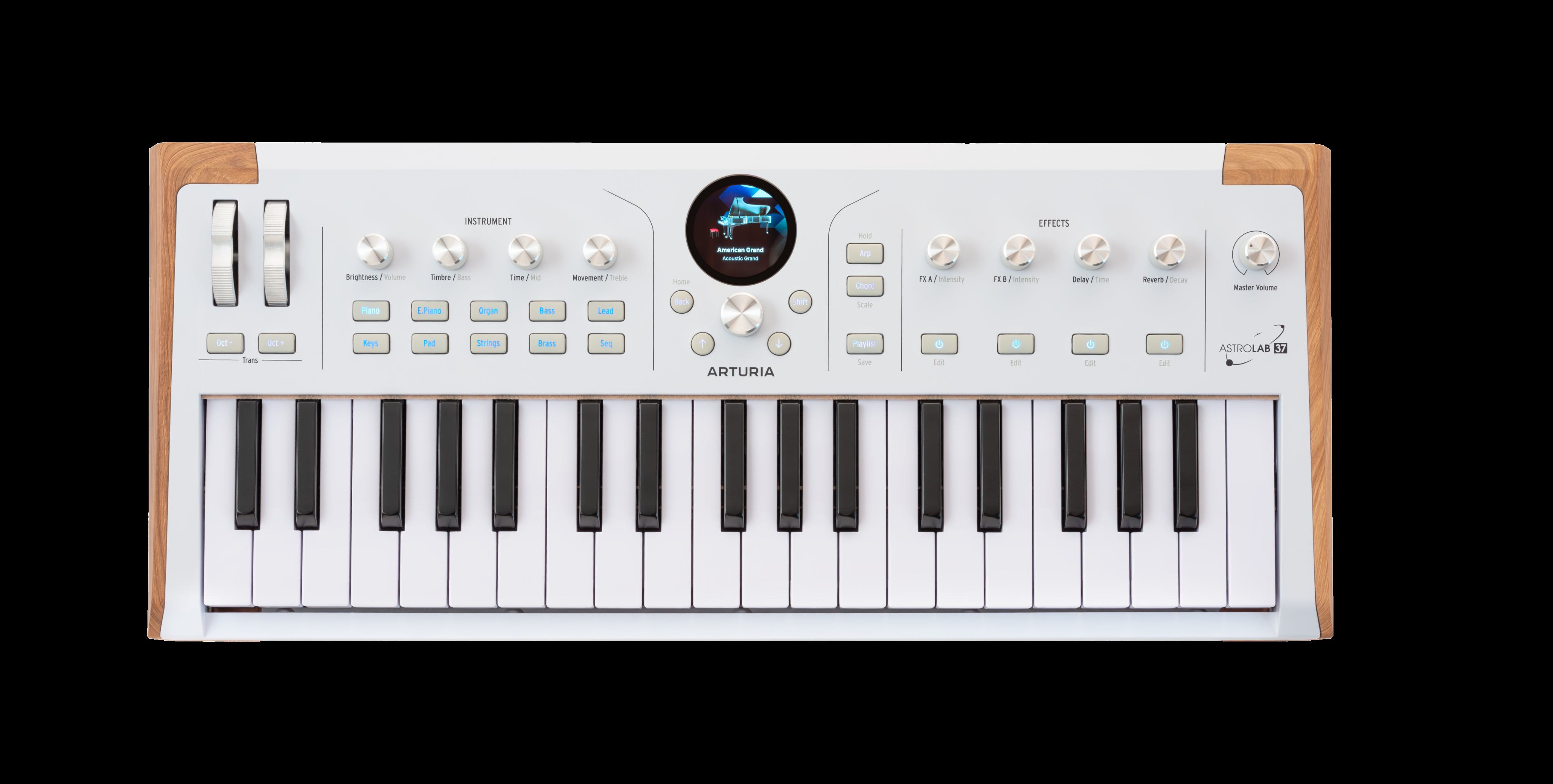
The new view organizes each instrument's available controls into pages. Depending on the instrument, those pages include envelopes, filters and glide. Instead of relying only on the existing macro assignments, you can reach individual settings from the keyboard and shape the preset more directly.
A preset can have the right character and still need a different response when you play. An envelope controls how a note develops over time, while a filter changes its tonal character. Bringing those controls to the front panel makes AstroLab more useful for refining a sound while you're sitting at the keys.
You reach Sound Edit from the preset menu by holding the main encoder, or holding Shift and pressing the encoder. The four macro knobs then control the parameters on the selected page. This adds depth through the existing controls, so expect to navigate between pages rather than find a dedicated knob for every setting.
Arturia also documents real boundaries. Legacy Wurli V2, SEM V2 and Mini V3 instruments aren't supported. Some parameters depend on assignments or an instrument's modular design, and the company warns that not every exposed parameter will work in every situation. Editing a parameter that's also controlled by a macro changes that macro's range.
New sounds, with model-specific improvements
The update adds 67 factory presets. Arturia highlights Pure Grand Clean, an acoustic grand piano sampled across eight velocity layers, alongside funk and orchestral brass, pop strings, and upright and electric bass sounds. There's also a new ready-to-play preset list and MiniFreak V5 compatibility.
Arturia says it has improved sampler polyphony and voice management, Analog Lab linking, file transfers and the update process. Its release notes also list fixes for stuck notes in certain MIDI and sustain-pedal situations, plus changes to playlist and preset recall.
Two refinements apply specifically to the AstroLab 37: transposition now appears on the Octave LEDs, and aftertouch feel has been improved.
Leave time for the update
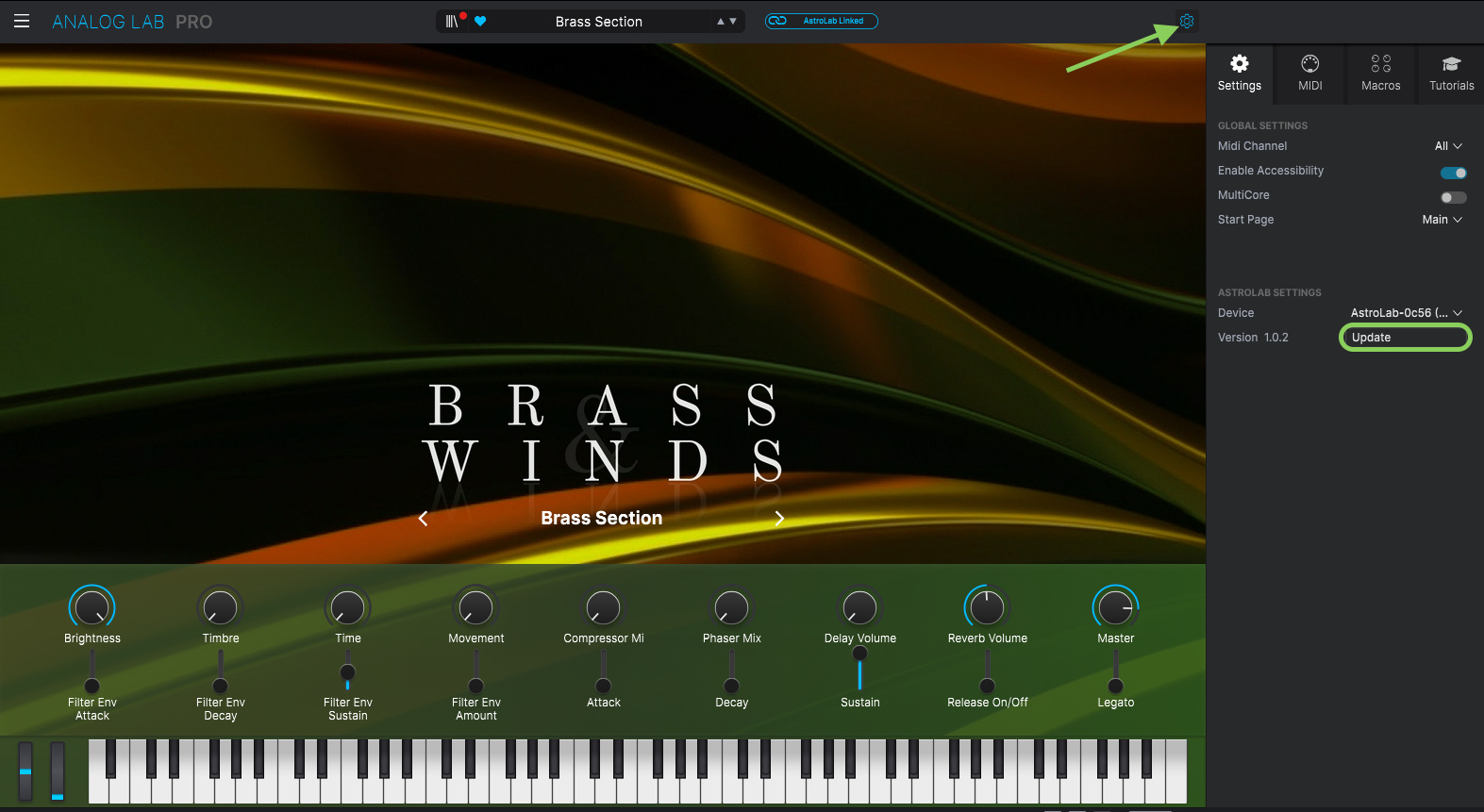
Sound editing can happen at the keyboard after installation, but installing the firmware still requires a computer. Arturia asks for at least 20GB of free space on its main drive for the download and archive extraction. Update Analog Lab through Arturia Software Center first, then connect the powered-on AstroLab by USB.
Run Analog Lab as a standalone application. The firmware update won't work when Analog Lab is running as a plug-in inside a DAW. Link the keyboard, use the update prompt or the Update control in AstroLab Settings, and let the process finish without interruption. The keyboard should reboot and reconnect afterward.
Price: Free firmware; compatible AstroLab hardware and a computer required
Get the update: Arturia’s firmware-update instructions
For existing AstroLab owners, Sound Edit is the reason to look at 2.0. Check its instrument and Playlist limits, make room on the computer, and give the installation time before the next session. The update is free for the 37, 61 and 88.