A full-size desktop still makes sense when you need a powerful GPU, lots of expansion, or room for future upgrades. But if most of your day involves browser tabs, Office apps, video calls, streaming, and general productivity, a tower can feel like a lot of computer taking up a lot of desk space.
Price: From $799.99
Where to Buy: HP
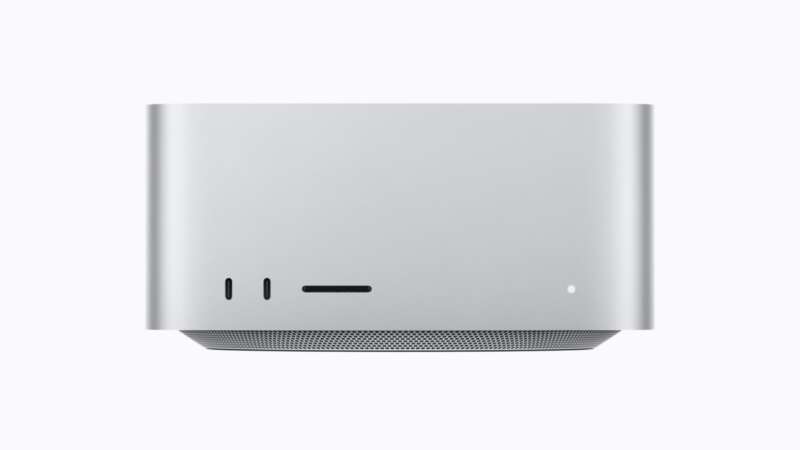
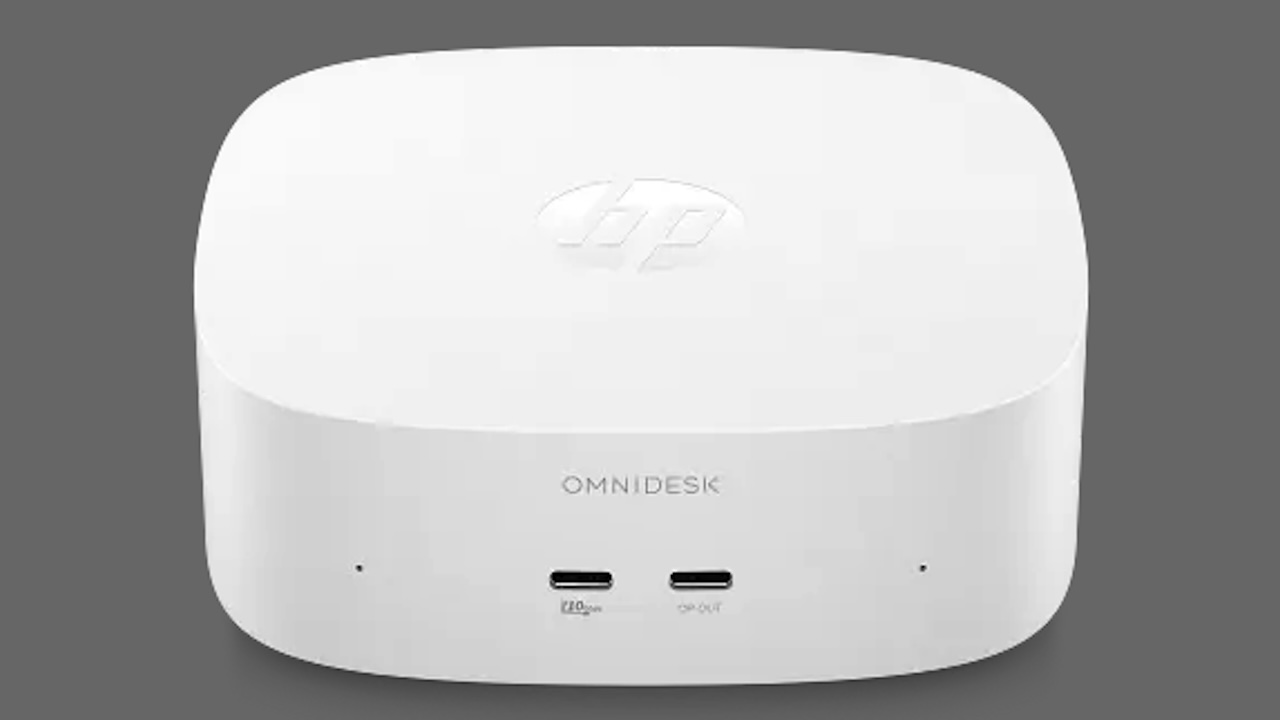
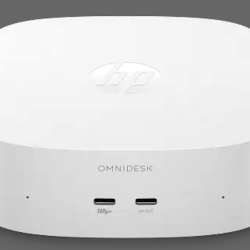
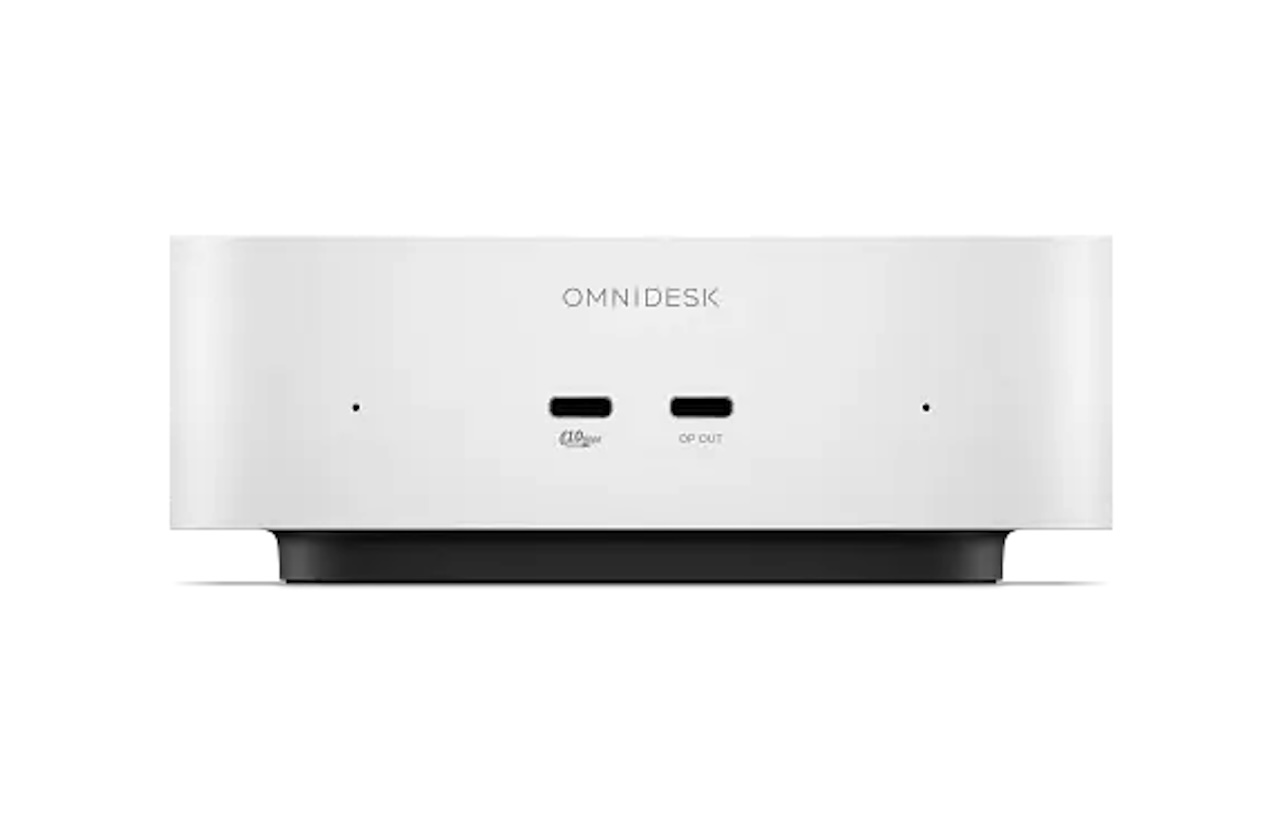
That is the problem the HP OmniDesk Mini is trying to solve. HP’s new compact desktop measures just 5.12 x 5.12 x 1.89 inches and weighs about 1.04 pounds, putting it in the same physical category as Apple’s Mac mini. HP lists the OmniDesk Mini from $799.99 in the U.S., with a base configuration built around an Intel Core 3 304, 8GB of onboard LPDDR5X memory, and a 256GB NVMe SSD. Pricing can vary with configuration and promotions.
The interesting part is not simply that HP made a small PC. Mini PCs are everywhere. What stands out is the combination of a tiny enclosure, useful ports, expandable storage, and familiar Windows compatibility.
The Small Footprint Is the Main Attraction
At barely more than five inches square, the OmniDesk Mini can sit beside a monitor, tuck into a small home-office setup, or disappear into a workspace where a tower would be awkward.
That matters for shared desks, dorm rooms, apartments, and offices where the computer itself does not need to be the centerpiece.
The Mac mini comparison is obvious because the two machines occupy similar amounts of space, but buyers should not assume that means equivalent performance. HP’s entry-level Core 3 304 has five cores and five threads and boosts up to 4.3GHz, while Apple’s current Mac mini uses much more ambitious silicon. The OmniDesk Mini is better understood as a compact Windows productivity PC than as a direct performance rival.
Memory Is the Part You Need to Choose Carefully
HP pairs the Core 3 304 with 8GB of LPDDR5X-8533 memory in the base configuration. Higher options use the Core 5 320 and can be configured with 8GB, 12GB, or 16GB of memory.
The important catch is that the memory is onboard. That means this is not a mini PC where you can buy the cheapest configuration today and drop in a larger SO-DIMM later. If you already know your workload includes dozens of browser tabs, heavier multitasking, development tools, or memory-hungry applications, choosing more RAM at purchase is the safer move.
For lighter productivity, 8GB may be workable, but it is also the specification most likely to age poorly.
Storage Is Much More Flexible
Storage is less restrictive.
HP offers 256GB, 512GB, 1TB, and 2TB NVMe SSD options, and the system lists two M.2 expansion slots. HP lists the base 256GB SSD as PCIe Gen3, while larger factory SSD options are listed as PCIe Gen4.
That gives owners more room to expand than the soldered memory might suggest.
 A 256GB SSD is enough for Windows, Office, and cloud-heavy use, but it can disappear quickly once you start storing large photo libraries, games, or video locally. Being able to expand storage later makes the entry configuration less limiting.
HP Did Not Forget the Ports
Compact PCs often save space by pushing users toward hubs. HP has avoided that reasonably well.
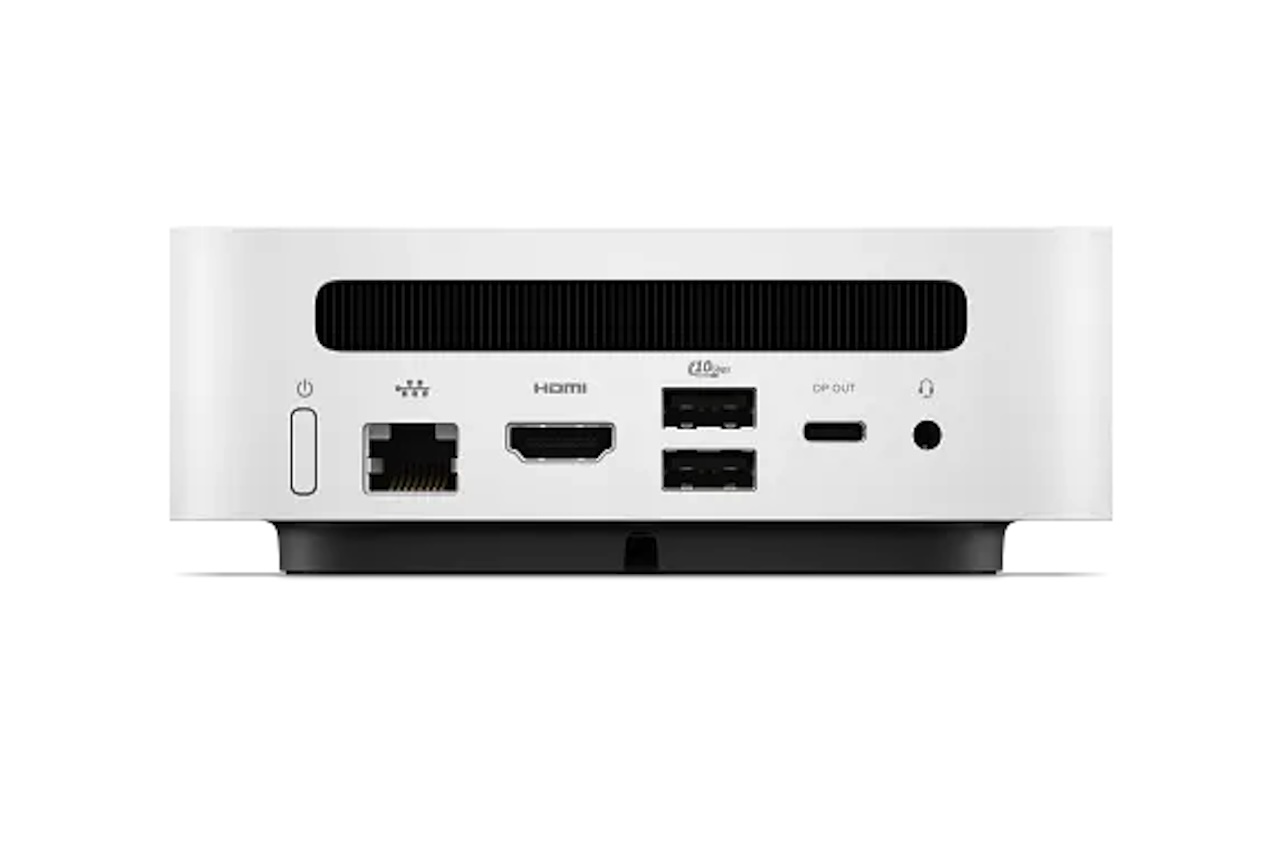
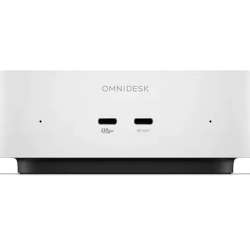
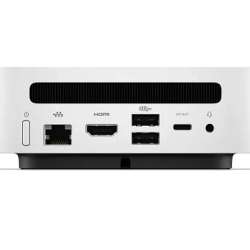
The OmniDesk Mini provides three USB-C ports, two USB-A ports, HDMI 2.0b, Gigabit Ethernet, and audio jacks. Two of the USB-C ports support DisplayPort 2.1, giving the machine enough display connectivity for multi-monitor productivity setups.
Wireless connectivity includes Wi-Fi 6 and Bluetooth 5.4, with an optional Intel Wi-Fi 6E configuration paired with Bluetooth 5.3.
The practical impact is straightforward: you can connect a keyboard, mouse, wired network, external storage, and multiple displays without immediately surrounding the computer with adapters.
USB-C Power Is Another Welcome Detail
HP includes a 100W USB-C GaN power adapter rather than a proprietary barrel-style brick.
That does not make the PC universally compatible with every USB-C charger, but it does make the power setup more modern and potentially easier to replace than a custom connector.
HP also lists EPEAT Gold registration and says at least 50% of the plastic used is post-consumer recycled material. Those are useful manufacturer-listed sustainability details, although they should not be mistaken for a complete lifecycle assessment.
Who Should Buy the HP OmniDesk Mini?
The OmniDesk Mini makes the most sense for someone who wants a small Windows desktop with plenty of ports and room to expand storage.
Its tiny footprint, USB-C and USB-A connectivity, HDMI, Ethernet, dual M.2 slots, and configurable Core 5 option make it a good fit for home offices, school setups, shared workspaces, and general productivity.
The biggest limitation is the onboard memory. Buyers expecting their workload to grow should seriously consider 12GB or 16GB from the start rather than assuming an upgrade will be possible later.
Price: From $799.99
Where to Buy: HP
If maximum performance per dollar is the goal and macOS fits your workflow, Apple’s Mac mini remains a serious alternative. But if Windows compatibility, conventional ports, and expandable storage matter more, HP’s OmniDesk Mini has a clear reason to exist. It is not trying to replace a workstation; it is designed to make an everyday Windows desktop small enough to get out of your way.