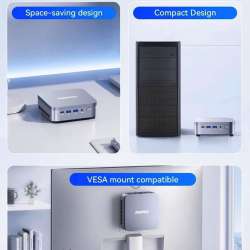
A desktop PC does not have to be a large tower sitting under your desk. If most of your day involves browser tabs, spreadsheets, video meetings, email, and streaming, dedicating that much space to a computer can feel unnecessary.
Price: $549.99
Where to Buy: Amazon
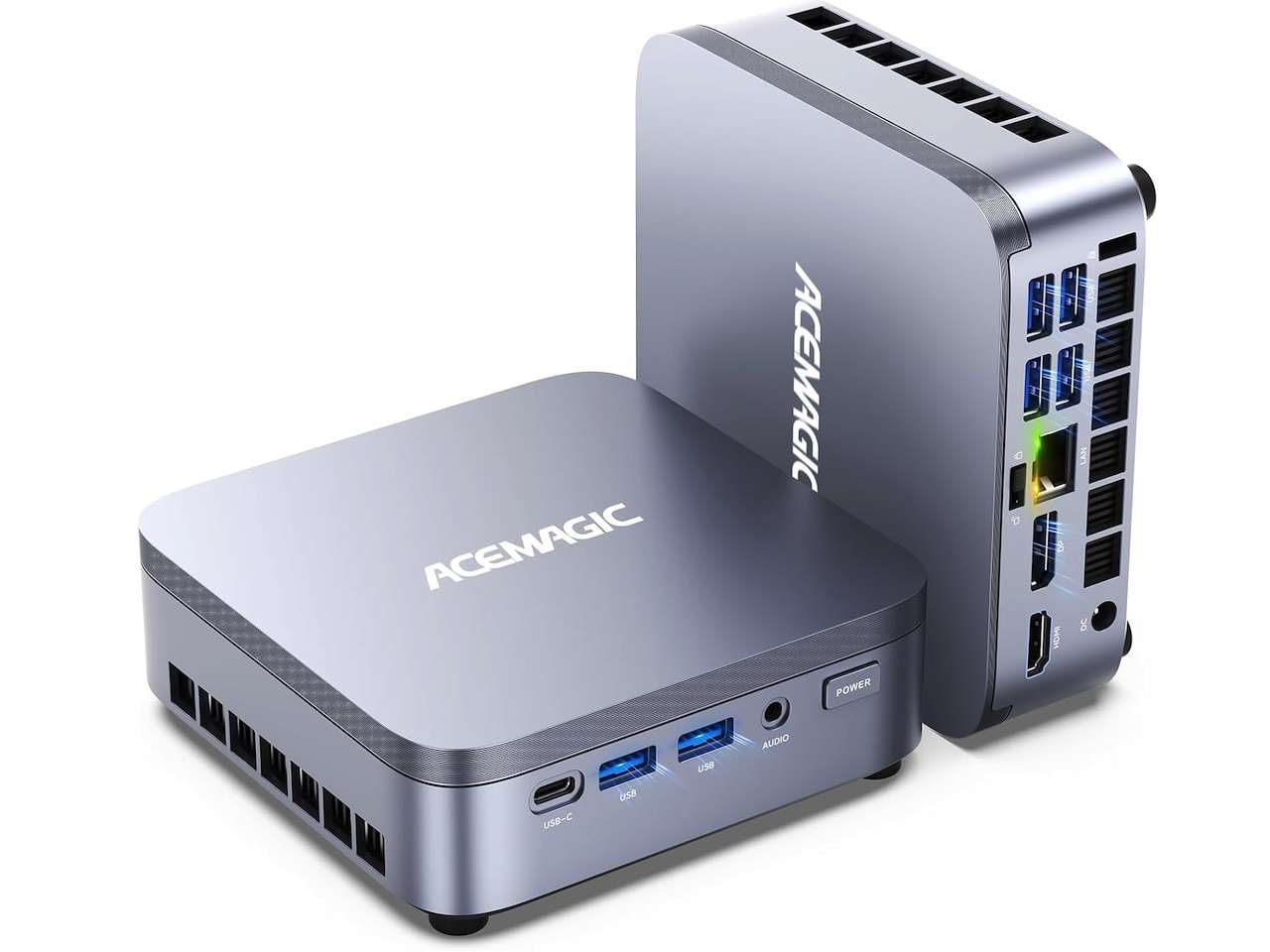
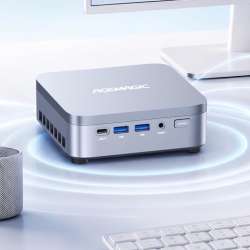
That is the problem the ACEMAGIC K5 Mini PC is trying to solve. This compact Windows 11 Pro machine combines an Intel Core 3 304 processor, 12GB of LPDDR5 memory, and a 256GB NVMe SSD. ACEMAGIC also equips it with triple 4K display support, 2.5Gb Ethernet, Wi-Fi 6, and a USB-C port with fast data, display, and charging capabilities.
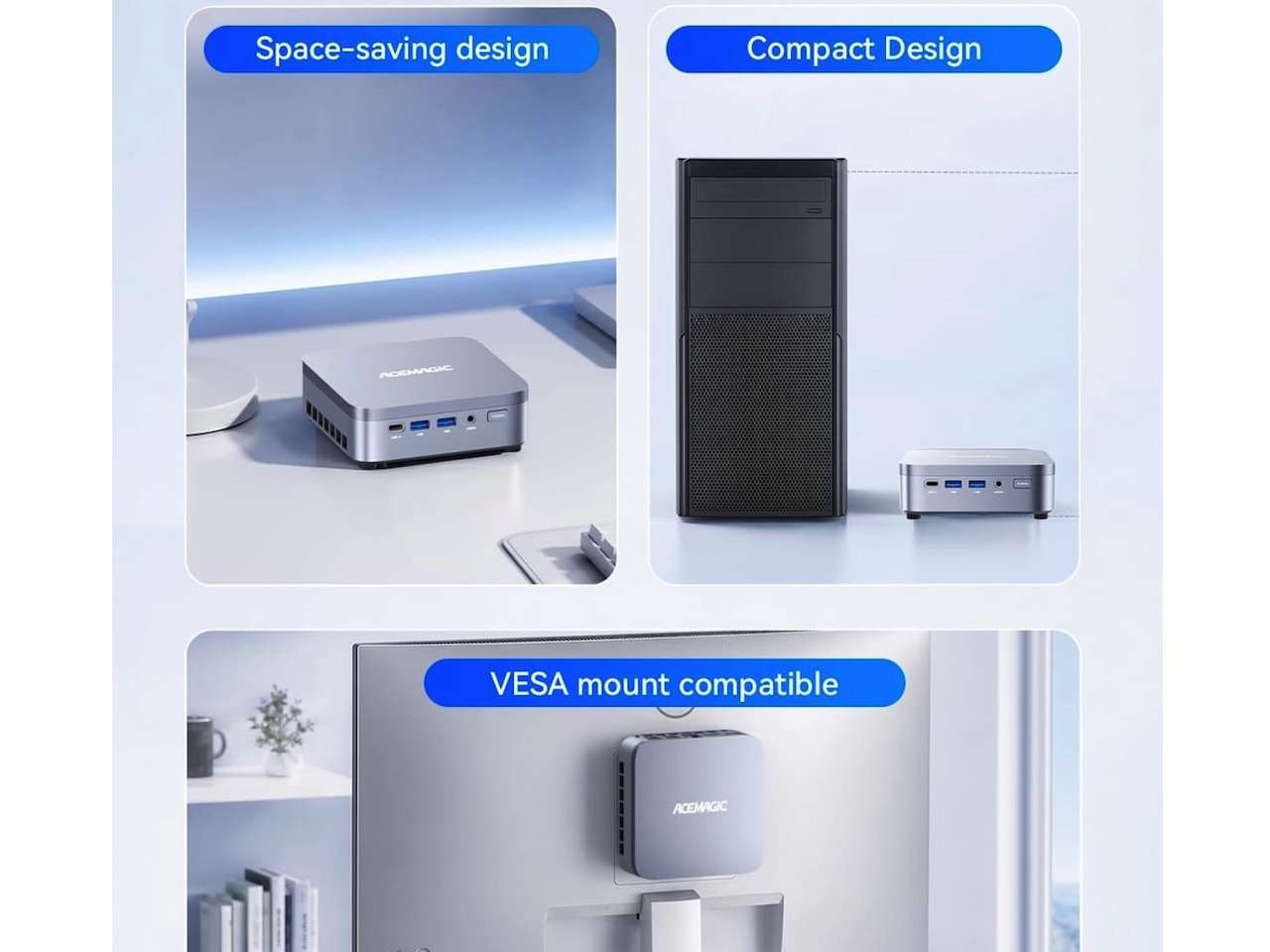
The result is not meant to replace a gaming tower or workstation. Instead, the K5 aims to put the connectivity and everyday capabilities of a desktop into a box measuring just 5.05 x 5.05 x 1.61 inches.
The Core 3 304 Is the Interesting Part
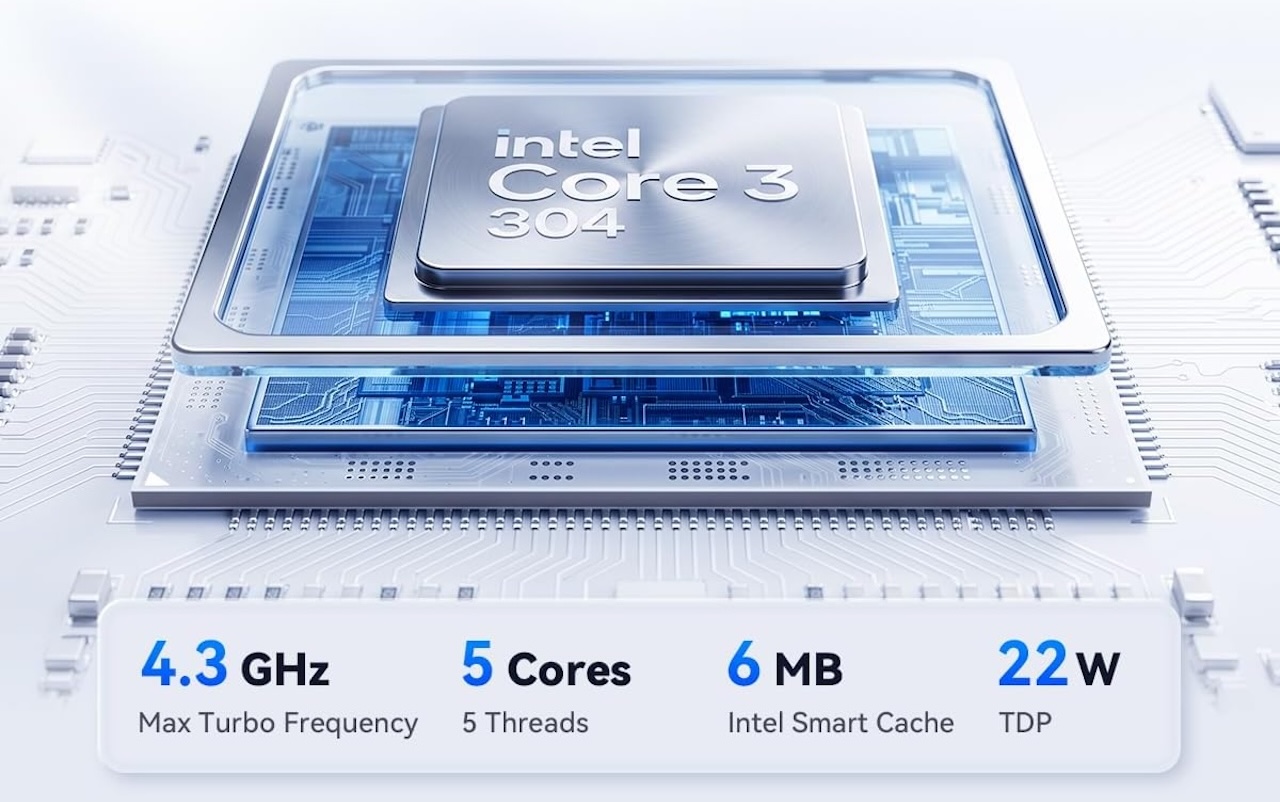
ACEMAGIC’s K5 uses Intel’s Core 3 304, a five-core, five-thread processor with 6MB of cache, up to 4.3GHz clock speeds, and a 22W power design.
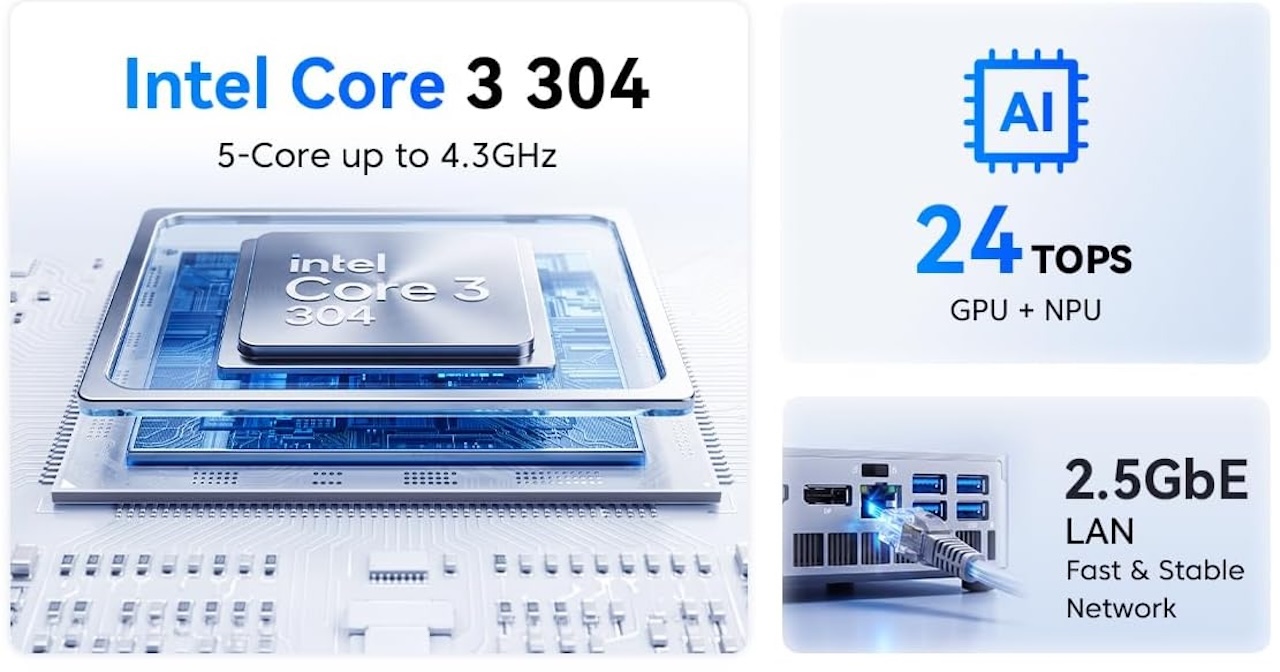 Based on Intel’s Wildcat Lake platform, it sits above the basic Intel N-series chips found in many budget mini PCs. ACEMAGIC rates the CPU, integrated graphics, and NPU at up to 24 TOPS combined, though real-world AI benefits will depend on software support.
For everyday Office work, browsing, video calls, streaming, and general multitasking, the key benefit is more capable desktop performance in a compact, low-power design.
12GB of Memory Should Suit Lighter Multitasking
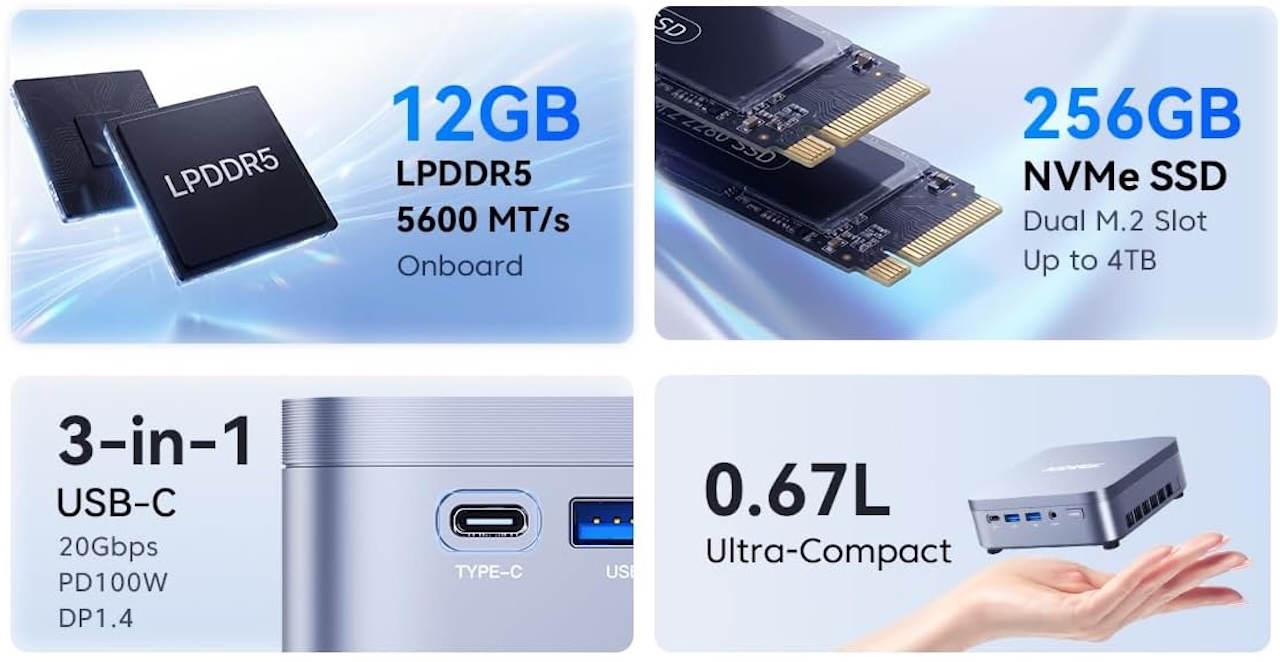
The processor is paired with 12GB of LPDDR5 memory running at 5600MT/s.
Twelve gigabytes gives Windows more headroom than the 8GB still common on inexpensive PCs, but it should not be mistaken for workstation-level memory capacity.
 A typical setup involving a browser, Office applications, email, and video meetings fits the type of workload ACEMAGIC is targeting. More demanding creative applications, virtual machines, large development projects, or unusually heavy browser use could push that capacity harder.
There is another consideration: ACEMAGIC lists the LPDDR5 memory as onboard.
In other words, do not buy the 12GB configuration assuming you will simply drop in a larger memory module later. If you already know your work regularly requires considerably more RAM, choosing a machine with more memory from the start would be safer.
The 256GB SSD Is Small, but There Is Room for More
Storage is less restrictive. The K5 includes a 256GB M.2 2280 NVMe SSD, which is enough to get Windows and your applications running but is not particularly generous by current desktop standards.
Fortunately, ACEMAGIC says the machine provides an additional M.2 2280 PCIe 4.0 NVMe slot that supports up to 4TB of extra storage. That could matter more than the modest factory capacity suggests.

Someone using the K5 primarily for cloud-based office work may never need much local storage. A buyer keeping large photo collections, games, videos, or work files locally can add another SSD instead of replacing the computer.
Memory therefore requires some planning before purchase. Storage gives you considerably more room to grow.
Three 4K Displays From a Tiny Desktop
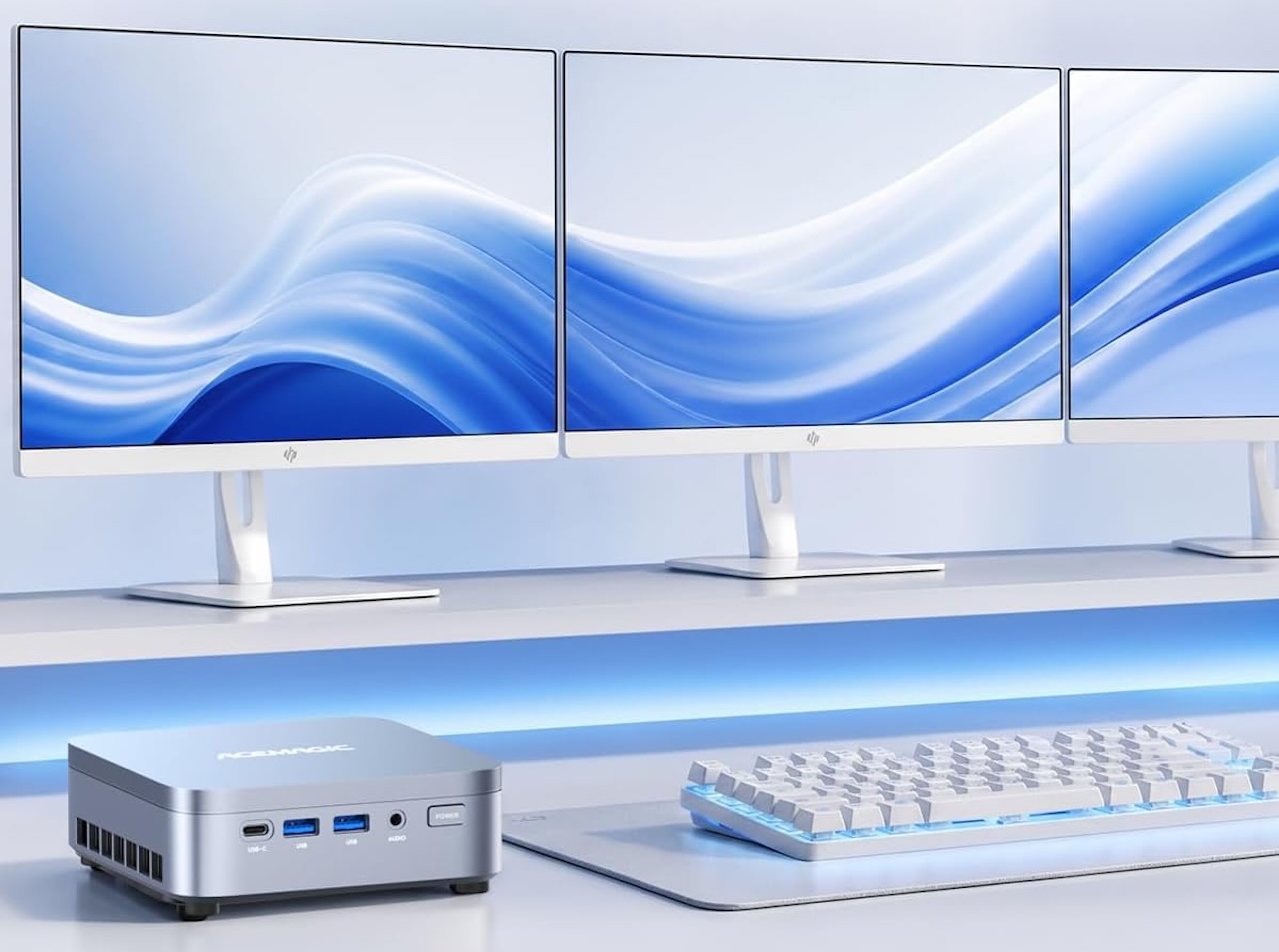 ACEMAGIC says the K5 can drive up to three 4K displays at 60Hz via HDMI 2.0, DisplayPort 1.4, and USB-C.
 That is a productivity feature, not a promise of 4K gaming performance. It can support a spreadsheet or editor on one screen, communications on another, and reference material on a third, an advantage for users who need more screen space than GPU power.
The USB-C Port Earns Its Place
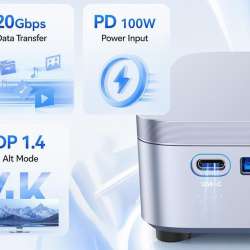
The K5’s USB-C connection is not limited to basic peripherals. According to ACEMAGIC, it supports up to 20Gbps data transfer, DisplayPort 1.4 video output, and USB Power Delivery up to 100W.
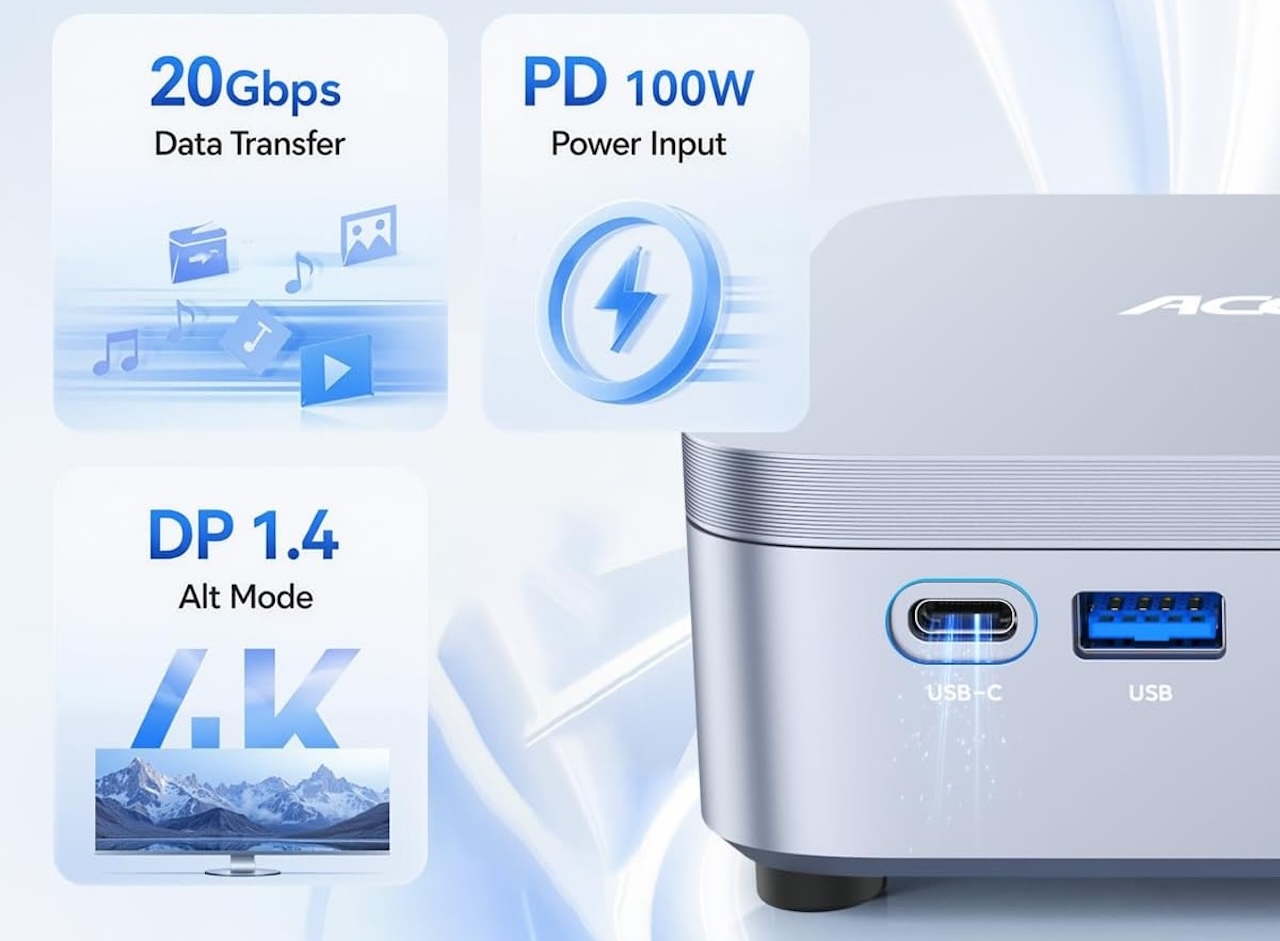 The machine also provides USB 3.2 ports, HDMI 2.0, DisplayPort 1.4, 2.5Gb Ethernet, and audio connectivity. That selection matters on a mini PC because a small computer loses much of its appeal if you have to surround it with dongles just to connect ordinary desktop equipment.
ACEMAGIC’s inclusion of HDMI, DisplayPort, and USB-C also gives users several ways to build a multi-monitor workspace without relying entirely on one connector standard.
2.5Gb Ethernet Is a Welcome Addition
Networking is another area where the K5 looks more modern than many entry-level mini PCs. It includes 2.5Gb Ethernet, Wi-Fi 6, and Bluetooth 5.2.
A 2.5Gb Ethernet connection will not make your internet service magically faster, but it can be useful on a compatible local network. Someone regularly moving large files between the K5 and a NAS, for example, has more potential bandwidth than a standard Gigabit Ethernet connection provides.
 Wi-Fi 6 gives you a wireless option, while Bluetooth 5.2 handles accessories such as keyboards, mice, headphones, and controllers.
These are not headline-grabbing features individually, but they are exactly the specifications that determine whether a small computer remains convenient after you put it on your desk.
The Cooling Claims Still Need Testing
ACEMAGIC says the K5’s cooling system and intelligent fan control maintain stable performance while keeping noise low, but those claims still need independent testing.
We have not tested the K5 under sustained loads, so its temperatures, fan noise, and long-term performance remain unknown. Its compact size saves desk space, but it also leaves less room for cooling than a conventional desktop.
 Who Should Buy the ACEMAGIC K5?
The ACEMAGIC K5 is best for buyers who already have a monitor, keyboard, and mouse and want a capable Windows desktop that takes up minimal space.
Its Core 3 304 chip, 12GB of LPDDR5 memory, expandable NVMe storage, triple 4K display support, USB-C, Wi-Fi 6, and 2.5Gb Ethernet make it well suited to office work, browsing, streaming, video calls, schoolwork, and multi-monitor setups. The trade-offs are fixed onboard memory, modest 256GB storage, and integrated graphics that are not meant for demanding gaming, 3D rendering, or other GPU-heavy tasks.
Price: $549.99
Where to Buy: Amazon
For buyers who prioritize desk space, connectivity, and screen real estate over gaming-class graphics, the K5 is a compelling alternative to a conventional desktop tower.