
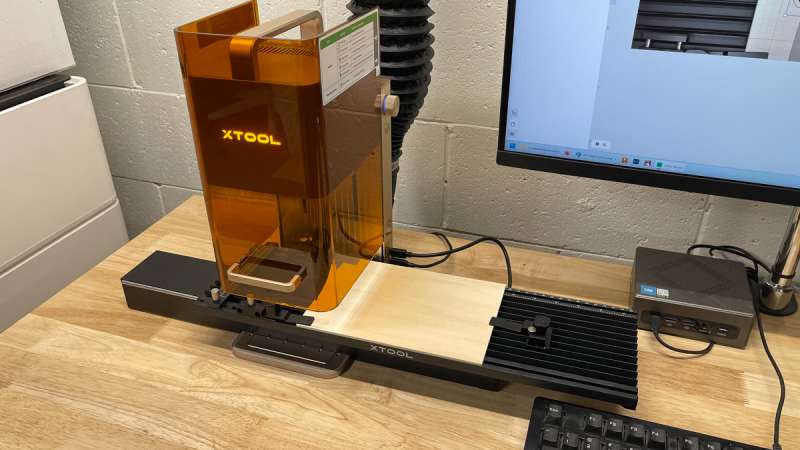
 REVIEW – xTool recently released their newest portable laser, the xTool F2. I did not get to review the original F1 laser, so I was excited to be chosen to review the F2. Read on to find out how this tiny laser is loaded with big features; it even surprised me.
Jump to summary (pros/cons)
Price: $1569.00 as reviewed, other packages available
Where to buy: xTool and Amazon [Coupon price ]
What is it?
The xTool F2 is a portable laser featuring a 15W diode and a 5W IF laser in a compact, yet functional form factor.
What’s included?
- xTool F2
- xTool Slide Extension
Tech specs
- Laser Type: 15W Diode Laser + 5W 1064nm Infrared Laser
- Laser Spot Size: 15W Diode Laser: 0.00315″ x 0.00236″ (0.08mm x 0.06mm); 5W Infrared Laser: 0.00118″ x 0.00118″ (0.03mm x 0.03mm)
- Motion Accuracy: 0.000078″ (0.00199 mm)
- Safety Certification: Class 4 Laser Safety
- Working Area: 4.53″ × 4.53″ (115mm × 115mm); 15.75″ × 4.53″ (400mm × 115mm) with Extension
- Max Working Speed: 236.22 ips (6000mm/s)
- Max Laser Cutting Capacity (Basswood): 0.59″ (15mm) in Multiple Pass
- Max Laser Cutting Capacity (Acrylic): 0.47″ (12mm) in Multiple Pass
- Max Processing Height: 4.72″ (120mm)
- Max Rotary Engraving Diameter: 4.72″ (120mm)
- Built-in Camera: 50 MP Smart Camera
- Connection Method: Wi-Fi / USB / IP
- Positioning Method: Framing Positioning and Camera Positioning
- Focus Mode: Auto Focus and Manual Focus (Two dots alignment)
- Framing Mode: Rectangle, Outline, and Polygon
- Preview Method: Smart Camera Preview and High-speed Light Live Preview
- Supported Software: xTool Studio (free)
- Supported Files: SVG/DXF/JPG/JPEG/PNG/BMP, etc.
- Max. Machine Input Power: 25V 6.0A 150W
- Product Weight: 10.14lb (4.60kg)
- Product Dimensions: 6.89″ × 9.33″ × 13.15″ (175mm × 237mm × 334mm)
Design and features
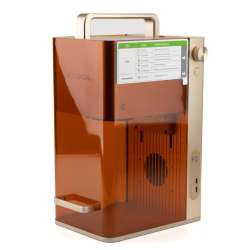
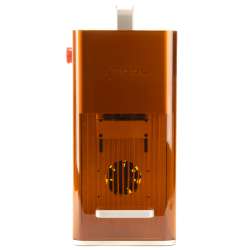
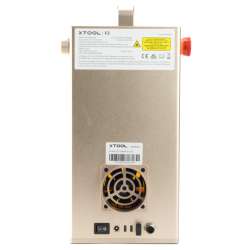
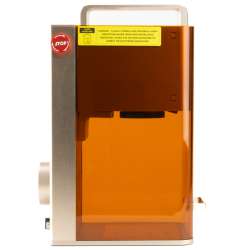
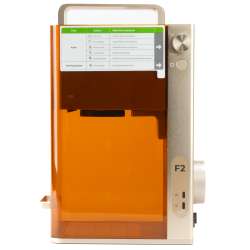
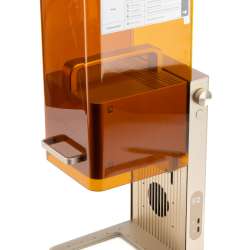
I knew the F2 was a small machine, but when I unboxed it, I was rather surprised at just how small it is. At 6.89″ wide × 9.33″ deep × 13.15″ tall, the xTool F2 is about the size of a shoebox. When xTool says portable, they mean it! The F2 includes a handle on the top, which makes it very easy to move around. At just 10.14 lbs (4.6kg), it can be carried easily with one hand.
Although many laser enthusiasts use the original F1 and now the F2 for personalizing items at craft shows, it’s also a great machine for home use if you only need to engrave or cut small items. The working area of the F2 is 4.53″ × 4.53″(115mm × 115mm), with a maximum processing height of 4.72″ (120mm). There is also an optional Slide Extension accessory, which expands the F2’s working area to 15.75″ × 4.53″(400mm × 115mm).
The 15W diode laser and 5W 1064nm infrared (IR) laser provide a wide range of possible materials. There are many laser types, such as diode, IR, CO2, fiber, and UV. Each has its pros and cons; it’s simply a matter of various light wavelengths having a different effect on different materials.
One of the many improvements of the xTool F2 over the xTool F1 is the addition of the 50MP smart camera. The camera is very accurate, which helps when positioning and sizing designs. The camera also enables the machine to perform automatic focusing, which is a great feature, as my eyesight isn’t the greatest at close range and I have a hard time seeing the focusing dots. Well, I can see them, but I see more of them than I should.
The F2 is also 50% faster than the F1, with a maximum working speed of 6000mm/s. Although very few items require a speed greater than 4000mm/s, the added power of the 15W diode and 5W IR means that you can do those engravings approximately 50% to 150% faster than the F1.
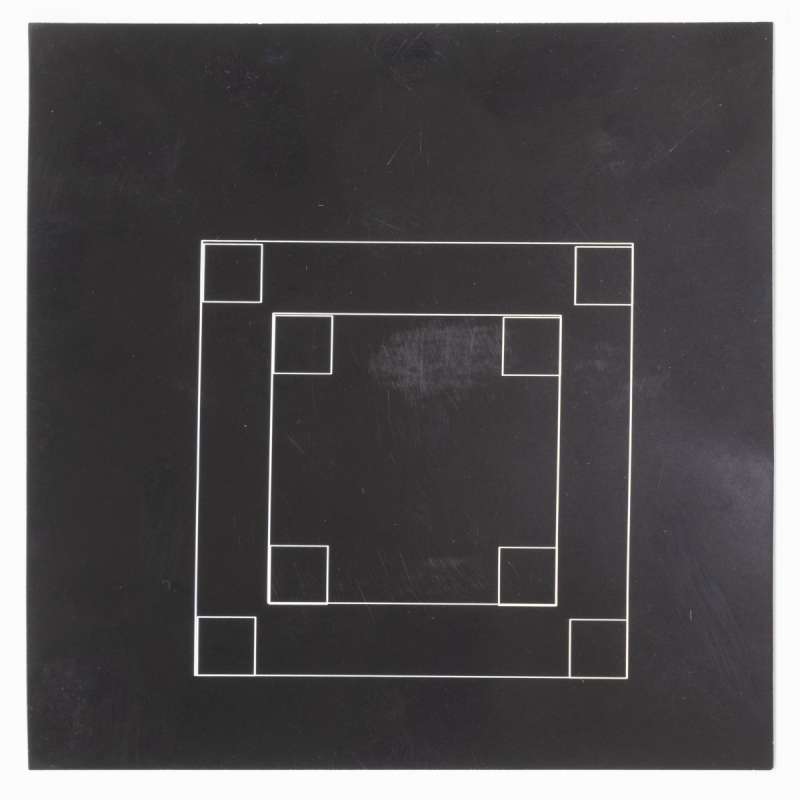
One of the first things I wanted to check out was the new 50MP camera. I was very impressed by the xTool F2 Ultra’s cameras, so I put together a test. I engraved a square onto some cardstock. I then deleted that design and created four squares. I aligned those squares using the camera, then engraved them over the previous rectangle. Most of the squares were dead on, with one being just a line width off. For most items, this would be perfectly fine; however, if you really needed exact alignment, the framing option of the F2 could be used to ensure a precise positioning of your design.
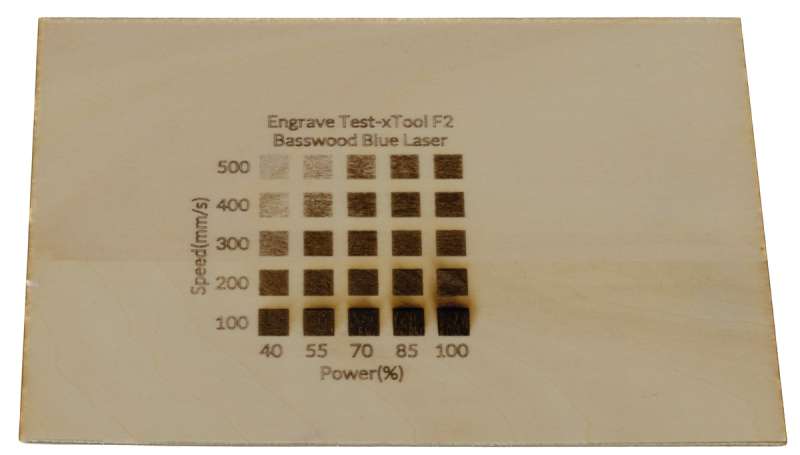
For my first wood engraving, I created a test pattern using the built-in material grid test generator. This feature is one of my favorite features of the xTool software. Although the software has built-in presets, the actual results can vary depending on the material used.
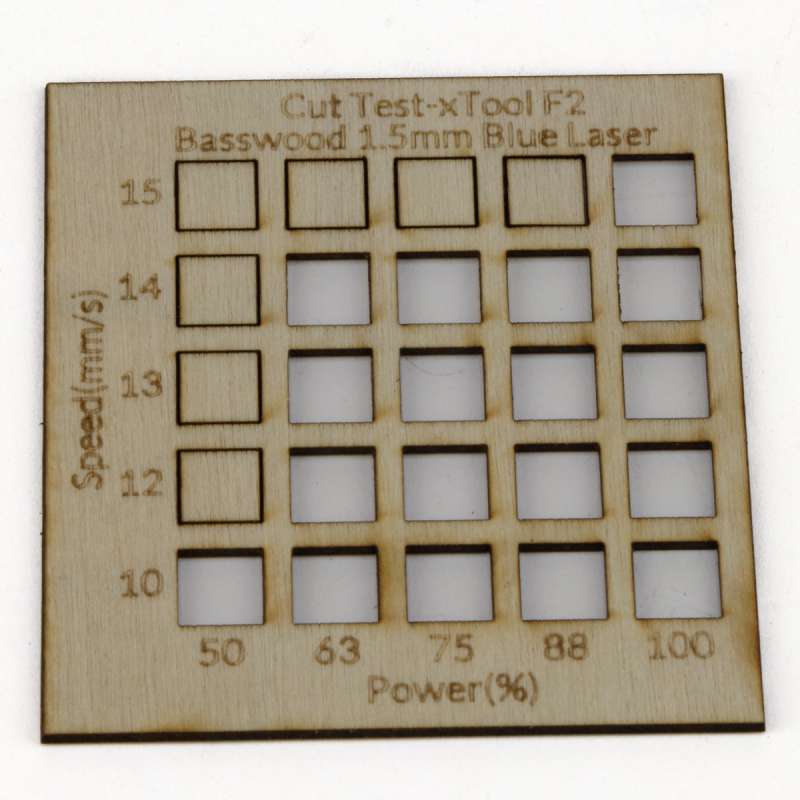
To complement the engrave test, I also ran a cut test on the same 1.5mm plywood, using the blue diode laser. I found that 15mm/s at 100% power provided a clean cut. This is the setting and material I would often use for earrings. More on those later.
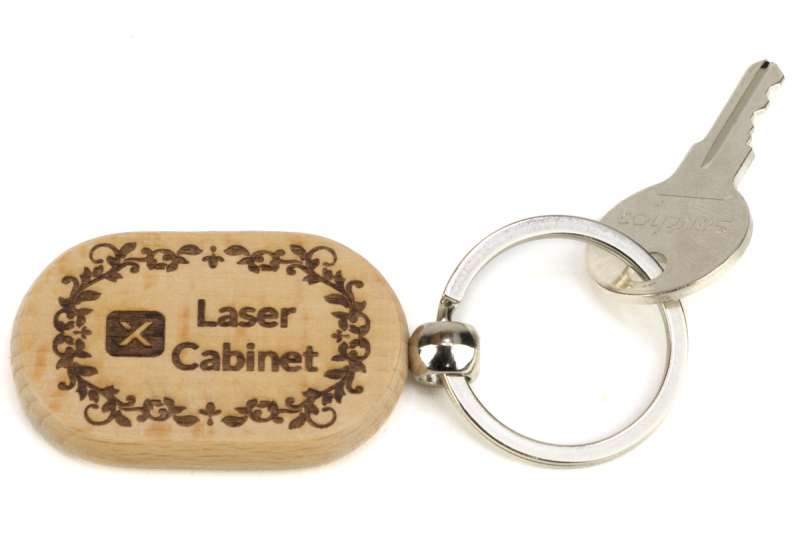
Another wood item that I like to do is the solid wood keychains. This material engraves well, and you can get deep engravings rather quickly. I engraved a new keychange for my lockable laser cabinet in just 1 minute and 3 seconds.
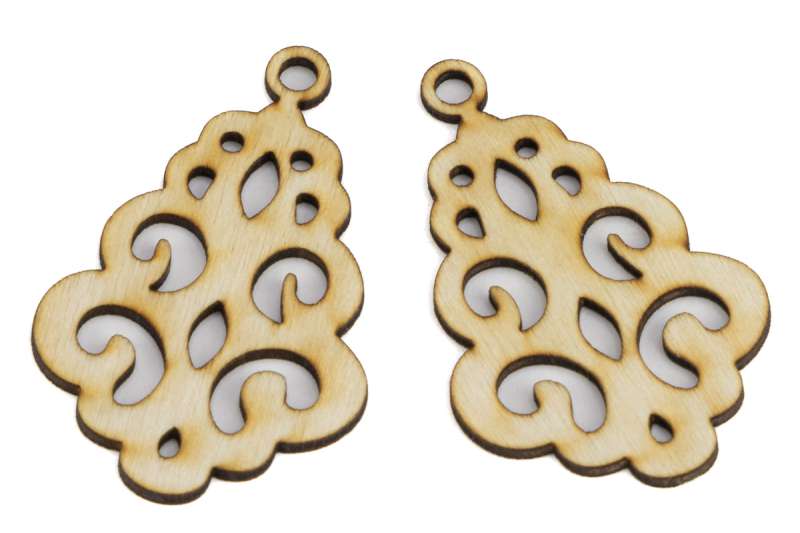
For a test of more intricate wood cutting, I cut a pair of earrings from 1.5mm plywood. These cut in just 25 seconds each. These are shown before cleaning up the soot. The 1.5mm plywood cuts quickly and can be layered without becoming too bulky.
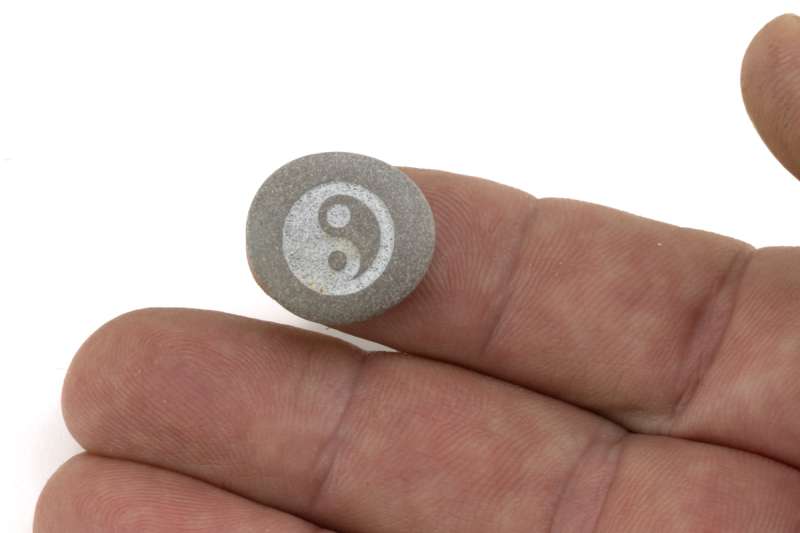
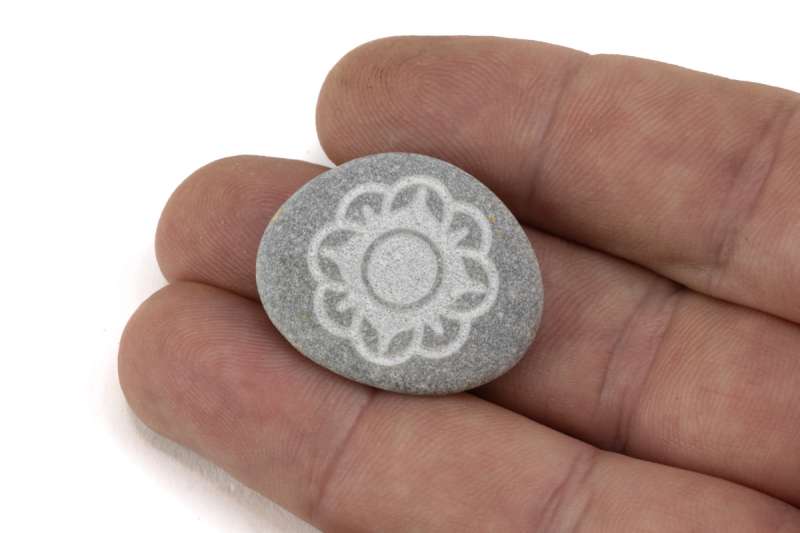
As I’ve stated in previous reviews, one of my favorite things to engrave is rocks that I find on the beaches here in Michigan. These engrave very well, and only take a few minutes. The galvo nature of the F2 laser makes it possible to repeat the engraving process until the desired depth has been reached.
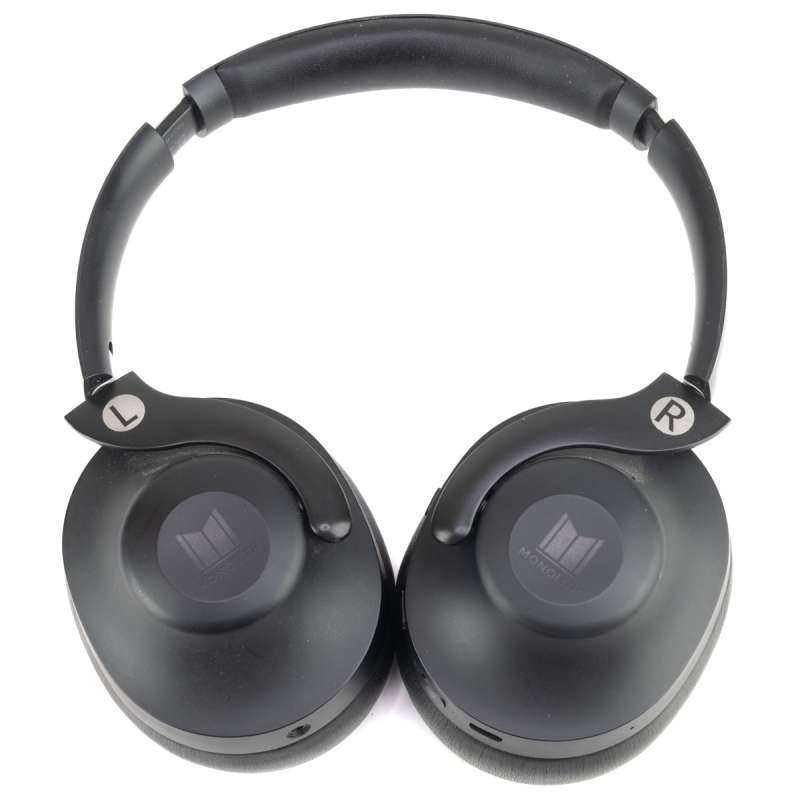
The 5W IR laser is great for engraving plastics. I’ve been engraving various items around the house, and it’s a great way to mark things. I didn’t like having to look inside my headphones to check which side was left or right, so I marked them with the F2. Using a power setting of 100% and a speed of 500mm/s, I was able to mark the headphones in just 3 seconds.
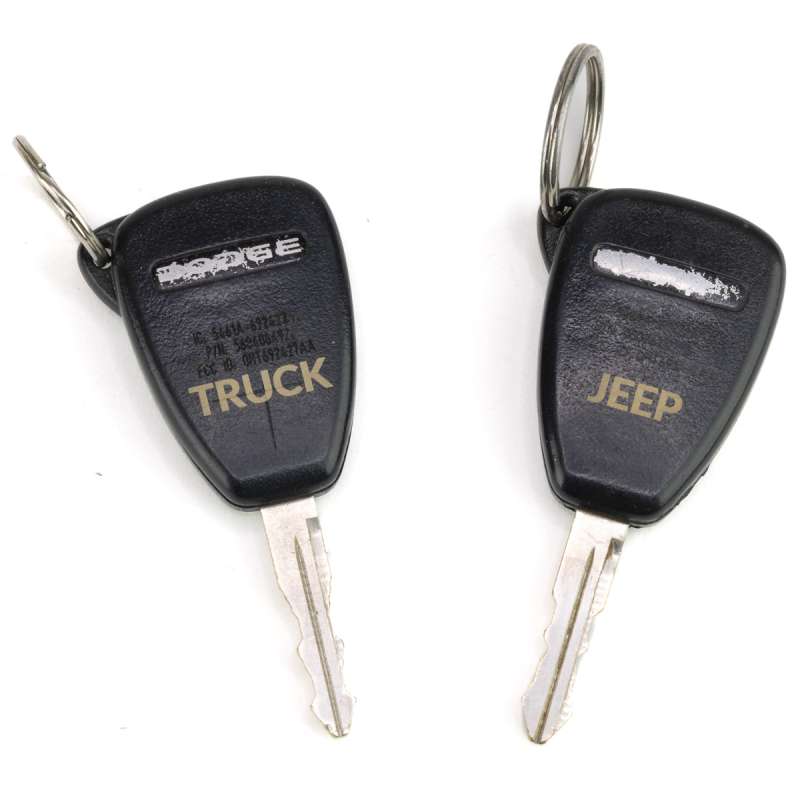
My spare keys for my vehicles used to be the primary key, so the markings have long worn off. Using the same settings as the headphones, the F2 made quick work of them. Now, if I ever have to send someone to get the spare, I know they’ll be able to grab the correct one.
While working with the plastics, I decided some acrylic would be the next thing to play with. In the past, I haven’t done much engraving with acrylic, just cutting. So I relied on the built-in presets in the xTool software to help choose the settings. I chose a dot duration of 180, 100% power, 450dpi, and the Jarvis image mode using the IR laser.

The xTool F1 and now the F2 are used by many creators to customize items at craft shows. Many of these items are metal tags, jewelry, wallets, and keychains. The F2’s built-in camera makes this much easier than the previous F1, both for the creator and for the customer to see a preview of the layout before engraving.
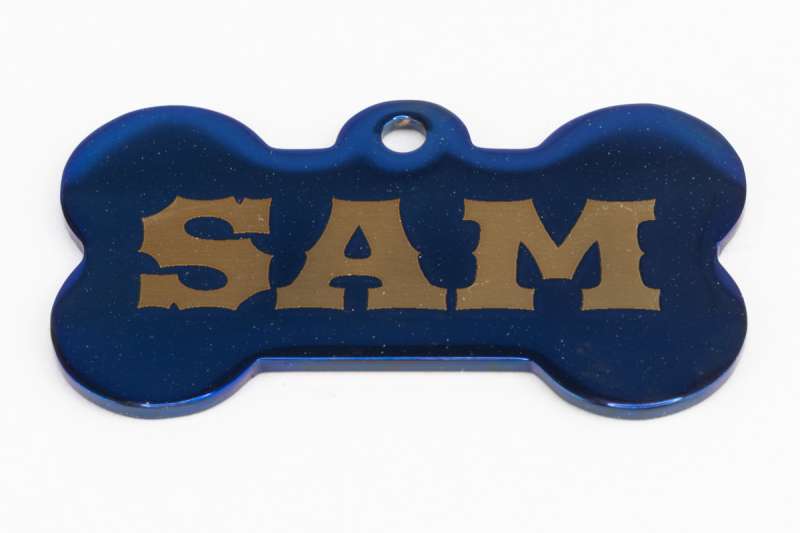
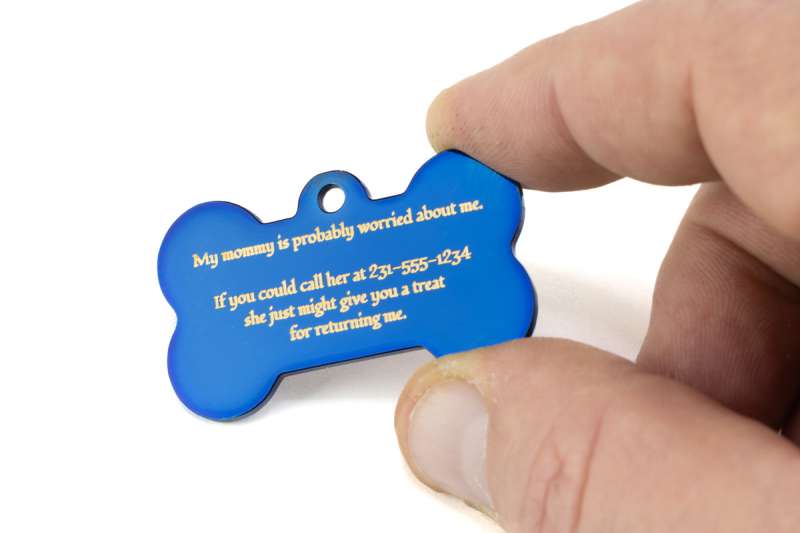
I wanted to see how the 5W IR laser would do on metal, so I started with a simple dog tag. I engraved the name “SAM” on one side, and then, to test the quality of small text, I engraved the other side with a humorous note.
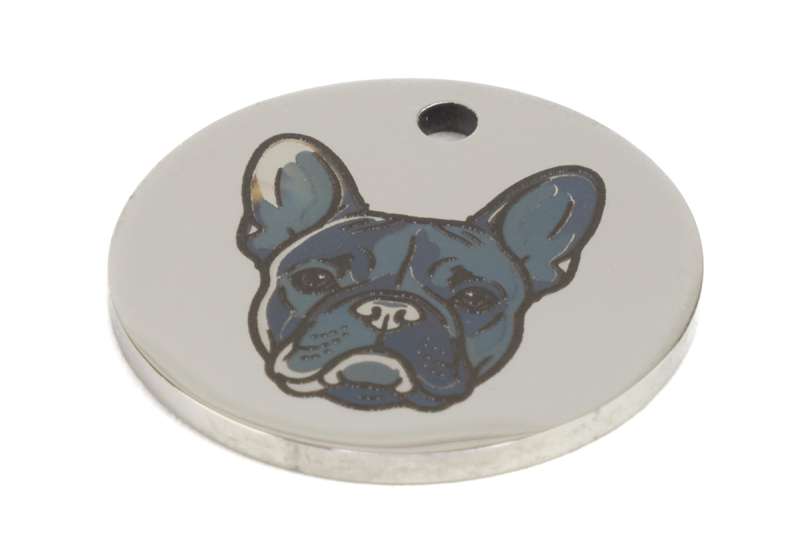
To test the metal color engraving, I chose a design that I found in the templates within the xTool software. It doesn’t matter how many times I see it, a single laser making colored engravings is still impressive.
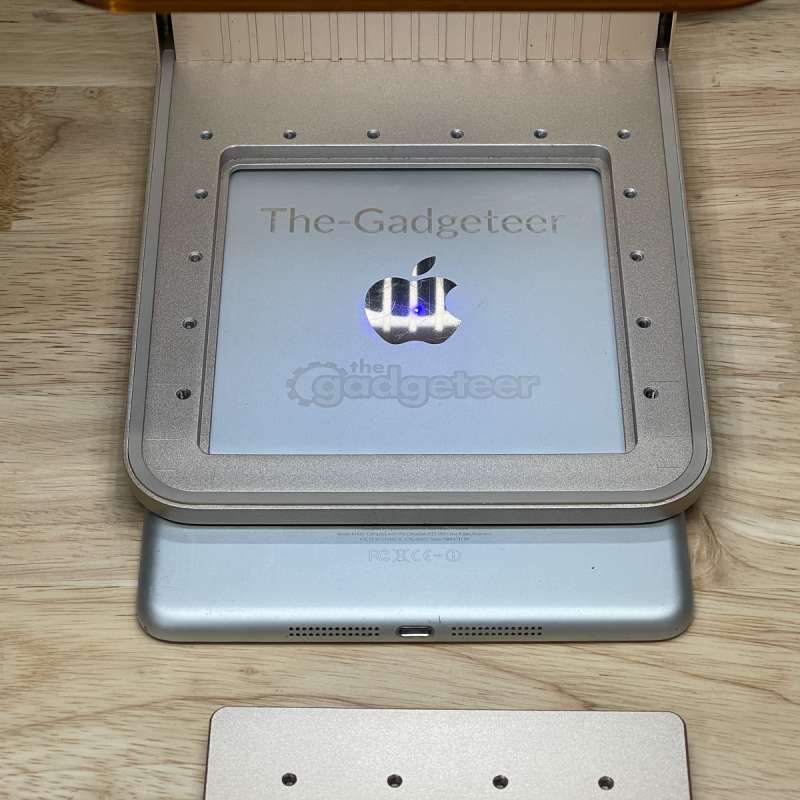
Like the original F1, the xTool F2 has a removable baseplate that allows for setting the laser on top of an item and engraving it. This is useful when the item does not fit in the machine, or when moving the item isn’t possible.
I had an old non-functional iPad lying around for just this purpose. I started with the settings for the metal business cards. That turned out to be a little low because it was meant for the blue laser, and I was using the IR laser. The great thing about the galvo laser control of the F2 is that the accuracy is the same between sessions, so you can start low and increase the power, or lower the speed, if needed.
I engraved the top using the text tool, and the bottom using a PNG image.
Even though the xTool F2 is designed for portability, the smaller size may seem like a limitation to some people. However, there is a slide extension accessory available that increases the F2’s processing size to 15.75″ × 4.53″(400mm × 115mm). I’ll admit, I wasn’t too keen on the slide when I first heard about it. When I unboxed it, I quickly became more enthused about it. It’s built like a tank. Metal construction, metal slatted bed for engraving or cutting, and metal material hold-down clamps.
I installed the slide extension, which only involved setting it on the baseplate, aligning the marks with the marks on the baseplate, and plugging in the cable. I selected “Use slide extension” in the software and found that when using that feature, there’s a panoramic camera feature that stitches together multiple photos of the bed so you can have a full view of your working area.
I loaded up an image and set my parameters for engraving and cutting 3mm basswood. I started on the smaller side, with my image being 6.75″ wide, as I wasn’t sure about the smoke that might escape, as you process with the cover up (obviously). It did very well, better than I had anticipated.
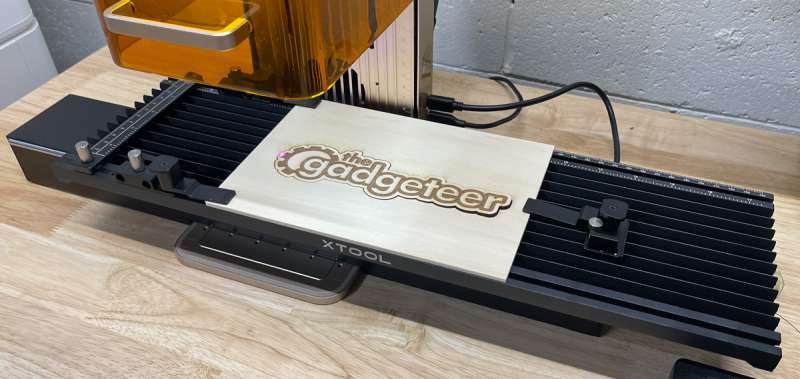
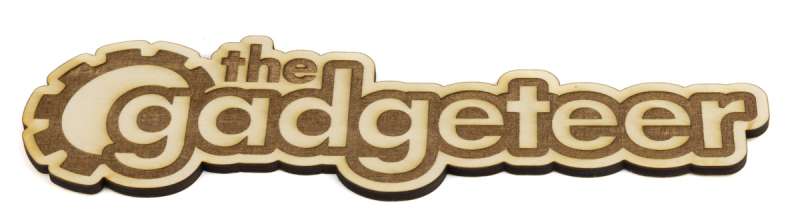
The extension slide can also be used for batch processing of items. Although a full-size laser is best for processing large items, the slide extension adds quite a bit of functionality beyond just the 4.53″ × 4.53″(115mm × 115mm) non-slide working area.
The xTool F2 also supports the rotary accessory, but xTool did not send one along for this review. I’ve used one on my larger machines, and it’s great for doing cylindrical items such as tumblers and glasses.
Final thoughts
The xTool F2 was my first experience with xTool’s portable lasers, and it was a pleasurable experience. I was hesitant about its capabilities despite knowing the specs were great. The F2 did not disappoint and was much smaller than I was expecting. Obviously, a large laser can do more things, but this laser is meant to be portable, and it doesn’t take up much space in your workspace. It’s a fabulous machine, whether it’s your first laser or one to complement your other machines, the F2 does what it should, and it does it well.
What I like about the xTool F2
- Portable and compact
- Powerful and expandable
- Great camera preview
- Excellent software
What needs to be improved?
- A locating hold-down for the slide extension would make it a little easier to align
Price: $1569.00 as reviewed, other packages available
Where to buy: xTool and Amazon [Coupon price ]
Source: The sample of this product was provided for free by xTool. <company name> did not have a final say on the review and did not preview the review before it was published.

Zip Ties Assorted Sizes(4”+6”+8”+12”), 400 Pack, Black Cable Ties, UV Resistant Wire Ties by ANOSON
(as of March 27, 2026 11:05 GMT -05:00 - More infoProduct prices and availability are accurate as of the date/time indicated and are subject to change. Any price and availability information displayed on [relevant Amazon Site(s), as applicable] at the time of purchase will apply to the purchase of this product.)

Gadgeteer Comment Policy - Please read before commenting
This is a well written article and very comprehensive. I read it several times then went an ordered an XTOOL F2 and the SLIDE EXTENSION. I will order BASSWOOD and do the calibration tests before embarking on more involved projects. I love the portaability! I have experience with larger C02 machines and quite frankly, I love smaller machines I can tweak and do more creative things by mastering the tech. Thank you for your article Mike!