
Apple’s MacBook Neo runs Logic Pro on an iPhone chip, a fixed 8GB of memory and two USB-C ports that don’t match, and those three limits decide what kind of music it’ll make for you.
Songwriters, podcasters, beatmakers and students learning to record are the people this laptop fits, and a few setup choices separate a smooth first session from a crackling one. Plan the ports first. The cheap fix and the expensive mistake look almost identical in a shopping cart.
Apple MacBook Neo 13-inch (A18 Pro, 8GB, 512GB, Touch ID)
Regular Price: $799.00
Deal Price: $699.00
Where to buy: Amazon ($699.00)
Which USB-C Port Should the Audio Interface Use?
Use the USB 2 port, which Apple places to the right of the faster USB 3 port on the laptop’s left edge. Every current Focusrite USB interface, the Scarlett 2i2 included, talks to the computer over USB 2.0 at 480Mbps. Plugging one into the 10Gb/s USB 3 port doesn’t make it any faster, so the slow port costs you nothing and the fast one stays free for a drive or a display.
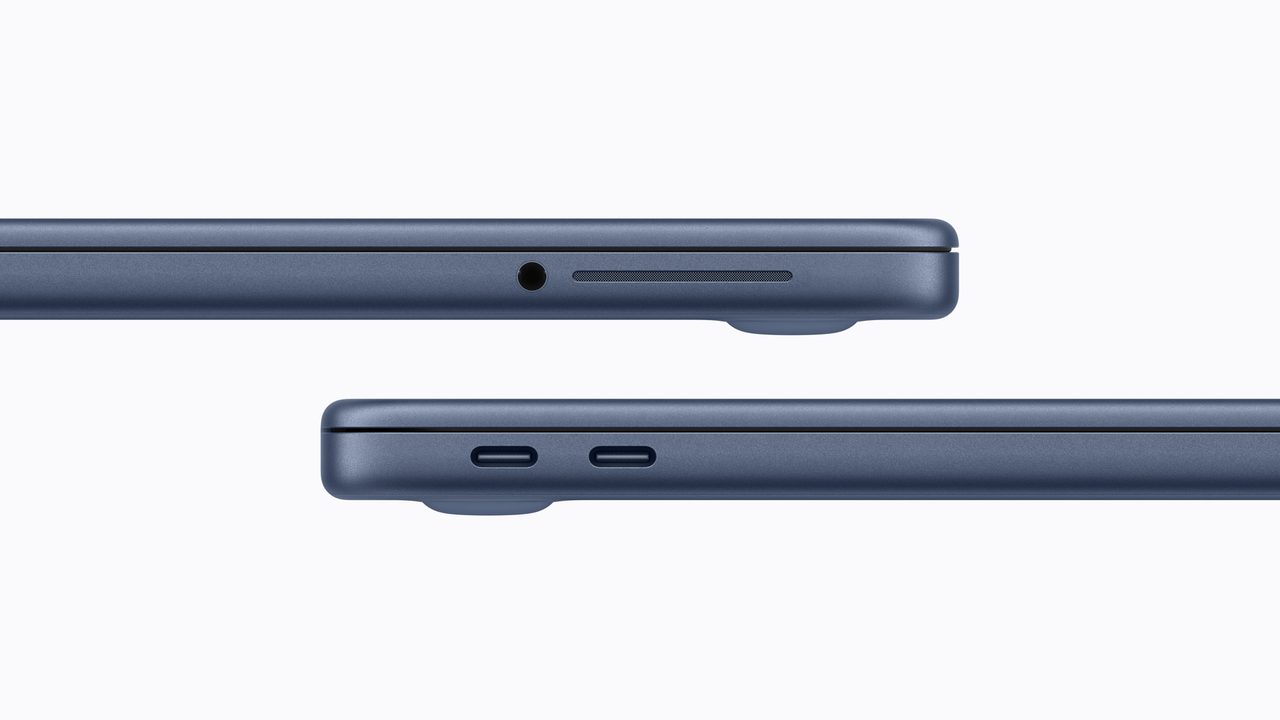
Buy the cable first. The Neo has no USB-A port, and the 2i2 ships with a USB-C to USB-A cable, so Focusrite’s answer is a USB-C to USB-C cable rated for USB 2.0 instead of an adapter or a hub.
Keep that cable under two meters, which is the longest length Focusrite recommends before audio and connection problems show up. Power is the other thing to watch with a bus-powered box, since a 2i2 draws up to 900mA from the laptop over that same cable. If its USB light flashes red at loud headphone levels, its separate 5V DC input takes a USB power supply so the port only has to carry audio.
Memory and the A18 Pro
Recording, editing and mixing audio tracks is light work for the A18 Pro, and GarageBand comes free on the Mac for anyone starting from zero. Sampled instruments are the real pressure point for this machine, because orchestral libraries, multisampled pianos and big drum kits load their samples into memory, and the Neo’s 8GB can’t be upgraded later, so that ceiling is permanent.

Logic Pro runs here. Apple’s only hardware requirement is a Mac with Apple silicon on a current macOS, and the A18 Pro qualifies. It’s $199.99 as a one-time purchase or part of Apple Creator Studio at $12.99 a month, and a new Mac gets three months of Creator Studio before billing starts.
With two performance cores, four efficiency cores and no fan, the Neo makes no noise at all next to a vocal mic. A fanless laptop slows itself down to stay cool during long, heavy sessions, so big mixdowns and plugin-stacked projects will take patience on this machine.
Storage and the Logic Sound Library
Logic Pro’s full Sound Library takes 72GB against a 6GB minimum install, which is why the 256GB model fills faster than its number suggests once macOS and your apps have claimed their share. Multitrack sessions recorded at 24-bit fill the rest of it quickly. Plan for an external SSD from the day the laptop arrives.


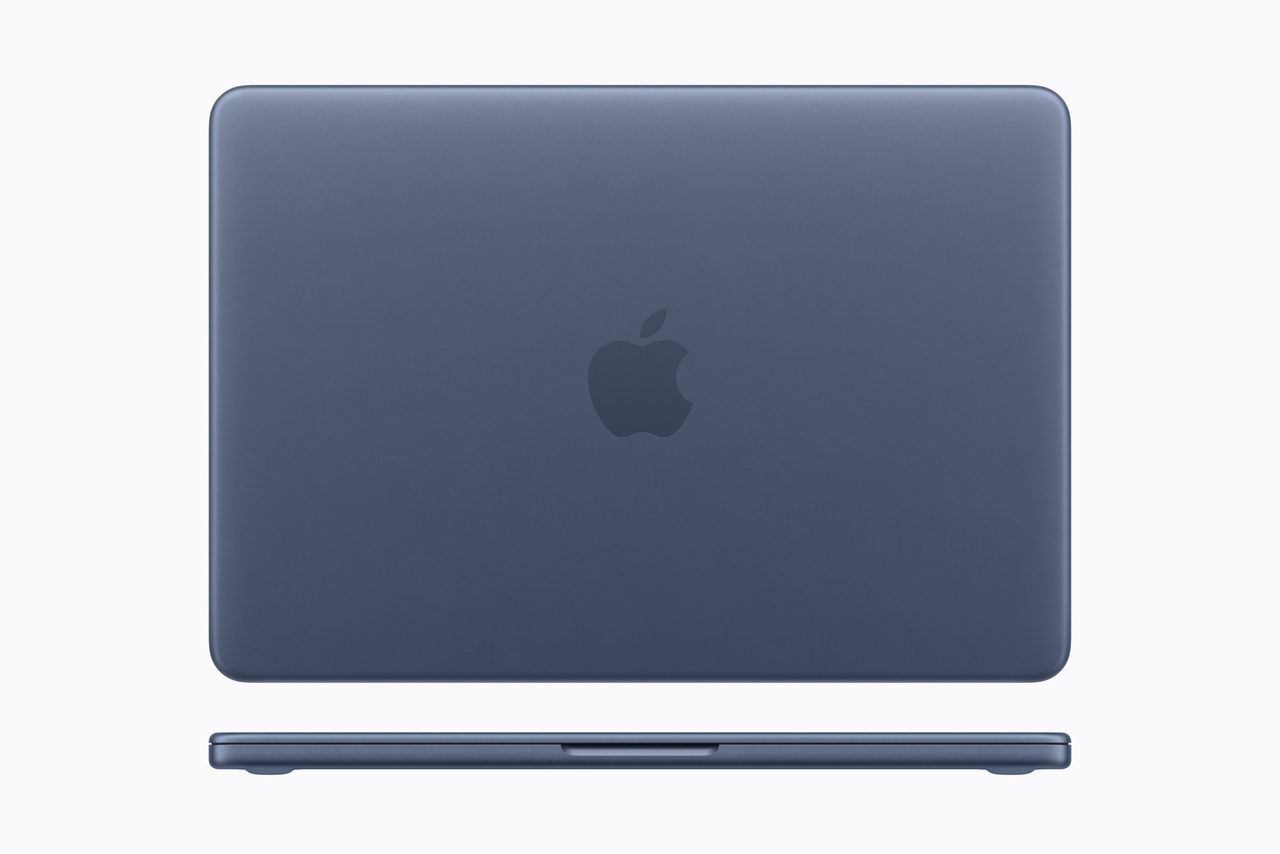
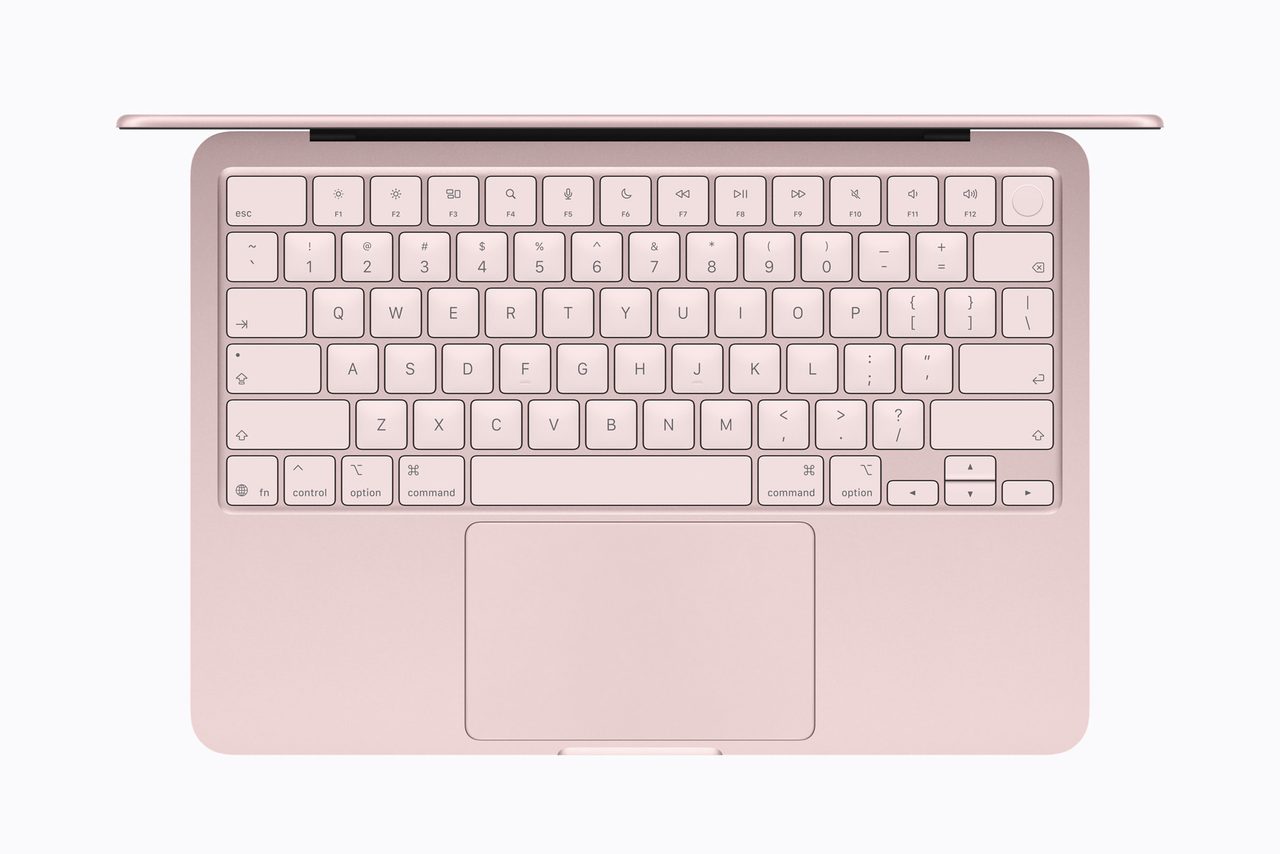
Apple lets you relocate the Sound Library to an external drive, and that’s where the USB 3 port pays off. A small SSD on the 10Gb/s port can hold the library and finished projects while the interface sits on the USB 2 port. For music, buy the 512GB model. It also adds Touch ID, and its extra 256GB holds the whole library with plenty of room left over for sessions.
Can You Charge While Recording?
Only if you give up a port. Both USB-C ports can charge the Neo, so with an interface on one and a drive on the other, the included 20W charger has nowhere to go. Apple rates the battery for up to 11 hours of wireless web use and 16 hours of video playback, which covers a long session unplugged.

For all-day sessions, a powered USB-C hub on the USB 3 port can carry the charger and the drive together, leaving the interface plugged straight into the laptop the way Focusrite asks. That single hub solves the whole desk layout without moving the interface.
When the MacBook Air Makes More Sense
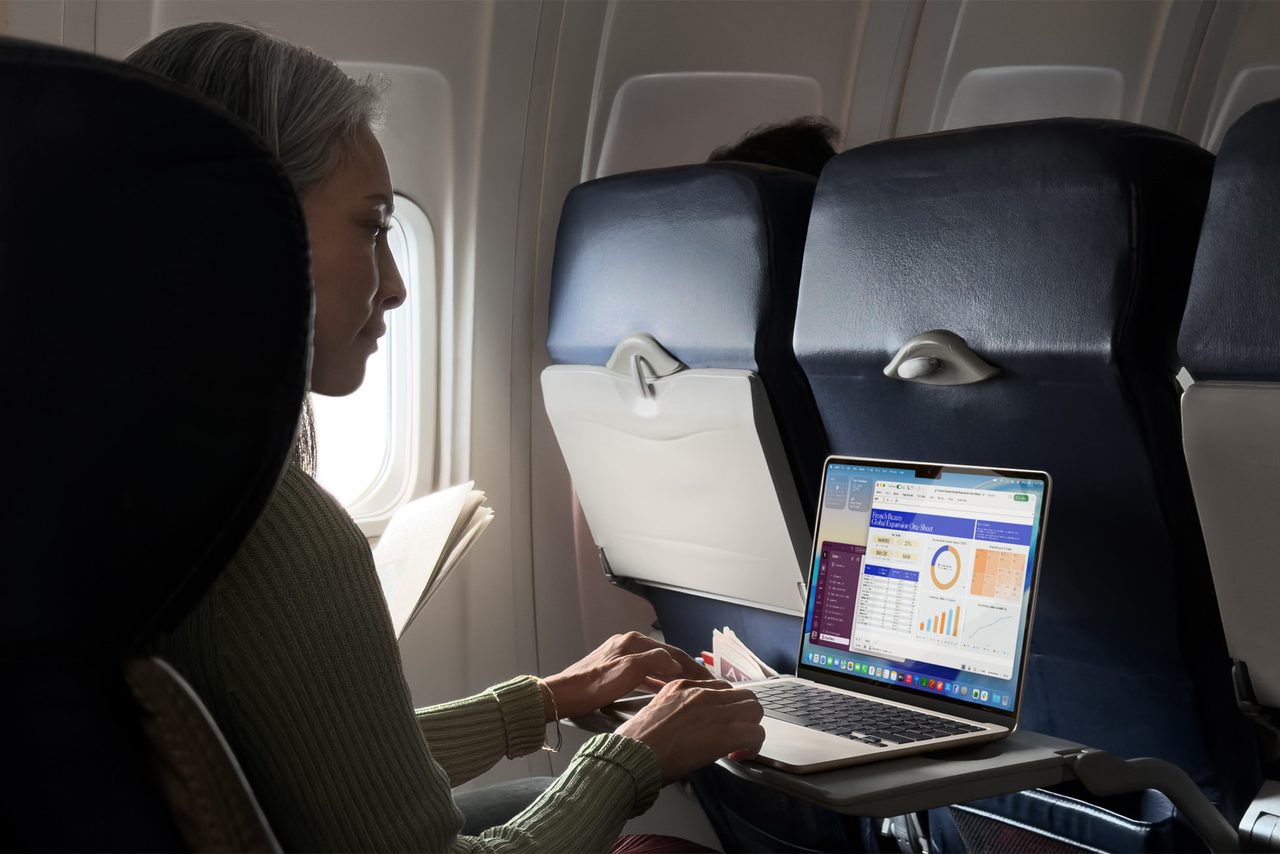
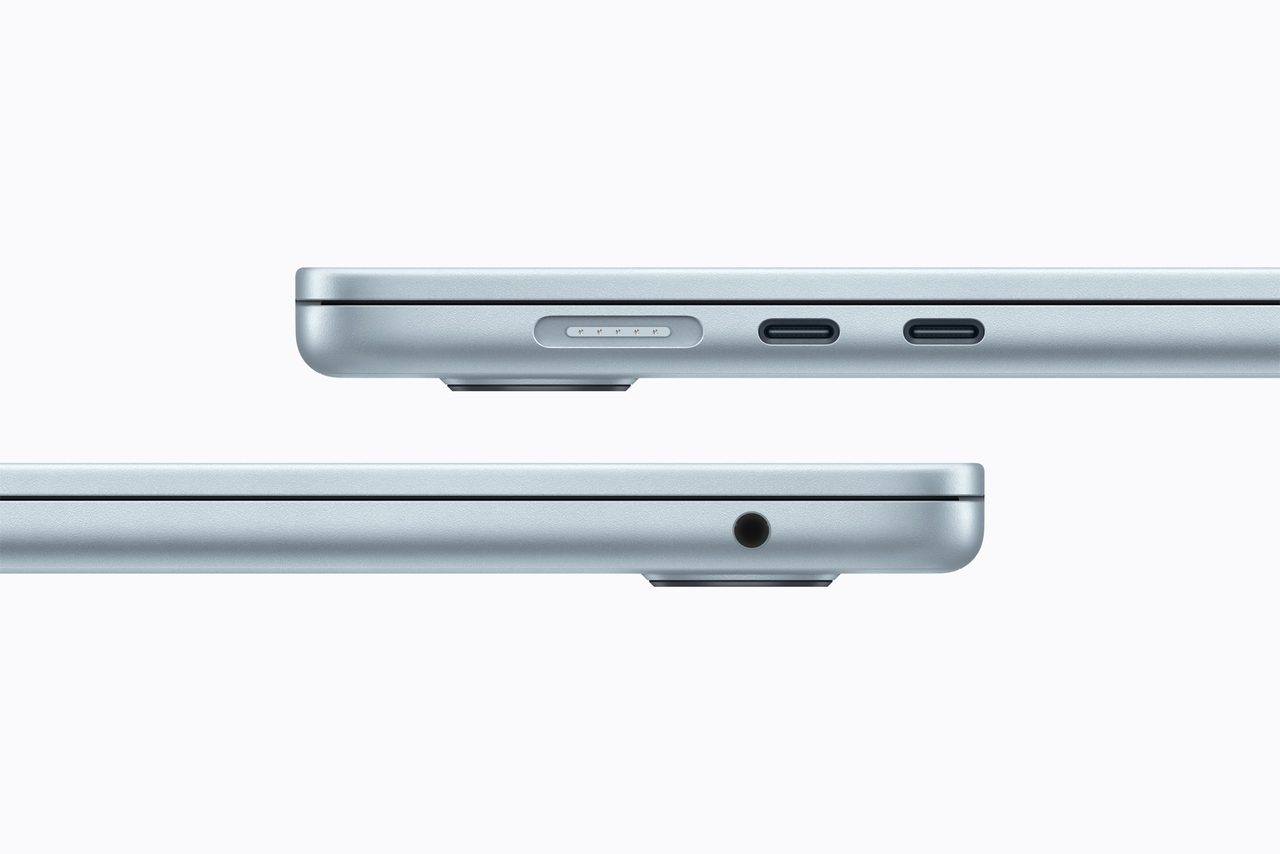
Anyone building tracks from big sample libraries should look at the M5 MacBook Air instead. It doubles the memory to 16GB, starts at 512GB of storage and moves up to a 10-core CPU that handles dense plugin chains with far more room to spare. Charging runs over MagSafe, so both Thunderbolt 4 ports stay free for the interface and a drive while it still runs silent without a fan.
It costs more. That extra money buys headroom a songwriter tracking guitar and vocals at home may never touch, even after a year of steady recording. Producers who live in sampled strings and big drum libraries should take it without a second thought.
Apple MacBook Air 13-inch (M5, 16GB, 512GB)
Regular Price: $1,299.00
Deal Price: $999.00
Where to buy: Amazon ($999.00)

Wrap-Up
For songs, podcasts and beats built from recorded audio, the Neo is a real recording laptop, and it makes a first Mac home studio cheaper than it’s ever been. Its 8GB ceiling is fixed, though.

Apple MacBook Neo 13-inch (A18 Pro, 8GB, 512GB, Touch ID)
Regular Price: $799.00
Deal Price: $699.00
Where to buy: Amazon ($699.00)
Sample-heavy producers will run into it sooner than they’d like. Get the 512GB model at $699, plug the interface into the USB 2 port and put the Sound Library on an SSD, and the Neo has room to grow with you. Anyone who already knows they want orchestral templates should skip the Neo and put that money toward the M5 Air instead.