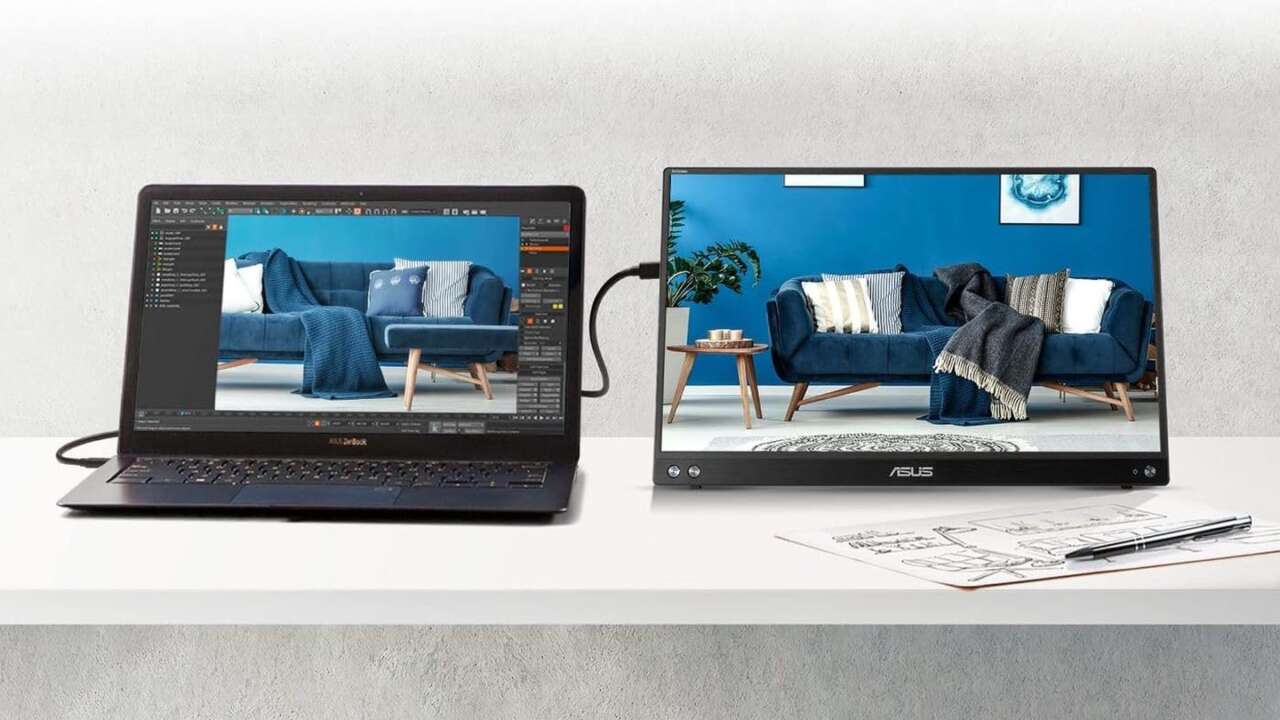
A portable monitor turns a cramped laptop screen into a real two screen setup at a kitchen table, a hotel desk, or a gate seat. The ASUS ZenScreen MB16ACV leads this guide.
Each pick below runs on USB-C for power and picture, so a single cable handles the whole hookup in most laptop bags and carry-ons today. No dock is required. Picks split by job and budget instead, from a low cost screen for schoolwork to a 4K touch panel for photo edits on shoots.
ASUS ZenScreen MB16ACV for one cable simplicity
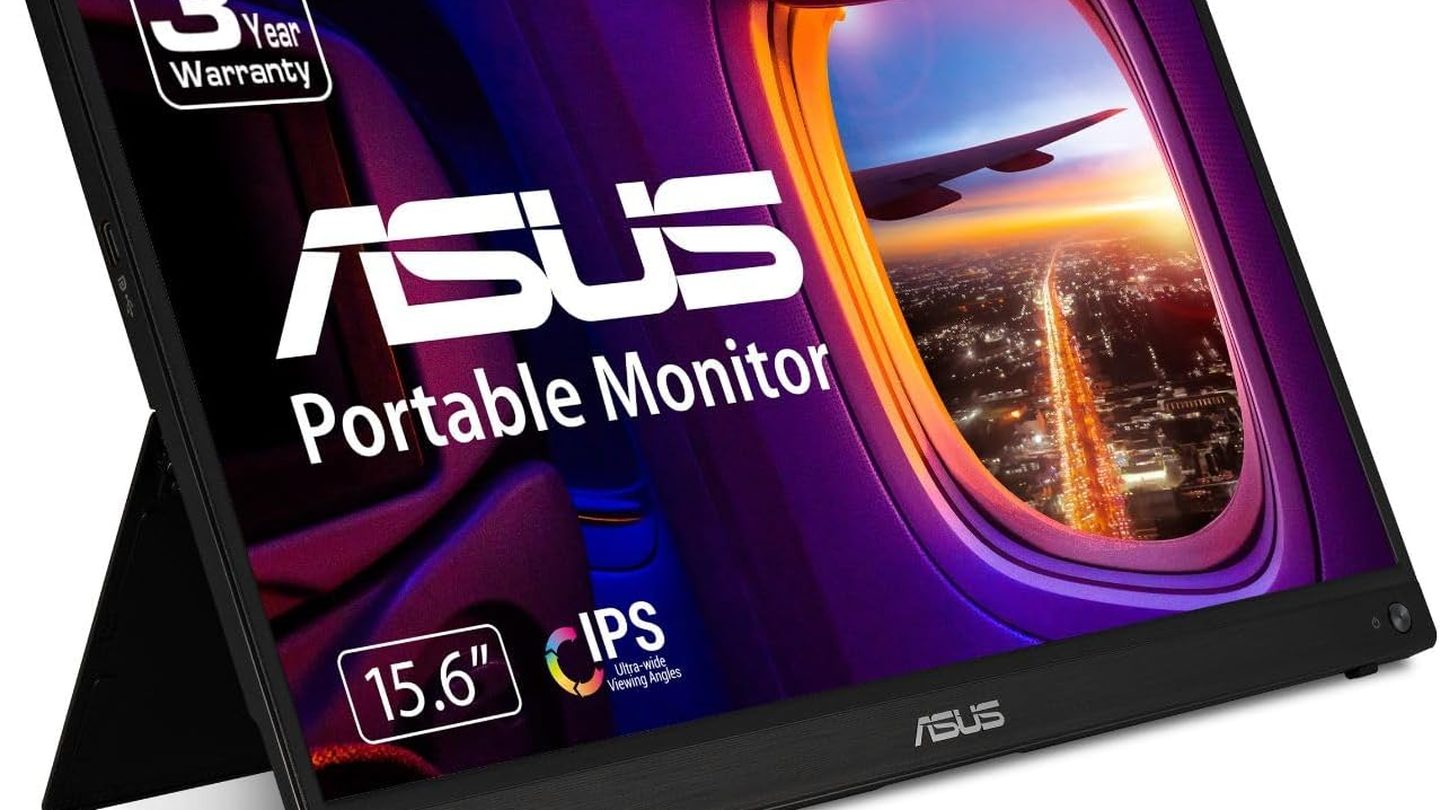
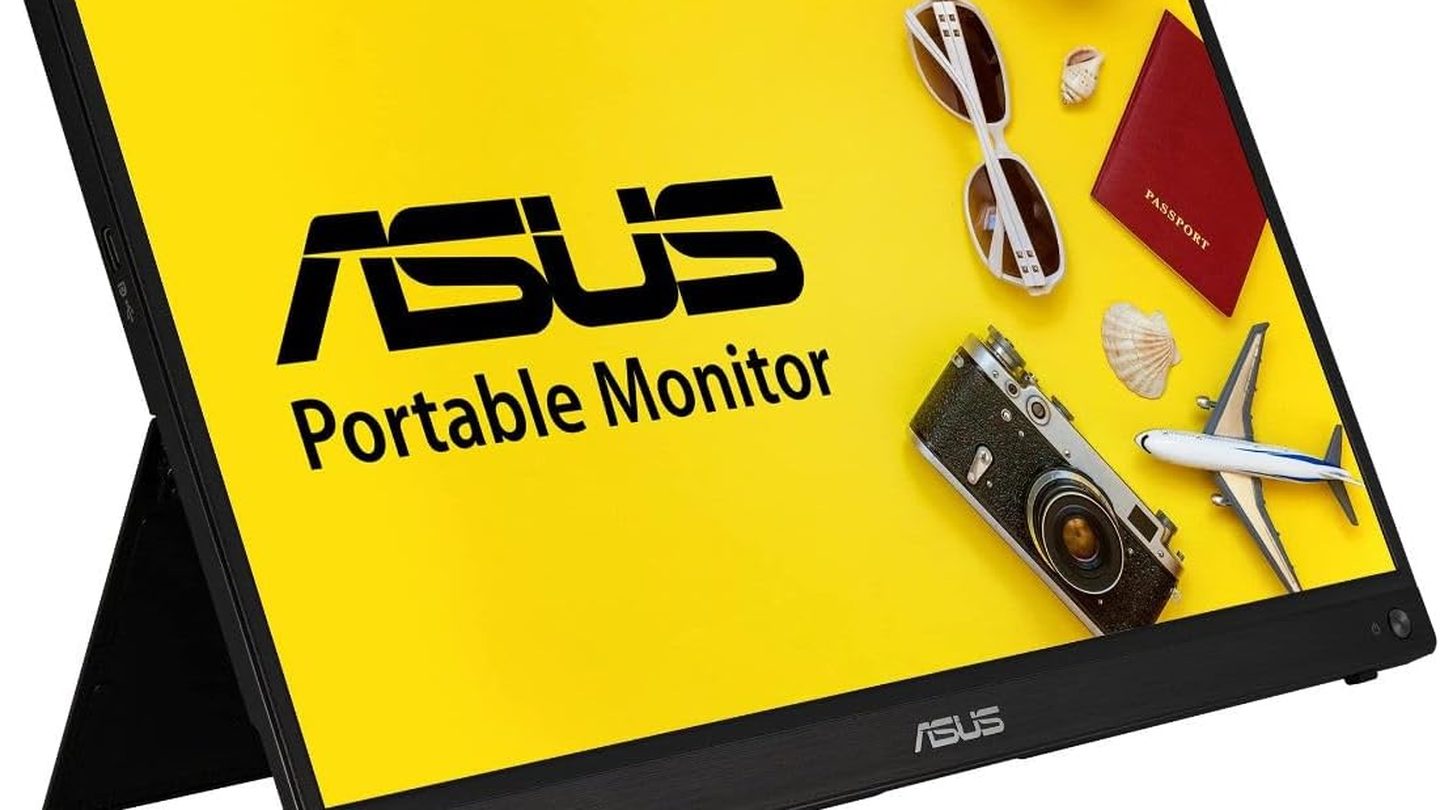
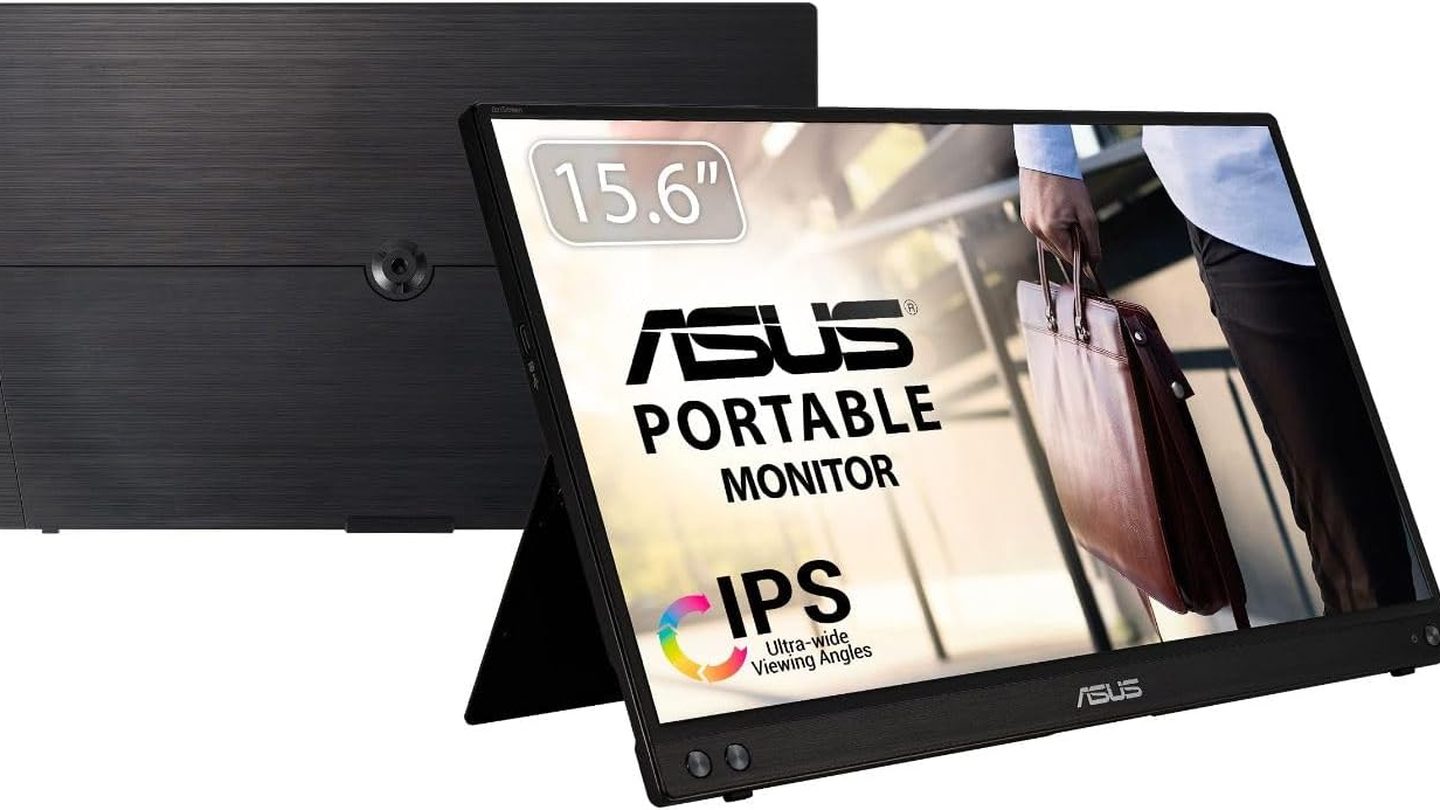
ASUS builds the MB16ACV around a 15.6 inch Full HD IPS panel with an anti-glare finish that holds up under bright cafe windows and office lights at home. Its kickstand folds out and props the screen up without a separate stand.
ASUS ZenScreen MB16ACV, 15.6 inch Full HD anti-glare IPS panel, hybrid USB-C signal, adjustable kickstand, USB Type-A with DisplayLink driver
Price: $156.99
Where to buy: Buy on Amazon
One USB-C cable carries power and video through the hybrid signal port, and a USB Type-A connection works too with a DisplayLink driver installed on the laptop. Brightness sits at 250 nits, and that output suits documents, mail, and browser work fine, while games ask more from a panel than this 1080p screen gives.
Buy it if a single cable and a kickstand top the list. The MB16ACV covers both. It runs the lowest price among the branded picks here.
Older laptops without USB-C video still connect through USB Type-A once the DisplayLink driver is installed on the machine. Portrait mode suits long documents too.
Lenovo ThinkVision M14 for the lightest bag carry
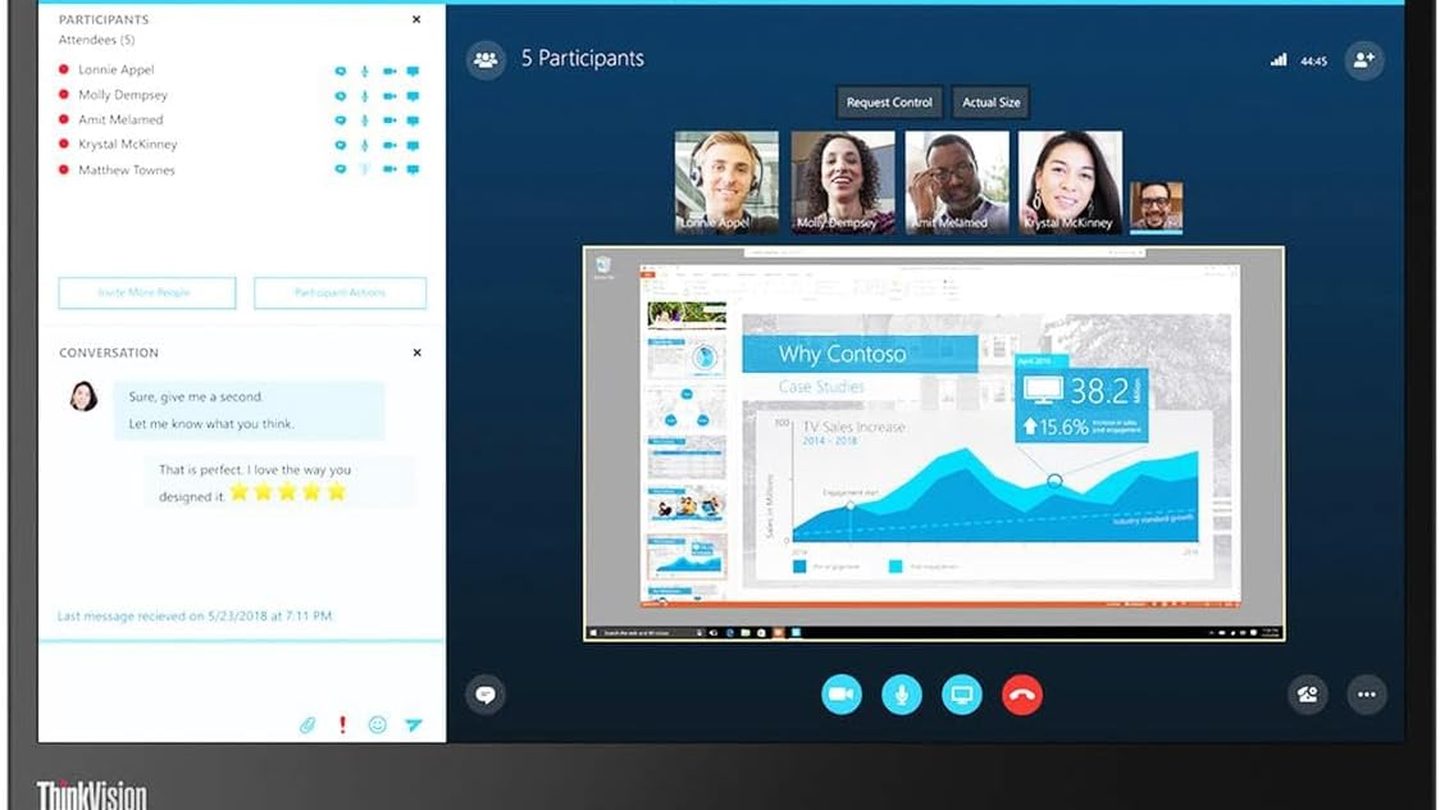
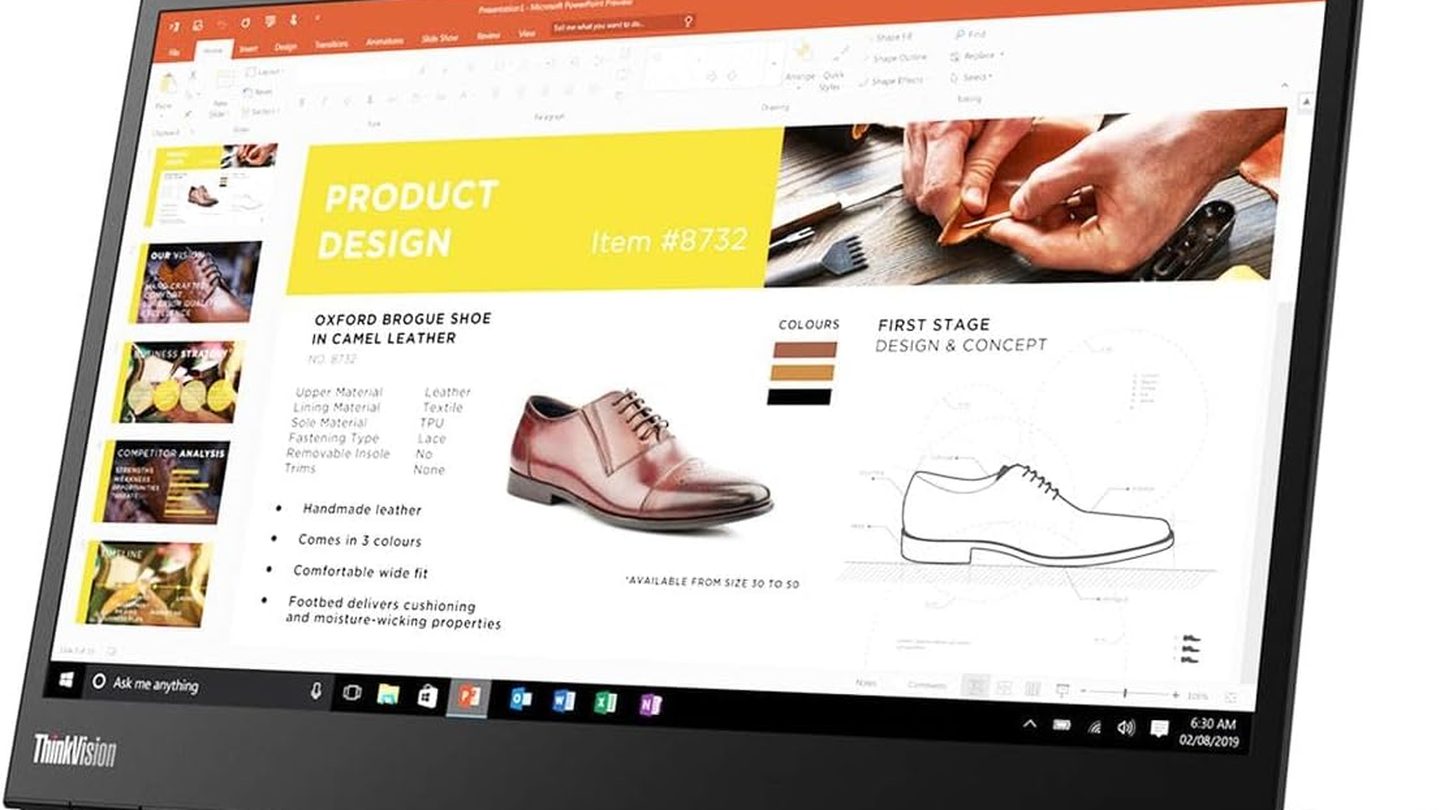
Lenovo cuts the screen to 14 inches and the weight to 598 grams, so the M14 slips beside a laptop without turning a tote into a workout. The panel runs Full HD on IPS. Brightness reaches 300 nits, a step up from the ASUS, and text stays crisp at this size.
Lenovo ThinkVision M14, 14 inch Full HD IPS, 300 nits
Price: $251.99
Where to buy: Buy on Amazon
Two USB-C ports handle DisplayPort Alt Mode video. Power passes through to the laptop. The pass-through runs at up to 65W during a full workday setup.
The tilt stand adjusts smoothly. Road workers who pack light and plug in at client desks, trains, and tables get the carry in this guide from the M14 and its sleeve for home.
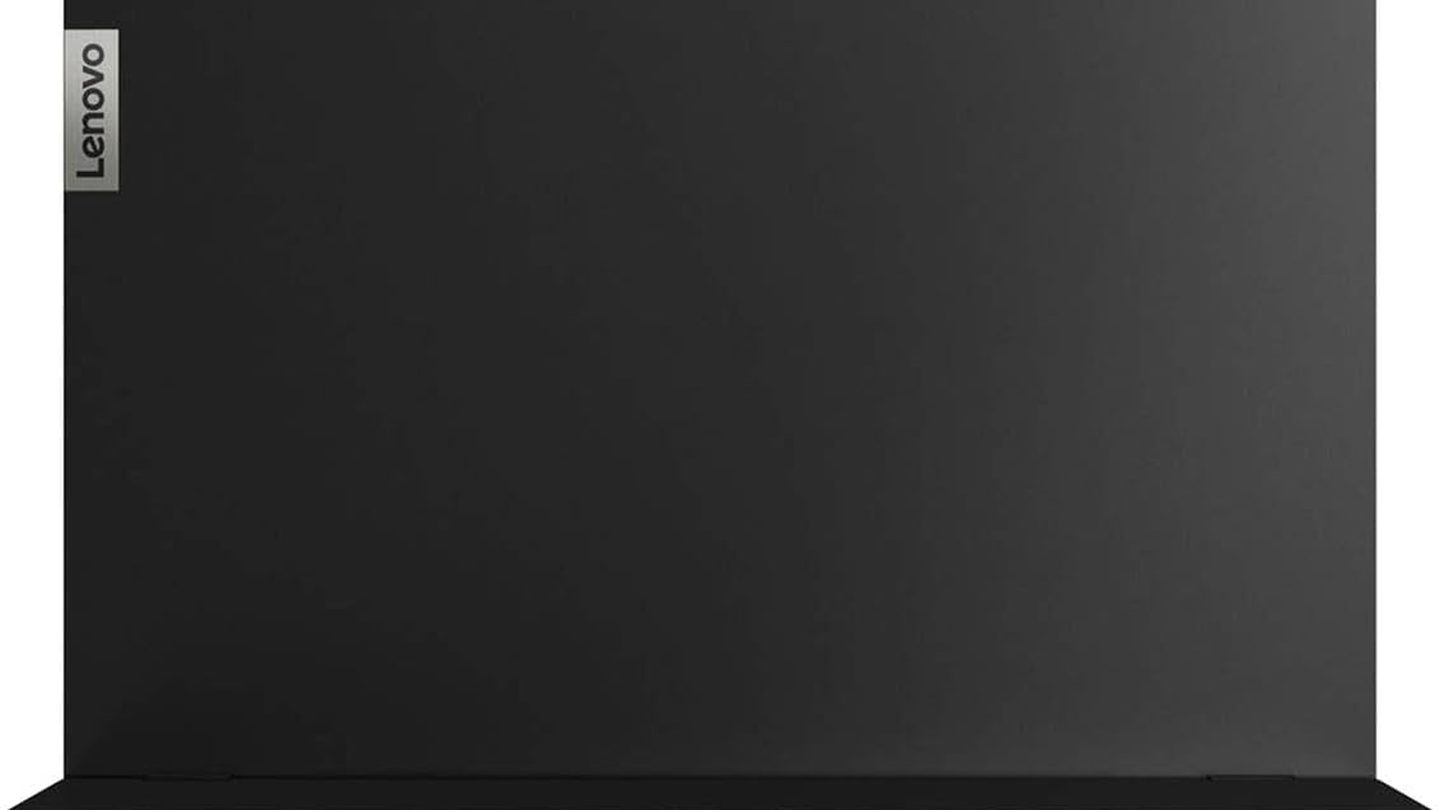
Height adjustment on the stand lifts the screen toward eye level at a standing desk, and the blue light mode softens the panel during late sessions and early morning calls too. A Kensington lock slot sits on the left side panel. Travelers who present in small rooms get a screen that opens flat against the laptop lid profile and closes into the included sleeve without extra padding or bulk each day.
ViewSonic VA1655 for the lowest spend
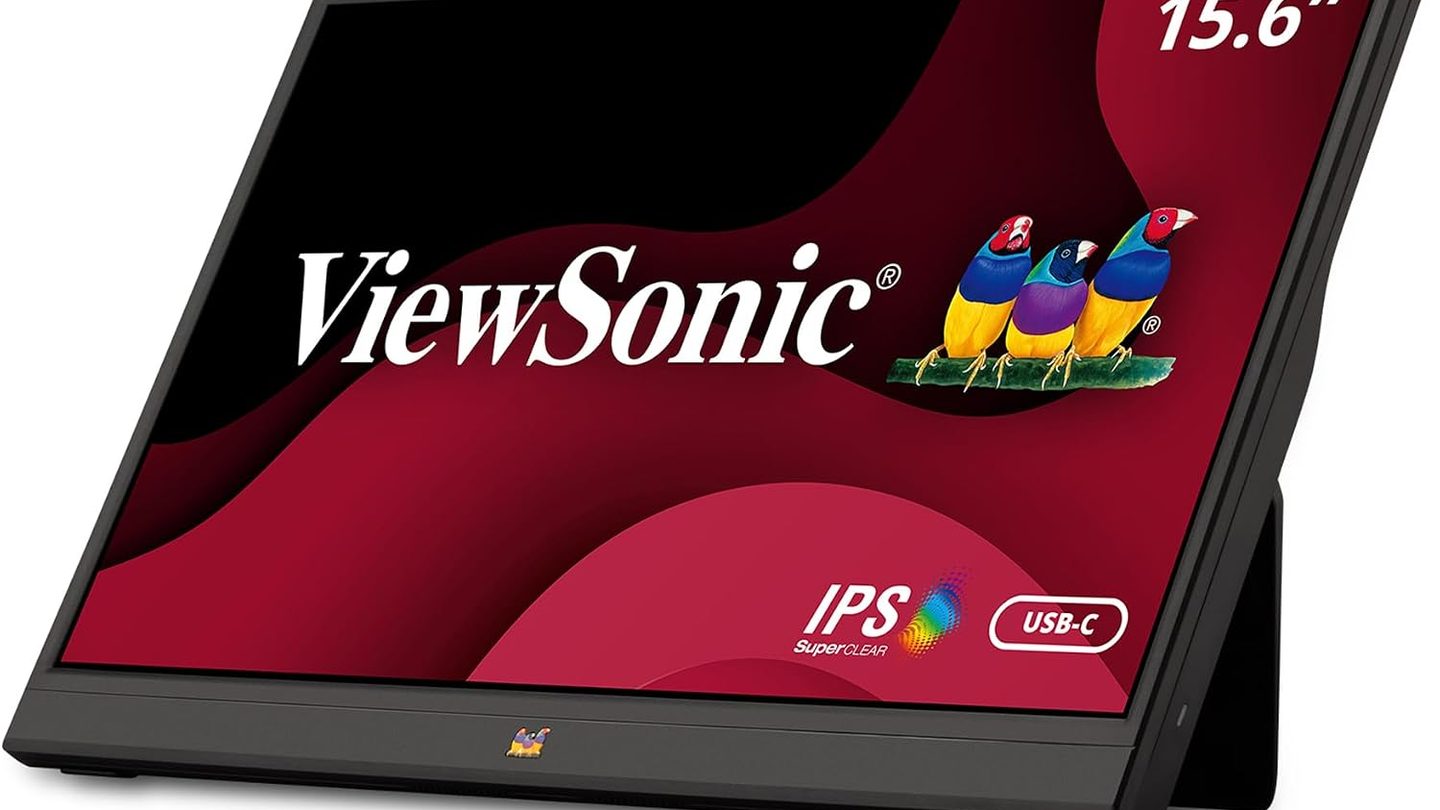
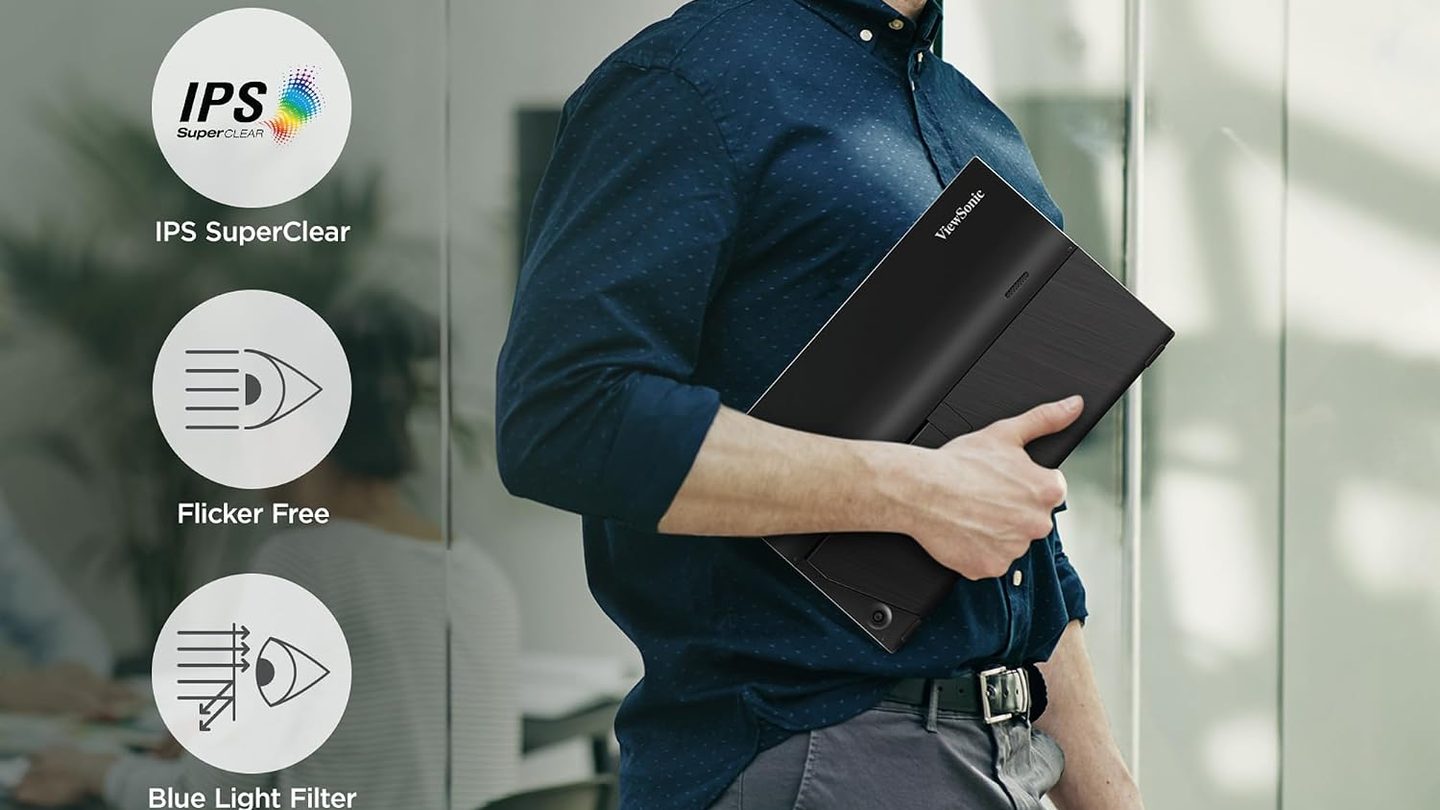
ViewSonic keeps the VA1655 simple and cheap, with a 15.6 inch Full HD IPS screen. A built-in stand and a sleeve case come included in the box.
ViewSonic VA1655, 15.6 inch Full HD IPS screen, built-in stand
Price: $109.99
Where to buy: Buy on Amazon
Dual USB-C ports deliver 60W two-way power, so the screen runs off the laptop or passes charge back to it from a wall adapter at the desk. Mini HDMI covers the rest. Consoles and older laptops plug in that way.
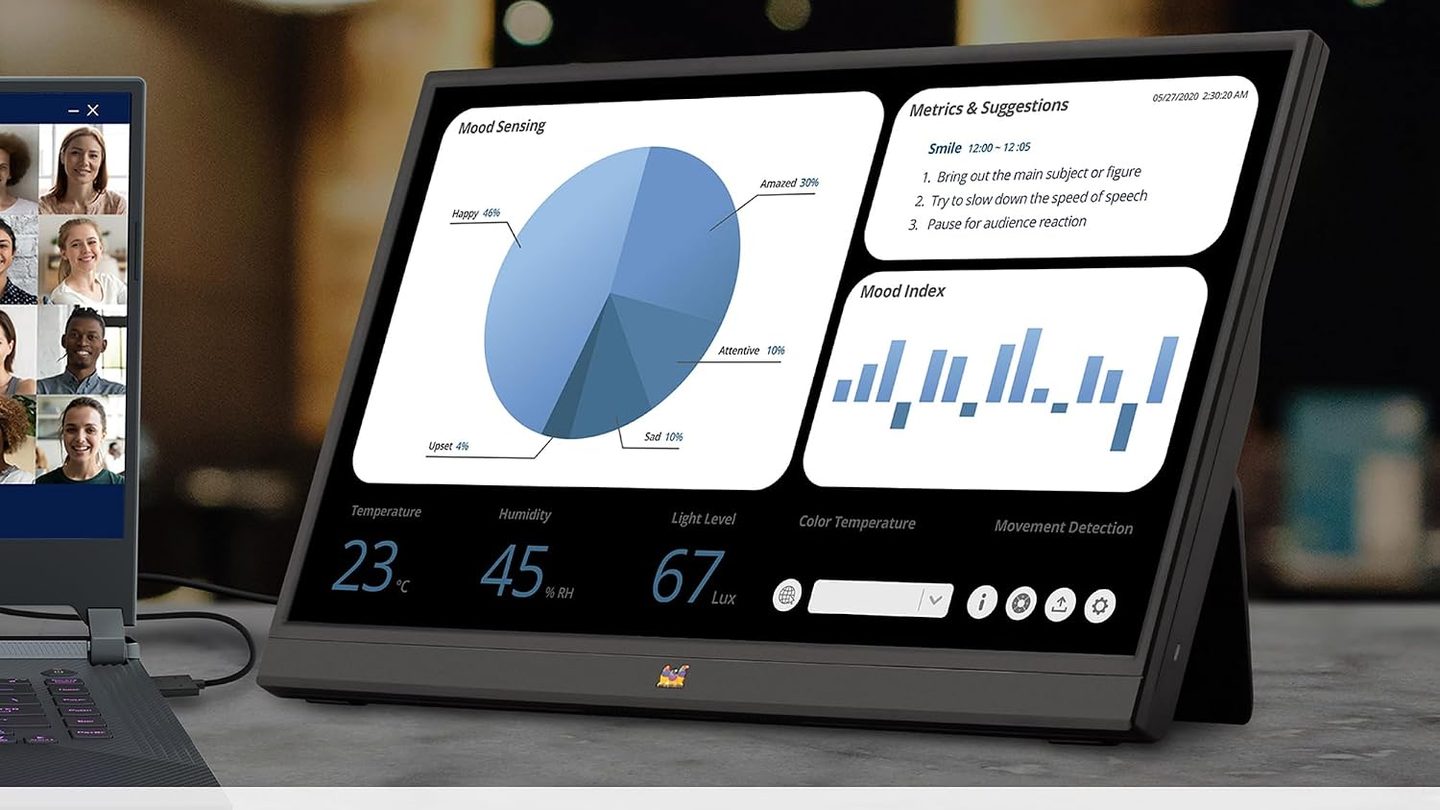
At 1.5 pounds and 0.7 inches thick, the VA1655 rides in a backpack pocket, sets up on a desk in under a minute flat, and a 3.5mm audio out handles headphones. Students and spare room workers get a known brand second screen here without paying for touch, 4K, or a metal body that the daily tasks never need.
Consoles connect through mini HDMI, and game nights get bigger.
espresso Pro 15 for touch and 4K detail
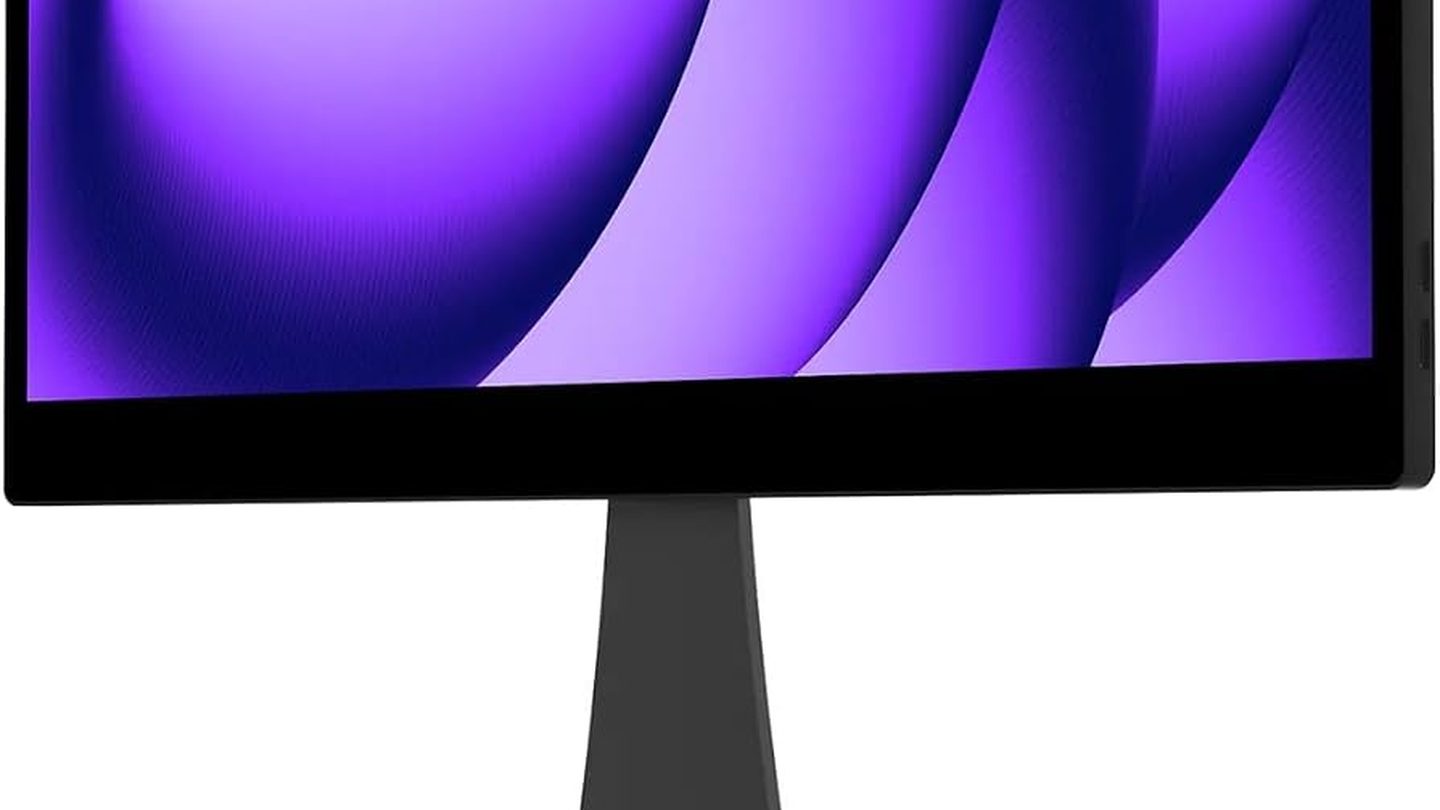
Touch works on Mac and Windows. espresso builds the Pro 15 as the touch pick, with a 15.6 inch 4K touchscreen in an aluminum body that feels like a tablet.
espresso Pro 15, 15.6 inch 4K touchscreen, 550 nits, 100% Adobe RGB color, two USB-C ports with power passthrough, aluminum body
Price: $699
Where to buy: Buy on Amazon
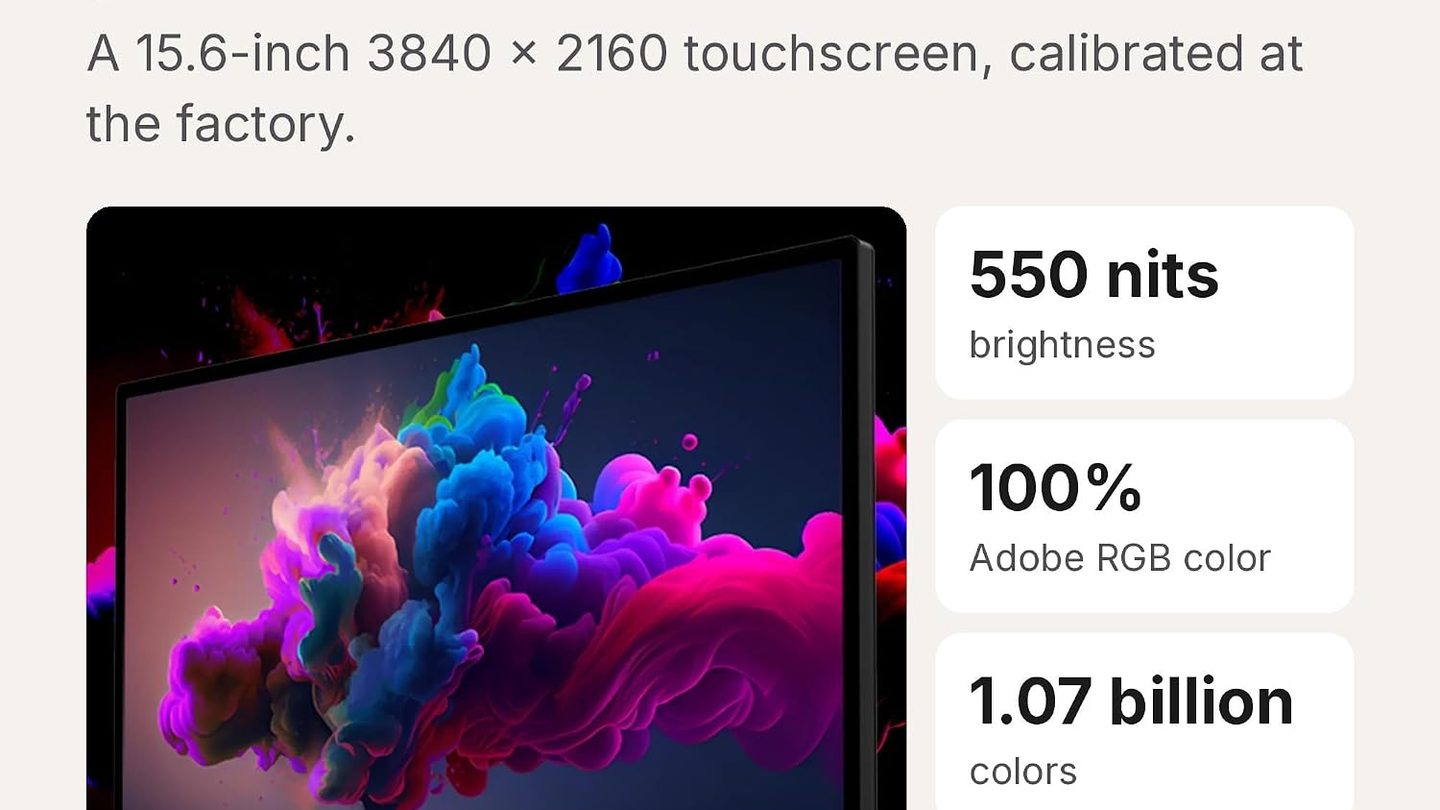
The panel hits 550 nits and covers 100% Adobe RGB with 1.07 billion colors, so photo and video work keeps its contrast outside a dim studio. One cable powers the display from the laptop, and the second port passes a charger through so the laptop battery stops dropping during long edits, calls, and color checks.
It weighs 800 grams. Skip it if the budget stops at a basic second screen. Buy it if touch, 4K sharpness, and color work in the field justify the jump. The included magnetic stand folds flat and slips into its sleeve afterward.
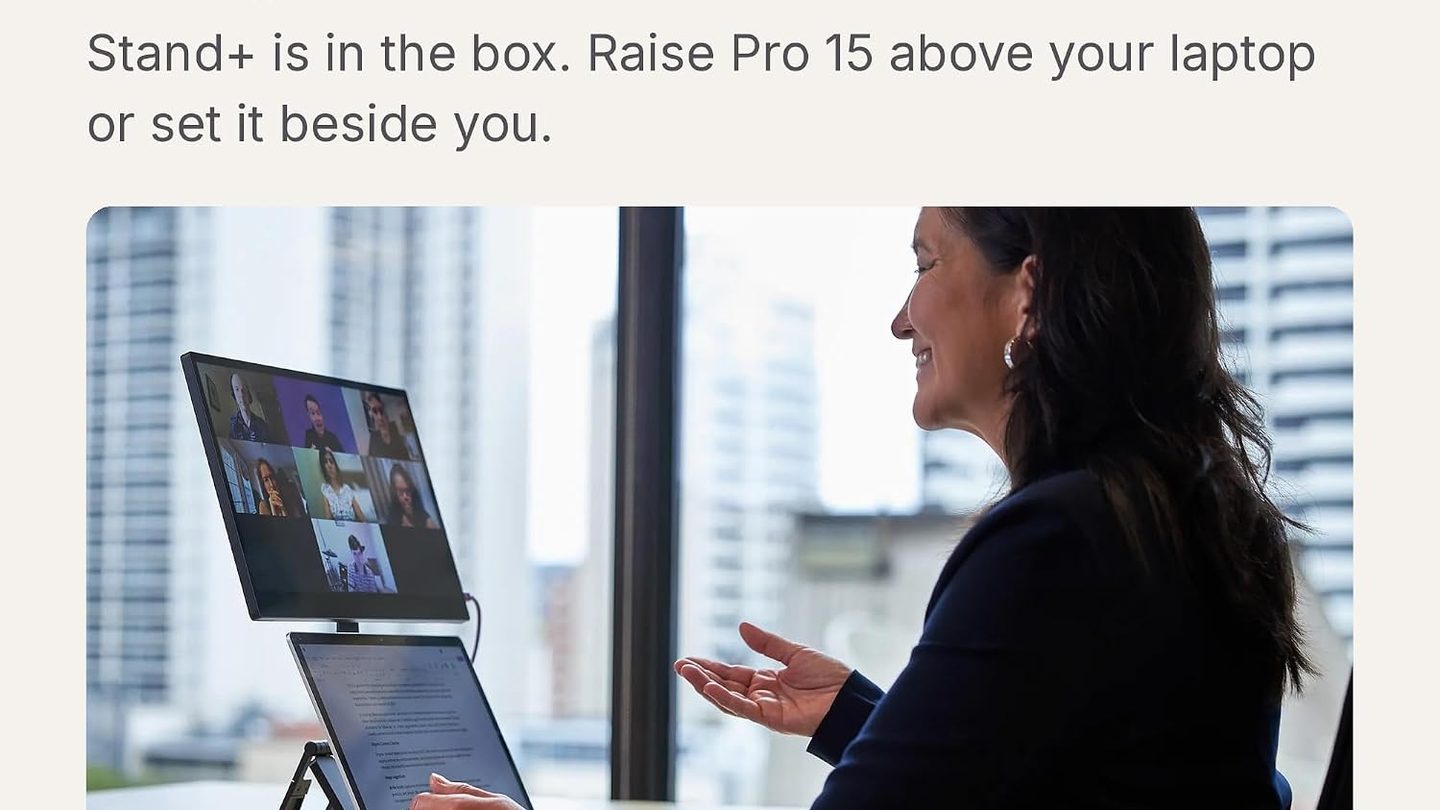
The magnetic stand system lifts the panel above a laptop screen and folds flat for travel between studios, offices, and job sites, and pen input costs extra. Creators who bill for color accurate work recoup that gap fast, since a wrong grade costs more than the price spread here on most paid shoots this year and next.