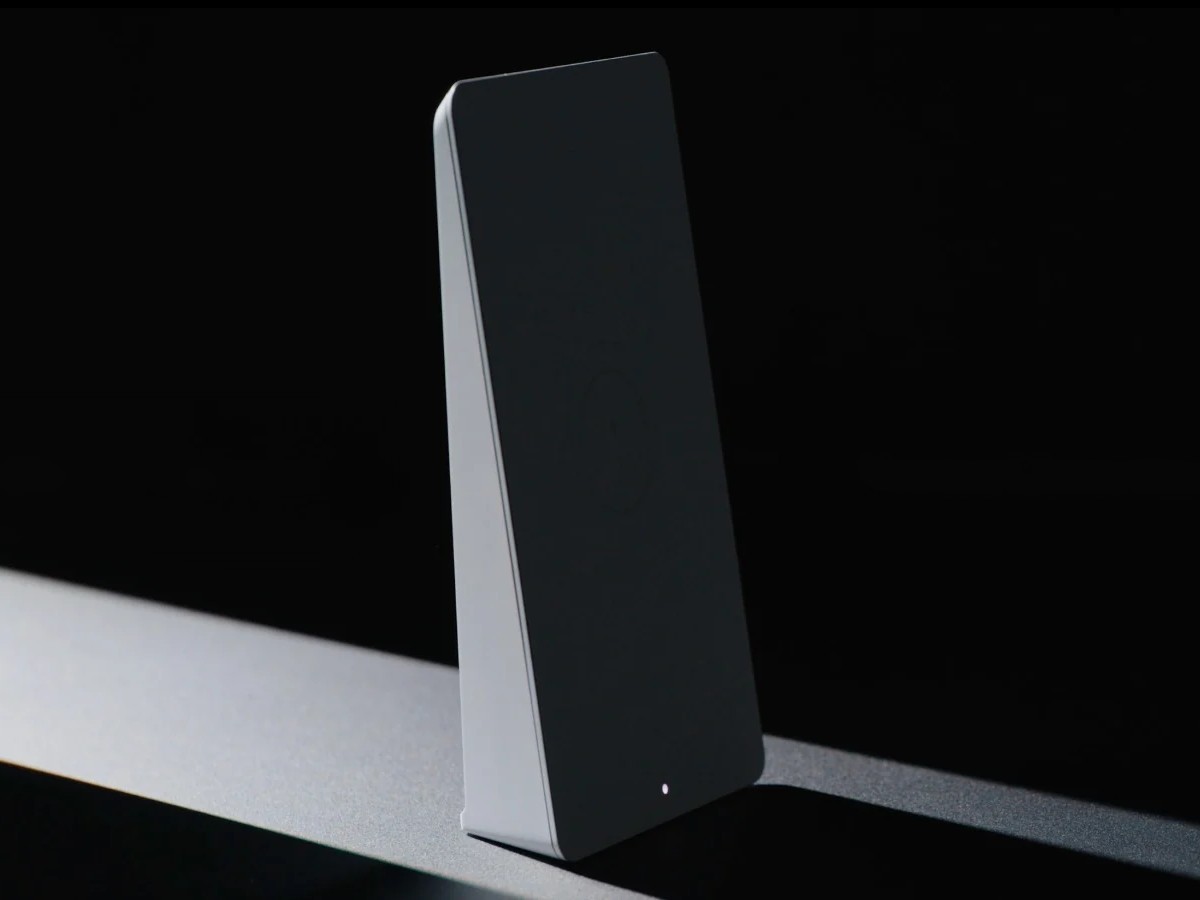
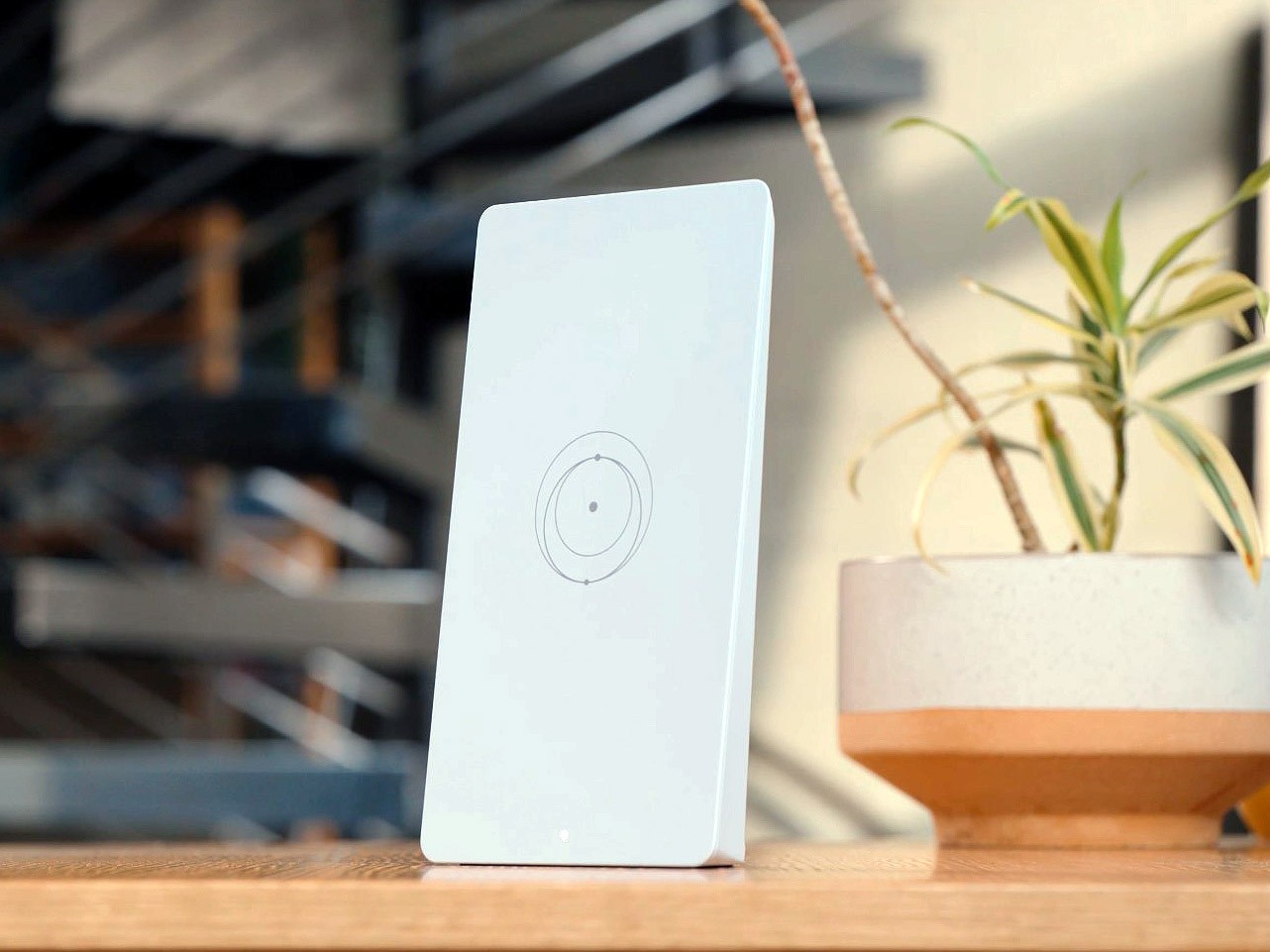
New residential Starlink sign-ups in the US and Canada now get a different router in the box. Router 4 started shipping on November 6 with V4 Kits on the Residential 200 Mbps and Residential Max plans, and it’s the first Starlink router built on a Wi-Fi 7 chipset. Coverage climbs to 3,500 sq ft, the device cap more than doubles, and the radio layout takes an unusual turn: there’s no 6 GHz band.
Price: Residential 200 Mbps $85/month · Residential Max $130/month
Where to buy: Starlink
Starlink first showed the hardware on September 9, pitched at streaming, gaming, and everyday home use, with availability soon in select areas. Two months later it’s the standard router for new customers on the two residential plans. The previous kits on those plans shipped the Standard 4X with Router 3, a tri-band Wi-Fi 6 unit.
What Wi-Fi 7 changes here
A Wi-Fi 7 chipset is the headline. It runs the full run of standards back to 802.11a, so older gear still connects, and the radios split across 2.4 GHz and 5 GHz in a tri-band layout. One radio handles mesh traffic on its own. Antenna counts run 4×4 on 2.4 GHz and 4×5 on 5 GHz, with MU-MIMO and OFDMA for crowded rooms.
There’s no 6 GHz radio. Most Wi-Fi 7 routers lean on that band for their widest channels and fastest links, and Starlink skipped it. Inside a house fed by a satellite link capped well under Wi-Fi 7 speeds, the trade is defensible: the dish stays the bottleneck either way, and 5 GHz carries the local load fine.
Mesh changes the setup math. Extra Router 4 units join the same network as nodes, and the dedicated mesh radio keeps node-to-node traffic off the bands your phones and laptops use. Older Starlink mesh nodes still pair with it, so a house running Router Mini nodes isn’t starting over.
Coverage and device count
Starlink rates coverage at 3,500 sq ft (325 sq m) indoors, up from 3,200 on Router 3. The bigger jump is the device cap: 510 simultaneous connections against 235 before. That’s the number that counts on a rural property running cameras, plugs, TVs, and a workbench of laptops off one dish.
| Router 4 | Router 3 | |
| Wi-Fi | Wi-Fi 7 chipset | Wi-Fi 6 |
| Coverage | 3,500 sq ft (325 sq m) | 3,200 sq ft (297 sq m) |
| Devices | 510 | 235 |
| Ethernet | 2 ports, PoE on both | 2 ports |
| Rating | IP56, indoor use | – |
| Size / weight | 1.8 x 8 x 4.5 in, 0.4 kg | – |
Security runs WPA2 and WPA3 side by side, so older devices that predate WPA3 still get on the network. The unit also carries a factory reset button and an LED status indicator, the same minimal control set Starlink has shipped since the Gen 3 hardware.
Power and ports
Two Ethernet ports sit behind water-resistant covers, and both support Power over Ethernet. Power comes in over the WAN connection or USB-C. On Starlink’s Dual PoE kits, including the Standard 4 Upgrade Kit, the new router works as the main Wi-Fi router and draws power from the Dual PoE supply. That kit ships without a wall power brick.
The box itself runs 1.8 by 8 by 4.5 inches and weighs 0.4 kg. It’s rated IP56 with those port covers on, and Starlink still specs it for indoor use only.
One spec reads oddly at first. An IP56 rating on an indoor-only box sounds like spec-sheet padding, until you picture where these dishes land: farmhouses, workshops, rentals, and porches that sit one door away from the weather. Port covers plus a sealed rating keep dust and splash water out of the two connections the whole house depends on.
Which dishes it runs with
Starlink’s support pages list compatibility with the Standard 4, Standard 4X, Starlink Mini, Performance (Gen 1), and the original Standard Circular dish. Gen 2 kit owners can run it as their Wi-Fi router too: add a Starlink Ethernet adapter and switch the Gen 2 router to bypass mode. SpaceX took FCC authorization for the unit, model UTR-261, back in August.
What you still can’t buy
There’s no standalone price yet. Starlink hasn’t published a router-only upgrade route for existing subscribers either, so current customers keep their Router 3 or Router Mini until that changes. The November 6 announcement also left the Residential 100 Mbps tier, Roam, and business plans out, and a separate free Standard 4X kit offer for first-generation dish owners still lists Router 3.
Nothing here speeds up the satellite hop, and Starlink doesn’t claim otherwise. Speeds are set by the plan and the constellation. What changes is everything after the dish: how far the signal reaches into the house, and how much gear it can hold before the network sags at dinner time.
For new sign-ups, the practical read is simple. The satellite link still sets your speed ceiling: Residential Max advertises downloads above 400 Mbps and the 200 Mbps plan caps at its name. What the new router fixes is the indoor side, more rooms covered and far more devices held at once, which is where most home networks actually strain.
Price: Residential 200 Mbps $85/month · Residential Max $130/month
Where to buy: Starlink