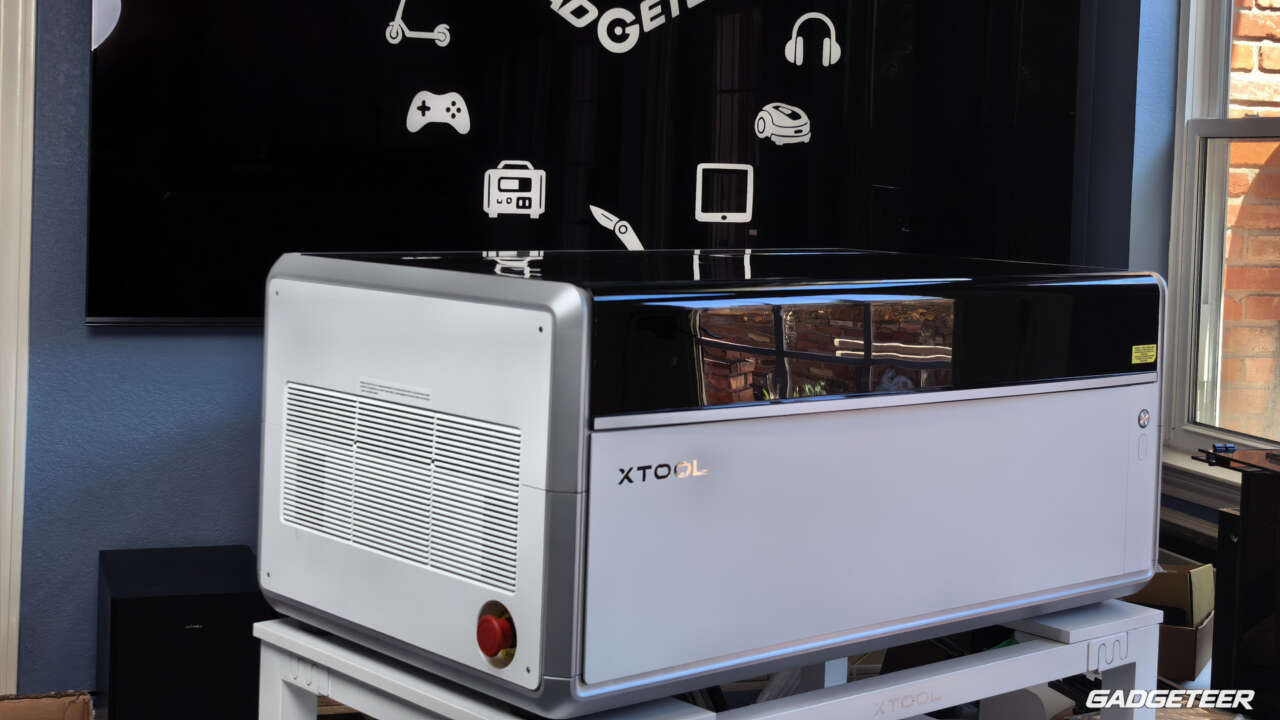
Wood, acrylic, metal and glass call for different laser tools. The xTool X1 brings those options into one enclosed workstation, with external sources that can be swapped as the project changes. I have the X1 in my studio with the 60W MOPA and 5W UV sources. The appeal is having room to explore different materials without filling the studio with separate machines.
xTool is taking $100 deposits, refundable before final payment. The launch starting price is $3,399, with full configuration pricing due when final payments open on October 28.
Price: Launch price from $3,399; $100 deposit, refundable before final payment
Where to buy: xTool X1
One workstation, room to grow
The X1 sits on an xTool-branded stand in my studio. When planning a space for it, allow room for the rear-mounted source, exhaust routing and access around the lid.
xTool calls the underlying structure its UniCast frame, built around three die-cast aluminum structures supporting the cutting and engraving systems. The front controls sit near the right edge, with a red emergency-stop button on the left side.
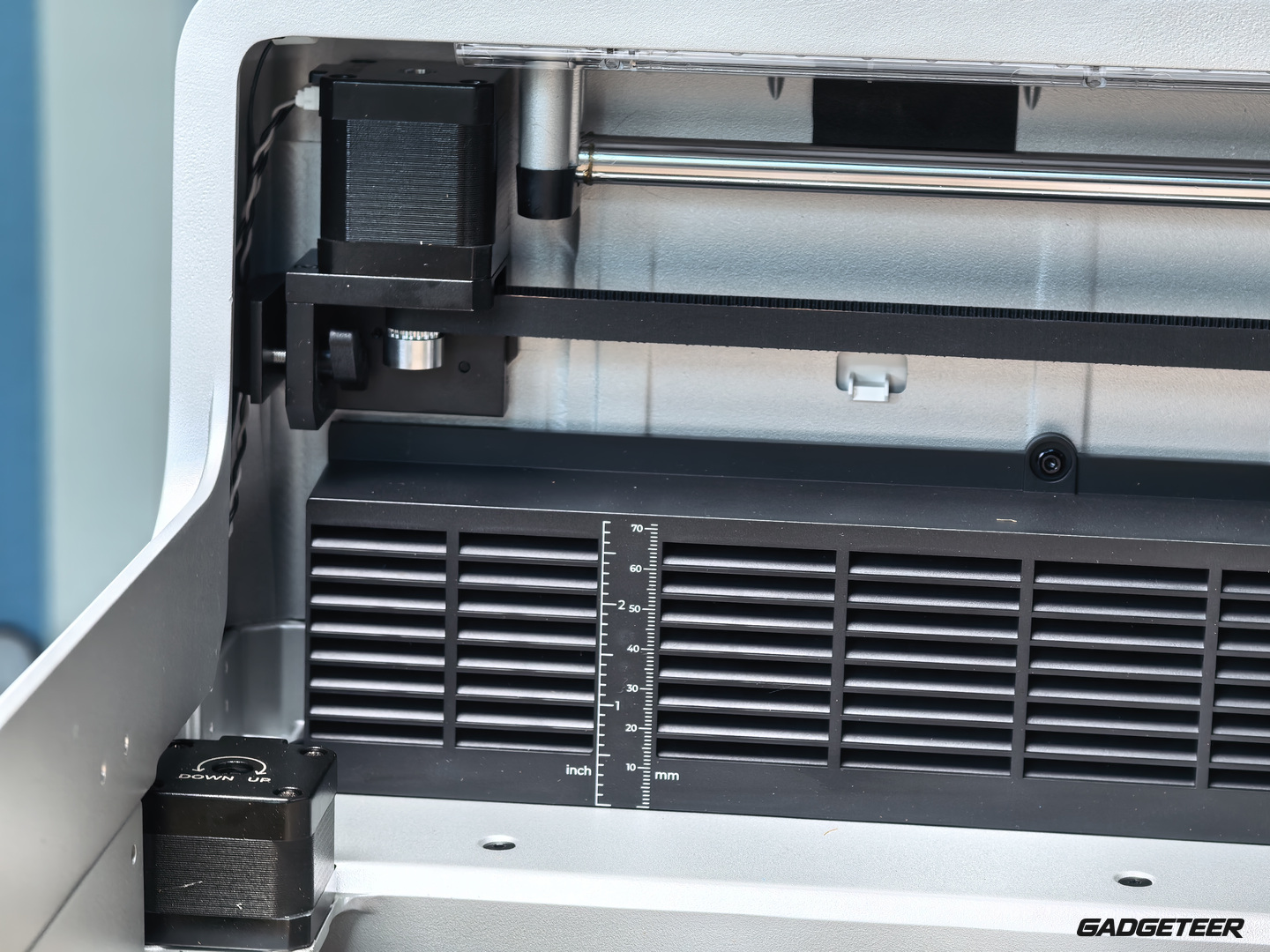
Inside, rails, a toothed belt and a cable carrier run across the work area. A scale marked in inches and millimeters provides a height reference. xTool says its AutoLift Base adjusts the bed height automatically.


Choose the laser for the project
The starting configuration has a 55W CO2 laser for cutting and engraving materials such as wood and acrylic. The optional 20W Diode Galvo Module adds galvo engraving and the connection for external UV, MOPA and Fiber sources. It can be added later to the X1 Single CO2 configuration.
The processing head stays inside the enclosure; an external source mounts at the back. In the galvo system, mirrors steer the beam for engraving.
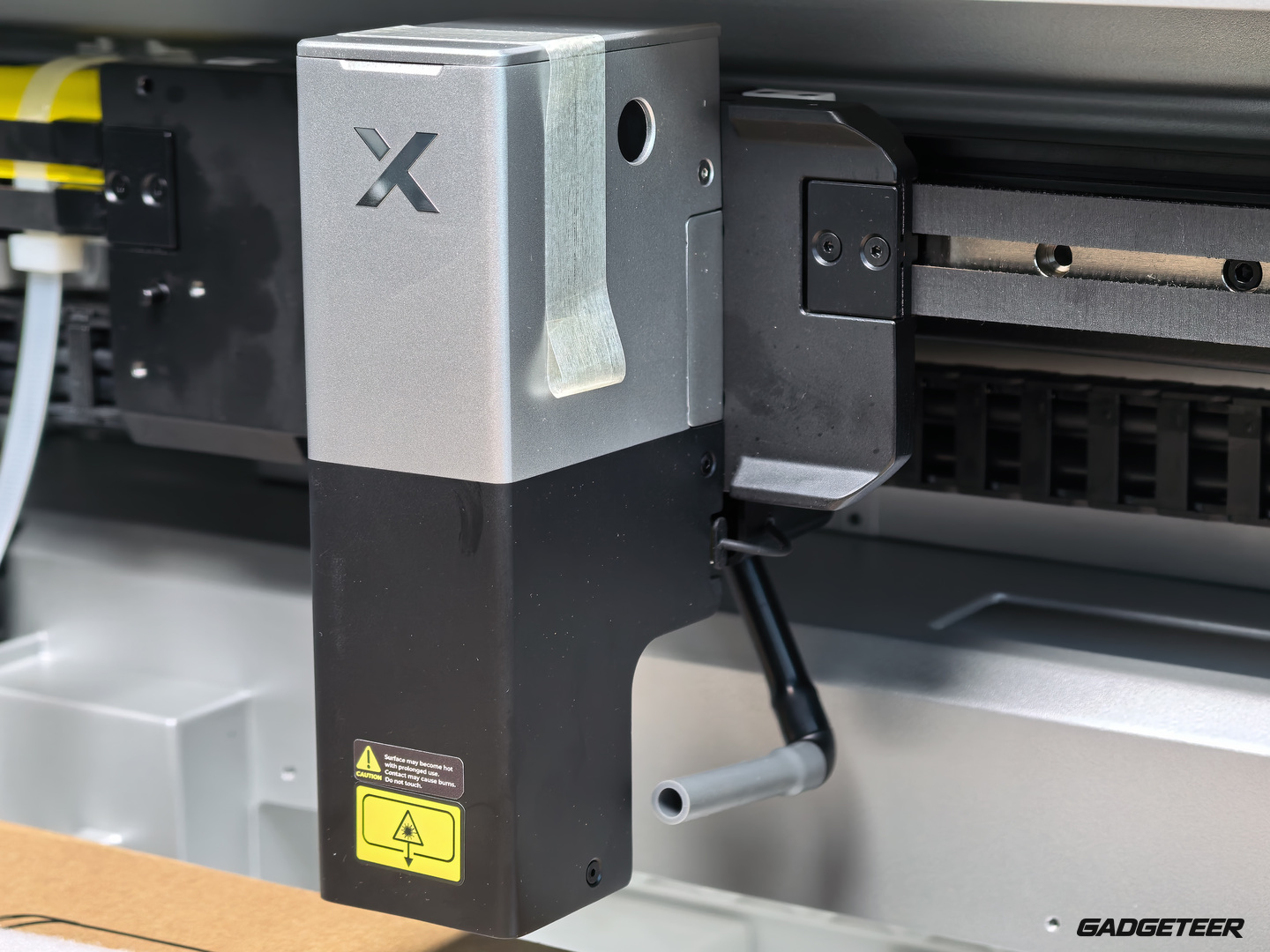
The external LaserSwap options cover different material jobs. xTool lists 30W Fiber and 60W MOPA for metal applications, while the 5W UV source supports surface and internal glass engraving. Each source shares the galvo system, expanding the material options within the same workstation.
One external backpack mounts at a time. Moving from metal work to a UV glass project means changing the source and fitting the corresponding lens, then setting up the job in xTool Studio. Grouping projects by source makes sense when planning a session.
xTool says CO2 and galvo operations can also share one Studio project. You assign the source, mode and settings to each element, and the machine completes one source’s work before moving to the next. That brings a cut outline and engraved details into the same project file.
Price: Launch price from $3,399; $100 deposit, refundable before final payment
Where to buy: xTool X1
This is the start of a project-led X1 series. I’ll share what I make with each laser through articles, videos and step-by-step how-tos. I can’t wait to put them to work.