Android phone owners have plenty of Windows laptops and Chromebooks to choose from, but moving between phone and computer can still feel like moving between separate worlds. Files need to be transferred, mobile apps may not exist on the laptop, and even Google’s own services can behave differently depending on which screen you are using.
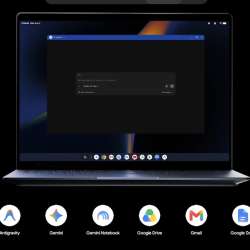
Googlebook OS is Google’s attempt to make that relationship much tighter. It is built on Android technology while incorporating desktop foundations developed through ChromeOS, giving Google a way to combine Android apps and phone integration with a desktop-class Chrome browser, desktop windowing, and laptop hardware.
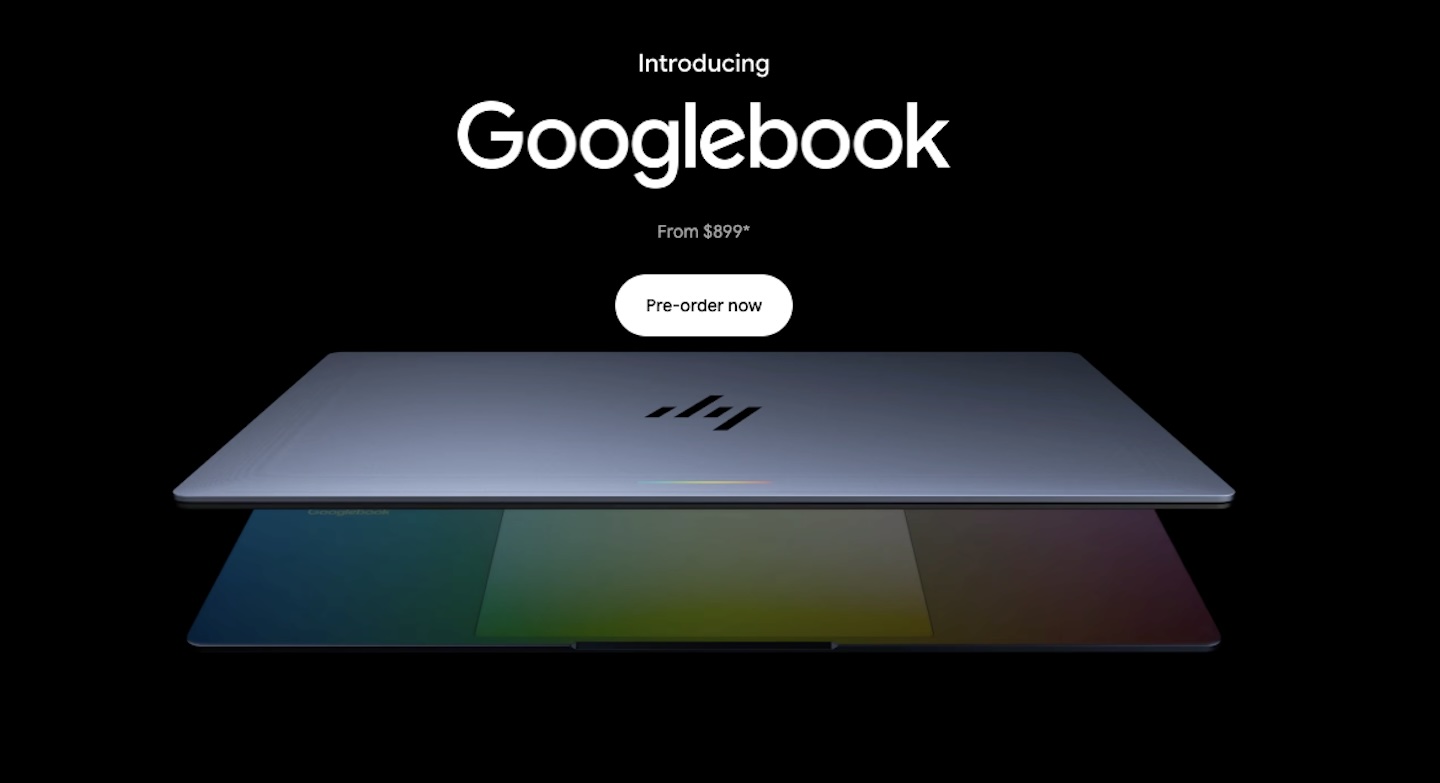
The first Googlebooks come from Acer, ASUS, Dell, HP, and Lenovo, with prices starting at $899. They reach U.S. stores on October 4, followed by several additional countries on October 5. The hardware will determine performance and battery life, but Googlebook OS is what makes these machines feel different from just another wave of Chromebooks.
Here are five features that give Google’s new platform a particularly interesting start.
1. Your Android phone becomes part of the laptop experience
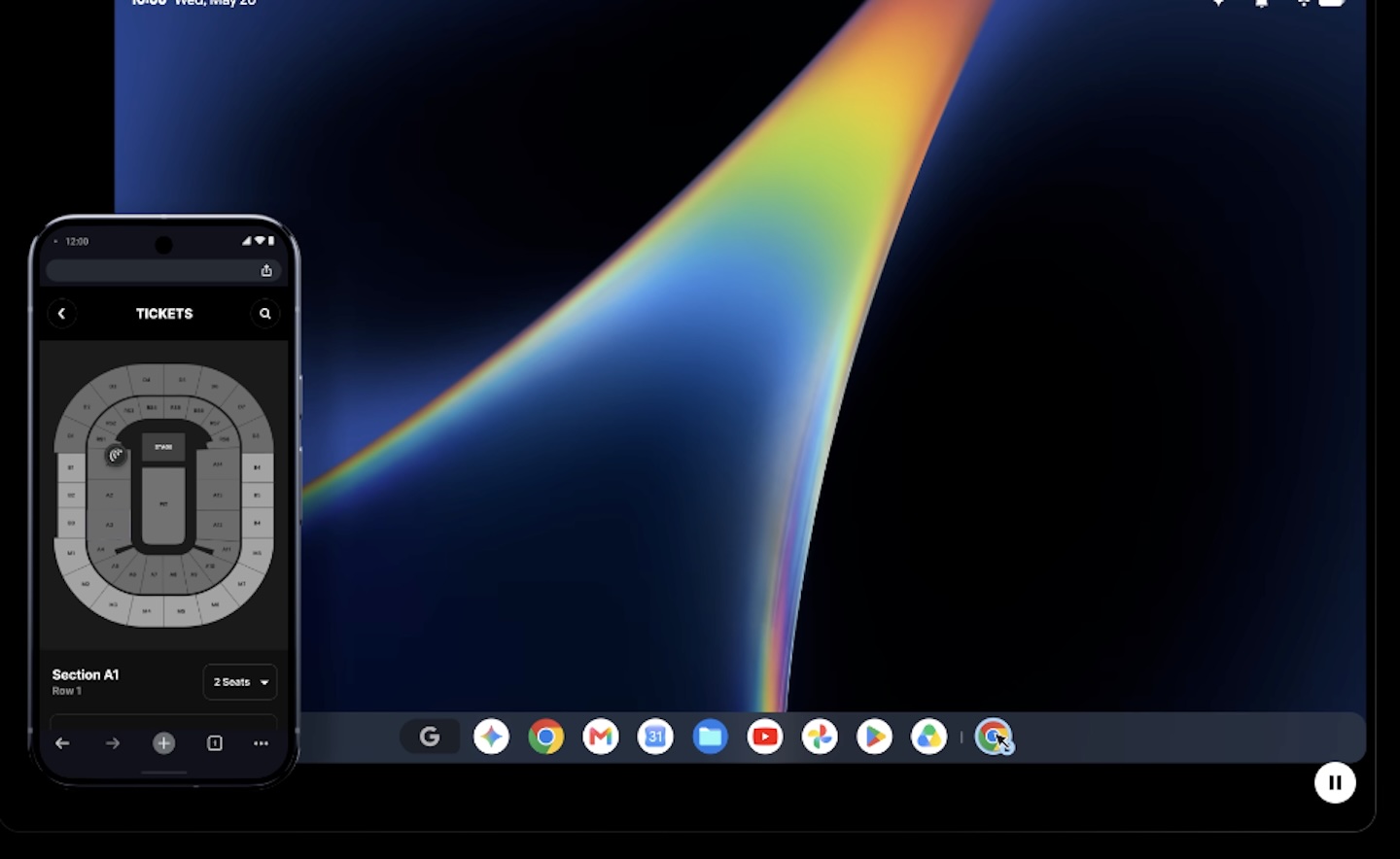
Googlebook OS makes its strongest argument before AI even enters the discussion. Google has built several cross-device features around Android phones into the experience, including Continue On, Quick Access in the Files app, and Cast My Apps. Each addresses a different part of the phone-to-laptop transition.
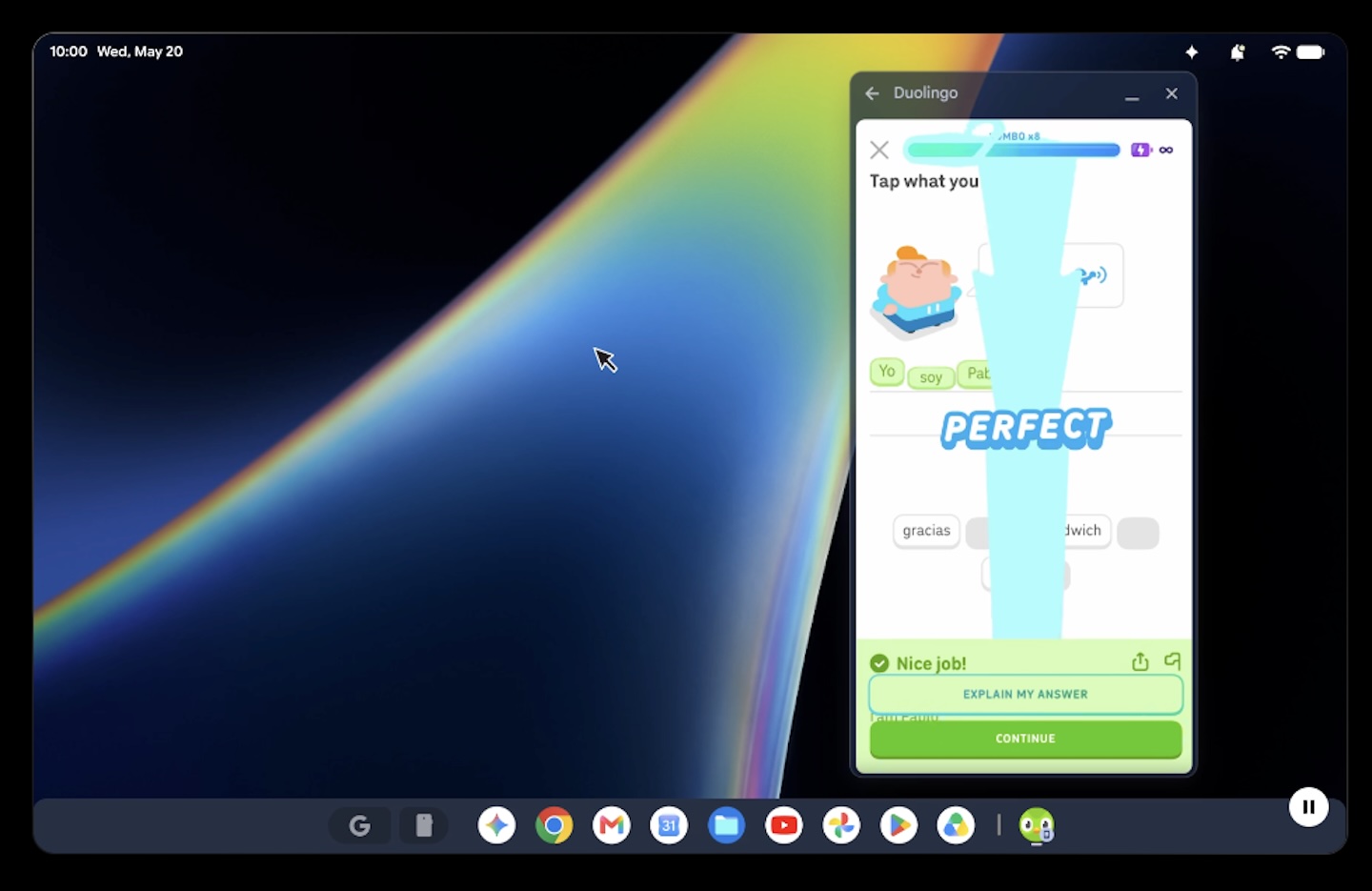 Continue On lets supported tasks move from your phone to the Googlebook. The Files app can display, search, and open files and photos stored on your phone, reducing the need to email something to yourself or manually upload it to cloud storage first.
Cast My Apps takes a different approach. Instead of installing another copy of a mobile app on the computer, it streams the app from your phone into a desktop window where you can interact with it. Google gives examples such as checking a delivery app or retrieving a one-time code from Messages without picking up your phone.
These are capabilities Google describes rather than proof that every Android phone, app, and workflow will behave flawlessly. Their practical value will depend on reliability and compatibility. Still, they address a genuine problem: making your phone feel less like a separate device whenever you sit down at your computer.
2. Magic Pointer brings Gemini to whatever you’re doing
AI features on laptops can create their own kind of friction. If getting help requires opening a chatbot, describing what is already on the screen, copying the result, and returning to the original app, the AI may add almost as many steps as it removes.
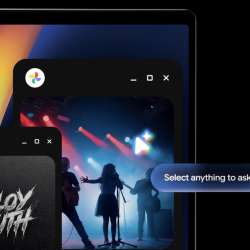
Magic Pointer is Google’s attempt to change that interaction. A quick wiggle of the cursor brings Gemini to the content you are already viewing. Google says Magic Pointer can understand text, images, and surrounding context, allowing you to select something and ask Gemini to work with it.
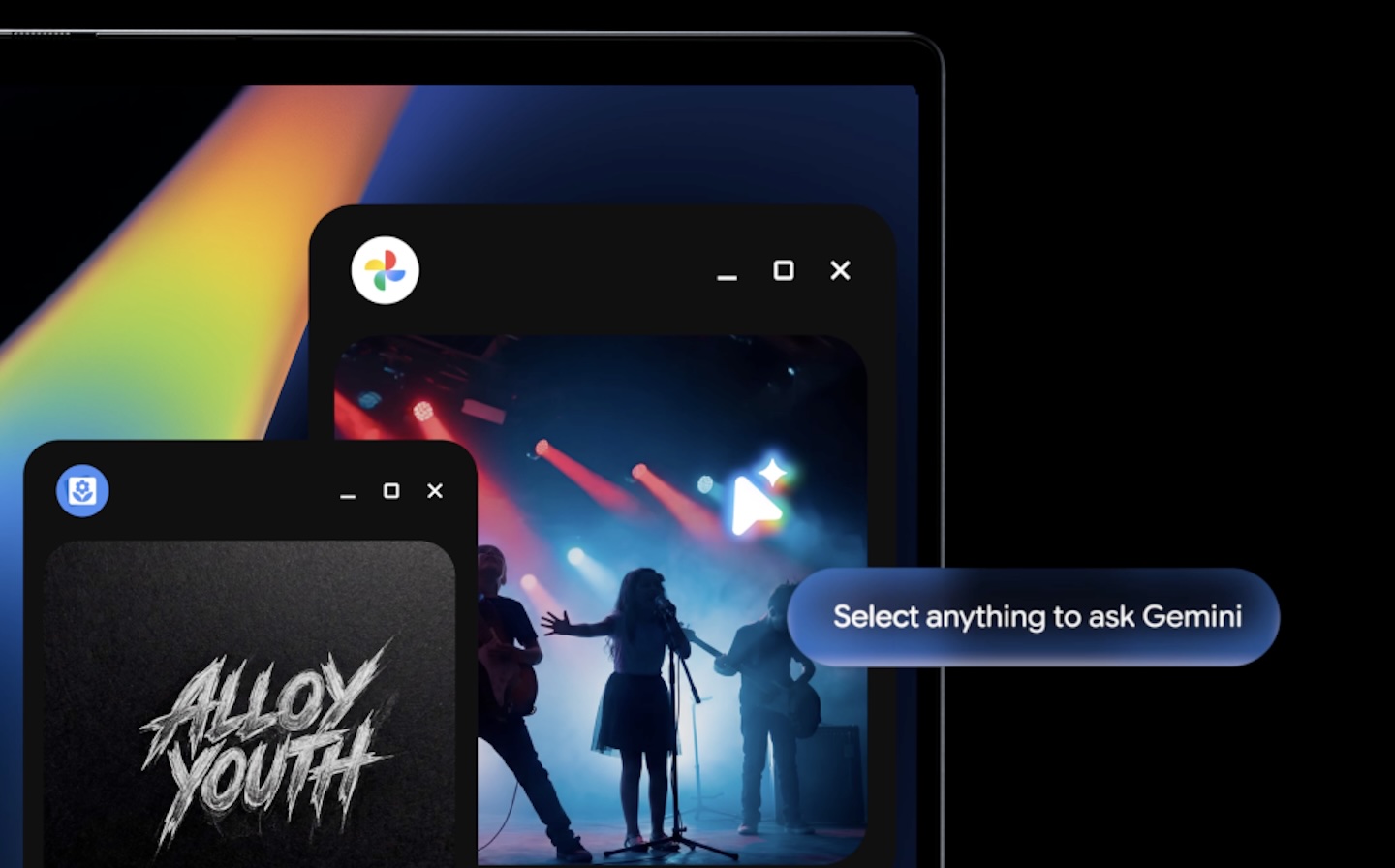 Google’s examples include translating text, organizing calendar details, working with images, and handling contextual tasks without constantly jumping between windows. Google says Magic Pointer is integrated directly into the Googlebook interface, although its Gemini responses will still depend on the strengths and limitations of generative AI.
That distinction matters. Magic Pointer does not make Gemini automatically accurate simply because it is closer to your cursor. Its stronger advantage is reducing the friction of asking for AI help while you are already working.
3. Android apps and desktop Chrome share the same foundation
Chromebooks have supported Android apps for years, but ChromeOS began life as a web-focused operating system and added Android software later. Googlebook OS reverses that relationship by building on Android technology while bringing over desktop foundations from ChromeOS.
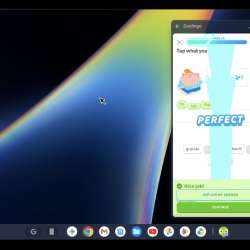
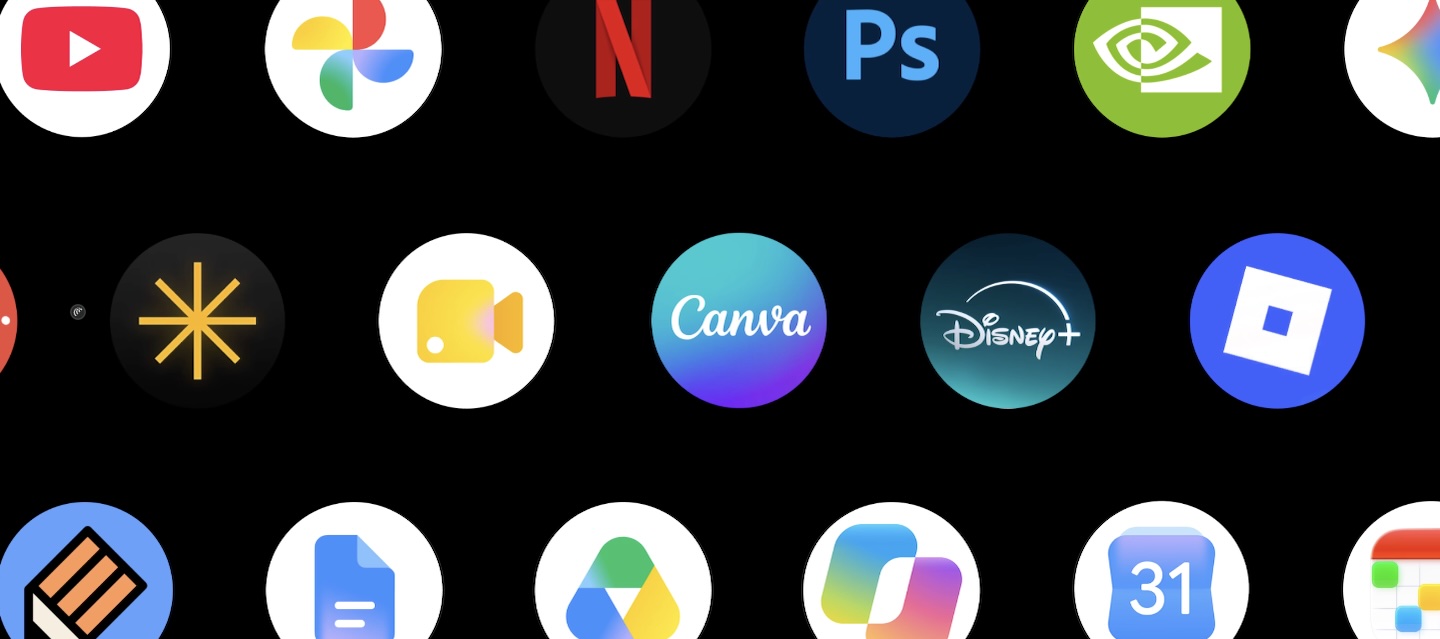 That gives users access to millions of Play Store apps alongside a desktop-class version of Chrome with extension support. Google specifically highlights software including Adobe Photoshop, Adobe Lightroom, and CapCut, as well as entertainment apps with offline viewing support.
The practical appeal here is flexibility. A Googlebook can use a desktop website when that provides the better experience and an Android app when mobile software offers features that the browser version lacks. For someone already invested in Android, that could make the laptop feel more familiar from the moment it is set up.
There is an important limitation. Millions of available Android apps do not equal millions of excellent laptop apps. Interfaces originally created for a phone may still need optimization for large displays, keyboards, touchpads, and resizable windows. Early hands-on impressions suggest that Googlebook OS feels recognizably like Android adapted for desktop use, but the quality of individual apps will still vary.
4. Linux gives Googlebook OS room to do serious work
An Android-based laptop could easily sound limiting to developers who depend on terminals, repositories, command-line tools, and conventional Linux software. Google has addressed that concern by including an isolated Linux environment with full terminal access.
Google says developers can pull code repositories, run Linux development tools, and use software such as Claude Code and Antigravity CLI. Googlebook includes Antigravity, Google’s AI agent development platform, for building, testing, and deploying apps.
 Security is part of the design. Google says the Linux environment runs through a Level 5 security-certified pKVM hypervisor, isolating it from the primary system. The broader platform also inherits ChromeOS security foundations, including Google Titan hardware root of trust, defense-in-depth protections, and on-device malware detection.
Independent testing still needs to establish how well demanding development environments perform across the different Googlebook processors and configurations. Even so, full terminal access substantially expands what an Android-based computer can realistically be used for and gives technical users somewhere to turn when an Android app or web tool is not enough.
5. Google is promising up to 10 years of updates
A new platform can be a risky buy, especially at $899 or more. Google aims to ease that concern with regular feature drops and updates for up to 10 years.
That matters because Googlebook OS will likely evolve after launch, from Magic Pointer and phone integration to desktop Android apps and development tools. “Up to 10 years” is not a guarantee of identical support for every device, but the commitment signals that Google intends to invest in the platform beyond launch.
 Who should be excited about Googlebook OS?
Googlebook OS makes the strongest early case for Android users who want more desktop capability than they expect from a traditional Chromebook. Continue On, Quick Access, and Cast My Apps ease the everyday friction of moving between devices, while Magic Pointer aims to make Gemini more useful without sending users to a separate AI workflow.
Its Android foundation opens the door to a vast app ecosystem, while desktop Chrome and an isolated Linux environment keep the platform from relying solely on mobile apps. Google’s promise of updates for up to 10 years also gives the company time to refine the experience after launch.
Questions remain. Android apps must prove they work consistently well on laptops, Gemini must be accurate as well as convenient, and the Linux environment needs broader real-world testing before it can be viewed as a replacement for an established development workstation.
That is what makes Googlebook OS interesting. Rather than simply adding another Chromebook-style interface, Google is trying to bring Android, desktop Chrome, Gemini, Linux, and Android phone integration into one laptop platform. For Android users who want their phone and computer to feel like parts of the same ecosystem, it is a compelling start.