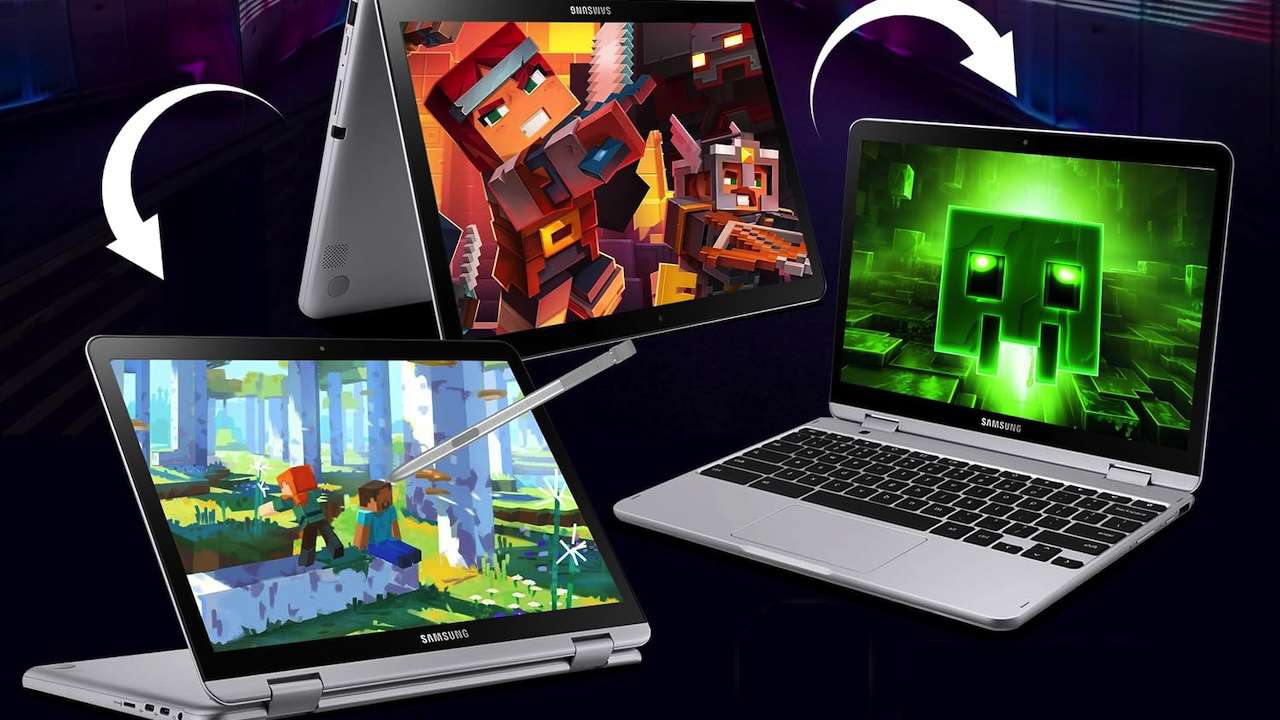
Most students don’t need a premium laptop to get through class notes, Google Docs, Canvas, Zoom, and the usual stack of browser tabs. What they do need is a Chromebook that doesn’t feel like a penalty box by October.
That makes the Best Chromebooks under $400 range useful but tricky. You can get a bigger screen, a convertible hinge, or a lighter everyday build, but rarely all three in one machine at this price. These six Chromebooks stay under $400 and split the difference in different ways.
At a Glance
- Best 2-in-1 pick: Samsung 12.2-inch FHD 2-in-1 Touchscreen Chromebook Plus
- Best big-screen value: Lenovo Chromebook 15
- Best anti-glare classroom screen: ASUS Chromebook CX15
- Best 14-inch everyday pick: Lenovo Chromebook m 14-inch
- Best convertible ASUS pick: ASUS Chromebook Flip CX1
- Best Lenovo 2-in-1 option: Lenovo Chromebook 2-in-1
1. Samsung 12.2-Inch Chromebook Plus: Best 2-in-1 Pick
The Samsung Chromebook Plus is the most flexible pick in this group because it gives students a 12.2-inch FHD touchscreen and a 2-in-1 design for $369. That matters if the laptop has to move between typing essays, reading PDFs, watching lectures, and sketching quick notes.
The smaller screen also makes more sense for backpacks than a 15.6-inch model. The tradeoff is workspace. Students who keep four windows open at once may want a larger display, but anyone prioritizing portability and tablet-style use should start here.
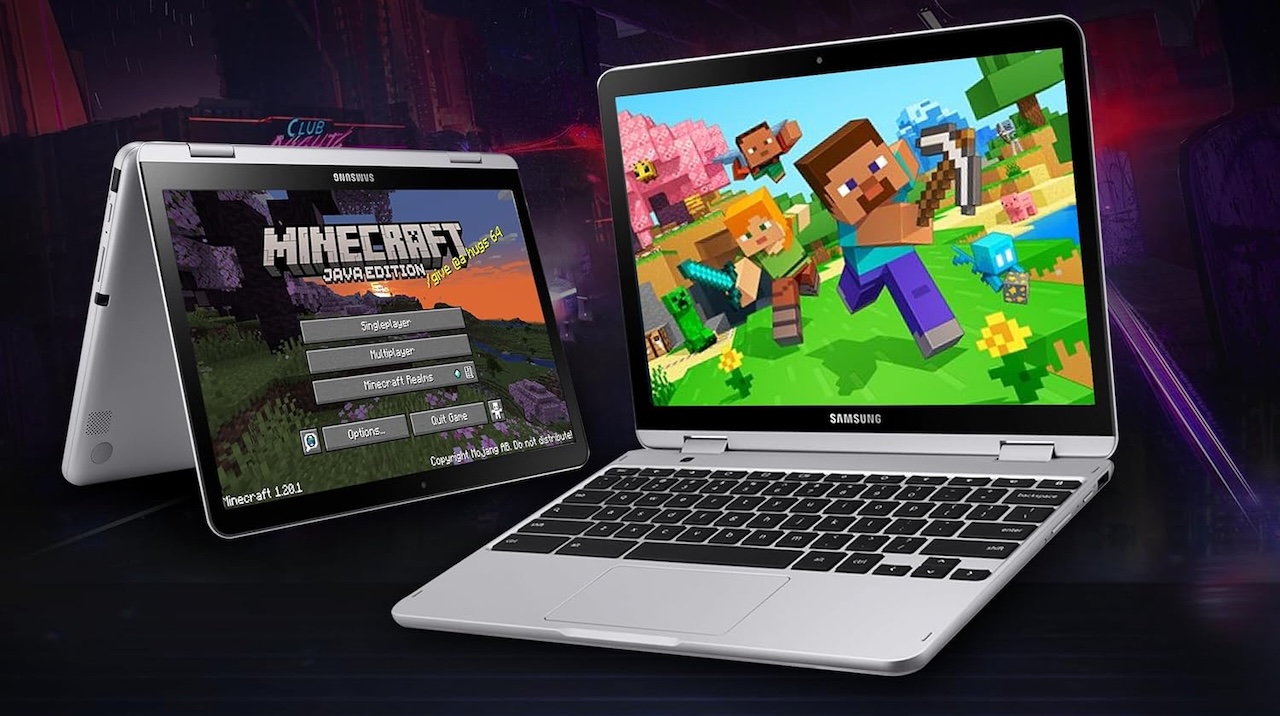
Samsung 12.2-inch FHD 2-in-1 Touchscreen Chromebook Plus
Price: $369
Where to Buy: Amazon
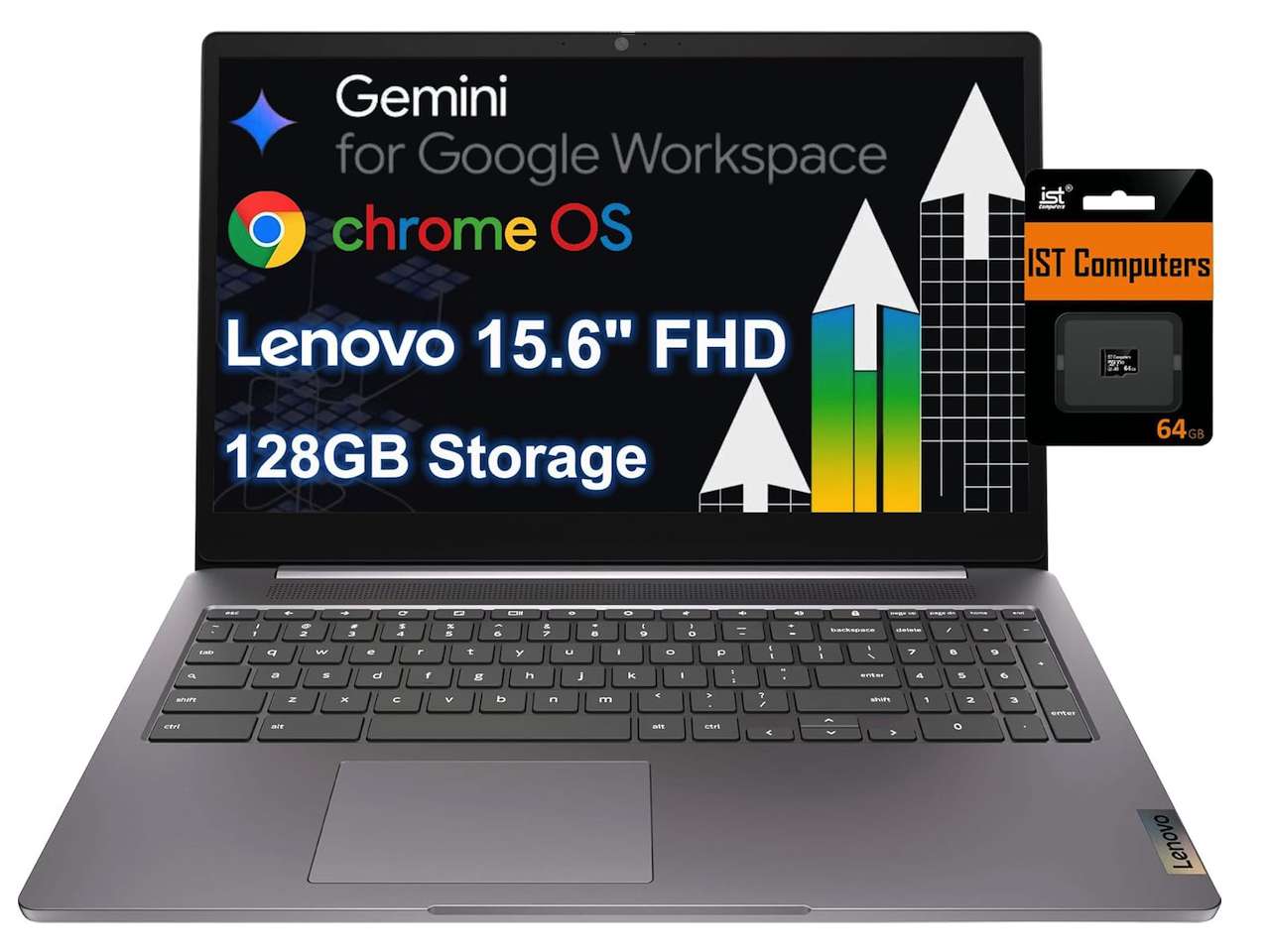
2. Lenovo Chromebook 15: Best Big-Screen Value
The Lenovo Chromebook 15 is the cheapest option here at $279.98, and its 15.6-inch FHD display is the obvious reason to consider it. For students who write papers, compare research tabs, or spend long stretches in Google Classroom, screen size can feel more useful than a touchscreen.
Its Intel Celeron N4500 also signals a basic, school-first machine rather than a performance laptop. That’s fine for browser-based schoolwork, but it isn’t the pick for heavier multitasking. If the priority is the most screen for the least money, this Lenovo makes the cleanest case.
Lenovo Chromebook 15
Price: $279.98
Where to Buy: Amazon
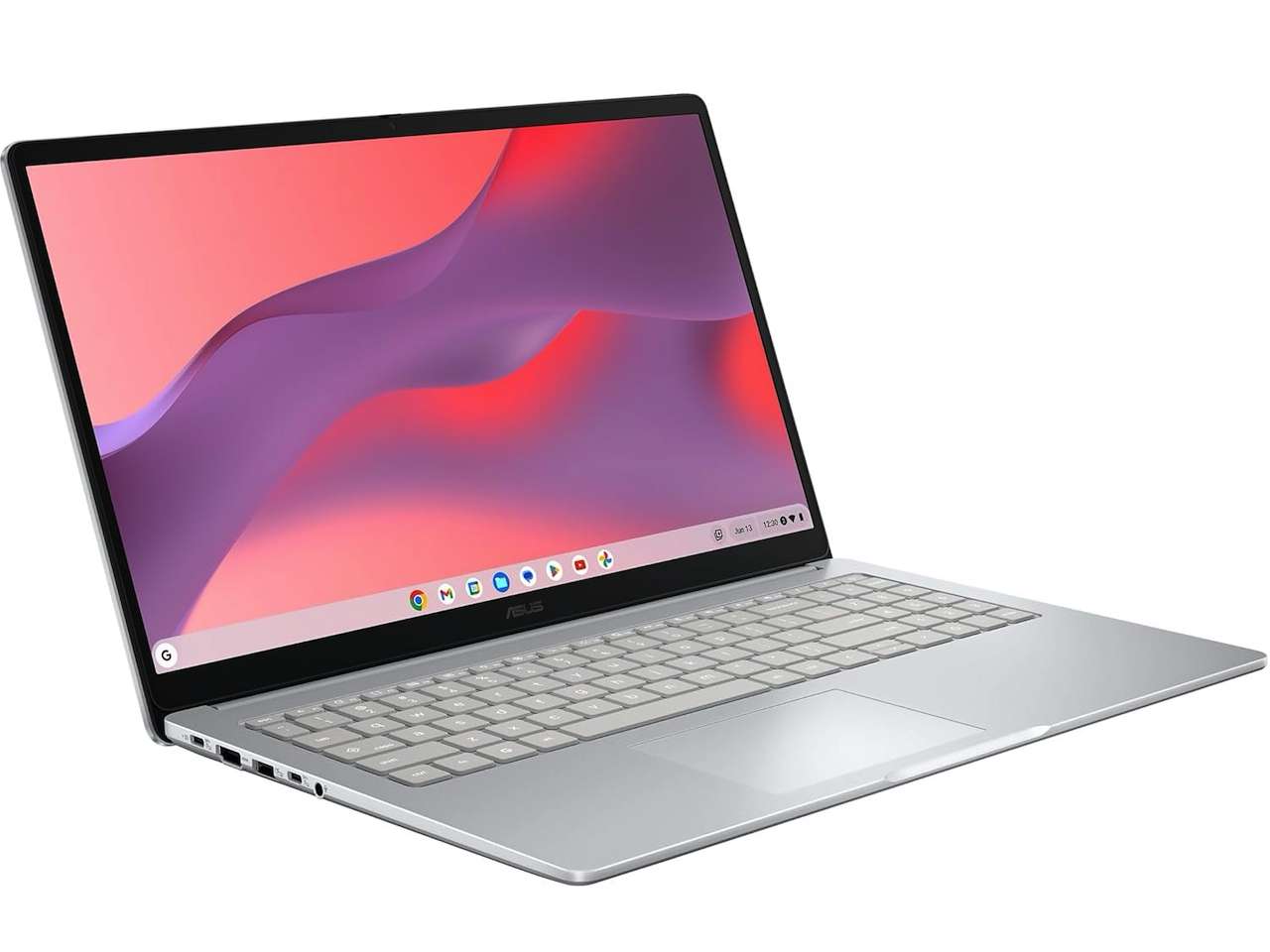
3. ASUS Chromebook CX15: Best Anti-Glare Classroom Screen
The ASUS Chromebook CX15 costs $316.50 and pairs a 15.6-inch FHD display with an anti-glare panel. That anti-glare detail is the hook, especially for classrooms, libraries, and dorm rooms where lighting is never as controlled as you’d like.
This is the one I’d look at for a student who wants a larger screen but doesn’t care about a tablet mode. The listing points to a practical clamshell Chromebook, not a flashy one, and that’s often the right fit for school. If the laptop mostly lives on a desk, the CX15 has a strong value argument.
ASUS Chromebook CX15
Price: $316.50
Where to Buy: Amazon
4. Lenovo Chromebook m 14-Inch: Best 14-Inch Everyday Pick
The Lenovo Chromebook m 14-inch lands at $329.67 and hits the middle ground of this list. A 14-inch Chromebook is usually easier to carry than a 15.6-inch model but still less cramped than the smaller 12.2-inch Samsung.
The listing also calls out Google Gemini, which may appeal to students already using Google’s AI tools for brainstorming, summarizing, and organizing schoolwork. Treat that as a convenience feature, not the whole reason to buy it. The real appeal is the size: big enough for daily work, small enough for a crowded backpack.

Lenovo Chromebook m 14-inch
Price: $329.67
Where to Buy: Amazon
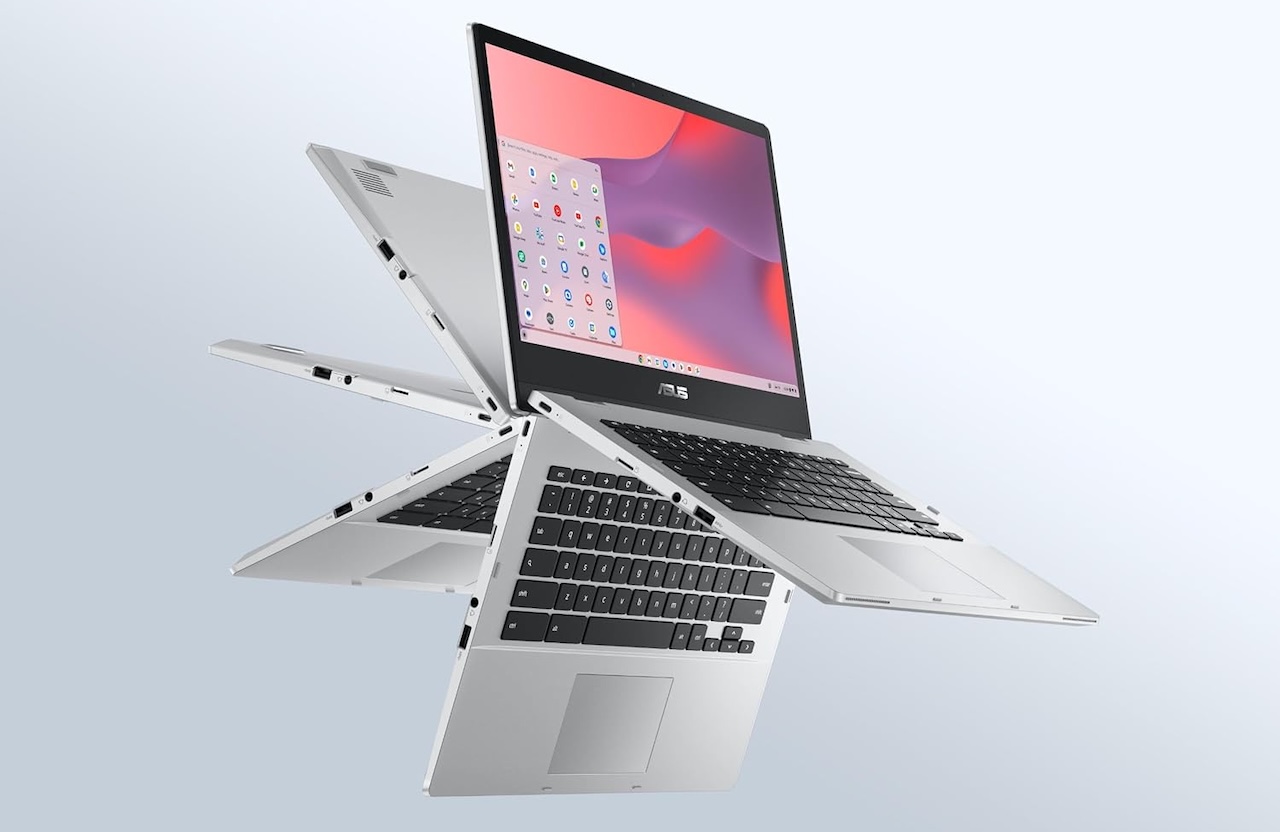
5. ASUS Chromebook Flip CX1: Best Convertible ASUS Pick
The ASUS Chromebook Flip CX1 is the second convertible option here, priced at $391.64. It makes sense for students who like the idea of a 2-in-1 Chromebook but want an ASUS machine rather than the smaller Samsung.
A convertible hinge is useful when a student reads assigned articles, marks up slides, or watches a lecture without needing the keyboard in the way. The price is close to the top of the budget, so the hinge needs to matter. If the laptop will only be used in standard laptop mode, the cheaper CX15 is probably the better ASUS buy.
ASUS Chromebook Flip CX1
Price: $391.64
Where to Buy: Amazon
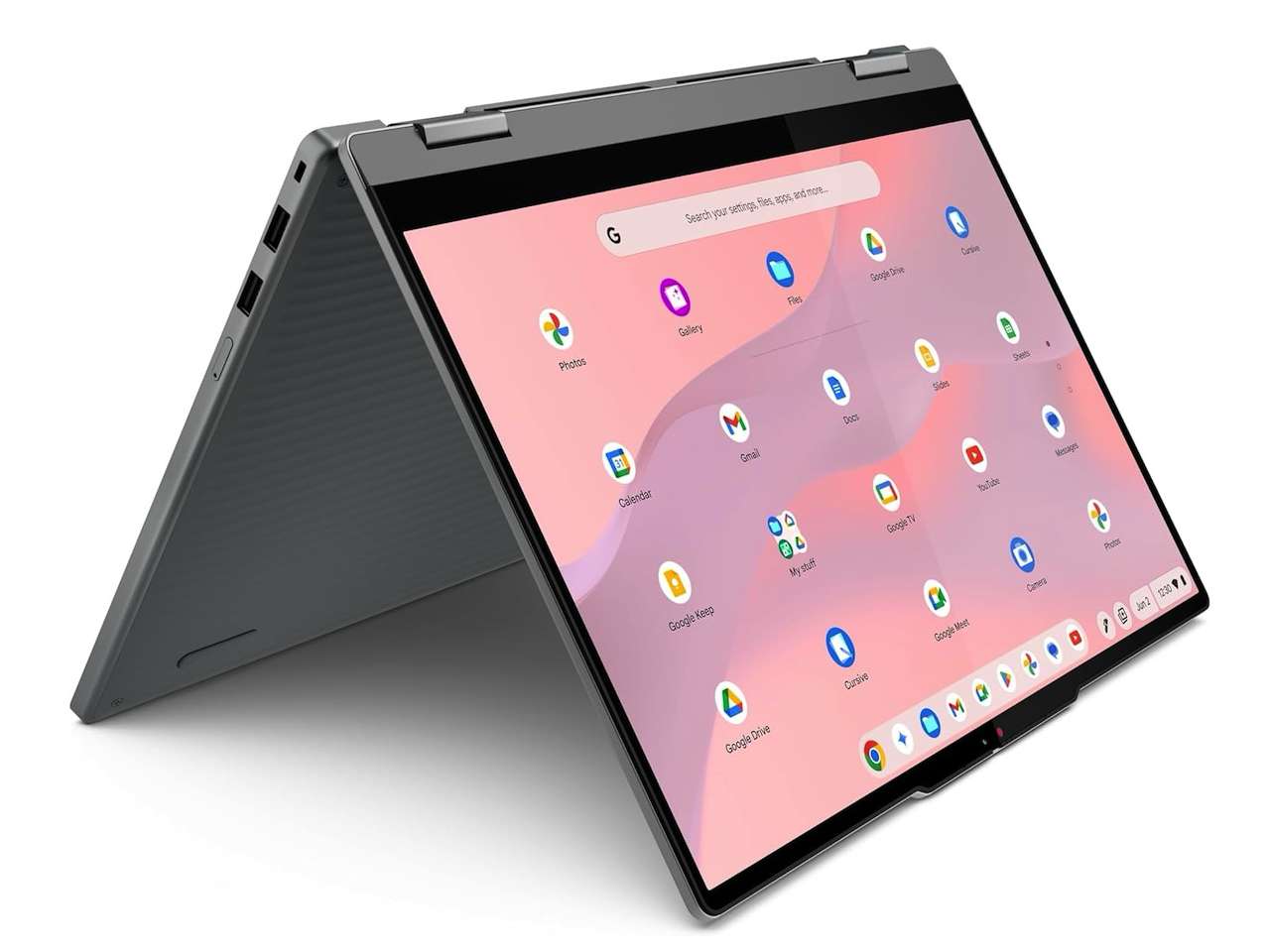
6. Lenovo Chromebook 2-in-1: Best Lenovo Convertible Option
The Lenovo Chromebook 2-in-1 is the most expensive pick on this list at $389.99, but it still stays under the $400 ceiling. It gives Lenovo buyers a touchscreen convertible option with Google Gemini mentioned in the listing.
This one is best for students who know they’ll use tablet or tent mode often. If that feature sounds like a maybe, save the money and choose the Lenovo Chromebook 15 or the 14-inch Lenovo instead. The 2-in-1 design earns its keep only when it changes how the student actually works.
Lenovo Chromebook 2-in-1
Price: $389.99
Where to Buy: Amazon
What to Look For in a Student Chromebook Under $400
Start with screen size. A 15.6-inch Chromebook is easier for long writing sessions and research, while a 12-inch or 14-inch model is easier to carry between classes.
Next, decide whether touch and 2-in-1 mode are actually useful. A convertible Chromebook is great for reading, note review, and casual streaming, but students who mostly type papers won’t miss it as much as the product page suggests.
Processor details matter less than fit at this price, as long as expectations stay realistic. These are schoolwork machines for Chrome, Google Docs, email, video calls, and streaming. They’re not replacements for gaming laptops or full Windows machines with specialized software.
The Bottom Line
For most students, the best pick depends on how the Chromebook will be carried and used. From our list of the Best Chromebooks under $400 The Samsung Chromebook Plus is the most flexible 2-in-1, the Lenovo Chromebook 15 is the best big-screen bargain, and the ASUS Chromebook CX15 is the practical anti-glare choice for classroom work.
If portability matters most, look at the Lenovo 14-inch model. If touch and tent mode are must-haves, choose between the Samsung and Lenovo 2-in-1 models based on size and price. The best Chromebook under $400 isn’t the one with the longest feature list. It’s the one a student will actually want to open every day.