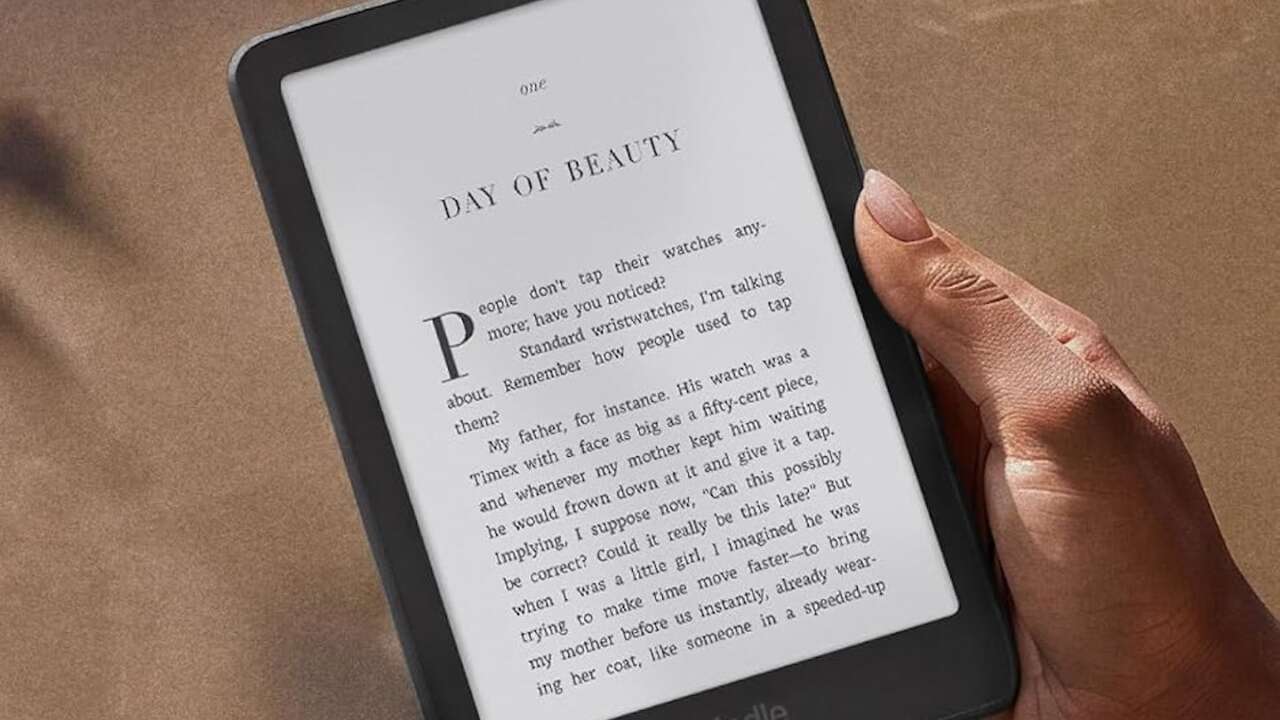
The Kindle Paperwhite and the Kobo Libra Colour both give you a 7-inch waterproof reader, and then they split on the one choice you can’t undo later. Your library picks the winner. The Paperwhite ties you to Amazon’s store and its file rules. The Libra Colour reads native EPUB and borrows library books on the device itself, and the screens come second in this comparison.
Both readers sell on Amazon, with prices checked live today. The Paperwhite starts at $199.99 with lockscreen ads. The Libra Colour costs $229.99 right now, down from its $259.99 list, with 32 GB and no ad tier at all.
The screens: sharp text against real color
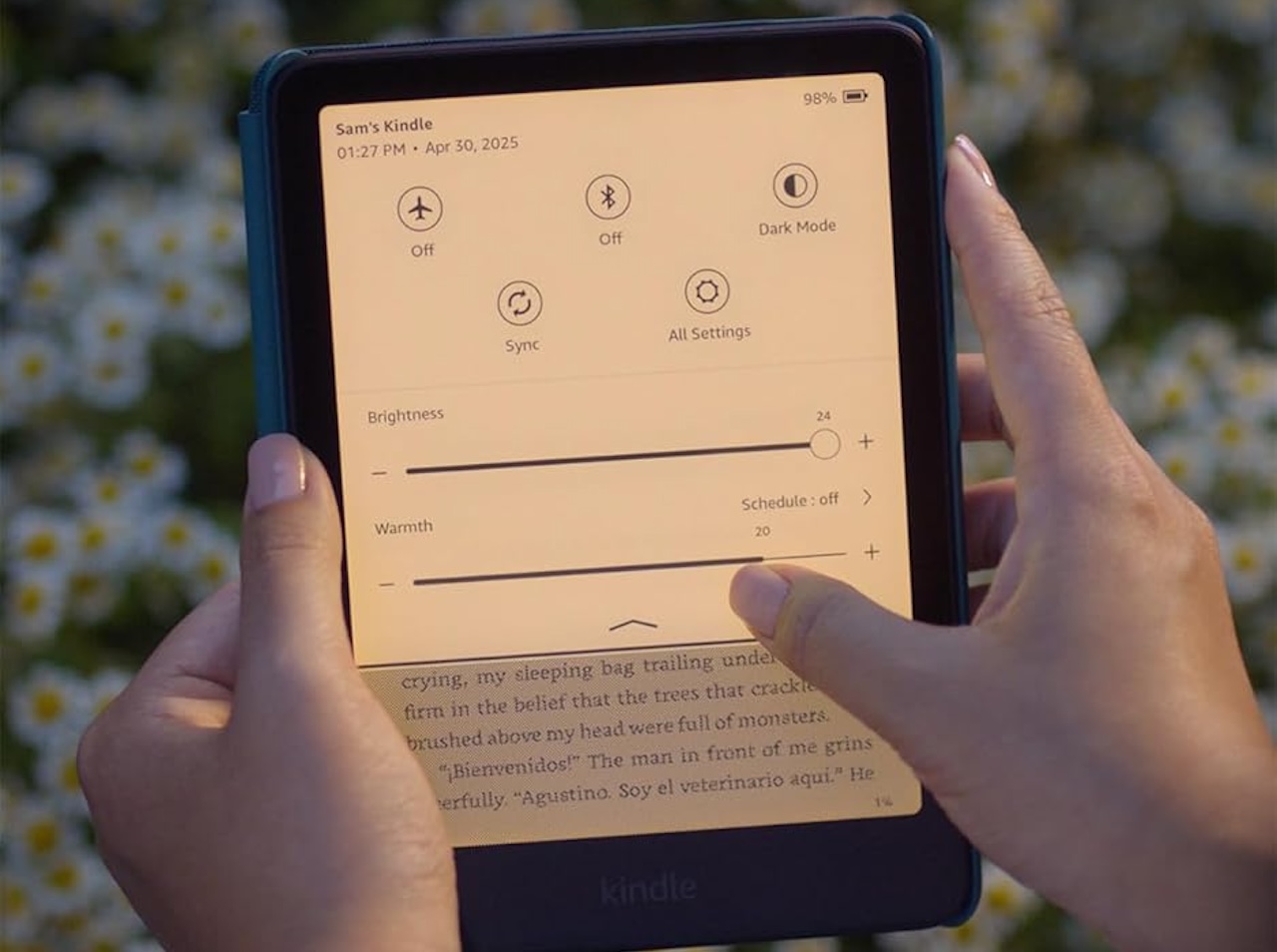
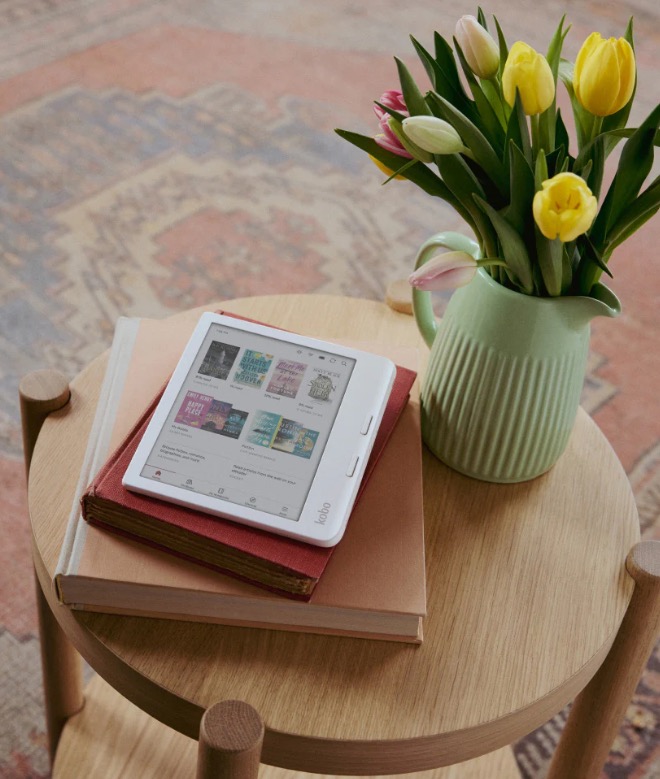
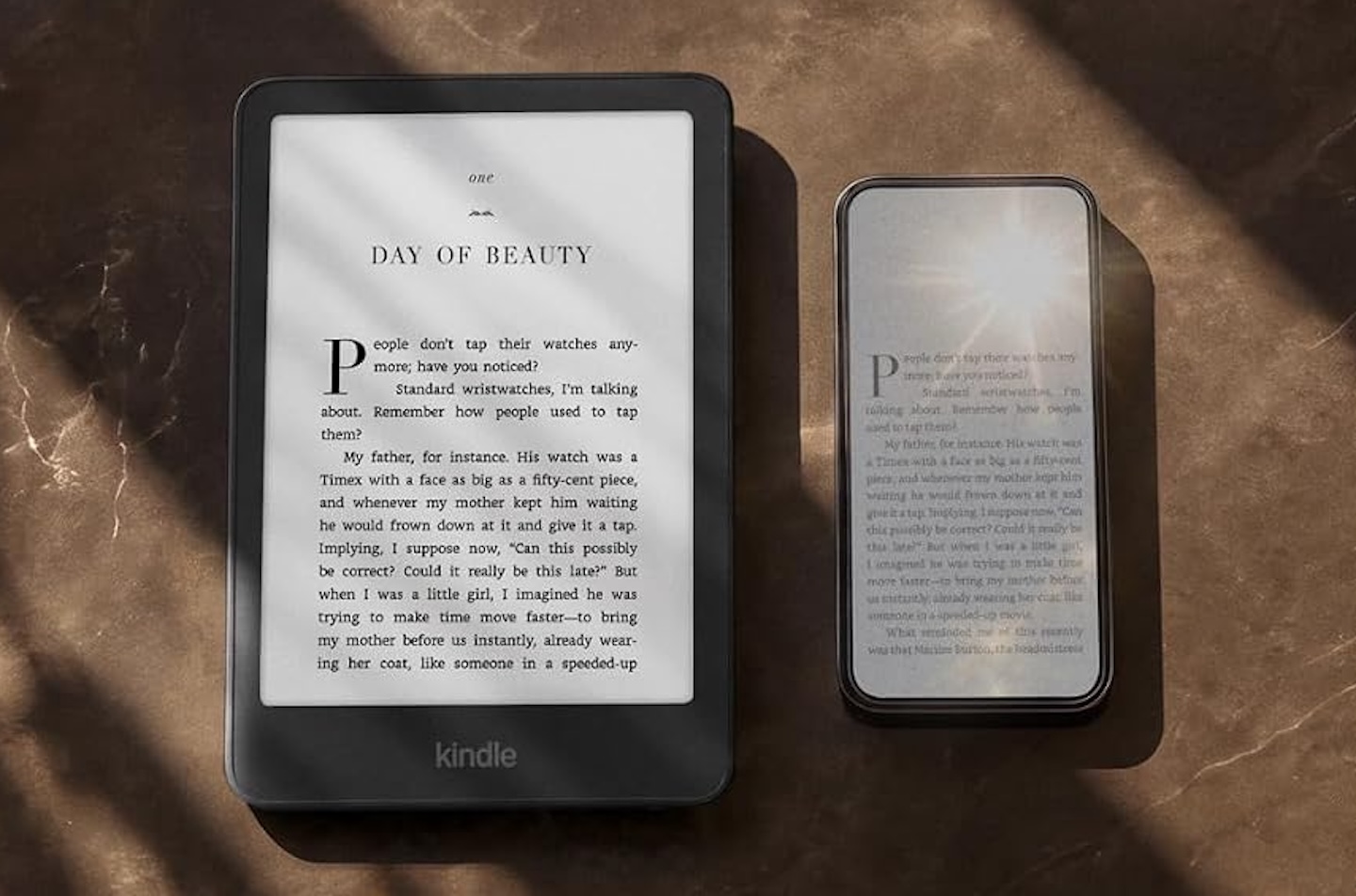
The Paperwhite screen is black and white only, at 300 ppi, with an adjustable warm light that keeps late chapters easy on your eyes. Text looks printed. The Libra Colour uses a Kaleido 3 panel. It holds the same 300 ppi for text and drops to 150 ppi for color, so covers and comics render in color with a softer, darker layer underneath.
Price: $199.99
Where to buy: Amazon
Color costs contrast on the Kobo, and that trade shows most in plain novels where the Paperwhite page looks whiter and crisper side by side. Comics, cookbooks and kids’ books flip the result fast. A graphic novel on the Paperwhite is a grayscale compromise you feel on every page, while the Libra Colour shows the art as drawn, just muted.
Warm light counts more than either panel at midnight, and the Paperwhite’s adjustable warm light is the spec night readers actually feel. The Kobo counters with color that makes maps, charts and highlighted passages read at a glance.
Buttons, stylus and the feel in hand
The Libra Colour has physical page-turn buttons on a wide grip edge, so your thumb turns pages without touching the screen or shifting your hold. It sounds minor. It isn’t. The Paperwhite is a flat slab at 211 grams with touch-only turns, and the Kobo adds support for the Kobo Stylus 2, sold separately, for highlights and margin notes in color.
Price: $229.99
Where to buy: Amazon
Both readers carry an IPX8 waterproof rating, so a dropped bath read or a poolside splash is a shrug for either one. Battery ratings favor the Kindle on paper, up to 12 weeks against the Kobo’s 40 days. Both makers rate on the same gentle basis of about half an hour a day with wireless off. Heavy readers charge either one monthly-ish in real life. The gap shrinks fast once real reading hours pile up.
The stylus angle is real but narrow, because it serves readers who mark up study texts, PDFs and graphic novels rather than page-turn-only novel readers. Everyone else never misses it on a normal reading day.
Your library decides this one
Kindle books live in Amazon’s store, and the Paperwhite skips native EPUB support, so files from other stores take a conversion step before they land on the device. Library borrowing runs through Libby with an Amazon delivery step in the middle. The Libra Colour reads EPUB natively, sideloads without the conversion dance and builds OverDrive borrowing into the reader, so a library book is a search and a tap away.
Flip the habit and the answer flips too. A decade of Kindle purchases, a Kindle Unlimited subscription or a household sharing Amazon books makes the Paperwhite the path of least resistance. Its $199.99 start undercuts the Kobo by $30 at this check. A library-first reader saves that gap back in a month of borrowed books on the Kobo. Neither reader is wrong here. They’re built for different shelves and different buying habits.
Sideloading tells the same story in miniature, since a Kobo takes a dragged EPUB file over USB and just reads it. A Kindle wants the file converted or sent through Amazon’s pipe first. The extra step is small. It repeats for every book you add to the shelf.
Storage, extras and the real total
Storage splits them too, and it splits by format, because text novels weigh almost nothing while color comics and audiobooks eat space in chunks. The Kobo gives you 32 GB for that color library. The Paperwhite gives you 16.
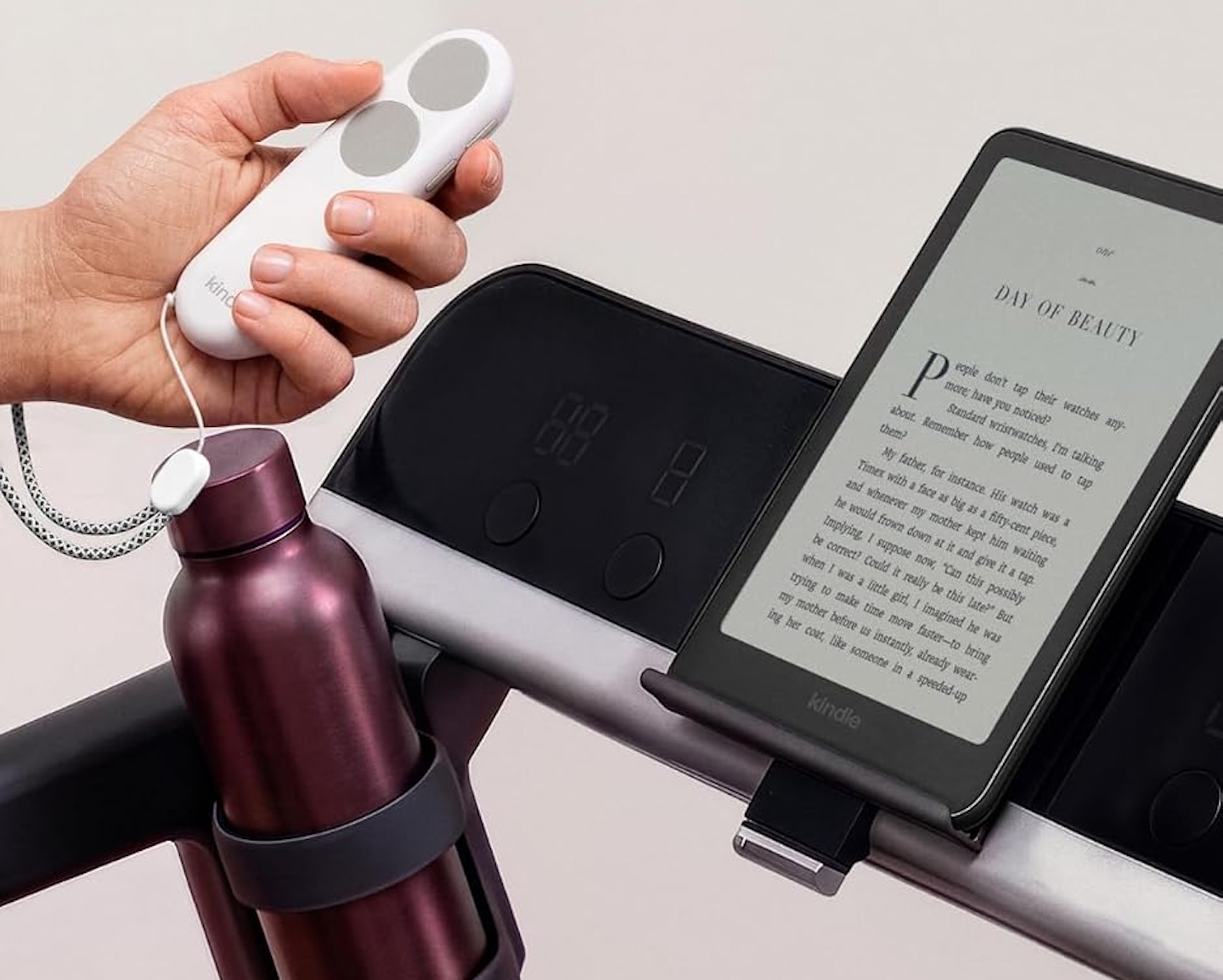
Extras change the totals in smaller ways, since the Paperwhite charges about $20 extra to remove its lockscreen ads and the Kobo sells its Stylus 2 separately. Neither fee is hidden, both sit on the product pages, and both belong in the cart math before the readers get compared on sticker price alone.
The verdict: Start with your shelf. The Kindle Paperwhite is the better fit when your books already live at Amazon and you read mostly novels, because the sharper monochrome page and 12-week rating serve that habit at $199.99. The Kobo Libra Colour is the better fit when you borrow from a library, sideload EPUBs or read comics, because native files, on-device OverDrive and a color screen close that case at $229.99.