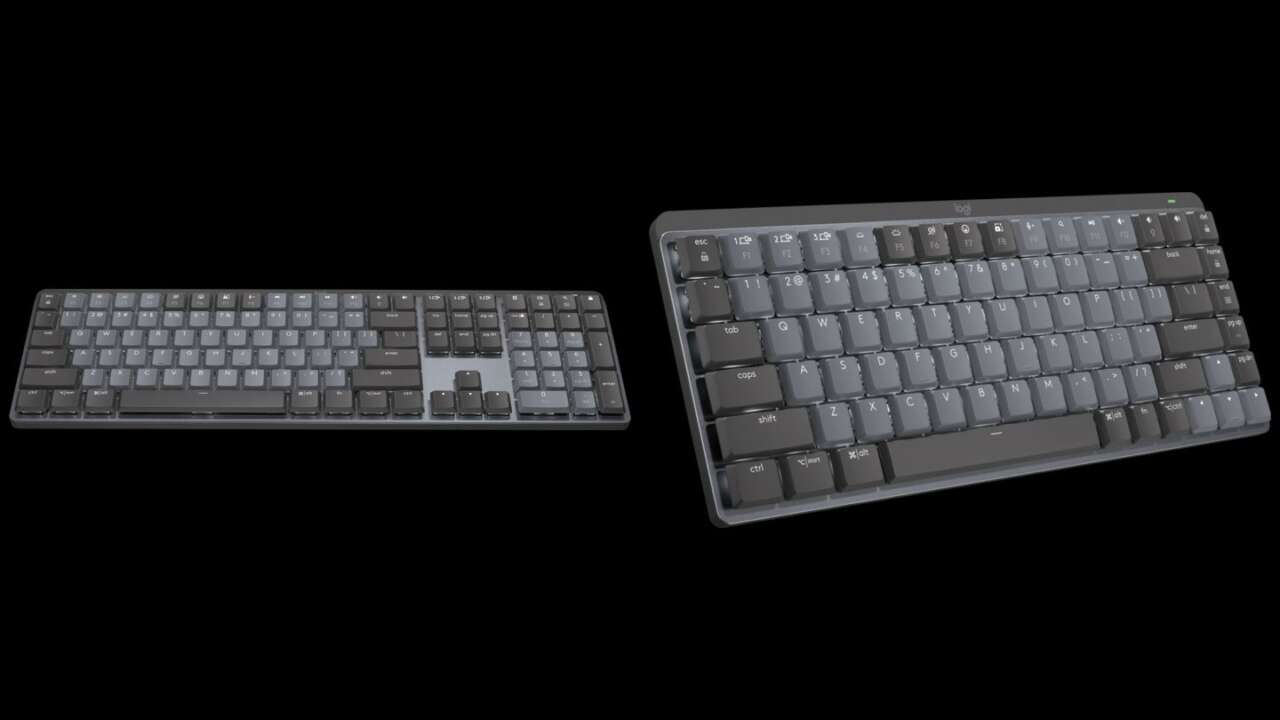
Logitech’s MX Mechanical and MX Mechanical Mini are the same keyboard in two footprints. Both boards run the same low-profile mechanical switches, the same smart backlighting and the same three-device pairing. The spec sheet won’t decide this call for you.
Price: $142.49 for the MX Mechanical with Tactile Quiet switches in Graphite
Where to buy: Buy on Amazon
The decision comes down to desk space and one stubborn habit: whether your right hand lives on a numpad through the workday or barely touches one outside a spreadsheet. The full-size board keeps the numpad and charges $19 more for it at today’s Amazon prices, while the Mini hands that width back to your mouse. Everything below separates what changes from what stays identical.
Footprint and layout
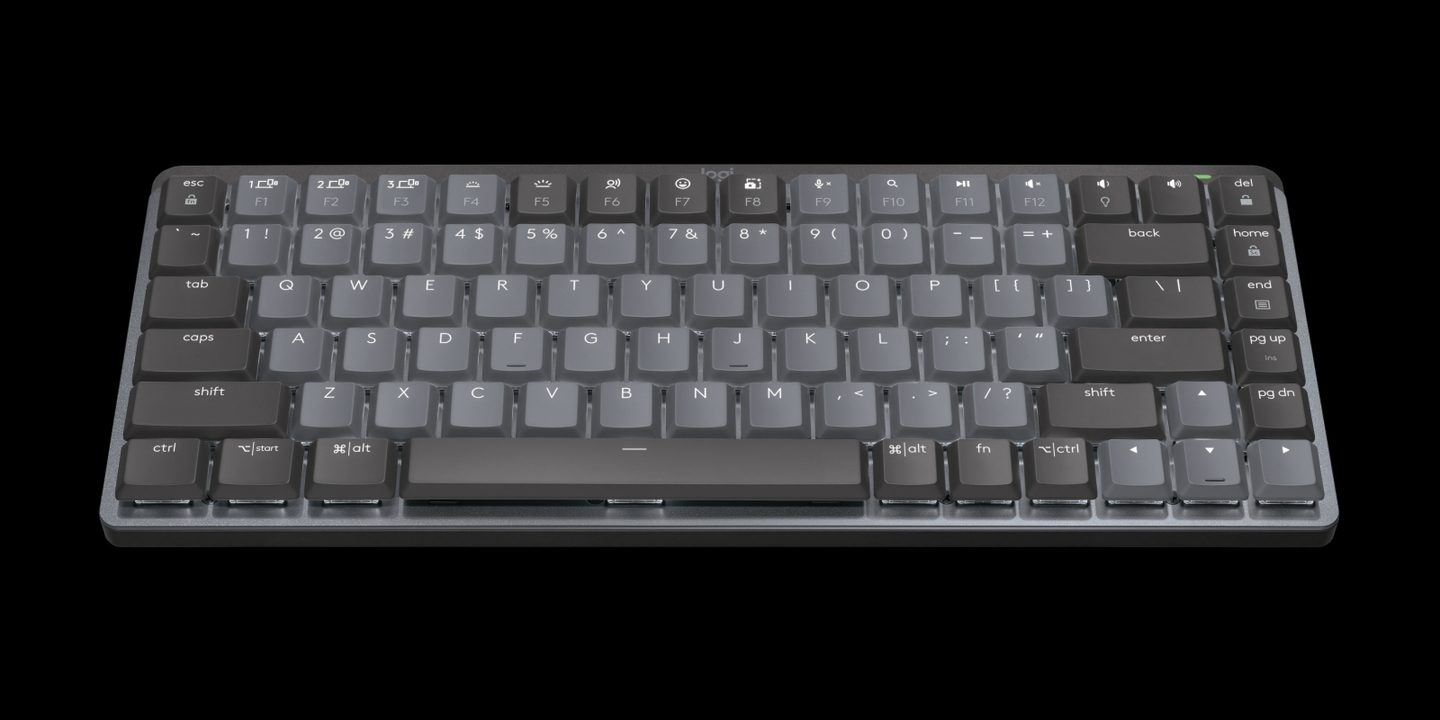
The MX Mechanical measures 17.08 inches wide, 5.18 inches deep and 1.03 inches tall with keycaps, and it weighs 29.21 ounces (828 g) on Logitech’s spec sheet. The Mini keeps the same 5.18-inch depth and the same 1.03-inch height, then trims the width to 12.31 inches and the weight to 21.59 ounces (612 g).
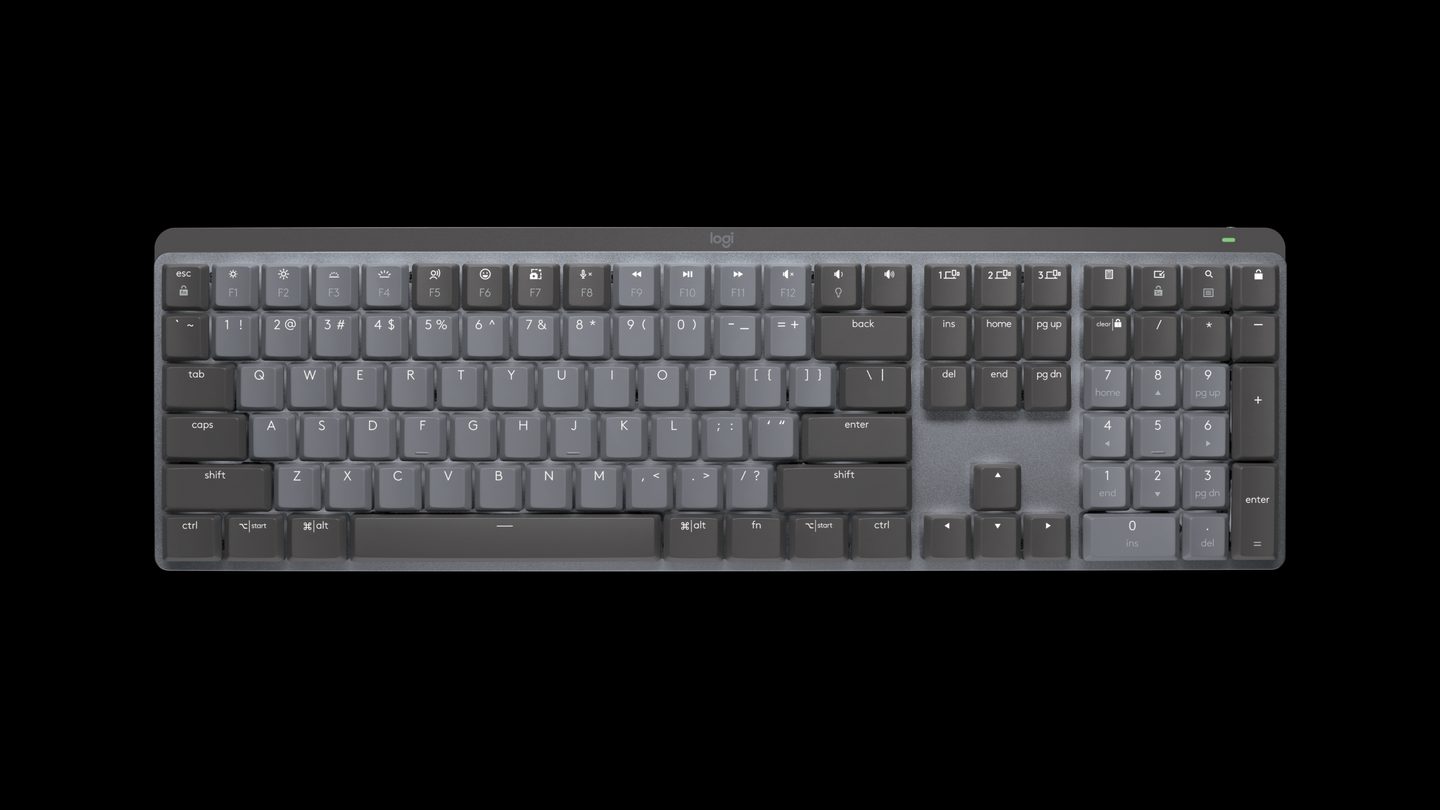
Same depth, same height, just less width. That 4.77-inch width gap is the largest physical difference between the two boards, and it shows up on the right side of the desk where a mouse needs room to travel during long, pointer-heavy stretches of work. Logitech says the Mini’s narrower frame aligns your shoulders and supports better posture, since the mouse sits closer to your body’s center line. A wide desk hides the difference completely.
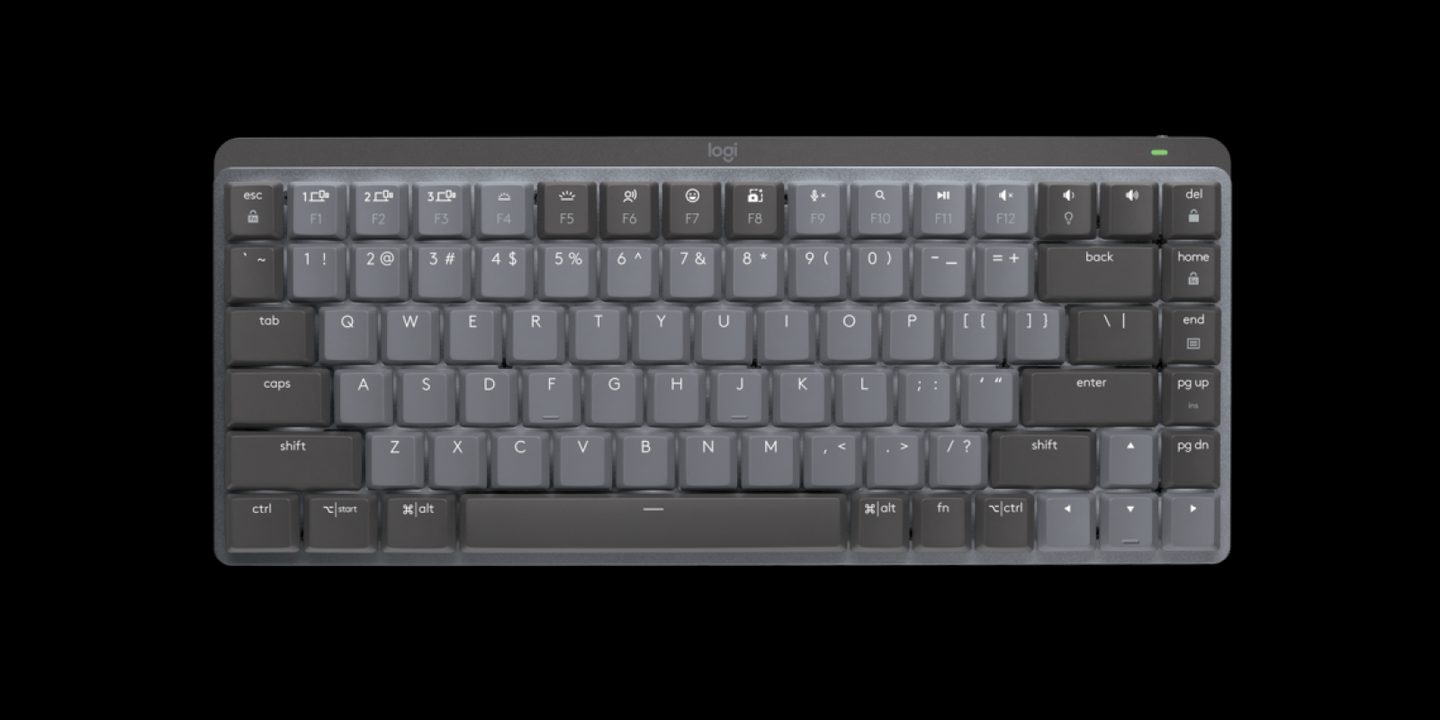
Weight counts only when the board travels between desks, and there the Mini’s 216-gram advantage makes it the easier carry in a laptop bag. At a fixed desk, both boards stay planted under typing, and neither one flexes or slides around during fast work or hard keystrokes. Pick the footprint first, before the switches.
What the Mini gives up
The numpad is the headline loss, and for spreadsheet work it’s a real one, since a dedicated number cluster beats the top row for fast data entry every time. The full-size board also keeps a separate navigation cluster with Insert, Home and Page Up keys sitting above the arrow keys, plus a full column of numpad arithmetic keys for running totals and quick calculations. The Mini folds navigation into one slim right-hand column.
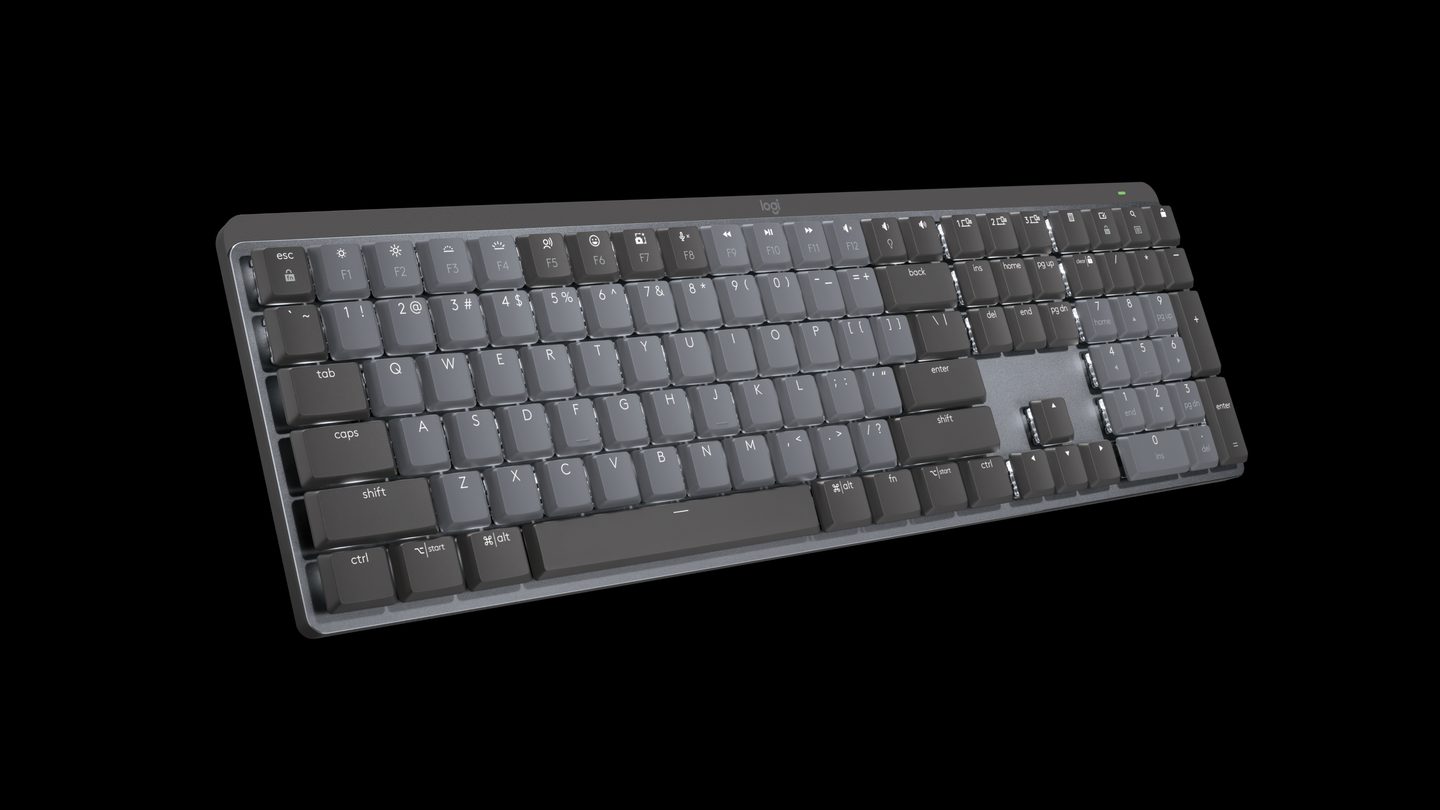
That slim column still carries Delete, Home, End, Page Up and Page Down, and the arrow keys stay in their familiar inverted T at the bottom right corner of the main cluster. What disappears is the dedicated number pad and the breathing room around the navigation keys, not the navigation keys themselves.
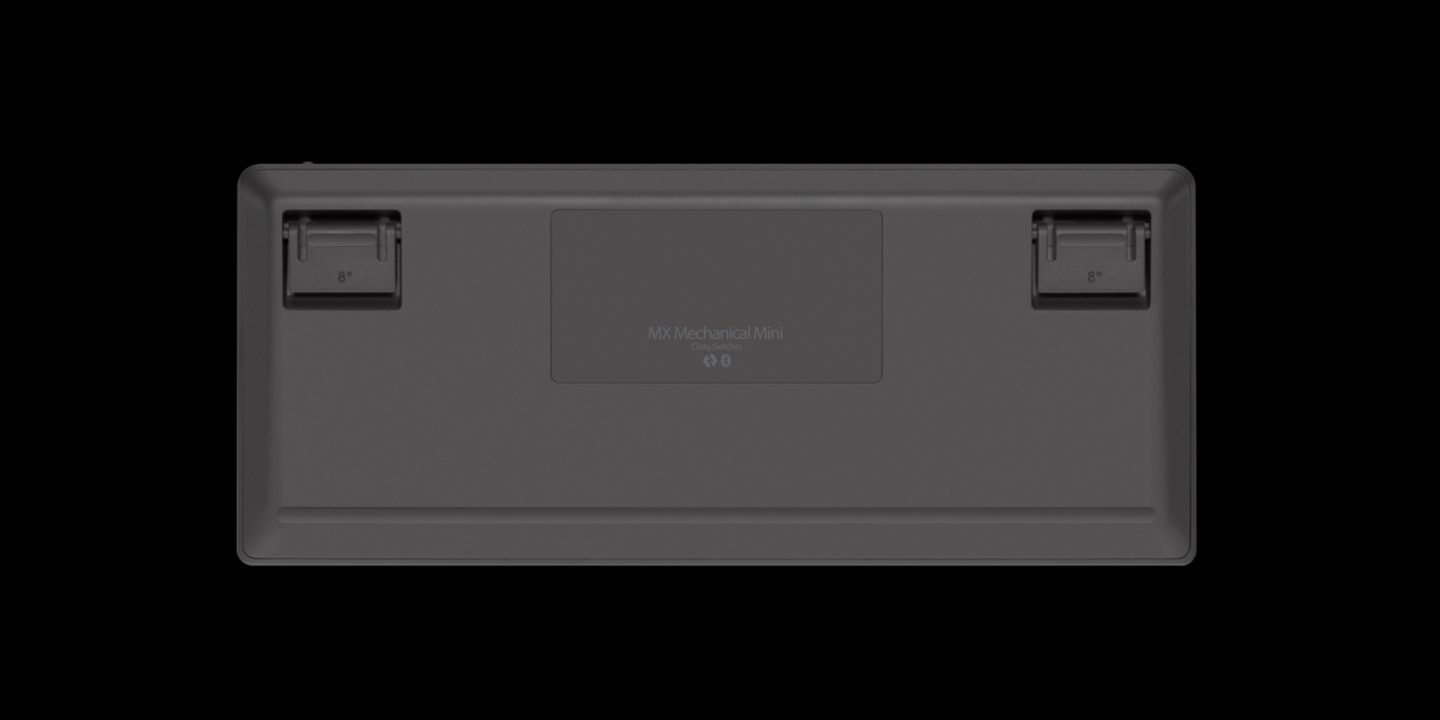
Touch typists lose nothing here. The real trade sits with number entry, because anyone who keys invoices, budgets or grade columns all day will feel the missing pad within the first hour. Anyone who writes prose, code or email gives up almost nothing, since those hands rarely leave the main cluster during a normal working day anyway. The loss is narrow, specific and easy to test.
Switches and typing feel
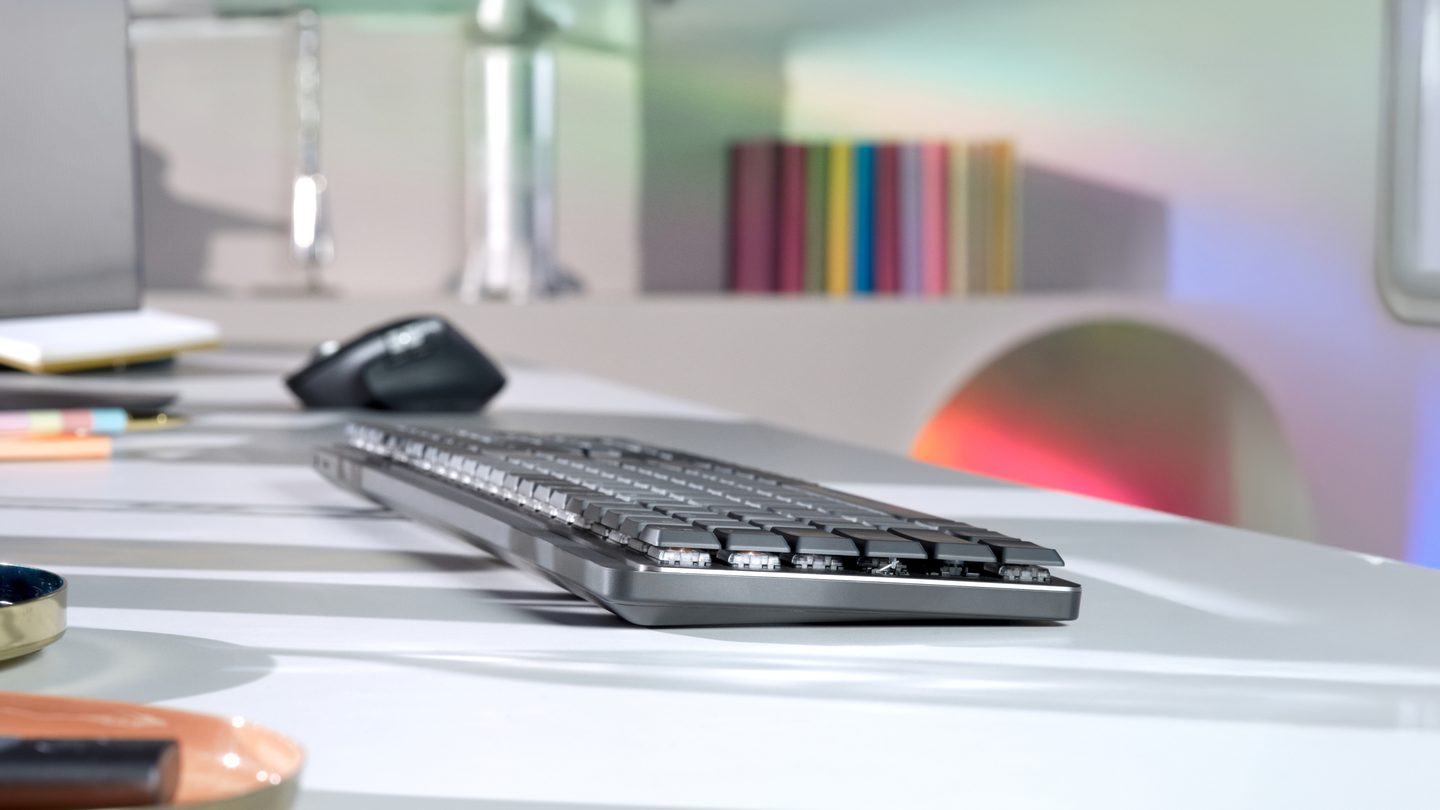
Both boards offer the same three low-profile mechanical switch options, and Logitech names them Tactile Quiet, Clicky and Linear, with each one carrying a distinct feel and sound under your fingers. Tactile Quiet delivers a tactile bump with less noise, Clicky adds an audible click to the bump, and Linear travels straight down with no bump at all.
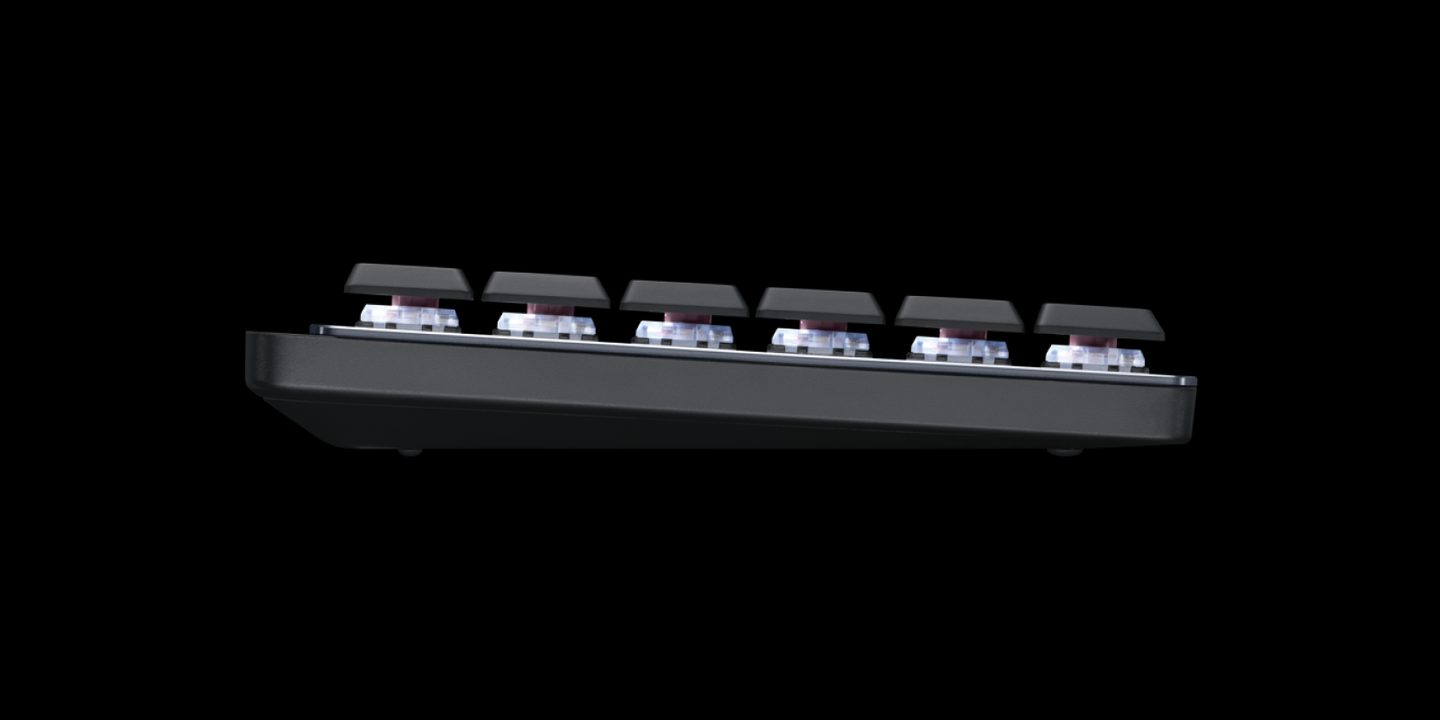
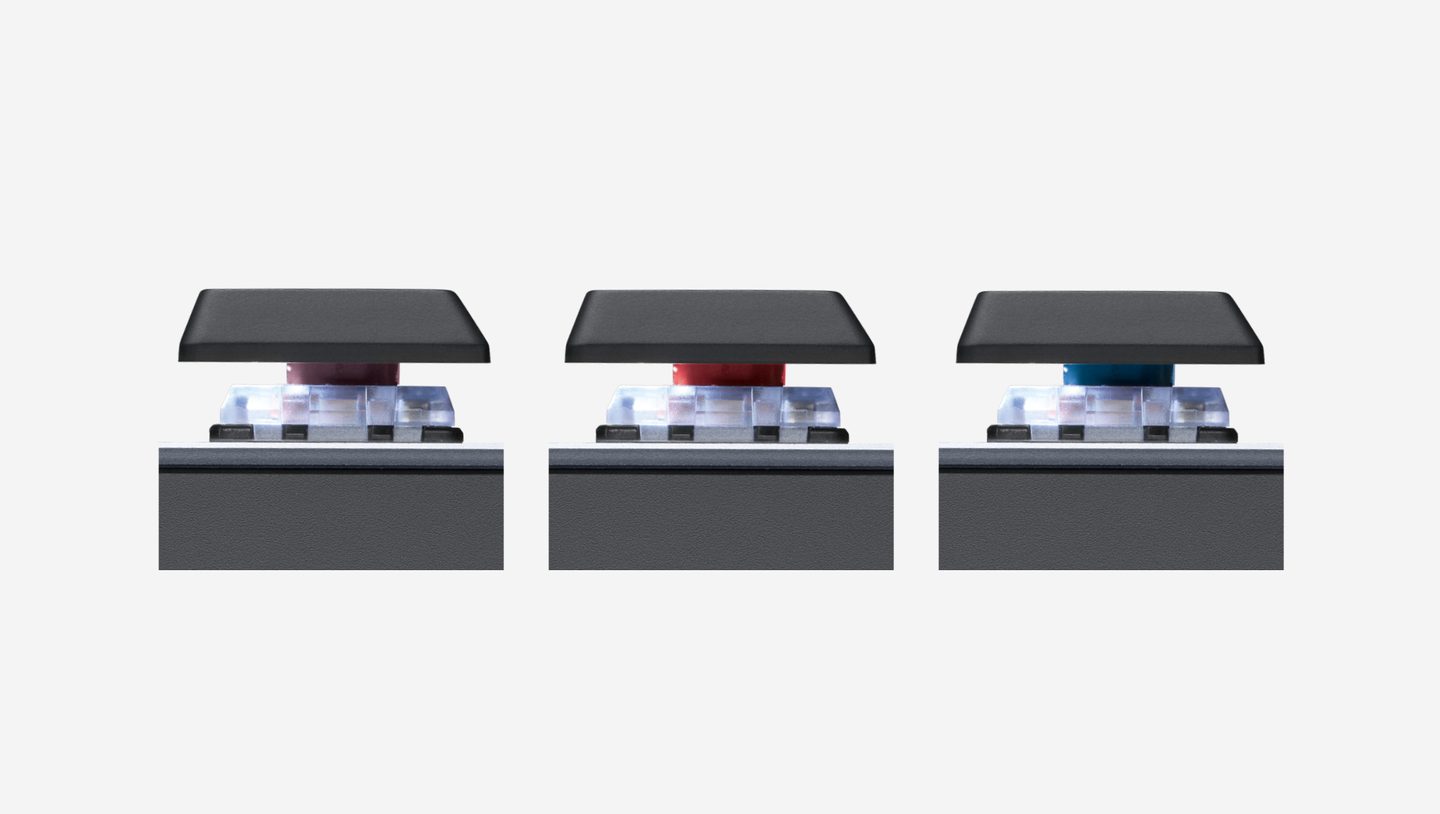
The switch menu never changes with size. That parity means the typing decision and the size decision stay separate, and you can settle each one on its own terms without compromise. A buyer who wants Clicky switches on a compact board gets them, and a buyer who wants Tactile Quiet on the full-size board gets exactly the same feel and sound there. The two Amazon listings priced in this piece carry the Tactile Quiet variant in Graphite.

Desk noise is the practical filter for most offices, since Clicky switches announce every keystroke to the whole room while Tactile Quiet keeps the feedback under your fingers where it belongs. Linear suits fast, light typing and shared spaces where any bump or click draws attention from neighbors. Choose the sound your room tolerates during calls.
Backlighting and battery, setting by setting
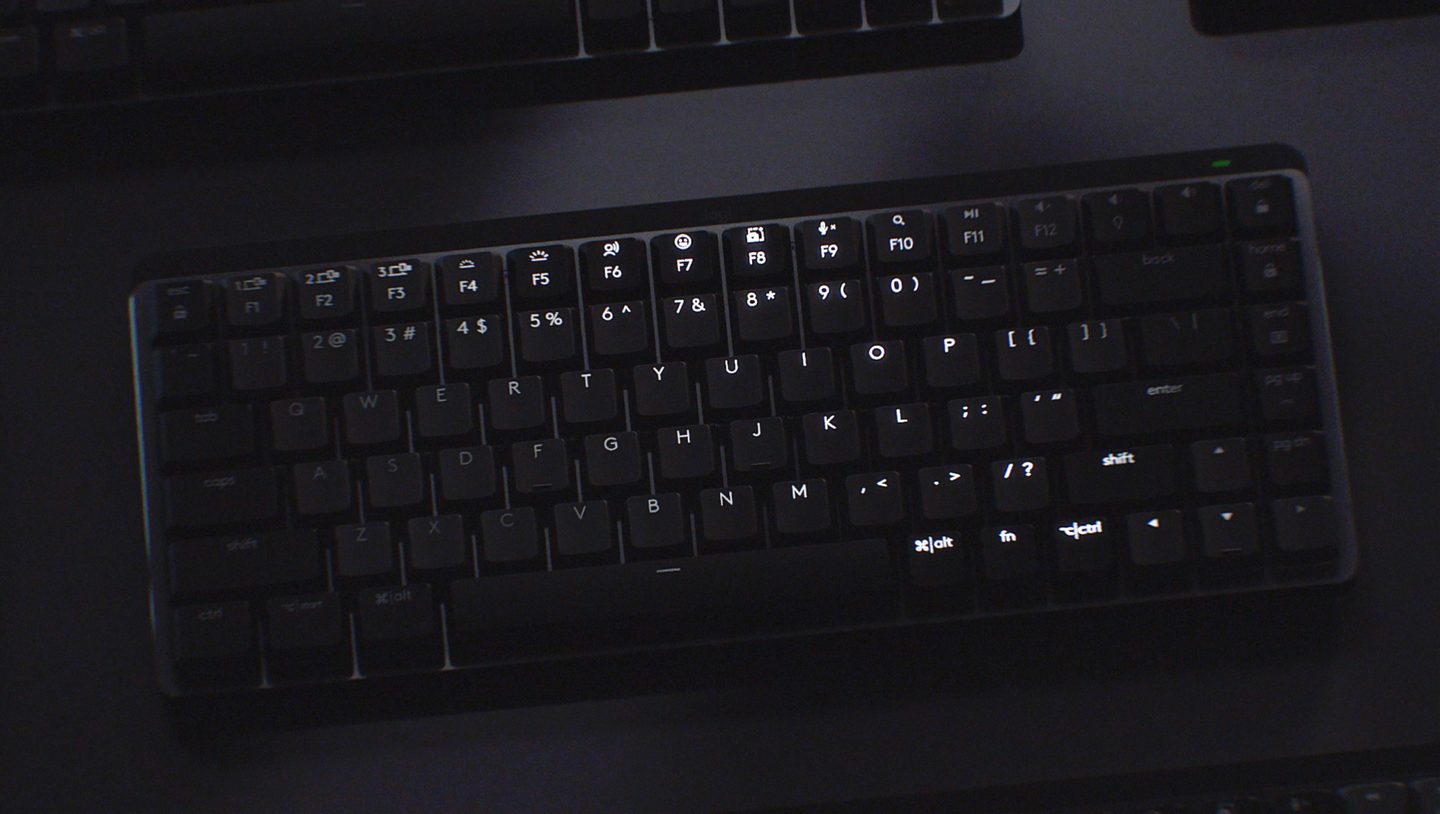
Smart illumination works identically on both boards, with a hand proximity sensor that lights the keys as your hands approach and an ambient light sensor that adjusts brightness to match the light in the room around you. The keys stay dark while your hands are away, which saves charge through the day without any input from you.

It’s the same system on both boards. Logitech rates both boards at up to 15 days on a full charge with the backlighting running, and that figure assumes the proximity sensor cycling the lights as hands come and go. Turn the backlighting off and both boards stretch to up to 10 months on the same charge, a gap that shows how much of the battery budget the lights consume across a normal working week.
The Mini gives up no battery headroom. Both boards carry the same rechargeable 1500 mAh Li-Po battery, and both charge over USB-C with the included cable while you keep working at the same desk. Logitech flags that battery life varies with user and computing conditions, so heavy backlight use in a bright room lands closer to the 15-day end of the range. Charging habits stay identical on both boards too.
Pairing and receivers
Each board connects through the included Logi Bolt USB receiver or over Bluetooth Low Energy, and Easy-Switch keys pair either board with up to three devices at once. A tap on the Easy-Switch keys moves the board between a desktop, a laptop and a tablet, and the wireless range reaches 33 ft (10 m) on Logitech’s spec sheet for both boards.
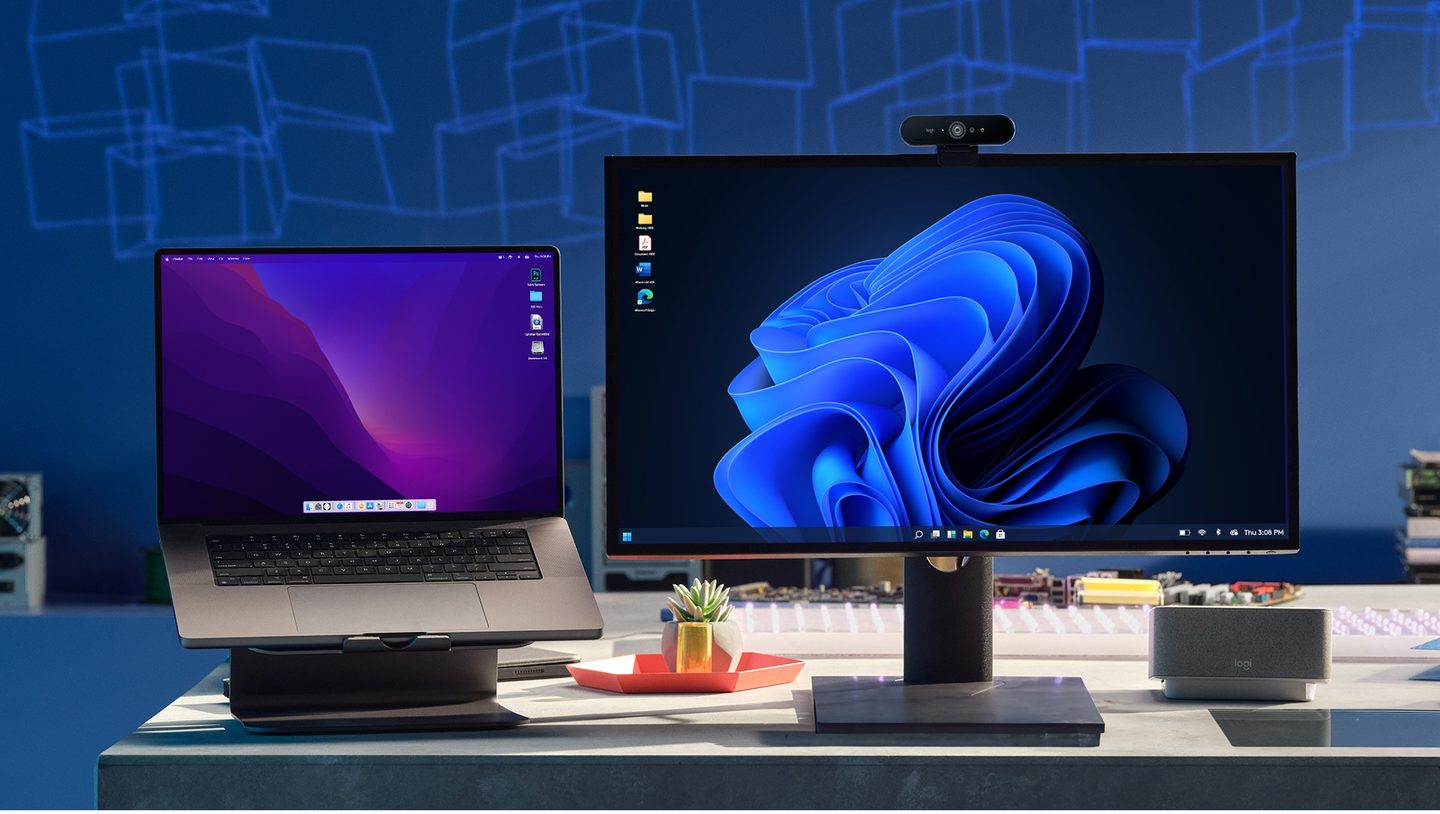
Pairing is a dead tie between them. The Logi Bolt receiver needs a USB-A port, and Logitech notes it isn’t compatible with the older Unifying receiver technology, so existing Unifying dongles already sitting in a drawer won’t pair either of these boards. Logi Options+ software on Windows and macOS handles customization, and it also works with Logitech Flow enabled mice for moving between computers. One receiver setup serves either board equally well.
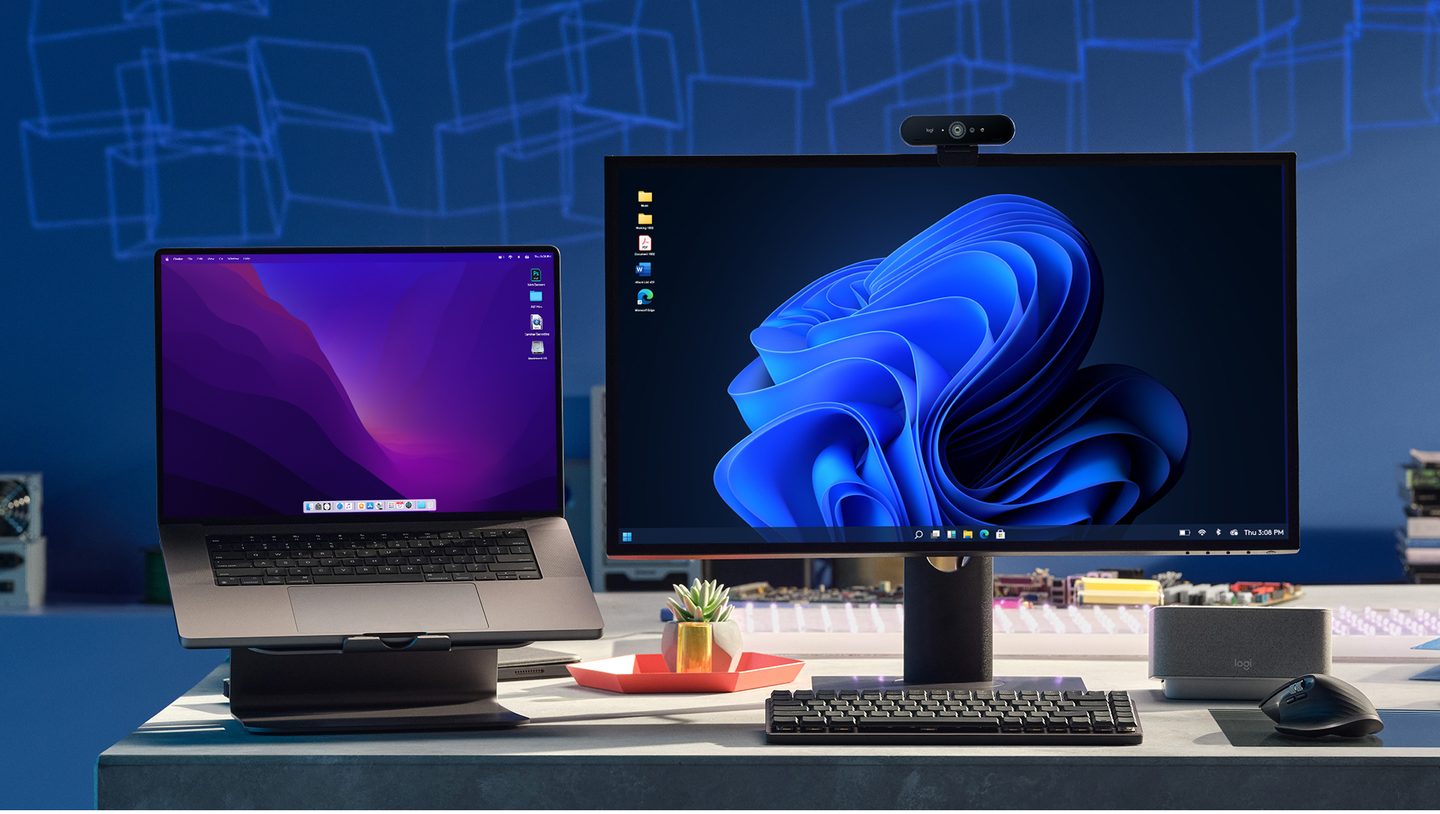
Operating system support covers Windows, macOS, Linux, ChromeOS, iOS, iPadOS and Android on both boards, with basic functions supported without any software outside Windows and macOS systems. A household or office running mixed systems sees the same compatibility list whichever size lands on the desk. Nothing here separates the two boards at all.
Price and the full spec table
Amazon lists the MX Mechanical with Tactile Quiet switches at $142.49 today, down from its $179.99 list price, and the Mini with the same switches at $123.49 against a $159.99 list price. The gap between the two boards is $19 at Amazon and $20 at list, so the numpad carries a consistent price in either store and at either size tier. Nineteen dollars buys the numpad, nothing else.
| Keyboard | Amazon price | Width | Weight | Numpad | Battery, backlight on | Battery, backlight off |
|---|---|---|---|---|---|---|
| Logitech MX Mechanical | $142.49 | 17.08 in (433.85 mm) | 29.21 oz (828 g) | Yes | Up to 15 days | Up to 10 months |
| Logitech MX Mechanical Mini | $123.49 | 12.31 in (312.6 mm) | 21.59 oz (612 g) | No | Up to 15 days | Up to 10 months |
Both boards share the same switch options, the same 1500 mAh battery, the same proximity lighting and the same three-device pairing, so the table’s real story sits in two columns: width and numpad. Depth, height, battery ratings and wireless range match line for line, which is rare in a same-family comparison and makes the final choice cleaner for most buyers. The rest of the spec sheet ties.
Price: $123.49 for the MX Mechanical Mini with Tactile Quiet switches in Graphite
Where to buy: Buy on Amazon
Which board fits which desk
Spreadsheet and data-entry buyers belong on the full-size MX Mechanical at $142.49, because the dedicated numpad speeds number work in a way the Mini’s top row never matches. Finance, bookkeeping and operations desks get their $19 back in saved keystrokes within the first week of heavy spreadsheet and entry work.
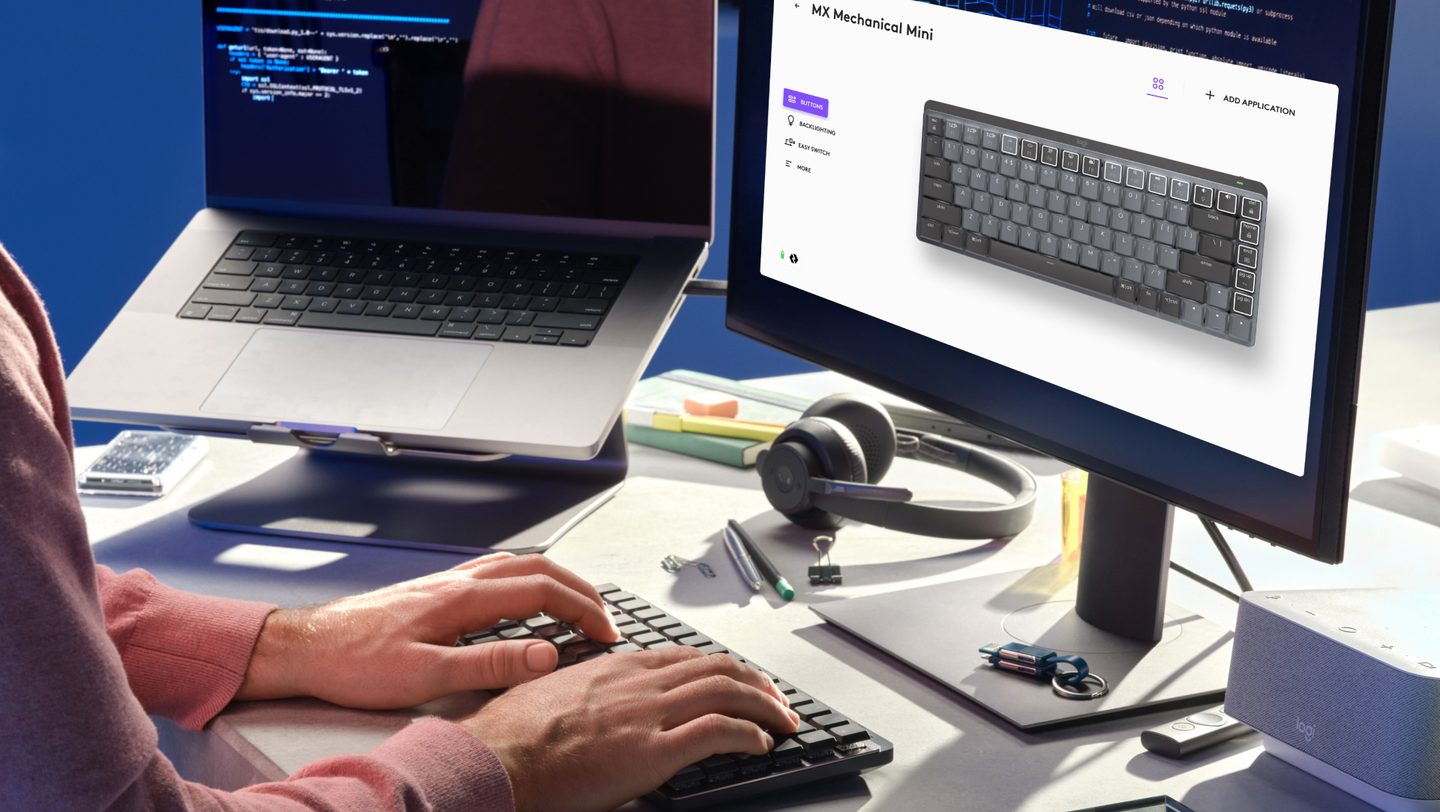
That’s the full-size board’s whole case in full. Writers, coders and anyone working a crowded desk belong on the MX Mechanical Mini at $123.49, since it returns 4.77 inches of width to the mouse and drops 216 grams from the bag on travel days. The Mini keeps the same switches, the same lighting, the same battery ratings and the same three-device pairing for $19 less. Smaller desk, same keyboard underneath the keys.
My verdict splits cleanly on one habit, stated plainly: the numpad habit decides this purchase, and nothing else on either spec sheet gets a vote. Buy the MX Mechanical at $142.49 when your right hand lives on a number pad, and buy the MX Mechanical Mini at $123.49 when it doesn’t. Both boards type, light and pair identically.