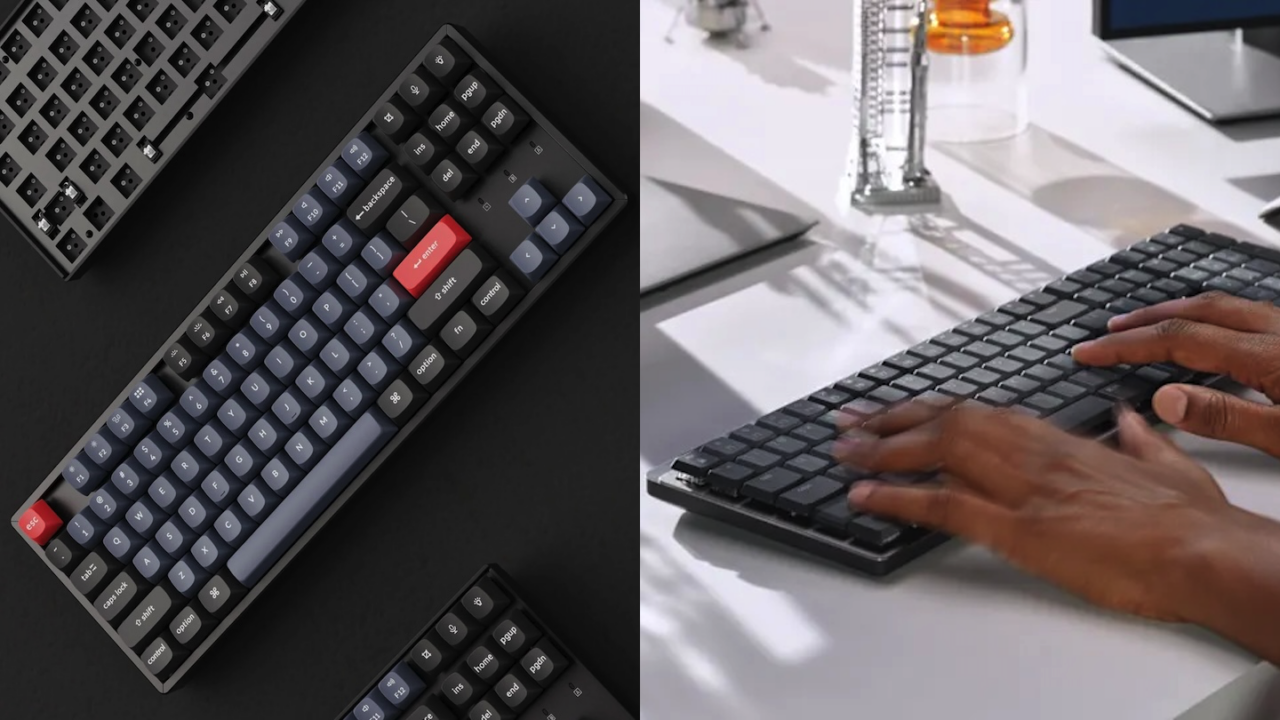
The Keychron K8 Pro and the Logitech MX Mechanical both promise mechanical typing without a cable across the desk, yet they start from opposite ideas about what a keyboard should let you change. Two boards, two clear philosophies.
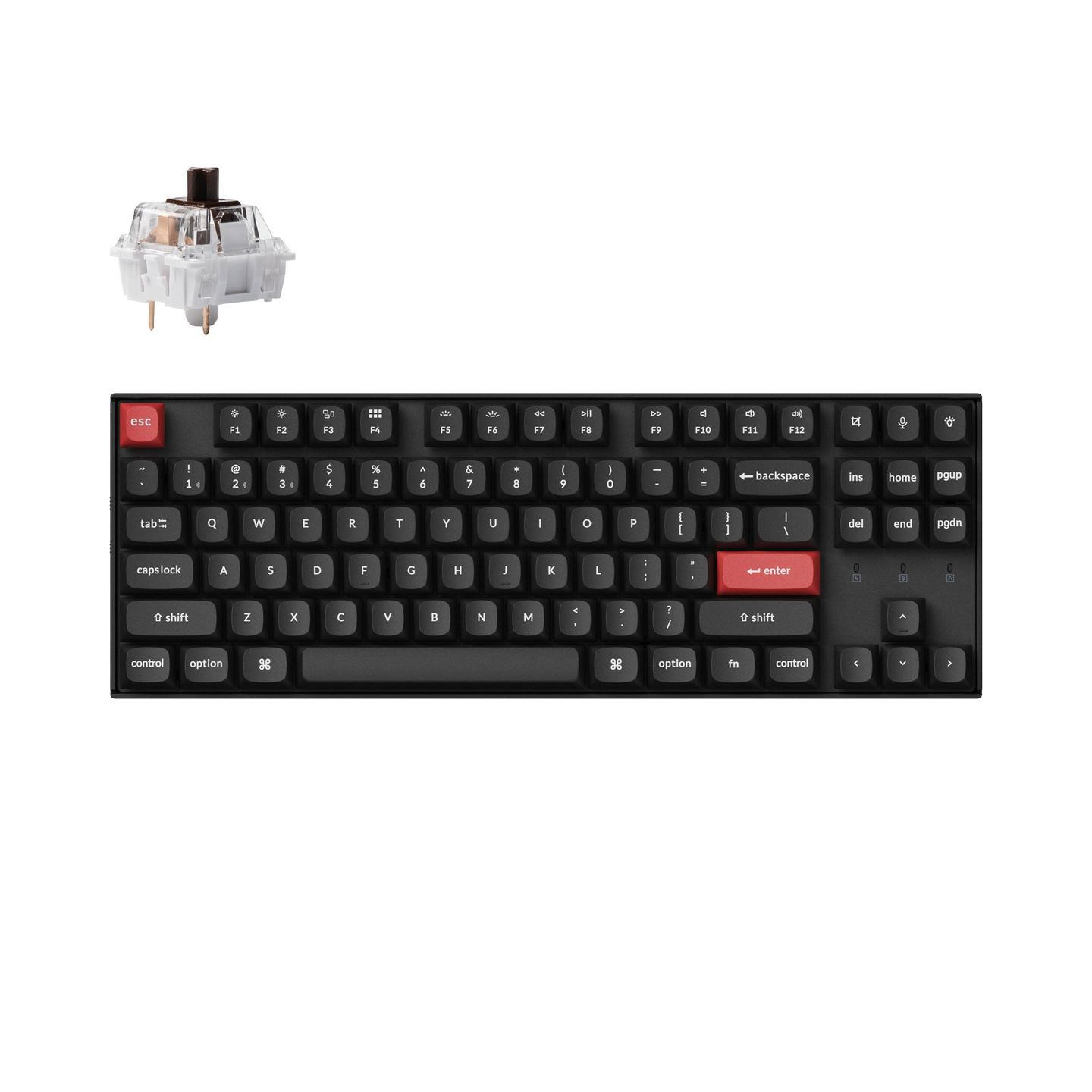
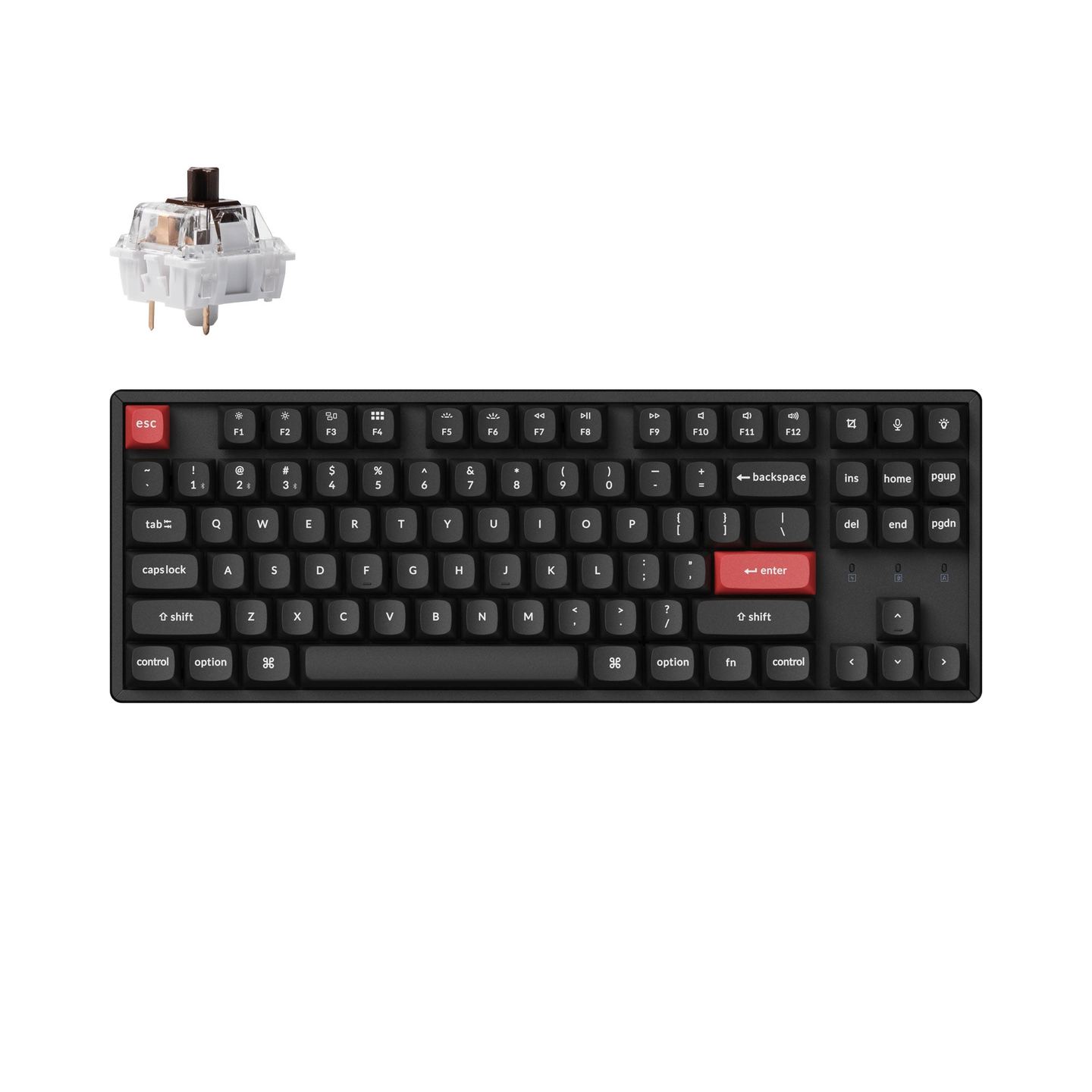
Price: $79.99 (Keychron K8 Pro, RGB backlight, Gateron G Pro Brown switches)
Where to buy: Buy on Amazon
Keychron builds the K8 Pro around open firmware and swappable switches, while Logitech builds the MX Mechanical around a low profile, smart backlighting and a receiver that works anywhere. That split decides this comparison more than any single spec does. The boards serve two different kinds of workdays and two different kinds of owners.
A reader who swaps switches and remaps keys every month needs a very different board from a reader who shares a desk and wants the lights to handle themselves. Both boards pair with three devices and charge over USB-C, so the hardware overlap runs deeper than the philosophies suggest at first glance.
Layout and size
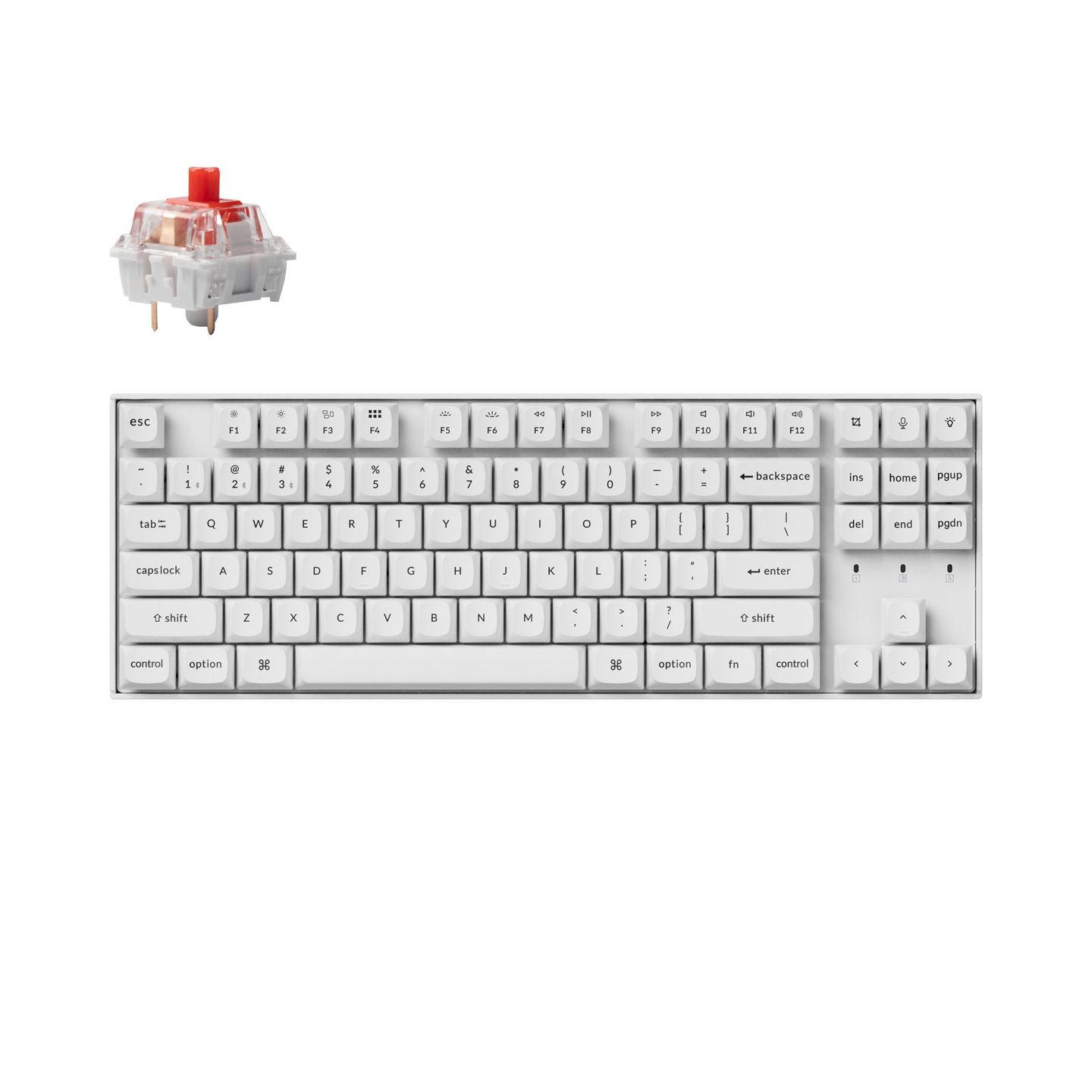
Keychron keeps the K8 Pro to an 87 key tenkeyless layout, so the function row, arrow keys and navigation cluster stay in place while the number pad leaves the desk entirely. Logitech goes the other way and keeps the MX Mechanical full size with an integrated numpad, and the footprint grows to 433.85 millimeters wide against the smaller tenkeyless frame.
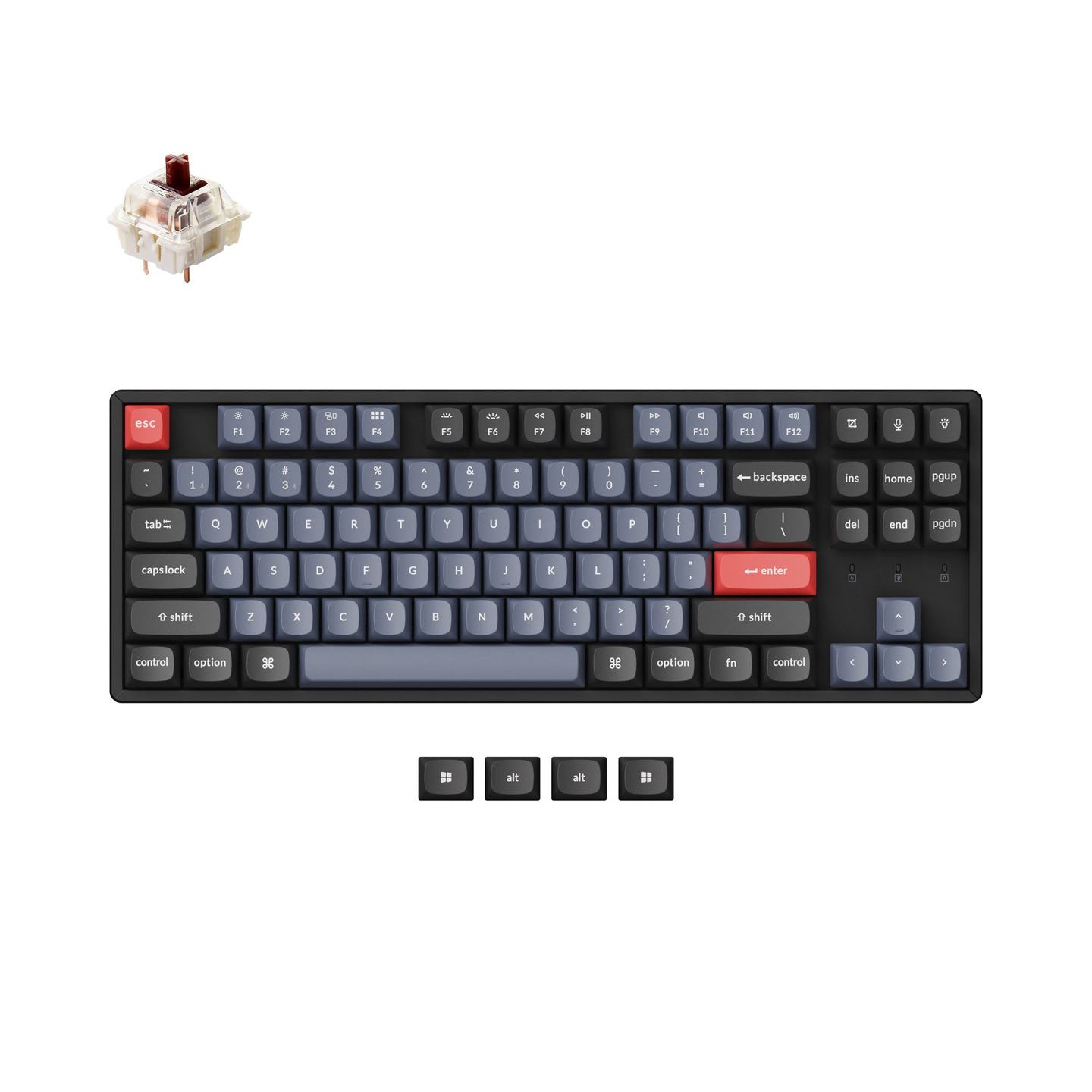
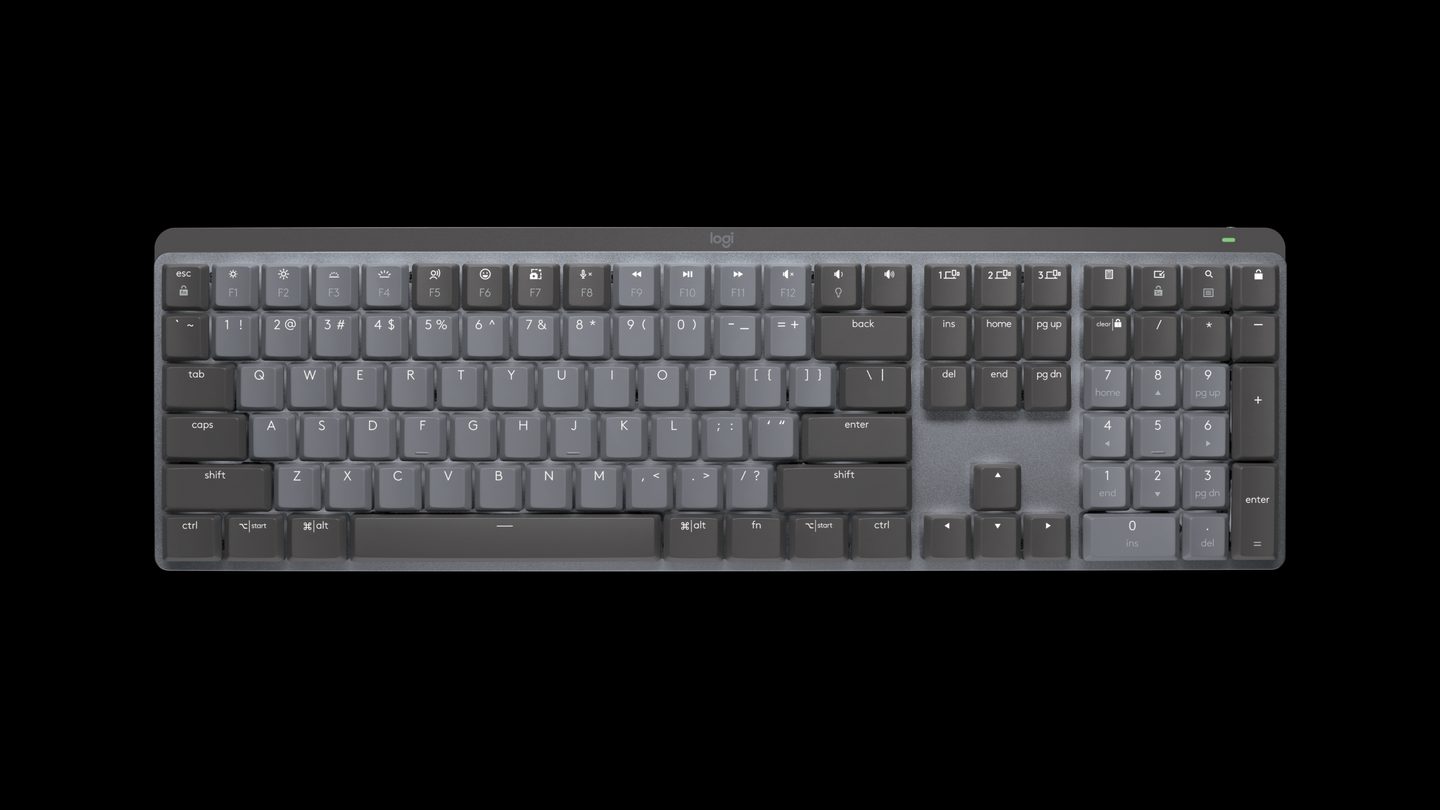
Desk space is the trade here. A tenkeyless board leaves the mouse hand closer to the body and frees room for a notebook or a drawing tablet, and that shorter reach adds up across a full day of mousing and typing in roughly equal turns. Keychron also fits screw-in stabilizers and sound absorbing foam inside the K8 Pro frame, while Logitech builds the MX Mechanical around a low-carbon aluminum top case.
| Board | Layout | Switches | Battery | Connections | Price |
|---|---|---|---|---|---|
| Keychron K8 Pro | 87 keys, tenkeyless | Gateron G Pro, hot-swappable | 4,000 mAh, up to 100 hours at lowest backlight brightness | Bluetooth 5.1 and USB-C wired | $79.99 |
| Logitech MX Mechanical | Full size with numpad | Low-profile GL mechanical, fixed | 1,500 mAh, up to 15 days backlit or up to 10 months with backlighting off | Bluetooth Low Energy and Logi Bolt receiver | $142.49 |
Spreadsheet work pulls the other direction. A dedicated numpad turns column entry into a one hand job, and the MX Mechanical carries that pad without asking for a second device. The MX Mechanical weighs 828 grams and stands 26.1 millimeters tall, while the aluminum frame K8 Pro weighs 1,146 grams and sits noticeably taller on the desk.
Switches and key feel
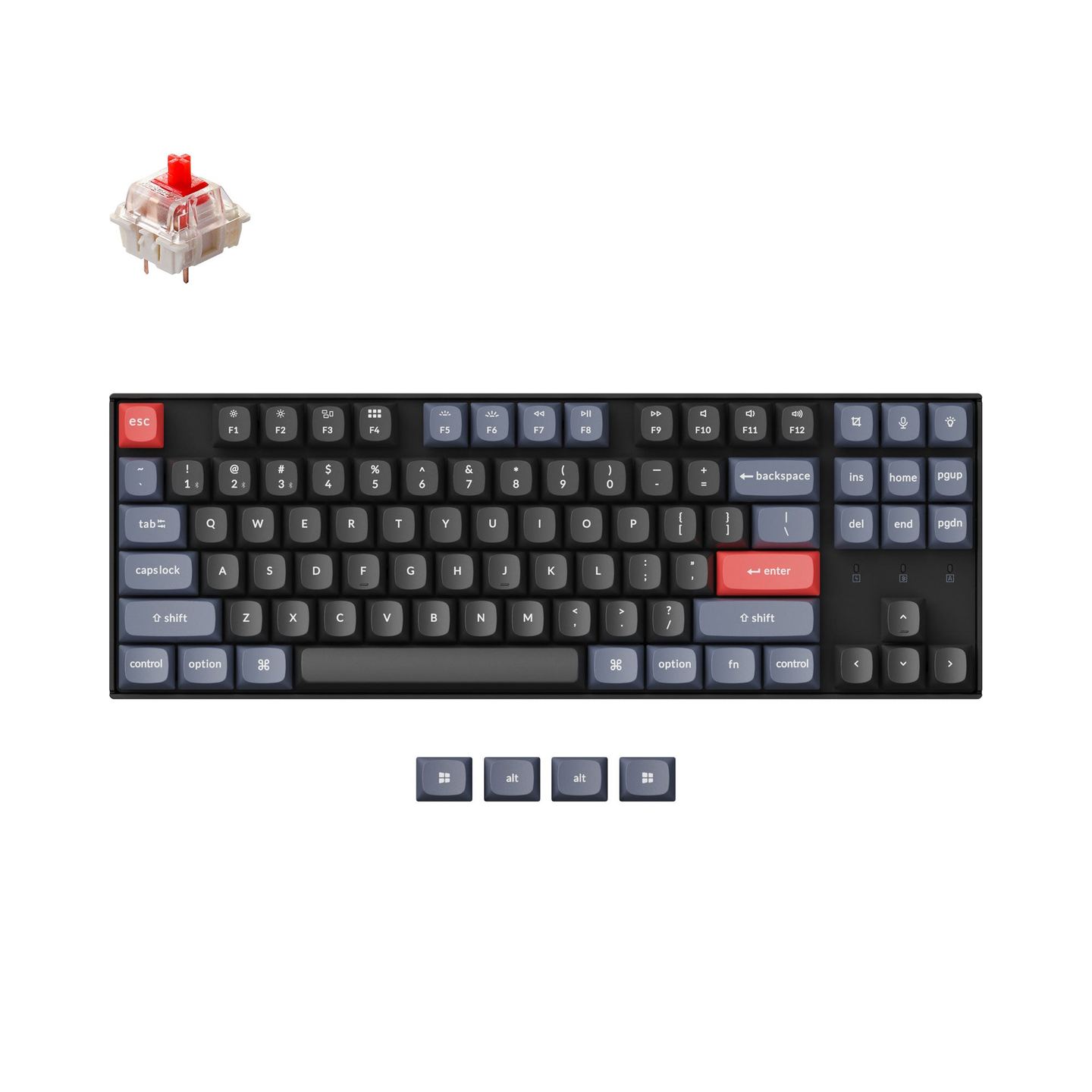
Gateron G Pro switches ship inside the K8 Pro in Red, Brown and Blue versions, and every socket on the board is hot-swappable with most 3 pin and 5 pin MX style switches. A switch puller turns a full board change into a short desk session, so the first switch choice never has to stay the final one for the life of the board.
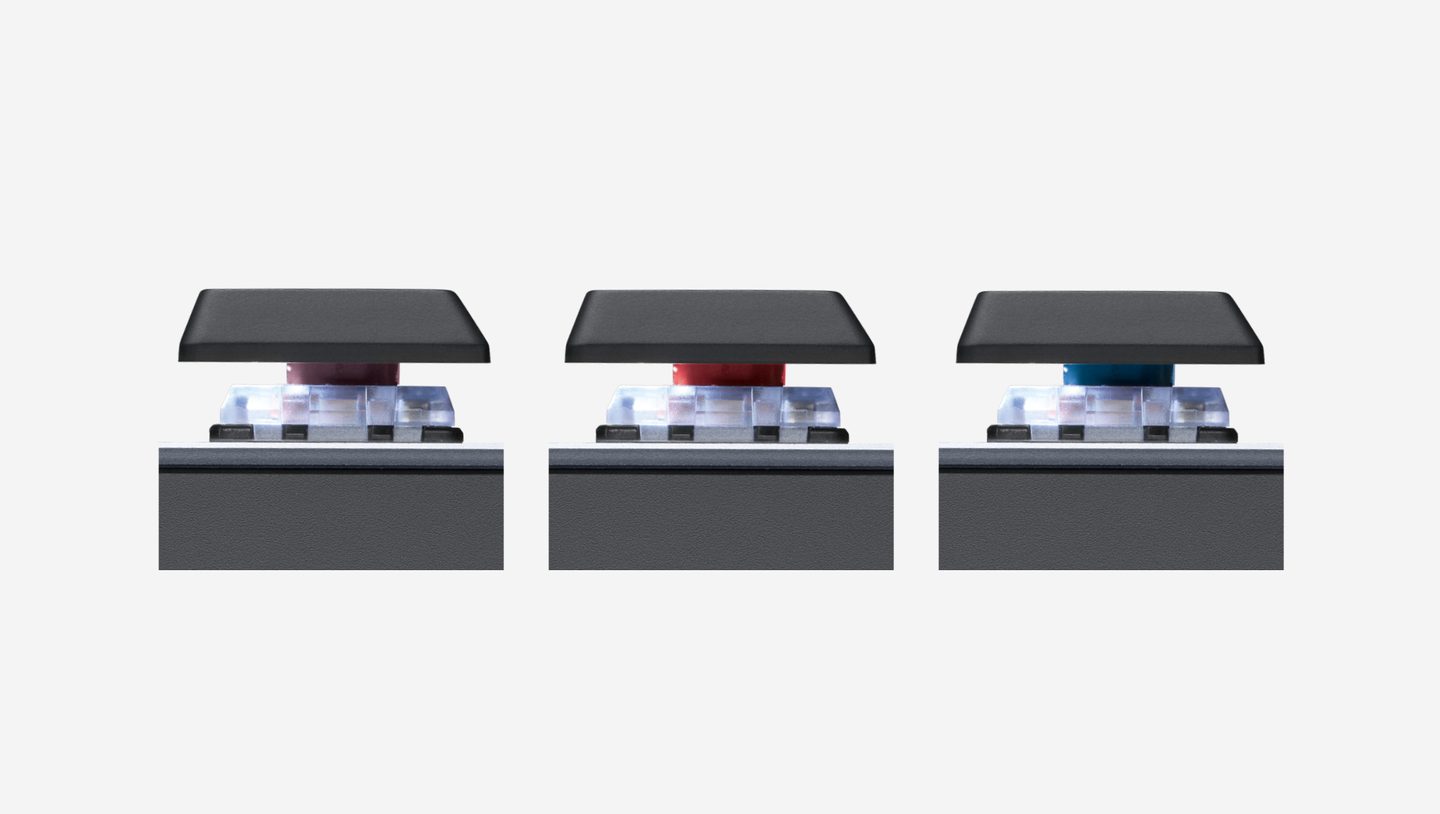
Logitech takes the opposite route with the MX Mechanical. Its low-profile GL mechanical switches are fixed at the factory, with Tactile Quiet, Clicky and Linear versions chosen at checkout instead. The choice happens once. Tactile Quiet suits a shared office because the bump registers under the finger without a click that carries across the room to the next desk.
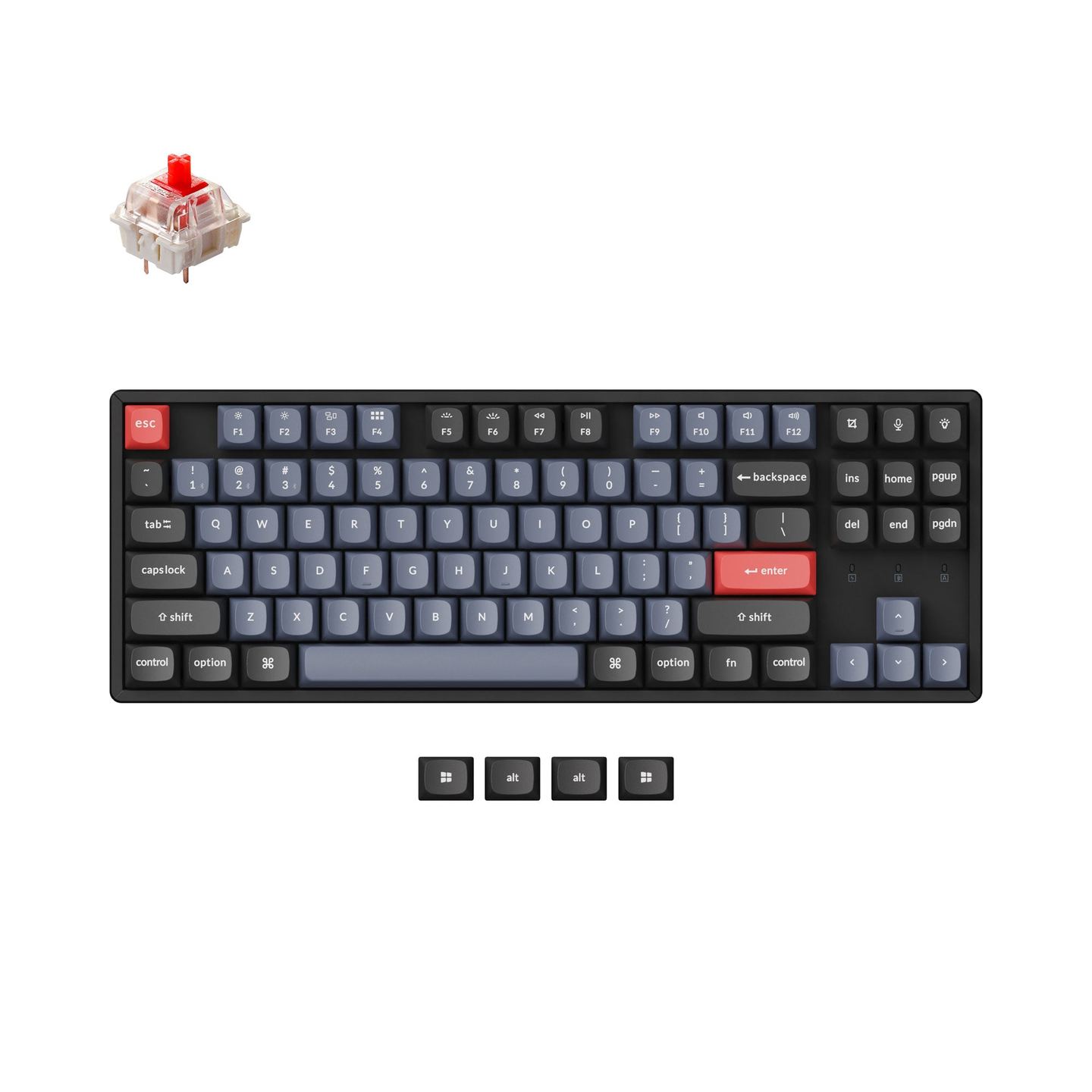
Key feel follows from those two designs, with the K8 Pro sitting taller under double-shot PBT keycaps in Keychron’s OSA profile and the MX Mechanical keeping its caps low over shorter travel. Tall caps reward a heavier hand. Low caps reward a light, fast one, and readers who type all day on laptop keyboards usually settle onto the MX profile within the first hour of use.
Firmware and remapping
QMK firmware and VIA support give the K8 Pro the deepest remapping here, since any key can move, macros can stack onto a key, and layers can turn the tenkeyless row into a second set of commands. Its Launcher web app handles the same remapping and macro work, and the board carries Mac and Windows keycaps in the box for both layouts.
Logitech answers with Logi Options+ software, which customizes the function keys, assigns backlighting effects and sets app specific profiles that change with the program in front of you. The MX approach stays inside one polished app. A profile for a spreadsheet can hold different function key jobs from a profile for a photo editor, and the switch between them happens on its own as the active app changes.
Depth is the dividing line in this section, because QMK and VIA reach every key and every layer while Options+ works on the keys and profiles Logitech chose to expose. Tinkerers get the deeper tool. Everyone else gets the simpler one, and simpler wins plenty of workdays where the keyboard only needs to disappear under the hands and stay out of the way.
Battery and backlight
Keychron fits a 4,000 mAh battery into the K8 Pro and rates the board for up to 100 hours of typing with the backlight at its lowest brightness setting over Bluetooth. Wired mode runs at a 1,000 Hz polling rate over the USB-C cable. The same board can stay plugged in at a main desk and still travel wirelessly to a second machine.
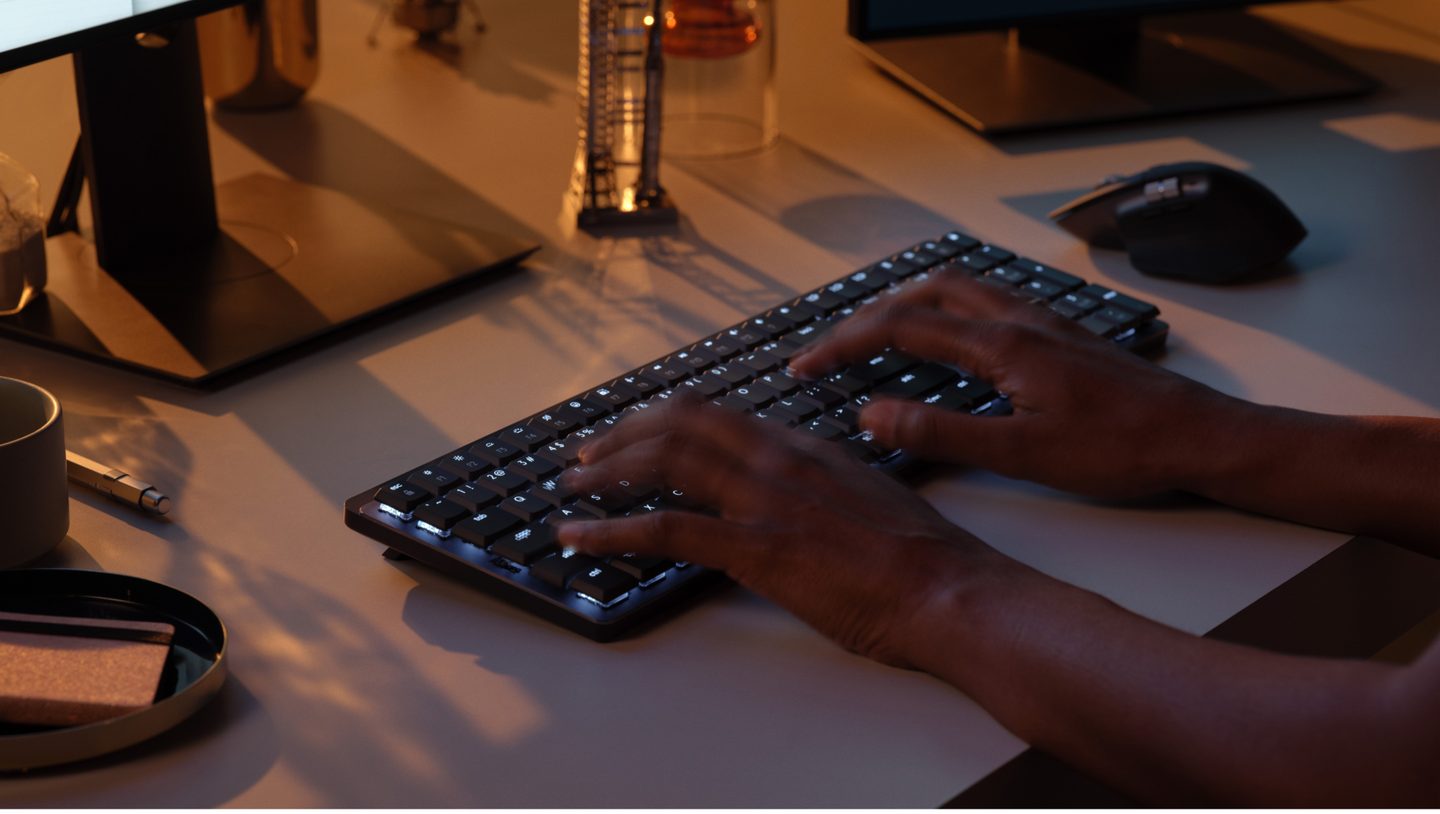
Logitech rates the MX Mechanical at up to 15 days on a full charge with the backlight running, or up to 10 months with the backlighting turned off between charges. The battery inside is smaller at 1,500 mAh. The gap comes from the backlight strategy, since the MX keys light only when a hand approaches and the brightness follows the room through an ambient light sensor.
South-facing RGB backlighting on the K8 Pro gives the color effects the MX Mechanical never attempts, because Logitech ships a single white backlight tuned for work rather than display. Color belongs to Keychron here, and battery discipline belongs to Logitech, and a shared desk that sees the board for a few hours a day can stretch the MX charge across weeks of real use.
Pairing and receivers
Both boards pair with three devices, and both make the hop between a laptop, a desktop and a tablet a single key press rather than a trip into system settings. The K8 Pro pairs over Bluetooth 5.1 with a USB-C wired mode behind it. The board works across macOS, Windows and Linux, with a layout switch for each system.
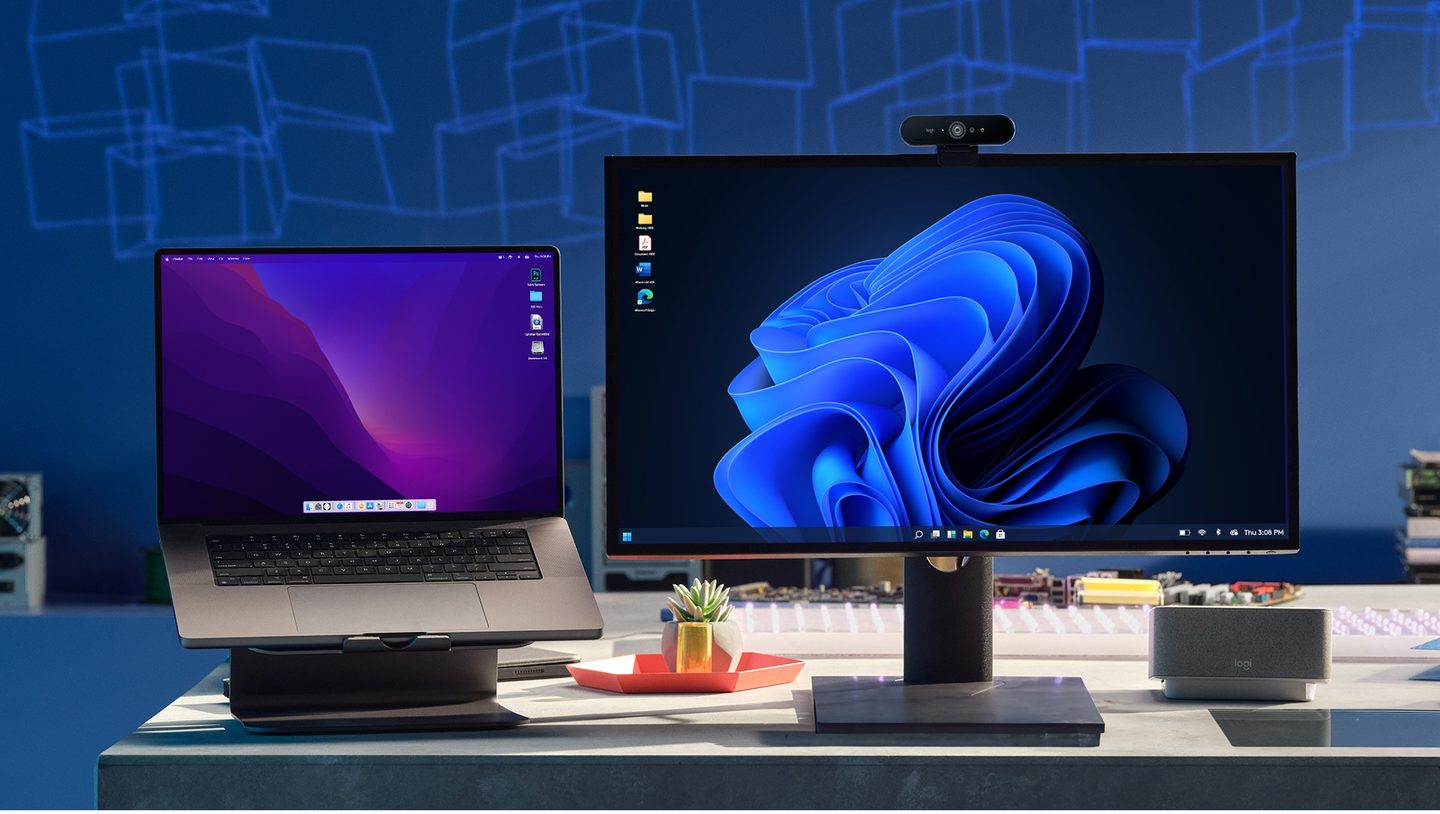
Logitech pairs the MX Mechanical over Bluetooth Low Energy or the included Logi Bolt USB receiver, and that receiver carries the connection on machines where Bluetooth is locked down or unreliable. Bolt solves locked-down office laptops. A receiver also keeps the keyboard working at a login screen. Logitech rates the wireless range at 10 meters, clear across the room from the machine.
Flow support inside Options+ lets a compatible Logitech mouse carry the cursor and the keyboard focus from one computer to the next, which suits a two machine desk with matched MX gear. Breadth is the Keychron counter instead of an ecosystem, since the K8 Pro asks for no account, no companion receiver and no software install before the first remap session begins.
Price: $142.49 (Logitech MX Mechanical, full-size, Tactile Quiet switches)
Where to buy: Buy on Amazon
Which board fits your desk
Tinkerers and switch-swappers belong on the Keychron K8 Pro at $79.99, because the hot-swap sockets, QMK and VIA remapping and OSA PBT keycaps keep changing long after the first week of ownership ends. The board rewards curiosity. A new switch set costs a fraction of a second keyboard, and every experiment reverses in minutes with a puller and a spare hour at the desk.
Shared-desk and office buyers belong on the Logitech MX Mechanical at $142.49, because the low-profile keys, Tactile Quiet switches, proximity backlighting and Logi Bolt receiver fit a workplace the moment the box opens. The numpad stays ready for entry work, nobody at the next desk hears the typing, and the board pairs with three machines across Windows, macOS and the rest of the office mix.
The $62.50 between the two prices buys opposite things. The Keychron money goes toward freedom to rebuild the board, and the Logitech money goes toward polish that removes daily friction. Pick the freedom or pick the polish. Both boards type well for years, and the right answer here is the one that matches the workday already sitting on your desk right now.