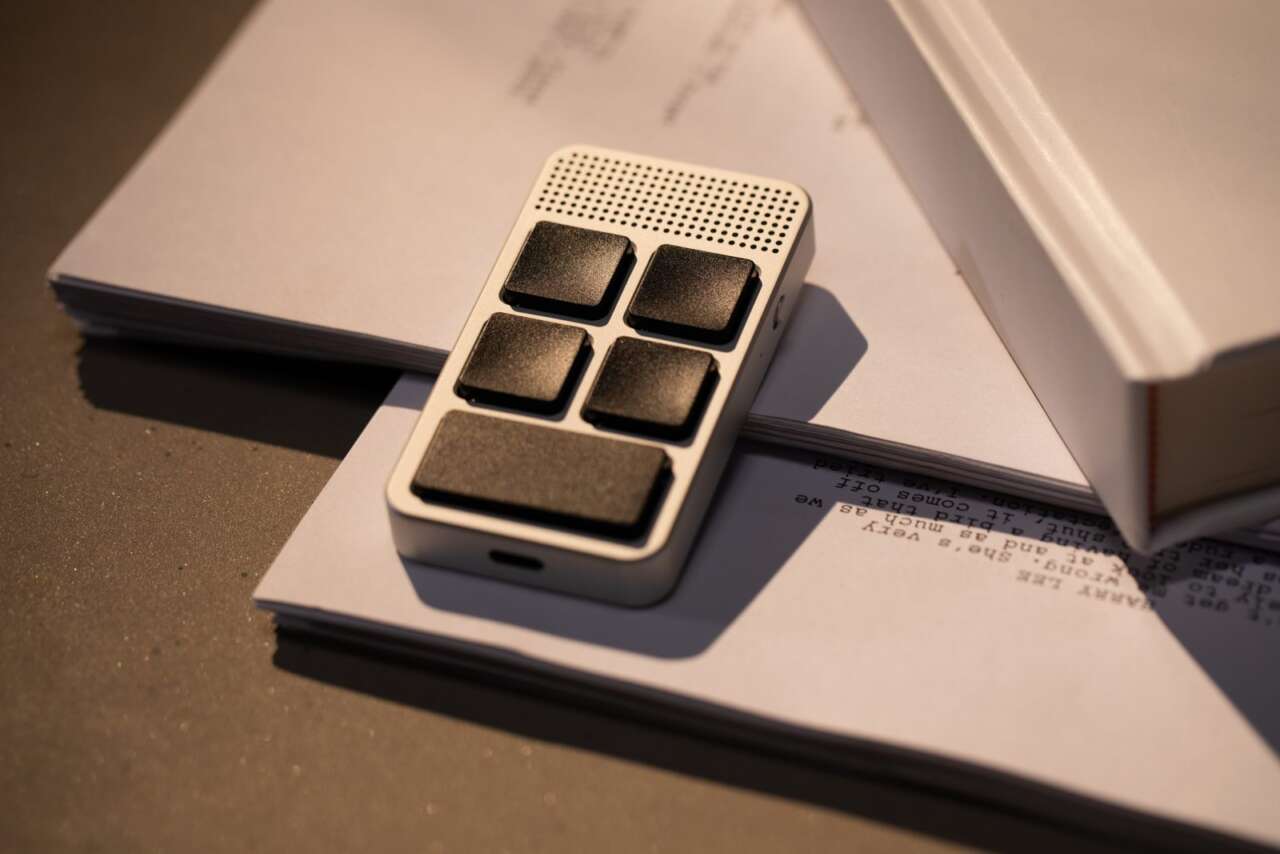
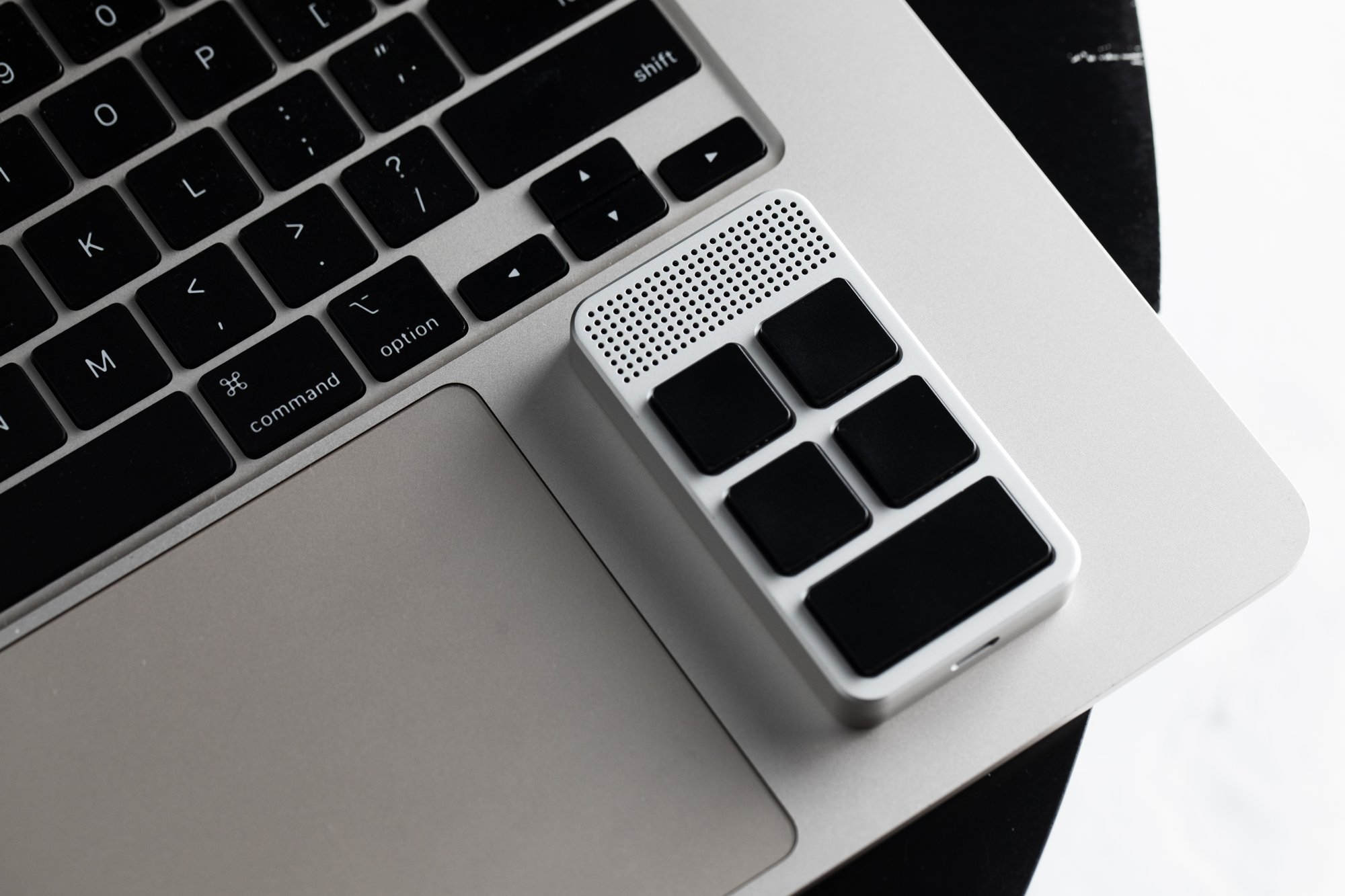
SecondBrain VoicePad, designed by Genspark, is built for the moment you’re halfway through typing a prompt and realize the chatbot needs three more paragraphs of context you don’t feel like typing. It’s an 85-gram aluminum pad with five keys and two mics, and you pick it up, hold a key and just say the thing. Talking beats typing.
The idea is easy to explain over coffee. Most of the friction in a workday isn’t the work itself but the detour before it, finding the app, finding the tab and typing out something you already know you want to say. VoicePad tries to shrink each of those detours to one press, and that’s the whole pitch in a sentence.
It officially launches on Kickstarter on November 24 with a $169 retail price, and the expected crowdfunding price is $119 to $149.
SecondBrain VoicePad, designed by Genspark
Five keys you set for dictation, meeting notes and your apps
Expected Kickstarter price: $119-$149 (retail $169)
Where to buy: See it on Kickstarter · See it at Genspark
Setting it up takes one app
Everything runs through the free Genspark Super App on Windows or macOS, and the pad pairs with your computer over Bluetooth. Speakly, Genspark’s voice typing app, now lives inside the Super App as an extension, so there’s no second app to install and keep updated.
Open the Extensions menu, click VoicePad and connect the pad, and you land on a Keys page where you choose what each of the five keys does and whether it fires on a tap or a double-tap. Your recordings and device settings sit in the sidebar of that same page. It’s refreshingly boring.
Five keys, and you decide what each one does
Each key gets a job, and you choose whether it fires on a single tap or a double-tap, so the one you’d hate to hit by accident can hide behind a double-tap. A key can open any app you’ve installed, so ChatGPT, Claude, Gemini and Grok can each get their own button, and so can Slack, Notion, Figma or Zoom. Plain shortcuts work too, like Enter, Copy, Paste and screen capture.
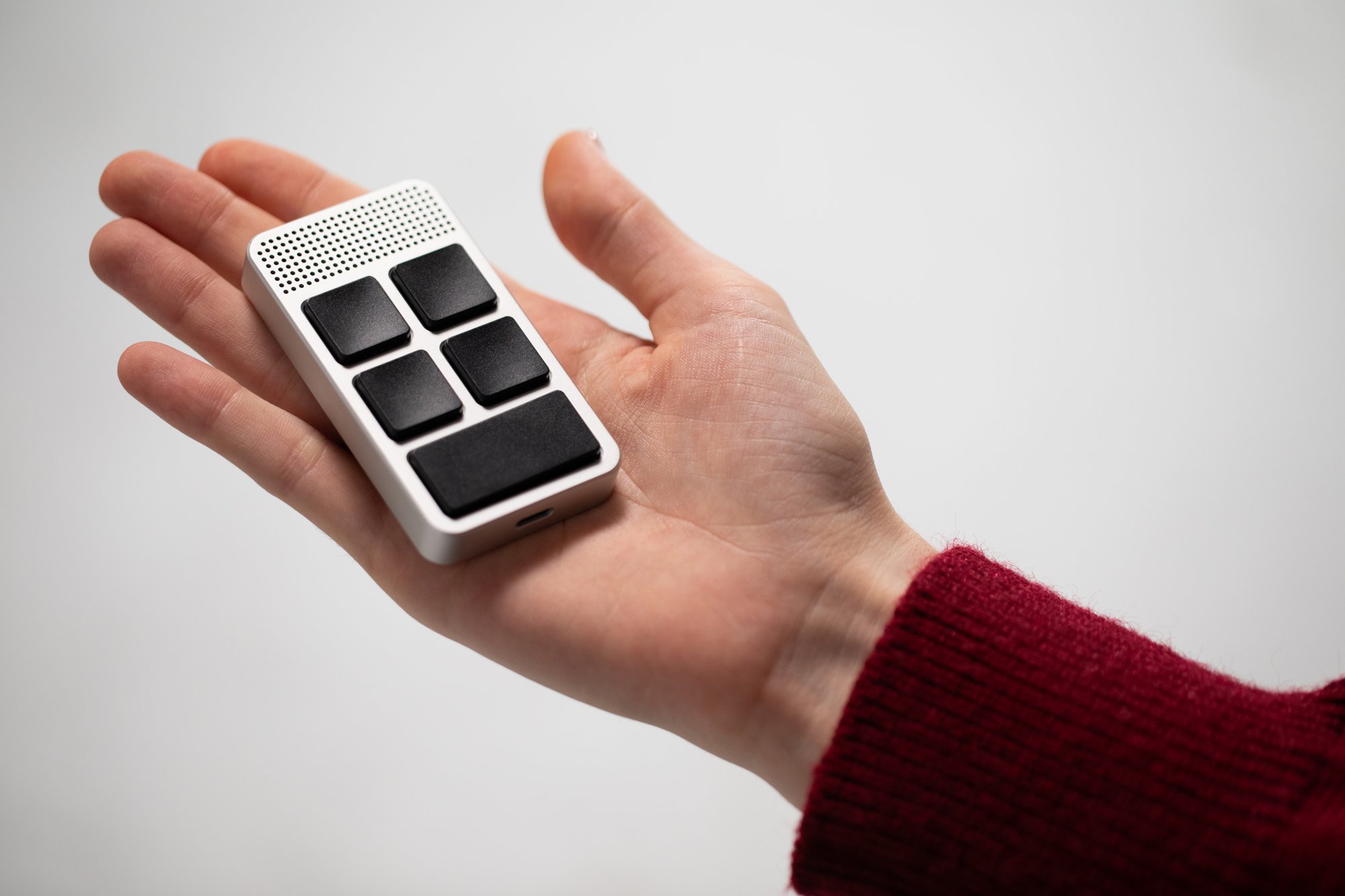
If a blank slate sounds like homework, Genspark ships starter layouts by role. A salesperson’s pad opens Salesforce, Gmail and Zoom with Meeting Notes and Dictate on the last two keys, a student’s opens Notion, Zoom, ChatGPT and Gmail, and a project manager’s opens Jira, Slack and Notion. It’s a different animal from Logitech’s AI shortcut pad or the SlashVibe agent controller, because your voice does the heavy lifting here and the keys just point it somewhere. Start with what you open most.
Whisper a prompt and the text comes out clean
Dictation is the first job I’d give a key. Hold it and talk at a normal volume or a whisper, and clean text lands in whatever app you’re in, with the ums and false starts already gone. The two mics sit right at your mouth when you hold the pad up, which is how a whisper works in an open office without the whole row hearing your prompt.
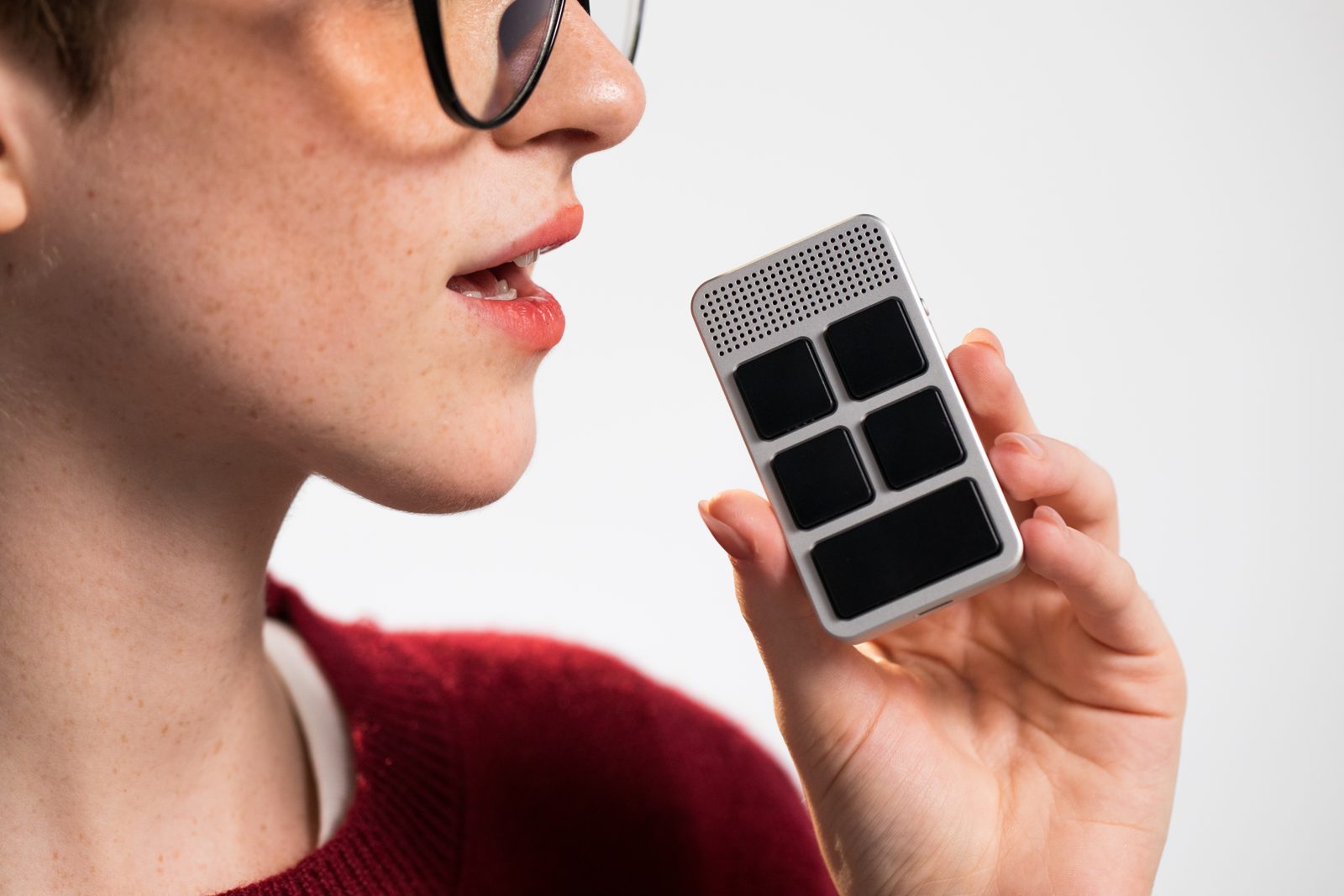
That’s where the context problem goes away, because saying the deadline, the budget and who the work is for is easy when you don’t have to type any of it. Another key can rewrite something you’ve already written. The mics only listen while a key is down, and there’s no wake word, so if you’d rather wear a mic than hold one, this coin-sized collar mic goes the other way.
Talk in your language, send it in English
Translation is one of the jobs a key can take, and it works the way you’d hope, you speak in your own language and the words arrive in English. That’s handy for the coworker overseas or the supplier email you’d otherwise draft twice, and Meeting Notes can keep up with a conversation that switches languages. It’s a small daily win.

Text translation is unlimited for the first year after you activate the pad. After that it falls back to Genspark’s free plan at 1 credit per minute, so the occasional email stays cheap.
Meeting notes with the laptop still in the bag
Tap the Meeting Notes key once and VoicePad starts recording, then the Genspark app hands you a summary after everyone hangs up. The pad keeps meetings and voice memos in its own memory with no computer nearby, so the good idea from the hallway or the call you took in the car doesn’t evaporate. That’s the sneaky useful part.
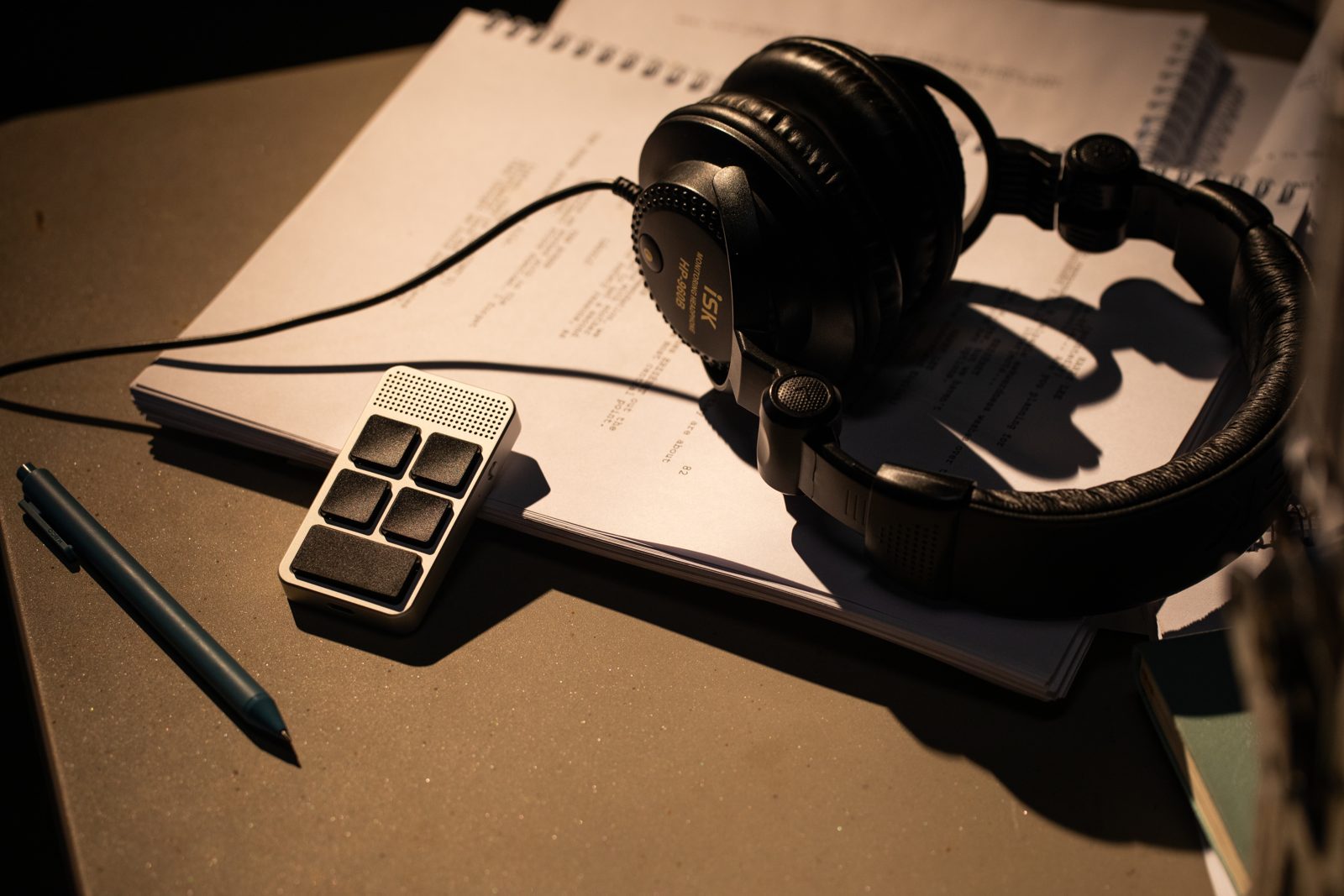
Offline, though, it’s strictly a recorder, because summaries, dictation, translation and Genspark’s AI agents all need an internet connection once you’re back. Your notes and memos save to your own SecondBrain account, and Genspark asks owners to tell people when they’re recording, which is good manners with any recorder on the table.
Say what you need and get the deck back
Pair the pad with Genspark’s AI agents and a spoken request can come back as slides, a spreadsheet, a doc or a website. Genspark’s own example is asking out loud for a six-slide deck on your Q3 results and getting a finished deck, or asking for your top five competitors compared in a sheet and getting the sheet.

Those agents run on credits, and a more complex task uses more of them. Every VoicePad includes 1,000 Super Agent credits that last a year from activation. That’s the fun part.
What’s free, and what costs money
You don’t need a subscription. Voice typing is unlimited for the first year, then drops to 4,000 free words a week that reset every Monday. Meeting transcription with AI summaries comes with 300 minutes a month for the life of the device, which covers a lot of standups and one-on-ones.
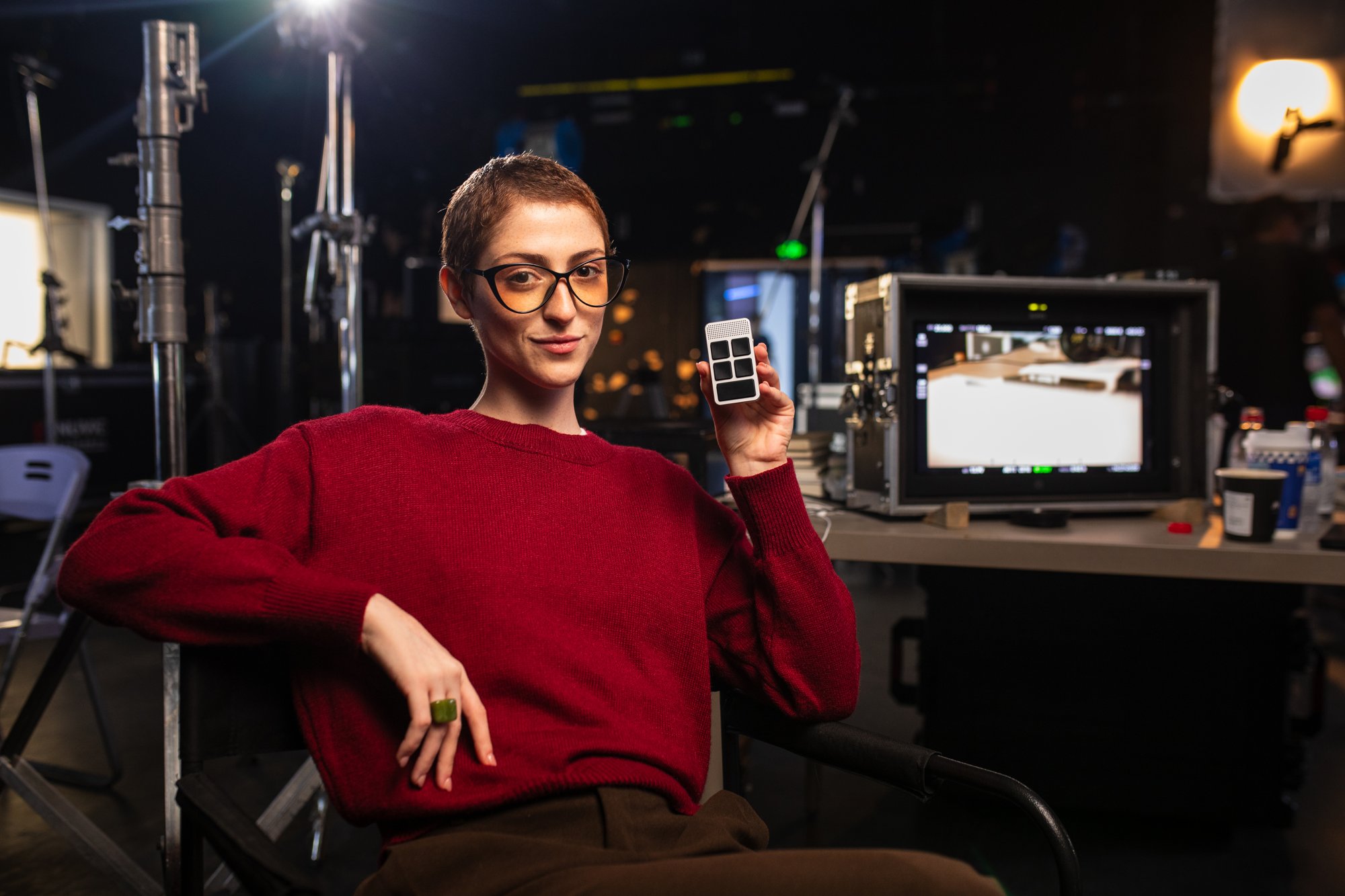
Go past those 300 minutes and it’s 5 credits a minute, summary included. If you already pay for Genspark Plus at $24.99 a month, or for Pro or Team, voice typing stays unlimited and transcription draws from 24 free hours a day shared across Genspark’s web app, meeting bot and device recordings. That’s a generous free tier.
The hardware, and what comes in the box
The hardware is simple and nicely done, a CNC-machined aluminum body with a slide switch and a status light beside it, rated for about 20 hours per charge. It parks on a magnetic mount, and the box carries the metal plate for it, a USB-C to USB-C cable, a quick start guide and a safety and warranty guide.
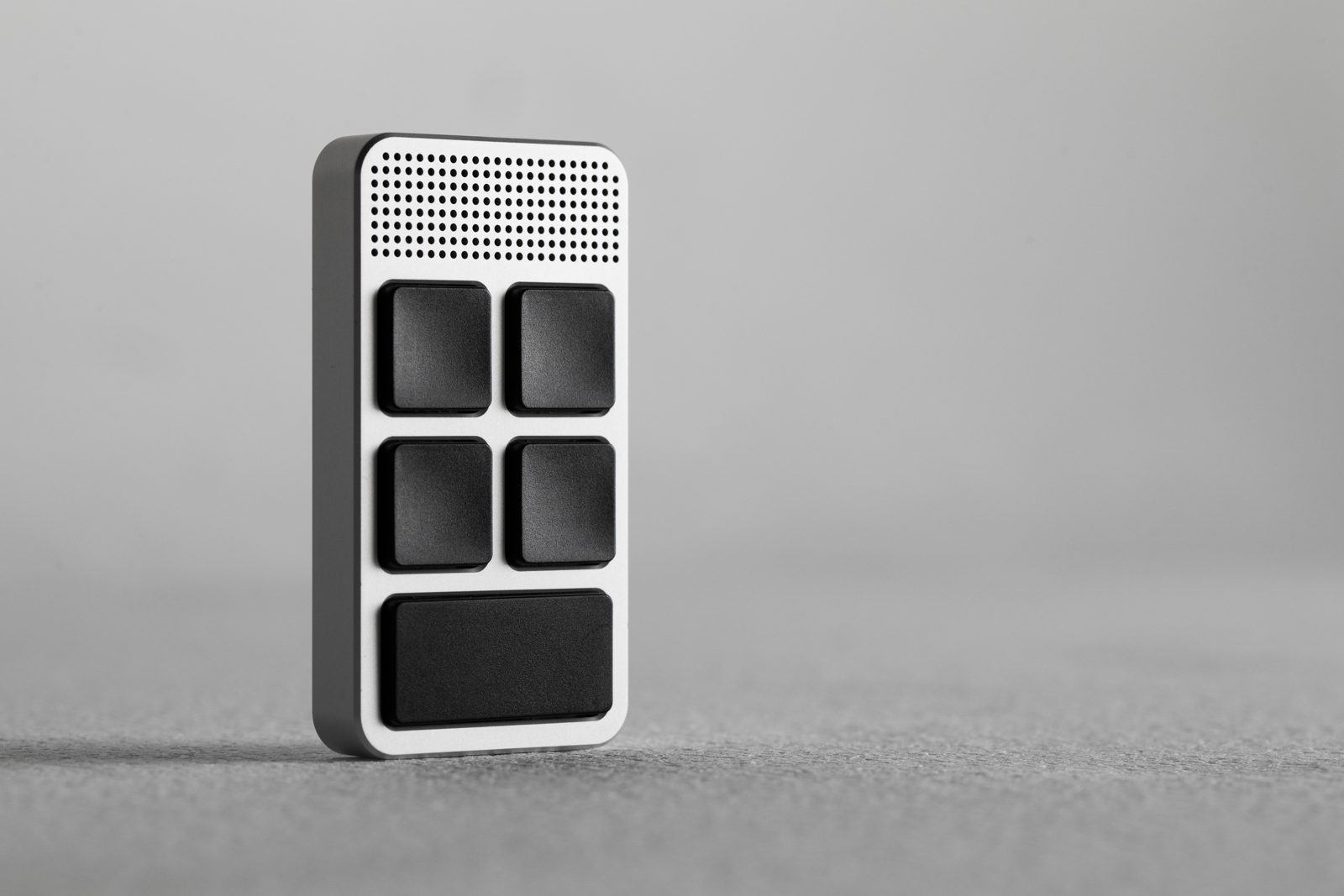
The catch is that VoicePad has no AI of its own, so everything clever runs through Genspark’s software and, past recording, your internet connection. Flip that around and it’s why one VoicePad reaches ChatGPT, Claude, Gemini, Grok and Genspark’s own tools without a separate gadget for each. I’ll take that trade.
The Kickstarter price, and who should bother
Genspark expects Kickstarter pricing to land between $119 and $149, against a $169 retail price.
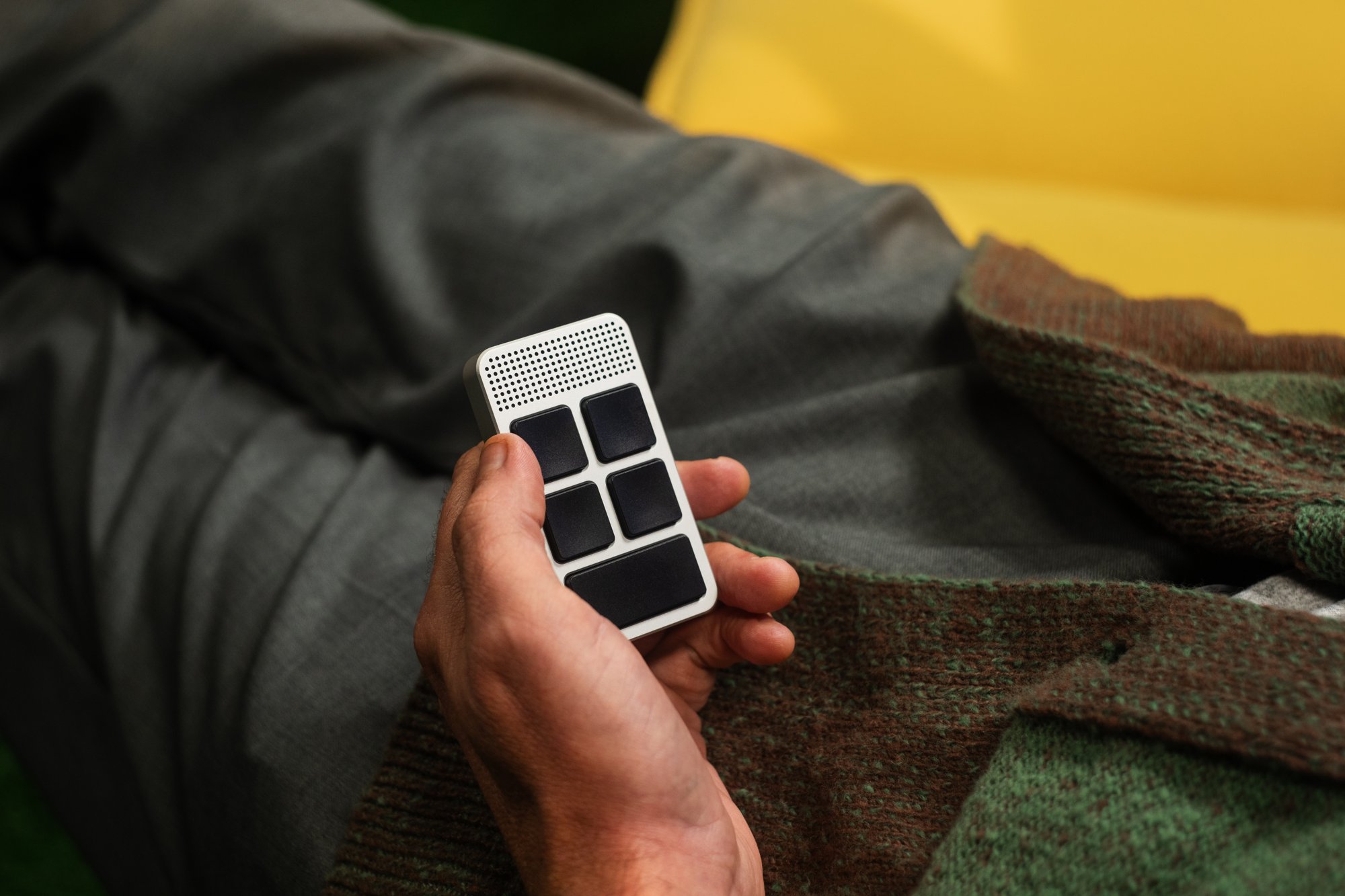
The campaign officially launches on Kickstarter on November 24, and Genspark says shipping starts in January 2027 in pledge order.
SecondBrain VoicePad, designed by Genspark
Officially launches on Kickstarter November 24
Expected Kickstarter price: $119-$149 (retail $169)
Where to buy: See it on Kickstarter
If your workday is prompts, Slack threads and meetings, look for it on Kickstarter on November 24, at the expected $119 to $149 price. If AI is an occasional browser tab for you, keep your keyboard and your money.