
Your Google Home speakers got a quieter upgrade, and it fixes the stuff that bugs you day to day. Google’s November 11 release notes cover Gemini for Home, the app and a stack of Nest cameras in one drop. Nothing here needs new hardware.
Google Home November 11 release notes
Free software update covering Gemini for Home, the Google Home app and older Nest cameras
Price: Free
Where to buy: More details at Google
The Gemini changes carry an Early Access label in the notes, so they reach Gemini for Home early users first, ahead of the wider rollout. The camera and app fixes sit outside that label, and they land on the older hardware and the app you already run.
Gemini asks which bedroom instead of guessing
Gemini is better at complex smart home requests now, and it’s less likely to tell you it can’t help with a tangled one. A command that matches two devices gets a quick clarifying question. You hear “which bedroom?” instead of getting a guess.
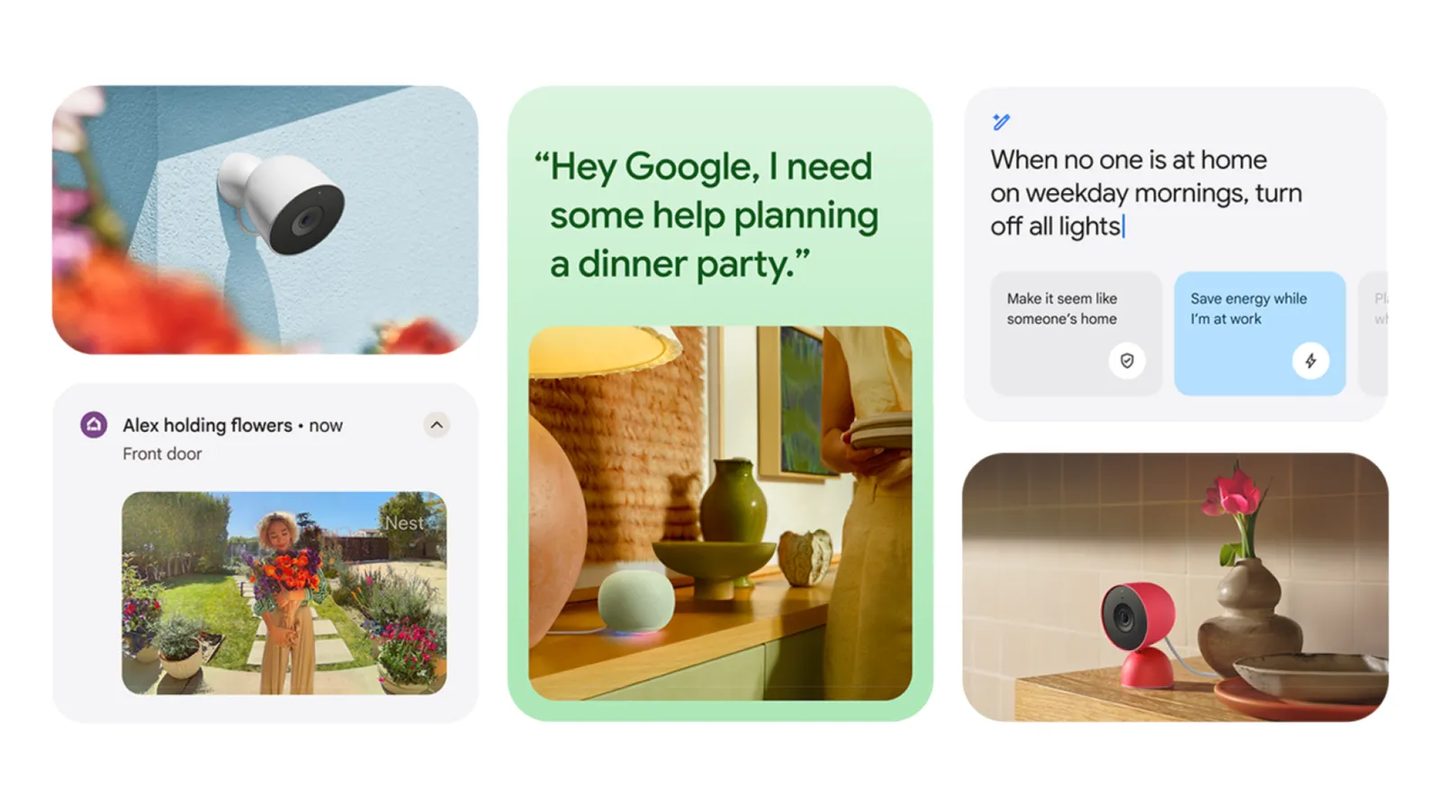
Timers move faster too. Setting, checking or canceling a timer gets a quicker response now. Alarms and media sleep timers speed up the same way. A rare bug that kept some sleep timers from setting at all is gone for good.
Smart displays get visual answers in this round, with relevant images joining the on-screen reply when a picture helps. A photo can say it faster.
Broadcasts start playing sooner across your speakers and displays in every room, so a dinner call hits the whole house closer together. Voice feedback gets easier to edit before you send it. You can add detail or change the message first.
Older Nest cameras get the fixes that count
The camera list runs long. Software updates land for five older models. Every one of them now lives in the Google Home app. You get the first-generation Nest Cam Indoor, the first-generation Nest Cam Outdoor, the wired first-generation Nest Doorbell (Nest Hello), the Nest Cam IQ Indoor and the Nest Cam IQ Outdoor.
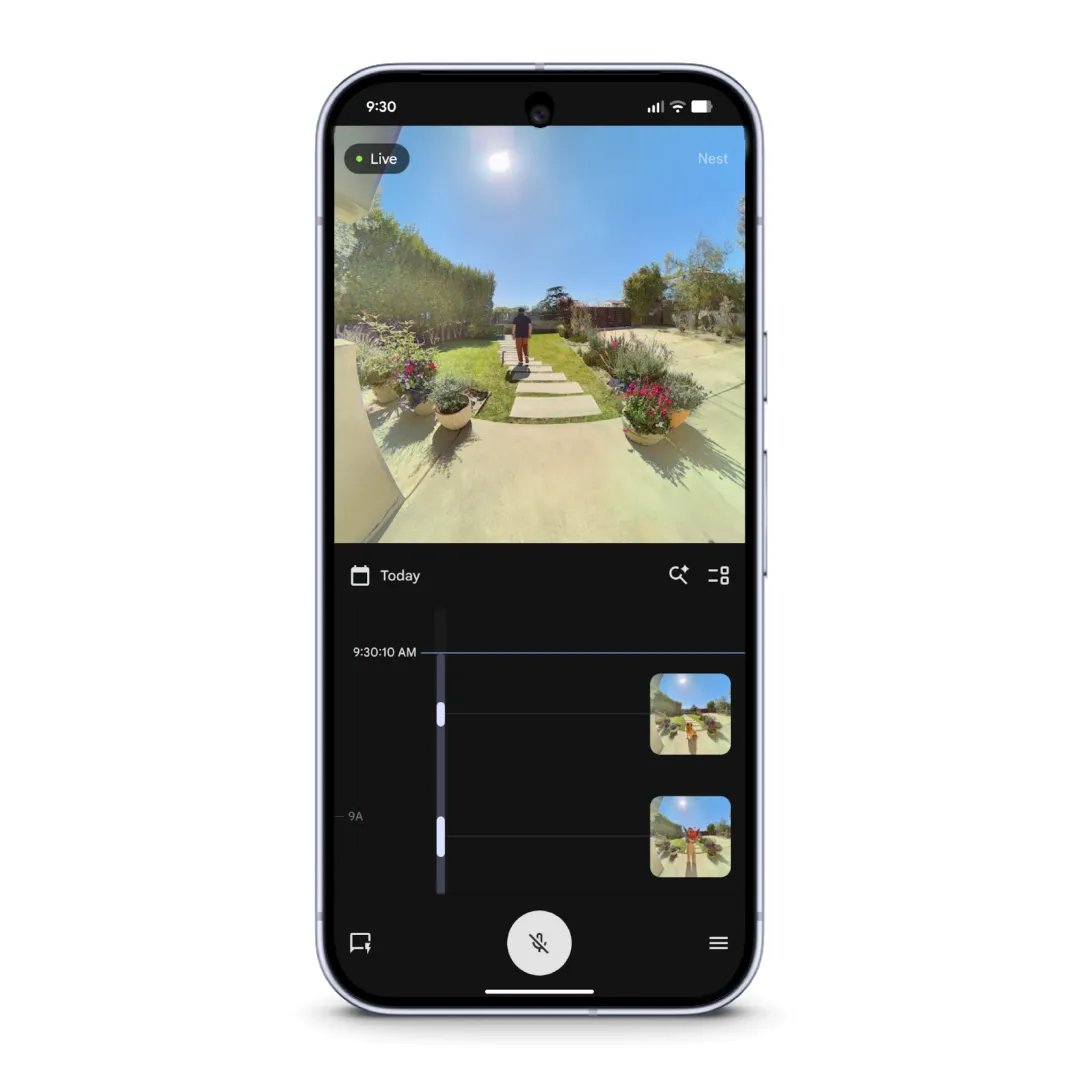
Live streaming gets the headline fix. A stream that failed to connect on PPPoE, fiber or a mobile hotspot should now connect, and event history kept recording normally during those failures, while the live view refused to load. Live view also gets smoother and quicker to respond in the same update.
Smaller fixes stack up behind it. Playback timestamps get more accurate with a camera clock fix. Security certificates update in the background. Stability work cuts unexpected restarts, and IQ event previews stop showing up blank.
Android users get their own list. Player controls in camera history work again after going missing or freezing on still-image events, timeline gaps and playback error screens in the Android app.
Google Nest Cam (Battery)
1080p wireless security camera for indoor or outdoor use with night vision and a 130 degree view
Price: $188.99
Where to buy: Buy on Amazon
Already-linked accounts stop getting asked to link a Nest account during brief network drops. Partner cameras with an expired link now show the relink option instead of sitting offline. An offline unmigrated Nest Doorbell can be removed from device settings again on Android. Third-party cameras gain the most from that relink fix.
Google Nest Doorbell (Battery)
Wireless video doorbell in Snow with motion alerts and two-way talk
Price: $187.27
Where to buy: Buy on Amazon
One more Android fix deserves a line. Camera history could get stuck loading when you rotated your phone mid-playback, and that freeze is fixed in this update too.
One tap puts every thermostat into Eco mode
Eco mode goes everywhere at once. If your house runs more than one Nest thermostat, a single press now flips every one of them into Eco mode together. One press now saves energy across the whole house at once.
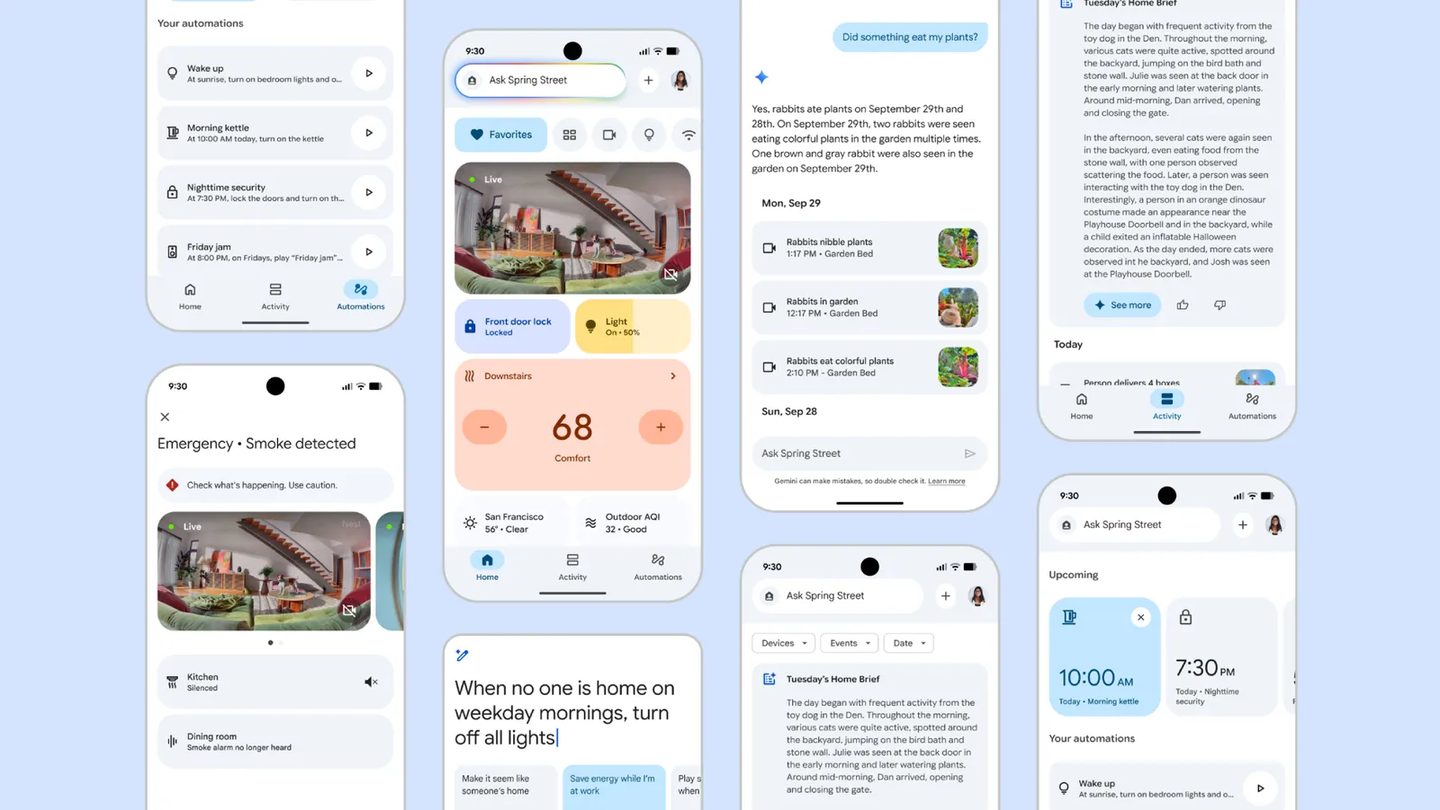
Google Home MCP grows in early access. A personal agent can now view, create and update automations for your home. The agent also checks device status, browses history and controls devices. Support widens to thermostats, fans, air purifiers, robot vacuums, lighting effects, kitchen appliances, EV chargers and smoke and carbon monoxide alarms, all reachable by the agent.
Sensitive security actions stay blocked for agents. An agent can’t permanently delete a routine yet, so you delete one in the app yourself or ask the agent to turn it off for you instead. Your Home Premium subscription also gets easier to reach, right from the app profile menu.
Agents can work with automations you built in the Google Home app or through Google Home MCP itself. The two sets of routines live side by side.
This one’s for anyone whose older Nest camera kept dropping its live view or whose Gemini kept guessing the wrong room when two devices matched. The fixes land on gear you already own, and the Gemini changes sit in Early Access for now, so early users test them first. Skip it if your setup runs on another platform entirely.