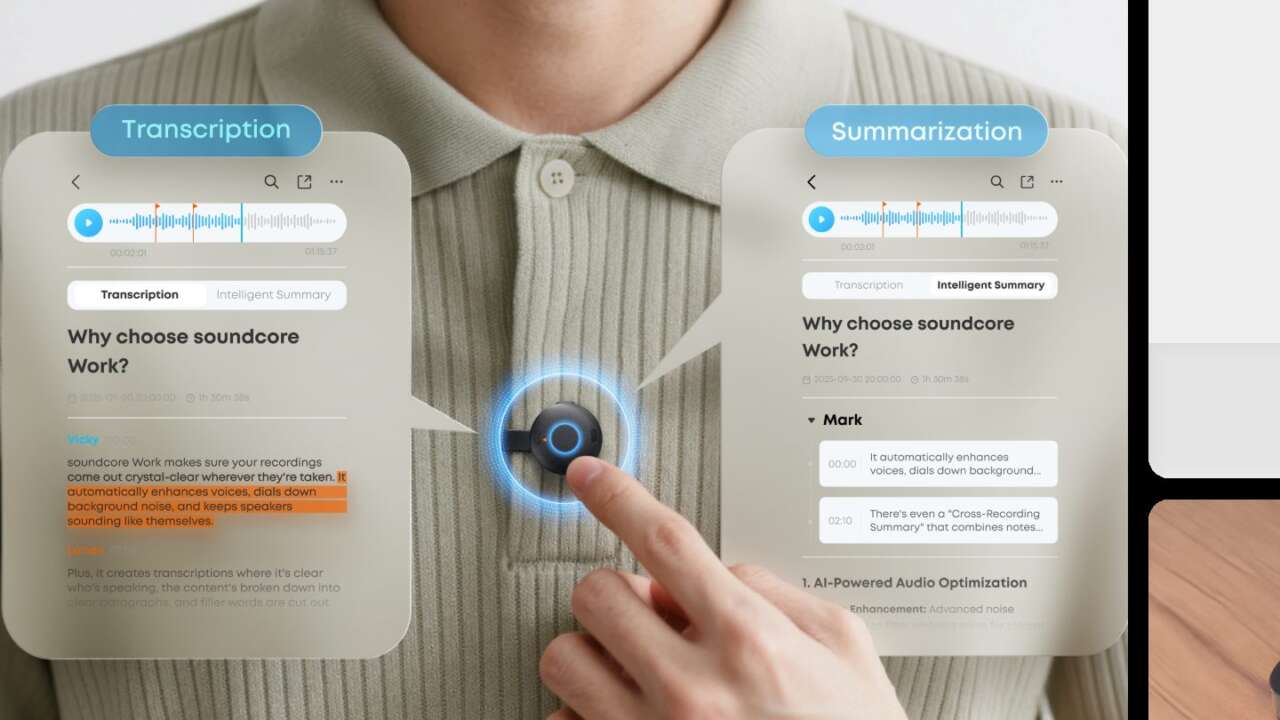
soundcore Work already recorded meetings from a coin sized puck on your collar, and a firmware update now gives that same puck a second job. In Dictation Mode it feeds the Typeless app, which turns speech into text inside the field you’re already typing in.
soundcore Work AI Voice Recorder, 8GB
Coin sized wearable recorder · Dual microphones · 300 transcription minutes a month
Price: $119.98
Where to buy: Buy on Amazon
Emails, messages, documents and prompts for AI tools all take dictation this way, and you speak at your normal pace instead of performing for a phone mic across the desk. Nothing about the hardware changes. The recorder launched as a meeting tool, and it keeps that job in full, which makes the dictation update a second career for hardware that owners already paid for once.
New buyers get both jobs in one purchase.
Dictation Mode writes into whatever field is open
Typeless handles the words once the puck captures them, placing finished text into messages, email drafts, long documents and the prompt box of an AI tool without a copy and paste step in between at all. You talk, the text lands.
Soundcore sells the pairing with a $50 Typeless Pro credit in the box, and the free plan covers dictation with a weekly word allowance. Pro lifts that allowance to unlimited words and adds priority access during peak hours.
Typeless runs on macOS, Windows, iOS and Android. The same puck follows you from a laptop at your desk to a phone on the train without a second setup for each screen. The open field decides where the words land.
Three quick presses switch the puck from recorder to microphone
Entering Dictation Mode takes three quick presses of the microphone button, and the puck answers with a flashing blue light, a vibration and a beep so you know the mode changed before you start talking. One mode runs at a time. The button sits on the puck itself, so your hands never leave your sides to hunt for a phone control.
Owners who bought the recorder earlier get it through a firmware update inside the soundcore app, while new units ship with Dictation Mode ready out of the box.
A double press on the button then starts voice input once Typeless is connected, and a single dictation session runs as long as nine minutes before it stops.
Setup on a computer pairs the puck over Bluetooth first, then finishes inside the Typeless app with a microphone test and a double tap drill. Phone setup follows the same path through Bluetooth settings, and a single connected device skips the test.
Recording Mode still handles the meeting side
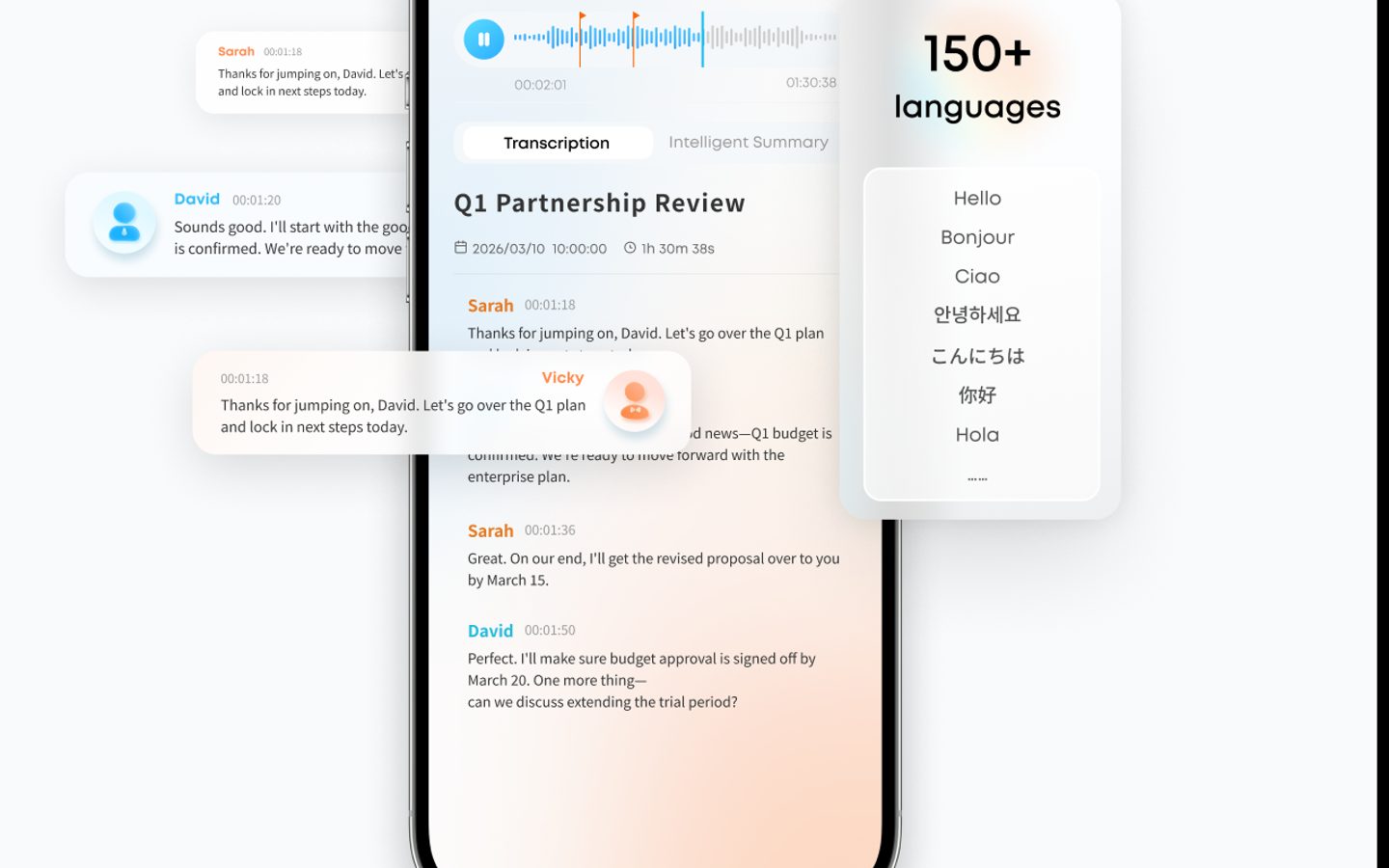
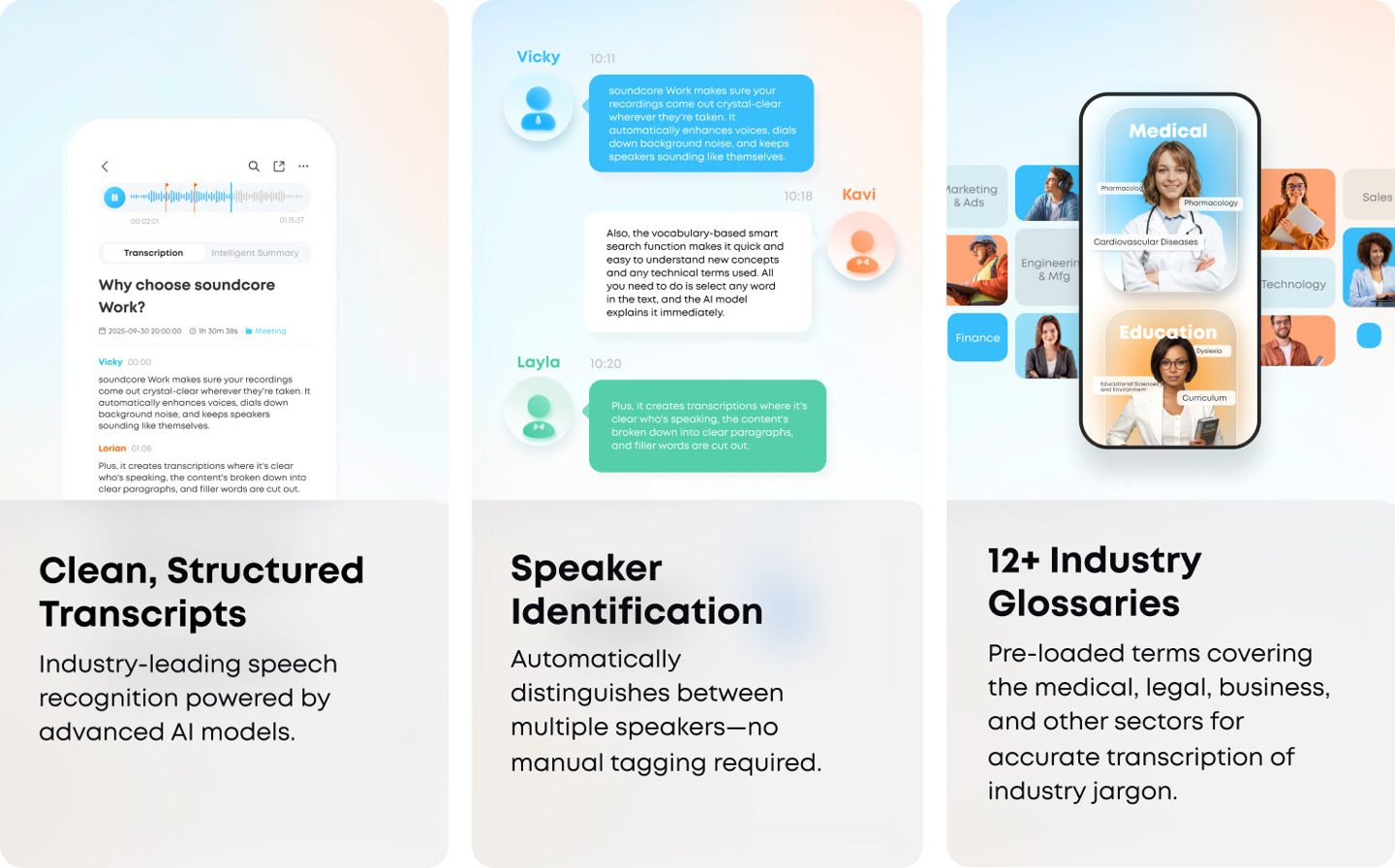
In Recording Mode, the puck records through the soundcore app and builds a transcript with speaker identification across more than 150 languages, then condenses the session into a one page summary of key points, decisions and action items. Templates shape the notes for client meetings, interviews and reviews.
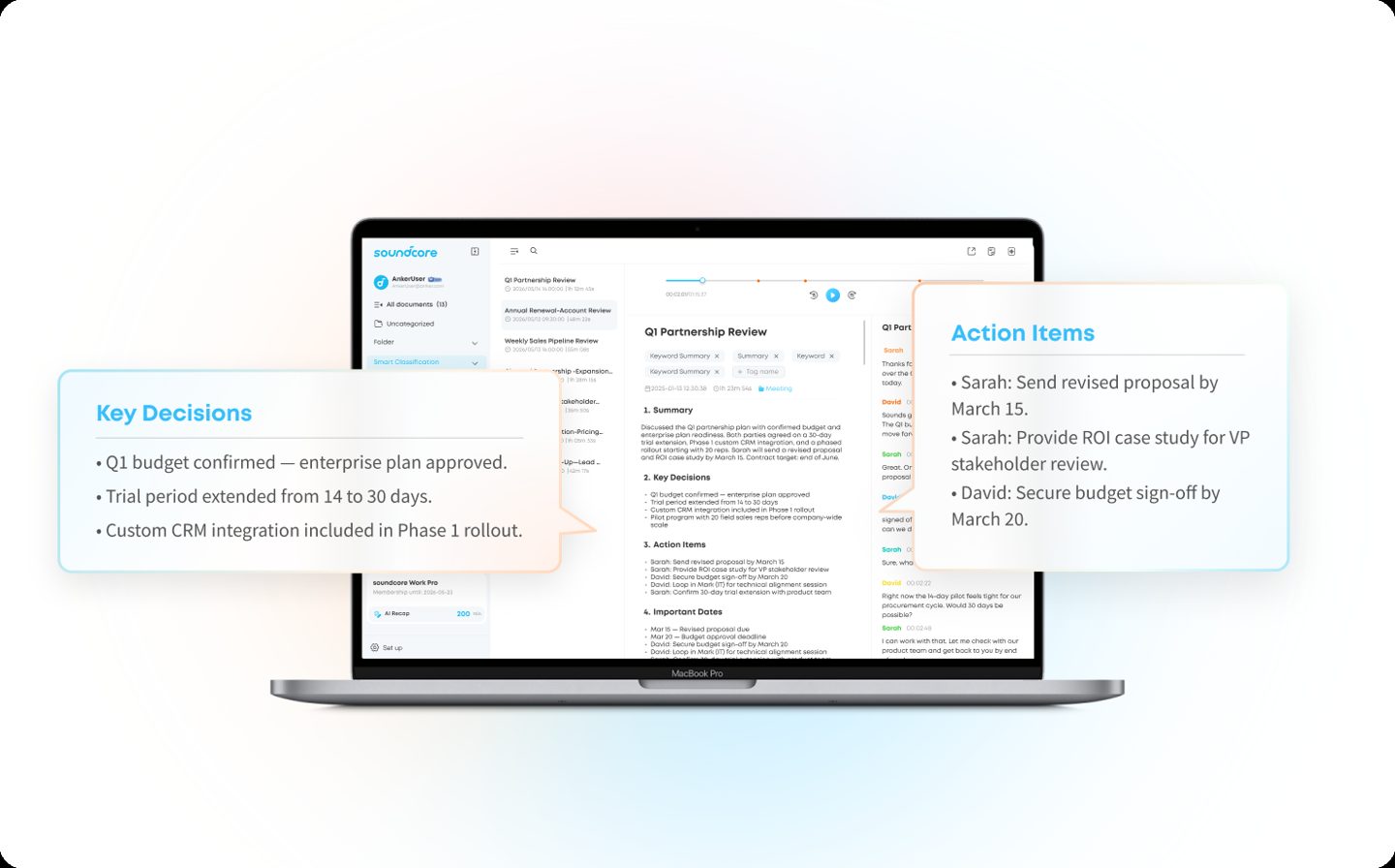
Ask Anka answers questions about a recording in the app. The Online Hub moves reading, editing and playback to a desktop screen once Cloud Sync is on. Every device includes 300 transcription minutes a month, and the paid Pro tier raises that allowance to 1,200 minutes. The hub keeps audio beside the text, so checking a quote takes seconds.
Recording without a phone nearby works too, since files store on the puck and sync to the app when it reconnects, and dual microphones keep voices separated for the speaker labels in the transcript. Consent still runs the room, and the maker’s own notes flag that many places require every party to agree before a recording starts. Speaker labels carry into the summary, so a decision reads with the name of the person who made it attached.
The coin weighs almost nothing and wears three ways
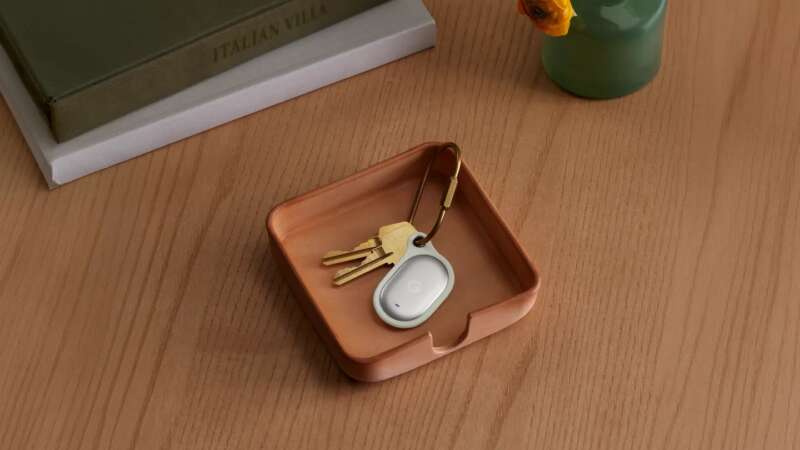
Dual microphones hear voices inside a 16.4 foot pickup range, and the recorder itself weighs 0.35 ounces, so a collar carries it for a full workday without a second thought from the person wearing it. Clip it, hang it, or magnet it to a phone. Playback lives in the app, since the puck has no speaker and no play button of its own.
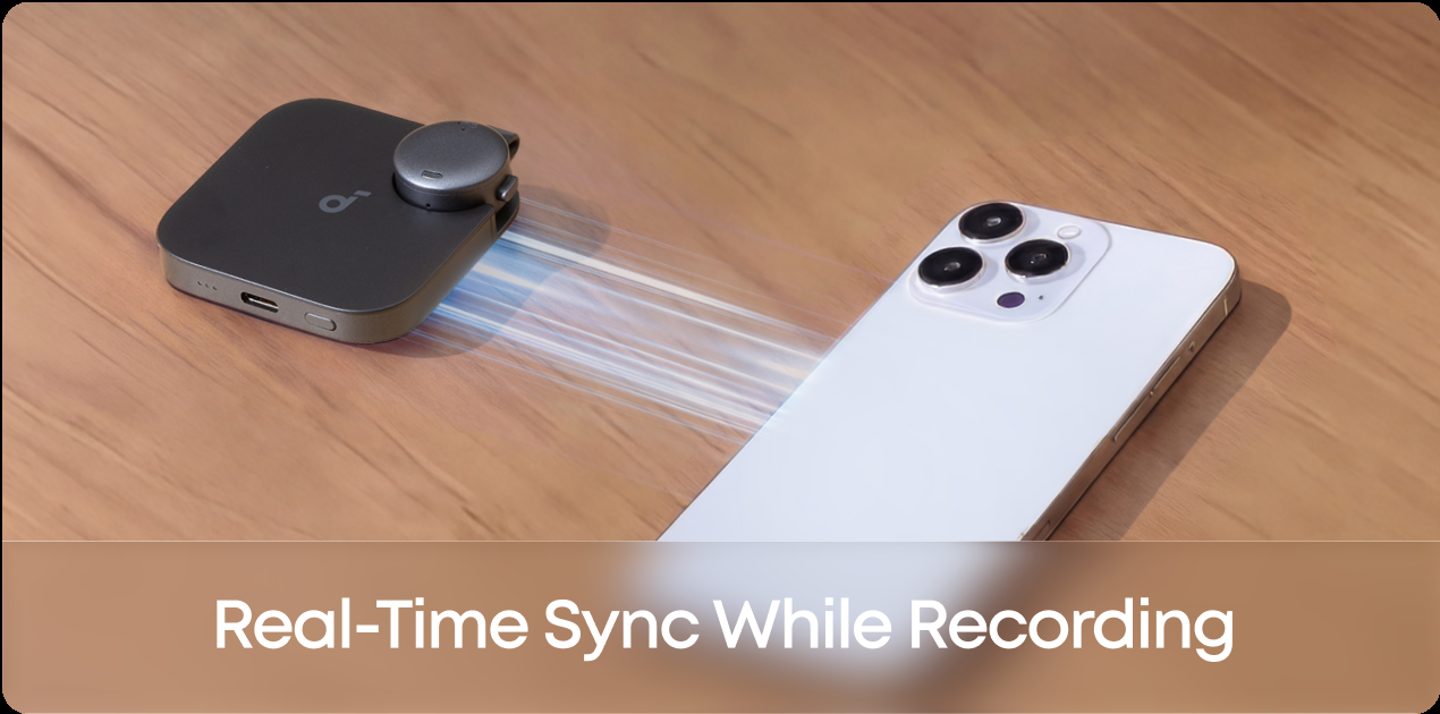
Battery life runs eight hours of offline recording on the puck alone. The charging case refills it three more times for 32 hours total before the case needs a USB-C cable and ninety minutes on the charger. Storage splits the range: 8GB holds roughly 250 hours of recordings, while 64GB stretches that figure to about 2,000 hours of audio.
Both the recorder and its case carry an IPX4 rating against splashes, recordings stay on the device by default, and audio only leaves for the cloud when you choose to transcribe it.
The puck rides on the case back, and the case sticks magnetically to the back of a phone for storage between sessions. An adjustable necklace cord ships in the box for days when a collar clip fights a thick sweater.
soundcore Work AI Voice Recorder, 8GB
8GB storage for roughly 250 hours of recordings · Charging case included · IPX4 rated
Price: $119.98
Where to buy: Buy on Amazon
Buy the 8GB soundcore Work at $119.98 on Amazon if your meetings already end with you retyping notes into documents by hand, because dictation turns the same puck into the keyboard you talk to. Skip it if you only record once a month, since a phone app covers that job for free. Consider the 64GB version at $169.99 only when your recording archive really runs deep.