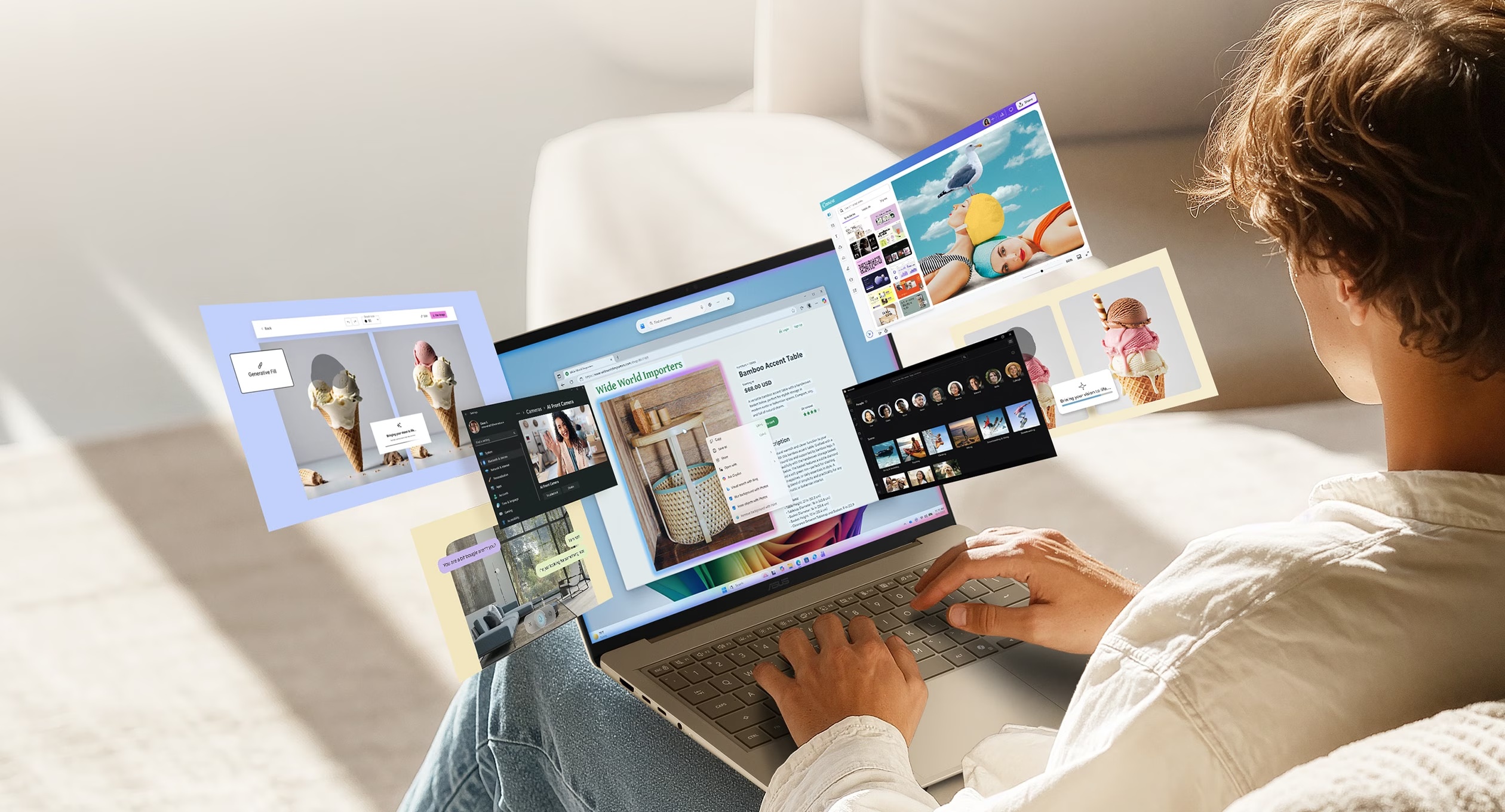
The OLED screen comes with the $799.99 version. So do the blue metal body, a backlit keyboard, and enough ports to leave a few adapters at home. ASUS’s Zenbook 14 UX3480QA has an appealing starting price for a laptop you’ll carry regularly, but its two US configurations deserve a closer look before you pick one.
The cheaper model has 8GB of memory and a 256GB SSD. Moving to 16GB costs $999.99, and the SSD stays at 256GB. ASUS lists the memory as onboard, with each configuration already at its maximum capacity. You’re choosing the memory this laptop will live with.
ASUS Zenbook 14 UX3480QA · Arctic Blue
8GB RAM / 256GB SSD: $799.99 USD · Buy the 8GB model at Best Buy
16GB RAM / 256GB SSD: $999.99 USD · Buy the 16GB model at Best Buy
The $200 memory decision
Both Best Buy configurations use the same eight-core Snapdragon X X1-26-100 processor. Spending another $200 doubles the memory without changing the listed screen, processor, or storage capacity.
That makes your usual app mix a useful starting point. A few browser tabs and a document are a different workload from a video call, a large spreadsheet, and a photo editor left open together. More memory gives those applications more room to stay active; it doesn’t turn this into a different class of processor.
The 8GB model is the lower-cost way into this particular OLED design. The 16GB model is the one to weigh if you keep several substantial apps open or expect your workload to grow. The fixed memory makes “I’ll add more later” a plan to cross off.
Storage needs a separate decision. Both options start with 256GB before Windows, apps, and your files take their share. If you keep a large photo collection or download lots of video, doubling the RAM won’t solve the storage squeeze. Budget for the way you actually keep files, including any external drive or paid cloud space you’ll need.
An OLED screen without a large laptop

The 14-inch panel has a 1920-by-1200 resolution and a 16:10 shape, with a little more vertical room than a 16:9 screen for documents and web pages. The US specification sheet lists a 60Hz, non-touch OLED display.
ASUS’s US retail configurations weigh 2.87 pounds and use an all-metal chassis with a Ceraluminum lid.
There’s a 50Wh battery and a 68W USB-C power adapter in the US configuration table. The FHD infrared camera supports Windows Hello facial sign-in, and the keyboard is backlit. These are useful everyday details when the laptop moves between a desk, a meeting room, and the sofa.
Check your apps, then count your adapters
Snapdragon makes this a Windows on Arm computer. Microsoft says most Windows apps run, with native Arm versions available for familiar tools including Microsoft 365 and Chrome, and emulation covering many others. The things to check individually are specialist apps, games with anti-cheat software, and hardware that depends on its own driver. Microsoft’s compatibility guidance explains those limits.
That check matters for an older printer or a must-have work tool just as much as it does for a game. Confirm the specific software and accessories you rely on before spending more on memory.
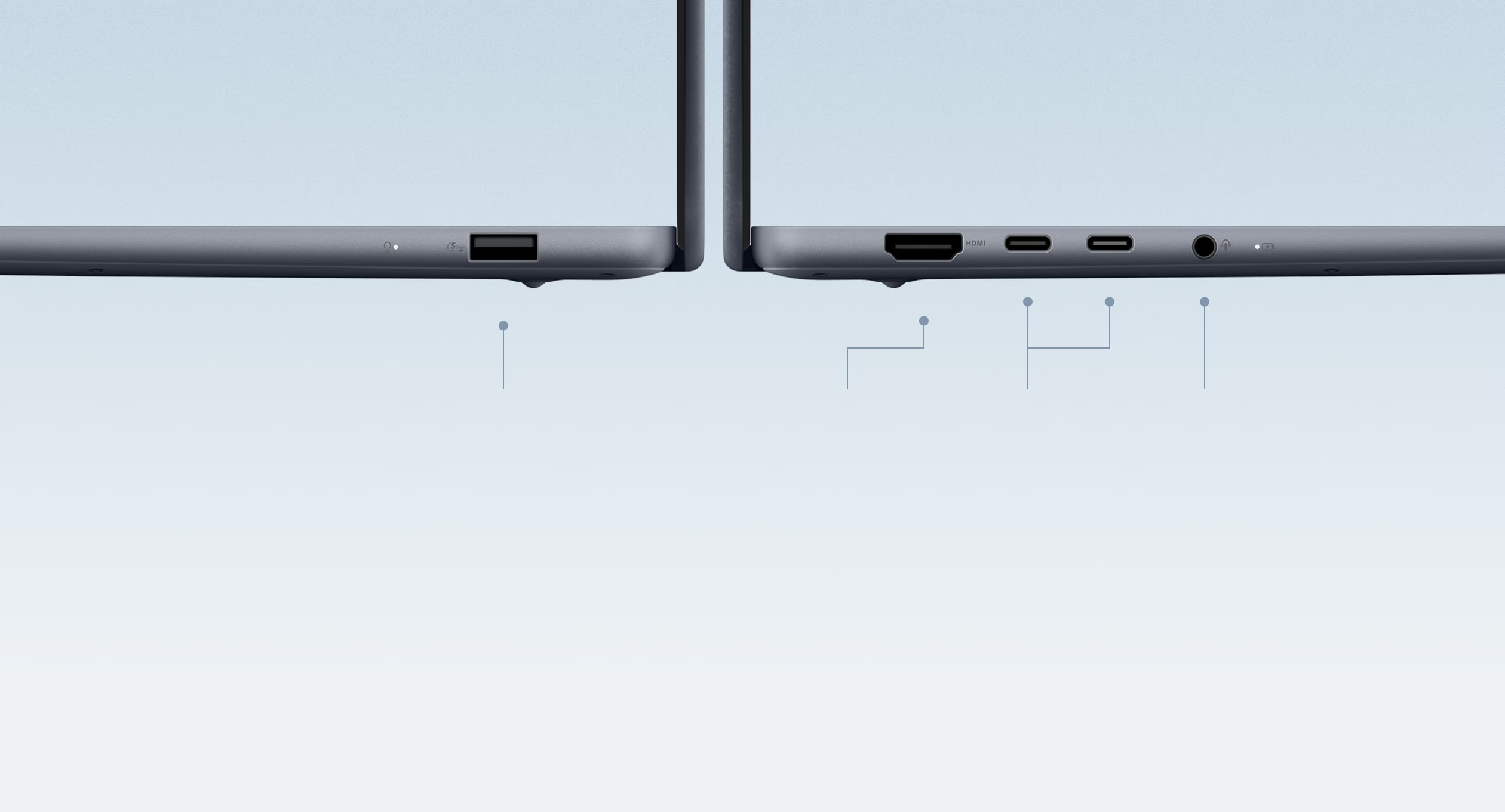
Physical connections are less fussy. There are two USB-C ports with charging and display support, a USB-A port, HDMI, and a 3.5mm audio jack. A wired headset, USB mouse, and HDMI display can plug in directly.
Start with the apps that have to work. Then choose the memory you’ll need to keep them open. The screen and Arctic Blue finish are included either way.
ASUS Zenbook 14 UX3480QA · Arctic Blue
8GB RAM / 256GB SSD: $799.99 USD · Buy the 8GB model at Best Buy
16GB RAM / 256GB SSD: $999.99 USD · Buy the 16GB model at Best Buy