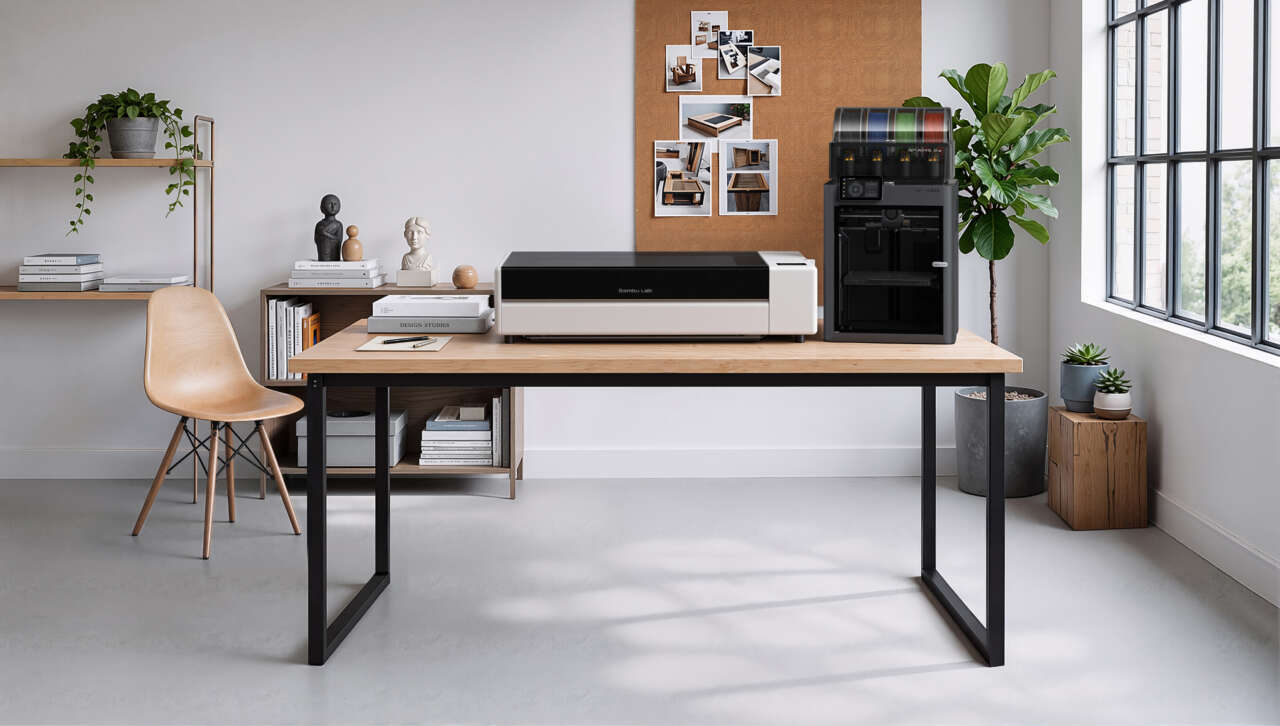
A clear window, a wooden panel, and a custom-engraved faceplate can change the character of a project built around 3D-printed parts. That’s what caught my attention about Bambu Lab’s R1. The company known for its 3D printers now has a dedicated 55W CO₂ laser cutter and engraver, with a 600 × 300 mm working area.
Bambu introduced the R1 on September 22, and its US store lists the base machine at $2,499. There are three practical reasons to put it on a maker’s radar: more useful materials, less manual laser setup, and a separate machine that can sit alongside the printer you already own.
Price: $2,499 USD for the base machine, before tax
Availability: Listed in Bambu Lab’s US store; check the selected configuration’s current shipping estimate
Where to buy: Check the R1 at Bambu Lab’s US store
1. Clear acrylic and wood give printed projects a different finish
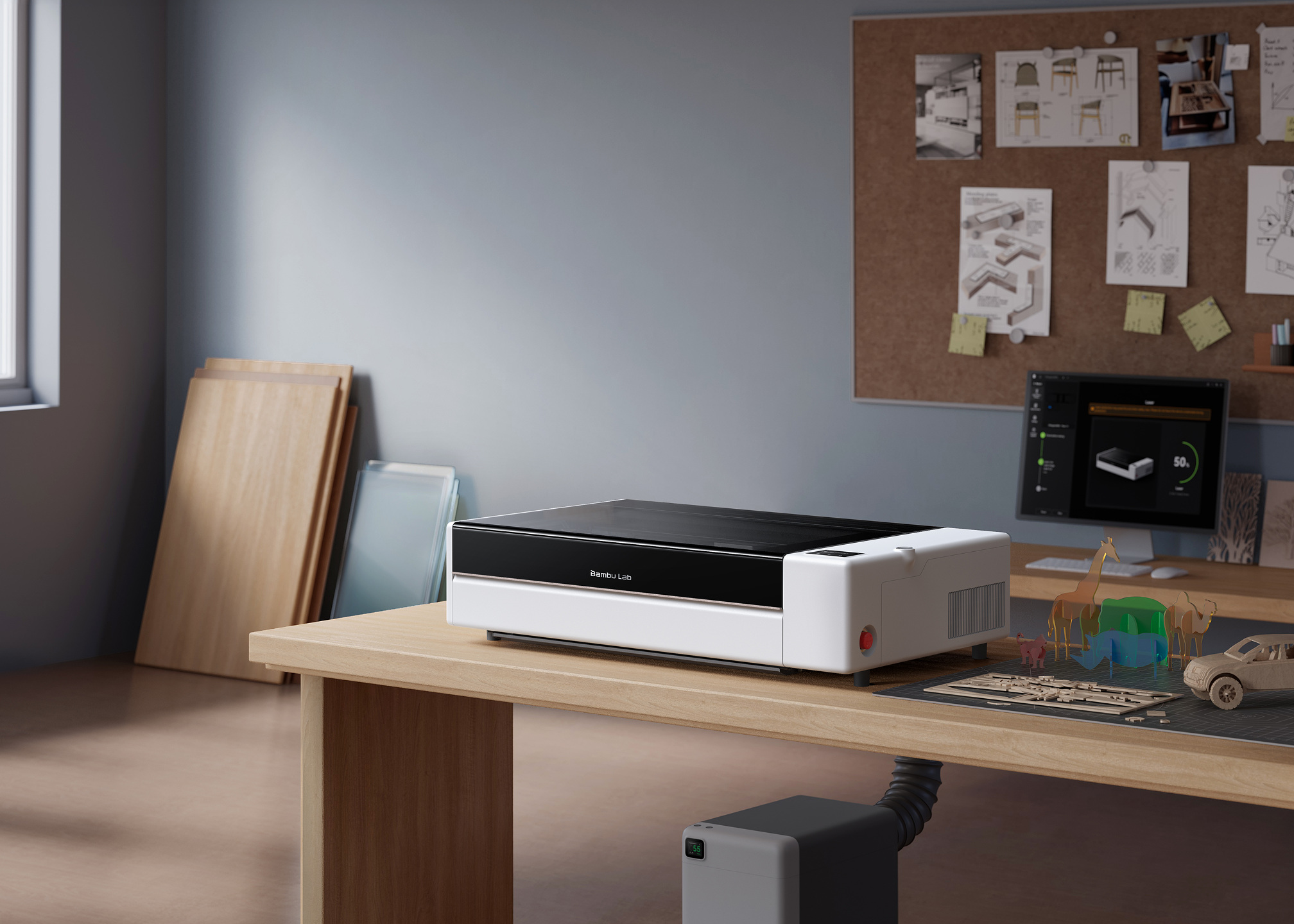
This is the strongest reason to add a CO₂ laser to a 3D-printing setup. A printed bracket can hold a laser-cut wooden panel. A printed enclosure can have a genuinely clear acrylic window. Small signs, model scenery, and layered decorations can mix materials instead of asking filament to do every job.
The R1 cuts and engraves clear acrylic, plywood, leather, fabric, and paper. Its technical specifications put glass, ceramic, and coated metal in the engraving-only category; bare metal isn’t supported. Those distinctions matter when you’re choosing projects. A glass engraving and a cut acrylic panel are different jobs.
The thickness numbers need the same care. Bambu rates the included short-focus lens for up to 15 mm black walnut plywood and 20 mm acrylic. The 18 mm plywood figure requires a separately sold medium- or long-focus lens. Those are Bambu’s maximum cutting specifications, with actual results dependent on the material and settings.
2. It automates a setup job that usually takes patience
A CO₂ laser routes its beam through mirrors to the cutting head. Getting that optical path aligned is a separate task from placing your artwork on the material, and the R1 tackles both.
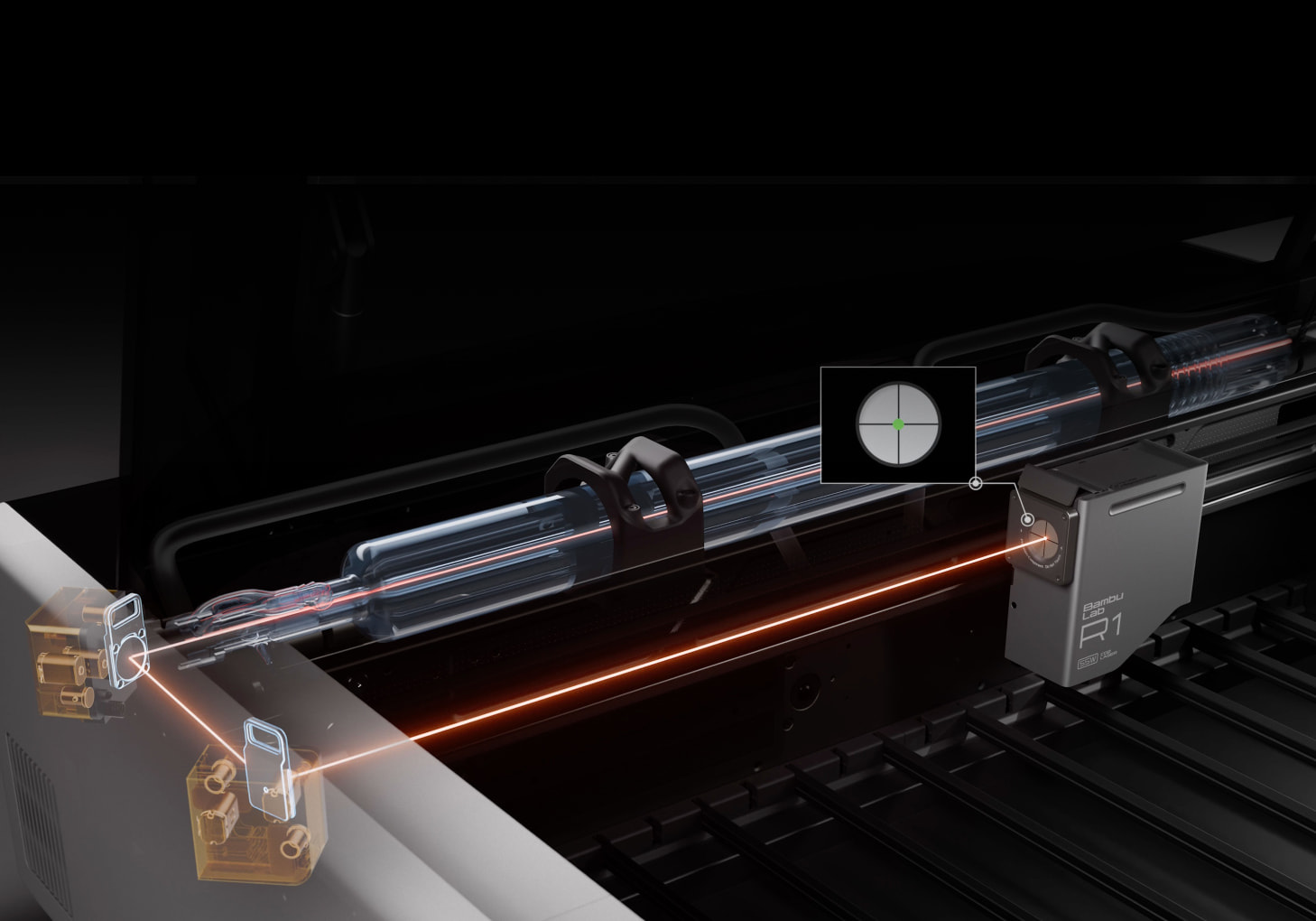
Mount the included Laser Alignment Sensor on the toolhead, and Bambu says the R1 can measure and correct the beam path in about a minute. The appeal is concrete: less time dealing with test marks and manual mirror adjustments before getting to the project. Calibration still emits laser light, so Bambu requires the enclosure to remain closed and an operator to supervise it.
Once the beam is aligned, the TriSense system uses cameras, lasers, and encoders to help position the design and set focus. That gives a small engraved label or an outline cut around printed artwork a more deliberate starting point than eyeballing its position. Automatic material recognition is limited to Bambu’s own supported materials, so don’t expect an unknown offcut to identify itself.
The separate Vision Encoder accessory adds longer-term motion calibration and costs extra.
3. It adds a second workflow without replacing your printer
A dedicated machine makes sense if you’re happy with the 3D printer you already have. The printer can keep making brackets, housings, and shaped parts while the R1 handles sheet cutting and surface engraving. You don’t have to buy another printer just to add those jobs.
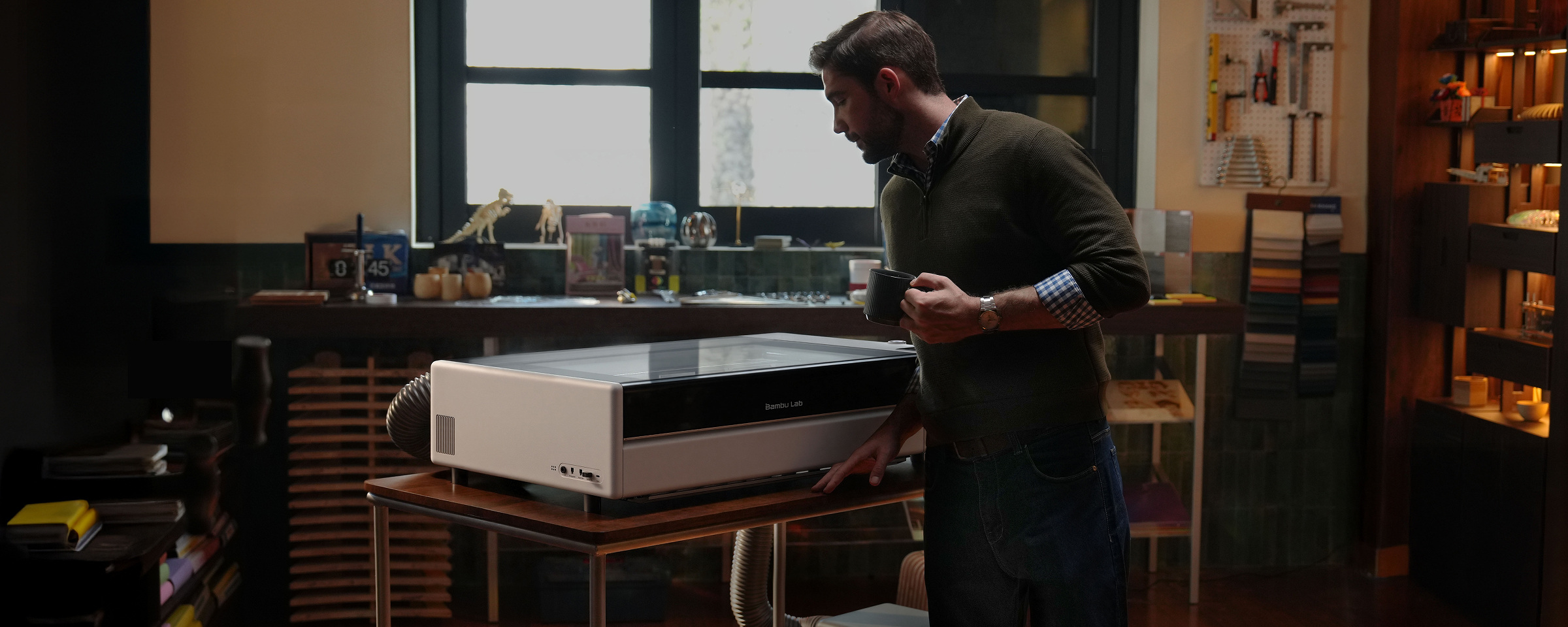
The R1’s enclosed working area is about 23.6 by 11.8 inches. Bambu Suite runs on Windows and macOS, and the R1 uses the same Bambu account and MakerWorld community as the company’s printers. Existing Bambu owners get a familiar account and project library, although the laser has its own material settings and maintenance.
Budget for the physical workspace too. The machine measures 940 × 560 × 200 mm, but Bambu specifies 1,140 × 860 × 750 mm of space for the standalone setup with the lid open and the stated clearances. That’s roughly 45 by 34 inches of bench area. Measure the available space before treating the R1 as a desktop accessory.
Plan the setup alongside the $2,499 purchase. The base R1 is Class 1 in standard enclosed operation. Add the riser base or conveyor, and Bambu classifies the resulting configuration as Class 4, requiring CO₂ laser safety eyewear and trained professional use. The rotary attachment needs the riser too. That is a substantial change to assess before buying accessories for taller objects or longer stock.
Smoke extraction is also required. Bambu’s safety guidance calls for outdoor exhaust that follows local rules or a separately purchased smoke purifier. The E1 Pro purifier and automatic fire-extinguishing system are optional purchases. Keep suitable fire-extinguishing equipment nearby, stay with the machine throughout every job, and check for smoldering material before leaving.
Follow the material restrictions as carefully as the project instructions. PVC, vinyl, chlorine-containing plastics, highly reflective metals, and materials of unknown composition don’t belong in the R1.
The R1 has my attention because it expands what a printed project can become. Start with an object you’d actually make, check its materials and dimensions, and plan the ventilation and workspace. That’s a useful way to decide whether this $2,499 machine earns its bench space.
Price: $2,499 USD for the base machine, before tax
Base package: Short-focus lens and Laser Alignment Sensor included; optional accessories cost extra
Where to buy: Check current R1 configurations and shipping at Bambu Lab